

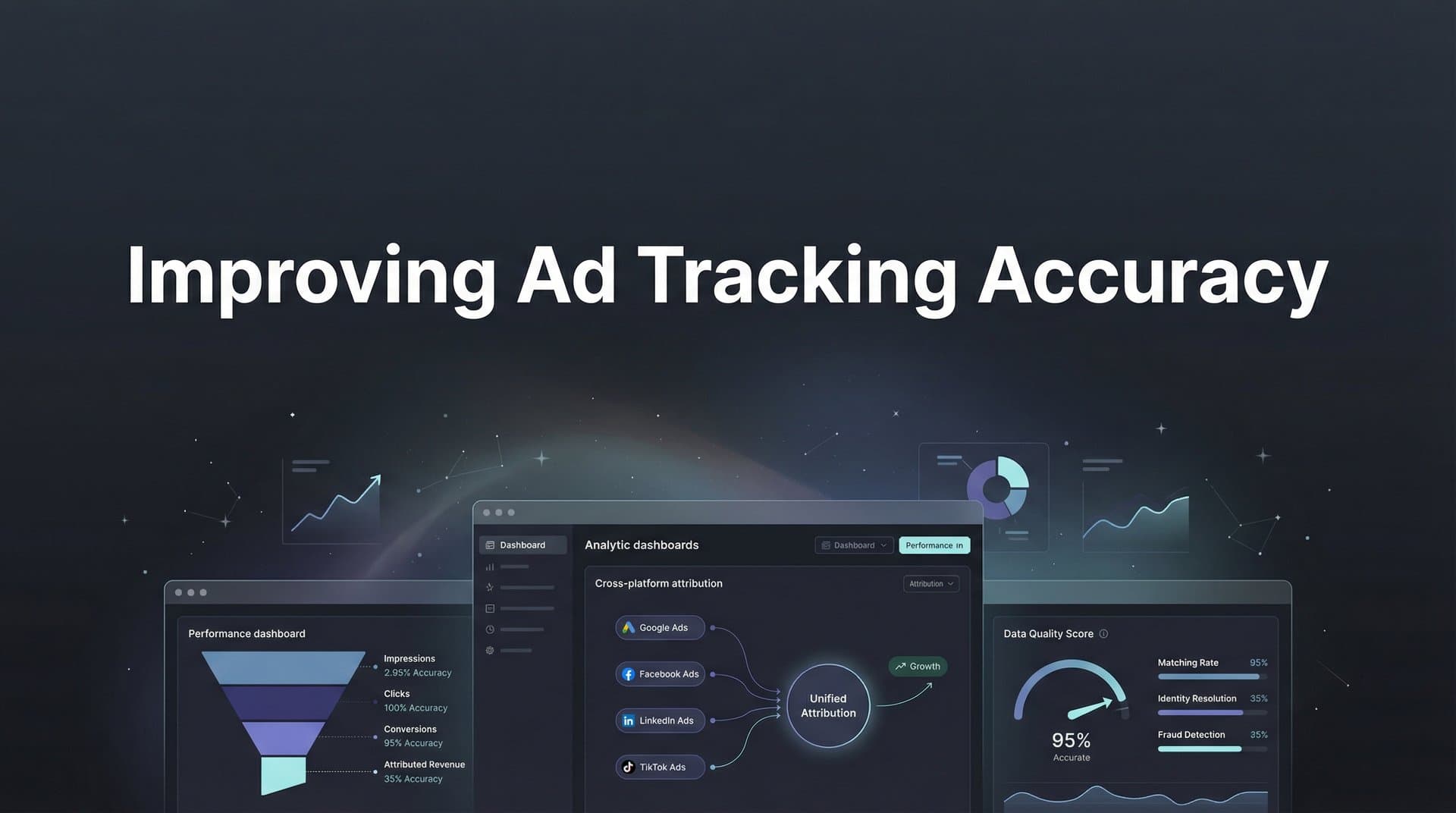
Your ad dashboard shows 500 conversions. Your CRM shows 350. Your finance team reports 300 actual sales. Which number do you trust when deciding where to spend tomorrow's ad budget?
This isn't just a reporting headache—it's a strategic crisis that costs marketers millions in misallocated spend every year. Between iOS privacy updates, cookie deprecation, and increasingly complex customer journeys spanning multiple devices and channels, tracking accuracy has become one of the most pressing challenges in digital marketing.
The stakes couldn't be higher. When your tracking data is unreliable, you're essentially flying blind. You might be scaling campaigns that barely break even while pausing your most profitable channels. Your ad platform algorithms optimize based on incomplete signals, leading to poor targeting and wasted budget. And when leadership asks which marketing investments are driving revenue, you're left with educated guesses instead of confident answers.
The good news? Improving ad tracking accuracy isn't about hoping for better technology or waiting for privacy regulations to stabilize. It requires a strategic combination of technical implementations and operational discipline. The seven strategies we'll explore address everything from foundational infrastructure to ongoing data quality management—giving you a comprehensive roadmap for reclaiming confidence in your marketing data and making decisions that actually drive growth.
1. Implement Server-Side Tracking as Your Foundation
The Challenge It Solves
Browser-based tracking has become increasingly unreliable as users install ad blockers, browsers restrict third-party cookies, and privacy features block tracking scripts. When your pixel fires in the browser, it depends on the user's device and browser settings—factors completely outside your control. This leads to significant data loss, with some marketers losing visibility into 30-40% of their actual conversions simply because tracking scripts never fire or get blocked before they can send data.
The Strategy Explained
Server-side tracking moves the data collection process from the user's browser to your server. Instead of relying on JavaScript pixels that can be blocked, your server captures conversion events and sends them directly to ad platforms through their APIs. This approach bypasses browser restrictions entirely because the data transmission happens between servers, not through the user's device.
Think of it like this: browser-based tracking is like mailing postcards that anyone can intercept or throw away. Server-side tracking is like making a direct phone call—the message gets through regardless of what's happening on the recipient's end.
The technical implementation involves setting up a server that receives conversion data from your website or CRM, then forwards that enriched data to platforms like Meta's Conversions API or Google's Enhanced Conversions. This creates a reliable data pipeline that isn't subject to the same limitations as browser-based tracking.
Implementation Steps
1. Set up a server environment that can receive and process conversion events from your website, CRM, or other data sources.
2. Configure your website to send conversion data to your server instead of (or in addition to) browser-based pixels.
3. Connect your server to ad platform APIs like Meta Conversions API and Google Enhanced Conversions to transmit conversion data directly.
4. Implement event matching parameters (email, phone, address) to help platforms match conversions to the right users without relying on cookies.
5. Test your implementation by comparing server-side conversion counts with browser-based tracking to verify data accuracy.
Pro Tips
Start with your highest-value conversion events first—purchases, lead submissions, or qualified demos. These are the conversions that matter most for optimization, so prioritize getting accurate data for them. Also, don't completely abandon browser-based tracking initially. Run both methods in parallel for a few weeks to validate your server-side implementation before making it your primary tracking method.
2. Unify Your Data Sources with a Single Attribution Platform
The Challenge It Solves
Most marketing teams juggle data from Google Ads, Meta Ads Manager, LinkedIn Campaign Manager, Google Analytics, their CRM, and various other tools. Each platform uses different attribution windows, counting methodologies, and conversion definitions. The result? Five different "sources of truth" that never agree with each other, making it impossible to understand which channels actually drive results. This fragmentation leads to analysis paralysis and poor decision-making because you're constantly reconciling conflicting reports instead of optimizing campaigns.
The Strategy Explained
A unified attribution platform connects all your marketing data sources into a single system that applies consistent methodology across every channel. Instead of looking at Meta's view of conversions versus Google's view versus your CRM's view, you get one accurate picture that tracks the entire customer journey from first click to final purchase.
This centralization does more than just clean up your reporting. It reveals cross-channel insights that are impossible to see when data lives in silos. You might discover that LinkedIn ads rarely get last-click credit but consistently introduce high-value prospects who convert weeks later through Google search. Or that your best Facebook campaigns drive email sign-ups that your sales team converts at twice the average rate.
Our roundup of the best Facebook ads preview tools can help you shortlist.
The platform becomes your single source of truth, eliminating the confusion and political debates about which numbers to trust when making budget allocation decisions.
Implementation Steps
1. Audit all your current marketing data sources—ad platforms, analytics tools, CRM, email marketing, and any other systems that track customer interactions.
2. Select an attribution platform that integrates with your entire marketing stack and supports the attribution models you need.
3. Connect each data source to the platform using native integrations or APIs, ensuring conversion events flow from all channels.
4. Configure your conversion events with consistent definitions across all sources so you're measuring the same actions everywhere.
5. Set up custom dashboards that show cross-channel performance, customer journey analysis, and channel comparison reports in one view.
Pro Tips
When evaluating attribution platforms, prioritize those that can also send data back to your ad platforms through conversion APIs. This creates a closed loop where better tracking leads to better ad optimization, which generates better results. Also, involve your finance and sales teams early in the setup process to ensure the conversion events you're tracking align with actual business outcomes they care about.
3. Deploy First-Party Data Collection Across All Touchpoints
The Challenge It Solves
Third-party cookies are disappearing, and with them goes much of the cross-site tracking that marketers have relied on for years. When users interact with your ads on one site and convert on another, connecting those dots becomes nearly impossible without persistent identifiers. This creates massive attribution gaps where conversions appear to come from "direct" traffic when they actually originated from paid campaigns. The loss of third-party data also weakens your ability to build effective audiences and track users across devices.
The Strategy Explained
First-party data is information you collect directly from your customers through your own properties—your website, app, email list, or customer accounts. Unlike third-party data that relies on external tracking, first-party data belongs to you and isn't subject to the same privacy restrictions. When users willingly provide information like email addresses, phone numbers, or create accounts, you gain persistent identifiers that work across devices and sessions.
The key is building infrastructure that captures this data at every meaningful touchpoint. When someone fills out a lead form, subscribes to your newsletter, or creates an account, you're collecting identifiers that can be used for attribution, audience building, and conversion matching. This data becomes the foundation for accurate tracking even as browser-based methods become less reliable.
Modern first-party data strategies go beyond simple form submissions. They include progressive profiling (gradually collecting more information over time), authenticated experiences (encouraging account creation), and value exchanges (offering content or tools in return for information).
Implementation Steps
1. Map all touchpoints where you can ethically collect first-party data—lead forms, account creation, newsletter signups, gated content, checkout processes, and customer support interactions.
2. Implement a customer data platform or CRM that serves as the central repository for all first-party data, ensuring information from different sources connects to unified customer profiles.
3. Add progressive profiling to your forms so you collect the most critical information first, then gradually gather additional details over time as users engage more deeply.
4. Create clear value propositions for data sharing—explain what users get in return for providing their information, whether it's personalized recommendations, exclusive content, or better service.
5. Ensure your first-party data collection includes the identifiers needed for conversion matching on ad platforms (hashed email, phone number, address) so you can connect online conversions to ad exposure.
Pro Tips
Don't wait until you have perfect data infrastructure to start collecting first-party information. Begin with your highest-traffic pages and most valuable conversion points, then expand systematically. Also, be transparent about data collection and use—clear privacy policies and honest communication about how you'll use customer information builds trust and increases opt-in rates.
4. Sync Conversion Data Back to Ad Platforms
The Challenge It Solves
Ad platform algorithms optimize based on the conversion data they receive. When that data is incomplete or delayed due to browser-based tracking limitations, the algorithms make poor decisions about who to target and how much to bid. You might be feeding Facebook's algorithm data about 70% of your actual conversions, causing it to undervalue campaigns and miss high-intent audiences. Meanwhile, your best customers—the ones who actually generate revenue—remain invisible to the optimization system because their conversions never got reported back to the platform.
The Strategy Explained
Conversion syncing (also called conversion feedback or offline conversion tracking) sends enriched conversion data from your server or CRM back to ad platforms through their APIs. This gives the algorithms a complete picture of what happened after someone clicked your ad, including conversions that occurred offline, in-store, or after extended consideration periods.
The power of this approach extends beyond just counting more conversions. You can send back valuable business context that browser pixels can't capture—actual purchase amounts, customer lifetime value, product categories, lead quality scores, or whether a sales team qualified the lead. This enriched data helps algorithms optimize for outcomes that actually matter to your business, not just any conversion.
When Meta or Google receives accurate conversion data with proper value attribution, their machine learning systems can identify patterns in high-value customers and find more people like them. This creates a virtuous cycle where better data leads to better targeting, which generates better results, which provides even better training data for the algorithms.
Implementation Steps
1. Set up conversion APIs for your primary ad platforms—Meta Conversions API, Google Enhanced Conversions, TikTok Events API, or others you use regularly.
2. Configure your server or attribution platform to send conversion events to these APIs, including matching parameters (hashed email, phone, click ID) that help platforms connect conversions to the right users.
3. Add conversion value data to your events so platforms understand which conversions are most valuable—actual purchase amounts, estimated lifetime value, or internal quality scores.
4. Implement delayed conversion tracking for business models with long sales cycles, sending conversion updates when leads qualify, close, or reach other meaningful milestones.
5. Monitor the "Events Match Quality" or similar metrics in each platform to ensure your conversion data is matching correctly and providing value to the optimization algorithms.
Pro Tips
Start syncing conversions within 24-48 hours of the original ad click whenever possible. Most platforms give more weight to recent conversions in their optimization, so timely data has more impact. Also, if you have a sales team that qualifies leads, consider syncing both the initial lead conversion and the qualified lead conversion as separate events—this gives algorithms two opportunities to learn what makes a valuable customer.
5. Adopt Multi-Touch Attribution Models
The Challenge It Solves
Last-click attribution gives 100% of the credit to whichever channel generated the final click before conversion. This fundamentally misrepresents how modern customers make decisions. Someone might discover your brand through a LinkedIn ad, research your product through organic search, compare options after clicking a retargeting ad, then finally convert through a branded search ad. Last-click attribution would credit only that final branded search click, completely ignoring the LinkedIn and retargeting ads that were essential to the conversion. This leads to chronic underinvestment in upper-funnel channels and over-investment in branded search that captures demand you already created.
The Strategy Explained
Multi-touch attribution distributes credit across all the touchpoints that influenced a conversion, giving you a realistic view of how different channels work together. Instead of declaring one channel the "winner," you see the full customer journey and understand each channel's role in driving results.
Different multi-touch models distribute credit in different ways. Linear attribution gives equal credit to every touchpoint. Time-decay attribution gives more credit to touchpoints closer to conversion. Position-based (U-shaped) attribution emphasizes the first and last touchpoints. Data-driven attribution uses machine learning to assign credit based on actual conversion patterns in your data.
The goal isn't to find the "perfect" attribution model—it's to move beyond the oversimplification of last-click and gain visibility into channel interactions. When you can see that LinkedIn ads consistently assist conversions that close through other channels, you make smarter decisions about budget allocation and campaign strategy.
Implementation Steps
1. Ensure you're tracking all customer touchpoints across channels, not just the last click—this requires unified tracking that captures the full journey from first interaction to conversion.
2. Select attribution models that align with your business reality: B2B companies with long sales cycles often benefit from time-decay or position-based models, while e-commerce might start with linear or data-driven approaches.
3. Compare multiple attribution models side-by-side to understand how different methodologies change your channel performance view—this reveals which channels are undervalued by last-click attribution.
4. Analyze common conversion paths to identify channel sequences that consistently lead to conversions, then optimize your strategy to support those successful patterns.
5. Adjust budget allocation based on multi-touch insights, typically increasing investment in upper-funnel channels that assist conversions even if they don't get last-click credit.
Pro Tips
Don't abandon last-click attribution entirely—use it as one view among several. Compare last-click, first-click, and multi-touch models to understand the full picture. Also, pay special attention to channels with high assist rates but low last-click conversions. These are often your most undervalued marketing investments, and reallocating budget toward them frequently improves overall performance.
6. Establish UTM Parameter Governance
The Challenge It Solves
Without standardized UTM conventions, your campaign data becomes a chaotic mess. One team member tags Facebook ads as "utm_source=facebook" while another uses "utm_source=fb" and a third uses "utm_source=Facebook" with a capital F. Your analytics tool treats these as three different sources, fragmenting your data and making accurate performance analysis impossible. Multiply this inconsistency across sources, mediums, campaigns, and content parameters, and you end up with hundreds of variations that should represent a few dozen actual channels. The result is unreliable reporting where your most important traffic sources get bucketed under "direct" or scattered across multiple labels.
The Strategy Explained
UTM parameter governance means creating and enforcing standardized naming conventions for all your campaign tracking. This ensures everyone on your team tags campaigns the same way, producing clean, consistent data that accurately reflects your marketing performance.
Effective governance covers more than just the parameters themselves. It includes documentation that explains your conventions, tools or templates that make correct tagging easy, and processes that prevent untagged or incorrectly tagged campaigns from launching. When implemented properly, UTM governance eliminates the data quality issues that plague most marketing teams.
The benefits extend beyond clean reports. Standardized UTM parameters enable accurate budget allocation, reliable automated reporting, and confident decision-making. You can trust that when your dashboard shows Facebook driving 30% of conversions, that number actually represents all Facebook traffic, not just the portion that was tagged correctly.
Implementation Steps
1. Document your UTM naming conventions in a shared resource that covers all five parameters (source, medium, campaign, term, content) with specific examples for every channel you use.
2. Create a UTM builder tool or template that enforces your conventions through dropdown menus or auto-population, making it impossible to create incorrectly formatted tags.
3. Audit your existing campaigns to identify common tagging errors, then create a migration plan to standardize historical data where possible.
4. Implement a review process where campaign URLs are checked for proper UTM structure before launch, catching errors before they corrupt your data.
5. Set up automated reports that flag potential UTM issues—new source/medium combinations, unusual parameter values, or untagged traffic spikes that suggest missing UTM parameters.
Pro Tips
Keep your conventions simple and intuitive. Use lowercase for everything to avoid case-sensitivity issues. For utm_source, use the platform name (facebook, google, linkedin). For utm_medium, stick to standard categories (cpc, social, email, display). For utm_campaign, include the campaign objective or theme. Resist the urge to cram too much information into UTM parameters—that's what your attribution platform is for. The goal is consistency, not comprehensiveness.
7. Implement Real-Time Data Validation and Monitoring
The Challenge It Solves
Tracking issues don't announce themselves. A developer pushes a website update that breaks your conversion pixel. An integration stops syncing data between your CRM and attribution platform. A campaign launches with incorrect UTM parameters. These problems can go undetected for days or weeks, corrupting your data and leading to poor optimization decisions before anyone notices something is wrong. By the time you discover the issue, you've already wasted budget on campaigns that looked like they were performing when they weren't, or paused campaigns that were actually driving results but weren't being tracked properly.
The Strategy Explained
Real-time data validation involves setting up automated monitoring systems that continuously check whether your tracking is working correctly. These systems alert you immediately when something breaks, allowing you to fix issues before they cause significant data loss or corrupt your optimization decisions.
Effective monitoring covers multiple layers of your tracking infrastructure. It checks whether pixels are firing correctly, whether conversion data is reaching your attribution platform, whether platform integrations are syncing properly, and whether conversion volumes fall outside expected ranges. When any of these checks fail, you receive an immediate alert that allows you to investigate and resolve the issue quickly.
Beyond catching technical failures, monitoring systems can identify data quality issues like sudden spikes in untagged traffic, unusual conversion rate changes, or discrepancies between different data sources. These signals often indicate configuration problems or tracking gaps that need attention.
Implementation Steps
1. Set up automated alerts for conversion volume anomalies—if daily conversions drop below or spike above your normal range, you want to know immediately so you can investigate whether it's a tracking issue or a real performance change.
2. Implement pixel testing tools that regularly check whether your tracking scripts are firing correctly on key pages, alerting you if any critical pixels fail to load or execute.
3. Monitor integration health between your various marketing tools, ensuring data is flowing correctly from your website to your attribution platform to your ad platforms.
4. Create dashboards that compare conversion counts across different sources (platform-reported vs. analytics vs. CRM) to quickly identify discrepancies that suggest tracking problems.
5. Schedule regular data quality audits (weekly or monthly) where you review UTM parameter consistency, check for new untagged traffic sources, and verify that conversion definitions match across all systems.
Pro Tips
Don't just monitor conversion volume—monitor conversion rate too. A broken tracking pixel might still fire occasionally, making volume look normal while your conversion rate plummets. Also, establish baseline ranges for normal performance so your alerts can distinguish between concerning anomalies and expected fluctuations. A 20% conversion drop on a high-traffic day is more alarming than the same drop on a low-traffic weekend.
Putting It All Together
Improving ad tracking accuracy requires both technical infrastructure and operational discipline. These seven strategies work together to create a comprehensive tracking system that gives you confidence in your data and your decisions.
Start with your foundation: implement server-side tracking to bypass browser limitations, then unify your data sources in a single attribution platform. These two steps alone will dramatically improve your data accuracy and eliminate the conflicting reports that plague most marketing teams.
Next, focus on data quality: deploy first-party data collection to replace disappearing third-party cookies, establish UTM parameter governance to ensure clean campaign data, and implement real-time monitoring to catch issues before they corrupt your analysis.
Finally, optimize for better results: sync enriched conversion data back to ad platforms so their algorithms can optimize effectively, and adopt multi-touch attribution models that reveal how your channels work together to drive conversions.
This isn't a one-time project—it's an ongoing commitment to data quality that pays dividends in every marketing decision you make. Start by assessing your current tracking setup and identifying the biggest gaps. Which of these seven strategies would have the most immediate impact on your data accuracy? That's where you should focus first.
Ready to elevate your marketing game with precision and confidence? Discover how Cometly's AI-driven recommendations can transform your ad strategy—Get your free demo today and start capturing every touchpoint to maximize your conversions.



