

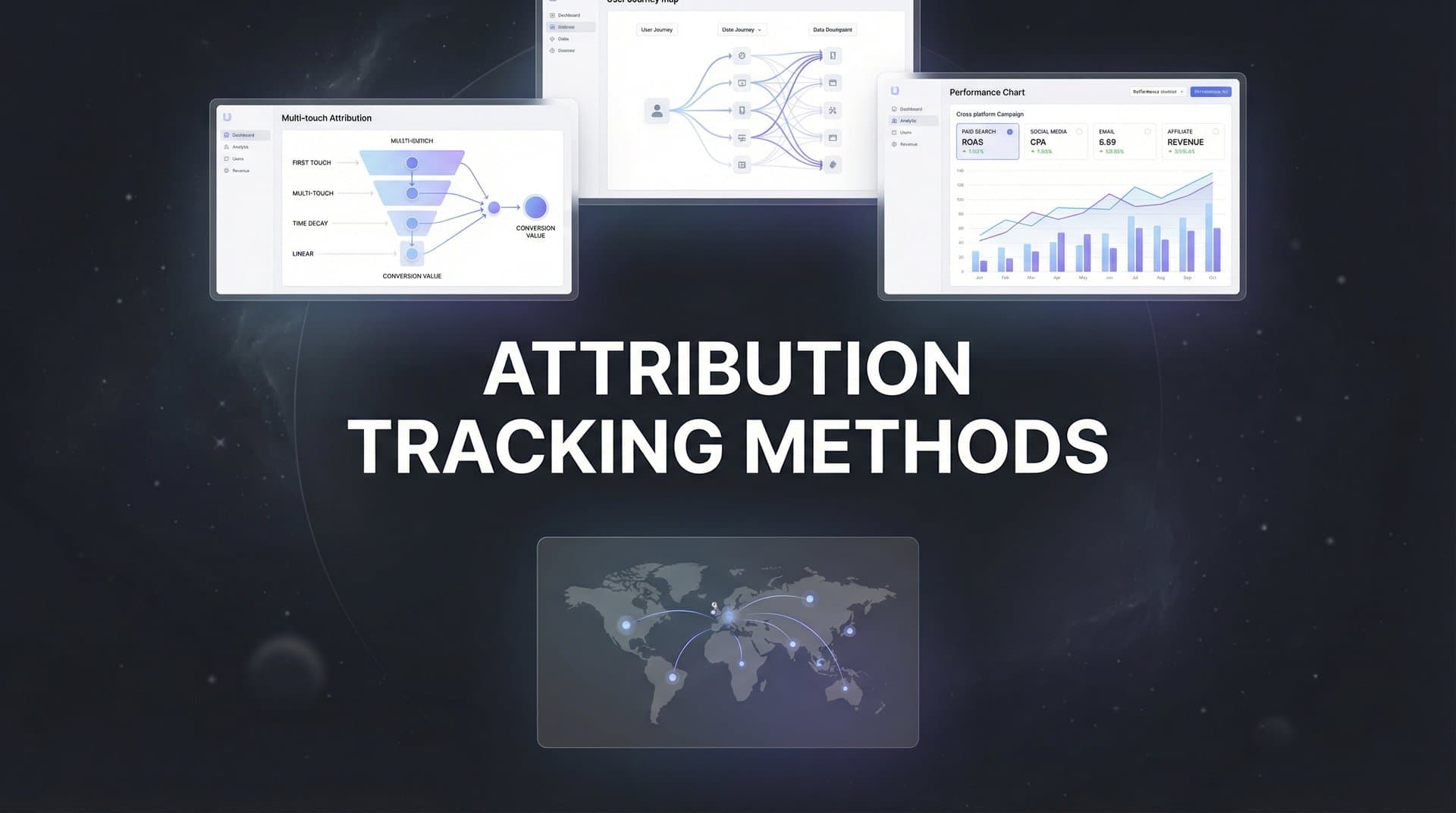
You're running campaigns across Meta, Google, TikTok, and maybe a handful of other platforms. The ad dashboards look promising—clicks are up, impressions are strong, and the cost-per-click seems reasonable. But when you check your CRM, the numbers don't match. Revenue isn't scaling with ad spend, and you can't pinpoint which channels are actually driving conversions.
This disconnect isn't just frustrating—it's expensive. Without accurate attribution tracking, you're essentially flying blind, making budget decisions based on incomplete data while your competitors figure out what's actually working.
The problem has gotten worse. iOS privacy updates have crippled pixel-based tracking. Third-party cookies are disappearing. Customer journeys now span multiple devices, platforms, and weeks of touchpoints before conversion. Traditional tracking methods can't keep up.
The solution isn't guessing or relying on platform-reported metrics that inflate their own performance. It's implementing proven attribution tracking methods that capture the full customer journey and connect ad spend to real revenue. This article breaks down seven methods that modern marketing teams use to cut through tracking limitations and see what's truly driving ROI.
These aren't theoretical concepts—they're practical approaches you can implement to finally answer the question every marketer faces: which campaigns are worth scaling, and which ones are wasting budget?
1. First-Party Data Collection
The Challenge It Solves
Third-party cookies are dying, and browser-based tracking gets blocked by privacy features, ad blockers, and user settings. When you rely solely on pixels and cookies, you're missing significant portions of your traffic. The data you do capture is fragmented and unreliable.
First-party data gives you ownership and control. It's information users share directly with you—email addresses, account information, form submissions—that doesn't depend on third-party infrastructure or browser permissions.
The Strategy Explained
First-party data collection means building your own tracking foundation using data sources you own and control. This includes implementing standardized UTM parameters across all campaigns, capturing user interactions directly on your website, and storing this information in your own database or analytics platform.
The key is consistency. Every ad, email, and social post needs properly formatted tracking parameters. Every conversion point on your site needs to capture and store relevant user information. When someone fills out a form or creates an account, you're collecting deterministic data that can't be blocked or lost.
This approach works because it doesn't rely on third-party cookies or tracking pixels that browsers increasingly block. You're collecting data through direct user interactions with your properties, which means higher accuracy and better compliance with privacy regulations.
Implementation Steps
1. Create a standardized UTM parameter structure for all campaigns. Include source, medium, campaign name, and any custom parameters relevant to your business (like ad set or creative ID). Document this structure and train your team to use it consistently.
2. Implement form tracking that captures UTM parameters and stores them with lead data. When someone submits a contact form or signs up for a trial, your system should automatically associate that conversion with the original traffic source.
3. Set up server-side storage for tracking data. Whether you use a customer data platform, your CRM, or a custom database, ensure you're capturing and storing first-party data that you fully control.
4. Build processes to enrich this data over time. As users interact with your brand across touchpoints, append new information to their profile—creating a comprehensive view of their journey.
Pro Tips
Use URL shorteners sparingly—they can break UTM parameters. Instead, build campaign URLs directly in your ad platforms or use a parameter management tool. Also, implement a naming convention that makes sense six months from now. "Campaign123" won't help you analyze performance later, but "2026Q1_Meta_Prospecting_Video" will.
2. Server-Side Tracking
The Challenge It Solves
Browser-based tracking pixels face multiple obstacles. Ad blockers eliminate them entirely. Safari's Intelligent Tracking Prevention limits cookie lifespan to seven days. Firefox blocks third-party cookies by default. Even when pixels fire, they're increasingly inaccurate due to network issues, slow page loads, or users leaving before the pixel loads.
These limitations mean you're likely missing 20-40% of your actual conversions in platform reporting. You're making budget decisions based on incomplete data, and ad platform algorithms are optimizing with partial information.
The Strategy Explained
Server-side tracking moves conversion tracking from the user's browser to your server. Instead of relying on JavaScript pixels that execute in the browser (where they can be blocked), your server sends conversion data directly to ad platforms through their APIs.
When a conversion happens—someone purchases, signs up, or submits a form—your server immediately sends that event to Meta's Conversions API, Google's Enhanced Conversions, or other platform endpoints. This happens server-to-server, completely bypassing browser limitations.
The technical advantage is significant. Server-side tracking isn't affected by ad blockers, browser settings, or network issues. It captures conversions that browser pixels miss, giving you more complete data and helping ad platforms optimize more effectively.
Implementation Steps
1. Set up server-side tracking infrastructure. This might mean using Google Tag Manager Server-Side, implementing Meta's Conversions API directly, or using an attribution platform that handles server-side tracking for multiple channels.
2. Configure event mapping to match your existing pixel events. Your server needs to send the same event types (Purchase, Lead, AddToCart) with the same parameters that your browser pixels currently send.
3. Implement deduplication to avoid double-counting. When both browser pixels and server-side tracking fire for the same conversion, platforms need a way to recognize it's the same event. Use event IDs to prevent duplicate reporting.
4. Test thoroughly before going live. Send test events through your server-side implementation and verify they appear correctly in platform event managers. Check that conversion values, parameters, and attribution match expectations.
Pro Tips
Don't abandon browser pixels entirely—run both in parallel. Browser pixels still capture some data that server-side tracking might miss, and platforms use the combination for better attribution. The key is proper deduplication so you're not double-counting. Also, prioritize implementing server-side tracking for your highest-value conversion events first.
3. Multi-Touch Attribution Models
The Challenge It Solves
Last-click attribution gives all credit to the final touchpoint before conversion. Someone clicks a Google search ad and converts, so Google gets 100% credit—even if they discovered your brand through a Meta ad last week, read three blog posts, and watched a YouTube video before searching for you.
This distorts reality. Most customer journeys involve multiple touchpoints across different channels. When you only credit the last click, you undervalue top-of-funnel channels that drive awareness and consideration, leading to budget cuts for campaigns that are actually essential to your funnel.
The Strategy Explained
Multi-touch attribution distributes conversion credit across all touchpoints in the customer journey. Instead of giving 100% credit to one interaction, these models recognize that multiple channels contributed to the conversion and assign fractional credit accordingly.
Linear attribution splits credit evenly across all touchpoints. If someone had five interactions before converting, each gets 20% credit. Time-decay gives more credit to recent interactions, acknowledging that touchpoints closer to conversion typically have more influence. Position-based (U-shaped) attribution emphasizes the first and last touchpoints while giving some credit to middle interactions.
Data-driven attribution uses machine learning to analyze your actual conversion paths and determine which touchpoints statistically correlate with higher conversion rates. It's the most sophisticated approach but requires substantial data volume to work effectively.
Implementation Steps
1. Audit your current attribution model. Most platforms default to last-click. Understand what model you're currently using and how it's influencing your budget decisions.
2. Choose a multi-touch model that fits your business. If you have a long sales cycle with many touchpoints, time-decay or data-driven models work well. For simpler funnels, linear or position-based might be sufficient.
3. Implement tracking that captures the full customer journey. You need visibility into all touchpoints—not just the last one. This typically requires an attribution platform that can track users across sessions and devices.
4. Compare models side-by-side before committing. Run multiple attribution models in parallel for at least a month. See how credit distribution changes and what insights emerge about channel performance.
Pro Tips
Don't obsess over finding the "perfect" attribution model. The goal isn't perfection—it's getting closer to reality than last-click provides. Start with a simple multi-touch model like linear or time-decay, then evolve to more sophisticated approaches as your tracking improves. Also, remember that different stakeholders might need different views—your executive team might want data-driven attribution while your campaign managers need last-click for platform optimization.
For a deeper dive into this space, see our AI campaign manager guide.
4. Cross-Platform Identity Resolution
The Challenge It Solves
Your prospect discovers your brand on their phone during lunch, researches on their work laptop that afternoon, and converts on their home computer that evening. To tracking systems, these look like three different people. Each platform claims credit, you're triple-counting the same customer, and you have no idea what actually influenced the conversion.
Fragmented user journeys make attribution nearly impossible. Without connecting these interactions to the same person, you can't understand the true path to conversion or accurately measure channel performance.
The Strategy Explained
Cross-platform identity resolution unifies user interactions across devices, browsers, and platforms by matching them to a single customer identity. The most reliable method is deterministic matching—using concrete identifiers like email addresses or user IDs that definitively prove two interactions came from the same person.
When someone logs into your site or provides their email, you can connect that session to their previous anonymous browsing. When they later convert on a different device while logged in, you can trace back through their entire journey across devices and platforms.
This creates a unified customer profile that shows the complete path to conversion. You see that the mobile social ad led to the desktop blog visit which led to the laptop demo request. Each touchpoint gets appropriate credit because you know they're all the same person.
We compare the leading options in our Shopify social ad generator roundup.
Implementation Steps
1. Implement user authentication tracking. When someone logs in, creates an account, or provides an email, your tracking system should connect that identifier to their current session and any previous anonymous activity.
2. Use persistent identifiers across your properties. Assign a unique customer ID that follows users across your website, app, and any other owned properties. This ID should be the foundation of your identity resolution.
3. Set up cross-device tracking in your analytics platform. Tools like Google Analytics 4 offer built-in identity resolution when properly configured. Attribution platforms like Cometly specialize in connecting fragmented journeys across platforms.
4. Build processes to match offline and online identities. When someone converts offline (phone call, in-person sale), capture their email or phone number so you can connect that conversion back to their digital journey.
Pro Tips
Prioritize deterministic matching over probabilistic approaches. While probabilistic matching (using signals like IP address and device fingerprinting) can help, it's less accurate and raises privacy concerns. Focus on collecting email addresses early in the journey through content downloads, account creation, or newsletter signups. This gives you a deterministic identifier to build around.
5. Conversion API Integration
The Challenge It Solves
Ad platforms optimize toward the conversions they can see. When browser-based tracking misses 30% of your actual conversions, platform algorithms optimize using incomplete data. They don't know which ads, audiences, or placements are truly driving results because they're only seeing a partial picture.
This creates a vicious cycle. Platforms under-report conversions, so you reduce budget on campaigns that are actually working. The algorithms optimize toward the wrong signals because they don't have complete conversion data. Your campaigns underperform because the AI is making decisions based on flawed information.
The Strategy Explained
Conversion APIs let you send enriched conversion data directly from your server to ad platforms. Meta's Conversions API (CAPI) and Google's Enhanced Conversions receive server-side event data that includes details browser pixels often miss—like customer lifetime value, subscription tier, or offline purchase information.
When you send complete conversion data through these APIs, ad platforms get a fuller picture of what's working. Their algorithms can optimize more effectively because they're seeing all conversions, not just the ones browser pixels caught. You can send additional parameters that help platforms find more high-value customers.
The immediate benefit is better attribution reporting. The longer-term benefit is improved campaign performance as algorithms optimize with better data. Platforms can identify patterns in your highest-value conversions and find similar audiences more effectively.
Implementation Steps
1. Set up Meta's Conversions API for your key conversion events. Start with purchases or lead submissions—your highest-value actions. Meta provides detailed documentation and setup guides for common platforms like Shopify, WordPress, and custom implementations.
2. Implement Google's Enhanced Conversions for your Google Ads campaigns. This requires sending hashed customer information (email, phone number, address) along with conversion events so Google can match conversions to ad clicks.
3. Enrich your conversion events with additional parameters. Send customer lifetime value, product categories, subscription types, or any other data that helps platforms understand which conversions are most valuable.
4. Monitor event quality in platform dashboards. Both Meta and Google provide event manager tools that show whether your API events are being received correctly and what match quality looks like.
Pro Tips
Use the Event Match Quality score in Meta's Events Manager to optimize your CAPI implementation. Higher match quality means Meta can better connect your server events to specific users, improving both attribution and optimization. Send as many customer information parameters as you have (email, phone, address, user agent) to maximize match rates. For Google Enhanced Conversions, ensure you're hashing customer data properly—incorrect hashing will prevent matches.
6. Offline Conversion Tracking
The Challenge It Solves
Your attribution ends when someone submits a form or starts a trial. But for many businesses, that's not where revenue happens. The real conversion happens days or weeks later when a sales rep closes the deal, when a trial converts to paid, or when someone makes a purchase in-store after browsing online.
Without connecting these offline conversions back to the original ad touchpoint, you're optimizing toward the wrong goal. You might be driving tons of demo requests that never convert to revenue, while cutting budget on campaigns that generate fewer leads but higher-quality sales.
The Strategy Explained
Offline conversion tracking connects CRM sales data back to the original marketing touchpoints. When a deal closes in your CRM, you send that conversion event back to ad platforms with the customer's email or other identifier. Platforms match that information to the original ad click, giving you revenue-based attribution instead of just lead-based attribution.
This works through offline conversion imports or CRM integrations. You export closed deals from your CRM with customer identifiers, then upload them to Meta, Google, or other platforms. The platforms match the email or phone number to their user database and attribute the conversion to the original ad interaction.
The result is attribution that reflects actual business outcomes. You can see which campaigns drive revenue, not just leads. Ad algorithms can optimize toward closed deals instead of form submissions, finding audiences more likely to become paying customers.
Implementation Steps
1. Set up offline conversion tracking in your ad platforms. Meta offers Offline Conversions through Events Manager. Google provides offline conversion imports through Google Ads. Configure these to accept conversion data from your CRM.
2. Build a process to export closed deals from your CRM. This might be a weekly export of new customers with their email addresses and deal values, or an automated integration that sends conversions in real-time.
3. Map CRM fields to platform requirements. Platforms need specific information—email or phone number for matching, conversion time, conversion value. Ensure your CRM data includes these fields.
4. Upload conversion data regularly. Weekly uploads are typically sufficient, but more frequent updates give platforms fresher data to optimize with. Some attribution platforms automate this process by connecting directly to your CRM.
Pro Tips
Include conversion value in your offline conversion uploads. Platforms can optimize toward revenue, not just conversion count, which dramatically improves campaign performance. Also, set a reasonable conversion window—if your sales cycle is 30 days, configure offline conversions to attribute within that timeframe. Don't try to attribute a conversion to an ad click from six months ago.
7. Incrementality Testing
The Challenge It Solves
Attribution models tell you which touchpoints correlate with conversions. But correlation isn't causation. That brand search campaign might show excellent last-click attribution, but how many of those people would have found you anyway? You might be spending thousands on campaigns that claim credit for conversions that would have happened regardless.
This is the attribution paradox. Your tracking shows conversions, your models distribute credit, but you still don't know if those campaigns are actually creating incremental value or just capturing existing demand.
The Strategy Explained
Incrementality testing measures the true causal impact of your marketing through controlled experiments. You create a test group exposed to your campaign and a control group that isn't, then compare conversion rates between groups. The difference represents true incremental lift—conversions that wouldn't have happened without the campaign.
This works through geographic splits, audience holdouts, or time-based experiments. For geographic tests, you run campaigns in some regions while holding out others, then compare conversion rates. For audience holdouts, you exclude a percentage of your target audience from seeing ads and measure whether they convert at different rates.
The results validate or challenge your attribution data. You might discover that a campaign showing strong attribution actually drives minimal incremental conversions. Or you might find that an upper-funnel campaign with weak last-click attribution creates significant incremental lift.
Implementation Steps
1. Design a holdout test for a significant campaign. Choose a campaign with enough volume to detect meaningful differences—you need statistical significance to draw valid conclusions. Randomly exclude 10-20% of your target audience from seeing the campaign.
2. Run the test for a full business cycle. If your sales cycle is 30 days, run the test for at least 30 days to capture complete conversion windows. Shorter tests might miss delayed conversions.
3. Track conversion rates for both exposed and holdout groups. Measure the same conversion events you normally optimize toward—purchases, signups, qualified leads. Calculate the percentage difference in conversion rates.
4. Calculate incremental ROAS by comparing revenue from the exposed group to the control group. If the exposed group generates 15% more revenue and you spent $10,000 on the campaign, your incremental revenue is the difference between groups minus the ad spend.
Pro Tips
Start with geographic holdout tests—they're simpler to implement than audience-based holdouts. Pick similar markets (comparable size, demographics) and run campaigns in half while holding out the other half. Also, don't run incrementality tests constantly. They're resource-intensive and require pausing optimization. Run them quarterly or semi-annually to validate your attribution assumptions, then use attribution models for day-to-day optimization.
Your Attribution Roadmap
You now have seven proven methods to build attribution tracking that reflects reality. But trying to implement everything at once leads to analysis paralysis. The key is prioritizing based on your current capabilities and biggest gaps.
Start with first-party data collection if your tracking foundation is weak. Standardized UTM parameters and proper form tracking give you owned data that doesn't depend on third-party infrastructure. This creates the baseline you need for everything else.
Next, implement server-side tracking for your highest-value conversion events. The accuracy improvement alone justifies the technical investment, and it sets you up for better Conversion API integration. Focus on purchases or qualified leads first—the conversions that directly impact revenue.
Then layer in multi-touch attribution and cross-platform identity resolution. These help you understand the full customer journey instead of just the last click. You'll discover which channels drive awareness and consideration, not just final conversions.
Conversion API integration and offline conversion tracking come next. These close the loop between ad platforms and actual revenue, helping algorithms optimize toward business outcomes instead of vanity metrics.
Finally, use incrementality testing periodically to validate your attribution assumptions. Run tests quarterly to ensure your models reflect true causal impact, not just correlation.
The reality is that modern attribution requires multiple methods working together. First-party data feeds server-side tracking. Multi-touch models distribute credit across the journey that identity resolution unifies. Conversion APIs and offline tracking connect everything back to revenue. Incrementality testing validates it all.
This isn't a one-time project—it's an ongoing evolution. Privacy regulations will continue changing. New platforms will emerge. Customer journeys will get more complex. But with these seven methods as your foundation, you'll have the flexibility to adapt while maintaining accurate attribution.
Ready to elevate your marketing game with precision and confidence? Discover how Cometly's AI-driven recommendations can transform your ad strategy—Get your free demo today and start capturing every touchpoint to maximize your conversions.



