

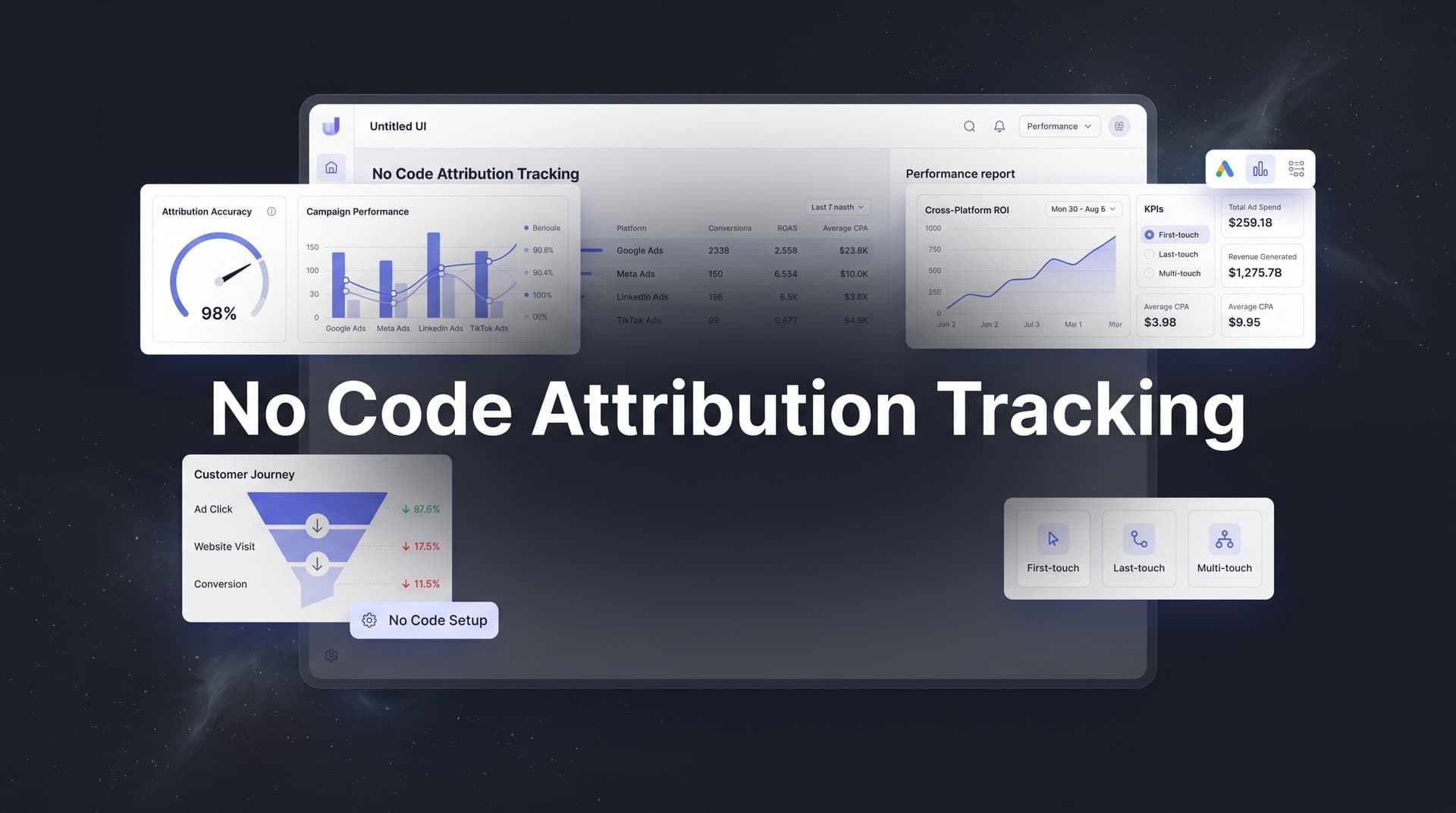
Most marketers know they need accurate attribution tracking, but the technical barriers have historically kept it out of reach. Setting up proper tracking used to require developers, custom code, and weeks of implementation time.
No code attribution tracking changes everything.
It puts powerful, accurate marketing measurement directly in the hands of marketing teams without requiring a single line of code. This guide covers seven battle-tested strategies for implementing no code attribution tracking that actually works.
Whether you're struggling with iOS tracking limitations, cross-platform measurement gaps, or simply want cleaner data flowing to your ad platforms, these approaches will help you build a tracking system that reveals exactly which ads drive revenue. Each strategy builds on real implementation principles that marketing teams use to gain clarity on their customer journeys and make smarter budget decisions.
1. Start With Server-Side Tracking as Your Foundation
The Challenge It Solves
Browser-based tracking has become increasingly unreliable. iOS privacy updates block tracking pixels, browser cookie restrictions limit visibility, and ad blockers prevent conversion events from firing. When your tracking foundation relies on client-side pixels alone, you're making budget decisions based on incomplete data.
The gap between what actually happened and what your analytics show can be significant. Many marketing teams discover they've been dramatically underreporting conversions simply because browser restrictions prevented their pixels from firing. Understanding post iOS attribution tracking challenges is essential for modern marketers.
The Strategy Explained
Server-side tracking moves data collection from the user's browser to your server, then sends that information directly to ad platforms and analytics tools through secure APIs. This approach bypasses browser limitations entirely while maintaining privacy compliance.
Think of it like this: instead of asking the customer's browser to tell Facebook about a conversion (which might get blocked), your server tells Facebook directly. The data flows through a reliable channel that doesn't depend on cookies or pixels surviving in someone's browser.
With no code platforms, you can set up server-side tracking through visual configuration rather than writing API integrations yourself. The platform handles the technical complexity while you focus on mapping which events matter for your business.
Implementation Steps
1. Choose a no code attribution platform that supports native server-side tracking and can connect to your existing tech stack without custom development.
2. Configure your tracking script on your website using the platform's simple installation method, typically just adding a snippet to your site header.
3. Map your key conversion events (form submissions, purchases, sign-ups) within the platform's visual interface so the system knows what to track.
4. Connect your ad platforms through the platform's built-in integrations to enable automatic data flow from your server to Meta, Google, and other channels.
Pro Tips
Start by tracking your most valuable conversion events first rather than trying to capture everything at once. This focused approach helps you validate accuracy quickly and build confidence in your data. Once your core events are flowing reliably, expand to track additional touchpoints across the customer journey.
2. Connect Your CRM to Close the Revenue Loop
The Challenge It Solves
Your ad platforms report conversions, but do those conversions actually generate revenue? Without connecting attribution data to your CRM, you're optimizing for leads without knowing which leads become customers. This disconnect creates a dangerous blind spot in your marketing measurement.
Marketing teams often discover that their "best performing" campaigns based on conversion volume actually deliver the lowest quality leads when measured by closed revenue. The ads that generate the most form fills might attract tire-kickers while quieter campaigns bring in serious buyers.
The Strategy Explained
CRM integration connects the dots between ad clicks and actual revenue by flowing data bidirectionally. When someone clicks your ad and later becomes a customer in your CRM, the attribution platform ties that revenue back to the original marketing touchpoint. Implementing revenue attribution tracking tools ensures you're measuring what actually matters to your business.
This creates a complete picture: you see which ad someone clicked, which landing page they visited, what they did on your site, when they became a lead, and ultimately whether they generated revenue. Instead of guessing which campaigns drive profit, you know with certainty.
No code platforms make this connection through pre-built integrations with popular CRMs. You authenticate your CRM account, map your fields, and the platform automatically syncs data without requiring custom API work or middleware.
Implementation Steps
1. Identify which CRM fields contain your most important revenue data, such as deal value, close date, customer status, and lead source information.
2. Use your attribution platform's native CRM connector to authenticate and establish the integration, typically through OAuth without exposing credentials.
3. Map your CRM fields to corresponding attribution data points so the platform knows how to connect ad interactions with revenue outcomes.
4. Set up automated sync schedules to ensure new deals and updated revenue information flows into your attribution reporting in near real-time.
Pro Tips
Pay special attention to how your CRM handles lead source attribution. Many CRMs overwrite original source data when leads are touched by multiple campaigns. Configure your attribution platform to preserve the complete journey rather than relying solely on CRM source fields, which often only show the last touch.
3. Implement Multi-Touch Attribution Without the Complexity
The Challenge It Solves
Last-click attribution gives all credit to the final touchpoint before conversion, completely ignoring the awareness campaigns, retargeting ads, and email touches that built trust along the way. This oversimplification leads to underinvesting in top-of-funnel campaigns that actually initiate customer relationships.
When you only credit the last click, you systematically defund the marketing activities that introduce prospects to your brand. Your budget flows entirely toward bottom-funnel tactics while the campaigns that create demand get starved.
The Strategy Explained
Multi-touch attribution distributes conversion credit across all the touchpoints in a customer's journey. Instead of giving 100% credit to the last click, you can see how your awareness ads, consideration content, and closing campaigns work together to drive conversions.
Different attribution models weight touchpoints differently. First-touch gives more credit to initial discovery, linear distributes credit evenly, time-decay weights recent interactions more heavily, and position-based emphasizes both first and last touches. The right model depends on your sales cycle and customer journey. For a deeper dive, explore our marketing funnel attribution tracking guide.
No code platforms let you compare multiple attribution models side by side through visual dashboards. You can switch between models with a click to understand how different perspectives change which campaigns appear most valuable.
Implementation Steps
1. Ensure your tracking captures the complete customer journey by confirming that all major touchpoints (ads, email, organic, direct) are being recorded in your attribution platform.
2. Select which attribution models you want to analyze, starting with last-click as your baseline and adding first-touch and linear to provide contrasting perspectives.
3. Compare how your campaign performance changes across different models to identify which top-of-funnel activities are being undervalued by last-click attribution.
4. Use these insights to rebalance your budget, allocating more resources to awareness campaigns that multi-touch attribution reveals as conversion drivers.
Pro Tips
Don't get paralyzed trying to find the "perfect" attribution model. Start with linear or time-decay to get a more balanced view than last-click, then refine based on what you learn about your actual customer journeys. The goal is better decisions, not perfect measurement.
4. Feed Better Conversion Data Back to Ad Platforms
The Challenge It Solves
Ad platform algorithms optimize based on the conversion data they receive. When browser restrictions prevent conversion events from reaching Meta or Google, their AI optimization works with incomplete information. This leads to worse targeting, inefficient budget allocation, and campaigns that can't find your best customers.
The platforms have publicly emphasized that sending complete, accurate conversion data through their server-side APIs significantly improves campaign performance. Better data in means better optimization out.
The Strategy Explained
Conversion sync (also called Conversions API for Meta or Enhanced Conversions for Google) sends enriched conversion events from your server directly to ad platforms. This server-to-server connection ensures platforms receive complete conversion data even when browser tracking fails.
Beyond just recovering lost conversions, you can send additional context that browser pixels can't capture. Include customer lifetime value, product categories, subscription tier, or any other data that helps ad platforms understand which conversions matter most to your business. Mastering Google Ads attribution tracking is critical for maximizing your paid search performance.
No code platforms handle the technical implementation of these APIs automatically. You configure which events to send and what data to include, then the platform manages the API connections, data formatting, and ongoing sync.
Implementation Steps
1. Enable conversion sync for your primary ad platforms within your attribution tool's integration settings, authenticating your ad accounts to allow data flow.
2. Configure which conversion events should be sent back to each platform, focusing on the events that align with your campaign objectives.
3. Enrich your conversion events with additional parameters like purchase value, product category, or customer type to give ad algorithms more optimization signals.
4. Monitor the match rate between your server-side events and browser-based events to verify that platforms are successfully receiving and matching your data.
Pro Tips
Include customer value data in your conversion events whenever possible. When ad platforms know which conversions generate higher revenue, their algorithms can optimize toward more valuable customers rather than just maximizing conversion volume. This shift from quantity to quality often delivers dramatic ROI improvements.
5. Track the Full Customer Journey Across All Touchpoints
The Challenge It Solves
Customers interact with your brand across multiple channels before converting. They might see a Facebook ad, visit through Google search, receive an email, and finally convert through a retargeting ad. When your tracking tools operate in silos, you see disconnected events rather than a unified journey.
This fragmentation makes it impossible to understand how channels work together. You can't optimize your marketing mix if you don't know how awareness campaigns influence search behavior or how email nurtures retargeting effectiveness.
The Strategy Explained
Comprehensive journey tracking connects every touchpoint into a single customer timeline. From the first ad impression through website visits, email opens, form submissions, and final purchase, you see exactly how prospects interact with your marketing ecosystem. Implementing cross channel attribution tracking eliminates the blind spots that fragment your data.
The platform uses identity resolution to recognize when the same person interacts across different channels and devices. When someone clicks your Facebook ad on mobile, later searches on desktop, and converts after opening an email, the system connects these as one journey rather than three separate users.
No code platforms automate this journey mapping through built-in integrations with your marketing stack. As data flows in from ads, analytics, email, and CRM, the platform stitches touchpoints together without requiring you to build custom data pipelines.
Implementation Steps
1. Connect all your marketing channels to your attribution platform, including paid ads, organic search, email marketing, social media, and any other customer touchpoints.
2. Configure identity resolution settings to determine how aggressively the platform should match anonymous visitors with known contacts based on email, phone, or other identifiers.
3. Review sample customer journeys in your attribution dashboard to verify that touchpoints are connecting correctly and the timeline makes logical sense.
4. Identify common journey patterns by analyzing which touchpoint sequences most frequently lead to conversions, then optimize your marketing to encourage these high-converting paths.
Pro Tips
Look for unexpected journey patterns in your data. You might discover that customers who engage with specific content combinations convert at higher rates, or that certain channel sequences indicate purchase intent. These insights help you design marketing experiences that guide prospects along proven conversion paths.
6. Use AI-Powered Insights to Identify Winning Campaigns
The Challenge It Solves
Marketing data grows exponentially as you track more channels, campaigns, and customer interactions. Manually analyzing thousands of data points to find optimization opportunities becomes impossible. Important patterns hide in the noise while you focus on obvious metrics like click-through rates and conversion counts.
Even experienced marketers miss subtle signals that indicate which campaigns are truly driving results. The winning combination of audience, creative, and timing might be buried in your data, but human analysis can't process enough information to surface it reliably.
The Strategy Explained
AI-powered analytics automatically scan your attribution data to identify patterns, anomalies, and opportunities. The system analyzes campaign performance across dimensions you might not think to check, surfacing insights like which ad creatives perform best for specific audience segments or which times of day generate the highest-value conversions.
Instead of building reports and hunting for insights, the AI brings recommendations to you. It might flag that a specific campaign is driving unusually high lifetime value customers, or alert you that a previously strong performer is declining before the drop becomes obvious in your standard dashboards. Following attribution tracking best practices ensures you're getting the most from these AI-driven insights.
No code platforms integrate AI analysis directly into your attribution workflow. You don't need data science skills or custom model building. The platform applies proven analytical frameworks to your data and presents findings in plain language with clear action steps.
Implementation Steps
1. Enable AI recommendations within your attribution platform and configure which metrics matter most to your business, such as revenue, customer lifetime value, or specific conversion goals.
2. Review AI-generated insights regularly to understand what patterns the system is detecting in your campaign performance and customer behavior.
3. Test the AI's scaling recommendations on a small budget first to validate that the identified opportunities perform as predicted before committing significant resources.
4. Feed results back into your strategy by implementing high-confidence recommendations while documenting which insights delivered the best outcomes for future reference.
Pro Tips
Use AI insights to challenge your assumptions about what's working. The data often reveals that campaigns you considered successful are actually underperforming when measured by revenue rather than conversions, or that channels you've neglected are driving your most valuable customers. Let the AI question your current strategy.
7. Build Real-Time Dashboards for Faster Decision Making
The Challenge It Solves
Waiting for weekly reports or monthly analytics reviews means making decisions based on outdated information. By the time you realize a campaign is underperforming, you've already wasted significant budget. Real-time visibility eliminates this lag between performance changes and your response.
Traditional analytics require data analysts to build custom reports for every question you want answered. This creates bottlenecks where marketing decisions wait on reporting resources rather than moving at the speed your campaigns demand.
The Strategy Explained
Real-time dashboards put current performance data directly in front of decision-makers without requiring analyst support. Drag-and-drop dashboard builders let you create custom views that answer your specific questions, whether that's campaign ROI by channel, conversion rates by landing page, or customer acquisition cost trends.
The dashboards update automatically as new data flows into your attribution platform. When someone converts, that information appears in your reports within minutes rather than waiting for overnight processing. This immediacy lets you spot problems and opportunities while you can still act on them. For businesses managing attribution tracking for multiple campaigns, real-time visibility becomes even more critical.
No code platforms provide pre-built dashboard templates for common marketing questions alongside flexible builders for custom views. You can start with proven layouts and modify them to match your specific KPIs and reporting needs.
Implementation Steps
1. Identify the key questions your team needs to answer daily, such as which campaigns are hitting CPA targets, how conversion rates trend by traffic source, or what your current ROAS looks like by channel.
2. Use your attribution platform's dashboard builder to create views that answer these questions, selecting relevant metrics and dimensions through visual configuration.
3. Set up automated alerts for critical thresholds, such as when campaign spend exceeds a certain amount without generating conversions or when conversion rates drop below acceptable levels.
4. Share dashboards with stakeholders who need visibility into performance, giving team members and clients direct access to current data rather than waiting for report distribution.
Pro Tips
Build separate dashboards for different decision-making contexts. Create a high-level executive dashboard that shows overall performance and trends, a tactical dashboard for daily campaign optimization, and deep-dive views for investigating specific questions. This prevents any single dashboard from becoming cluttered with too many metrics.
Your Implementation Roadmap
Implementing no code attribution tracking is no longer optional for marketing teams serious about ROI. Start with server-side tracking as your foundation, then progressively add CRM integration, multi-touch attribution, and conversion sync capabilities.
The marketers seeing the best results prioritize data quality over speed of implementation. Focus on getting accurate tracking in place before scaling your ad spend. A solid foundation of reliable data beats rushing to track everything with questionable accuracy.
Here's how to prioritize these strategies: Begin with server-side tracking to ensure you're capturing complete conversion data despite browser restrictions. Next, connect your CRM to tie marketing activities to actual revenue. Once those fundamentals are solid, layer in multi-touch attribution to understand your full customer journey, then enable conversion sync to feed better data back to ad platforms. Finally, leverage AI insights and real-time dashboards to accelerate decision-making.
With the right no code attribution platform, you can have a complete tracking system running within days, not months. The clarity you gain on which ads actually drive revenue will transform how you allocate budget and scale campaigns.
Ready to elevate your marketing game with precision and confidence? Discover how Cometly's AI-driven recommendations can transform your ad strategy. Get your free demo today and start capturing every touchpoint to maximize your conversions.


