

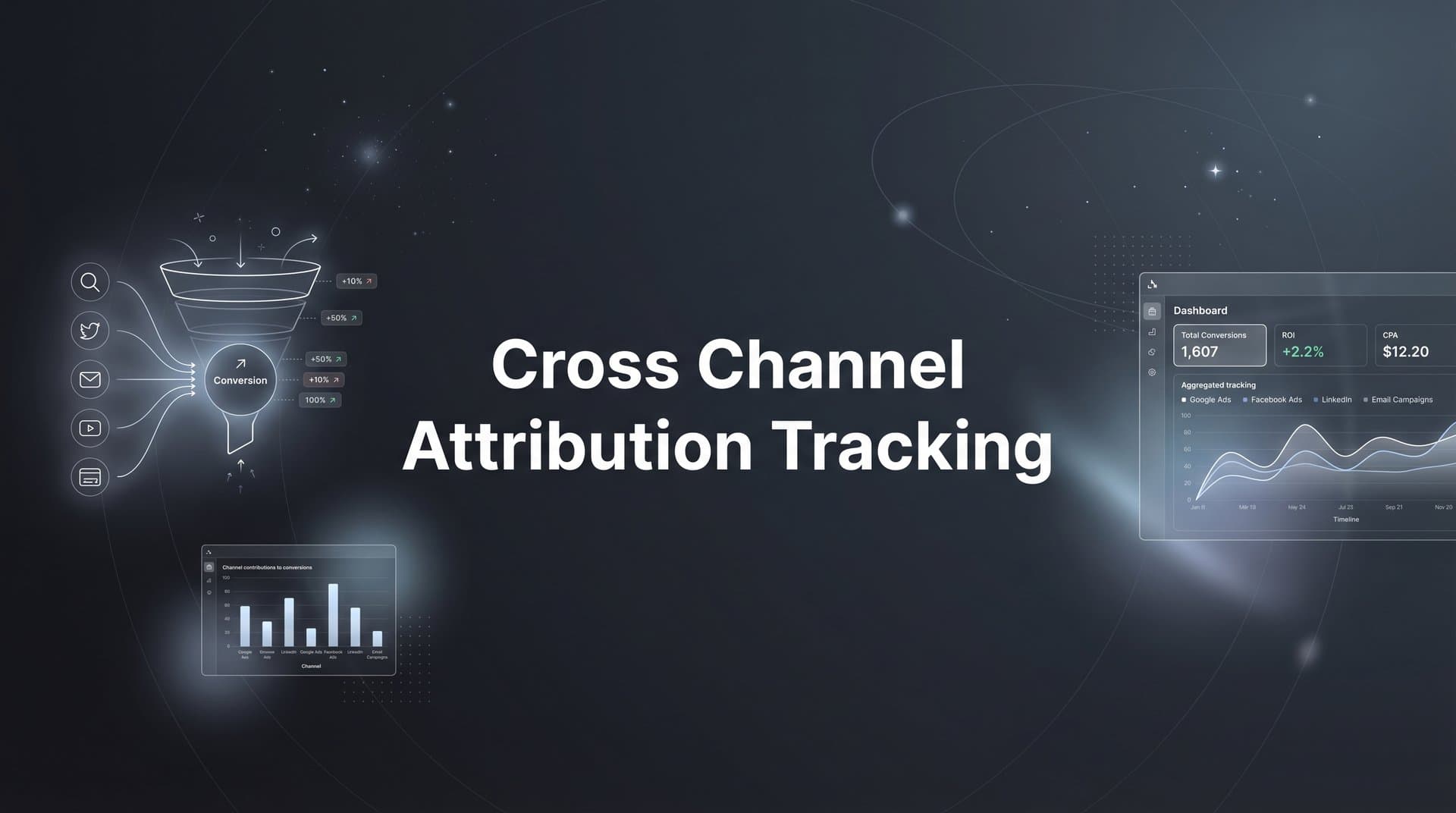
Running ads across Meta, Google, TikTok, and LinkedIn but struggling to understand which channels actually drive your revenue? You're not alone. Most marketers operate with fragmented data, making budget decisions based on incomplete pictures of their customer journey.
Think of it like trying to solve a puzzle when half the pieces are scattered across different tables. Your Meta dashboard shows one conversion number. Google Analytics shows another. Your CRM tells a completely different story. Meanwhile, you're burning through thousands in ad spend without knowing which platforms deserve more budget and which ones are quietly draining your resources.
Cross channel attribution tracking solves this by connecting every touchpoint from first ad click to final purchase into one unified view. Instead of relying on platform-reported conversions that double-count and miss critical touchpoints, you get a complete picture of how your marketing channels work together to drive revenue.
This guide walks you through the exact process of setting up attribution tracking that captures the full customer journey across all your marketing channels. By the end, you'll have a working system that shows you precisely which ads and channels deserve more budget and which ones are draining resources.
Whether you're managing campaigns for an ecommerce brand or a SaaS company, these steps will help you move from guessing to knowing what drives your conversions. Let's get started.
Step 1: Audit Your Current Tracking Setup and Identify Gaps
Before you build a unified attribution system, you need to understand exactly what you're working with right now. This audit reveals where your data is solid and where it's breaking down.
Start by documenting every active ad platform and the tracking pixels you currently have installed. List out Meta Pixel, Google Ads conversion tracking, TikTok Pixel, LinkedIn Insight Tag, and any other platform-specific tracking codes running on your site. Don't just assume they're all working correctly. Open your browser's developer tools and verify each pixel is firing on key pages.
Next, map your actual customer journey from first touchpoint to final conversion. For most businesses, this isn't a straight line. A customer might see your LinkedIn ad on Monday, click a Google search ad on Wednesday, visit directly on Friday, and convert on Sunday after clicking a Meta retargeting ad. Write out these common paths based on what you know about your customers.
Now comes the critical part: identifying where your tracking breaks down. iOS privacy changes mean many mobile users never trigger your pixels. Ad blockers prevent tracking for privacy-conscious visitors. Cross-device journeys where someone researches on mobile but converts on desktop create attribution gaps. Offline conversions from phone calls or in-person sales often never get connected back to the original ad that started the journey.
Create a comprehensive list of every conversion event you need to track. This includes obvious ones like purchases and lead form submissions, but also micro-conversions that indicate buying intent. For B2B companies, track demo requests, pricing page views, and case study downloads. For ecommerce, track add-to-cart events, checkout initiations, and product page engagement.
Document everything in a simple spreadsheet: which platforms you're running, which tracking methods you're using, where data is missing, and which conversion events matter most to your business. This inventory becomes your roadmap for the steps ahead.
Success indicator: You have a complete written inventory of your current tracking setup, documented customer journey paths, identified blind spots where tracking fails, and a prioritized list of conversion events you need to capture accurately.
Step 2: Define Your Attribution Model and Conversion Events
Your attribution model determines how credit gets distributed across the touchpoints in your customer journey. Choose the wrong model, and you'll optimize for the wrong channels. Choose the right one, and your budget decisions become dramatically more effective.
Let's break down your options. First-touch attribution gives all credit to the initial touchpoint that introduced someone to your brand. This works well if you're focused on top-of-funnel awareness and have a short sales cycle. Last-touch attribution credits only the final interaction before conversion. It's simple but ignores everything that happened before the final click.
Linear attribution spreads credit evenly across all touchpoints. Time-decay attribution gives more weight to recent interactions, assuming they had more influence on the final decision. Data-driven attribution uses machine learning to assign credit based on actual patterns in your conversion data.
Match your attribution model to your business reality. If you're selling a low-cost product with impulse purchases, last-touch might be sufficient. If you're selling enterprise software with six-month sales cycles and dozens of touchpoints, you need something more sophisticated like data-driven or time-decay attribution. Understanding the cross channel attribution challenges specific to your industry helps you make this decision.
Now define your conversion hierarchy. Not all conversions carry equal value. A $500 purchase matters more than a newsletter signup. A qualified sales demo request matters more than a content download. Assign clear value to each conversion type based on either actual revenue or estimated lifetime value.
Set up your primary conversions first. These are the events that directly generate revenue: purchases, closed deals, signed contracts. Then add secondary conversions that indicate strong buying intent: demo requests, free trial signups, pricing page visits. Finally, include micro-conversions that show early-stage engagement: content downloads, email signups, product page views.
For each conversion event, document exactly how it should be tracked, what data points need to be captured alongside it, and how much value it represents. This becomes your conversion schema that you'll implement across all platforms.
Success indicator: You have a documented attribution model that matches your sales cycle complexity, a clear hierarchy of conversion events with assigned values, and a written conversion schema ready for implementation.
Step 3: Implement Server-Side Tracking for Accurate Data Collection
Browser-based tracking pixels are failing at an alarming rate. iOS App Tracking Transparency changes block tracking for users who decline consent. Ad blockers prevent pixels from firing entirely. Intelligent Tracking Prevention in Safari deletes cookies after just seven days. If you're relying solely on client-side pixels, you're missing a significant portion of your actual conversions.
Server-side tracking solves this by capturing events on your server before they ever reach the user's browser. When someone completes a purchase or submits a lead form, your server records that event and sends it directly to your attribution platform via API. No browser restrictions can block it. No privacy settings can prevent it. You get complete, accurate data.
Start by setting up server-side event tracking for your most critical conversion points. If you're running an ecommerce store, implement server-side tracking for purchases first. The moment your payment processor confirms a transaction, trigger a server-side event that includes order value, product details, and the customer identifier that connects back to their earlier touchpoints. Review our ecommerce attribution tracking setup guide for detailed implementation steps.
For lead generation businesses, set up server-side tracking on form submissions. When someone fills out your contact form or demo request, capture that event server-side along with the lead details and any campaign parameters that show which ad brought them to your site.
The technical implementation varies depending on your platform, but the core concept remains the same. You're sending HTTP requests from your server to your attribution platform's API, passing along event data that includes the user identifier, event type, timestamp, and any relevant metadata like conversion value or product information.
Test your server-side tracking thoroughly before relying on it. Submit test conversions and verify they appear in your attribution dashboard within seconds. Check that the user identifiers match correctly so events get attributed to the right customer journey. Confirm that all the metadata you need is being captured accurately.
Don't abandon client-side tracking entirely. Use a hybrid approach where browser pixels capture initial touchpoints and engagement events, while server-side tracking handles critical conversions. This gives you the best of both worlds: comprehensive journey tracking plus accurate conversion data that isn't affected by privacy restrictions.
Success indicator: Server-side events are firing accurately for all primary conversion points, test conversions appear in your dashboard within seconds, user identifiers correctly link server-side conversions to earlier touchpoints, and you're capturing all necessary conversion metadata.
Step 4: Connect All Ad Platforms to Your Central Attribution Hub
Fragmented data across multiple ad platforms is where attribution falls apart for most marketers. Your Meta Ads Manager shows one set of numbers. Google Ads reports different conversion counts. TikTok and LinkedIn each tell their own story. You need a single source of truth that pulls all this data together.
Start by integrating your highest-spend platforms first. If you're running significant budgets on Meta and Google, connect those before worrying about smaller experimental channels. Most modern cross channel attribution platforms offer direct integrations that pull in impression data, click data, and cost information automatically through official APIs.
The key to making this work is consistent UTM parameter structure across every single campaign. Establish a clear naming convention and stick to it religiously. Use utm_source for the platform name, utm_medium for the channel type, utm_campaign for your campaign identifier, and utm_content for specific ad variations.
Here's where many setups break down: inconsistent parameter formatting. If one campaign uses "facebook" as the source and another uses "meta" or "Facebook" with a capital F, your attribution platform treats these as separate channels. Decide on your naming convention upfront and document it clearly for anyone managing campaigns. Our guide on UTM tracking vs attribution software explains this distinction in detail.
Map platform-specific conversion events to your unified conversion schema. Meta's "Purchase" event needs to match Google's "Transaction" event and TikTok's "CompletePayment" event in your attribution system. They're all tracking the same thing, just with different names. Create a mapping document that shows how each platform's native events correspond to your standardized conversion types.
Set up cost data imports so your attribution platform can calculate true return on ad spend. Most platforms provide API access to pull in your daily ad spend automatically. This lets you see not just which channels drive conversions, but which ones do it profitably. A channel that drives 100 conversions at $50 cost per acquisition performs very differently than one driving 100 conversions at $200 cost per acquisition.
Verify that data is flowing correctly from each platform. Check that impression counts, click counts, and cost data match what you see in the native platform dashboards. Small discrepancies are normal due to different attribution windows, but major differences indicate a connection problem that needs fixing.
Success indicator: All major ad platforms are connected and feeding data into your central attribution dashboard, UTM parameters follow a consistent naming convention across all campaigns, platform-specific events are correctly mapped to your unified schema, and cost data imports automatically for accurate ROAS calculations.
Step 5: Link Your CRM to Track Revenue and Customer Lifetime Value
Ad platform conversions tell you when someone took an action, but your CRM tells you whether that action turned into actual revenue. Connecting your CRM to your attribution system closes the loop between marketing activity and business results.
For B2B companies with longer sales cycles, this connection is absolutely critical. A demo request might look like a conversion in your ad dashboard, but if that lead never qualifies or closes, it didn't actually contribute to revenue. Your CRM knows which leads became opportunities, which opportunities closed, and how much revenue each deal generated. Companies focused on attribution tracking for lead generation find this integration essential.
Set up the integration to pass lead status updates back to your attribution platform. When a lead moves from "New" to "Qualified" to "Opportunity" to "Closed Won," that progression should be visible in your attribution reports. This lets you see not just which channels drive the most leads, but which channels drive leads that actually close.
Configure offline conversion tracking for interactions that happen outside your website. When a lead calls your sales team after seeing an ad, that phone call is a critical touchpoint. When someone attends an in-person event and later becomes a customer, that event needs attribution credit. Your CRM captures these offline interactions, and your attribution system needs to connect them back to the original marketing touchpoints. Our marketing attribution for phone calls tracking guide covers this in depth.
Enable customer lifetime value tracking to measure true channel performance over time. A channel might look expensive based on initial acquisition cost, but if those customers have higher retention rates and purchase more over time, it's actually your most valuable channel. Your CRM has the long-term revenue data needed to calculate this accurately.
The technical setup typically involves matching customer records between systems using email addresses or customer IDs. When a new lead is created in your CRM, it should include the campaign parameters that show which marketing touchpoint brought them in. As that lead progresses through your sales pipeline, those updates flow back to your attribution platform.
Test the integration thoroughly with a few sample leads. Create a test contact in your CRM, move it through different pipeline stages, and verify that each status change appears in your attribution dashboard. Confirm that revenue amounts are passing through correctly and that the original marketing touchpoint is being credited appropriately.
Success indicator: Your CRM is connected and passing lead status updates to your attribution platform, closed deals and revenue amounts appear in attribution reports, offline conversions from calls and events are being tracked, and customer lifetime value data is available for long-term channel analysis.
Step 6: Configure Conversion Sync to Improve Ad Platform Performance
Here's where attribution tracking becomes more than just reporting. It actively improves your ad performance. Conversion sync sends your accurate, deduplicated conversion data back to Meta, Google, and other ad platforms so their algorithms can optimize more effectively.
Ad platforms rely on conversion signals to understand what's working. When someone converts after clicking your ad, that platform's algorithm learns from that signal and tries to find more people likely to convert. But if your conversion tracking is incomplete due to iOS restrictions or ad blockers, the algorithm is learning from incomplete data.
Conversion sync solves this by feeding enriched conversion data back to the platforms. Instead of relying on browser pixels that miss conversions, you send server-side conversion events that capture everything. The ad platform receives more complete data, its algorithm gets better training signals, and your campaign performance improves.
Set this up for your highest-spend platforms first. Meta's Conversions API and Google's Enhanced Conversions both allow you to send server-side conversion data that supplements or replaces pixel-based tracking. Configure these integrations to send your primary conversion events with full details including conversion value, product information, and customer identifiers. Proper cross channel tracking implementation ensures these signals flow correctly.
Enable conversion value optimization to shift from basic conversion tracking to revenue-focused bidding. Instead of just telling Meta "this person converted," you tell them "this person converted and spent $500." The algorithm can then optimize for higher-value conversions rather than just maximizing conversion volume.
Test and validate that your synced conversions match your attribution data. The conversion counts reported in your ad platform should align closely with what your attribution system shows for that same platform. Some discrepancy is normal due to different attribution windows, but major differences suggest a configuration problem.
Monitor the impact on your campaign performance over the following weeks. As ad platforms receive better conversion signals, you should see improvements in cost per acquisition and return on ad spend. The algorithms get smarter about who to target because they're learning from more complete data about what actually drives conversions.
Success indicator: Conversion sync is active and sending enriched conversion data to major ad platforms, conversion value optimization is enabled for revenue-based bidding, synced conversion counts align with your attribution data, and you're monitoring performance improvements as algorithms optimize with better signals.
Step 7: Build Your Cross Channel Dashboard and Optimize
All your tracking infrastructure is now in place. The final step is creating a dashboard that turns this data into actionable insights you can use to make better budget decisions every single week.
Build a unified view that compares performance across all channels side by side. You want to see at a glance which platforms are driving the most conversions, which have the best return on ad spend, and which are underperforming. Include metrics that matter to your business: cost per acquisition, return on ad spend, conversion rate, and customer lifetime value if you're tracking it. Explore revenue attribution tracking tools that offer built-in dashboard capabilities.
Set up automated alerts for attribution anomalies that need your attention. If a previously strong-performing campaign suddenly shows a 50% drop in attributed conversions, you need to know immediately. If a new channel starts driving unexpected revenue, that's a scaling opportunity you don't want to miss. Configure alerts that notify you when key metrics move outside normal ranges.
Establish a weekly review cadence where you actually use this data to make decisions. Block time every Monday morning to review your cross channel performance from the previous week. Look for patterns: which channels are trending up, which are declining, where you should increase budget, and where you should cut back. Following attribution tracking best practices ensures your analysis drives meaningful results.
Use AI recommendations to identify opportunities you might miss manually. Modern attribution platforms can analyze patterns across thousands of campaigns and surface insights like "Campaign X is driving conversions at half your average cost" or "Budget is being wasted on Audience Y that rarely converts." These recommendations help you optimize faster than manual analysis alone.
Start making incremental budget shifts based on your attribution data. If Meta is driving conversions at $30 CPA while Google is at $60 CPA, shift some budget from Google to Meta. Test the impact over a week or two. If performance holds, shift more. If it declines, pull back. Let the data guide your optimization, not gut feelings or platform-reported numbers.
Document your optimization decisions and results. Keep a simple log of what changes you made, why you made them, and what happened. Over time, this builds institutional knowledge about what works for your specific business and helps you make increasingly better decisions.
Success indicator: You have a cross channel dashboard that updates daily with performance across all platforms, automated alerts notify you of significant changes, you've established a weekly review process, and you're making budget decisions based on accurate attribution data rather than platform-reported conversions.
Putting It All Together
You now have a complete cross channel attribution tracking system that captures every touchpoint from first click to final conversion. The infrastructure you've built gives you something most marketers lack: confidence in your data and clarity about what's actually driving your results.
The key to success is consistent maintenance. Review your attribution data weekly and adjust budgets based on true performance, not vanity metrics. Keep your tracking updated as you add new channels or launch new campaigns. Attribution isn't a set-it-and-forget-it system. It's an ongoing practice that compounds your marketing effectiveness over time.
Here's your quick implementation checklist to ensure nothing falls through the cracks:
Current tracking audited with documented gaps and blind spots identified
Attribution model selected and conversion events defined with clear value hierarchy
Server-side tracking implemented and verified for critical conversion points
All ad platforms connected with consistent UTM parameter structure
CRM integrated for revenue attribution and customer lifetime value tracking
Conversion sync active to feed better signals back to ad platform algorithms
Cross channel dashboard built with weekly review schedule established
Start with the channels driving most of your spend. Get those tracking accurately, validate the data, and make sure you trust the numbers. Then expand to secondary channels. You don't need perfect attribution across every possible touchpoint on day one. You need accurate attribution for your core revenue drivers.
The marketers who win aren't necessarily the ones with the biggest budgets. They're the ones who know exactly what's working and can reallocate resources accordingly. With proper cross channel attribution tracking, you become one of those marketers.
Ready to elevate your marketing game with precision and confidence? Discover how Cometly's AI-driven recommendations can transform your ad strategy. Get your free demo today and start capturing every touchpoint to maximize your conversions.



