Every marketer knows the frustration of seeing disconnected data across platforms. Your Meta Ads Manager shows one story, Google Analytics tells another, and your CRM paints a completely different picture. The result? Wasted ad spend, misattributed conversions, and scaling decisions based on incomplete information.
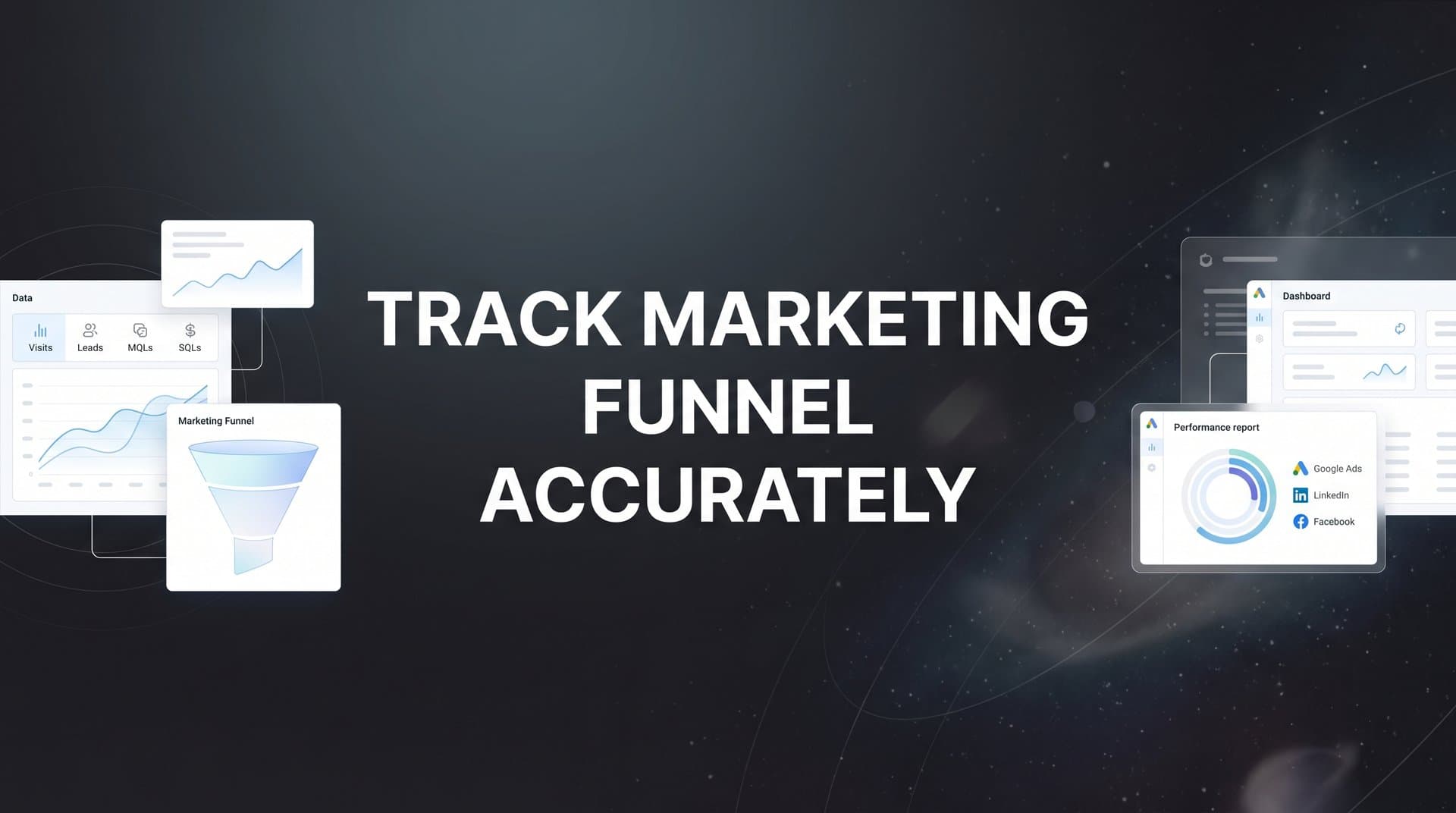
Accurate funnel tracking is not just about collecting data. It is about connecting every touchpoint from first click to closed deal so you can see exactly which campaigns drive real revenue.
When your tracking system fails to capture the complete customer journey, you make decisions in the dark. You might cut a campaign that actually drives bottom-funnel conversions. Or you might pour budget into channels that look good on paper but never convert to revenue.
In this guide, you will learn the step-by-step process to build a tracking system that captures the complete customer journey. By the end, you will have a clear framework for identifying what is actually working in your marketing and the confidence to scale winning campaigns.
Let us fix your funnel tracking once and for all.
Step 1: Map Your Complete Customer Journey Before Setting Up Any Tracking
Before you install a single tracking pixel or write a line of code, you need to understand exactly how prospects move through your funnel. This foundational step prevents the most common tracking mistake: measuring the wrong things.
Start by identifying every touchpoint where prospects interact with your brand. This includes paid ads across platforms, organic social posts, blog content, landing pages, email sequences, webinars, sales calls, and product demos. Write them all down.
Next, document the typical path prospects take through your funnel stages. Does someone usually see a Facebook ad, visit your blog, download a lead magnet, receive nurture emails, then book a demo? Or do they click a Google ad and immediately request pricing? Your actual customer journey might involve multiple paths, and that is fine. Map the most common ones.
Now list all platforms and tools involved in the journey. This typically includes ad platforms like Meta, Google, LinkedIn, or TikTok. Your website and landing page builder. Email marketing software. Your CRM where leads live and deals close. Payment processors or checkout systems. Even tools like Calendly if prospects book calls through it.
Here is where it gets critical: Define what counts as a conversion at each stage. A conversion is not just a purchase. In a complete funnel, you have multiple conversion events. A lead might be someone who submits a form. An MQL (marketing qualified lead) might be someone who engages with your content multiple times. An SQL (sales qualified lead) could be someone who books a demo. A customer is someone who pays.
Create a visual map showing all these elements. Use a simple flowchart tool or even a whiteboard. Draw boxes for each touchpoint, arrows showing how prospects move between them, and labels for each conversion event. This map becomes your tracking blueprint. For a deeper dive into building this foundation, explore our guide on marketing funnel tracking systems.
Success indicator: You have a visual map showing all touchpoints and conversion events. When you look at it, you can trace multiple paths a prospect might take from awareness to customer. Every tool and platform is documented. Every conversion event is clearly defined.
This exercise often reveals gaps you did not know existed. Maybe you realize prospects visit your pricing page multiple times before converting, but you have never tracked that behavior. Or you discover that email clicks are a strong signal of purchase intent, but you are not measuring them. These insights shape what you track in the next steps.
Step 2: Implement Server-Side Tracking to Capture Data iOS and Browsers Miss
Client-side tracking used to be enough. You dropped a pixel on your website, it fired when someone converted, and you had your data. Those days are over.
Apple's App Tracking Transparency framework, introduced with iOS 14 and refined in subsequent updates, fundamentally changed how tracking works. When users opt out of tracking (and many do), traditional pixels cannot follow them across apps and websites. Browser-based tracking faces similar challenges from Safari's Intelligent Tracking Prevention, Firefox's Enhanced Tracking Protection, and the rise of ad blockers.
The impact is significant. Many marketers report seeing their tracked conversions drop substantially on iOS devices, even though actual sales remain steady. The data is not missing because conversions stopped happening. It is missing because browser-based pixels cannot see them anymore.
Server-side tracking solves this by sending conversion data directly from your server to ad platforms and analytics tools. Instead of relying on a browser cookie that might be blocked, your server communicates directly with Meta, Google, and other platforms through their APIs. This happens behind the scenes, independent of what is happening in the user's browser. Learn more about server-side tracking for marketing to understand the technical foundations.
Setting up server-side tracking requires technical implementation, but the concept is straightforward. When someone completes a conversion on your website, your server records that event. It then sends the conversion data to your ad platforms using their Conversion APIs (Meta's CAPI, Google's Enhanced Conversions, etc.).
The key advantage is accuracy. Server-side tracking captures conversions that client-side pixels miss. It also sends richer data because your server has access to information that browsers do not share, like CRM data, customer lifetime value, and subscription status.
To implement this, you will typically need to work with your development team or use a platform that handles server-side tracking for you. The setup involves configuring your server to detect conversion events, formatting the data according to each platform's API specifications, and securely sending it.
Test thoroughly across different devices and browsers. Submit a test conversion on an iPhone with tracking disabled. Then check whether that conversion appears in your ad platform and analytics dashboard. If it does, your server-side tracking is working. If it does not, you are still relying on client-side tracking that iOS blocks.
Success indicator: Your conversion data no longer drops significantly on iOS devices. When you segment your conversions by device type, iOS and Android show similar tracking rates. Test conversions fire correctly even when you have ad blockers enabled or tracking disabled in your browser settings.
Server-side tracking is not optional anymore for marketers who want accurate data. It is the foundation that makes everything else in this guide possible.
Step 3: Connect Your Ad Platforms, Website, and CRM Into One Data Source
Data silos kill attribution accuracy. When your ad platforms, website analytics, and CRM operate as separate islands, you cannot see the complete story of how someone becomes a customer.
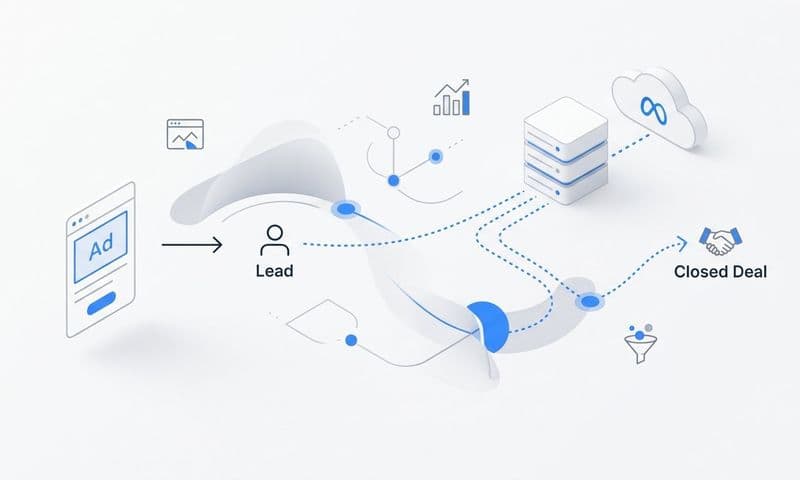
Integration is about creating a unified data flow where information moves seamlessly between systems. When someone clicks your Meta ad, that click data should connect to their website session, which should link to the lead record in your CRM, which should tie to the eventual deal or purchase.
Start by integrating all your ad platforms into a unified tracking system. This means connecting Meta, Google, LinkedIn, TikTok, and any other platforms you use. Each platform needs to send data to a central location where you can analyze cross-platform marketing performance.
Your website sits at the center of this system. Every campaign should use consistent UTM parameters so you can track traffic sources accurately. UTM parameters are the tags you add to URLs (utm_source, utm_medium, utm_campaign) that identify where traffic comes from. Consistency matters here. If you use "facebook" as a source in some campaigns and "meta" in others, your data fragments. Our guide on UTM tracking explains how to implement this correctly.
The CRM connection is where most marketers see the biggest revelation. When you link your CRM, you stop measuring just leads and start tracking actual revenue. You can see which ad campaigns generate leads that close. Which channels bring in high-value customers versus tire-kickers. Which touchpoints appear most often in deals that close quickly.
Setting this up requires API connections or integration platforms. Many CRMs offer native integrations with popular marketing tools. If not, platforms like Zapier can bridge the gap, though they may introduce delays in data syncing.
The critical piece is maintaining consistent identifiers across systems. When someone fills out a form on your website, that lead needs a tracking ID that follows them into your CRM. When they eventually purchase, that purchase needs to connect back to the original ad click. Email addresses often serve as the primary identifier, but you may also use cookies, user IDs, or custom tracking parameters.
Verify data flows correctly by running test conversions. Click one of your ads, complete a conversion on your website, and watch that data appear in your CRM. Check that all the attribution information travels with it: which ad they clicked, what landing page they visited, which email they opened before converting.
Success indicator: You can see a single customer journey from ad click to CRM deal. When you look at a closed deal in your CRM, you can trace back through every marketing touchpoint that influenced it. Your ad platform data, website analytics, and CRM numbers tell the same story instead of contradicting each other.
This unified view transforms decision-making. Instead of guessing which campaigns drive revenue, you know. Instead of optimizing for vanity metrics, you optimize for actual business outcomes.
Step 4: Set Up Multi-Touch Attribution to See the Full Conversion Path
Last-click attribution is a lie. It gives all the credit to the final touchpoint before conversion and ignores everything that came before. This leads to systematically undervaluing top-of-funnel campaigns and overvaluing bottom-funnel tactics.
Think about how people actually buy. Someone might see your Facebook ad three times before clicking. They visit your website, read a blog post, leave, then come back through a Google search. They download a lead magnet, receive nurture emails, and finally book a demo after clicking a retargeting ad. Last-click attribution gives all the credit to that retargeting ad, even though the Facebook ads and content created the awareness that made everything else possible.
Multi-touch attribution distributes credit across all the touchpoints that influenced a conversion. This gives you a more accurate picture of what is actually working in your marketing. For a comprehensive overview, read our attribution marketing tracking complete guide.
Several attribution models exist, and choosing the right one depends on your business. Linear attribution splits credit equally across all touchpoints. If someone had five interactions before converting, each gets 20% credit. This is simple but may not reflect reality if some touchpoints matter more than others.
Time-decay attribution gives more credit to recent touchpoints. The theory is that interactions closer to conversion had more influence. This works well for businesses where the final touchpoints (like a demo or sales call) are genuinely more important than early awareness.
Position-based attribution (also called U-shaped) gives more credit to the first and last touchpoints, with less credit to middle interactions. This acknowledges that creating initial awareness and closing the deal are both critical, while middle touches play a supporting role.
Configure attribution windows that match your actual customer buying timeline. An attribution window defines how long after a touchpoint you will give it credit for a conversion. If someone clicks your ad today but converts in 45 days, does that ad get credit?
For ecommerce with short sales cycles, a 7-day attribution window might make sense. For B2B SaaS with longer sales processes, you might need 30, 60, or even 90-day windows. The key is matching the window to how long your prospects actually take to make decisions.
Once you set up multi-touch attribution, compare different models side by side. Look at the same set of conversions through last-click, linear, and position-based lenses. You will often see dramatic differences in which channels appear most valuable. This comparison reveals which campaigns you have been undervaluing.
Success indicator: You can see all touchpoints that influenced each conversion, not just the last one. When you look at a conversion, you see the complete path: the Facebook ad that created awareness, the blog post they read, the email that brought them back, the retargeting ad that closed the deal. Each touchpoint shows its attributed value based on your chosen model.
Multi-touch attribution does not give you perfect truth (no attribution model does), but it gives you a much more complete picture than last-click ever could. You start making decisions based on the full customer journey instead of just the final step.
Step 5: Send Enriched Conversion Data Back to Ad Platforms for Better Optimization
Your ad platforms use machine learning to optimize campaigns. They test different audiences, adjust bids, and choose which ads to show more often. But they can only optimize based on the data you feed them.
When you only send basic conversion data (someone submitted a form), the algorithm treats all conversions equally. It cannot distinguish between a tire-kicker who will never buy and a qualified prospect who closes in two weeks. This limits optimization effectiveness.
Conversion syncing solves this by sending enriched data back to ad platforms. Instead of just "lead captured," you send "qualified lead with $5,000 deal value" or "customer purchased with $500 revenue." This teaches the algorithm what good conversions actually look like.
The impact on performance can be substantial. When Meta and Google know which conversions turn into revenue, they optimize toward those outcomes. They find more people who look like your actual customers instead of people who just look like your leads. Understanding revenue tracking across marketing channels is essential for this process.
Setting up conversion syncing means connecting your CRM to your ad platforms through their Conversion APIs. When someone moves from lead to qualified lead in your CRM, that event fires back to the ad platform. When they become a customer, another event fires with the revenue value.
Include revenue values whenever possible. If someone purchases for $500, send that $500 value back to the ad platform. If someone signs up for a $2,000/year subscription, send that value. This enables the platforms to optimize for return on ad spend, not just conversion volume.
The technical implementation typically involves setting up webhooks or using integration platforms that connect your CRM to ad platform APIs. Many attribution and analytics platforms handle this automatically, sending conversion events and values back to ad platforms as they occur in your CRM.
Verify that synced conversions appear correctly in your ad platform dashboards. In Meta Ads Manager, check your Events Manager to see if CRM events are coming through. In Google Ads, look for offline conversion imports or enhanced conversions in your conversion tracking settings.
Success indicator: Your ad platforms receive real revenue data, not just pixel-based conversions. When you look at your conversion tracking in Meta or Google, you see not only form submissions but also qualified leads, demo bookings, and purchases with actual revenue values. The platforms show they are optimizing for these higher-value events.
This creates a powerful feedback loop. Better data leads to better optimization, which drives better results, which provides even more data to improve optimization further. You move from optimizing for activity to optimizing for outcomes.
Step 6: Validate Your Tracking and Establish Ongoing Data Quality Checks
Setting up tracking is not a one-and-done task. Integrations break. Pixels stop firing. UTM parameters get forgotten. Without regular validation, your carefully built tracking system degrades over time.
Start with a comprehensive test of your entire funnel. Run a test conversion from start to finish. Click one of your ads (or simulate an ad click with proper UTM parameters). Visit your landing page. Complete the conversion action. Then trace that conversion through every system.
Check that it appears in your website analytics with the correct source attribution. Verify it created a lead in your CRM with all the tracking data attached. Confirm it fired back to your ad platform as a conversion. If you set up multi-touch attribution, make sure it shows the complete journey.
Compare your attribution data against actual CRM revenue regularly. Pull a report of closed deals from your CRM for the past month. Then look at what your attribution system says drove those deals. The numbers should align closely. If your CRM shows $100,000 in closed revenue but your attribution system only accounts for $60,000, you have a tracking gap. Learn how to track marketing ROI accurately to close these gaps.
Some discrepancy is normal. Attribution will never be perfect. But large gaps indicate problems: missing integrations, broken tracking, or attribution windows that are too short. Investigate and fix these issues.
Set up weekly or monthly data audits to catch tracking issues early. Create a simple checklist you review regularly. Are conversions still firing correctly? Do UTM parameters appear on all campaigns? Are CRM integrations syncing properly? Have any platforms changed their APIs or tracking requirements?
Build a troubleshooting checklist for common tracking problems. Missing UTM parameters on new campaigns. Integration credentials that expire and need renewal. Pixels that stop firing after website updates. Form submissions that create leads but do not capture source data. Having documented solutions for these common issues speeds up fixes.
Train your team on tracking standards. Everyone launching campaigns needs to understand UTM naming conventions. Anyone creating landing pages needs to know about pixel placement. Marketing and sales should understand why accurate data matters and how to spot potential issues.
Success indicator: Your tracked conversions match your CRM data within a reasonable margin. When you run your monthly comparison, attribution accounts for at least 85-90% of actual revenue. Test conversions flow correctly through all systems. Your team knows how to spot and report tracking issues before they become major problems.
Regular validation turns tracking from a one-time project into an ongoing practice. You catch issues quickly instead of making decisions based on broken data for months.
Your Tracking System Is Now Your Competitive Advantage
Accurate funnel tracking is not a one-time setup. It is an ongoing practice that transforms how you make marketing decisions. By mapping your customer journey, implementing server-side tracking, connecting your data sources, using multi-touch attribution, syncing conversions back to ad platforms, and validating your data regularly, you create a system that shows exactly what drives revenue.
Most marketers still operate with fragmented data and incomplete attribution. They make decisions based on guesswork and last-click metrics that hide the truth. You now have the framework to build something better.
The competitive advantage is not just having more data. It is having accurate data that connects the dots between marketing activity and business outcomes. You can confidently scale campaigns that drive real revenue. You can cut spending on channels that look good but never convert. You can optimize based on what actually works instead of what platforms tell you works.
Quick Checklist:
✓ Customer journey mapped with all touchpoints identified
✓ Server-side tracking implemented to capture iOS and browser-blocked data
✓ Ad platforms, website, and CRM connected into unified tracking
✓ Multi-touch attribution configured with appropriate windows
✓ Conversion data syncing back to ad platforms with revenue values
✓ Regular data validation and quality checks scheduled
This system gives you clarity. When you look at your marketing performance, you see the complete picture. Every touchpoint tracked. Every conversion attributed. Every dollar of ad spend connected to actual revenue.
The marketers who win are not the ones with the biggest budgets. They are the ones who know exactly what is working and can scale it with confidence. Now you have the tracking foundation to become one of them.
Ready to stop guessing and start scaling based on accurate data? See how Cometly connects your entire marketing stack for complete funnel visibility. From capturing every touchpoint to feeding enriched data back to your ad platforms, Cometly gives you the attribution clarity you need to make confident marketing decisions. Get your free demo today and start capturing every touchpoint to maximize your conversions.