

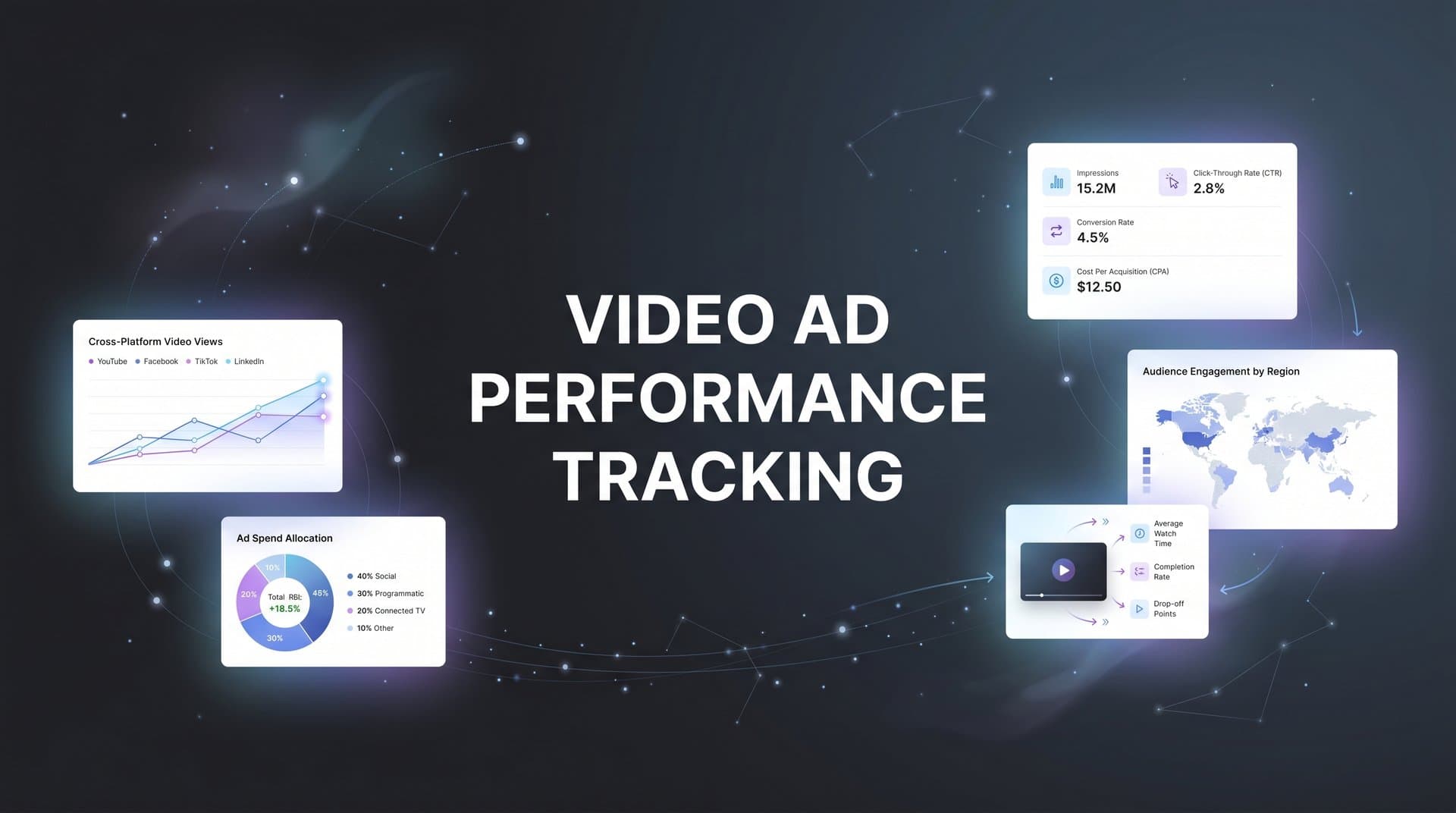
Video advertising has become a cornerstone of digital marketing, but tracking its true impact remains one of the biggest challenges marketers face. Unlike static ads where a click leads directly to a conversion, video ads influence buyers across multiple touchpoints before they ever take action.
This disconnect between video views and actual revenue leaves many marketing teams guessing about which video campaigns deserve more budget and which ones are quietly draining resources.
The good news is that with the right tracking strategies, you can move beyond vanity metrics like view counts and completion rates to understand exactly how your video ads contribute to pipeline and revenue. This guide walks you through seven actionable strategies that connect your video ad performance to real business outcomes, helping you make confident decisions about where to invest your video advertising budget.
1. Implement Server-Side Tracking to Capture Complete Video Engagement Data
The Challenge It Solves
Browser-based tracking has become increasingly unreliable for video ad measurement. Privacy updates like iOS App Tracking Transparency and browser restrictions mean that traditional pixel-based tracking misses significant portions of your video ad conversions. When users block cookies or opt out of tracking, your pixel never fires, leaving you with incomplete data about which video campaigns actually drive results.
This data loss creates a dangerous blind spot. You might be scaling video campaigns that look profitable based on the partial data you can see, while your actual ROI tells a different story.
The Strategy Explained
Server-side tracking bypasses browser limitations by sending conversion data directly from your server to ad platforms and analytics tools. Instead of relying on a browser pixel that can be blocked, your server communicates conversion events in a way that privacy restrictions cannot interrupt.
For video ads specifically, this means capturing the complete journey from video view to conversion, regardless of whether the user has tracking enabled in their browser. You gain visibility into view-through conversions, multi-session journeys, and cross-device behavior that browser pixels simply cannot track. Understanding first-party data tracking for ads becomes essential in this privacy-first landscape.
The result is a more accurate picture of how your video ads perform, giving you confidence that the data driving your budget decisions reflects reality.
Implementation Steps
1. Set up server-side tracking infrastructure that captures conversion events on your backend and sends them to your ad platforms and analytics tools through server-to-server connections.
2. Configure video-specific events including video views, completion milestones, and post-view conversions with proper event parameters that identify which video creative and campaign drove each action.
3. Implement user matching protocols that connect server-side conversion data back to the original video ad exposure using hashed email addresses, phone numbers, or platform-specific identifiers.
4. Test your implementation by comparing server-side tracked conversions against browser-based tracking to identify the data gap you were previously missing.
Pro Tips
Start with your highest-value conversion events first rather than trying to track everything at once. Focus on purchases, qualified leads, or demo requests that directly impact revenue. Once those core events flow reliably through server-side tracking, expand to engagement metrics and micro-conversions.
2. Build Multi-Touch Attribution Models That Account for Video's Influence
The Challenge It Solves
Video ads rarely get credit for the conversions they influence when you rely on last-click attribution. A potential customer might watch your video ad on Tuesday, click a retargeting ad on Thursday, and search your brand name on Friday before converting. In a last-click model, the search ad gets 100% of the credit while the video that started the journey gets zero.
This systematic under-crediting of video leads to budget misallocation. You might cut video campaigns that appear unprofitable while actually driving awareness and consideration that other channels capitalize on.
The Strategy Explained
Multi-touch attribution distributes conversion credit across all the touchpoints that contributed to a customer's journey, including video views that did not result in immediate clicks. By implementing models like linear attribution, time decay, or position-based attribution, you ensure video ads receive appropriate credit for their role in driving conversions.
The key is choosing an attribution model that reflects how your customers actually buy. For longer sales cycles, time decay models that give more credit to recent touchpoints while still acknowledging earlier interactions often work well. Following attribution tracking best practices helps you select the right model for your business.
Implementation Steps
1. Map your typical customer journey to understand how many touchpoints occur between first video exposure and final conversion, and identify where video ads typically appear in that sequence.
2. Select an attribution model that aligns with your business reality, starting with a simple model like linear attribution if you are new to multi-touch measurement.
3. Configure your analytics platform to track all touchpoints including video views, ad clicks, organic visits, and email interactions within a unified customer journey view.
4. Compare conversion values across different attribution models to understand how much credit video deserves versus what last-click attribution shows.
Pro Tips
Run multiple attribution models in parallel rather than committing to a single view of truth. Compare last-click, first-click, and multi-touch models side by side to understand the full range of how different channels contribute. This comparative approach helps you spot channels that are systematically over-credited or under-credited by any single model.
3. Connect Video Ad Data to Your CRM for Full-Funnel Visibility
The Challenge It Solves
Ad platforms report conversions, but they cannot tell you which conversions actually became qualified leads, turned into opportunities, or closed as revenue. This gap between platform-reported performance and actual business outcomes creates a false sense of success. Your video campaigns might generate hundreds of conversions that look profitable at the ad platform level, but if those leads never qualify or close, you are wasting budget.
Without CRM integration, you are optimizing toward the wrong goal, scaling campaigns that drive form fills rather than campaigns that drive revenue.
The Strategy Explained
CRM integration connects your video ad exposure data to the complete lifecycle of every lead, from initial contact through qualification, opportunity creation, and closed revenue. By tracking which video ads influenced leads that actually became customers, you shift from optimizing for conversions to optimizing for revenue. This approach is fundamental to attribution tracking for lead generation success.
This integration reveals critical insights like which video creatives attract high-intent buyers versus tire-kickers, which audience segments have the highest lead-to-customer conversion rates, and which campaigns drive the largest deal sizes. You can then reallocate budget toward video strategies that generate actual pipeline rather than just activity.
Implementation Steps
1. Ensure your CRM captures the original traffic source and campaign data for every lead using hidden form fields or tracking parameters that pass through to your CRM records.
2. Create custom fields in your CRM that store video-specific engagement data including which video ads a lead viewed, completion rates, and whether they engaged with multiple video creatives before converting.
3. Build reports that connect video ad spend to CRM outcomes including qualified lead volume, opportunity value, closed revenue, and customer lifetime value segmented by video campaign.
4. Set up automated alerts that notify your team when high-value opportunities come from specific video campaigns so you can double down on what is working.
Pro Tips
Track the time lag between video ad exposure and CRM outcomes to set realistic expectations for video performance. Video ads often influence buyers weeks or months before they convert, especially in B2B environments with longer sales cycles. Understanding these lag patterns helps you avoid cutting campaigns prematurely before they have time to drive pipeline.
4. Track View-Through Conversions with Proper Attribution Windows
The Challenge It Solves
Many users watch your video ads without clicking, then convert later through a different path. If you only track click-through conversions, you completely miss this significant portion of video ad impact. A potential customer might watch your entire video ad, remember your brand, and search for you directly three days later to make a purchase. Without view-through conversion tracking, that video ad appears to have zero value.
This measurement gap makes video campaigns look far less effective than they actually are, leading to budget cuts on campaigns that quietly drive substantial revenue.
The Strategy Explained
View-through conversion tracking captures conversions from users who saw your video ad but did not click it, then later converted through another channel. By setting appropriate attribution windows (typically one day to seven days for most video campaigns), you credit video ads for the awareness and consideration they create even when users take an indirect path to conversion.
The key is choosing attribution windows that reflect actual buyer behavior without over-crediting video. Too short a window and you miss legitimate video influence. Too long a window and you credit video for conversions it did not actually drive. Most marketers find that one-day view-through windows work well for direct response video campaigns, while seven-day windows better capture the influence of awareness-focused video content.
Implementation Steps
1. Enable view-through conversion tracking in your ad platforms, starting with conservative one-day attribution windows to avoid over-crediting video ads.
2. Segment your reporting to show click-through conversions and view-through conversions separately so you understand how much of your video performance comes from each path.
3. Analyze the time lag between video views and conversions to optimize your attribution window length based on actual user behavior patterns in your data. Implementing a robust ad performance tracking system makes this analysis much easier.
4. Test different attribution windows for different video campaign types, using shorter windows for bottom-funnel retargeting videos and longer windows for top-funnel awareness content.
Pro Tips
Compare the conversion rates of users who watched your video versus users who did not see it at all. This incrementality test reveals whether your view-through conversions represent true video influence or just users who would have converted anyway. If video viewers convert at significantly higher rates than non-viewers, your view-through tracking captures real impact.
5. Use UTM Parameters and Custom Events for Granular Video Insights
The Challenge It Solves
Aggregate video ad performance data hides critical insights about what actually works. Your overall video campaign might show a positive ROI, but that average masks the fact that one creative drives 80% of conversions while three others waste budget. Without granular tracking, you cannot identify which specific elements of your video strategy deserve more investment.
This lack of detail forces you to make broad decisions based on campaign-level data when the real opportunities lie in creative-level, audience-level, and placement-level optimization.
The Strategy Explained
Structured UTM parameters and custom event tracking break down video performance into actionable segments. By tagging every video ad with parameters that identify the creative, audience, placement, and campaign objective, you create a data structure that reveals exactly which combinations drive results.
Custom events add another layer of insight by tracking specific video engagement milestones like 25% completion, 50% completion, and full video views. This engagement data helps you understand not just whether users clicked, but how deeply they engaged with your content before taking action.
Together, these tracking mechanisms transform vague video performance data into specific insights you can act on immediately. The right ad tracking analytics tool can automate much of this process.
Implementation Steps
1. Create a consistent UTM naming convention for video ads that includes campaign name, ad set, creative version, and any other dimensions you want to analyze separately.
2. Set up custom events in your analytics platform that fire when users reach key video milestones including 10-second views, 50% completion, 75% completion, and 100% completion.
3. Build reports that segment conversion performance by UTM parameters to identify which creatives, audiences, and placements drive the highest ROI.
4. Track the correlation between video completion rates and conversion rates to understand whether longer engagement predicts higher conversion likelihood.
Pro Tips
Use dynamic UTM parameters that automatically populate based on ad platform variables rather than manually tagging every single video ad. Most platforms allow you to insert dynamic values like campaign ID, ad set name, and creative ID directly into your destination URLs, saving hours of manual work while ensuring consistent tracking.
6. Feed Enriched Conversion Data Back to Ad Platforms
The Challenge It Solves
Ad platform algorithms optimize toward the conversion events you send them, but if you only send basic conversion data, the algorithms cannot distinguish between high-value and low-value outcomes. Your video campaigns might generate plenty of conversions, but the platform has no way to know that some of those conversions became $50,000 customers while others never qualified as legitimate leads.
This data limitation causes algorithms to optimize for volume rather than value, scaling video campaigns that drive cheap conversions instead of campaigns that drive revenue.
The Strategy Explained
Conversion sync (also called offline conversion tracking or enhanced conversions) sends enriched conversion data back to ad platforms after you learn the true value of each conversion. When a video ad drives a lead that becomes a qualified opportunity worth $10,000, you send that value back to the platform so its algorithm learns to find more users like that one.
This feedback loop dramatically improves video ad targeting and optimization. Instead of treating all conversions equally, platforms begin prioritizing audiences, placements, and creative variations that drive higher-value outcomes. Understanding tracking ROI for performance marketing helps you maximize this optimization strategy.
Implementation Steps
1. Set up conversion sync infrastructure that sends CRM outcome data back to your ad platforms, including lead qualification status, opportunity value, and closed revenue.
2. Configure value-based conversion events that include the actual revenue amount rather than just a binary converted/did not convert signal.
3. Implement user matching that connects your CRM records back to the original ad platform user IDs using hashed email addresses, phone numbers, or platform click IDs.
4. Monitor how conversion sync impacts your video campaign performance over time, watching for improvements in lead quality, opportunity value, and cost per qualified lead.
Pro Tips
Start feeding conversion value data back to platforms even before leads close as revenue. Sending qualification status and opportunity value gives algorithms faster feedback than waiting weeks or months for deals to close. This accelerated learning helps platforms optimize more quickly while still driving toward revenue outcomes rather than just form fills.
7. Analyze Video Performance Across the Complete Customer Journey
The Challenge It Solves
Single-platform reporting creates a fragmented view of video performance. Meta Ads Manager shows you how Facebook video ads perform. YouTube Analytics shows you how YouTube video ads perform. But neither platform reveals how these video channels work together or how they interact with your other marketing efforts.
This siloed reporting makes it impossible to understand the true role of video in your marketing mix, leading to budget decisions based on incomplete information about how channels complement or compete with each other.
The Strategy Explained
Cross-platform journey analysis unifies video ad data from all sources into a single view of the customer journey. By tracking how users interact with video ads across Meta, YouTube, TikTok, LinkedIn, and other platforms before converting, you understand the complete path to purchase rather than isolated channel performance. Mastering ad performance tracking across platforms is critical for this unified approach.
This unified view reveals critical insights like whether users typically see multiple video ads across different platforms before converting, which platform introduces users to your brand versus which platforms close the deal, and how video ads interact with other channels like search, email, and organic social in driving conversions.
With this complete picture, you can optimize your video strategy as an integrated system rather than managing each platform in isolation.
Implementation Steps
1. Implement a unified analytics platform that ingests data from all your video ad channels and connects touchpoints into complete customer journeys.
2. Build cross-platform journey reports that show the sequence of video ad exposures and other marketing touchpoints that lead to conversions.
3. Analyze which video platforms typically appear first in customer journeys versus which ones appear last to understand each channel's role in your funnel.
4. Identify patterns in high-value customer journeys to understand the optimal combination of video touchpoints across platforms that drives the best outcomes. A dedicated cross-platform marketing performance tracking solution simplifies this analysis significantly.
Pro Tips
Look for complementary patterns across video platforms rather than trying to declare one platform the winner. You might discover that YouTube video ads excel at introducing new audiences to your brand while Meta video ads perform better at converting users who already know you. Understanding these complementary roles helps you allocate budget strategically across platforms rather than simply chasing the lowest cost per conversion.
Putting It All Together
Effective video ad performance tracking requires moving beyond the metrics that platforms surface by default. By implementing server-side tracking, building multi-touch attribution models, and connecting your video data to CRM outcomes, you gain the visibility needed to confidently scale winning campaigns.
Start with the strategies that address your biggest tracking gaps today. If you struggle with data loss from privacy changes, prioritize server-side tracking. If you know video influences buyers but cannot prove it, focus on multi-touch attribution and CRM integration.
The marketers who master video ad tracking will have a significant advantage as video continues to dominate digital advertising budgets. With accurate data flowing through your systems, you can stop guessing about video ROI and start making decisions backed by real revenue data.
Each strategy builds on the others. Server-side tracking provides the foundation of reliable data. Multi-touch attribution ensures video gets appropriate credit. CRM integration connects ad activity to revenue. View-through tracking captures the full impact of video exposure. Granular UTM parameters and events reveal what specifically works. Conversion sync improves platform optimization. Cross-platform analysis shows how everything fits together.
The result is a complete video tracking system that transforms how you think about video advertising. Instead of treating video as a brand awareness play with fuzzy ROI, you gain the same performance clarity you expect from search or email campaigns.
Ready to elevate your marketing game with precision and confidence? Discover how Cometly's AI-driven recommendations can transform your ad strategy. Get your free demo today and start capturing every touchpoint to maximize your conversions.



