You're running campaigns on Meta, Google Ads, TikTok, and maybe LinkedIn. Each platform shows different conversion numbers. Your CRM reports another set of results entirely. And when you try to figure out which ads actually drive revenue, you're stuck piecing together incomplete data from five different dashboards.
This isn't just frustrating—it's expensive. When your ad platforms can't see the full customer journey, their algorithms optimize toward the wrong signals. You scale campaigns that look good on paper but don't deliver real results.
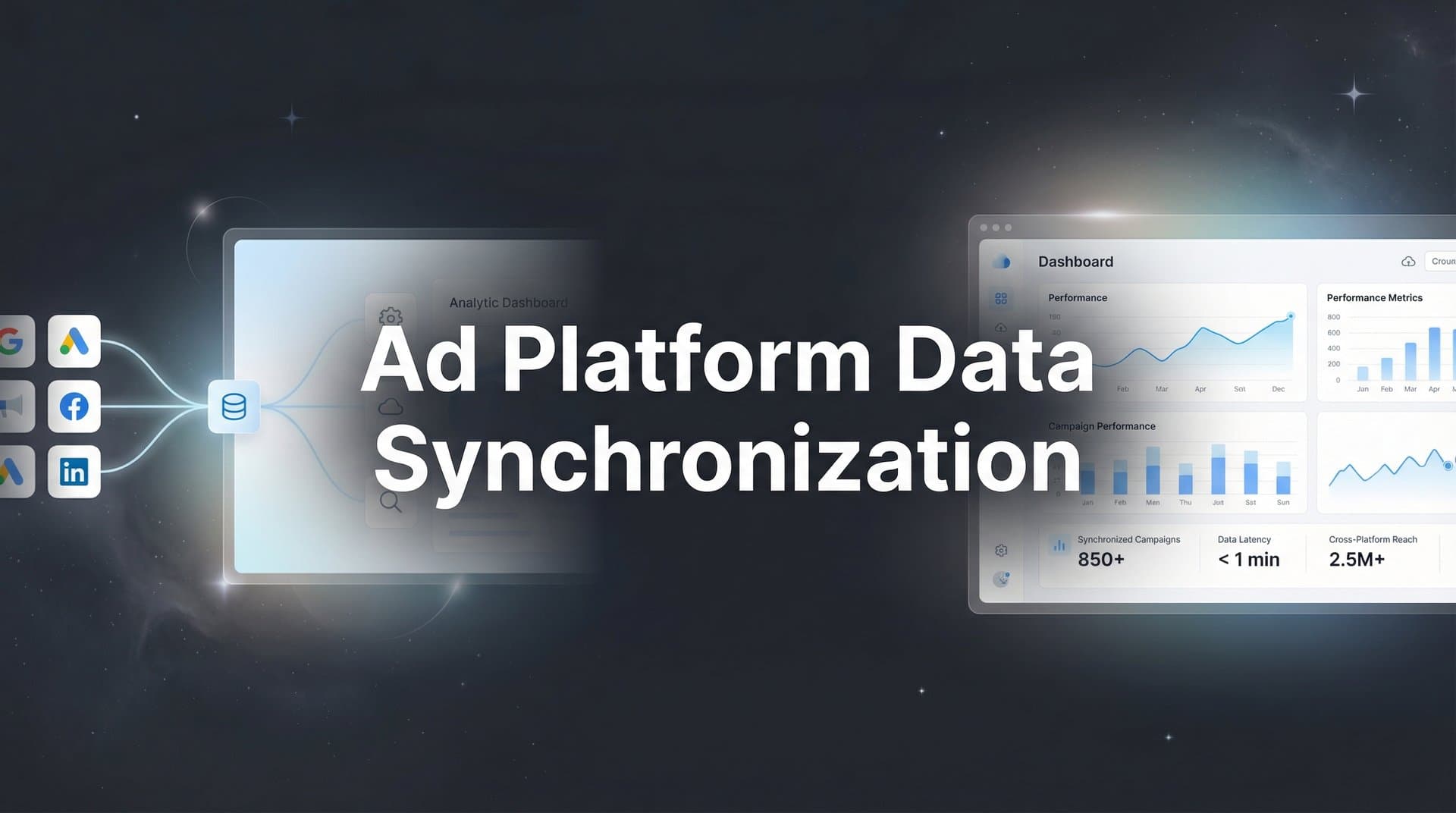
Ad platform data synchronization solves this by creating a single source of truth that connects all your advertising channels. Instead of fragmented data living in isolated silos, you build a unified system that captures every touchpoint and feeds accurate conversion data back to each platform's optimization engine.
The benefits go beyond cleaner reporting. When platforms receive complete conversion data—including revenue values and post-click actions they couldn't track before—their AI algorithms make smarter bidding decisions. You get better targeting, more efficient spend, and clear visibility into what's actually working.
This guide walks you through the complete setup process, from auditing your current tracking mess to implementing server-side solutions that overcome iOS limitations and browser restrictions. Whether you're managing campaigns in-house or running an agency with multiple client accounts, you'll learn exactly how to build a synchronized data ecosystem that improves both tracking accuracy and ad performance.
By the end, you'll have a working system that captures conversions your pixels are missing and helps every ad platform optimize toward your actual business goals—not just proxy metrics.
Step 1: Audit Your Current Ad Platform Setup and Data Sources
Before you can synchronize anything, you need to understand exactly what you're working with. Start by creating a comprehensive inventory of every advertising platform where you're currently running campaigns.
Open a spreadsheet and list each platform: Meta Ads, Google Ads, TikTok Ads, LinkedIn Campaign Manager, Pinterest Ads, Snapchat Ads—whatever channels you're actively using. For each platform, document your current tracking method. Are you using the native pixel? A tag manager? Server-side implementation? Nothing at all?
Next, identify where your actual conversion data lives. This is where things get messy for most marketers. Your ad platforms might show one set of conversions based on pixel tracking. Your CRM records leads and deals with completely different numbers. Your analytics platform reports yet another version of reality. Your e-commerce platform or payment processor holds the actual revenue data.
Map out this data flow honestly. If you're using Meta Pixel for purchase tracking but your Shopify backend shows different order counts, write that down. If Google Ads reports 50 conversions but only 30 leads actually made it into your CRM, that's a gap you need to document.
Pay special attention to known tracking limitations. iOS App Tracking Transparency has created massive blind spots for mobile traffic. Ad blockers prevent pixels from firing for a significant portion of your audience. Cross-device journeys break attribution when someone clicks an ad on mobile but converts on desktop.
Document your attribution windows for each platform. Meta might be using a 7-day click, 1-day view window while Google Ads uses 30-day click. These inconsistencies make it impossible to compare performance accurately.
Finally, note any technical issues you've encountered: delayed conversion reporting, duplicate events, missing parameters, or platforms that randomly stop tracking. These problems often indicate deeper setup issues that synchronization will need to address.
Success indicator: You have a complete spreadsheet listing every ad platform, their current tracking methods, all locations where conversion data exists, documented gaps between platforms, and known issues affecting data accuracy. This audit becomes your roadmap for what needs to be connected and fixed.
Step 2: Choose Your Synchronization Architecture
Now that you understand your current setup, you need to decide how you'll actually synchronize data across platforms. There are three main architectural approaches, each with different tradeoffs.
The first approach is using native platform integrations. This means connecting your CRM directly to Meta, your e-commerce platform directly to Google Ads, and so on. It's straightforward but creates a web of point-to-point connections that becomes unmanageable as you add more platforms. You'll spend more time maintaining integrations than analyzing data.
The second approach is server-side tracking. Instead of relying on browser pixels that get blocked or restricted, you capture events on your server and send them directly to ad platforms via their APIs. This overcomes iOS limitations, ad blockers, and cookie restrictions. The downside is technical complexity—you need server infrastructure and development resources to implement it properly.
The third approach, and increasingly the standard for serious marketers, is using a unified attribution platform that acts as your central data hub. These platforms handle the technical complexity of server-side tracking while providing pre-built integrations to all major ad channels. Data flows into one system, gets processed and attributed correctly, then syncs back to each platform with enriched conversion information.
For most marketing teams, the unified platform approach makes the most sense. You get the accuracy benefits of server-side tracking without building custom infrastructure. You maintain one integration instead of managing dozens. And you gain a single dashboard where all your cross-platform data lives.
When evaluating your architecture, consider your technical resources honestly. If you have a development team that can build and maintain server-side tracking, that route gives you maximum control. If you're a lean marketing team without engineering support, a platform that handles the technical complexity lets you focus on optimization instead of infrastructure.
Think about your data volume too. High-traffic sites processing thousands of events per hour need robust server infrastructure. Smaller operations might start with simpler solutions and scale up as needed.
Your central hub decision matters enormously. This is where synchronized data will flow, where attribution happens, and where you'll make campaign decisions. Whether it's a marketing attribution platform, your data warehouse, or a custom solution, it needs to handle data from all your sources and provide the reporting you actually need.
Success indicator: You've selected an architecture that matches your technical capabilities and accuracy requirements. You know what will serve as your central data hub and how each ad platform will connect to it. You have a clear understanding of whether you're building custom server-side tracking or using a platform that handles it for you.
Step 3: Connect Your Ad Platforms to Your Central Hub
With your architecture decided, it's time to start building connections. Each ad platform needs to communicate with your central hub in both directions—pulling campaign data in and receiving conversion data back.
Start with your largest traffic source. For most marketers, that's Meta. Navigate to your attribution platform or data hub and locate the ad platform integration section. You'll need to authenticate your Meta Business Manager account, which typically involves OAuth authorization.
During setup, pay close attention to permission scopes. Your integration needs read access to pull campaign performance data, ad spend, and click information. It also needs write access to send conversion events back via the Conversions API. Don't skimp on permissions—missing scopes will cause sync failures later.
Once Meta is connected, repeat the process for Google Ads. The authentication flow is similar but requires linking your Google Ads account and granting API access. Make sure you're connecting the correct Google Ads account if you manage multiple.
For each platform you add—TikTok, LinkedIn, Pinterest—the pattern is the same. Authenticate, grant necessary permissions, and verify the initial connection is successful. Most platforms will show a "connected" status indicator once the API handshake completes.
Here's where many setups break down: inconsistent campaign naming and UTM parameters. If your Meta campaigns use one naming structure and Google Ads uses another, you can't easily compare performance or attribute conversions correctly.
Establish a consistent naming convention now. A simple format works well: [Platform]_[Campaign Type]_[Target Audience]_[Date]. For example: META_Prospecting_SaaS_Q1 or GOOGLE_Retargeting_Abandoned_Cart_Feb. Apply this structure across all platforms moving forward.
Configure your UTM parameters with the same discipline. Use consistent values for utm_source, utm_medium, and utm_campaign across platforms. This consistency is what allows your central hub to track customer journeys accurately when someone interacts with multiple ads before converting.
Test each connection by triggering a small campaign or test conversion. Verify that data flows into your central hub correctly. Check that campaign names appear properly, that click IDs are being captured, and that the integration isn't dropping any fields.
Success indicator: All your ad platforms show "connected" status in your central hub. Initial campaign data is flowing in correctly with consistent naming conventions. You can see click data, campaign performance, and spend information from each platform in your unified dashboard. Test conversions are being captured and attributed to the correct source.
Step 4: Implement Server-Side Tracking for Accurate Data Capture
Now comes the technical upgrade that dramatically improves your data accuracy. Server-side tracking captures conversion events on your server before sending them to ad platforms, bypassing the limitations of browser-based pixels.
If you're using a unified attribution platform, server-side tracking is typically built in. You'll install a lightweight tracking script on your website that sends events to the platform's servers, which then forwards them to ad platforms. This approach is simpler than building your own server infrastructure.
The key is configuring which events to track server-side. Start with your most valuable conversion actions: purchases, lead form submissions, demo bookings, trial signups, or whatever defines success for your business. These high-value events need the most accurate tracking.
For an e-commerce site, you'd track events like AddToCart, InitiateCheckout, and Purchase. For a SaaS company, track events like TrialStarted, DemoBooked, and AccountCreated. Map these to your actual user actions.
Configure event parameters carefully. Each conversion event should include relevant data: conversion value (revenue), currency, product details, user identifiers, and the click ID from the originating ad. These parameters are what allow proper attribution and enable ad platforms to optimize effectively.
User identification is critical for server-side tracking to work. You need to match server-side conversion events back to the original ad click. This happens through click IDs (fbclid for Meta, gclid for Google) that get captured when someone clicks your ad and stored in your system.
Set up first-party data collection to maintain tracking in a cookieless environment. This means capturing email addresses, phone numbers, or other identifiers when users convert, then hashing them securely before sending to ad platforms. This first-party data helps platforms match conversions even when cookies are blocked.
Test your server-side implementation thoroughly. Place a test order or submit a test lead. Check that the event fires on your server, gets sent to your attribution platform, and appears in the platform's event log. Verify all parameters are being captured correctly.
Compare server-side conversion counts to your previous pixel-only setup. You should see an increase in tracked conversions—these are the events that pixels were missing due to ad blockers, iOS restrictions, or browser limitations. If you're not seeing more conversions with server-side tracking, something is misconfigured.
Success indicator: Server-side events are firing correctly for all key conversion actions. Your attribution platform shows these events in its logs with complete parameter data. You're capturing conversions that your pixels were previously missing, especially from iOS users and privacy-conscious browsers. Event deduplication is working properly if you're running both client-side and server-side tracking simultaneously.
Step 5: Configure Conversion Sync to Feed Data Back to Ad Platforms
Capturing accurate conversion data is only half the equation. Now you need to send that enriched data back to your ad platforms so their algorithms can optimize effectively. This is where conversion sync transforms your campaign performance.
Meta's Conversions API (CAPI) is your primary tool for syncing data back to Meta. If you're using an attribution platform, this integration is typically pre-built. You configure which conversion events to send back and how to match them to the original ad interactions.
The matching process is crucial. Each conversion event you send must include identifiers that allow Meta to connect it to the specific ad click that drove it. This means sending the fbclid (Meta's click ID) along with hashed user information like email or phone number. The more matching parameters you include, the higher your match rate will be.
Configure conversion values to include actual revenue data, not just conversion counts. When Meta knows that one conversion generated $500 while another generated $50, its algorithm can optimize toward higher-value outcomes. This is dramatically more effective than treating all conversions equally.
For Google Ads, you'll use Enhanced Conversions or Offline Conversion Import depending on your setup. The concept is the same: send conversion data back to Google with click IDs (gclid) and user identifiers so the platform can attribute conversions correctly and improve targeting.
Set up conversion sync for each active ad platform. TikTok uses Events API, LinkedIn has its Conversions API, Pinterest offers the Conversions API as well. The implementation pattern is consistent across platforms: authenticate, map conversion events, configure matching parameters, and enable the sync.
Pay attention to conversion windows when configuring sync. If your sales cycle is 30 days, make sure you're syncing conversions that happen within that window back to the originating click. Platforms need this delayed conversion data to understand the full value of their traffic.
Monitor your match rates closely. Meta and Google both provide match rate metrics that show what percentage of your synced conversions they successfully matched to ad interactions. Aim for 70%+ match rates. Lower rates indicate problems with your identifier data or click ID capture.
Test the complete flow by running a small campaign and tracking a conversion through your entire system. Click the ad, complete the conversion action, verify it appears in your attribution platform, then check that it syncs back to the ad platform and shows up in their conversions reporting.
Success indicator: Ad platforms are receiving enriched conversion data from your attribution system. Match rates are above 70% for major platforms. Your ad dashboards show conversion events with revenue values, not just counts. Platform algorithms have better optimization signals and you're seeing improvements in cost per acquisition as the AI learns from complete data.
Step 6: Validate Data Accuracy and Troubleshoot Discrepancies
Your synchronization system is now running, but data accuracy requires ongoing validation. Discrepancies between platforms are normal to some extent—you need to understand what's acceptable variance versus what indicates a real problem.
Start by comparing conversion counts across your central attribution hub and individual ad platforms. Pull reports for the same date range and conversion event. A 5-10% variance is typical due to different attribution models and reporting delays. Anything beyond that needs investigation.
Check for duplicate events first. If you're running both client-side pixels and server-side tracking, you need proper deduplication. Without it, the same conversion gets counted twice—once from the pixel, once from your server. Most attribution platforms handle this automatically using event IDs, but verify it's working correctly.
Look for missing parameters in your conversion events. Open your attribution platform's event log and inspect individual conversions. Are click IDs present? Is revenue data included? Are user identifiers being captured? Missing parameters reduce match rates and attribution accuracy.
Timezone mismatches cause significant confusion. If your attribution platform uses UTC but your ad platforms report in local time, conversions near midnight get attributed to different days. Standardize on one timezone across all systems, or at least document the differences so you can account for them.
Delayed data is another common issue. Some conversions take time to process through your system and sync back to platforms. If you're seeing large discrepancies for recent dates but older data matches well, you're probably just experiencing normal processing lag. Allow 24-48 hours for data to fully sync before investigating.
Set up monitoring alerts for sync failures. Most attribution platforms can notify you when an ad platform connection breaks or when conversion sync stops working. Configure these alerts so you catch issues immediately instead of discovering them days later when making budget decisions on incomplete data.
Create a weekly validation routine. Compare conversion totals across platforms, check match rates, review any error logs, and verify that new campaigns are being tracked correctly. This regular maintenance prevents small issues from becoming major data problems.
Success indicator: Conversion data matches within acceptable variance (5-10%) across your attribution platform and individual ad channels. You've identified and resolved any systematic issues causing larger discrepancies. Monitoring is in place to alert you to sync failures or data problems. You understand which variances are normal and which require investigation.
Putting It All Together
You've now built a complete ad platform data synchronization system that captures every customer touchpoint and feeds accurate conversion data back to your advertising platforms. This unified data ecosystem gives you something most marketers don't have: confidence in your numbers and trust in your optimization decisions.
Your ad platforms now receive complete conversion data—including revenue values and post-click actions they couldn't track before. This means their AI algorithms can optimize toward actual business outcomes instead of proxy metrics. You'll see this translate into better cost per acquisition, more efficient budget allocation, and campaigns that scale profitably.
The reporting clarity alone is transformative. Instead of reconciling five different dashboards with conflicting conversion counts, you have one source of truth that shows exactly which ads and channels drive real revenue. When you need to decide where to increase budget, the data actually supports your decision.
Quick checklist to confirm your setup is complete: All ad platforms show connected status in your central hub. Server-side tracking is capturing conversion events that pixels were missing, especially from iOS users. Conversion sync is sending enriched data back to each platform with match rates above 70%. Monitoring alerts are configured to catch any sync failures. Data variance between platforms is within acceptable range.
As you scale your campaigns, this synchronized data foundation becomes even more valuable. You can confidently test new ad platforms knowing they'll integrate into your existing attribution system. You can run sophisticated multi-touch attribution analysis to understand the real customer journey. You can feed your creative team insights about which messaging drives conversions, not just clicks.
The technical work you've done here—connecting platforms, implementing server-side tracking, configuring conversion sync—creates a competitive advantage that compounds over time. While other marketers struggle with incomplete data and optimize toward the wrong signals, you're making decisions based on complete visibility into what actually drives revenue.
Ready to elevate your marketing game with precision and confidence? Discover how Cometly's AI-driven recommendations can transform your ad strategy—Get your free demo today and start capturing every touchpoint to maximize your conversions.