

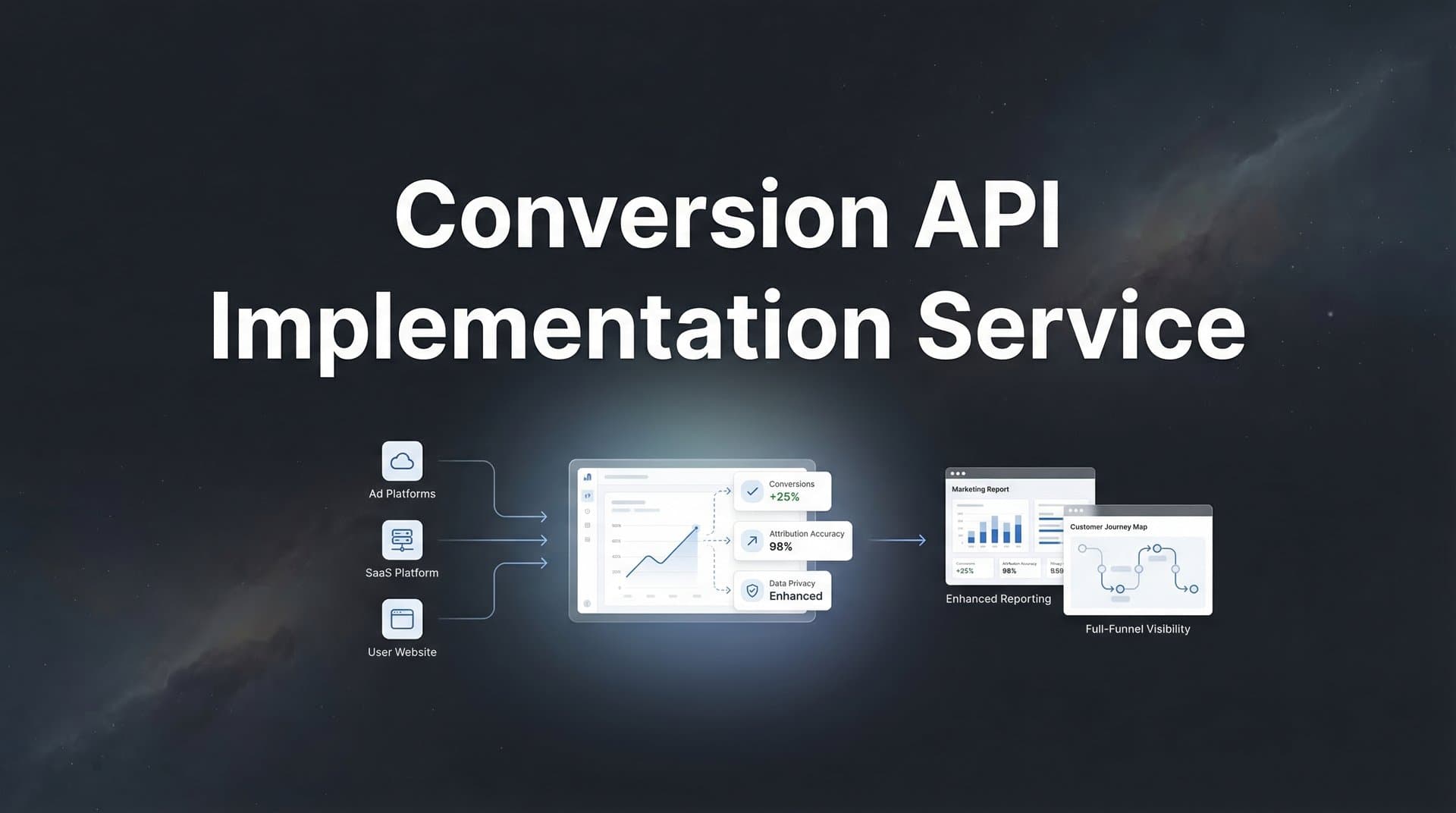
Server-side tracking isn't just a technical upgrade—it's become essential for survival in modern digital marketing. If you're still relying solely on browser pixels, you're likely missing 20-30% of your conversion data, and that gap is only widening. iOS updates, cookie restrictions, and ad blockers have fundamentally broken traditional tracking methods, leaving marketers flying blind while competitors who've implemented server-side tracking gain clearer insights and better campaign performance.
A Conversion API (CAPI) implementation service bridges this gap by establishing direct server-to-server connections between your website, CRM, and ad platforms like Meta and Google. Instead of hoping a browser cookie survives long enough to report a conversion, your server sends conversion data directly to ad platforms—no browser required, no data loss.
The challenge? CAPI implementation isn't plug-and-play. It requires technical expertise, platform-specific knowledge, and careful configuration to avoid data quality issues that could actually make your attribution worse. That's where specialized implementation services come in, handling the technical complexity while you focus on using the data to optimize campaigns.
This guide walks you through the complete process: from assessing your current setup and choosing the right service provider, to preparing your systems, executing the implementation, validating accuracy, and maintaining performance over time. Whether you're implementing Meta's Conversions API, Google's Enhanced Conversions, or multi-platform tracking, you'll know exactly what to look for, what questions to ask, and how to verify everything works correctly before trusting it with your marketing budget.
Step 1: Assess Your Current Tracking Setup and Define Requirements
Before reaching out to any service provider, you need a clear picture of where you stand and where you're going. Start by auditing your existing pixel-based tracking. Log into your ad platform dashboards and compare reported conversions against your actual sales or lead data from your CRM or e-commerce platform. The gap between these numbers reveals your data loss problem—and justifies the investment in CAPI.
Document every ad platform where you currently run campaigns and need conversion tracking. Most businesses start with Meta's Conversions API and Google's Enhanced Conversions since these platforms typically drive the majority of paid traffic. But if you're also running TikTok, Pinterest, or Snapchat ads, note those too. Each platform has its own CAPI implementation requirements, and not all service providers support every platform equally well.
Next, map out your complete tech stack. List your website platform (Shopify, WordPress, custom-built), your CRM system (HubSpot, Salesforce, Zoho), your e-commerce platform if different from your website, and any existing analytics or attribution tools. This inventory determines implementation complexity—Shopify stores have simpler integration paths than custom applications, for example.
Define what success looks like with specific metrics. Which conversion events matter most to your business? For e-commerce, it's usually purchases and add-to-carts. For lead generation, it might be form submissions, demo requests, and qualified leads. Prioritize these events because they'll be configured first. Also set expectations for data accuracy—while CAPI dramatically improves tracking, no system captures 100% of conversions.
Finally, establish your timeline and budget constraints. CAPI implementations typically range from one week for simple setups to 4-6 weeks for complex multi-platform implementations with custom event tracking. Costs vary widely based on whether you choose a one-time implementation service or an ongoing platform subscription. Having these parameters defined upfront helps you filter service provider options and have productive initial conversations.
Create a simple document capturing all this information. You'll reference it repeatedly when vetting providers, and sharing it upfront saves everyone time by ensuring providers can accurately assess whether they're the right fit for your specific situation.
Step 2: Evaluate Service Provider Types and Choose Your Approach
The CAPI implementation landscape offers three main paths, each with distinct tradeoffs. Understanding these options helps you choose the approach that matches your technical capabilities, budget, and long-term needs.
Dedicated CAPI Implementation Agencies: These specialized firms focus exclusively on server-side tracking implementations. They typically offer the deepest expertise in platform-specific requirements and edge cases. The advantage is custom solutions tailored precisely to your setup. The downside is higher upfront costs and the need to maintain the implementation yourself after they hand it off. This works well if you have internal technical resources to handle ongoing maintenance.
Marketing Technology Platforms with Built-In CAPI: Platforms like Cometly, Segment, and others include CAPI functionality as part of their broader attribution or customer data platform. Implementation is often faster because they've built standardized connectors for common tech stacks. You pay an ongoing subscription, but they handle maintenance, platform updates, and troubleshooting. This approach makes sense if you also want the platform's other features—like comprehensive attribution analysis or customer data management.
Freelance Developers: Individual consultants or small development teams can implement CAPI, often at lower rates than agencies. Quality varies significantly based on their specific experience with your platforms. This can be cost-effective for straightforward implementations, but carries more risk if they lack deep platform expertise or aren't available for ongoing support.
Regardless of which type you choose, verify platform-specific credentials. Meta offers a Conversions API Gateway Partner program—providers in this program have demonstrated technical competency and maintain up-to-date knowledge of Meta's requirements. Google has similar partnership programs. These certifications aren't guarantees, but they indicate a baseline level of expertise.
Ask to see case studies or references from implementations similar to yours. A provider with extensive Shopify experience might struggle with a custom application. Someone who's implemented CAPI for B2B SaaS companies understands lead tracking nuances that an e-commerce specialist might miss. For a detailed walkthrough of the technical process, review our conversion API implementation guide.
During initial conversations, pay attention to how providers ask questions. Strong candidates dig into your specific conversion funnel, ask about data quality in your CRM, and want to understand your attribution needs beyond just "getting CAPI working." Weak candidates focus primarily on technical implementation without connecting it to your business outcomes.
Request detailed proposals that break down exactly what's included: which platforms, how many conversion events, what level of ongoing support, and what happens if issues arise after launch. The cheapest option often becomes expensive when you discover critical features weren't included or support ends after initial setup.
Step 3: Prepare Your Systems and Data for Implementation
The quality of your CAPI implementation depends heavily on preparation work you do before the provider touches anything. Think of this like preparing a house for renovation—the better you prep, the smoother the project goes and the better the final result.
Start by securing admin-level access to every system involved. You'll need full administrative access to your ad platform accounts (Meta Business Manager, Google Ads), your website's backend or content management system, your CRM, and any e-commerce platforms. If you don't currently have this level of access, request it now. Waiting until implementation starts creates costly delays.
Data quality issues that you've been ignoring will come back to haunt you with CAPI. Server-side tracking relies on matching user data like email addresses and phone numbers to ad platform user profiles. If your CRM contains inconsistent email formats (some with spaces, some all caps), invalid phone numbers, or incomplete records, your event match rates will suffer. Understanding poor conversion API data quality issues helps you avoid common pitfalls.
Run a data quality audit focusing on customer contact information. Standardize email addresses to lowercase with no spaces. Format phone numbers consistently, including country codes. Remove obviously invalid entries like test@test.com or 555-555-5555. Clean data now means better attribution later.
Document your complete conversion funnel with every event that matters. Start from the first interaction (landing page view) through to final conversion (purchase or qualified lead). Note which events happen on your website versus in your CRM or backend system. This mapping ensures your provider configures tracking for every important touchpoint, not just the obvious final conversion.
If possible, set up a staging or test environment that mirrors your production setup. This lets you validate CAPI implementation without risking your live tracking. For e-commerce platforms, this might be a test store. For custom applications, it's a development environment with test data. Not every business can do this, but it significantly reduces risk if you can.
Create a backup of your current tracking configuration before making any changes. Export your existing pixel code, note your current conversion event definitions, and document how everything currently works. If something goes wrong during implementation, you need the ability to roll back to a working state.
Finally, brief your team on what's happening and when. If your implementation requires temporary changes to your website or might cause brief tracking interruptions, make sure your marketing team knows not to panic when they see data fluctuations during the transition period.
Step 4: Execute the Implementation With Your Service Provider
With preparation complete, you're ready for the actual implementation. This phase requires active collaboration with your service provider, not just handing things off and hoping for the best.
Establish clear communication protocols from day one. Set up a dedicated Slack channel, shared project management board, or regular check-in calls—whatever works for your team. Define who's the single point of contact on your side to avoid conflicting instructions. Schedule milestone checkpoints at logical phases: after initial setup, after first event configuration, after testing, and before going fully live.
The provider will configure server-side event tracking for each conversion action you've prioritized. For an e-commerce business, this typically means purchase events first, then add-to-cart, then page views. For lead generation, it's form submissions, then demo requests, then qualified lead events from your CRM. Each event requires specific parameters—transaction value, product IDs, lead scores—that help ad platforms optimize delivery.
Event deduplication is critical and often overlooked. If you're running CAPI alongside existing pixel tracking (recommended during transition), you need deduplication logic to prevent counting the same conversion twice. This typically involves passing an event ID that's identical for both the browser pixel and server-side event, allowing platforms to recognize and merge them. Your provider should configure this automatically, but verify it's in place. Learn more about the differences in our conversion API vs pixel tracking comparison.
User data parameters dramatically improve match rates—the percentage of conversions that platforms can attribute to specific users. At minimum, configure hashed email addresses and phone numbers for conversion events. More parameters like first name, last name, city, state, and zip code further improve matching. All personally identifiable information must be hashed before sending to protect user privacy and comply with platform requirements.
Test every single event in real-time using platform diagnostic tools before considering anything complete. Meta provides Events Manager with a Test Events feature that shows exactly what data your server is sending. Google offers Tag Assistant and the Google Ads conversion tracking status page. Trigger test conversions yourself and watch them appear in these diagnostic tools within seconds. If they don't show up or show up with missing parameters, troubleshoot immediately.
Don't rush this testing phase. A purchase event that looks successful but is missing transaction value renders your ROAS data useless. A lead event without proper user matching means ad platforms can't optimize targeting. Invest the time to verify every event includes all required and recommended parameters.
Step 5: Validate Data Accuracy and Match Rates
Seeing events flow into your ad platforms feels like success, but verification requires comparing server-side data against your source of truth—your actual business results. This validation phase catches configuration issues before they corrupt your campaign optimization.
Start with a simple count comparison. Over a 24-hour test period, compare the number of purchase events (or leads, or whatever your primary conversion is) reported in your ad platform against the actual number in your e-commerce system or CRM. These numbers won't match perfectly—some conversions happen without ad interaction, and there's always slight timing lag—but they should be close. If your ad platform shows 100 conversions but your store processed 150 orders, something's wrong.
Check event match quality scores in each platform's dashboard. Meta's Events Manager shows an "Event Match Quality" score for each event, indicating how well they can match your server-side data to user profiles. Understanding what CAPI match rate means helps you interpret these scores correctly. Scores above 6.0 are good; above 7.0 is excellent. Low scores mean you're not passing enough user data parameters or the data quality is poor. Google provides similar matching metrics in their conversion tracking interface.
Verify attribution is working correctly by testing known conversion paths. Run a test campaign or use existing campaigns where you can track specific users through the funnel. Click an ad yourself (from a device you haven't used before), complete a conversion, and verify that conversion appears attributed to the correct campaign, ad set, and ad in your reporting. This end-to-end test confirms the entire attribution chain works.
Investigate any data discrepancies immediately. Common issues include timezone mismatches (your server sends events in UTC but your business operates in EST), incorrect currency codes that throw off revenue data, or missing product IDs that prevent catalog-based optimization. Your provider should help troubleshoot, but don't let discrepancies slide—they compound over time.
Document your baseline metrics for comparison. Record your current match rates, conversion counts, and attribution accuracy before making any campaign optimization changes. This baseline lets you measure the actual impact of CAPI implementation. Many businesses see 15-30% more conversions attributed correctly once server-side tracking is running, which directly improves campaign optimization and ROAS.
Plan to monitor closely for at least two weeks after going live. Set up daily checks of key metrics during this period. Once you're confident everything is working correctly and numbers are stable, you can reduce monitoring frequency—but never eliminate it entirely.
Step 6: Optimize and Maintain Your CAPI Setup for Long-Term Performance
CAPI implementation isn't a "set it and forget it" project. Platforms update their APIs, your business evolves, and data quality requires ongoing attention. Building maintenance into your process ensures your tracking stays accurate long-term.
Set up automated monitoring alerts for critical issues. Most ad platforms can send notifications when event delivery drops significantly or stops entirely. Configure these alerts to go to both your team and your implementation provider if you're using an ongoing service. Catching a broken integration within hours instead of weeks prevents campaign performance disasters.
Establish a regular audit schedule based on your business complexity. Simple e-commerce setups might only need quarterly reviews. Complex multi-platform implementations with frequent website changes need monthly checks. During each audit, verify event counts still match reality, check match quality scores haven't degraded, and confirm all conversion events are still firing correctly.
Plan for platform updates proactively. Meta, Google, and other platforms regularly update their Conversion APIs with new features, deprecated parameters, or changed requirements. Subscribe to their developer newsletters and release notes. If you're using a platform-based solution, they typically handle updates automatically. If you did a custom implementation, you'll need to schedule periodic updates to stay current. Explore the latest conversion API tools compared to see what options can simplify ongoing maintenance.
Consider expanding your CAPI implementation as your tracking matures. Once core purchase or lead events are running smoothly, add secondary events like email signups, product views, or customer lifetime value updates. These additional signals give ad platforms more optimization data, improving campaign performance over time.
Integrate your CAPI data with a comprehensive attribution platform for complete visibility into customer journeys. Server-side tracking captures conversions accurately, but understanding how those conversions fit into multi-touch journeys across all your marketing channels requires attribution analysis. Platforms like Cometly connect CAPI data with your complete marketing data, showing you which channels and campaigns actually drive revenue—not just last-click conversions. Learn how to track conversions across multiple platforms for unified reporting.
Document everything for future reference. Create a simple wiki or shared document that explains which events are tracked, what parameters each includes, how deduplication works, and who to contact when issues arise. This documentation becomes invaluable when team members change or you need to troubleshoot problems months later.
Your Server-Side Tracking Foundation Is Complete
With your Conversion API implementation complete and validated, you've built a tracking foundation that works regardless of browser limitations or cookie restrictions. Your ad platforms now receive higher-quality conversion signals, which directly improves their optimization algorithms. Over time, this translates to better targeting, more efficient budget allocation, and ultimately stronger campaign performance.
Quick checklist to confirm you're set: requirements documented with clear success metrics, service provider selected and vetted for your specific needs, systems prepared with clean standardized data, implementation executed with proper deduplication and user parameters, data accuracy validated against your source of truth, match rates verified and optimized, and ongoing monitoring established to catch issues early.
The real power of server-side tracking emerges when you connect these accurate conversion signals to comprehensive attribution analysis. While CAPI ensures ad platforms get the data they need to optimize, understanding how conversions fit into complete customer journeys requires seeing the full picture across all touchpoints.
Ready to elevate your marketing game with precision and confidence? Discover how Cometly's AI-driven recommendations can transform your ad strategy—Get your free demo today and start capturing every touchpoint to maximize your conversions. From first ad click through CRM events to final revenue, see exactly what's driving results across every channel and make optimization decisions backed by complete data instead of partial signals.


