

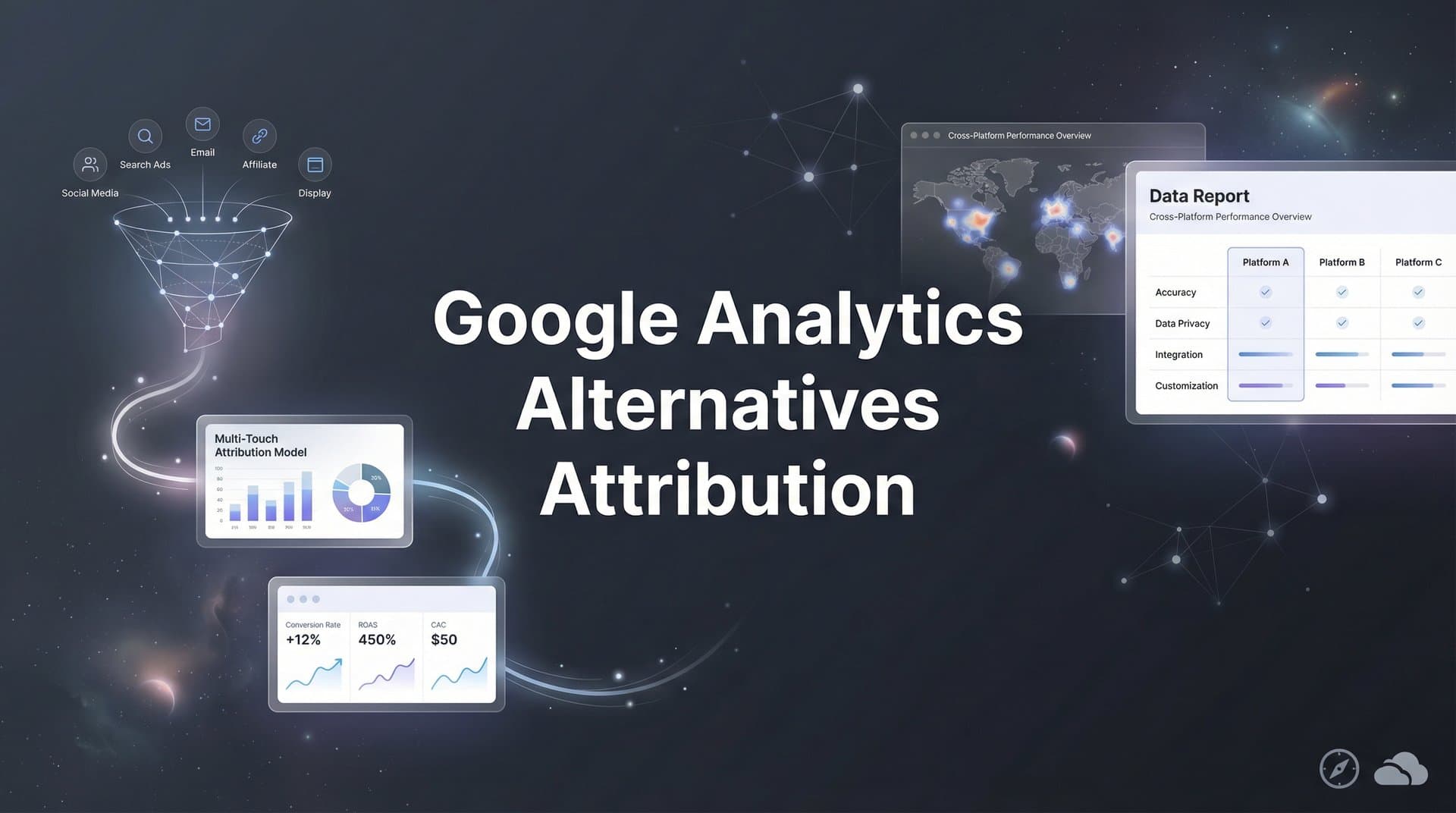
Google Analytics has long been the default choice for tracking website traffic, but when it comes to understanding which marketing efforts actually drive revenue, many marketers find themselves hitting a wall. The platform excels at showing you what happens on your site, yet struggles to connect the dots between ad clicks, multi-touch journeys, and actual conversions in your CRM.
For digital marketers running campaigns across Meta, Google, TikTok, and other platforms, this gap means making budget decisions based on incomplete data.
The good news: a new generation of attribution-focused tools and strategies can give you the clarity GA4 simply was not built to provide. This guide walks you through seven actionable strategies to improve your marketing attribution, helping you see exactly which channels and campaigns deliver real results.
1. Implement Server-Side Tracking to Capture Data GA4 Misses
The Challenge It Solves
Browser-based tracking has become increasingly unreliable. Ad blockers, privacy-focused browsers like Safari and Firefox, and iOS App Tracking Transparency have created massive blind spots in your data. When someone blocks cookies or opts out of tracking, GA4 simply cannot see their journey. This means you are making decisions based on an incomplete picture of your audience.
The impact goes beyond missing a few data points. When your tracking only captures a portion of conversions, you end up undervaluing the campaigns that actually drive results and potentially cutting budgets on your best performers.
The Strategy Explained
Server-side tracking bypasses browser limitations entirely by sending conversion data directly from your server to ad platforms and analytics tools. Instead of relying on a pixel that fires in someone's browser, your server communicates directly with platforms like Meta and Google. This approach captures conversions even when users have ad blockers enabled or have opted out of tracking.
Think of it like this: browser-based tracking is like trying to follow someone through a crowded mall where they can disappear at any moment. Understanding the differences between Google Analytics vs server side tracking helps clarify why this approach is so effective, as you know exactly when a purchase happens regardless of what happened in between.
Implementation Steps
1. Set up a server-side tracking container using tools like Google Tag Manager Server-Side or a dedicated attribution platform that handles this automatically.
2. Configure your server to capture conversion events (form submissions, purchases, sign-ups) and send them to your ad platforms via their conversion APIs.
3. Implement event deduplication to prevent double-counting conversions that fire from both browser pixels and server-side tracking.
4. Test your setup by completing test conversions and verifying they appear correctly in both your analytics dashboard and ad platform reporting.
Pro Tips
Start with your highest-value conversion events first. Focus on purchases, qualified leads, or demo requests rather than trying to track every micro-interaction. Also, make sure you are passing user identifiers consistently so platforms can match server-side events to the original ad click.
2. Connect Your CRM to Track Revenue, Not Just Conversions
The Challenge It Solves
GA4 can tell you someone filled out a form, but it cannot tell you if that lead became a paying customer six weeks later. This disconnect between marketing metrics and actual revenue creates a fundamental problem: you are optimizing for the wrong thing. A campaign that generates 100 leads might look amazing in GA4, while another campaign that generates 20 leads could actually produce more revenue if those leads close at a higher rate.
Without CRM integration, you are flying blind on the metrics that actually matter to your business.
The Strategy Explained
CRM integration connects your customer lifecycle data back to your marketing attribution. When a lead moves through your sales pipeline, closes as a customer, or churns, that information flows back into your attribution system. This allows you to see which campaigns, channels, and even specific ads generated customers, not just form fills.
The transformation is significant. Instead of optimizing for cost per lead, you can optimize for cost per customer or even return on ad spend based on actual revenue. Learning how to integrate Google Analytics with Salesforce is one approach, though dedicated attribution platforms often provide deeper revenue insights.
Implementation Steps
1. Choose an attribution platform that integrates natively with your CRM (Salesforce, HubSpot, Pipedrive, etc.) to automatically sync customer data.
2. Map your CRM lifecycle stages to meaningful attribution events, such as "Opportunity Created," "SQL," "Closed Won," and "Revenue."
3. Ensure your lead capture forms pass a consistent identifier (email, phone, or custom ID) that allows the system to match website visitors to CRM records.
4. Set up automated reporting that shows campaign performance based on closed revenue, not just lead volume.
Pro Tips
If you have a long sales cycle, consider tracking multiple milestones. Knowing which campaigns drive qualified opportunities can help you make faster optimization decisions while waiting for deals to close. Also, segment your revenue attribution by customer type or deal size to understand which campaigns attract your most valuable customers.
3. Adopt Multi-Touch Attribution Models That Match Your Sales Cycle
The Challenge It Solves
Last-click attribution gives all the credit to the final touchpoint before conversion, completely ignoring the awareness and consideration phases that made that conversion possible. This creates a distorted view of reality. The Facebook ad that introduced someone to your brand gets zero credit, while the Google search ad they clicked right before converting gets 100% credit.
For businesses with complex sales cycles involving multiple touchpoints across days or weeks, last-click attribution systematically undervalues top-of-funnel and mid-funnel marketing efforts.
The Strategy Explained
Multi-touch attribution distributes credit across all the touchpoints in a customer's journey. Different models weight touchpoints differently based on your business logic. Linear attribution gives equal credit to every touchpoint. Time decay gives more credit to recent interactions. U-shaped (position-based) attribution emphasizes the first and last touches while still crediting middle interactions.
The right model depends on your sales cycle. Understanding Google Analytics attribution limitations helps explain why many marketers seek more sophisticated multi-touch solutions that reflect how customers actually buy.
Implementation Steps
1. Map your typical customer journey to understand how many touchpoints usually occur before conversion and over what timeframe.
2. Select 2-3 attribution models that align with your business model and compare them side by side to see how they change your channel valuation.
3. Implement a platform that can apply multiple attribution models to the same data set, allowing you to view results through different lenses.
4. Review attribution reports monthly to identify channels that perform differently under various models, revealing their true role in your marketing mix.
Pro Tips
Do not get paralyzed trying to find the "perfect" attribution model. The goal is not perfection, but rather a more complete picture than last-click provides. Many marketers find that comparing 2-3 models side by side gives them the context they need to make smarter decisions.
4. Unify Cross-Platform Data Into a Single Source of Truth
The Challenge It Solves
When you run campaigns across Meta, Google, TikTok, LinkedIn, and other platforms, each one reports results using different attribution windows, conversion tracking methods, and data models. Meta might claim 50 conversions, Google claims 45, and GA4 shows 38. Which number is correct? Without a unified view, you end up comparing apples to oranges, making it nearly impossible to allocate budget effectively across channels.
This fragmentation leads to either analysis paralysis or gut-feeling decisions, neither of which scales.
The Strategy Explained
A unified attribution platform acts as a single source of truth by tracking conversions independently of ad platform pixels. Instead of trusting each platform's self-reported numbers, you track conversions in one place and attribute them back to their original source using consistent logic across all channels.
This approach eliminates the discrepancies caused by different attribution windows and tracking methods. Comparing Google Analytics vs attribution platforms reveals why dedicated tools often provide more reliable cross-channel insights than trying to reconcile data from multiple sources.
Implementation Steps
1. Implement a centralized tracking system that captures conversions from all traffic sources using UTM parameters or first-party tracking identifiers.
2. Connect all your ad platforms to this central system so you can see spend data alongside unified conversion data.
3. Create standardized reports that show cost per acquisition, return on ad spend, and other key metrics calculated the same way across all channels.
4. Use this unified data to make cross-channel budget allocation decisions rather than relying on platform-reported numbers.
Pro Tips
Keep your ad platform reporting for optimization purposes, but use your unified attribution data for strategic decisions. Platforms like Meta and Google need their own conversion data to optimize delivery, but you need an independent view to allocate budget wisely across platforms.
5. Feed Enriched Conversion Data Back to Ad Platforms
The Challenge It Solves
Ad platform algorithms optimize toward the conversion events they receive. If you only send basic conversion events without revenue data or lead quality information, the algorithm treats a $50 customer the same as a $5,000 customer. This leads to inefficient spending as the platform cannot distinguish between high-value and low-value conversions.
The result: you might hit your conversion volume targets while actually losing money because the platform is optimizing for quantity over quality.
The Strategy Explained
Conversion enrichment involves sending additional data back to ad platforms through their Conversion APIs. Instead of just telling Meta that a conversion happened, you tell them the conversion value, the lead quality score from your CRM, or whether the person became a paying customer. This enriched data allows the platform's AI to optimize for outcomes that actually matter to your business.
When Google Ads knows which clicks led to high-value customers, it can find more people like them. Proper Google Ads attribution tracking combined with enriched conversion data helps the algorithm bid more aggressively on audiences likely to generate higher-value purchases.
Implementation Steps
1. Set up Conversion API integrations for your primary ad platforms to send server-side conversion data with enriched parameters.
2. Configure your system to pass revenue values, lead scores, or customer lifetime value predictions with each conversion event.
3. Create value-based bidding campaigns that use this enriched data to optimize for revenue rather than just conversion volume.
4. Monitor performance over 2-4 weeks as the platform's algorithm learns from the enriched data and adjusts targeting accordingly.
Pro Tips
If you have a long sales cycle, consider sending conversion updates when leads reach meaningful milestones like "qualified opportunity" or "closed won." This gives ad platforms feedback on lead quality without waiting months for final revenue data. You can also use predicted customer lifetime value for subscription businesses to optimize for long-term value from day one.
6. Use AI-Powered Analysis to Surface Hidden Opportunities
The Challenge It Solves
Even with better tracking and attribution, manually analyzing performance across dozens of campaigns, hundreds of ad sets, and thousands of individual ads becomes overwhelming. Important insights get buried in spreadsheets. You might miss that one audience segment performing 3x better than average, or fail to notice a gradual decline in a previously strong campaign until significant budget has been wasted.
Human analysis simply cannot keep pace with the volume and complexity of modern multi-channel marketing data.
The Strategy Explained
AI-powered analytics tools continuously monitor your campaign performance and surface actionable insights automatically. Instead of you having to dig through reports looking for patterns, the AI identifies anomalies, trend changes, and optimization opportunities, then presents them as clear recommendations.
These systems can spot patterns humans miss, like identifying that mobile traffic from a specific geographic region converts at twice your average rate. Exploring attribution and analytics tools with built-in AI capabilities can dramatically reduce the time spent on manual analysis while improving decision quality.
Implementation Steps
1. Implement an attribution platform with built-in AI analysis capabilities that can automatically identify performance patterns and anomalies.
2. Configure the system to monitor your key performance indicators and alert you when metrics deviate significantly from expected ranges.
3. Review AI-generated recommendations weekly and test the highest-impact suggestions first, such as budget reallocation or audience adjustments.
4. Track which AI recommendations you implement and measure their impact to build confidence in the system's guidance over time.
Pro Tips
Start by acting on the most obvious AI recommendations to build trust in the system. As you see positive results, you can rely more heavily on AI insights for complex decisions. Also, use AI analysis to identify your top-performing creative elements, not just campaigns, so you can apply winning concepts across your entire account.
7. Build Real-Time Reporting for Faster Optimization Decisions
The Challenge It Solves
GA4's data processing delays mean you are often looking at yesterday's performance when making today's decisions. In fast-moving paid advertising environments where campaigns can burn through budget quickly, this lag creates risk. A campaign that stopped performing well this morning might waste hundreds or thousands of dollars before you notice the issue in tomorrow's GA4 report.
Delayed data leads to delayed action, and delayed action costs money.
The Strategy Explained
Real-time attribution tracking shows conversion data as it happens, allowing you to make same-day optimization decisions. When you launch a new campaign or make significant changes, you can see within hours whether it is working rather than waiting until the next day. This speed enables you to catch problems early and capitalize on wins faster.
Real-time reporting becomes especially valuable during high-stakes periods like product launches, seasonal promotions, or when testing new channels. Understanding common Google Analytics missing conversion data issues highlights why real-time attribution platforms often provide more complete and timely insights.
Implementation Steps
1. Choose an attribution platform that processes conversion data in real-time rather than batching updates once or twice daily.
2. Set up dashboards that display current-day performance metrics including spend, conversions, and cost per acquisition updated continuously.
3. Establish decision-making thresholds that trigger action, such as pausing campaigns that exceed your target CPA by a certain percentage within the first few hours.
4. Create a routine of checking real-time dashboards at strategic points during the day, especially after making campaign changes or during peak traffic hours.
Pro Tips
Balance real-time data with statistical significance. Just because a campaign has two conversions in the first hour does not mean it will maintain that pace. Use real-time data for early warning signals and quick wins, but give campaigns enough time to generate meaningful sample sizes before making major strategic shifts.
Taking Control of Your Attribution Strategy
Moving beyond Google Analytics for attribution does not mean abandoning it entirely. GA4 still provides valuable website behavior data and serves an important role in your analytics stack.
The key is supplementing it with purpose-built attribution tools that track the full customer journey from ad click to revenue.
Start by implementing server-side tracking to capture the data browser-based tools miss. This single change often reveals 20-40% more conversions than browser tracking alone, immediately improving the accuracy of your optimization decisions. Then connect your CRM to tie marketing efforts to actual revenue, transforming your perspective from lead volume to customer acquisition.
From there, adopt multi-touch attribution models that reflect how your customers actually buy. Most purchase decisions involve multiple touchpoints across several days or weeks. Your attribution system should acknowledge this reality rather than pretending every conversion happens in a single click.
The marketers who thrive in a privacy-first, multi-platform world will be those who invest in proper attribution infrastructure now. Your ad spend is too significant to allocate based on incomplete data.
Take the first step this week: audit your current tracking setup and identify the biggest gaps between what you track and what actually drives revenue. Look for discrepancies between platform-reported conversions and what actually appears in your CRM. Check how many conversions you are missing due to ad blockers and privacy settings. Evaluate whether your current attribution model accurately reflects your customer journey.
Ready to elevate your marketing game with precision and confidence? Discover how Cometly's AI-driven recommendations can transform your ad strategy. Get your free demo today and start capturing every touchpoint to maximize your conversions.


