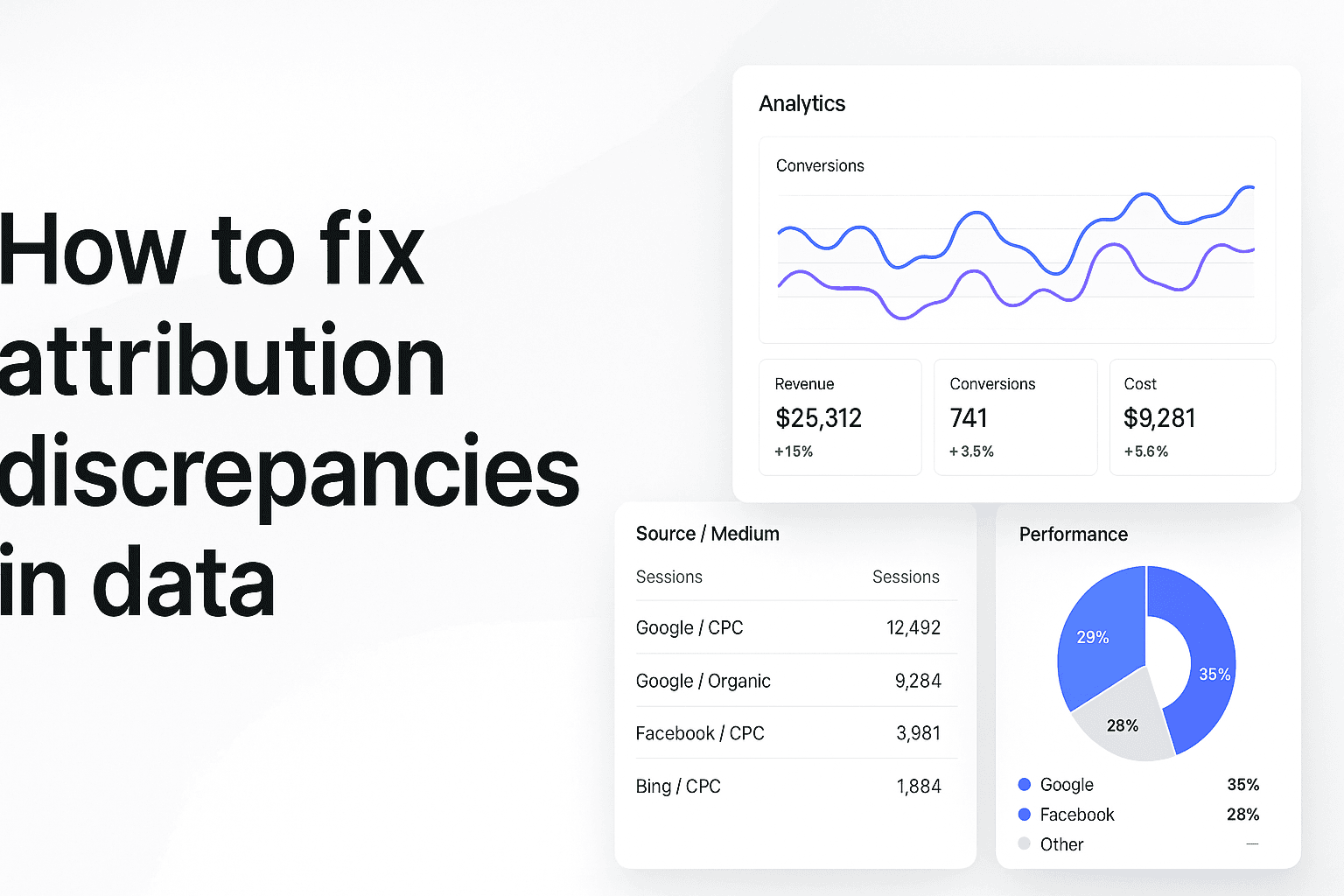
You're staring at three different dashboards at 11 PM on a Tuesday, and none of them agree.
Facebook Ads Manager shows 127 conversions from your campaign. Google Analytics reports 89. Your CRM? It's logged 104 new customers from the same time period.
Which number do you trust? More importantly—which campaigns do you scale tomorrow morning?
This is the attribution mystery that keeps marketers up at night. You're spending real money across multiple platforms, but each one tells a different story about what's working. Facebook wants credit for conversions that Google says came from search. Your email platform claims assists that neither ad system acknowledges. Meanwhile, your CRM shows customers that seemingly appeared out of nowhere.
The cost of this confusion isn't just frustration—it's misallocated budget, missed opportunities, and decisions made on incomplete data. When you can't trust your attribution, you're essentially flying blind with a seven-figure ad budget.
Here's the thing: attribution discrepancies aren't random technical glitches you have to live with. They're data mysteries that can be systematically investigated and solved. The marketers who crack these cases don't just accept conflicting numbers—they treat attribution like detective work, gathering evidence, analyzing patterns, and uncovering the truth hidden in their data.
This guide walks you through the exact investigation framework that transforms attribution chaos into clarity. You'll learn how to identify the root causes of discrepancies, decode conflicting attribution models, fix technical tracking gaps, and implement unified systems that give you one reliable source of truth.
By the end, you'll know exactly which numbers to trust and how to make confident budget decisions based on accurate attribution data. Let's solve this mystery together.
Step 1: Audit Your Current Tracking Infrastructure
Before you can fix attribution discrepancies, you need to know exactly what you're working with. Think of this like a crime scene investigation—you can't solve the mystery until you've documented all the evidence.
Start by creating a comprehensive inventory of every tracking system touching your marketing data. Open a spreadsheet and list every platform: Facebook Pixel, Google Analytics, Google Ads conversion tracking, LinkedIn Insight Tag, your CRM's tracking code, email platform pixels, and any third-party analytics tools. Don't skip anything, even if it seems minor.
For each tracking system, document three critical details: the implementation method (pixel vs API), the conversion events it's tracking, and the attribution window settings. This is where most discrepancies hide. You might discover that Facebook is tracking "purchase" events with a 7-day click window while Google Analytics uses a 30-day window for the same conversion.
Next, check your tracking implementation health. Use browser developer tools to verify that pixels are firing correctly on key pages. Load your checkout page, open the browser console, and confirm that conversion pixels trigger when they should. Look for duplicate pixels—having two Facebook Pixels on the same page creates instant attribution chaos.
Test your UTM parameter flow from ad click to conversion. Click one of your own ads, then navigate through your site to a conversion point. Use a UTM parameter checker to verify that campaign data persists throughout the journey. If UTM parameters disappear between landing page and checkout, you've found a major attribution blind spot.
Document your findings in detail. Note every tracking conflict, every missing pixel, every attribution window mismatch. This audit becomes your baseline—the "before" snapshot that lets you measure improvement as you implement fixes.
The most common issues you'll uncover: conflicting pixels firing simultaneously, inconsistent conversion event definitions across platforms, attribution windows that don't match your actual sales cycle, and UTM parameters that break during checkout flows. Understanding marketing data definition helps you standardize how different platforms categorize and report conversion events.
One critical mistake to avoid: assuming that because a pixel shows "active" in the platform dashboard, it's working correctly. Always verify pixel firing in real-time using browser tools. Platform dashboards can show pixels as active even when they're misconfigured or conflicting with other tracking code.
This audit typically takes 2-3 hours for a standard e-commerce setup, longer for complex multi-platform campaigns. Don't rush it. Every tracking issue you document now is a discrepancy you can eliminate later.
Once you've completed your audit, you'll have a clear map of your attribution landscape—every tracking system, every potential conflict, every gap in your data. This foundation makes every subsequent fix faster and more effective because you know exactly what needs attention.
Step 2: Investigate iOS 14.5+ Attribution Challenges and Privacy Impact
Apple's privacy changes didn't just shake up mobile tracking—they fundamentally broke how most marketers measure campaign performance. If you're seeing attribution discrepancies that started around mid-2021, iOS privacy updates are likely the culprit.
The App Tracking Transparency (ATT) framework requires apps to ask permission before tracking users across other apps and websites. The result? Most users opt out. Industry data shows that opt-in rates hover around 25%, meaning you're flying blind on 75% of your iOS traffic. That's not a minor gap—it's a massive attribution black hole.
Start by checking what percentage of your traffic comes from iOS devices. Open Google Analytics, navigate to Audience > Technology > Browser & OS, and filter for iOS. If iOS represents more than 30% of your traffic, privacy changes are significantly impacting your attribution accuracy. Compare your iOS conversion tracking before and after April 2021 to quantify the damage.
Safari's Intelligent Tracking Prevention (ITP) adds another layer of complexity. ITP limits cookie lifespans to just 7 days for first-party cookies and blocks third-party cookies entirely. This means your 30-day attribution window effectively becomes 7 days for Safari users, creating massive discrepancies between what your ad platforms report and what actually converts.
The technical fix requires implementing server-side tracking through Conversion APIs. Unlike client-side pixels that Safari blocks, server-side tracking sends conversion data directly from your server to ad platforms, bypassing browser restrictions entirely. Facebook's Conversions API and Google's Enhanced Conversions are your primary tools here.
Here's the practical implementation: Set up your server to capture conversion events (purchases, signups, form submissions) and send them to ad platforms via API. You'll need to hash user identifiers like email addresses and phone numbers before transmission to maintain privacy compliance. This approach captures conversions that client-side tracking misses, dramatically improving attribution accuracy for iOS traffic.
Don't forget about attribution window adjustments. With iOS limiting tracking windows, your 28-day click attribution becomes meaningless for mobile users. Shift your analysis to shorter windows—7-day click and 1-day view—to align with iOS reality. This creates temporary discrepancies as you transition, but it gives you more accurate long-term data.
Test your iOS attribution accuracy by running controlled experiments. Create identical campaigns targeting iOS and Android separately, then compare reported conversions against actual customer data in your CRM. The gap between iOS reporting and reality shows exactly how much attribution accuracy you've lost to privacy changes.
The bottom line: iOS privacy changes aren't going away, and they're getting stricter. Marketers who adapt their tracking infrastructure to work within these constraints maintain attribution accuracy. Those who ignore the problem keep making budget decisions based on increasingly incomplete data.
Step 3: Decode Attribution Model Conflicts Across Platforms
Here's where attribution gets messy: every platform is telling the truth—just their version of it.
Facebook claims credit for 50 conversions. Google Analytics shows 35. Your email platform reports 20 assists. They're all tracking the same customers, but each platform uses different rules to decide who gets credit for the sale.
This isn't a bug. It's how attribution models work. Understanding these differences transforms frustrating discrepancies into actionable insights about your customer journey.
First-Click vs Last-Click Attribution Wars
The simplest attribution models create the biggest conflicts. First-click attribution gives 100% credit to the first touchpoint a customer encounters. Last-click gives everything to the final interaction before conversion.
Picture a customer who clicks your Facebook ad on Monday, searches your brand on Google Thursday, and buys Friday after clicking an email. Facebook's first-click model credits the social ad. Google's last-click model credits the search. Your email platform claims the conversion too.
Same customer journey. Three different "winners." This is why your platforms never agree.
Most ad platforms default to last-click because it makes their performance look better. Facebook and Instagram favor shorter attribution windows that capture impulse purchases. Google Search Console often uses last non-direct click, which ignores direct traffic entirely.
Multi-Touch Attribution Complexities
Multi-touch attribution tries to solve the credit problem by distributing value across multiple touchpoints. But different distribution methods create new discrepancies.
Linear attribution splits credit equally across all touchpoints. That same customer journey? Facebook gets 33%, Google gets 33%, email gets 33%. Time-decay models give more credit to recent interactions—maybe 50% to email, 30% to Google, 20% to Facebook.
Position-based attribution (also called U-shaped) gives 40% to the first touch, 40% to the last, and splits the remaining 20% among middle interactions. Algorithmic attribution uses machine learning to assign credit based on historical conversion patterns.
Each model tells a different story about what's working. When Facebook uses one model and Google uses another, your reports will never match—even when tracking identical customer behavior. Implementing attribution reporting software helps you compare these different models side-by-side and understand how each platform calculates credit.
Platform-Specific Attribution Logic and Windows
Attribution windows add another layer of complexity. Facebook defaults to 7-day click and 1-day view attribution. Google Ads uses 30-day click windows. Google Analytics can track up to 90 days.
A customer who clicks your Facebook ad on January 1st and converts on January 25th shows up in Google's attribution but disappears from Facebook's 7-day window. Facebook reports zero conversions. Google reports one. Both are technically correct based on their window settings.
iOS 14.5 and privacy changes compressed these windows further. Facebook's view-through attribution dropped from 28 days to 7 days for iOS users. Safari's Intelligent Tracking Prevention limits cookies to 7 days. Cross-device tracking became nearly impossible without deterministic matching.
Implementing cross-platform analytics tools helps marketers navigate these attribution complexities by normalizing data across different platforms and attribution windows. Professional data analysis in marketing requires understanding not just what the numbers say, but how each platform calculates those numbers in the first place.
Putting It All Together
Attribution discrepancies aren't technical mysteries you have to live with—they're solvable problems that respond to systematic investigation. You've now got the detective framework to audit your tracking infrastructure, decode platform conflicts, fix technical gaps, reconcile CRM data, and implement unified systems that give you one reliable source of truth.
Start with the audit. Document every tracking system, check your implementation health, and identify where your biggest discrepancies hide. Then tackle the technical issues—fix those pixel conflicts, adapt to iOS privacy changes, and implement server-side tracking where it matters most. Finally, connect your marketing data to actual revenue by bridging the gap between ad platforms and your CRM.
The marketers who win aren't the ones with perfect data from day one—they're the ones who systematically eliminate attribution blind spots and build confidence in their numbers. When you can trust your attribution, you make better budget decisions, scale the right campaigns, and stop leaving money on the table.
Ready to eliminate attribution chaos and get clear visibility into what's actually driving your revenue? Get your free demo and see how unified attribution tracking transforms conflicting data into confident marketing decisions.