

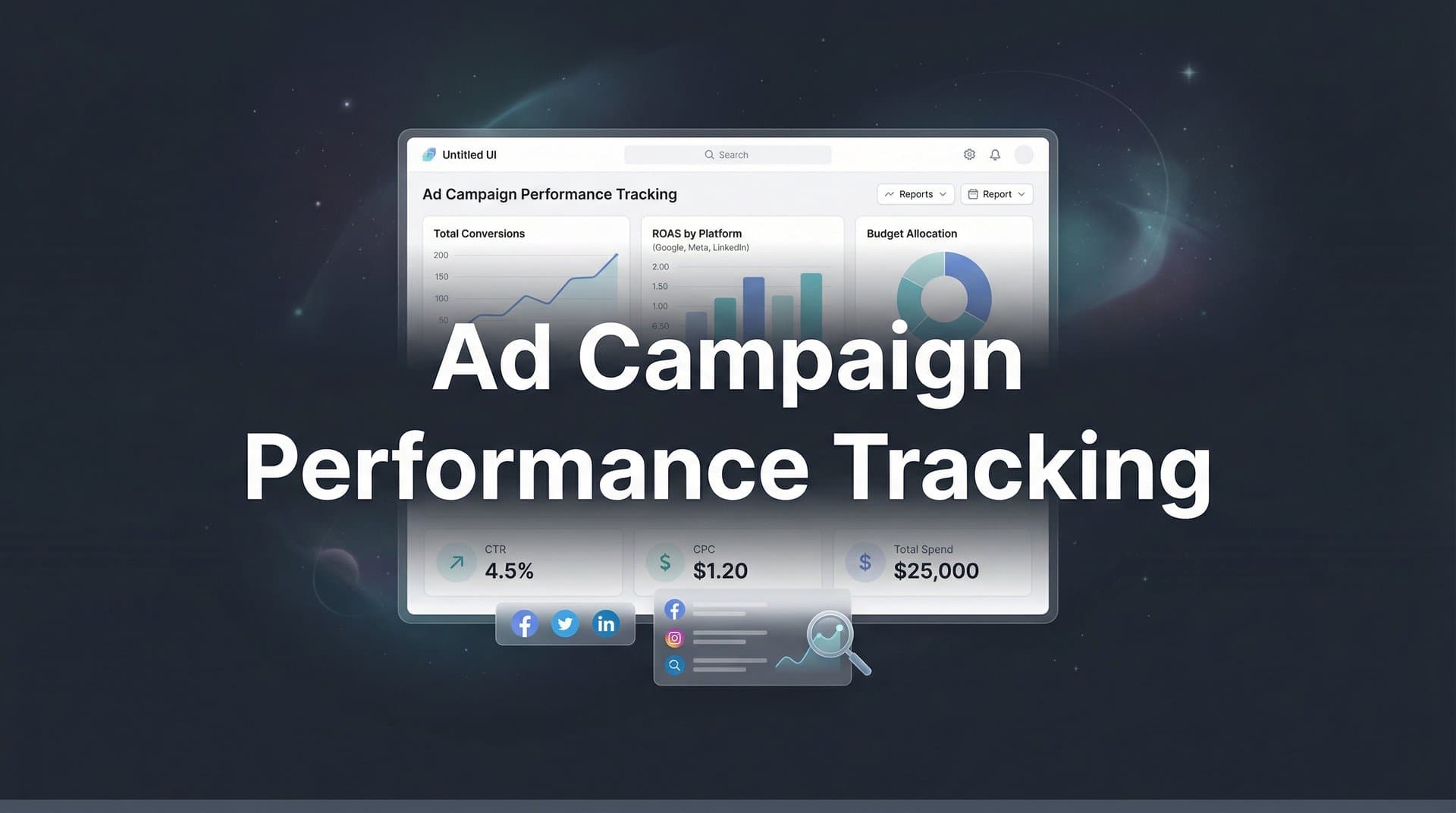
Running paid ads without proper tracking is like driving blindfolded—you might reach your destination, but you're wasting fuel and risking crashes along the way. Many marketers struggle to connect their ad spend to actual revenue, leaving them guessing which campaigns deserve more budget and which should be cut.
This guide walks you through setting up comprehensive ad campaign performance tracking from scratch. By the end, you'll have a system that captures every touchpoint, attributes conversions accurately, and gives you the data confidence to scale winning campaigns.
Whether you're managing campaigns across Meta, Google, TikTok, or multiple platforms simultaneously, these steps will help you build a tracking foundation that actually shows what's driving your revenue. Let's get started.
Step 1: Define Your Conversion Events and KPIs
Before you touch any tracking tools, you need absolute clarity on what you're measuring. Think of this as building the blueprint before construction begins—skip it, and your entire tracking system becomes a guessing game.
Start by identifying your primary conversions. These are the actions that directly generate revenue or qualified leads: completed purchases, demo bookings, consultation requests, or subscription sign-ups. Every business has these critical conversion points that matter most to the bottom line.
Next, map out your micro-conversions. These are the smaller actions that indicate buying intent: adding items to cart, viewing pricing pages, downloading resources, or watching product videos. While they don't immediately generate revenue, they reveal which prospects are moving closer to conversion.
Map Your Funnel Stages: Document each stage of your customer journey from first touch to final conversion. If someone typically sees three ads before booking a demo, you need to track all three touchpoints. If purchases happen after email nurture sequences, those interactions need visibility too.
Assign Value to Each Event: Not all conversions carry equal weight. A completed purchase obviously matters more than a page view, but how much more? Assign monetary values or weighted scores to each conversion type. This helps you calculate true campaign ROI later.
Set specific KPIs for each campaign type. Your prospecting campaigns might target a cost per acquisition of $50, while retargeting campaigns should hit a return on ad spend of 4:1 or higher. Brand awareness campaigns might focus on reach and engagement rather than immediate conversions. Understanding campaign performance metrics helps you define these targets accurately so you can measure performance later.
Document everything in a simple spreadsheet: conversion event names, their definitions, assigned values, and target KPIs. This becomes your tracking requirements document—the reference point for every technical implementation that follows. When your tracking specialist asks what events to capture, you'll have clear answers ready.
The clarity you create here determines the quality of every insight you'll gain later. Vague tracking goals produce vague data. Specific conversion definitions produce actionable intelligence.
Step 2: Implement Server-Side Tracking Infrastructure
Here's the uncomfortable truth: browser-based tracking is dying. iOS App Tracking Transparency restrictions, Safari's Intelligent Tracking Prevention, Firefox's Enhanced Tracking Protection, and the rise of ad blockers have created massive blind spots in traditional pixel-based tracking.
When someone opts out of tracking on iOS or uses an ad blocker, your Meta Pixel and Google Tag simply stop firing. You're not capturing those conversions, which means your ad platforms can't optimize properly, and your reports show incomplete data. For many advertisers, this represents 30-40% of their actual traffic going completely untracked.
Server-side tracking solves this by capturing data on your server before it ever reaches the user's browser. Instead of relying on browser cookies and pixels that users can block, events get recorded server-to-server. This approach captures significantly more conversion data, giving you a more complete picture of campaign performance.
How Server-Side Tracking Works: When someone takes an action on your website—like completing a purchase—your server records that event and sends it directly to your tracking platform. Then your tracking platform can forward that data to your ad platforms through their server-side APIs. The user's browser settings become irrelevant because the data never depended on client-side tracking in the first place.
Setting up first-party data tracking typically requires connecting your website to a tracking platform that handles the technical implementation. Modern attribution platforms like Cometly provide server-side tracking infrastructure that connects to your site through a simple integration, then handles all the complex server-to-server communication with ad platforms automatically.
The technical setup process involves installing a tracking script on your website, configuring which events to capture, and verifying that data flows correctly. You'll want to test thoroughly—trigger test conversions on your site and confirm they appear in your tracking dashboard within seconds.
Verification Checklist: Complete a test purchase or lead form submission. Check that the event appears in your tracking platform immediately. Verify that all relevant data points are captured—user ID, conversion value, product details, and source attribution. Test from different devices and browsers to ensure consistent tracking.
Once verified, monitor your event volume for the first few days. You should see significantly higher conversion counts compared to your old pixel-based tracking, especially from iOS users and privacy-conscious browsers. That difference represents the blind spots you've been operating with until now.
Server-side tracking isn't just about capturing more data—it's about building a foundation that won't break as privacy regulations continue evolving. Browser-based tracking will only get more restricted. Server-side tracking future-proofs your measurement infrastructure.
Step 3: Connect Your Ad Platforms and Data Sources
Now that your tracking infrastructure captures conversion data accurately, it's time to connect all your marketing channels so you can see the complete picture. Data silos are the enemy of accurate attribution—when each platform only sees its own touchpoints, nobody understands the full customer journey.
Start by integrating every active ad platform. If you're running campaigns on Meta, Google Ads, TikTok, LinkedIn, or any other channel, each one needs to connect to your central tracking system. This allows you to compare performance across platforms using consistent conversion data rather than relying on each platform's self-reported numbers.
Most attribution platforms provide native integrations with major ad platforms. You'll typically authorize API access, which allows your tracking system to pull campaign data automatically—ad spend, impressions, clicks, and platform-reported conversions. This creates a unified view where you can compare Meta's performance against Google's performance using the same conversion definitions and attribution logic. For businesses tracking multiple ad campaigns accurately, this centralized approach eliminates confusion from conflicting platform reports.
Connect Your CRM: This step is critical if you have any sales cycle beyond immediate online purchases. When leads come in from ads but convert to customers days or weeks later, your CRM holds the final conversion data. Integrating your CRM allows you to track the complete journey from ad click to closed deal, revealing which campaigns generate not just leads, but revenue.
Popular CRMs like HubSpot, Salesforce, and Pipedrive typically offer API integrations with attribution platforms. Once connected, your tracking system can match CRM conversions back to their original ad sources, showing true return on ad spend even for long sales cycles.
Establish UTM Parameter Conventions: UTM parameters are the tags you add to campaign URLs to identify traffic sources. Without consistent conventions, your data becomes a mess of duplicate sources and unidentifiable campaigns. Learning what UTM tracking is and how UTMs can help your marketing is essential before creating a standardized naming structure.
Your UTM structure should clearly identify: campaign source (utm_source=facebook), medium (utm_medium=cpc), campaign name (utm_campaign=spring_sale_2026), and optionally ad set and creative identifiers. Document these conventions and share them with everyone who creates campaigns. Consistency here determines whether you can actually analyze performance later.
Test Each Connection: Don't assume integrations work perfectly just because they're configured. Run test campaigns with small budgets on each platform. Track clicks and conversions through your central system. Verify that ad spend data imports correctly. Check that CRM conversions match back to their ad sources accurately.
Common integration issues include API permission problems, mismatched time zones causing data discrepancies, and conversion event names that don't align between systems. Catch these issues during testing rather than discovering them weeks later when you're trying to analyze performance.
Once all connections are live and verified, you'll have a unified data foundation. Every campaign from every platform feeding into one central system, with consistent conversion tracking and attribution logic applied across everything. This is where real cross-channel optimization becomes possible.
Step 4: Configure Multi-Touch Attribution Models
Here's where tracking gets interesting. Your customer probably didn't see one ad and immediately convert—they saw multiple touchpoints across different channels before making a decision. Multi-touch attribution helps you understand which touchpoints actually influenced the conversion, not just which one happened to be last.
Different attribution models distribute conversion credit differently. Last-touch attribution gives 100% credit to the final touchpoint before conversion—simple, but it completely ignores the awareness and consideration stages. First-touch attribution credits only the initial touchpoint—useful for understanding what drives discovery, but it overlooks the nurturing that actually closes deals.
Linear Attribution: This model distributes credit equally across all touchpoints in the customer journey. If someone saw five ads before converting, each ad gets 20% of the credit. This approach values every interaction equally, which works well when you believe each touchpoint contributes similarly to the conversion decision.
Time-Decay Attribution: This model gives more credit to touchpoints closer to conversion, operating on the assumption that recent interactions matter more. The first touchpoint might get 10% credit while the last one gets 40%, with the middle interactions receiving graduated credit based on proximity to conversion.
Data-Driven Attribution: The most sophisticated approach uses machine learning to analyze your actual conversion patterns and assign credit based on which touchpoints statistically increase conversion probability. This requires significant data volume but produces the most accurate attribution when implemented properly. A comprehensive campaign attribution tracking system makes implementing these models much simpler.
Choosing the right model depends on your sales cycle and touchpoint volume. Short sales cycles with few touchpoints might work fine with last-touch attribution. Complex B2B sales with long consideration periods and many interactions need multi-touch models to understand the full journey. E-commerce businesses often benefit from time-decay models that weight recent touchpoints more heavily.
Configure Attribution Windows: Attribution windows determine how far back in time you'll look for touchpoints. A seven-day click attribution window means conversions get attributed to ad clicks that happened within the past seven days. A one-day view attribution window credits ad impressions viewed within 24 hours of conversion.
Your attribution windows should match your actual customer behavior. If people typically research for two weeks before buying, a seven-day window will miss half the journey. If your product has impulse-buy characteristics, a 30-day window might overattribute credit to irrelevant touchpoints.
Set up multiple attribution models simultaneously and compare their outputs. Look at the same campaign through last-touch, first-touch, and linear lenses. The differences reveal how each model values your channels. You might discover that your "worst performing" channel in last-touch attribution is actually driving significant awareness that other channels capitalize on.
Understanding attribution models isn't just academic—it changes budget allocation decisions. When you see that branded search campaigns get heavy last-touch credit but upper-funnel display campaigns drive the initial awareness that makes those searches happen, you make smarter investment choices across your entire funnel.
Step 5: Build Your Performance Dashboard and Reporting
Data without visibility is just noise. Now that you're capturing accurate conversion data and applying proper attribution, you need a dashboard that transforms raw numbers into actionable insights. Think of this as your campaign control center—the place where you spot opportunities and problems before they significantly impact results.
Your dashboard should show all campaigns across all platforms in one unified view. No more jumping between Meta Ads Manager, Google Ads, and TikTok Ads to piece together performance. Everything in one place, using consistent conversion data and attribution logic.
Essential Dashboard Metrics: Start with the fundamentals—total ad spend, conversion volume, cost per conversion, and return on ad spend. Break these down by campaign, ad set, channel, and time period. You should be able to quickly identify which campaigns are hitting your KPI targets and which are underperforming. Robust campaign performance analytics make this level of visibility possible.
Add comparison views that show performance trends over time. Is this week better than last week? How does this month compare to the same month last year? Trend visibility helps you spot seasonal patterns and identify when performance genuinely improves or declines versus normal fluctuation.
Include attribution model comparisons directly in your dashboard. Show the same campaigns evaluated through different attribution lenses side by side. This prevents you from making decisions based on a single perspective and helps you understand the full value each channel provides across the customer journey.
Set Up Real-Time Alerts: Don't wait for weekly reports to discover that a campaign stopped delivering or a conversion rate suddenly dropped. Configure automated alerts for significant performance changes—conversion volume drops below threshold, cost per acquisition exceeds target, or ROAS falls below acceptable levels.
Alerts should be specific enough to catch real problems but not so sensitive that you're drowning in false alarms. A 10% day-over-day fluctuation might be normal variance, but a 50% drop in conversion volume probably signals a tracking issue or campaign problem that needs immediate attention.
Configure Automated Reports: Different stakeholders need different views of performance. Your CEO wants high-level ROAS and revenue attribution. Your media buyers need granular campaign and ad set performance. Your finance team needs monthly spend summaries and budget pacing.
Set up automated report delivery on appropriate schedules. Daily performance snapshots for media buyers. Weekly trend reports for marketing leadership. Monthly comprehensive reviews for executive stakeholders. Automation ensures everyone gets the data they need without manual report generation eating up your time.
Establish a Review Cadence: Build regular analysis into your workflow. Start each day with a quick dashboard check—are all campaigns delivering normally? Any alerts or anomalies? Spend 10 minutes identifying anything that needs immediate attention.
Conduct deeper weekly reviews where you analyze trends, compare performance across channels, and identify optimization opportunities. Look for patterns—which ad creatives consistently outperform? Which audiences show the strongest conversion rates? Which campaigns are scaling efficiently? Learning how to improve campaign performance with analytics turns these reviews into actionable optimization sessions.
Monthly deep dives should examine attribution patterns, customer journey insights, and strategic budget allocation. This is where you make big decisions about channel mix, campaign strategy, and testing priorities for the coming month.
A well-designed dashboard transforms tracking data from a passive record into an active decision-making tool. You're no longer reacting to problems after they've cost you money—you're proactively optimizing based on real-time performance visibility.
Step 6: Feed Enriched Data Back to Ad Platforms
Here's where your tracking setup goes from measuring performance to actively improving it. Modern ad platforms like Meta and Google use machine learning algorithms to optimize campaign delivery. The quality of data you feed those algorithms directly impacts how well they perform. Better data in means better results out.
Conversion sync—also called conversion API or server-side event sharing—sends your accurate, server-side conversion data back to your ad platforms. This gives their algorithms complete visibility into which ads drive real conversions, not just the incomplete picture they get from browser-based tracking alone.
Remember those iOS users and ad blocker users whose conversions your browser pixels miss? Your ad platforms miss them too, which means their algorithms optimize based on incomplete data. When you sync enriched conversion data back, you're showing platforms the full picture of which campaigns, ad sets, and creatives actually drive results.
How Conversion Sync Improves Performance: Ad platform algorithms learn from conversion signals to identify patterns—which audiences convert, which creative elements resonate, which placements drive results. When they only see 60% of actual conversions due to tracking limitations, they're learning from incomplete data and making suboptimal optimization decisions.
Feeding complete conversion data back helps algorithms identify true performance patterns. They can more accurately predict which users are likely to convert, optimize bid strategies more effectively, and allocate budget toward genuinely high-performing campaigns rather than the ones that just happen to convert users with trackable browsers.
Setting Up Conversion Sync: Most modern attribution platforms provide automated conversion sync to major ad platforms. You configure which conversion events to share, and the platform handles the technical API integration. Platforms like Cometly automatically sync conversion data back to Meta, Google, TikTok, and other channels, ensuring their algorithms receive complete, accurate signals. Understanding how ad tracking tools can help you scale ads reveals why this data feedback loop is so powerful.
The setup typically involves authorizing API access for each ad platform and mapping your conversion events to the corresponding platform events. A purchase event in your tracking system maps to a Purchase event in Meta and a Conversion in Google Ads. Event mapping ensures platforms interpret your data correctly.
Monitor Impact Over Time: Conversion sync improvements aren't always immediate—ad platform algorithms need time to learn from better data. Monitor your campaigns over 2-4 weeks after enabling sync. You should see gradual improvements in cost per conversion, conversion volume, and ROAS as algorithms optimize based on more complete information.
Compare conversion counts between your attribution platform and ad platform reporting. The numbers should align much more closely after implementing conversion sync, though some discrepancy is normal due to different attribution windows and logic. Significant gaps suggest potential sync issues worth investigating.
Troubleshoot Common Sync Issues: Event mapping mismatches are the most frequent problem—your tracking platform sends a "Lead" event but the ad platform expects "CompleteRegistration." Review event names and ensure they match platform requirements exactly.
API permission issues can interrupt sync. If conversion data suddenly stops flowing, check that your API connections remain authorized and haven't expired. Platforms sometimes require periodic reauthorization for security purposes.
Data discrepancies between your attribution platform and ad platform reporting don't always indicate problems. Different attribution windows, deduplication logic, and conversion counting methods create natural variance. Focus on directional consistency rather than perfect alignment—if your data shows a campaign improving and the ad platform's data agrees, the sync is working properly even if exact numbers differ.
Conversion sync closes the optimization loop. You're not just measuring performance anymore—you're actively feeding better data back to your campaigns, enabling them to optimize more effectively and drive better results over time. This turns your tracking system from a measurement tool into a performance improvement engine.
Putting It All Together: Your Tracking Checklist
With these six steps complete, you now have end-to-end visibility into which ads actually drive revenue—not just clicks or impressions. Let's recap your implementation checklist to ensure nothing fell through the cracks.
Quick Implementation Checklist: Conversion events defined with clear KPIs for each campaign type. Server-side tracking live and capturing data that browser-based pixels miss. All ad platforms and your CRM connected to your central tracking system. Attribution model configured to match your sales cycle and customer journey. Performance dashboard built with real-time alerts and automated reporting. Conversion sync active, feeding enriched data back to ad platforms for better optimization.
If you can check every item on that list, you're operating with a tracking infrastructure that most marketers never achieve. You have the foundation for data-driven decision making rather than gut-feel guesswork.
But accurate tracking isn't the finish line—it's the starting point for scaling with confidence. The real value comes from using this data to make smarter decisions every single day.
Start by identifying your top three performing campaigns based on your primary KPI. These are your winners—the campaigns that prove your offer, targeting, and creative approach work. Allocate more budget toward them. Test variations to find even better performance. Scale what works.
Next, find your worst performers. Sort your campaigns by cost per acquisition or ROAS and identify the bottom 20%. These campaigns are burning budget without delivering results. Either optimize them with new creative, adjusted targeting, or different bidding strategies—or pause them entirely and reallocate that budget to proven winners.
Look for attribution insights that challenge your assumptions. Which channels get heavy last-touch credit but minimal first-touch credit? Those are your conversion channels—they close deals but don't drive awareness. Which channels show the opposite pattern? Those are your awareness drivers that deserve credit for starting customer journeys even if they don't get the final click.
Use these insights to build a full-funnel strategy. Invest in awareness channels that start customer journeys, nurture channels that move prospects through consideration, and conversion channels that close deals. Stop treating every channel like it should drive immediate conversions—understand and value the different roles each plays. Implementing cross-channel campaign measurement solutions helps you see how each platform contributes to your overall marketing success.
Review your dashboard daily, but resist the urge to make constant changes. Give campaigns time to gather statistically significant data before optimizing. Weekly optimization cycles typically work better than daily overreactions to normal performance variance.
The marketers who win aren't the ones with the biggest budgets—they're the ones with the clearest data and the discipline to act on it consistently. You now have the tracking infrastructure that separates guesswork from genuine insight.
Ready to elevate your marketing game with precision and confidence? Discover how Cometly's AI-driven recommendations can transform your ad strategy—Get your free demo today and start capturing every touchpoint to maximize your conversions.



