

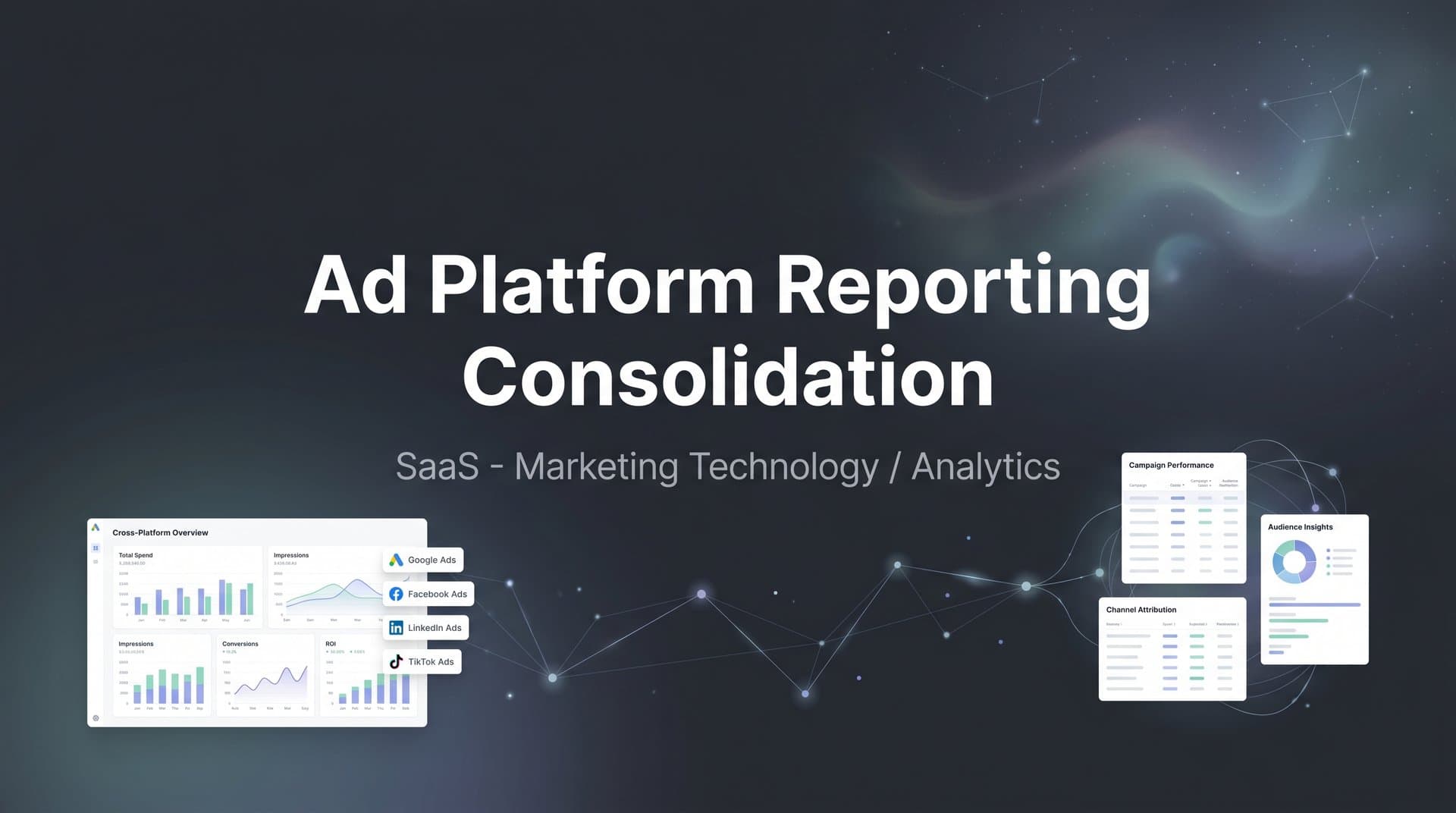
If you are running ads across Meta, Google, TikTok, LinkedIn, and other platforms, you already know the pain of jumping between dashboards just to piece together a performance picture. Each platform reports differently, attributes conversions using its own logic, and often inflates results in its favor.
The outcome? Hours wasted on manual data pulls, spreadsheets that break, and budget decisions based on conflicting numbers. You might see Meta claiming credit for the same conversion Google already counted, while TikTok shows impressive click-through rates that never seem to translate into actual revenue.
Ad platform reporting consolidation solves this by bringing all of your cross-channel data into a single, standardized view. Instead of toggling between five tabs and reconciling mismatched metrics, you get one source of truth that shows exactly where your revenue is coming from.
This is not just a convenience upgrade. When your reporting is unified, your budget decisions improve. You stop funding campaigns that look good inside one platform's walled garden and start investing in what actually drives revenue across the full customer journey.
This guide walks you through the entire process of consolidating your ad platform reporting, from auditing your current setup to building a unified dashboard that drives smarter decisions. By the end, you will have a clear, repeatable system for pulling all of your advertising data into one place so you can stop guessing and start scaling with confidence.
Whether you are a solo performance marketer or leading a team managing significant ad spend across multiple channels, these steps will give you the foundation you need. Let's get into it.
Step 1: Audit Every Ad Platform and Data Source You Currently Use
Before you can consolidate anything, you need a complete picture of what you are actually working with. This step is about creating total visibility into your current reporting landscape, including every platform, tool, and manual process your team relies on today.
Start by listing every active ad platform. This typically includes Meta Ads, Google Ads, TikTok Ads, LinkedIn Campaign Manager, Microsoft Ads, Pinterest, and any programmatic or affiliate platforms you use. Do not stop at the ad platforms. Also document your analytics tools (Google Analytics 4, for example), your CRM, any data warehouse or BI tools, and the spreadsheets your team uses to compile weekly reports.
Once you have your full inventory, go one level deeper for each source. Document the key metrics each platform reports on and, critically, note where definitions differ. This is where most teams discover how fragmented their data actually is.
Conversion definitions vary widely: Meta might count a conversion within a 7-day click or 1-day view window by default, while Google Ads uses a different attribution window entirely. Your CRM might only log a conversion when a deal closes. None of these are wrong on their own, but comparing them without acknowledging the differences leads to deeply misleading conclusions.
Click definitions also differ: Some platforms count all clicks including social engagements, while others count only link clicks that drive traffic to your site. If you are comparing click-through rates across platforms without knowing this, you are comparing apples to oranges.
Next, identify the biggest operational gaps. Which platforms over-count conversions due to pixel limitations or broad attribution windows? Where is data missing entirely, such as offline conversions or CRM revenue events that never get tied back to ad spend? Understanding why ad platforms report different numbers is essential before you can fix the problem.
Be honest about the manual effort involved. Many teams spend several hours each week just assembling reports that are already outdated by the time they are finished.
The output of this step is a single reference document: every data source, the metrics it tracks, known discrepancies in definitions, and your current reporting workflows. This document becomes the foundation for everything that follows.
Success indicator: You have a complete data source inventory with documented metric definitions and known gaps. You know exactly where your reporting breaks down and why.
Step 2: Define Your Unified Metrics Framework and KPIs
Now that you know what you are working with, it is time to decide what you are going to measure and how. This step is about creating a standardized metrics framework that applies consistently across every platform, so you are always comparing like with like.
Start by establishing the core metrics that will appear in your consolidated reporting. For most performance marketing teams, this includes: total spend, impressions, clicks, click-through rate, cost per click, conversions, cost per acquisition, revenue attributed, and return on ad spend. These metrics need to be defined at the business level, not the platform level.
The most important definition to nail down is what counts as a conversion. This should be tied to an actual business event recorded in your CRM or backend systems, not a platform-reported conversion that may be inflated by broad attribution windows or modeled data. A lead form submission, a booked demo, a completed purchase, a qualified opportunity created in your CRM: pick the events that actually represent value to your business and make those your conversion standard.
Once your conversion definition is locked in, you can apply it consistently whether you are looking at data from Google Ads, Meta, or TikTok. This eliminates the apples-to-oranges problem that makes cross-channel comparison so frustrating.
Next, choose a primary attribution model. This is the model that will serve as your single source of truth when evaluating cross-channel performance. Your options include:
Last-touch attribution: Gives full credit to the final touchpoint before conversion. Simple but ignores the influence of earlier interactions.
First-touch attribution: Credits the channel that first introduced the customer to your brand. Useful for understanding acquisition but misses the nurture journey.
Multi-touch attribution: Distributes credit across multiple touchpoints based on a defined model. More accurate for understanding how channels work together.
Data-driven attribution: Uses algorithmic analysis to assign credit based on actual conversion path patterns. The most sophisticated approach but requires sufficient conversion volume to be reliable.
For most growing marketing teams, a multi-touch model offers the best balance of accuracy and practicality. It acknowledges that customers rarely convert after a single ad interaction and gives you a more realistic view of how your channels contribute to revenue. Exploring cross-platform attribution software can help you implement the right model efficiently.
Common pitfall to avoid: Do not try to compare platform-native ROAS figures across channels before standardizing your conversion definition. Meta's reported ROAS and Google's reported ROAS are calculated using different rules. If you compare them directly, you will almost always draw the wrong conclusions about which channel is performing better.
Success indicator: You have a written metrics framework document that defines each KPI, specifies what counts as a conversion, and identifies your primary attribution model. Every team member and stakeholder is aligned on these definitions before you build anything.
Step 3: Connect All Ad Platforms to a Central Attribution and Analytics Hub
With your audit complete and your metrics framework defined, you are ready to build the technical infrastructure that makes consolidation possible. This is where you choose your approach and start connecting the data.
You have three main options for consolidating ad platform data, and they vary significantly in effort, accuracy, and scalability.
Manual spreadsheets: You export CSVs from each platform on a regular cadence and combine them in a master spreadsheet. This works at very small scale but breaks quickly. Data is always delayed, human error is constant, and the process consumes hours of time that should be spent on optimization.
Custom API integrations: Your engineering team builds direct connections to each platform's API and pipes data into a data warehouse or BI tool. This is more scalable than spreadsheets but requires ongoing maintenance as platform APIs change, and it still does not solve the attribution problem because you are just moving raw platform data rather than applying a unified attribution model.
Dedicated attribution and analytics platforms: Tools like Cometly are purpose-built for this exact challenge. They connect to all major ad platforms, your CRM, and your website in one place, apply a unified attribution model across all channels, and deliver consolidated reporting without requiring manual exports or custom engineering work. You can explore the landscape of ad platform integration tools to understand your options.
For most marketing teams, a dedicated platform is the right choice. It gets you to consolidated reporting faster, maintains data accuracy automatically, and handles the complexity of cross-platform attribution in a way that manual methods simply cannot.
Once you have chosen your approach, work through connecting each ad account systematically. Link your Meta Business Manager, Google Ads account, TikTok Ads Manager, LinkedIn Campaign Manager, and any other active platforms. Verify that data is flowing correctly for each connection before moving on.
This is also the step where you set up server-side tracking, and it is critically important. Browser-based pixels have become significantly less reliable since Apple's App Tracking Transparency framework reduced the ability to track users across apps and websites on iOS devices. Add in ad blockers and increasing browser-level cookie restrictions, and you can easily be missing a substantial portion of your conversion data if you rely on client-side pixels alone.
Server-side tracking sends conversion data directly from your server to the ad platforms and your attribution system, bypassing the browser entirely. This improves data accuracy, increases match rates, and gives you a much more complete picture of what is actually happening in your campaigns.
Cometly's server-side tracking capabilities are designed specifically to address these gaps, capturing data that traditional pixels miss and ensuring your attribution is based on complete, accurate information rather than a partial view of your conversions.
Success indicator: All ad platforms are connected and sending real-time data into a single system. You are no longer relying on manual CSV exports to compile cross-channel reports, and server-side tracking is active and capturing events accurately.
Step 4: Map the Full Customer Journey From Click to Revenue
Connecting your ad platforms is a strong start, but ad data alone only tells part of the story. To make your consolidated reporting truly useful, you need to trace every conversion all the way through to actual revenue, not just the click or the lead form submission.
This step is about connecting your CRM and backend revenue data to your attribution hub so you can see the complete picture: which ad drove the first click, which touchpoints influenced the journey, and which channel ultimately contributed to a closed deal or completed purchase.
Start by integrating your CRM with your attribution platform. This connection allows you to import deal stages, revenue values, and conversion events from your CRM and match them back to the ad interactions that preceded them. When this is working correctly, you can look at a specific campaign and see not just how many leads it generated, but how much revenue those leads ultimately produced. A robust attribution reporting platform makes this integration seamless.
Next, enable multi-touch attribution across the full customer journey. Most customers interact with multiple ads, channels, and content pieces before they convert. A prospect might see a TikTok ad, click a Google search ad a week later, receive a retargeting ad on Meta, and then finally book a demo after clicking an email link. Last-click attribution would give all the credit to email. Multi-touch attribution would recognize the role each channel played.
To make multi-touch attribution work, you need to capture every touchpoint in the journey, not just the first and last. This includes retargeting impressions, organic touchpoints if you are tracking them, email clicks, and any other interactions your prospects have with your brand before converting. Cometly is built to track this entire journey, from the initial ad click through every subsequent interaction, giving your AI a complete and enriched view of how customers actually move through your funnel.
Common pitfall to avoid: Stopping at lead or click data is one of the most common mistakes in ad attribution. If you optimize your campaigns based on cost per lead without knowing which leads actually close, you will consistently over-invest in channels that generate cheap leads that never convert to revenue, and under-invest in channels that generate fewer but more valuable customers.
Tying attribution all the way through to revenue changes the conversation entirely. Instead of asking which channel drives the most leads, you start asking which channel drives the most revenue per dollar spent. That is the question that actually moves your business forward.
Success indicator: Your attribution system shows the full customer journey from first ad interaction to revenue event. You can look at any campaign and see its true contribution to revenue, not just its contribution to top-of-funnel metrics.
Step 5: Build a Consolidated Dashboard That Drives Decisions
You now have unified data flowing from every platform, mapped to a consistent metrics framework, and traced through to actual revenue. The next step is turning that data into a dashboard that makes it easy to spot what is working, what is not, and where to invest next.
The goal of your consolidated dashboard is not to display every possible metric. It is to surface the information your team needs to make faster, better decisions. Start with clarity over comprehensiveness.
Organize your dashboard in a clear hierarchy. At the top level, show overall performance across all channels: total spend, total revenue attributed, blended ROAS, total conversions, and cost per acquisition. This top-level view gives you an immediate read on whether your overall marketing investment is performing to target.
Below that, break down performance by channel. Show the same core metrics for each platform side by side using your standardized definitions. This is where consolidated reporting pays off most visibly. You can immediately see that one channel is delivering a significantly higher ROAS than another, or that one platform's CPA has been climbing for the past three weeks, without having to log into each platform separately. A strong unified marketing reporting setup makes this comparison effortless.
The third level of your dashboard should allow drill-down into campaign and ad-level detail. When you spot an anomaly at the channel level, you need to be able to quickly identify which specific campaign or creative is responsible. Organizing this drill-down capability into your dashboard saves significant time during weekly reviews.
Beyond static reporting, set up automated alerts to notify you when performance crosses defined thresholds. If a campaign's CPA spikes above your target, or if a high-performing ad set suddenly drops in conversion rate, you want to know immediately rather than discovering it in next week's report.
Cometly's AI-powered recommendations take this further by proactively surfacing scaling opportunities and flagging underperforming campaigns without requiring you to manually review every line item. Instead of spending time looking for insights, the insights come to you.
Include date-range comparison views in your dashboard so you can quickly compare current performance to the prior period, prior month, or prior year. Trend visibility is essential for catching performance shifts before they become expensive problems.
Success indicator: Your team can open a single dashboard and answer any cross-channel performance question in under two minutes, without exporting any data or opening any individual platform interfaces.
Step 6: Feed Accurate Data Back to Ad Platform Algorithms
Most marketers think of reporting consolidation purely as an inbound process: pulling data from platforms into a central view. But there is an equally important outbound component that many teams overlook, and it can have a significant impact on campaign performance.
Ad platforms like Meta and Google rely on conversion signals to power their bidding algorithms and audience targeting. When their algorithms receive accurate, high-quality conversion data, they get better at finding users who are likely to convert. When they receive incomplete or inaccurate data, their optimization degrades, and your costs typically increase as a result.
Here is the problem: browser-based pixels, as discussed in Step 3, miss a meaningful portion of conversions due to iOS restrictions, ad blockers, and cookie limitations. When those conversions are not reported back to the platform, the algorithm thinks those ad interactions did not lead to results, even when they did. Over time, this corrupts the optimization signals the platform is working with. This is a core reason why many teams experience underreporting conversions across their ad platforms.
Conversion sync solves this by sending your unified, verified conversion data from your attribution system back to each ad platform. Instead of relying solely on the platform's own pixel to detect conversions, you are feeding it clean, complete, server-side conversion data that reflects what actually happened in your CRM and revenue systems.
This has two major benefits. First, it improves the accuracy of the platform's optimization, because the algorithm is now working with real revenue events rather than a partial or inflated view of conversions. Second, it improves audience targeting quality, because the platform can better identify users who resemble your actual customers rather than users who merely clicked an ad.
To implement conversion sync, set up server-side event feeds for each platform you are running ads on. Cometly's ad platform data sync feature is designed to do exactly this, sending enriched conversion data back to Meta, Google, and other platforms automatically so their algorithms optimize toward the outcomes that actually matter to your business.
This step is especially important in the current privacy landscape. As third-party tracking continues to become less reliable, first-party data strategies and server-side conversion feeds are becoming a key competitive advantage for marketers who implement them correctly.
Success indicator: Each ad platform is receiving enriched conversion data from your attribution system. Over time, you should observe improvements in targeting efficiency and a reduction in cost per acquisition as the platform algorithms optimize toward cleaner, more accurate signals.
Step 7: Establish an Ongoing Review and Optimization Cadence
Building a consolidated reporting system is a significant investment of time and effort. But the real value comes from using it consistently to make better decisions week over week. This final step is about turning your new system into a habit.
Set a weekly rhythm for reviewing your consolidated dashboard. A structured weekly review should cover three things: checking cross-channel ROAS and CPA against your targets, identifying budget reallocation opportunities based on relative channel performance, and verifying that data is flowing accurately from all connected platforms.
The budget reallocation piece is where unified reporting delivers its clearest return. When you can see every channel's performance side by side using the same metrics and attribution model, it becomes much easier to identify where you are over-investing and where you have room to scale. Shifting budget from a high-CPA channel to a lower-CPA channel is a straightforward decision when the data is clean and comparable. Learning how to improve ad platform reporting accuracy ensures those decisions are based on trustworthy numbers.
Use AI-driven insights to accelerate this process. Cometly's AI capabilities are designed to identify high-performing ads and campaigns across every channel and surface recommendations so you can act on them quickly. Instead of manually scanning every campaign for optimization opportunities, your AI layer does the pattern recognition and brings the most important findings to your attention.
On a monthly or quarterly basis, conduct a deeper audit of your data connections and metric definitions. As you add new platforms, launch new campaign types, or update your CRM setup, it is easy for gaps to appear. A periodic re-audit ensures that your consolidated reporting stays accurate and complete as your marketing data consolidation platform evolves alongside your stack.
Here is a quick-reference checklist to confirm your system is fully in place:
1. Audit complete: All ad platforms, analytics tools, CRM, and manual processes documented with known discrepancies identified.
2. Metrics standardized: Unified KPI framework defined with consistent conversion definitions and a chosen primary attribution model.
3. Platforms connected: All ad accounts linked to a central attribution hub with server-side tracking active.
4. Customer journey mapped: CRM and revenue data integrated so attribution traces from first click to closed revenue.
5. Dashboard live: Consolidated cross-channel dashboard organized by hierarchy with automated alerts and trend views.
6. Conversion sync active: Enriched conversion data flowing back to each ad platform to improve algorithm optimization.
7. Review cadence set: Weekly performance reviews and periodic data audits scheduled and running consistently.
Success indicator: Your team uses the consolidated dashboard as the primary source of truth for all budget decisions, and the manual reporting process you documented in Step 1 no longer exists.
Putting It All Together: Your Unified Reporting System
Consolidating your ad platform reporting is not a one-time project. It is a system that, once built, fundamentally changes how you make marketing decisions. Instead of spending hours reconciling conflicting dashboards, you have a single view that shows exactly which ads and channels drive real revenue.
The seven steps in this guide give you a complete path from fragmented, platform-siloed reporting to a unified system that supports confident, data-backed decision-making. Each step builds on the last: you cannot build an accurate dashboard without standardized metrics, and you cannot standardize metrics without first auditing your data sources.
The payoff is real. When your reporting is consolidated and accurate, you can allocate budget toward what is actually working, cut spend on what is not, and feed better data back to ad platform algorithms so they optimize more effectively on your behalf.
Here is your quick-reference checklist to keep on hand as you build and maintain your system:
1. Audit all ad platforms and data sources.
2. Define unified metrics and a primary attribution model.
3. Connect all platforms to a central hub with server-side tracking.
4. Map the full customer journey from click to revenue.
5. Build a consolidated cross-channel dashboard.
6. Sync accurate conversion data back to ad platforms.
7. Review and optimize on a weekly cadence.
With this system in place, you can stop guessing and start making confident, data-backed decisions about where to invest your ad budget. Ready to bring all your ad data into one place? Cometly makes ad platform reporting consolidation straightforward by connecting every channel, tracking every touchpoint, and giving you the unified view you need to scale. Get your free demo today and start capturing every touchpoint to maximize your conversions.



