

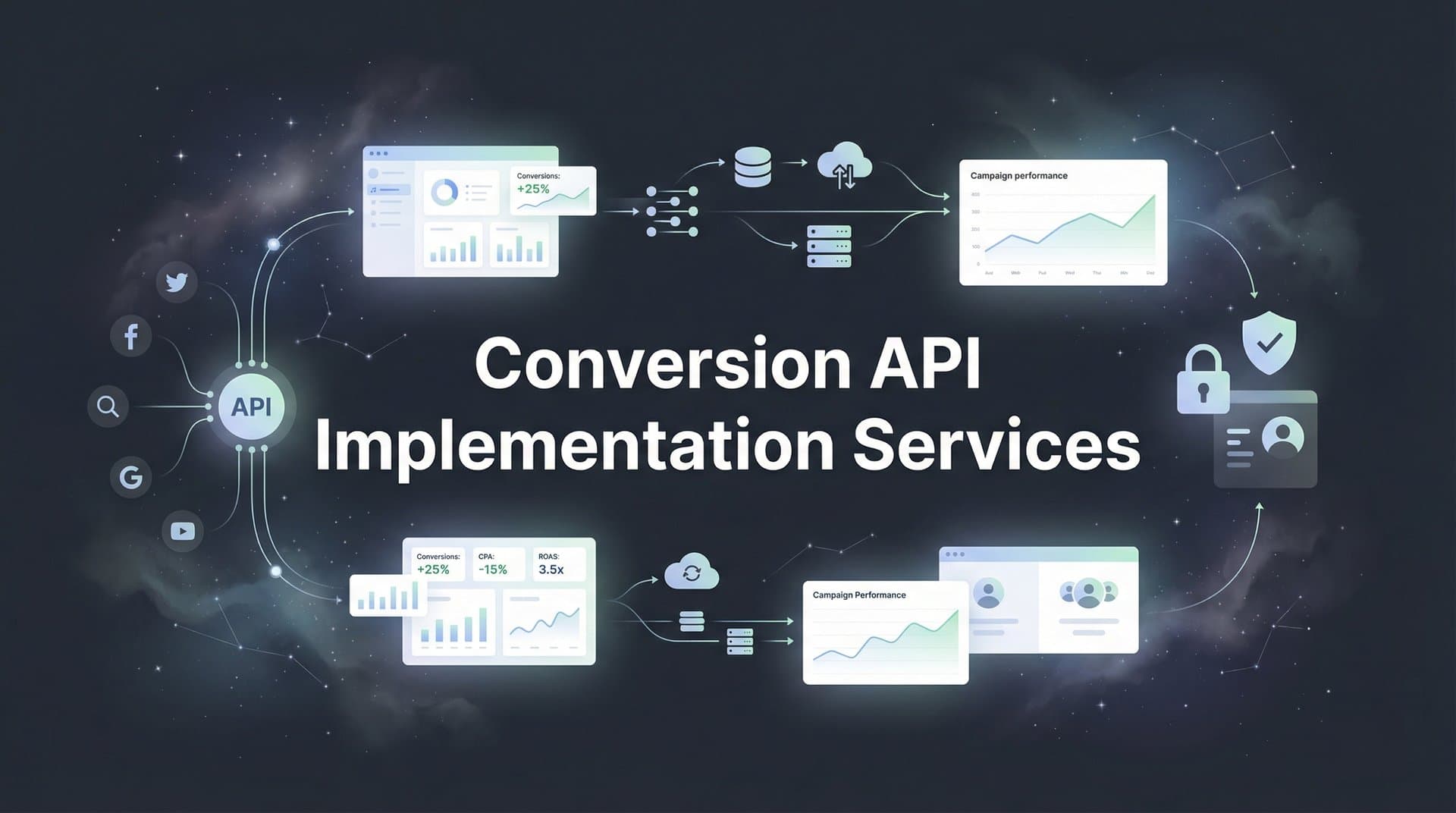
Your Meta ads were crushing it last quarter. Strong ROAS, steady conversions, clear attribution data flowing into your dashboard. Then iOS 14.5 hit. Cookie restrictions tightened. Ad blockers multiplied. Suddenly, your conversion tracking looked like Swiss cheese—full of holes you couldn't explain.
You're not alone. Browser-based pixel tracking is dying a slow death, taking marketing data accuracy with it. The solution? Server-side tracking through Conversion API implementation. But here's the problem: most marketing teams lack the technical chops to set this up correctly.
That's where conversion API implementation services come in. These specialists bridge the gap between your marketing goals and the technical complexity of server-side tracking. They handle the heavy lifting—connecting your systems, configuring event parameters, ensuring data flows accurately from your servers directly to ad platforms.
But choosing the right service provider isn't straightforward. Pick the wrong partner, and you could end up with duplicate conversions that tank your campaign performance, missing data that leaves attribution gaps, or an implementation so fragile it breaks with every platform update.
This guide walks you through the entire process. You'll learn how to evaluate your tracking needs, compare different service types, ask the right vetting questions, prepare your systems, execute implementation with proper testing, and measure results that actually improve your ad performance.
Whether you need Meta's Conversions API, Google's server-side tagging, TikTok's Events API, or multi-platform tracking across all channels, you'll know exactly how to find a partner who gets it right the first time.
Step 1: Assess Your Current Tracking Gaps and Define Requirements
Before you start shopping for implementation services, you need a clear picture of what's broken and what needs fixing. Think of this as your diagnostic phase—you're identifying symptoms before prescribing treatment.
Start with a tracking audit. Log into your ad platforms and compare reported conversions against your actual sales or leads in your CRM. Notice significant discrepancies? That's data loss in action. Check your Meta Events Manager or Google Ads conversion tracking. Look for declining event match quality scores or warnings about browser restrictions affecting your pixel.
Document every ad platform you're currently running. Meta and Google are obvious candidates, but don't forget TikTok, Pinterest, LinkedIn, or any other channels driving meaningful traffic. Each platform has its own Conversion API requirements and implementation quirks. Your service provider needs to know the full scope upfront. Understanding how to track conversions across multiple ad platforms becomes essential when scoping your project.
Next, map out your conversion events with precision. Which actions matter most to your business? Purchase completions, lead form submissions, demo bookings, trial signups, add-to-cart events? List them all. For each event, identify what data points you need to pass: transaction value, product IDs, customer information, custom parameters.
Now examine your technical infrastructure. What's your website built on—Shopify, WordPress, custom code? What CRM system stores your customer data—HubSpot, Salesforce, something else? What payment processor handles transactions? These systems need to communicate with your Conversion API setup, so compatibility matters enormously.
Consider your customer identifiers carefully. Server-side tracking works best when you can pass hashed email addresses, phone numbers, and other matching parameters. Can your current systems capture this information at conversion points? If not, you'll need to address those gaps before implementation begins.
Define success metrics that go beyond "better tracking." What does success actually look like? Improved event match quality above 8.0? Reduced cost per acquisition by a specific percentage? Better attribution visibility across the customer journey? Clear metrics help you evaluate whether your implementation actually delivered value.
Write everything down in a requirements document. Include current tracking methods, identified gaps, required platforms, conversion events, technical stack details, and success criteria. This document becomes your implementation roadmap and helps service providers give you accurate quotes and timelines.
One often-overlooked consideration: data privacy compliance. Your Conversion API implementation must respect GDPR, CCPA, and other privacy regulations. Document your current consent management approach and any compliance requirements your provider must follow.
Step 2: Evaluate Different Types of CAPI Implementation Services
The conversion API implementation landscape offers several distinct service models, each with trade-offs worth understanding before you commit.
DIY platform solutions represent the most hands-on approach. Tools like Google Tag Manager Server-Side or Meta's official CAPI Gateway let technically proficient teams handle implementation themselves. The upside? Lower ongoing costs and complete control. The downside? You need developers who understand server infrastructure, API authentication, event mapping, and troubleshooting. If your team lacks this expertise, you'll burn hours on a learning curve while your tracking remains broken.
Digital marketing agencies often bundle CAPI implementation with their broader services. They understand your marketing goals and can align server-side tracking with campaign strategy. However, agency implementations vary wildly in quality. Some agencies have dedicated technical teams with deep CAPI expertise. Others outsource to contractors or treat it as an add-on service they're still learning themselves. Agency costs typically include ongoing management fees, which makes sense if they're actively optimizing your campaigns but feels expensive if you just need one-time setup.
Specialized CAPI implementation consultants focus exclusively on server-side tracking across multiple platforms. These experts live and breathe Conversion APIs. They've seen every edge case, solved every integration challenge, and stay current with platform updates. The benefit? Deep expertise and efficient implementation. The limitation? Once setup is complete, you're on your own for ongoing management unless you arrange a retainer. Before choosing this route, review a comprehensive conversion API implementation guide to understand what's involved.
All-in-one attribution platforms offer an increasingly compelling alternative. These solutions provide built-in server-side tracking as part of comprehensive marketing analytics. Instead of cobbling together separate tools for CAPI implementation, attribution modeling, and performance analysis, you get everything in one place. The server-side tracking "just works" without requiring you to become a technical expert.
Cost structures differ dramatically across these options. DIY solutions might seem cheapest initially—just server hosting costs—but hidden expenses emerge when you factor in developer time and ongoing maintenance. Agencies typically charge setup fees ranging from a few thousand dollars to five figures, plus monthly retainers. Specialized consultants often charge project-based fees for implementation with optional support packages. Attribution platforms use subscription models where server-side tracking is included in the monthly price. Understanding conversion API implementation cost factors helps you budget appropriately.
Match the service type to your business reality. Small e-commerce stores running primarily Meta ads might thrive with a focused CAPI consultant who can set up Shopify integration quickly. Mid-market SaaS companies with complex funnels across multiple platforms often benefit from all-in-one attribution platforms that solve tracking and attribution simultaneously. Enterprise organizations with large technical teams might prefer DIY approaches that give maximum control.
Your team's technical capabilities matter enormously. Be honest about what you can realistically manage. If "server-side tagging" sounds like a foreign language, don't choose a solution that requires you to configure it yourself. If you have talented developers who love technical challenges, don't pay premium prices for hand-holding you don't need.
Consider your timeline urgency. Agencies and consultants can usually start quickly but may have project queues. DIY implementations take as long as your team needs to learn and execute. Attribution platforms often provide the fastest time-to-value because server-side tracking is already built into their infrastructure.
Step 3: Vet Potential Service Providers with the Right Questions
You've identified several potential providers. Now comes the critical evaluation phase. The right questions separate true experts from those who are winging it.
Start with platform-specific experience. Ask directly: "How many Meta Conversions API implementations have you completed?" Follow up with: "What about Google's server-side tagging? TikTok Events API?" Generalists who claim expertise across all platforms but can't cite specific examples should raise red flags. You want providers who've solved the exact problems you're facing.
Request case studies or client references that match your situation. If you're a Shopify store, ask about their Shopify CAPI implementations. If you're using HubSpot as your CRM, find out if they've integrated HubSpot with Conversion APIs before. Relevant experience dramatically reduces implementation risks.
Dig into their deduplication approach with this question: "How do you prevent duplicate conversions when running pixel and CAPI simultaneously?" This is where amateurs reveal themselves. Strong providers will explain event_id matching, deduplication windows, and testing procedures that ensure accurate counting. Vague answers like "we handle that" suggest they haven't thought it through. Understanding the conversion API vs pixel tracking differences helps you evaluate their technical knowledge.
Understanding their testing process is crucial. Ask: "Walk me through how you validate that events are firing correctly before going live." Look for answers that mention platform testing tools, comparison of conversion counts across systems, verification of customer matching parameters, and staged rollout approaches. Providers who skip straight to production without rigorous testing create disasters.
Clarify ongoing support explicitly. After implementation, what happens when something breaks? What if a platform updates its API requirements? Ask: "What does your post-implementation support look like?" and "How quickly do you typically respond to urgent issues?" Some providers include maintenance in their fees. Others charge separately. Neither is wrong, but you need to know what you're getting.
Probe their approach to your specific tech stack. Describe your systems—website platform, CRM, payment processor, analytics tools—and ask: "What challenges do you anticipate with our setup?" Experienced providers will identify potential integration hurdles upfront. Those who claim everything will be simple either haven't done this before or aren't being straight with you. Be aware of common conversion API implementation challenges so you can assess their preparedness.
Ask about their data privacy practices: "How do you ensure CAPI implementation complies with GDPR and other privacy regulations?" Proper implementations hash personal data, respect consent preferences, and avoid sending sensitive information unnecessarily. Providers who haven't considered privacy compliance will create legal headaches.
Get specific about timelines and deliverables. Ask: "What's your typical implementation timeline for a project like ours?" and "What documentation will we receive when you're done?" You should expect clear project phases, realistic timeframes, and comprehensive documentation that helps your team maintain the system long-term.
Finally, discuss their approach to measuring success. Ask: "How will we know the implementation is working correctly?" Strong providers define success metrics upfront—improved event match quality, better conversion attribution, reduced data discrepancies—and commit to achieving them.
Step 4: Prepare Your Systems and Data for Implementation
You've chosen your provider. Now it's preparation time. Proper groundwork prevents implementation delays and ensures smooth execution.
Start gathering platform credentials and access. Your provider needs admin-level access to ad accounts, business managers, and analytics properties. For Meta, this means Business Manager admin access. For Google, it's Google Ads and Analytics admin permissions. Create these access grants before your kickoff meeting so you're not scrambling later.
Document your customer journey with obsessive detail. Map every touchpoint from initial ad click through final conversion. Where do users land? What forms do they fill out? What pages do they visit before converting? This journey map helps your provider understand which events need server-side tracking and where data collection points should exist.
Audit your customer data collection capabilities. Server-side tracking performs best when you can pass customer identifiers like email addresses and phone numbers. Review your checkout process, lead forms, and account creation flows. Can you capture this information? Is it stored in a format your provider can access? If gaps exist, address them now before implementation begins. Addressing poor conversion API data quality starts with proper data collection practices.
Set up staging or test environments if your systems support them. Testing CAPI implementation in production is risky. A staging environment lets your provider configure, test, and troubleshoot without affecting live tracking. If staging isn't possible, plan for careful testing during low-traffic periods.
Align internal stakeholders early and often. Your implementation will likely touch multiple teams—marketing, development, IT, data privacy, analytics. Schedule a kickoff meeting that includes representatives from each area. Clarify who owns what, establish communication channels, and agree on decision-making processes for issues that arise.
Create a timeline with realistic milestones. Work backward from your desired completion date, accounting for credential gathering, development work, testing phases, and buffer time for unexpected issues. Share this timeline with everyone involved so expectations stay aligned.
Document your current tracking setup thoroughly. Take screenshots of existing pixel configurations, note which events are currently firing, record baseline metrics like event match quality and conversion counts. This documentation provides comparison points that prove whether your new implementation improved things.
Prepare your consent management if you're in regulated markets. Your CAPI implementation must respect user privacy choices. Ensure your consent management platform can communicate preferences to your server-side tracking. Your provider needs to know how consent signals should affect data transmission.
Step 5: Execute the Implementation with Proper Testing
Implementation day arrives. This phase determines whether your investment pays off or creates new problems. Proper execution requires methodical testing and validation at every step.
Begin with parallel tracking—running your existing pixel alongside the new Conversion API setup. Never shut off your pixel immediately. Parallel operation lets you compare data sources, identify discrepancies, and ensure the CAPI implementation is working correctly before you fully transition. Plan for at least a week of parallel tracking, preferably two.
Use platform testing tools religiously. Meta's Events Manager includes a Test Events feature that shows exactly what data your server is sending. Google Tag Manager has Preview mode and Tag Assistant for server-side containers. TikTok offers Events Manager with similar testing capabilities. Work with your provider to verify that every conversion event appears correctly in these tools. A detailed conversion API setup guide can help you understand what to look for during testing.
Monitor for duplicate conversions obsessively. This is the most common CAPI implementation mistake. Check your ad platform reporting daily during the testing phase. If conversion counts suddenly double, your deduplication isn't working. Your provider should be using event_id parameters that match between pixel and CAPI events, allowing platforms to recognize and deduplicate identical conversions automatically.
Verify customer data parameters are passing correctly. In Meta's Events Manager, check the Event Match Quality score for your CAPI events. Scores above 8.0 indicate strong customer matching. Lower scores suggest missing or incorrectly formatted data. Common issues include improperly hashed emails, missing phone numbers, or incorrect country codes. Your provider should troubleshoot and fix these immediately.
Test edge cases that reflect your real user behavior. What happens when users convert without providing an email? How does the system handle international phone numbers? What if someone uses a VPN or ad blocker? Run through these scenarios systematically to ensure your implementation handles them gracefully.
Compare conversion counts across multiple systems. Your CAPI implementation should align reasonably well with your CRM or e-commerce platform data. Perfect matching is rare due to attribution windows and counting methodologies, but massive discrepancies indicate problems. Investigate any conversion count differences exceeding 10-15%.
Document everything as you go. Take screenshots of successful test events. Record configuration settings. Note any issues discovered and how they were resolved. This documentation becomes invaluable for troubleshooting future problems or training new team members.
Plan a gradual transition if you're moving from pixel-only to CAPI-primary tracking. Some advertisers reduce pixel reliance incrementally, monitoring campaign performance at each stage. Others make a clean switch after thorough testing. Discuss the best approach with your provider based on your risk tolerance and campaign complexity.
Step 6: Measure Results and Optimize Your Server-Side Tracking
Your CAPI implementation is live. Now comes the critical phase: measuring whether it actually improved your marketing performance and making adjustments based on real data.
Start by comparing event match quality scores. In Meta's Events Manager, your CAPI events should show higher match quality than pixel events alone. Scores above 8.0 indicate strong customer matching that helps ad delivery optimization. If your scores aren't improving, work with your provider to enhance the customer data parameters you're sending.
Track changes in attributed conversions carefully. Many advertisers see an immediate increase in reported conversions after implementing CAPI because they're capturing events that browser-based tracking missed. However, verify that these additional conversions are legitimate recoveries, not duplicates. Cross-reference with your actual sales or lead data to ensure accuracy. Learning how to sync conversions with ad platforms properly ensures your data remains accurate across systems.
Monitor ad platform optimization behavior. Conversion APIs help ad platforms optimize delivery more effectively because they receive more complete, accurate conversion data. You might notice improved campaign performance—better ROAS, lower cost per acquisition, or more efficient budget allocation. Track these metrics weekly during the first month to identify trends.
Watch for data discrepancies between systems. Compare your ad platform reporting against your analytics platform and CRM data. Some variation is normal due to different attribution models and counting methodologies, but significant divergences suggest implementation issues. Common problems include missing conversion events, incorrect event values, or attribution window mismatches.
Fine-tune event parameters based on initial results. Your first implementation establishes the foundation, but optimization continues. Work with your provider to adjust which data parameters you're sending, refine event value calculations, or modify deduplication settings. Small parameter changes can significantly impact match quality and attribution accuracy.
Establish ongoing monitoring processes that catch issues early. Set up automated alerts for sudden conversion count drops, declining match quality scores, or API error rates. Assign someone on your team to review CAPI health weekly. Catching problems quickly prevents them from affecting your campaigns for extended periods.
Test new conversion events as your business evolves. Launching a new product line? Adding a subscription model? Expanding to new markets? Each change might require new CAPI events or parameter adjustments. Don't treat your implementation as "set and forget"—it should evolve with your business.
Review platform updates and API changes regularly. Meta, Google, and other platforms continuously update their Conversion API requirements and capabilities. Your provider should notify you of significant changes, but staying informed yourself ensures nothing slips through the cracks. Join platform developer communities or subscribe to official update channels.
Measure the business impact beyond just tracking metrics. Has your CAPI implementation actually improved marketing efficiency? Are you making better budget allocation decisions? Can you scale campaigns more confidently? These business outcomes matter more than technical metrics alone.
Taking Control of Your Marketing Data
Server-side tracking through Conversion APIs isn't optional anymore. It's the foundation of accurate marketing measurement in a privacy-first world. But implementation complexity keeps many businesses stuck with deteriorating pixel tracking that undermines campaign performance.
The right implementation partner makes all the difference. Follow this systematic approach: audit your tracking gaps thoroughly, evaluate service types that match your technical capabilities, vet providers with pointed questions about experience and processes, prepare your systems before implementation begins, execute with rigorous testing protocols, and measure results continuously to optimize performance.
Use this checklist as your implementation roadmap: document current tracking issues and requirements, compare DIY solutions against agencies and specialists, verify provider expertise with your specific platforms and tech stack, gather credentials and align stakeholders before starting, test exhaustively with parallel tracking before transitioning fully, and establish monitoring processes that catch issues early.
For businesses seeking a streamlined approach that eliminates implementation complexity, platforms like Cometly offer built-in server-side tracking and conversion sync capabilities. Instead of managing separate CAPI implementations for each ad platform, you get comprehensive multi-touch attribution across all your marketing channels with server-side accuracy built in from day one.
The data you're missing right now represents real revenue opportunities. Better tracking leads to better optimization, which drives better results. Every day you wait is another day of incomplete data affecting your campaign decisions.
Ready to elevate your marketing game with precision and confidence? Discover how Cometly's AI-driven recommendations can transform your ad strategy. Get your free demo today and start capturing every touchpoint to maximize your conversions.



