

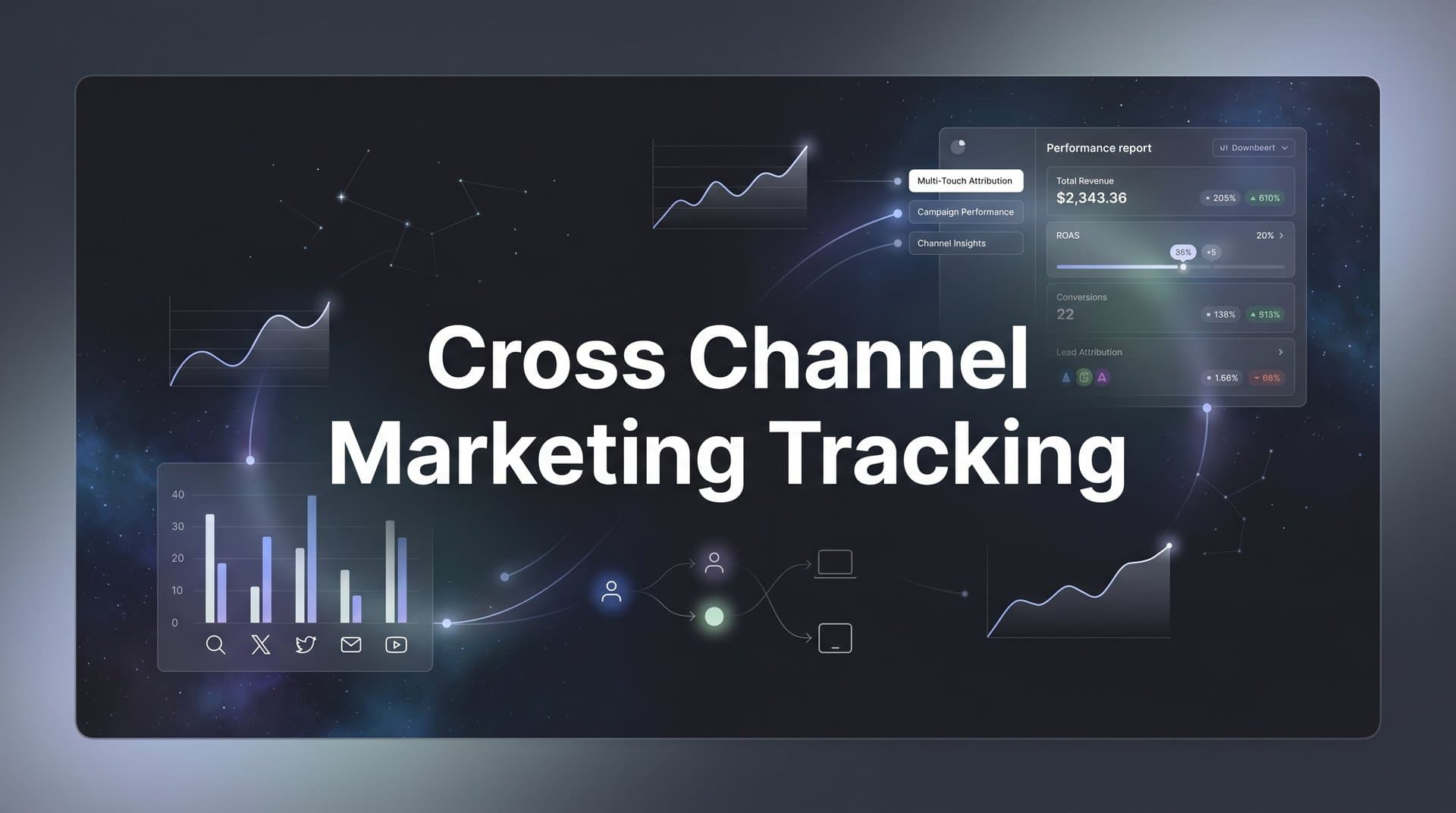
Running ads across Meta, Google, TikTok, and other platforms is standard practice for modern marketing teams. But when conversions start rolling in, a critical question emerges: which channel actually drove that sale?
Without reliable cross channel marketing tracking, you are left guessing where to allocate budget, which campaigns to scale, and which ones to cut. The problem is that each ad platform claims credit for conversions independently, often inflating its own numbers. Meanwhile, your CRM tells a different story, and your analytics data adds yet another conflicting narrative.
This fragmented view is more than just an inconvenience. It leads to real wasted spend. You might pour more budget into a channel that looks like a top performer in its own dashboard, only to discover through proper attribution that it rarely closes deals on its own. At the same time, a channel that quietly assists dozens of conversions might get starved of budget because it never gets credit for the final click.
Privacy changes from Apple's App Tracking Transparency and ongoing third-party cookie restrictions have made this problem worse. Browser-based pixels miss more conversions than ever, meaning the data feeding your decisions is increasingly incomplete. The good news is that solving this is entirely achievable with the right system in place.
This guide walks you through the exact steps to build a unified cross channel marketing tracking system. You will learn how to audit your current setup, implement consistent tracking parameters, connect your data sources, choose the right attribution model, and use your unified data to make smarter budget decisions. Whether you are a solo marketer managing multiple ad accounts or part of a larger team coordinating campaigns across dozens of channels, these steps will help you move from scattered, unreliable data to a single source of truth for marketing performance.
Step 1: Audit Your Current Tracking Setup and Identify Data Gaps
Before you build anything new, you need to understand what you are actually working with. Skipping this step is one of the most common mistakes marketers make. They layer new tracking solutions on top of broken existing setups and then wonder why the data still does not add up.
Start by listing every active marketing channel and ad platform you are running campaigns on. This includes paid search, paid social, display, email, affiliate, organic social, and any partner or referral programs. Write them all down. You cannot fix what you have not mapped.
Next, check each platform's pixel or tag installation to confirm it is firing correctly. Use tools like Google Tag Assistant for your Google tags and the Meta Pixel Helper Chrome extension for your Meta pixel. These tools will flag misfires, duplicate events, and missing parameters so you can address them before moving forward.
Once you have confirmed your tags are firing, compare the numbers across your platforms, CRM, and analytics tools. Pull a date range and look at conversion counts side by side. If Meta is reporting 200 purchases, Google Ads is claiming 150, and your CRM only shows 180 closed deals for the same period, you have a discrepancy problem. This is a classic sign of unreliable marketing analytics data that needs to be addressed systematically.
Your spreadsheet should map each channel to its current tracking method, the conversion events it is capturing, and any known gaps. This becomes your tracking audit document and serves as the foundation for everything you build next.
Pay special attention to blind spots that platforms typically miss entirely. Offline conversions, phone call leads, and CRM events like a deal moving to "closed won" status often go untracked in standard pixel setups. These gaps can represent a significant portion of your actual revenue, especially if you have a longer sales cycle or a sales team closing deals over the phone.
Success indicator: You have a complete spreadsheet showing every channel, its current tracking method, what conversion events it captures, and where the data gaps are. You know exactly what is broken before you start building.
Step 2: Standardize UTM Parameters and Naming Conventions Across Every Channel
UTM hygiene sounds like a minor detail. It is not. Inconsistent UTM tagging is one of the most common reasons cross channel data becomes unreliable, and it is entirely preventable with a bit of upfront discipline.
UTM parameters are the tags you append to URLs that tell your analytics tools where traffic came from. There are five standard parameters: source (the platform, like "google" or "meta"), medium (the channel type, like "cpc" or "email"), campaign (the campaign name), content (the specific ad or creative), and term (the keyword, primarily for search). For a deeper dive into how these work, check out this guide on UTM tracking and how UTMs help your marketing.
The problem most teams run into is inconsistency. One person tags a link with "Facebook" while another uses "facebook" and a third uses "fb." In your analytics, these appear as three separate sources, fragmenting your data. The same issue happens with spaces versus hyphens, capitalization differences, and vague campaign names that mean nothing three months later.
Define a naming convention and document it in a shared reference guide that every team member can access. Establish rules like: always use lowercase, always use hyphens instead of spaces, use consistent abbreviations for each platform, and include the campaign quarter or objective in the campaign name. Make this document the single source of truth for how your team tags every link.
Build or adopt a UTM builder template, whether that is a shared Google Sheet with dropdown menus for each parameter or a dedicated UTM builder tool. The goal is to reduce human error by making it easy to generate correctly formatted UTM strings without typing them from scratch each time.
Apply UTM parameters to every paid ad, email link, social post, and partner referral URL. If a link goes out without UTM tags, that traffic shows up as direct or unattributed in your analytics, which obscures your channel performance data.
Success indicator: When you pull a traffic source report, every session has clean, consistent source and medium data. There are no mystery "direct" sessions from campaigns you know you ran, and there are no duplicate source entries caused by capitalization or spelling variations.
Step 3: Connect Your Ad Platforms, CRM, and Website Into a Unified Tracking Layer
This is where cross channel marketing tracking moves from theory to reality. The goal here is to create a centralized tracking layer that sits between your ad platforms, your website, and your CRM, pulling data from all of them into a single, coherent view.
Think of it like a control room. Instead of watching a dozen separate monitors showing different feeds, you have one screen that synthesizes everything into a unified picture. That is what a proper tracking layer does for your marketing data.
Start by connecting your major ad platforms. For Google Ads, this typically involves linking your Google Ads account to your analytics platform and confirming that auto-tagging is enabled so that campaign data passes through correctly. For Meta, you will connect your ad account and ensure your pixel or Conversions API is set up to send event data from your website. Understanding how to handle tracking conversions across multiple ad platforms is essential at this stage.
Integrating your CRM is the step that most teams skip, and it is often the most valuable one. When your CRM is connected to your attribution system, downstream revenue events like a lead converting to a paying customer or a deal reaching "closed won" status feed back into your tracking data. This means you can trace revenue back to the specific ad or channel that started the journey, not just the surface-level conversion event like a form fill.
Popular CRMs like HubSpot and Salesforce both offer native integrations and API connections that make this possible. The key is mapping your CRM stages to your attribution events so that the data flows in a way that makes sense for your funnel.
Server-side tracking is no longer optional for teams that want accurate data. Browser-based pixels are increasingly blocked by ad blockers, restricted by iOS privacy settings, and affected by cookie limitations. Implementing server-side tracking for marketing routes conversion events through your own server before sending them to ad platforms and analytics tools, bypassing many of these restrictions and capturing conversions that client-side pixels would miss entirely.
This is exactly the kind of infrastructure that Cometly is built to support. Cometly connects your ad platforms, CRM, and website data into one unified view, giving you a complete picture of the customer journey from first ad click through to revenue. Instead of stitching together data from five different dashboards, you see it all in one place with consistent attribution logic applied across every channel.
Common pitfall: Relying solely on client-side pixels. In the current privacy landscape, this approach misses a meaningful portion of conversions, which means your optimization decisions are based on incomplete data.
Step 4: Define and Map Your Conversion Events Across the Full Funnel
Most tracking setups focus heavily on bottom-funnel events like purchases or form fills and ignore everything that happens before. This creates a blind spot in your understanding of how customers actually move through your funnel and which channels contribute at each stage.
Start by identifying key conversion events at each stage of the funnel. At the awareness stage, these might include page views, video views, or social engagement. At the consideration stage, look at lead form submissions, demo requests, content downloads, or free trial sign-ups. At the decision stage, track purchases, contracts signed, or subscription activations.
The critical piece is ensuring each of these events is tracked consistently across all channels, not just on one platform. If you are only tracking purchases in Google Ads but not in your attribution system, you are missing the full picture of how that channel contributes to revenue across the funnel.
Map out how a single customer journey might touch multiple channels before converting. A realistic path might look like this: a user sees a Meta ad and clicks through to your blog, then searches for your brand on Google a week later, then opens an email and clicks through to a pricing page, then finally converts through a retargeting ad. Effectively tracking the customer journey across touchpoints like these is what separates accurate attribution from guesswork.
Do not overlook often-missed touchpoints. Phone call leads can be tracked using call tracking integrations. Email click events from platforms like Klaviyo can be passed into your attribution system. Live chat interactions can be set up as conversion events if they represent meaningful engagement signals. Each of these adds richness to your data and reduces the gaps in your customer journey view.
Once your events are set up, run test conversions through each channel to verify they are firing correctly. Do not assume they are working just because the tag is installed. Confirm the data is actually appearing in your attribution system before you rely on it for decisions.
Success indicator: You can see a complete customer journey from first ad click through to revenue in a single dashboard, with every meaningful touchpoint captured and attributed correctly.
Step 5: Choose the Right Attribution Model for Your Business Goals
Attribution models are the rules that determine how credit for a conversion gets distributed across the channels that touched a customer before they converted. Choosing the wrong model does not just affect your reporting. It actively shapes where you invest your budget and which channels you scale or cut. If you are new to this concept, our guide on cross channel attribution provides a solid foundation.
Here is a quick breakdown of the main models and when each one makes sense:
First-touch attribution gives 100% of the credit to the first channel a customer interacted with. This works well when you want to understand which channels are best at generating initial awareness and bringing new audiences into your funnel.
Last-touch attribution gives all the credit to the final channel before conversion. It is useful for identifying which channels close deals, but it systematically undervalues every channel that contributed earlier in the journey. Unfortunately, this is the default for most ad platforms, which is why their self-reported numbers often look so strong.
Linear attribution distributes credit equally across every touchpoint in the journey. This is a more balanced approach that acknowledges the contribution of each channel without making assumptions about which ones matter most.
Time-decay attribution gives more credit to touchpoints that occurred closer to the conversion, with credit decreasing the further back in the journey you go. This model reflects the intuition that the channels that engaged a customer right before they converted likely had a stronger influence on the decision.
Data-driven attribution uses algorithms to assign credit based on actual conversion patterns in your data. Rather than applying a fixed rule, it learns from your specific customer journeys to determine which touchpoints have the most influence on conversions. This is generally the most accurate model for teams with sufficient data volume. Learn more about how this fits into a broader attribution marketing strategy.
The most valuable thing you can do is compare multiple models side by side. When you switch from last-touch to linear attribution, you will often see dramatic shifts in how credit is distributed across channels. A channel that looks weak under last-touch might emerge as a strong awareness driver under first-touch. This comparison reveals how each channel actually contributes to your funnel rather than just which one happened to be last in line.
Cometly allows you to compare attribution models and see how each one changes your understanding of channel performance. This makes it easy to make informed decisions about which model aligns best with your business goals rather than defaulting to whatever the platform reports by default.
Common pitfall: Defaulting to last-click because it is the platform default. This systematically overvalues bottom-funnel channels and undervalues the awareness and consideration channels that often do the heavy lifting earlier in the journey.
Step 6: Feed Enriched Conversion Data Back to Your Ad Platforms
Here is something that many marketers overlook: the quality of data you send back to ad platforms directly affects how well their algorithms optimize your campaigns. Meta, Google, and other platforms use conversion signals to train their bidding and targeting models. When those signals are incomplete or inaccurate, the algorithm optimizes toward the wrong outcomes.
Conversion syncing is the process of sending accurate, server-side conversion data back to the ad platforms so they can optimize based on real results rather than their own incomplete pixel data. Instead of Meta only seeing the conversions its pixel captured (which, due to iOS restrictions and ad blockers, may represent only a fraction of actual conversions), you send it enriched event data that includes conversions it would have otherwise missed. This approach is critical for accurately tracking conversions across channels.
The impact of this is meaningful. When ad platforms receive better conversion data, their algorithms can identify the audiences most likely to convert, adjust bids more accurately, and reduce wasted spend on users who are unlikely to become customers. Better data in means better optimization out.
Setting up conversion sync involves connecting your server-side tracking system to each platform's conversion API. For Meta, this is the Conversions API. For Google, it is Enhanced Conversions. The goal is to send enriched event data that includes customer signals like email addresses or phone numbers (hashed for privacy), which helps platforms match conversions to the users who saw your ads more accurately.
Cometly's Conversion Sync feature is built specifically for this purpose. It feeds enriched, conversion-ready events back to Meta, Google, and other platforms so their AI has the data it needs to optimize toward real revenue outcomes rather than surface-level clicks or incomplete pixel events.
Success indicator: Over time, you notice your ad platforms beginning to optimize toward higher-quality leads and actual revenue events. Cost per acquisition improves, and the leads coming through better match your ideal customer profile because the algorithm is learning from richer, more accurate signals.
Step 7: Analyze Cross Channel Performance and Reallocate Budget With Confidence
With your unified tracking system in place, you now have something most marketing teams never achieve: a single, reliable view of how every channel contributes to revenue. Now it is time to use it.
Pull your first cross channel performance report comparing true ROAS and CPA across all channels using your attribution system, not the native reporting from each platform. This is where the picture often looks very different from what you were seeing before. Channels that appeared to be top performers in their own dashboards may look weaker when you apply consistent attribution logic. Understanding revenue attribution by marketing channel is what makes these insights possible.
Look specifically for channels that appear strong in platform-native reporting but underperform in multi-touch attribution. This discrepancy usually means the channel is claiming credit for conversions that were actually driven by other touchpoints earlier in the journey. It does not necessarily mean the channel is worthless, but it does mean you should think carefully about how much budget it deserves relative to the channels doing more of the actual work.
Identify your most efficient customer acquisition paths by analyzing common multi-channel journeys. You might find that a specific combination of channels, such as a paid social awareness ad followed by branded search and then an email retargeting sequence, consistently produces your highest-value customers at the lowest acquisition cost. That insight is actionable. It tells you where to invest more and how to structure your funnel deliberately.
Use AI-powered recommendations to spot high-performing campaigns and scale them across channels. Cometly's AI Ads Manager surfaces these insights automatically, helping you identify which ads and campaigns are generating the best results so you can scale with confidence rather than guesswork. For more on figuring out which marketing channel drives revenue, this deep dive is worth exploring.
Set a recurring cadence, whether weekly or biweekly, to review your cross channel data and make incremental budget shifts based on what the trends show. Consistency here matters as much as the analysis itself.
Common pitfall: Making dramatic budget changes based on a single week of data. Short-term fluctuations can be misleading. Watch for trends over multiple weeks before making significant reallocations, and make changes incrementally so you can measure the impact of each adjustment.
Your Cross Channel Tracking Checklist and Next Steps
Cross channel marketing tracking is not a one-time project. It is an ongoing system that improves as you refine your data, test attribution models, and optimize your campaigns based on what the numbers actually tell you. The work you put in upfront pays dividends every time you make a budget decision with confidence instead of guesswork.
Here is a quick checklist to confirm your setup is solid:
1. All active channels audited and pixels verified for correct firing
2. UTM parameters standardized across every link with a shared naming convention document
3. Ad platforms, CRM, and website connected through a unified tracking layer with server-side tracking in place
4. Conversion events mapped and tracked at every funnel stage, including often-missed touchpoints
5. Attribution model selected and compared against alternatives to understand how credit shifts across channels
6. Enriched conversion data syncing back to ad platforms through conversion API connections
7. Regular cross channel performance reviews scheduled with a process for incremental budget reallocation
With these steps in place, you move from reacting to fragmented data toward proactively scaling what works. You stop trusting platform-reported numbers at face value and start making decisions based on a unified, accurate view of your marketing performance.
Cometly brings all of this together in one platform, giving you the clarity to see which ads and channels truly drive revenue so you can allocate every dollar with confidence. From server-side tracking and multi-touch attribution to AI-powered recommendations and conversion sync, it is built for marketing teams that want accurate data and actionable insights without stitching together a dozen separate tools.
Ready to elevate your marketing game with precision and confidence? Discover how Cometly's AI-driven recommendations can transform your ad strategy. Get your free demo today and start capturing every touchpoint to maximize your conversions.



