

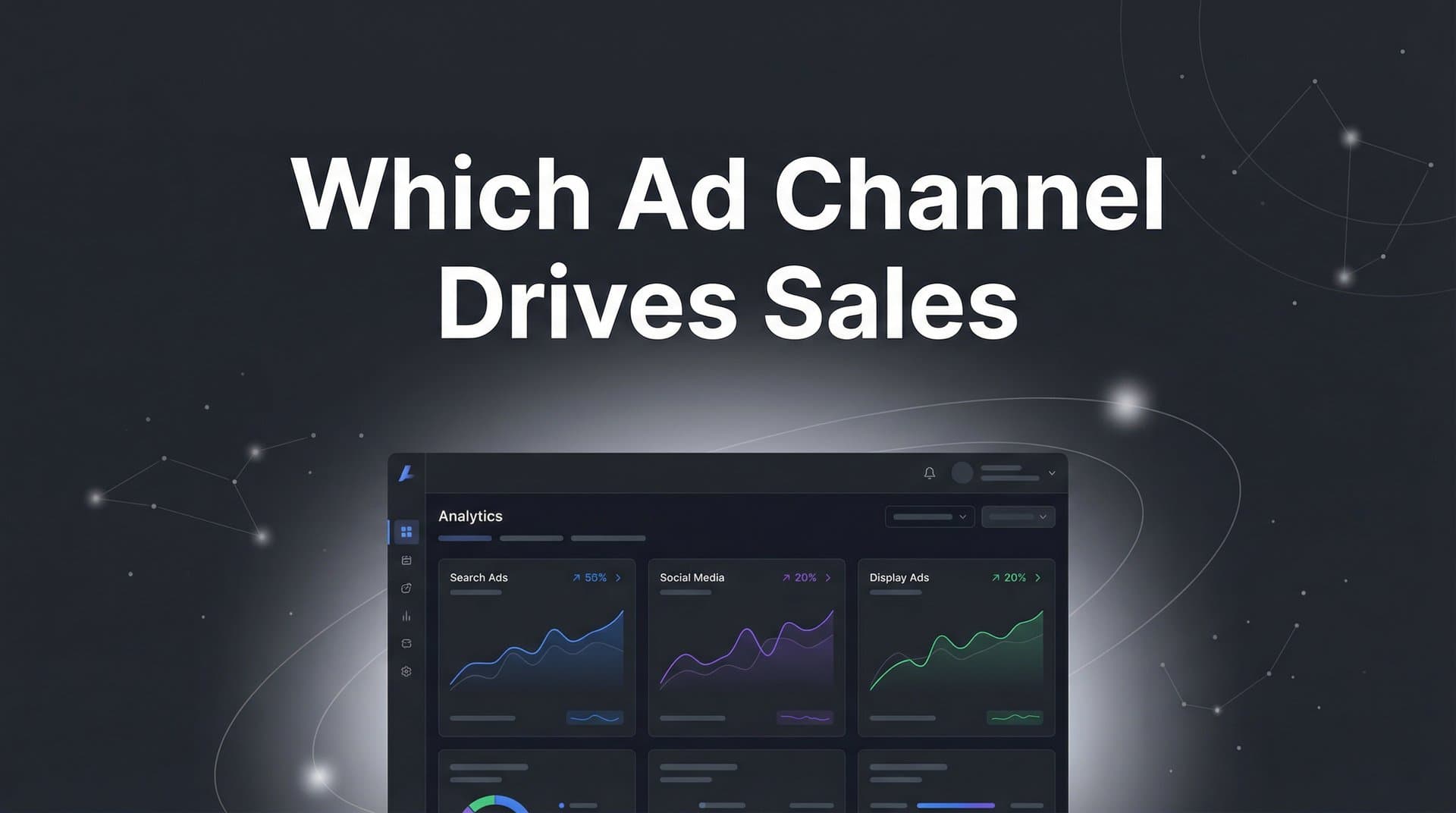
You're spending thousands across Meta, Google, TikTok, and LinkedIn—but which channel actually closes deals? Most marketers rely on platform-reported conversions, but these numbers are inflated and often count the same sale multiple times. The result: you're flying blind on budget decisions.
Here's the problem: Meta says it drove 50 conversions. Google claims 45. LinkedIn reports 30. Add them up and you get 125 conversions—but your CRM shows only 80 actual sales. Each platform takes credit for conversions it touched, creating a distorted view of what's really working.
This guide walks you through a practical, step-by-step process to accurately identify which ad channels drive real sales—not just clicks or leads that go nowhere. By the end, you'll have a clear system for tracking the complete customer journey, comparing channel performance fairly, and making confident budget decisions based on actual revenue data.
Whether you're running campaigns for an ecommerce brand or a B2B SaaS company, these steps work across industries and ad platforms. Let's cut through the noise and find out where your marketing dollars actually make an impact.
Step 1: Connect Your Ad Platforms to a Unified Tracking System
Platform-native analytics create data silos that make it impossible to see the full picture. Meta's dashboard shows you Meta data. Google's dashboard shows you Google data. But customers don't live in silos—they see your Meta ad, search your brand on Google, click a LinkedIn post, and then convert. You need a system that captures all these touchpoints in one place.
Start by choosing a unified tracking platform that can ingest data from all your ad channels simultaneously. This central system becomes your single source of truth, pulling conversion data, click data, and cost data from every platform you're running ads on.
The setup process typically involves connecting each ad platform through API integrations. For Meta, you'll authenticate your ad account and grant permission to pull campaign data. For Google Ads, you'll connect through Google's API. TikTok, LinkedIn, and other platforms follow similar patterns—authenticate, authorize, and start the data flow.
Here's where most marketers stop, and it's a mistake. Browser-based tracking alone misses a significant portion of conversions due to iOS privacy updates, cookie restrictions, and ad blockers. Server-side tracking solves this by capturing conversion events directly from your server before they hit the browser.
Setting up server-side tracking means installing a tracking pixel on your website that sends conversion events to both your unified tracking platform and directly to ad platforms. When someone completes a purchase or fills out a form, the event fires from your server—not from their browser. This captures conversions that browser-based tracking would miss entirely.
The verification step: Log into your unified tracking system and confirm that data is flowing from each ad platform. You should see recent clicks, impressions, and conversions appearing in your dashboard for every channel you've connected. If a platform shows zero data, revisit the API connection and check for authentication errors.
Check your server-side tracking by completing a test conversion yourself. Place a test order or fill out a lead form, then verify that the conversion appears in your tracking system within a few minutes. If it doesn't show up, troubleshoot your pixel installation or server configuration.
This foundation is non-negotiable. Without unified tracking, you're comparing apples to oranges across platforms. With it, you can finally see which channels work together to drive sales. For a deeper dive into connecting multiple platforms, check out our guide on cross-channel tracking implementation.
Step 2: Link Your CRM and Sales Data to Marketing Touchpoints
Connecting ad platforms shows you marketing activity, but connecting your CRM reveals which channels drive actual revenue. This is where lead generation stops and sales attribution begins.
Your CRM contains the ultimate truth: which leads closed, which deals generated revenue, and which customers came from which sources. The challenge is mapping these closed deals back to their originating ad channels—the first click, the middle touches, and the final interaction before conversion.
Start by ensuring your CRM integration is capturing UTM parameters from every lead source. UTM parameters are the tags added to your URLs that identify the campaign, source, medium, and content. When someone clicks your Meta ad with UTM tags and eventually fills out a form, those parameters should flow into your CRM as custom fields on the lead record.
Most modern CRMs support this through form integrations or hidden fields. When you embed a form on your website, include hidden fields that capture UTM parameters from the URL. These fields automatically populate when someone submits the form, preserving the source information even if the lead doesn't convert immediately.
Beyond UTM parameters, implement tracking IDs that follow users across sessions. A unique tracking ID assigned on first visit allows you to connect multiple interactions from the same person—even if they visit from different devices or clear their cookies. This ID becomes the thread that ties together their entire journey.
The real power emerges when your attribution platform can pull closed deal data from your CRM and match it to the marketing touchpoints that preceded it. This creates a complete view: someone clicked your Google ad, visited three times over two weeks, clicked a LinkedIn retargeting ad, and finally converted after reading a blog post. If you're using Salesforce, learn how to integrate Google Analytics with Salesforce for seamless data flow.
The verification step: Pull a report of recently closed deals from your CRM. For each deal, check whether you can see the originating ad channel and campaign. If you see "Direct" or "Unknown" for most deals, your UTM tracking or CRM integration needs adjustment.
Select a few specific closed deals and trace their journey backward. Can you see every ad click, every website visit, every email open that led to the sale? If not, identify the gaps in your tracking and fix them before moving forward.
This connection between CRM and marketing data transforms your attribution from theoretical to actionable. You're no longer guessing which channels work—you're seeing proof. For more on tracking leads effectively, explore our article on how to track sales leads.
Step 3: Choose the Right Attribution Model for Your Business
Attribution models determine how credit gets distributed across the touchpoints in a customer's journey. Pick the wrong model and you'll optimize for the wrong channels. Pick the right one and you'll see clearly which investments drive results.
First-touch attribution gives 100% of the credit to the first interaction a customer had with your brand. If someone clicked your Google ad, then later saw your Meta ad and converted, Google gets all the credit. This model makes sense when you're focused on top-of-funnel awareness and want to understand which channels introduce new prospects to your brand.
Last-touch attribution does the opposite—it gives all credit to the final touchpoint before conversion. Using the same example, Meta would get 100% of the credit because that was the last ad the customer saw. This model works well for ecommerce brands with short sales cycles where the last interaction often triggers an immediate purchase decision.
Multi-touch attribution distributes credit across multiple touchpoints in the journey. Linear multi-touch splits credit evenly—if someone had four interactions before converting, each gets 25% credit. Time-decay multi-touch gives more credit to recent interactions, recognizing that touchpoints closer to conversion typically have more influence. Position-based multi-touch (also called U-shaped) gives more credit to the first and last touches while distributing the remainder across middle interactions. Our comprehensive guide on multi-channel attribution modeling breaks down each approach in detail.
The right model depends on your sales cycle and buying behavior. Impulse purchases and low-consideration products often work well with last-touch attribution because the final interaction truly does trigger the sale. A customer sees a Facebook ad for a $30 skincare product, clicks, and buys immediately—that last touch deserves the credit.
Considered purchases with longer sales cycles need multi-touch attribution. B2B software sales typically involve multiple touchpoints over weeks or months. A prospect might discover you through a Google search, attend a webinar, read case studies, see retargeting ads, and finally book a demo after a LinkedIn message. Every touchpoint played a role, and multi-touch models reflect that reality.
Here's the insight most marketers miss: you don't have to pick just one model. Run your data through multiple attribution models simultaneously and compare the results. This reveals how credit shifts between channels depending on the methodology.
The verification step: Pull the same conversion data and analyze it using first-touch, last-touch, and at least one multi-touch model. Create a comparison table showing how many conversions each channel receives credit for under each model.
You'll likely see dramatic differences. Google might dominate in first-touch attribution because it captures high-intent searches. Meta might lead in last-touch because retargeting ads close deals. Multi-touch might reveal that LinkedIn plays a crucial middle-funnel role that other models miss entirely.
These differences aren't problems—they're insights. Understanding how credit shifts helps you make smarter decisions about where each channel fits in your funnel and how to optimize accordingly.
Step 4: Analyze Channel Performance by Revenue, Not Just Conversions
Cost-per-lead is one of the most misleading metrics in digital marketing. A channel that generates cheap leads feels like a win until you realize those leads never convert to sales. Focus on revenue metrics instead, and you'll see which channels actually matter.
Start by calculating cost-per-acquisition (CPA) for each channel using attributed revenue data. Take your total ad spend on a channel and divide it by the number of sales that channel influenced. If you spent $5,000 on LinkedIn ads and they contributed to 25 closed deals, your CPA is $200.
But CPA alone doesn't tell the full story because not all customers are worth the same. A channel with a $200 CPA looks expensive until you realize those customers have an average lifetime value of $5,000. Another channel with a $50 CPA might seem efficient, but if those customers churn after one month and generate only $100 in revenue, you're losing money.
Return on ad spend (ROAS) provides a clearer picture by comparing revenue generated to money spent. Calculate ROAS by dividing attributed revenue by ad spend. If LinkedIn drove $50,000 in revenue from $5,000 in spend, your ROAS is 10:1—you made $10 for every $1 spent. Understanding cross-channel attribution and marketing ROI helps you make these calculations more accurate.
Now compare ROAS across all your channels. You might discover that Meta has the highest conversion volume but the lowest ROAS because it drives many small purchases. Google might have fewer conversions but higher ROAS because it captures high-intent buyers ready to spend more.
Dig deeper into customer value by channel. Export your attributed revenue data and segment it by customer lifetime value, average order value, or deal size. This reveals which channels attract your most valuable customers versus which ones bring in bargain hunters or tire-kickers.
Many marketers find that different channels serve different purposes in the funnel. One channel might excel at introducing new prospects who convert months later through another channel. Another might be perfect for closing deals with prospects who are already warm. Understanding these roles helps you optimize each channel for what it does best rather than judging them all by the same metric. Learn more about understanding marketing channel impact across your entire funnel.
The verification step: Create a spreadsheet ranking all your ad channels by three metrics: total conversions, cost-per-acquisition, and ROAS. Sort the list by each metric and notice how the rankings change.
The channel at the top of your conversion volume list might drop to the middle when sorted by ROAS. The channel with the highest CPA might actually deliver your best customers when you factor in lifetime value. These shifts reveal opportunities to reallocate budget toward channels that drive real business results, not just activity metrics.
Review your top 10 customers by revenue. Which channels influenced their journeys? If your highest-value customers consistently interact with a specific channel, that channel deserves more investment even if its overall conversion volume seems modest.
Step 5: Optimize Budget Allocation Based on Attribution Insights
Attribution data is worthless if you don't act on it. The final step is reallocating budget toward channels with proven sales impact and away from channels that look good on paper but don't drive revenue.
Start by identifying your top-performing channels based on ROAS and customer value metrics from Step 4. These are your winners—the channels that consistently drive high-quality customers at acceptable costs. Increase budget here first, but do it gradually. A 20-30% budget increase allows you to scale while monitoring whether performance holds.
Next, identify underperforming channels. These might show decent conversion volume but poor ROAS, or they might drive leads that never close. Before cutting budget entirely, investigate whether the problem is the channel itself or how you're using it. Poor-performing Meta campaigns might improve with better creative or audience targeting. Weak Google performance might indicate keyword strategy issues rather than a fundamental channel problem. If you suspect you're losing money on ineffective channels, read our analysis on wasted ad spend on wrong channels.
Set up ongoing monitoring to catch performance changes quickly. Attribution data isn't static—channel performance shifts based on seasonality, competition, creative fatigue, and market conditions. Review your attribution dashboard weekly to spot trends before they become problems.
Here's a powerful optimization most marketers overlook: feed your attribution data back to ad platforms to improve their algorithms. Platforms like Meta and Google use conversion data to optimize who sees your ads. When you send them enriched conversion data that shows not just that a conversion happened, but that it resulted in a high-value sale, their algorithms learn to find more high-value customers.
This process, often called conversion sync or enhanced conversions, closes the loop between attribution insights and ad delivery. Your attribution platform identifies that LinkedIn-influenced customers have 3x higher lifetime value, and you can feed that signal back to LinkedIn's algorithm to prioritize similar audiences.
Implement conversion value tracking by sending revenue data along with conversion events. Instead of telling Meta "a conversion happened," tell it "a conversion worth $500 happened." The platform's algorithm will optimize toward higher-value conversions, improving your ROAS over time. For a complete view of all your channels, consider using a multi-channel marketing analytics dashboard.
The verification step: After reallocating budget based on your attribution insights, track ROAS changes over the next 30 days. Document your starting ROAS for each channel, make your budget adjustments, and measure whether performance improves as expected.
If ROAS increases after shifting budget to your top performers, you've validated your attribution model and optimization strategy. If ROAS stays flat or decreases, investigate whether you're hitting scale limitations—sometimes channels perform well at low spend but efficiency drops as you scale up.
Review your conversion sync setup monthly. Check that high-value conversion events are flowing back to ad platforms and that the platforms are receiving the data correctly. This feedback loop compounds over time as algorithms learn to find better customers for you automatically.
Putting It All Together
You now have a complete system for identifying which ad channels actually drive sales. Let's review the five critical steps you've implemented:
First, you connected all your ad platforms to a unified tracking system that captures the complete customer journey across channels. Server-side tracking ensures you're not losing conversions to browser limitations.
Second, you linked your CRM to show which channels influence closed deals and real revenue, not just leads that go nowhere. UTM parameters and tracking IDs flow through your entire funnel, preserving source data from first click to final sale.
Third, you selected and compared attribution models to understand how credit shifts between channels depending on methodology. This revealed each channel's true role in your funnel rather than relying on inflated platform-reported numbers.
Fourth, you analyzed channel performance using revenue metrics like ROAS and customer lifetime value instead of vanity metrics like cost-per-lead. This showed you which channels drive profitable growth, not just activity.
Fifth, you optimized budget allocation based on attribution insights and set up conversion sync to feed better data back to ad platforms, creating a continuous improvement loop.
Start with Step 1 today—even connecting just your top two ad platforms to a central system will reveal insights you've been missing. You'll immediately see how often conversions get double-counted and which channels work together to close deals.
For marketers ready to automate this process, attribution platforms like Cometly handle the heavy lifting of tracking, connecting, and analyzing so you can focus on scaling what works. The platform captures every touchpoint, connects them to revenue, and provides AI-driven recommendations for budget optimization—turning attribution insights into action automatically.
Ready to elevate your marketing game with precision and confidence? Discover how Cometly's AI-driven recommendations can transform your ad strategy—Get your free demo today and start capturing every touchpoint to maximize your conversions.



