

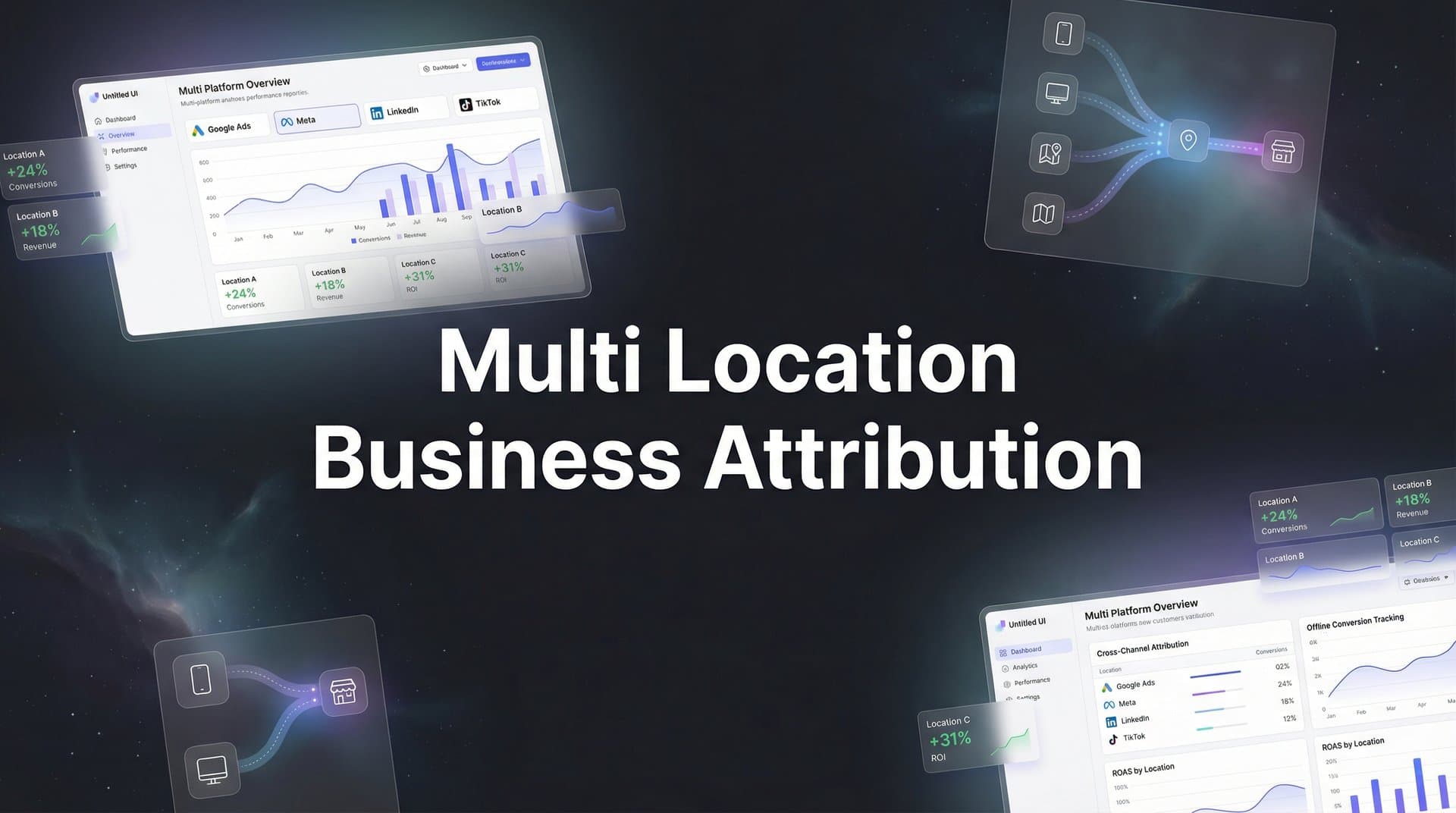
Managing marketing attribution for a single location is challenging enough—but when you're running campaigns across multiple locations, the complexity multiplies fast. Which ads drive foot traffic to your Denver store versus your Miami location? Is your Chicago franchise getting credit for conversions that actually belong to Detroit?
Multi-location business attribution solves these problems by connecting every ad click, website visit, and conversion to the specific location that deserves credit. This guide walks you through setting up accurate attribution across all your locations, so you can finally see which marketing efforts drive real results at each site.
By the end, you'll have a clear system for tracking location-specific performance and making smarter budget decisions across your entire business.
Step 1: Map Your Location Structure and Conversion Points
Before you can track attribution across locations, you need a complete inventory of what you're actually tracking. This foundational step prevents the chaos that comes from inconsistent naming conventions and missing conversion points.
Start by documenting every physical location in a central spreadsheet. Include each location's unique identifiers—store codes, region names, franchise IDs, or whatever taxonomy your business uses. If your Dallas North location is sometimes called "Dallas-N," "Dallas North," and "DFW-01" across different systems, you're already setting yourself up for attribution nightmares.
Choose one consistent naming convention and stick with it everywhere. Many multi-location businesses use a hierarchical structure: Region > Market > Location. For example: "Southwest > Dallas > Dallas-North-001." This structure makes it easy to aggregate performance at any level while maintaining location-specific granularity.
Next, identify every conversion type that matters for each location. This goes beyond just "form submissions." Think about phone calls tracked to specific locations, in-store visits measured through foot traffic analytics, online purchases with in-store pickup, appointment bookings, and even research actions like "get directions" clicks. Understanding marketing attribution for phone calls becomes especially important when different locations have unique contact numbers.
Not every location will have identical conversion points. Your flagship retail stores might track in-person visits and purchases, while satellite offices focus on consultation bookings and phone inquiries. Document these differences clearly.
If you operate with regions, districts, or franchise groups, create a location hierarchy that reflects your organizational structure. This becomes crucial when you want to compare performance across similar location types or roll up reporting for regional managers.
Include key details for each location: physical address, service area radius, local phone numbers, website URLs or landing pages, and the person responsible for that location's marketing. This information becomes essential when you're troubleshooting attribution issues or configuring location-based targeting.
Verify success: You should have a complete spreadsheet where every location has its unique identifier, documented conversion actions, and clear ownership. If a new marketing manager joins tomorrow, they should be able to understand your entire location structure from this document alone.
Step 2: Configure Location-Specific Tracking Parameters
Now that you know what you're tracking, it's time to set up the technical infrastructure that captures location data with every user interaction. This is where many multi-location attribution efforts fall apart—generic tracking that can't distinguish between locations.
Start by establishing UTM parameter conventions that include location identifiers in every campaign URL. Beyond the standard utm_source, utm_medium, and utm_campaign, add a custom parameter like utm_location or utm_store that explicitly identifies which location the campaign supports.
For example, a Facebook ad for your Austin location might use: utm_source=facebook&utm_medium=paid-social&utm_campaign=spring-promo&utm_location=austin-central. This location parameter travels with the user throughout their journey, making it possible to attribute conversions accurately even if they interact with multiple locations.
But here's the challenge: cookies and browser-based tracking fail more often than most marketers realize. Users who research on mobile but convert on desktop, customers who clear cookies regularly, and iOS users with tracking prevention all create attribution gaps that disproportionately affect multi-location businesses. These are common attribution challenges in marketing analytics that require strategic solutions.
This is where server-side tracking becomes essential. Instead of relying on browser cookies to maintain location context, server-side tracking captures and stores location data on your servers, where it persists regardless of cookie limitations. When a user converts, you can definitively connect that conversion back to the location they originally engaged with.
Implement server-side tracking by working with a platform that can receive conversion events directly from your website or CRM and match them to the original ad interaction. Exploring cookieless attribution tracking methods ensures your location data survives even when traditional tracking fails.
Create location-specific landing pages whenever possible. Instead of sending all paid traffic to your homepage with UTM parameters doing the heavy lifting, build dedicated pages for each location or region. A URL structure like yoursite.com/locations/denver makes location intent crystal clear and improves both attribution accuracy and conversion rates.
If building separate landing pages for every location isn't feasible, use dynamic content that adapts based on the user's geographic location or the utm_location parameter. Display the nearest store, local phone numbers, and region-specific offers automatically.
Verify success: Test your tracking by clicking through campaign URLs for different locations and confirming that location data appears correctly in your analytics platform. Try it across different devices and after clearing cookies—if location attribution survives these tests, your tracking is solid.
Step 3: Connect Your Ad Platforms to Location Data
Your ad platforms are generating the traffic, so they need to understand which conversions belong to which locations. Without this connection, you're flying blind on location-specific campaign performance.
In Google Ads, start by implementing location extensions for every campaign that supports physical locations. These extensions don't just show your address in ads—they also enable Google to track store visits and connect online interactions to offline conversions at specific locations.
Set up local campaigns in Google Ads if you're driving foot traffic to physical stores. These campaigns are specifically designed for multi-location businesses and automatically optimize toward store visits. Configure each local campaign with the correct location data from Google My Business, ensuring that conversions are attributed to the right store.
Create location-specific conversion actions in Google Ads rather than using one generic "purchase" conversion. Set up separate conversion actions like "Denver-Purchase," "Miami-Purchase," and "Chicago-Purchase." This granularity lets you see exactly which locations are converting and at what cost.
Use Google Ads' location bid adjustments strategically. If your Austin location consistently converts at a higher rate than other markets, increase bids specifically for users in that geographic area. Location-specific attribution makes these optimization decisions possible.
For Meta advertising, configure location-based targeting that aligns with your attribution structure. If you're running separate campaigns for each major market, make sure the geographic targeting matches the location identifiers you established in Step 1. Proper Facebook attribution tracking ensures your Meta campaigns feed accurate location data back to your reporting systems.
Set up Meta's offline conversion tracking if you have in-store purchases or phone calls that happen outside the platform. Upload conversion data with location identifiers so Meta can optimize campaigns based on which locations actually drive results, not just online actions.
Create custom conversion events in Meta that include location data. Instead of tracking just "Purchase," track "Purchase - Dallas" or use event parameters to pass location information. This feeds Meta's algorithm better data about which creative and targeting combinations work for specific locations.
If you're running campaigns on other platforms like Microsoft Advertising or LinkedIn, apply the same principles: implement location extensions where available, create location-specific conversion actions, and ensure geographic targeting aligns with your attribution taxonomy.
Verify success: Log into each ad platform and filter conversion reports by location. You should see clear segmentation showing which campaigns drive conversions for each location, with no "unknown" or "not set" location data contaminating your reports.
Step 4: Integrate Your CRM for Complete Journey Tracking
Ad platforms show you the beginning of the customer journey, but your CRM holds the complete story—especially for multi-location businesses where leads get routed to different sales teams and service areas. Without CRM integration, your attribution breaks the moment a lead enters your sales process.
Start by mapping CRM fields to capture location data from the very first touchpoint. Create a dedicated "Location" or "Service Area" field that gets populated automatically when a lead enters your system. This field should use the same location identifiers you established in Step 1—consistency is everything.
Many multi-location businesses lose attribution during lead routing. A lead comes in through a campaign targeting Denver, but your CRM automatically assigns it to a rep in the Mountain West region who happens to be based in Salt Lake City. Suddenly, your reports show Salt Lake getting credit for Denver's marketing performance.
Configure lead routing rules that preserve the original location attribution even when leads get assigned across geographic boundaries. The "Assigned Location" and "Marketing Source Location" should be separate fields in your CRM. The first reflects where the lead will be serviced; the second reflects which location's marketing deserves credit.
Set up revenue tracking that ties closed deals back to both the originating campaign and the specific location. When a deal closes, your CRM should record not just the revenue amount but also which location's marketing sourced that customer and which campaigns they interacted with along the way. Implementing proper customer attribution tracking ensures no touchpoint gets lost in the handoff between marketing and sales.
This is where platforms like Cometly become invaluable. By connecting your CRM directly to your ad platforms and attribution system, you can track the complete journey from first ad click through closed revenue, all while maintaining location context at every stage.
Implement multi-touch attribution within your CRM to see how different locations influence each other. Sometimes a customer researches at your Boston location's landing page, calls your New York office, and ultimately purchases from your Philadelphia store. Multi-touch attribution shows which locations played a role, not just the last one in the chain.
Configure your CRM to capture location data from multiple sources: UTM parameters from web forms, call tracking systems that identify which local number was dialed, chatbot interactions that ask for service area, and manual data entry from sales reps. Every entry point should feed the same location field.
Verify success: Pull a CRM report showing deals closed in the last 30 days. Every record should have complete attribution data including the location that sourced the lead, all campaigns they touched, and the full path to conversion. If you see gaps or "unknown" values, your integration needs work.
Step 5: Build Location-Specific Attribution Reports
Data without visibility is useless. You've captured location attribution across every touchpoint—now you need reports that turn that data into actionable insights for each location's stakeholders.
Create dashboards that show performance metrics filtered by individual locations. Each location manager should be able to see their specific numbers: traffic, conversions, cost per acquisition, revenue attributed to their location, and how their performance compares to goals.
Build comparison views that benchmark locations against each other. Which locations have the lowest cost per lead? Where is conversion rate highest? What's the average customer lifetime value by location? These comparisons reveal best practices you can replicate across underperforming locations.
Don't just compare raw numbers—normalize for market size and maturity. Your flagship location in a major metro will naturally generate more conversions than a new satellite office in a smaller market. Create metrics like "conversions per thousand in service area population" or "revenue per marketing dollar spent" that enable fair comparisons.
Set up attribution model comparison views within your location reports. Show each location's performance under first-touch, last-touch, and multi-touch attribution models. Understanding the difference between single source attribution and multi-touch attribution models helps you interpret why certain locations excel at different stages of the funnel.
Configure automated alerts for attribution anomalies. If a location's conversion volume drops by more than 30% week-over-week, you need to know immediately. Set alerts for sudden changes in cost per acquisition, conversion rate drops, or revenue attribution shifts that might indicate tracking problems. Knowing how to fix attribution discrepancies in data helps you respond quickly when these alerts fire.
Watch for cross-location attribution errors—situations where conversions are being credited to the wrong location due to tracking issues or user behavior. If your Miami location suddenly shows conversions from IP addresses in Seattle, something's broken.
Build executive-level rollup reports that aggregate location performance into regional or national views. Leadership needs to see the big picture while retaining the ability to drill down into individual location performance when needed.
Include trend analysis in your reports. How has each location's marketing efficiency changed over the past quarter? Are newer locations improving their attribution metrics as they mature? Which seasonal patterns affect different locations differently?
Verify success: Share your dashboards with location managers and regional leadership. If they can answer questions about their marketing performance without asking you for custom reports, your dashboards are working. Real-time visibility means stakeholders can make decisions without waiting for monthly reports.
Step 6: Optimize Budgets Based on Location Performance
This is where multi-location attribution pays off—making smarter budget decisions based on what actually drives results at each location, not gut feelings or equal distribution.
Start by analyzing which channels perform best for different location types. Your urban locations might crush it with paid social, while suburban locations see better results from search campaigns. New locations often need more brand awareness budget, while established locations can focus on conversion-optimized campaigns. Implementing multi-channel attribution reveals these patterns across your entire location network.
Look for patterns in your attribution data. Do locations in college towns respond better to Instagram campaigns? Do enterprise-focused locations get higher-quality leads from LinkedIn? Your attribution reports reveal these insights when you segment by both location and channel.
Shift budgets toward high-performing location-channel combinations. If your Denver location is generating leads at $45 each through Google Ads while your Phoenix location is paying $120 for the same quality leads, that's actionable intelligence. Either increase Denver's budget to capture more efficient conversions, or investigate what's different about Phoenix's campaigns.
Test location-specific creative and messaging based on attribution insights. If your coastal locations show strong response to sustainability messaging while inland locations respond better to price-focused creative, tailor your campaigns accordingly. Attribution data shows you what resonates where.
Use attribution data to identify which locations are ready to scale and which need optimization before increasing spend. A location with strong conversion rates but low volume might just need more budget. A location with high traffic but weak conversion rates needs funnel optimization before you pour more money into driving traffic.
Implement dynamic budget allocation based on real-time attribution performance. When a location is converting efficiently, increase budget automatically. When performance dips, pause spending until you understand why. This approach prevents wasted spend while maximizing results from high-performing locations. Tracking multi-channel attribution for ROI ensures every budget shift is backed by revenue data.
Don't forget to test new channels at the location level. Just because Facebook doesn't work nationally doesn't mean it won't crush it in specific markets. Use attribution data to run controlled tests in a few locations before rolling out new channels everywhere.
Verify success: You're making weekly or monthly budget adjustments based on location-specific attribution data, not just maintaining equal budgets across all locations. Your cost per acquisition varies by location, but you understand why and can explain the differences based on market conditions, competition, and channel performance.
Putting It All Together
You now have a complete system for tracking marketing attribution across all your locations. Let's recap what you've built: location structure documented with consistent identifiers, tracking parameters configured to capture location data at every touchpoint, ad platforms connected to feed location-specific conversion data, CRM integrated to maintain attribution through the entire customer journey, reports built for location-level visibility, and an optimization process that allocates budgets based on actual performance.
The key to maintaining accurate multi-location attribution is consistency. Use the same naming conventions across every platform, apply the same tracking parameters to every campaign, and enforce the same reporting frameworks across every location. When inconsistency creeps in, attribution accuracy suffers.
As you scale to new locations, replicate this setup from day one. Don't wait until a location is "established" to implement proper attribution—you need that data from the very first campaign. The locations that start with clean attribution tracking from launch always outperform those where tracking gets added later.
Train your team on why location attribution matters and how to maintain it. Marketing coordinators need to understand UTM conventions, sales reps need to know how lead routing affects attribution, and location managers need to trust the data enough to make budget decisions based on it.
Review your attribution system quarterly. As your business evolves, new conversion points emerge, additional locations open, and tracking requirements change. Regular audits catch attribution issues before they corrupt months of data.
Ready to simplify multi-location attribution? Cometly connects all your ad platforms, CRM, and location data in one place, giving you real-time visibility into which campaigns drive results at each site. From capturing every touchpoint to feeding better data back to your ad platforms, Cometly's AI-driven attribution helps you make confident decisions about where to invest your marketing budget.
Ready to elevate your marketing game with precision and confidence? Discover how Cometly's AI-driven recommendations can transform your ad strategy—Get your free demo today and start capturing every touchpoint to maximize your conversions.



