

Your Meta campaigns are driving clicks. Google Ads shows conversions. But when you cross-reference the data with actual revenue in your CRM, the numbers don't match. You're not alone in this frustration, and you're not imagining the gap.
Client-side tracking, the foundation most marketers have relied on for years, is crumbling. Safari's Intelligent Tracking Prevention blocks third-party cookies by default. Firefox does the same. Chrome continues tightening privacy controls. Ad blockers now affect a substantial portion of web traffic, creating blind spots in your attribution data.
The solution? Server-side tracking. It bypasses browser restrictions, captures data that client-side methods miss entirely, and feeds cleaner conversion signals back to your ad platforms. But here's the question keeping marketing leaders up at night: what does server-side tracking implementation actually cost? The answers you'll find online range from "a few hundred dollars" to "enterprise pricing only," leaving you with more confusion than clarity. This guide breaks down the real costs, from infrastructure to ongoing maintenance, so you can budget confidently and choose the approach that fits your team's resources and goals.
Understanding What You're Actually Paying For
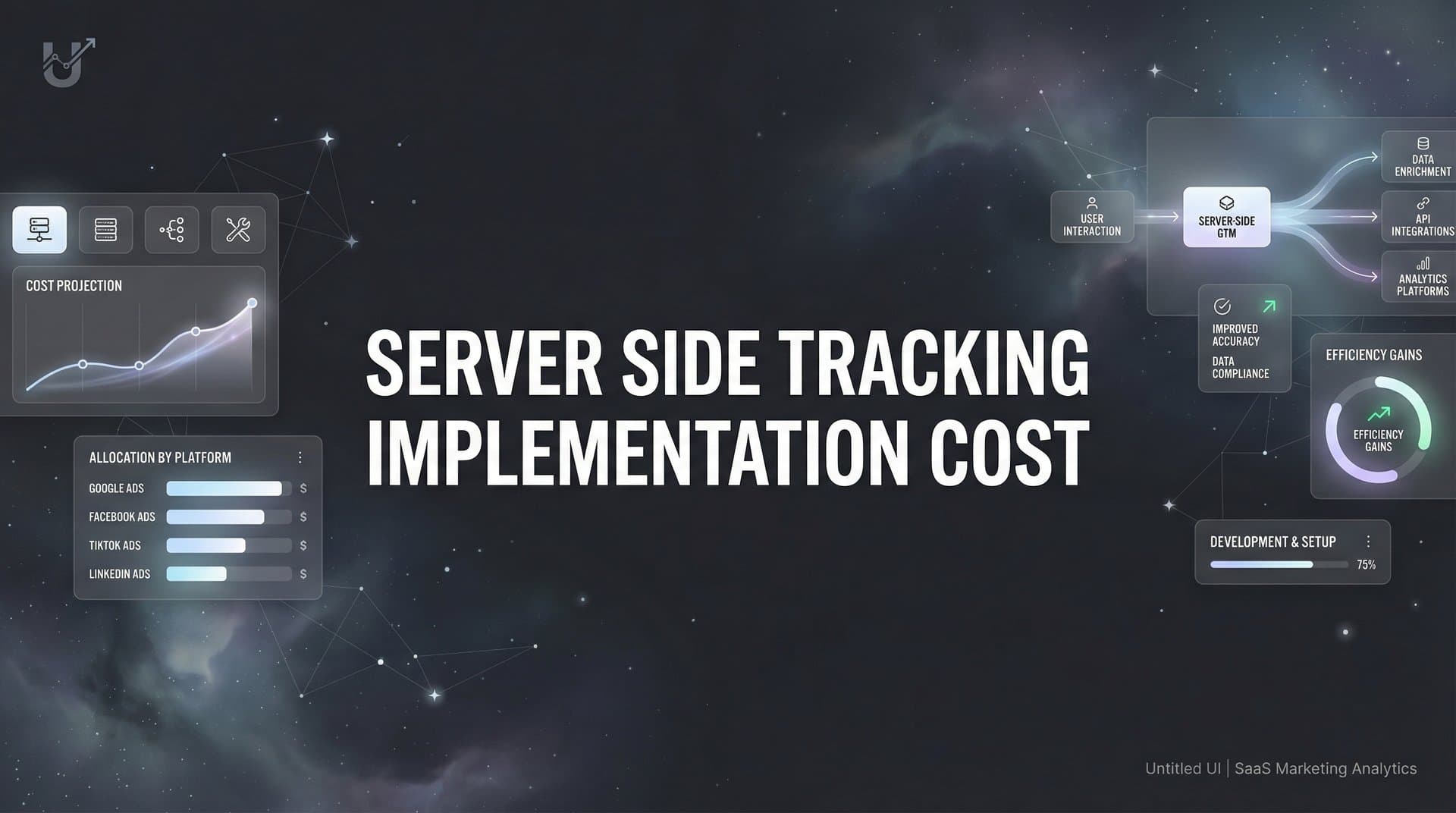
Server-side tracking shifts data collection from the browser to your server. Instead of relying on JavaScript tags that browsers can block, your server receives tracking data directly, processes it, and forwards it to your analytics platforms and ad networks. This architecture requires specific components, each with its own cost structure.
Infrastructure and Hosting: Your server-side tracking setup needs somewhere to live. Cloud platforms like Google Cloud Platform, Amazon Web Services, or Microsoft Azure charge based on compute resources, data transfer, and storage. Traffic volume directly impacts these costs. A site processing thousands of events per day has different requirements than one handling millions.
The good news? Modern cloud infrastructure scales with your needs. You're not paying for massive server capacity when you're just getting started. The challenge? Costs can creep up as your traffic grows, especially if you're not monitoring resource usage carefully.
Development and Technical Implementation: Someone needs to build and configure your server-side tracking system. This means writing code to receive tracking data, transform it into the format your platforms expect, and route it correctly. If you're building in-house, you're paying for developer time. Depending on your team's familiarity with server environments and API integrations, implementation can take anywhere from a few days to several weeks.
This isn't a one-time effort either. Every time you add a new marketing platform, launch a different campaign type, or need to track additional conversion events, you're back in the code making updates. Understanding the full server side tracking setup cost requires factoring in these ongoing development hours.
Platform and Tool Fees: Your server-side setup needs to communicate with your tag management system, analytics platforms, and advertising networks. Google Tag Manager Server-Side is a popular choice, but it requires separate container hosting beyond the standard client-side GTM you might already use. Attribution platforms that include server-side tracking capabilities typically bundle these costs into their subscription pricing.
Then there are the data pipeline tools, monitoring systems to ensure your tracking stays accurate, and potentially consent management platforms to handle privacy compliance. Each integration point represents another line item in your budget.
The total cost picture depends heavily on which components you build yourself versus which you purchase as managed services. There's no universal "right" answer, but understanding these core categories helps you evaluate options intelligently.
Comparing Your Implementation Options
You have three main paths for implementing server-side tracking, each with distinct cost profiles and trade-offs. Let's break down what you're really getting into with each approach.
Building Your Own Solution: The DIY route gives you complete control. You choose your cloud provider, write custom code for your exact tracking needs, and own the entire data pipeline. For teams with strong technical resources and specific requirements that off-the-shelf solutions don't address, this can make sense.
Here's what you're signing up for: your developers will spend time architecting the system, writing the tracking logic, and building integrations with each platform you use. Cloud hosting costs start small but scale with traffic. You'll need monitoring tools to catch issues before they create data gaps. And every time something breaks or needs updating, you're pulling internal resources to fix it.
The hidden cost? Opportunity cost. Your developers could be building features that differentiate your product or optimizing your core marketing systems instead of maintaining tracking infrastructure. Many teams underestimate the server side tracking setup challenges they'll encounter along the way.
Google Tag Manager Server-Side: GTM Server-Side offers a middle ground. You get Google's tag management interface, which many marketers already know, but you're responsible for hosting the server container. This typically means setting up a Google Cloud Run instance or App Engine deployment.
The hosting costs are transparent and predictable based on your traffic volume. You'll find detailed pricing calculators that estimate your monthly spend. The technical lift is lower than building from scratch because GTM provides the tag templates and basic infrastructure. But you still need someone who understands server environments, can configure the container correctly, and knows how to troubleshoot when tags aren't firing as expected.
This approach works well for teams that want more control than a fully managed solution but don't want to build everything from scratch. Just remember that "managed" doesn't mean "hands-off." You're still responsible for the hosting environment and configuration.
Attribution Platforms with Built-In Server-Side Tracking: Platforms designed specifically for marketing attribution often include server-side tracking as a core feature. You implement their tracking script, and they handle the server-side infrastructure, data processing, and platform integrations behind the scenes.
The cost structure here is subscription-based. You're paying for the complete package: tracking infrastructure, attribution analytics, reporting dashboards, and ongoing maintenance. There's no separate hosting bill to manage, no cloud infrastructure to monitor, and updates happen automatically without requiring your development team's time.
For teams that want accurate attribution data without becoming infrastructure experts, this model often delivers the best value. You're trading some flexibility for reliability and simplicity. The real question becomes whether the platform's attribution features and integrations match your needs.
The Costs Nobody Mentions Until You're Already Committed
The initial implementation cost is just the beginning. Server-side tracking requires ongoing attention, and several cost categories tend to surprise teams after they've already made the investment.
Continuous Maintenance and Debugging: Your tracking setup isn't a "set it and forget it" system. Ad platforms update their APIs. Privacy regulations evolve. Your marketing tech stack changes as you add or remove tools. Each of these shifts can break your tracking or create data discrepancies.
Someone on your team needs to monitor data quality regularly, investigate when conversion numbers don't match expectations, and fix issues before they corrupt your attribution analysis. If you've built a custom solution, this maintenance falls entirely on your internal team. Even with managed platforms, you'll occasionally need to troubleshoot integration issues or update your implementation as your tracking needs change.
The cost here isn't always measured in dollars. It's measured in time. Time your marketing team spends investigating data instead of optimizing campaigns. Time your developers spend debugging tracking code instead of shipping new features.
Knowledge Gaps and Training Requirements: Server-side tracking requires different expertise than traditional client-side implementation. Your team needs to understand server environments, API authentication, data transformation, and privacy compliance at a deeper level. Understanding server side vs client side tracking is essential before diving into implementation.
If you're building in-house, expect an initial learning curve. Your developers might be experienced with frontend JavaScript but less familiar with server-side data processing. Your marketing team might understand Google Tag Manager's interface but struggle with server container concepts. Bridging these knowledge gaps takes time, training, and sometimes external consulting help.
Managed solutions reduce this burden significantly, but they don't eliminate it entirely. You still need someone who understands how your attribution model works, which events matter for your business, and how to interpret the data your system collects.
Privacy Compliance Overhead: Server-side tracking gives you more control over data, but that control comes with responsibility. You're now collecting, processing, and storing user data on your servers. This means you need to handle consent management properly, respect user privacy preferences, and comply with regulations like GDPR and CCPA.
Your implementation needs to check for user consent before sending data to advertising platforms. You need clear data retention policies. You might need to implement data deletion workflows for users who request removal. And you need documentation showing how you handle personal information.
Some of this is technical implementation work. Some of it is legal consultation to ensure your approach meets regulatory requirements. Either way, it's an ongoing cost that many teams underestimate when budgeting for server-side tracking.
Why the Investment Actually Makes Financial Sense
Server-side tracking costs money. But here's what matters more: it solves expensive problems that client-side tracking creates. Let's talk about the return side of the ROI equation.
You Stop Losing Money on Invisible Conversions: Client-side tracking misses conversions. Ad blockers prevent your pixels from firing. Browser restrictions delete cookies before users convert. Safari users who take more than seven days to make a purchase decision? Your client-side tracking often can't connect their initial ad click to their eventual purchase. These client side tracking limitations directly impact your bottom line.
Every missed conversion is money you're leaving on the table. You're undervaluing the campaigns that actually drive revenue and potentially cutting budget from channels that work. Server-side tracking captures these touchpoints that client-side methods miss, giving you a complete view of what's actually converting.
When you can see the full customer journey, you allocate budget more effectively. You stop accidentally killing profitable campaigns because they looked ineffective through the lens of incomplete data.
Your Ad Platform Algorithms Get Smarter: Meta, Google, TikTok—all of these platforms use machine learning to optimize your campaigns. Their algorithms learn from conversion data and adjust targeting to find more people likely to convert. But here's the problem: if your conversion data is incomplete or inaccurate, their algorithms optimize toward the wrong signal.
Server-side tracking feeds cleaner, more complete conversion data back to these platforms. When Meta's algorithm sees accurate conversion events instead of a partial picture, it can optimize more effectively. Your cost per acquisition improves not because you changed your creative or targeting, but because the platform finally has reliable data to work with. This is exactly why server side tracking is more accurate than traditional pixel-based methods.
This improvement compounds over time. Better data leads to better optimization, which leads to more conversions, which provides even more data for the algorithm to learn from.
You Make Decisions Based on Reality: How much time does your team spend in meetings trying to reconcile conflicting data? Google Analytics says one thing. Meta's dashboard shows different numbers. Your CRM reports something else entirely. Everyone's looking at the same campaigns through different lenses, and nobody's quite sure which number to trust.
Server-side tracking with proper attribution modeling gives you a single source of truth. You can see which touchpoints actually contribute to conversions across the entire customer journey. You stop arguing about attribution methodology and start focusing on optimization.
The time savings alone—fewer meetings debating data discrepancies, faster decision-making, more confidence in your optimization choices—often justify the implementation cost within the first few months.
Matching Your Budget to Your Business Reality
Not every company needs the same level of server-side tracking sophistication. Your ideal approach depends on your current scale, technical resources, and growth trajectory.
For Small Teams and Startups: If you're running lean with limited technical resources, building custom server-side infrastructure probably isn't the best use of your time. You need tracking that works reliably without consuming your entire development bandwidth.
Look for attribution platforms that include server-side tracking as part of their core offering. You'll pay a monthly subscription, but you get immediate implementation, ongoing maintenance, and support when issues arise. This lets your small team focus on growth instead of tracking infrastructure. Comparing server side tracking tools can help you find the right fit for your budget.
The key is finding a solution that scales with you. Start with the essential tracking you need today, but choose a platform that can grow as your marketing complexity increases. You don't want to rebuild your entire tracking system six months from now because you outgrew your initial choice.
For Growing Mid-Market Companies: You've got some technical resources, meaningful ad spend, and increasing complexity in your marketing mix. You need accurate attribution, but you're also conscious of costs and don't want to over-engineer the solution.
This is where the build versus buy decision gets interesting. You could implement GTM Server-Side and handle the hosting yourself, giving you control while leveraging Google's infrastructure. Or you could invest in an attribution platform that bundles server-side tracking with advanced analytics features you'll use as you scale.
Consider your team's actual capabilities honestly. Do you have someone who can maintain a server-side GTM setup long-term, or will this become a knowledge silo that creates problems when that person leaves? Can your developers handle the ongoing maintenance without it becoming a distraction from higher-value work?
Often, the managed platform route delivers better total cost of ownership when you factor in maintenance time and opportunity cost, even if the monthly subscription looks higher than DIY hosting costs at first glance.
For Enterprise Organizations: You're dealing with high traffic volumes, complex tech stacks, strict compliance requirements, and multiple teams that need access to attribution data. Your server-side tracking implementation needs to handle scale while maintaining accuracy and meeting enterprise security standards.
You might have the resources to build custom solutions, but that doesn't always mean you should. The question becomes whether custom tracking infrastructure is a strategic advantage for your business or just undifferentiated heavy lifting.
Enterprise-grade attribution platforms offer the reliability and support that large organizations require, with SLAs, dedicated account management, and integration support for complex marketing stacks. The cost is higher, but you're paying for peace of mind and the ability to move fast without worrying about tracking accuracy.
Whatever approach you choose, make sure it integrates cleanly with your existing data warehouse, supports the privacy frameworks you need, and provides the granular attribution analysis that justifies your marketing spend to leadership.
Your Implementation Budget Planning Framework
You've seen the cost components, compared the approaches, and considered the hidden expenses. Now let's bring it together into a practical framework for budgeting your server-side tracking implementation.
Start with Your Current Data Gaps: Before you can budget effectively, you need to understand what you're trying to solve. Run an audit of your current tracking. Where are you losing visibility? How much of your traffic uses ad blockers? What percentage of your conversions happen outside the attribution window that client-side cookies support?
The size of your data gap directly influences your ROI timeline. If you're missing a substantial portion of conversions due to tracking limitations, server-side implementation pays for itself faster. If your current setup captures most touchpoints reasonably well, you might prioritize other marketing investments first. Our server side tracking implementation guide walks through this assessment process in detail.
Questions to Ask Before Choosing a Solution: When evaluating vendors or planning a DIY build, get clear answers to these questions. What's included in the base price versus what costs extra? How does pricing scale as your traffic grows? What level of technical support comes with managed solutions? Who handles updates when ad platforms change their APIs?
For DIY approaches, estimate realistically how many developer hours the initial implementation will require, then double it. Factor in ongoing maintenance time each month. Calculate your cloud hosting costs at your current traffic level, then model what happens if traffic doubles.
For managed platforms, understand the full subscription cost and what features you're actually getting. Some platforms charge based on tracked events or monthly visitors. Others use flat-rate pricing tiers. Make sure you're comparing equivalent capabilities, not just base prices.
Your Next Steps: Start by documenting your current tracking setup and identifying the specific gaps that matter for your business. Talk to your development team about their capacity for maintaining tracking infrastructure. Get demos from attribution platforms that include server-side tracking to understand what's possible without building everything yourself.
Create a realistic budget that includes not just implementation costs but ongoing maintenance and the time your team will invest. Then compare that total cost of ownership against the value of more accurate attribution data and better ad platform optimization.
The right answer isn't always the cheapest option. It's the approach that gives you reliable data without consuming resources you need for growth.
Making Your Investment Count
Server-side tracking implementation cost varies widely based on your approach, technical resources, and scale. But here's what doesn't vary: the value of accurate attribution data in a world where browser-based tracking keeps getting more restrictive.
You can spend thousands building and maintaining custom infrastructure, or you can invest in managed solutions that bundle server-side tracking with attribution analytics. The best choice depends on your team's capabilities, your budget constraints, and whether tracking infrastructure is truly a strategic differentiator for your business.
What matters most is moving from incomplete client-side tracking to a system that captures the full customer journey. Every conversion you're currently missing represents wasted ad spend or undervalued campaigns. Every decision you make based on partial data is a decision you could make better with complete information.
The investment in server-side tracking typically pays dividends through improved attribution accuracy, better ad platform optimization, and faster decision-making. The question isn't whether to implement it, but how to do it in a way that fits your resources and delivers results without becoming a maintenance burden.
Ready to elevate your marketing game with precision and confidence? Discover how Cometly's AI-driven recommendations can transform your ad strategy. Get your free demo today and start capturing every touchpoint to maximize your conversions.



