

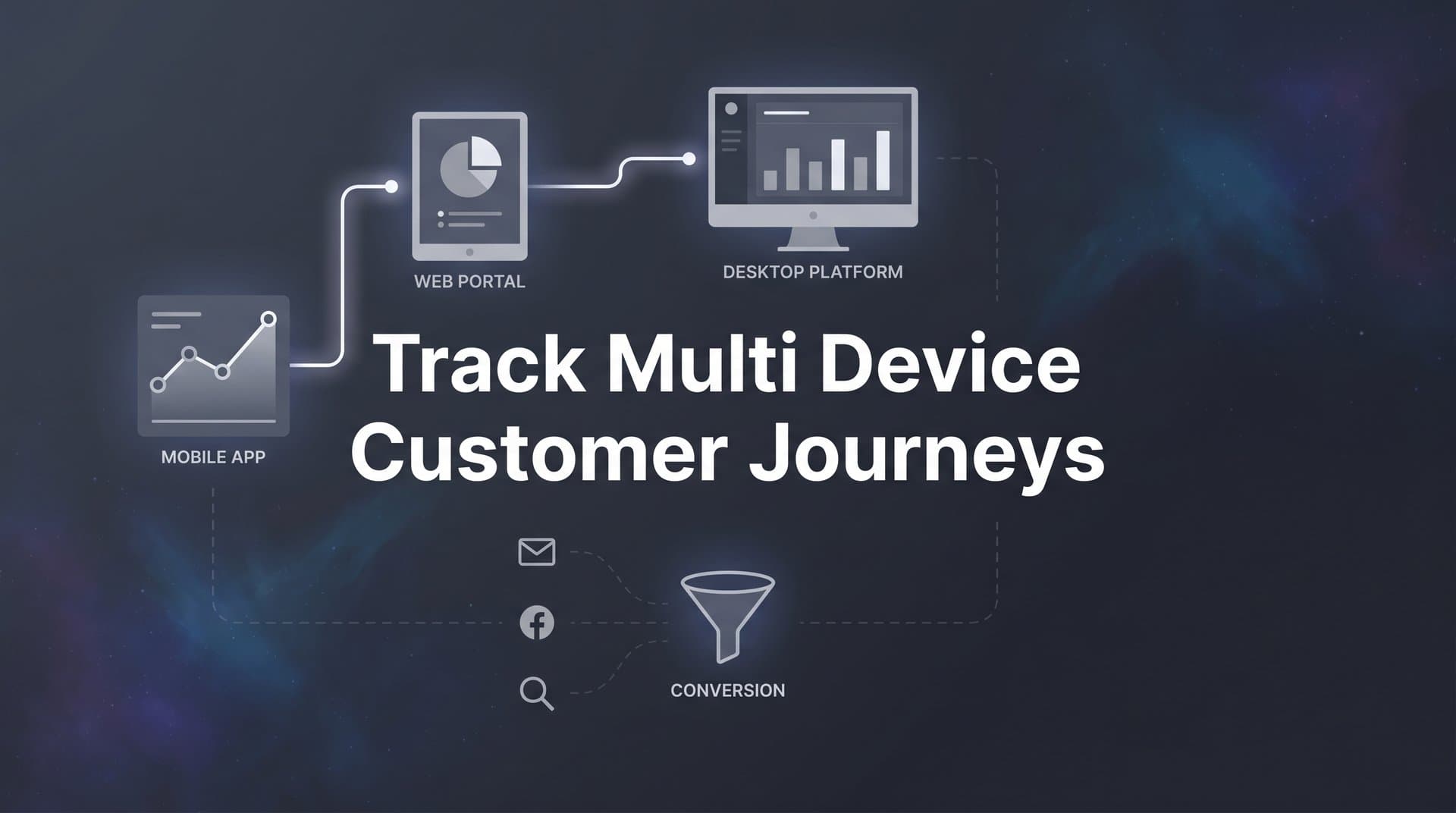
Today's customers rarely convert on a single device. Someone might click a Facebook ad on their phone during lunch, research your product on a tablet that evening, and finally complete a purchase on their laptop the next morning. If your tracking only captures that last laptop session, you are crediting the wrong channel and making budget decisions based on incomplete data.
Learning to track multi-device customer journeys is one of the most important capabilities a marketing team can build in 2026. Without it, you are essentially flying blind on a significant portion of your conversions. The problem is not just missing a few data points. It is systematically misattributing revenue in ways that cause you to underfund the channels that start journeys and overfund the ones that simply show up at the finish line.
This guide walks you through a practical, step-by-step process for setting up cross-device tracking that captures the full customer journey. You will learn how to unify user identities across devices, implement server-side tracking for accuracy, connect your ad platforms and CRM into a single source of truth, and use that data to make smarter optimization decisions.
Whether you are running campaigns across Meta, Google, TikTok, LinkedIn, or other platforms, these steps will help you close the gaps in your attribution and finally see which ads and channels actually drive revenue. Let's get into it.
Step 1: Audit Your Current Tracking Setup and Identify Cross-Device Gaps
Before you can fix your cross-device tracking, you need a clear picture of what is broken. Most marketing teams are surprised to discover just how fragmented their current setup really is. Pixels installed by different team members, tags added during one-off campaigns, and analytics tools that have never been connected to each other. The audit is where you get honest about the gaps.
Start by mapping every tracking pixel, tag, and analytics tool currently installed across your website, landing pages, and app. Use a tag auditing tool or simply review your tag manager to create a complete inventory. Note which platform each tag belongs to, what events it fires, and whether it is sending data anywhere beyond its native platform. Understanding what a tracking pixel is and how it works can help you evaluate whether each tag is functioning correctly.
Next, look for the telltale signs that device handoffs are breaking your tracking. Open your analytics platform and examine your conversion paths. If you see suspiciously high direct or organic attribution, that is often a symptom of cross-device journeys being misread. When a user clicks an ad on mobile and converts on desktop, the desktop session may appear as direct traffic because there is no cookie connecting the two sessions.
Other gap indicators to watch for include:
Inflated new user counts: If your analytics is counting the same person as a new user on each device, your audience size looks larger than it actually is, which distorts your cost-per-acquisition calculations.
Low assisted conversion data: If almost no conversions show assisted touchpoints, your attribution tool is likely only capturing the last session rather than the full journey.
Mismatched numbers between ad platforms and your CRM: When Meta reports 200 conversions but your CRM only shows 120 new leads from the same period, something is either double-counting or missing entirely. If this sounds familiar, you may want to explore why your conversion tracking numbers are wrong.
Document which platforms and touchpoints are siloed and not sharing data with each other. This becomes your gap checklist: the specific connections you need to build in the steps that follow. Think of this audit as your baseline. Once you implement proper cross-device tracking, you will be able to measure exactly how much you were previously missing.
Step 2: Build a Unified Identity Framework Using First-Party Data
Cross-device tracking comes down to one fundamental challenge: knowing that the person who clicked your ad on their iPhone at noon is the same person who completed a purchase on their MacBook at 9 PM. There are two ways to solve this, and they are not equally reliable.
Deterministic matching uses known identifiers: email addresses, login IDs, CRM contact IDs. When a user logs into your platform or submits a form, you have a confirmed identity that can be matched across devices. This is the gold standard. It is accurate, privacy-friendly when based on consented data, and does not rely on browser behavior that can change or be blocked.
Probabilistic matching uses signals like IP address, device type, browser fingerprint, and behavioral patterns to infer that two sessions likely belong to the same person. It is less accurate and increasingly unreliable as privacy regulations tighten and browsers restrict fingerprinting techniques.
Your goal is to build a strategy centered on deterministic matching using your own first-party data. Here is how to do that in practice.
First, encourage account creation and email capture at key points in your user journey. A logged-in user is a trackable user across every device they use. Even a simple email capture for a content download gives you the identifier you need to stitch sessions together. This is foundational to tracking users across multiple devices effectively.
Second, use UTM parameters and click IDs consistently across every campaign and platform. When someone clicks a Meta ad, the fbclid parameter gets appended to the URL. When they click a Google ad, gclid is added. These identifiers need to be captured and stored so that touchpoints can be connected even when the same person switches devices. Review UTM parameter tracking best practices to make sure your forms and landing pages are capturing these parameters and passing them through to your CRM.
Third, connect your CRM as the central identity hub. Every ad click, form fill, email open, and purchase should tie back to a contact record in your CRM. When your CRM is the source of truth for identity, you can trace a customer's entire journey regardless of which device they used at each step.
On the privacy side, this approach is inherently more sustainable than relying on third-party cookies. You are building on consented, first-party data that users have explicitly shared with you. As Chrome continues its shift away from third-party cookies through 2025 and 2026, teams with strong first-party identity frameworks will have a significant advantage over those still dependent on cookie-based tracking.
Step 3: Implement Server-Side Tracking to Capture What Browsers Miss
Even with a solid first-party identity framework, browser-based tracking will still leave gaps in your cross-device data. This is not a minor inconvenience. It is a structural problem with how client-side pixels work.
Here is the core issue. Traditional tracking pixels fire from the user's browser. But Safari's Intelligent Tracking Prevention limits how long first-party cookies persist. Firefox's Enhanced Tracking Protection blocks many tracking scripts by default. Ad blockers prevent pixels from firing entirely. And since iOS 14.5 introduced App Tracking Transparency, a large portion of mobile users are effectively invisible to client-side tracking across apps and websites. Understanding the differences between server-side tracking vs pixel tracking is essential for closing these gaps.
The result is that client-side tracking systematically undercounts conversions, particularly on mobile, which is often where multi-device journeys begin. You end up with a distorted picture that undervalues mobile touchpoints and overvalues desktop sessions that happen to be the last click.
Server-side tracking solves this by sending conversion data directly from your server to ad platform APIs, bypassing the browser entirely. Instead of relying on a pixel in the user's browser to fire successfully, your server sends the event data directly to Meta's Conversions API, Google's server-side tagging endpoint, or other platform APIs. Ad blockers cannot intercept it. Browser cookie restrictions do not apply. The event gets recorded regardless of what the user's browser settings look like.
To implement server-side tracking, you will need to capture conversion events on your backend and route them to the appropriate ad platform APIs. This typically involves setting up a server-side event stream that fires alongside your client-side pixels during the transition period, so you can compare the two and quantify what you were previously missing. For a deeper dive, read about why server-side tracking is more accurate for attribution.
Cometly's server-side tracking connects your ad platforms, website, and CRM to track the entire customer journey in real time. Rather than building and maintaining custom server-to-API connections for each platform, Cometly handles the routing so that every conversion event, whether it originates from a mobile click or a desktop form submission, reaches the right platform with the right data attached.
Once your server-side implementation is live, verify it by comparing event counts against your client-side data. In most cases, you will see a meaningful increase in tracked conversions. That gap represents real revenue that was previously invisible to your attribution and optimization decisions.
Step 4: Connect Your Ad Platforms and CRM Into a Single Attribution View
At this point, you have identified your gaps, built an identity framework, and implemented server-side tracking. Now comes the step that transforms all of that infrastructure into actionable insight: connecting everything into a unified attribution view.
The problem with managing attribution across separate platform dashboards is that each one tells a self-serving story. Meta's Ads Manager will show you Meta's version of your conversions. Google Ads will show you Google's version. Neither will show you the complete cross-device path that moved someone from a Meta ad on mobile to a Google search on desktop to a conversion. You need a single place where all of those touchpoints are visible together.
Start by integrating all active ad platforms into one attribution dashboard. This means connecting Meta, Google, TikTok, LinkedIn, and any other platforms you are running campaigns on, so that cross-device paths are visible in a single view. Learning how to effectively manage tracking conversions across multiple ad platforms is critical for this step. When you can see that a customer's journey started with a Meta video ad on mobile, passed through a branded Google search on desktop, and ended with a direct visit to your pricing page, you can make informed decisions about where to invest.
Next, sync your CRM events with your attribution tool. This is where the journey becomes truly complete. Lead created, opportunity opened, demo scheduled, deal closed: these CRM milestones need to be connected back to the original ad click, regardless of which device that click happened on. Without this connection, you are optimizing toward top-of-funnel conversions like form fills rather than actual revenue.
Cometly integrates with platforms like Stripe for payment tracking and supports custom event data through webhooks, so you can pull in the revenue signals that matter most to your business and connect them back to specific ad touchpoints across devices.
Once your platforms and CRM are connected, set up conversion sync to feed enriched, accurate conversion data back to ad platform algorithms. When Meta and Google receive better data about which clicks actually led to closed revenue, their machine learning models improve targeting and bidding decisions. You are not just improving your own reporting. You are improving the quality of traffic the platforms send you.
Test the integration by tracing a known conversion end to end. Pick a recent customer, find their original ad click in your attribution tool, and verify that the full journey from first touch through CRM close is captured and attributed correctly. Understanding customer journey touchpoints will help you know exactly what to look for during this verification step.
Step 5: Choose the Right Multi-Touch Attribution Model for Your Business
With your cross-device tracking infrastructure in place, you now need to decide how to distribute credit across the touchpoints in each journey. This is where attribution modeling comes in, and it matters more in multi-device journeys than in any other context.
Last-click attribution is the default for most platforms, and it is especially misleading when customers move across devices before converting. In a typical multi-device journey, the converting device gets 100% of the credit even though it may have been the fourth or fifth touchpoint in the sequence. The mobile ad that initiated the journey gets nothing. This leads to systematic underinvestment in top-of-funnel awareness channels and overinvestment in bottom-of-funnel channels that benefit from demand that other channels created. For a thorough overview, explore our guide on multi-touch attribution in marketing.
Here is a practical comparison of the most common multi-touch models:
Linear attribution: Distributes credit equally across every touchpoint in the journey. This is a good starting point if you want to move away from last-click without making strong assumptions about which touchpoints matter most. It tends to surface the value of mid-funnel interactions that would otherwise be ignored.
Time-decay attribution: Gives more credit to touchpoints that occurred closer to the conversion. This makes sense for shorter sales cycles where the final few interactions are genuinely more influential. For longer B2B sales cycles, it can still undervalue early awareness touchpoints.
Position-based (U-shaped) attribution: Assigns significant credit to the first touchpoint and the last touchpoint, with the remaining credit distributed across middle interactions. This is a strong default for many businesses because it acknowledges both the channel that initiated the journey and the one that closed it, while not completely ignoring what happened in between.
Data-driven attribution: Uses algorithms to assign credit based on actual conversion patterns in your data. It is the most accurate model when you have sufficient conversion volume, because it learns from your specific customer behavior rather than applying a fixed formula. Understanding the difference between single-source and multi-touch attribution can help you appreciate why moving beyond last-click matters so much.
For most marketing teams starting to track multi-device journeys properly, a position-based or data-driven model is the recommended starting point. Use Cometly's attribution comparison features to run your conversion data through multiple models side by side. You will likely find that budget allocation recommendations shift meaningfully depending on the model, which tells you exactly which channels have been undervalued or overvalued in your previous reporting.
Step 6: Analyze Cross-Device Paths and Optimize Your Campaigns
Now that your tracking is accurate and your attribution model is configured, the real work begins: using the data to make better decisions. This is where the investment in cross-device tracking pays off in tangible campaign performance improvements.
Start by reviewing your most common cross-device conversion paths. Look for patterns in how customers move between devices before converting. In many industries, mobile is where journeys begin, often through social ads or video content, while desktop is where research deepens and purchases are completed. Analyzing device type performance helps you understand this pattern for your specific audience and changes how you think about creative, bidding, and budget allocation across devices.
Next, identify which channels and ads are strong at initiating journeys versus closing them. A TikTok video ad might rarely get last-click credit but consistently appear as the first touchpoint in journeys that convert. A branded search campaign might show up almost exclusively as the final touchpoint. Both are valuable, but they serve different roles, and your budget allocation should reflect that.
Use these insights to adjust your investment across channels. Channels that consistently start high-value journeys deserve more budget even if their last-click conversion numbers look modest. Channels that close journeys efficiently deserve investment too, but not at the expense of the awareness channels that fill the top of the funnel.
Cometly's AI Ads Manager can accelerate this process by identifying high-performing ads and campaigns across every channel and surfacing recommendations for where to scale. Rather than manually reviewing path data across multiple platforms, you get AI-powered insights that point you toward the specific campaigns and creative that are driving the most complete customer journeys, not just the last click.
Finally, set up ongoing monitoring so you catch new gaps or shifts in device behavior as they emerge. Cross-device patterns change as your audience grows, as new platforms gain traction, and as browser privacy updates roll out. Treat your cross-device tracking as a living system that needs regular review, not a one-time implementation project.
Your Cross-Device Tracking Checklist and Next Steps
Tracking multi-device customer journeys is not a one-time project. It is an ongoing practice that improves as your data matures and your team develops better intuition for how customers move through your funnel. Here is a quick-reference checklist to keep your implementation on track.
Step 1: Audit your tracking setup. Map all pixels and tags, identify cross-device gap indicators, and document what needs to be connected or replaced.
Step 2: Build a first-party identity framework. Prioritize deterministic matching through email capture and login, use UTM parameters consistently, and connect your CRM as the central identity hub.
Step 3: Implement server-side tracking. Move beyond client-side pixels to capture events that browsers miss, and verify your implementation by comparing event counts.
Step 4: Unify your ad platforms and CRM. Connect all active platforms into one attribution view, sync CRM milestones to ad touchpoints, and set up conversion sync to feed better data to platform algorithms.
Step 5: Choose your attribution model. Move away from last-click, compare models side by side, and select one that reflects your actual sales cycle and customer behavior.
Step 6: Analyze and optimize continuously. Review cross-device paths regularly, adjust budget allocation based on full-journey data, and use AI-powered recommendations to scale what is working.
When you can see the full journey across devices, you stop wasting budget on channels that look good on surface-level metrics and start investing in what actually drives revenue. The difference between a marketing team that tracks last clicks and one that tracks complete cross-device journeys is not just better reporting. It is better decisions, better allocation, and better results from the same ad spend.
Ready to see every touchpoint across every device in one place? Get your free demo of Cometly and discover how unified cross-device attribution connects your ad platforms, CRM, and website data to show you exactly what is driving revenue.



