

You run Facebook ads for a B2B SaaS company. Meta Ads Manager says your campaign generated 47 conversions last month. Your CRM shows 12 leads from Facebook. Your sales team closed two deals, and your CEO wants to know if Facebook is actually worth the budget. Welcome to one of the most frustrating problems in modern B2B marketing.
The disconnect is not a coincidence. It is structural. Facebook's attribution system was built for a world where someone sees an ad, clicks, and buys within hours. B2B SaaS does not work that way. Your prospects click an ad today, read three blog posts next week, join a webinar the following month, and finally book a demo after a colleague forwards them a comparison article. By the time they sign a contract, Facebook has long since stopped counting the journey.
Add iOS privacy restrictions, browser-based tracking limitations, and the fundamental gap between Meta's pixel events and your CRM pipeline stages, and you have a recipe for bad data and worse decisions. Marketing teams either over-invest in Facebook because the platform reports inflated conversions, or they pull budget entirely because they cannot prove ROI, even when Facebook is actually contributing to pipeline.
There is a better way. Accurate B2B SaaS Facebook ads tracking is possible, but it requires building a system that connects ad clicks to downstream CRM events like MQLs, SQLs, and closed-won revenue. This article walks through why native tracking falls short, what a proper tracking infrastructure looks like, and how to build a system that ties every Facebook ad dollar to real business outcomes.
Why Facebook's Native Tracking Breaks Down for B2B SaaS
Let's start with the mechanics of the problem, because understanding why tracking breaks is essential to fixing it.
Facebook's default attribution windows are 7-day click and 1-day view. That means if someone clicks your ad and does not convert within seven days, Facebook stops associating that click with any future conversion. For B2C ecommerce, this is often fine. For B2B SaaS, where the average sales cycle can stretch from 30 to 90 days or longer depending on deal size, this window is almost useless. The lead who clicked your ad on day one and signed a contract on day 60 is completely invisible to Facebook's reporting.
The problem compounds with multi-stakeholder buying behavior. In B2B SaaS, a single deal often involves an end user who discovers your product, a manager who evaluates it, a finance team member who approves the budget, and a technical lead who vets the integration. These people may all interact with your ads at different points. Facebook's pixel tracks individual browser sessions, not buying committees. It has no way to connect the dots across devices, browsers, or people within the same organization.
Then there is the signal loss problem. Apple's App Tracking Transparency framework, introduced with iOS 14.5, fundamentally changed how Meta receives data from mobile users. When someone opts out of tracking, Meta cannot see their post-click behavior. Safari's Intelligent Tracking Prevention and similar browser-level privacy features add another layer of data loss. The result is that Meta's pixel-based tracking systematically undercounts conversions and misattributes the ones it does capture.
Here is the deeper issue for B2B SaaS specifically: even when Facebook's tracking works perfectly, it can only see events that happen on your website. It sees page views, form submissions, and trial signups. It cannot see what happens inside your CRM after the lead is created. It does not know whether that form submission became a qualified lead, an opportunity, or a closed deal. It cannot distinguish between a freelancer who filled out your demo form out of curiosity and a VP of Marketing at a 500-person company who is actively evaluating solutions.
When Facebook optimizes your campaigns toward "leads," it is optimizing toward form fills, not revenue. Those two things are often very different. Campaigns that generate the most form fills frequently generate the lowest-quality leads, while campaigns targeting narrower, more intent-rich audiences may generate fewer but far more valuable prospects. Without connecting ad data to CRM outcomes, you have no way to see this distinction, and Facebook's algorithm has no way to optimize for it. Understanding why Facebook ads show wrong data is the first step toward fixing the problem.
The Anatomy of a Full-Funnel Tracking Setup
Solving B2B SaaS Facebook ads tracking requires building a system with three connected layers. Think of it as a chain: break any link, and you lose visibility into what is actually driving revenue.
Layer one: Ad platform data. This is what Meta Ads Manager gives you by default. Clicks, impressions, reach, spend, and platform-reported conversions. This layer is necessary but not sufficient. It tells you what is happening inside Facebook, but nothing about what happens after someone leaves the platform.
Layer two: Website behavior data. This is what your analytics tools and tracking pixels capture. Page visits, time on site, form fills, trial signups, content downloads. This layer connects the ad click to on-site actions and is where UTM parameters become critical. Every Facebook ad should pass UTM parameters through the URL so that when a visitor lands on your site, you can record which campaign, ad set, and ad brought them there.
Layer three: CRM pipeline data. This is where the real business outcomes live. Lead status, MQL designation, SQL qualification, opportunity stage, deal value, and closed-won revenue. Most B2B SaaS companies have rich data at this layer but have never connected it back to their ad platforms. This is the missing link that makes the entire tracking system meaningful.
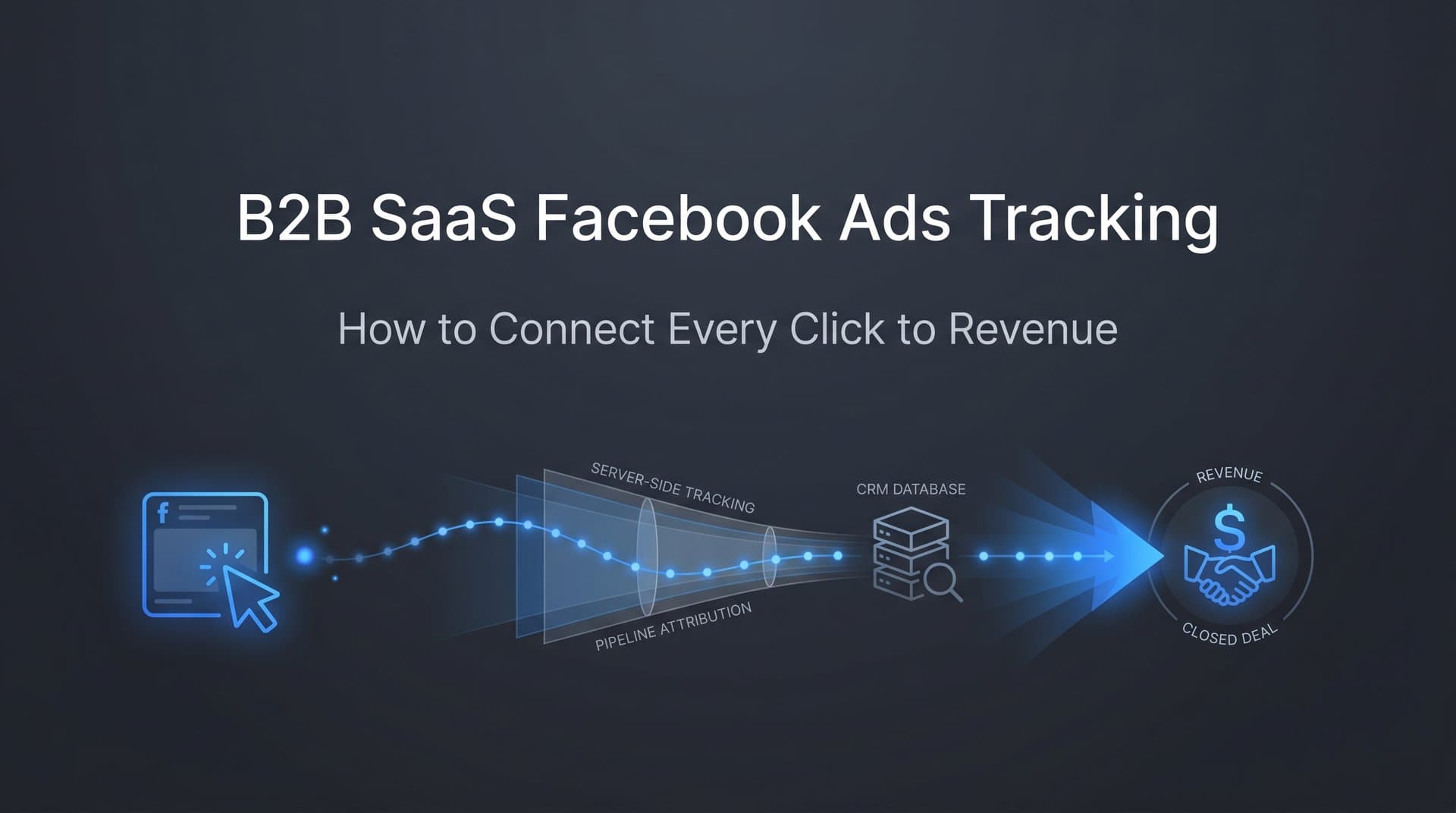
Connecting these three layers requires two technical components working together. The first is server-side tracking for ads. Rather than relying on a browser-based pixel that can be blocked by ad blockers, cookie restrictions, or iOS privacy settings, server-side tracking sends conversion data directly from your server to Meta via the Conversions API (CAPI). This approach is far more reliable because it does not depend on the user's browser cooperating. When a form is submitted, your server fires the event to Meta regardless of what the user's browser is doing.
The second component is first-party data capture at the point of lead creation. When someone fills out your demo request form or signs up for a trial, you need to capture and store the UTM parameters and Facebook click ID (fbclid) from their session. This data should be written directly into your CRM as fields on the contact or lead record. This is how you stitch together the journey from an anonymous browser session to a named contact with a deal in your pipeline.
Without this infrastructure, you are left guessing. With it, you can look at any closed deal in your CRM and trace it back to the specific Facebook campaign, ad set, and creative that started the journey. That is the foundation of real B2B SaaS Facebook ads tracking.
Mapping Facebook Ad Clicks to CRM Revenue Events
Understanding the infrastructure is one thing. Walking through how it actually works in practice is another. Here is the practical flow from click to closed deal.
When a prospect clicks your Facebook ad, their browser receives a URL with UTM parameters (utm_source, utm_medium, utm_campaign, utm_content, utm_term) and a Facebook click ID. Your website should capture these parameters from the URL and store them in a first-party cookie or local storage so they persist even if the user visits multiple pages before converting.
When the prospect fills out your demo request form or trial signup, your form should capture those stored parameters and pass them as hidden fields alongside the visible form data. This means that when the lead is created in your CRM, whether that is HubSpot, Salesforce, Pipedrive, or another platform, it arrives with the attribution data already attached. You now have a contact record that says: this person came from Facebook, specifically from your Q4 SaaS retargeting campaign, ad set targeting VP-level prospects, and a specific creative featuring your ROI calculator.
As that lead progresses through your pipeline, the CRM records each stage transition. They become an MQL when marketing qualifies them. They become an SQL when sales accepts the lead. They become an opportunity when a deal is created. They become closed-won when the contract is signed. Each of these events is timestamped and associated with the original attribution data you captured at lead creation. Implementing proper revenue attribution for B2B SaaS companies ensures none of this data goes to waste.
This is where multi-touch attribution becomes important. A B2B SaaS prospect rarely converts after a single touchpoint. They might click a Facebook awareness ad, then search for your brand on Google, then click a retargeting ad before finally booking a demo. If you give all the credit to the last touch, you would conclude that retargeting drove the deal and awareness campaigns are useless. That is almost certainly wrong. The awareness campaign started the relationship. Giving it zero credit leads to underinvestment in top-of-funnel campaigns that are actually essential to your pipeline.
Multi-touch attribution models like linear (equal credit to all touches), time-decay (more credit to touches closer to conversion), or position-based (more credit to first and last touch) give you a more accurate picture of how Facebook ads contribute across the full journey. No model is perfect, but any of them is more honest than last-click attribution for B2B SaaS. Exploring dedicated SaaS marketing attribution tools can simplify this process significantly.
The final piece is syncing CRM conversion events back to Meta. Once you know which leads became qualified prospects or paying customers, you can send those events to Meta via the Conversions API. Instead of only telling Facebook "someone filled out a form," you tell it "someone filled out a form and became a closed-won customer worth $24,000 in annual recurring revenue." Facebook's algorithm uses this signal to find more prospects who look like your actual paying customers, not just people who fill out forms. This is one of the highest-leverage improvements a B2B SaaS team can make to their Facebook ad performance.
Key Metrics B2B SaaS Teams Should Track Beyond ROAS
Return on ad spend is a useful metric for ecommerce. For B2B SaaS with long sales cycles and complex buying journeys, it is often misleading or simply unavailable in real time. Here are the metrics that actually matter.
Cost per MQL: Divide your Facebook ad spend by the number of marketing-qualified leads attributed to Facebook campaigns. This metric tells you what you are paying to generate a lead that your marketing team considers worth pursuing. It is far more meaningful than cost per lead because it filters out the noise of unqualified form fills.
Cost per SQL: Divide your Facebook ad spend by the number of sales-accepted leads attributed to Facebook. This metric tells you what you are paying to generate a lead that your sales team considers a genuine opportunity. Comparing cost per MQL to cost per SQL reveals how well your Facebook campaigns are attracting prospects who actually match your ideal customer profile.
Cost per closed-won deal: This is the ultimate metric. Divide your Facebook ad spend by the number of deals closed that originated from Facebook campaigns. For high-ACV SaaS products, this number might be surprisingly high in absolute terms but still represent an excellent return when compared to deal value and customer lifetime value. Effective SaaS customer acquisition tracking makes calculating this metric straightforward.
Pipeline velocity by campaign: This metric goes beyond counting conversions and looks at how quickly leads from different campaigns move through your funnel. A campaign that generates leads who move from MQL to closed-won in 45 days is more valuable than a campaign generating leads that stall in the pipeline for six months, even if both campaigns produce the same number of leads. Pipeline velocity reveals which campaigns are attracting high-intent, well-qualified prospects.
Cohort analysis by campaign or ad set: Group leads by the Facebook campaign that acquired them and track their revenue outcomes over time. Leads acquired through a specific campaign in a given month might generate significantly different revenue three months later compared to leads from a different campaign. Cohort analysis surfaces these differences and reveals the true long-term ROI of your Facebook ad investments, which would be completely invisible with short attribution windows or surface-level reporting. The right SaaS marketing analytics tools make cohort analysis far easier to execute.
Common Tracking Pitfalls and How to Avoid Them
Even teams that understand the importance of proper tracking often make mistakes that undermine the accuracy of their data. Here are the most common pitfalls and how to address them.
Relying solely on Meta Ads Manager for reporting. Meta Ads Manager can only report on what Meta can see, which is activity on its own platform and the conversion events you send back to it. It cannot see what happens inside your CRM, how leads progress through your pipeline, or which campaigns generate revenue. Using Ads Manager as your primary source of truth for B2B SaaS performance means you are optimizing based on incomplete information. You need a reporting layer that combines ad platform data with CRM data to see the full picture. Learning the fundamentals of tracking Facebook ads accurately is essential for any B2B team.
Failing to deduplicate conversions across platforms. When you run Facebook and Google ads simultaneously, both platforms will claim credit for many of the same conversions. A prospect who clicked a Facebook ad and then a Google search ad before converting will appear in both platforms' conversion reports. Without deduplication, your total reported conversions will significantly exceed your actual conversions, and you will overestimate the performance of both channels. A unified attribution platform that handles tracking for Facebook and Google ads together solves this by assigning credit according to a consistent model rather than letting each platform self-report.
Not sending enriched conversion data back to ad platforms. Many B2B SaaS teams set up the Meta pixel, capture form submissions, and call it done. They never close the loop by sending qualified lead or revenue events back to Meta. This starves Facebook's algorithm of the signals it needs to optimize effectively. The algorithm will continue targeting people who look like form-fillers rather than people who look like paying customers. Feeding enriched conversion data back to Meta via the Conversions API is one of the most impactful things you can do to improve campaign performance over time.
Losing UTM data in your CRM. If your forms do not capture UTM parameters, or if your CRM implementation does not preserve them, you lose the thread connecting ad clicks to CRM records. This is surprisingly common. Test your own funnel by clicking a Facebook ad and submitting a form, then checking whether the resulting CRM record contains accurate attribution data. If it does not, fixing this is the highest-priority technical task for your tracking setup.
How Cometly Solves B2B SaaS Facebook Ads Tracking
Building the tracking infrastructure described in this article from scratch is possible, but it requires significant technical resources and ongoing maintenance. Cometly is built specifically to solve this problem for marketing teams who need accurate attribution without months of custom development work.
Cometly connects your Meta ad account, your website, and your CRM into a single attribution platform. It automatically tracks the full customer journey from the first Facebook ad click through to closed-won revenue, giving you a unified view of performance that neither Meta Ads Manager nor your CRM can provide on its own. Every touchpoint is captured and associated with the downstream outcomes that actually matter to your business.
Server-side tracking is built into Cometly's infrastructure. Rather than depending on browser-based pixels that lose data to iOS restrictions, ad blockers, and cookie limitations, Cometly sends conversion events directly from the server to Meta via the Conversions API. This means your attribution data is more complete and more accurate than what you would get from pixel-only tracking, especially in a world where privacy restrictions continue to tighten.
Cometly's Conversion Sync feature closes the loop by feeding enriched conversion data back to Meta. When a lead becomes an SQL or a closed-won customer, that event is automatically synced to Facebook's algorithm. This gives Meta the signal it needs to optimize your campaigns toward prospects who resemble your actual paying customers, not just people who click ads or fill out forms. Over time, this feedback loop improves targeting quality and reduces wasted spend.
On top of the tracking infrastructure, Cometly's AI-powered recommendations analyze your Facebook campaigns, ad sets, and creatives to identify which ones are driving the most pipeline and revenue. Instead of manually cross-referencing ad spend data with CRM reports, you get clear, actionable insights about where to scale budget and where to pull back. For B2B SaaS teams managing complex multi-channel campaigns, this kind of clarity is the difference between confident scaling and expensive guesswork.
Putting It All Together
Accurate B2B SaaS Facebook ads tracking is not a nice-to-have. It is a competitive advantage. When your competitors are optimizing for form fills and you are optimizing for closed-won revenue, you will make better decisions, allocate budget more effectively, and scale campaigns that actually grow your business.
The key components are not complicated in concept, even if they require careful implementation. Server-side tracking ensures your conversion data survives the privacy-first web. CRM integration connects ad clicks to real pipeline and revenue events. Multi-touch attribution gives you an honest picture of how Facebook contributes across a long, complex buying journey. And feeding enriched conversion data back to Meta's algorithm helps it find more prospects who look like your best customers.
The teams that get this right stop having the conversation where Meta says 47 conversions and the CRM says 12. They have a single, trusted source of truth that everyone from the media buyer to the CFO can rely on. That clarity enables faster decisions, better creative testing, and more confident investment in the channels that drive growth.
Ready to stop guessing and start scaling with confidence? Discover how Cometly gives you complete visibility into your Facebook ad performance across the entire B2B SaaS funnel. Get your free demo today and start connecting every ad dollar to the revenue it actually drives.



