

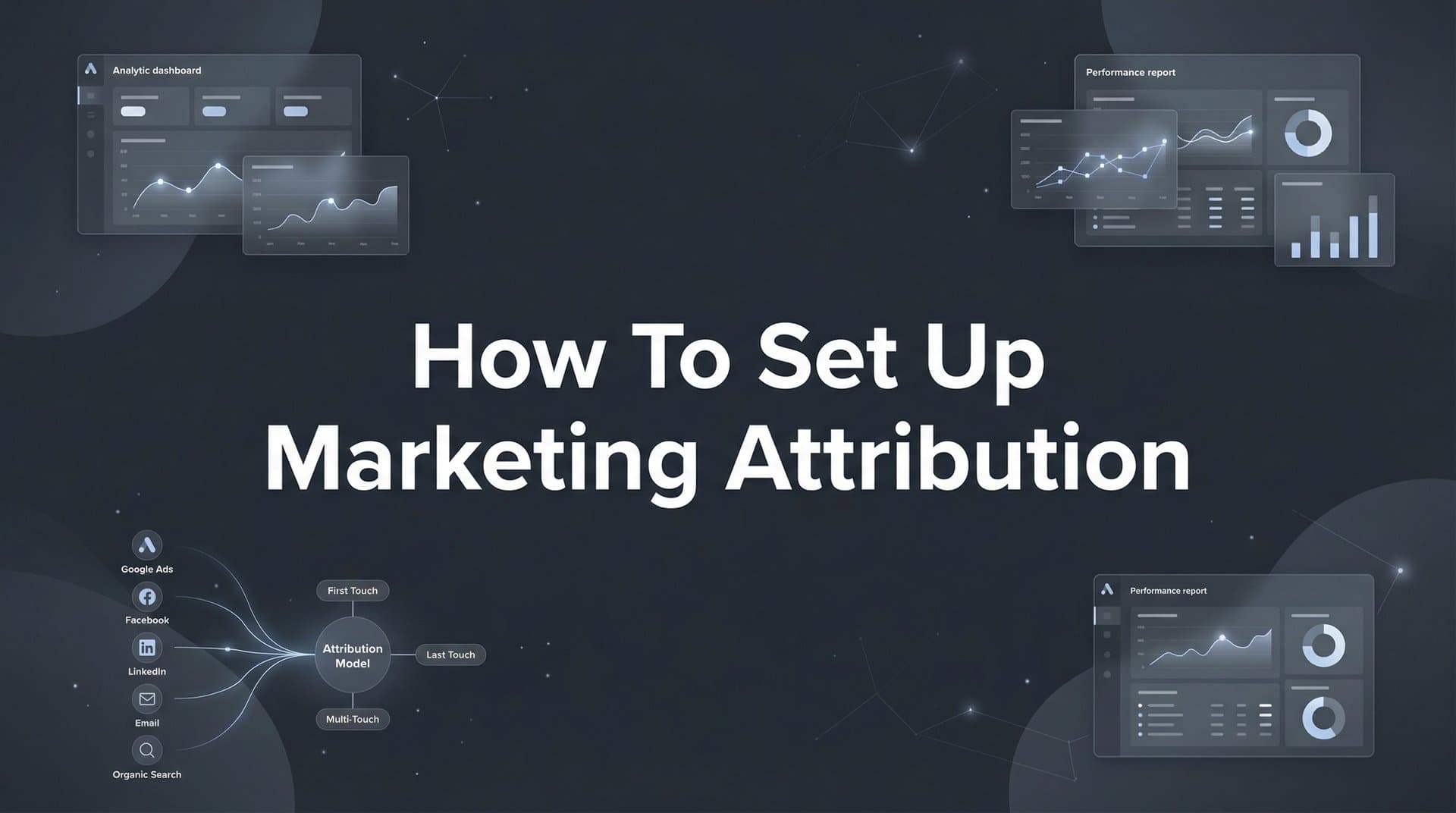
You're spending thousands on ads across Meta, Google, TikTok, and LinkedIn—but which campaigns actually drive revenue? Without proper marketing attribution, you're essentially flying blind, making budget decisions based on incomplete data or platform-reported metrics that often take credit for the same conversion.
This guide walks you through setting up marketing attribution from scratch, covering everything from defining your conversion events to connecting your tech stack and choosing the right attribution model. By the end, you'll have a clear system for tracking every touchpoint in your customer journey and understanding exactly which ads deserve your budget.
Whether you're running campaigns for an ecommerce brand or generating leads for a SaaS company, these steps will help you move from guesswork to data-driven decision making. Let's build your attribution foundation.
Step 1: Define Your Conversion Events and Business Goals
Before you connect a single tracking pixel, you need clarity on what you're actually measuring. Not all conversions carry equal weight, and treating them the same leads to misallocated budgets.
Start by separating your primary conversions from micro-conversions. Primary conversions directly generate revenue or qualified leads—purchases, demo bookings, trial sign-ups, consultation requests. These are the actions that matter to your bottom line. Micro-conversions like add-to-cart actions, email sign-ups, or content downloads indicate interest but don't immediately impact revenue.
Map each conversion to actual value. If you're tracking ecommerce purchases, this is straightforward—the order value is your conversion value. For lead-based businesses, calculate the average customer lifetime value and work backward based on your conversion rates. If 20% of demos turn into customers worth $5,000 each, a demo booking is worth approximately $1,000 in expected value.
This value mapping transforms attribution from an academic exercise into a business tool. When you can say "this Facebook campaign generated $12,000 in attributed revenue against $3,000 in spend," you're making real decisions, not just counting conversions.
Next, document your typical customer journey length. Ecommerce brands often see purchases within 7-30 days of first interaction. B2B SaaS companies might have 30-90 day cycles or longer. This timeline determines your attribution window—the period during which you'll credit touchpoints for influencing a conversion.
Finally, align your attribution goals with business objectives. Are you optimizing for volume or quality? A lead generation campaign that drives 100 low-quality leads is worse than one driving 20 high-intent prospects. Build this quality filter into your attribution setup from day one by tracking not just conversions but downstream metrics like customer acquisition cost and lifetime value.
Write this down. Seriously—create a simple document that lists each conversion event, its value, and why it matters to your business. This becomes your north star when you're knee-deep in tracking setup and wondering if you should care about that blog post download event.
Step 2: Audit Your Current Tracking Infrastructure
Most marketing teams discover they're tracking less than they think. This audit reveals the gaps before they cost you budget decisions based on incomplete data.
Start with your ad platform pixels. Open your website's developer tools, navigate to the Network tab, and trigger a conversion action. You should see tracking requests firing to Meta, Google, TikTok, LinkedIn—wherever you're running ads. Missing pixels mean missing attribution data. Pixels firing but not capturing conversion events mean you're counting impressions but not results.
Check for iOS and privacy-related gaps. Apple's App Tracking Transparency and Intelligent Tracking Prevention have created blind spots in browser-based tracking. Load your site in Safari with default privacy settings and test your conversion flow. Many marketers are shocked to discover their Meta pixel simply doesn't fire for a significant portion of their traffic.
Ad blockers present another challenge. Install a popular ad blocker extension and test your conversion tracking again. If your tracking disappears, you're missing data from privacy-conscious users—often your most valuable audience segment.
Now audit your CRM and analytics setup. Does Google Analytics show 100 conversions while your CRM shows 85 actual customers? That 15% gap matters. Open your CRM and trace a recent customer back to their original source. Can you identify which ad campaign brought them in? If the source field says "Direct" or "Unknown" for most records, your CRM integration needs work.
Look for double-counting issues. This happens when multiple platforms claim credit for the same conversion. Someone clicks your Facebook ad, then searches your brand name and clicks a Google ad before purchasing. Facebook's pixel fires. Google's conversion tag fires. Both platforms report the conversion. Your dashboard shows two conversions, but you made one sale. Understanding attribution challenges in marketing analytics helps you identify and resolve these discrepancies.
Document everything you find. Create a spreadsheet with columns for each tracking element (Meta pixel, Google tag, CRM integration), its current status, and identified issues. This audit reveals exactly what needs fixing before you build your attribution system on a shaky foundation.
The goal isn't perfection—it's awareness. You need to know where your data is incomplete so you can account for those gaps in your analysis.
Step 3: Implement Server-Side Tracking for Data Accuracy
Browser-based tracking is dying. Privacy regulations, iOS changes, and ad blockers have made client-side pixels increasingly unreliable. Server-side tracking captures the data that browser-based methods miss.
Here's why this matters: When someone visits your site, traditional pixels load in their browser and send conversion data directly to ad platforms. But if their browser blocks third-party cookies, uses tracking prevention, or has an ad blocker installed, that conversion never gets reported. You spent money to acquire that customer, but your attribution system has no record of it.
Server-side tracking solves this by capturing conversion events on your server—where browsers can't interfere—and then sending that data to ad platforms through server-to-server connections. The conversion happens on your website, your server records it, and then your server notifies Meta, Google, and other platforms about what happened.
Setting up server-side tracking requires connecting three components: your website (where conversions happen), your server (where data is captured and processed), and your ad platforms (where attribution insights are used). Most modern attribution platforms handle the server infrastructure for you, so you don't need to manage servers yourself.
Start by implementing tracking on your website that sends conversion events to your server instead of directly to ad platforms. This typically involves replacing or supplementing your existing pixels with code that posts conversion data to an endpoint you control. When someone completes a purchase, your website sends the conversion details—order value, customer identifier, timestamp—to your server.
Your server then enriches this data by connecting it to the customer's earlier touchpoints. It knows this customer clicked a Facebook ad three days ago, visited from a Google search yesterday, and just completed a purchase. It packages this complete journey and sends it to each relevant ad platform through their server-side APIs.
Connect your CRM and payment systems to close the loop. Server-side tracking becomes powerful when it pulls data from multiple sources. Integrate your CRM so that when a lead converts to a customer weeks after their initial website visit, that revenue gets attributed back to the original touchpoint. Connect your payment processor to capture actual transaction values, not just conversion events. For a deeper dive into this process, explore our guide on attribution marketing tracking.
Verify your setup by comparing server-side reported conversions against platform-reported numbers. You should see higher conversion counts through server-side tracking because it captures events that browser-based tracking misses. If your server-side numbers are lower, something's wrong—debug before proceeding.
The technical implementation varies by platform, but the principle remains constant: capture conversion data where it can't be blocked, then distribute it to the platforms that need it for attribution and optimization.
Step 4: Connect All Your Marketing Channels and Data Sources
Attribution only works when every channel feeds into a single source of truth. Disconnected data sources mean incomplete attribution and wrong decisions.
Start by integrating your paid ad platforms into your central attribution system. This means connecting Facebook Ads, Google Ads, TikTok Ads, LinkedIn Ads, and any other platform where you're spending money. Each integration should pull both cost data (how much you spent) and performance data (impressions, clicks, platform-reported conversions) into one place.
Most attribution platforms offer native integrations with major ad platforms. Authorize access, select the ad accounts you want to track, and the platform will automatically import your campaign data. This gives you a unified view of spend and performance across channels without logging into five different dashboards.
Link your CRM to connect leads with their original traffic sources. This is where attribution moves from theory to revenue impact. When a lead enters your CRM, your attribution system should automatically tag them with their acquisition source—the specific campaign, ad, and keyword that brought them in.
As that lead progresses through your sales pipeline, your attribution system tracks their journey. When they become a customer, the revenue gets attributed back to the original touchpoint. This closed-loop tracking shows not just which campaigns drive leads, but which campaigns drive customers who actually pay. Implementing channel attribution for revenue tracking ensures you capture this complete picture.
Set up UTM parameters consistently across all campaigns and channels. UTMs are the tags you add to your URLs that identify traffic sources—utm_source, utm_medium, utm_campaign, utm_content, and utm_term. Consistency is critical. If you tag Facebook traffic as "facebook" in one campaign and "fb" in another, your attribution data will be fragmented.
Create a UTM naming convention document and follow it religiously. Specify how you'll name sources (facebook, google, linkedin), mediums (cpc, social, email), and campaigns. Share this with everyone who creates marketing links. Inconsistent UTMs are one of the most common attribution failures—and one of the easiest to prevent.
Don't forget offline conversions. If customers call your sales team, visit a physical location, or convert through channels that don't involve your website, those conversions need to feed back into your attribution data. Set up processes to capture these offline events and connect them to their digital touchpoints.
For phone calls, use call tracking numbers that tie to specific campaigns. Our guide on marketing attribution for phone calls covers this in detail. For in-store purchases, train staff to ask how customers heard about you and log that information. For sales calls, ensure your CRM captures the lead source from the initial website visit, not just the final touchpoint.
The goal is comprehensive visibility. Every dollar spent should connect to every conversion generated, regardless of where or how that conversion happens.
Step 5: Choose Your Attribution Model Based on Your Sales Cycle
Attribution models determine how credit is distributed across touchpoints in a customer journey. The right model depends on how your customers actually buy.
First-touch attribution gives all credit to the initial touchpoint—the ad or channel that first introduced someone to your brand. This model works well for short sales cycles where the first interaction heavily influences the decision. If you're selling impulse-purchase products where customers typically buy within days of discovery, first-touch attribution highlights which campaigns are best at acquiring new audiences.
Last-touch attribution does the opposite—it credits the final touchpoint before conversion. This model favors bottom-of-funnel activities like branded search or retargeting campaigns. It's useful when you want to understand what pushes people over the finish line, but it ignores the awareness-building work that happened earlier in the journey.
Linear attribution distributes credit equally across all touchpoints. If someone clicked a Facebook ad, visited from organic search, clicked a Google ad, and then converted, each touchpoint gets 25% of the credit. This model acknowledges that multiple interactions influence the decision, but it treats a casual blog visit the same as a high-intent demo request—which isn't always accurate. Learn more about how linear model marketing attribution works in practice.
Time-decay attribution gives more credit to touchpoints closer to the conversion. The logic is sound: interactions that happen right before someone buys likely have more influence than something they saw weeks ago. This model works well for considered purchases with moderate sales cycles.
Multi-touch attribution gets more sophisticated by using algorithms or data-driven models to assign credit based on actual conversion patterns. These models analyze your historical data to understand which touchpoint combinations typically lead to conversions, then credit them accordingly. For complex customer journeys, a multi-touch marketing attribution platform provides the most accurate insights.
Match your model to your sales cycle. Ecommerce brands with quick purchase decisions often start with last-touch or time-decay models. B2B SaaS companies with 60-day sales cycles typically need multi-touch attribution to understand the full journey from awareness to closed deal. High-ticket B2C purchases fall somewhere in between.
Here's the key insight: don't commit to one model permanently. Run multiple attribution models in parallel for the first month and compare the insights. You might discover that first-touch and last-touch attribution tell very different stories about which channels drive revenue. That tension reveals important truths about your customer journey.
If first-touch attribution shows Facebook driving most new customers while last-touch shows Google branded search getting credit, you're seeing a classic awareness-to-conversion pattern. Facebook introduces people to your brand, they research and compare, then they search your brand name on Google and convert. Both channels matter, but they play different roles. Understanding what a marketing attribution model is helps you interpret these patterns correctly.
The right attribution model isn't about mathematical elegance—it's about matching how your customers actually make decisions.
Step 6: Validate Your Setup and Establish Baseline Metrics
Your attribution system is only valuable if it's accurate. This validation phase catches issues before they corrupt your data and lead to bad decisions.
Start by running test conversions through each channel. Create a small test campaign on Facebook with a $20 budget, click your own ad, and complete a conversion on your website. Then check your attribution dashboard—does it show that Facebook ad as the source? Repeat this process for Google Ads, LinkedIn, TikTok, and any other channel you're tracking.
Trace the entire data flow. When you complete a test conversion, it should appear in your analytics, trigger your tracking pixels, get recorded by your server-side tracking, and show up in your attribution platform. If any step fails, debug before proceeding. Missing data at the test stage means missing data when real customers convert.
Compare attributed conversions against actual revenue in your CRM or payment system. Pull a report of all conversions from the past week according to your attribution platform. Then pull a report of actual customers or purchases from your CRM or ecommerce platform for the same period. The numbers should be close—within 5-10% is reasonable given timing differences and attribution windows.
If your attribution platform shows 100 conversions but your CRM shows only 70 customers, investigate. Are test conversions polluting your data? Are duplicate conversions being counted? Is your attribution window too long, claiming credit for conversions that happened outside the actual influence period? Learning how to measure marketing attribution accurately helps you identify these discrepancies.
Document baseline performance metrics before making any optimization decisions. Record current conversion rates, cost per acquisition, return on ad spend, and revenue by channel. These baselines become your reference point for measuring whether your attribution-informed optimizations actually improve performance.
Set up alerts for tracking discrepancies or sudden data drops. Most attribution platforms allow you to configure notifications when conversion volume drops significantly or when certain data sources stop reporting. These alerts catch tracking breakages before they cost you weeks of missing data.
Create a simple validation checklist: test conversions verified across all channels, attributed revenue matches actual revenue within acceptable variance, baseline metrics documented, and monitoring alerts configured. Run through this checklist weekly for the first month, then monthly thereafter.
The goal is confidence. You need to trust your attribution data enough to make real budget decisions based on it. Validation builds that trust by proving the system works as intended.
Putting Your Attribution Data to Work
With your marketing attribution system now in place, you have the foundation to make confident budget decisions based on real data rather than platform vanity metrics. The difference between having attribution and using it effectively comes down to how you interpret and act on the insights.
Review your attribution data weekly, looking for patterns in which channels drive not just conversions but quality conversions that turn into revenue. A campaign might generate 50 leads at $20 each while another generates 20 leads at $40 each. Surface-level analysis favors the first campaign. Attribution that connects to revenue might reveal the second campaign's leads close at 3x the rate, making it far more valuable despite the higher cost per lead.
Watch for channel interactions that reveal your customer journey. You might discover that LinkedIn ads rarely drive direct conversions but leads who engage with LinkedIn content convert at higher rates when they later click a Google ad. This insight changes how you value LinkedIn—not as a direct response channel but as an essential awareness builder that improves performance across other channels. Implementing cross channel attribution helps you capture these valuable interactions.
As your campaigns scale, consider feeding your enriched conversion data back to ad platforms to improve their optimization algorithms. When you send server-side conversion events that include actual revenue values and customer quality signals, platforms like Meta and Google can optimize toward the conversions that actually matter to your business, not just the ones that happen most frequently.
Quick checklist to confirm you're ready: conversion events defined with clear business value, current tracking infrastructure audited and gaps identified, server-side tracking implemented and verified, all marketing channels and data sources connected, attribution model selected and tested, baseline metrics documented, and validation processes in place.
The most common mistake at this stage is treating attribution as a set-it-and-forget-it system. Your customer journey evolves, new channels emerge, and tracking methods change. Schedule monthly attribution reviews to ensure your system continues to capture accurate data and provide actionable insights.
Ready to elevate your marketing game with precision and confidence? Discover how Cometly's AI-driven recommendations can transform your ad strategy—Get your free demo today and start capturing every touchpoint to maximize your conversions.



