

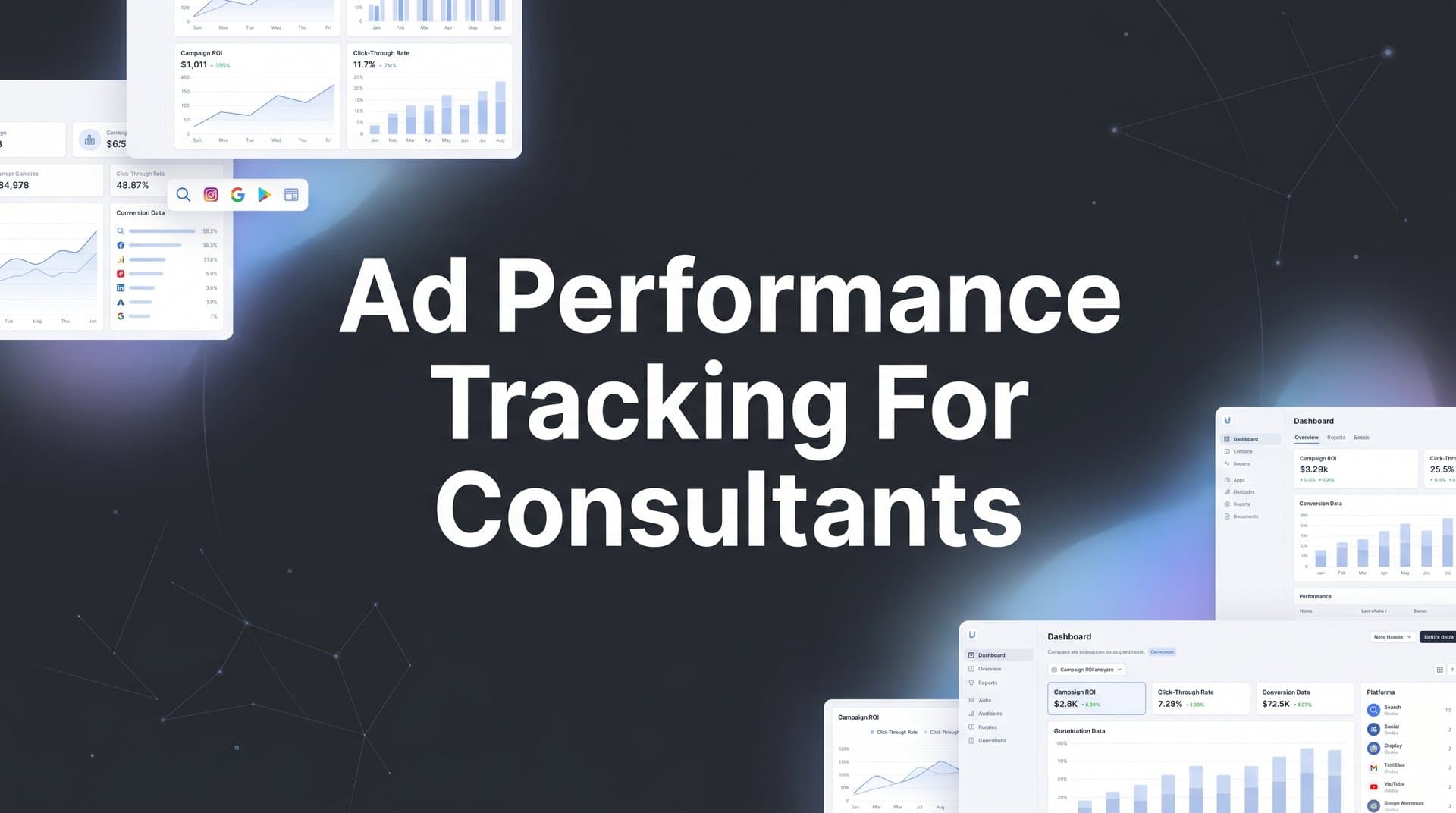
As a consultant running paid ads for clients or your own practice, you face a unique challenge: proving exactly which campaigns drive results. Unlike large agencies with dedicated analytics teams, consultants often juggle multiple client accounts, limited budgets, and the constant pressure to demonstrate clear ROI.
The problem? Native ad platform metrics tell you about clicks and impressions, but they rarely connect the dots to actual revenue. When a client asks which Facebook ad brought in their highest-paying customer, vague answers damage your credibility.
These seven strategies will help you build a tracking system that captures the complete customer journey, connects ad spend to real revenue, and gives you the confidence to optimize campaigns based on data that actually matters.
1. Connect Your Ad Platforms to a Unified Attribution Dashboard
The Challenge It Solves
Managing multiple client accounts means switching between Facebook Ads Manager, Google Ads, LinkedIn Campaign Manager, and whatever other platforms your clients use. Each platform reports metrics differently, uses its own conversion windows, and attributes success according to its own rules.
This fragmented view makes it nearly impossible to compare channel performance accurately or understand how your total ad spend translates to actual business outcomes. You end up spending hours manually pulling reports and still cannot answer the fundamental question: which channels are actually driving revenue?
The Strategy Explained
A unified attribution dashboard centralizes data from all your ad platforms into one normalized view. Instead of logging into five different accounts to see performance, you access a single interface that standardizes metrics across channels.
This approach does more than save time. It creates an apples-to-apples comparison of channel performance by using consistent attribution logic, conversion windows, and revenue tracking across every platform. You can finally see which channels work together to drive conversions and which ones genuinely underperform.
The best unified dashboards pull data directly from ad platform APIs, ensuring accuracy without manual data entry. They also connect to your website analytics and CRM, creating a complete picture of how ad traffic converts into customers. A robust ad performance tracking across platforms approach eliminates the guesswork from multi-channel management.
Implementation Steps
1. Choose an attribution platform that integrates with all the ad channels you manage. Look for native integrations rather than manual CSV uploads to ensure data accuracy and real-time reporting.
2. Connect each ad account using API credentials. Most platforms provide step-by-step guides for connecting Facebook, Google, LinkedIn, and other major ad networks. This typically takes 10-15 minutes per platform.
3. Configure your conversion events so the dashboard tracks the actions that matter to your business. Define what counts as a qualified lead, demo request, or purchase across all channels using consistent naming conventions.
Pro Tips
Set up separate workspaces or views for each client if you manage multiple accounts. This keeps data organized and makes client reporting cleaner. Schedule automated reports to send weekly performance summaries to clients, reducing the time you spend creating manual updates while keeping everyone informed.
2. Implement Server-Side Tracking to Capture What Pixels Miss
The Challenge It Solves
Browser-based tracking pixels have become increasingly unreliable. iOS privacy updates block tracking by default, ad blockers strip pixels from loading, and cookie deprecation continues to erode your ability to track user behavior accurately.
For consultants, this means you are likely missing 20-40% of your actual conversions. Your dashboards show declining performance not because your ads stopped working, but because you cannot see the conversions that are happening. This creates a dangerous cycle where you optimize based on incomplete data and potentially kill campaigns that are actually profitable.
The Strategy Explained
Server-side tracking moves conversion tracking from the user's browser to your server. When someone converts on your website, your server sends the conversion data directly to ad platforms through their APIs, bypassing browser restrictions entirely.
This method captures conversions that pixels miss because it does not rely on cookies or browser-based scripts. Even if a user has an ad blocker enabled or browses in private mode, server-side tracking records the conversion and attributes it to the correct ad campaign. Implementing first party data tracking for ads ensures you maintain accurate attribution despite privacy restrictions.
The technical setup requires your website to communicate with a tracking server, which then forwards conversion events to your ad platforms. Many modern attribution platforms handle this infrastructure for you, eliminating the need to build custom server-side tracking from scratch.
Implementation Steps
1. Audit your current tracking setup to identify conversion gaps. Compare your pixel-based conversion data against actual sales or leads in your CRM. The difference reveals how much data you are currently losing.
2. Set up server-side tracking through an attribution platform that offers this capability. The platform will provide installation instructions, typically involving adding a tracking script to your website and configuring conversion events.
3. Configure event matching to ensure your server sends the right data to each ad platform. This includes parameters like email addresses, phone numbers, and click IDs that help platforms match conversions back to specific ad clicks.
Pro Tips
Keep your browser-based pixels running alongside server-side tracking initially. This redundancy ensures you capture conversions through both methods while you verify that server-side tracking works correctly. After confirming accuracy for a few weeks, you can rely primarily on server-side data while maintaining pixels as a backup.
3. Link CRM Data to Ad Touchpoints for Revenue Attribution
The Challenge It Solves
Ad platforms tell you which campaigns generated leads, but they cannot tell you which leads actually became paying customers or how much revenue those customers generated. This gap becomes critical when consulting clients operate with longer sales cycles where leads convert to customers weeks or months after the initial ad click.
Without CRM integration, you are optimizing for lead volume rather than lead quality. You might celebrate a campaign that generates 100 leads while missing the fact that a different campaign with only 20 leads actually drove more revenue because those leads were higher quality and more likely to close.
The Strategy Explained
CRM integration connects your customer relationship management system to your ad tracking, creating a closed loop between ad spend and revenue. When a lead enters your CRM, the system tracks which ad campaign, keyword, or creative originally brought them to your website.
As that lead moves through your sales pipeline, every milestone gets attributed back to the originating ad touchpoint. You can see which campaigns drive leads that actually close, how much revenue each campaign generates, and what your true cost per acquisition looks like when measured against paying customers rather than just form submissions. Understanding marketing attribution platforms revenue tracking capabilities helps you select the right solution for your needs.
This visibility transforms how you optimize campaigns. Instead of pausing ads because they have a high cost per lead, you can identify ads that generate expensive leads who become your highest-value customers.
Implementation Steps
1. Connect your CRM to your attribution platform using native integrations or API connections. Most major CRMs including Salesforce, HubSpot, and Pipedrive offer integration options with attribution tools.
2. Map your CRM fields to your tracking system so lead source data flows correctly. Ensure that campaign names, UTM parameters, and conversion values sync between systems without manual data entry.
3. Set up revenue tracking by configuring your system to pull deal values from your CRM. This allows you to see actual revenue attributed to each campaign rather than just counting conversions.
Pro Tips
Create custom CRM reports that show lead-to-customer conversion rates by original ad source. This helps you identify which channels bring in leads that your sales team can actually close. Share these insights with clients regularly to demonstrate the full value of your ad campaigns beyond surface-level metrics.
4. Use UTM Parameters Consistently Across All Campaigns
The Challenge It Solves
Inconsistent or missing UTM parameters create attribution chaos. When different team members use different naming conventions, or when you forget to add UTMs to certain campaigns, your tracking data becomes unreliable. You end up with traffic showing up as "direct" that actually came from paid ads, or campaigns that cannot be distinguished from each other in your analytics.
For consultants managing multiple clients, this inconsistency multiplies. Each client account might use different UTM structures, making cross-client analysis impossible and forcing you to remember different conventions for each account.
The Strategy Explained
A standardized UTM naming convention creates consistency across all your campaigns, making your attribution data clean and reliable. UTM parameters are tags you add to the end of URLs that tell analytics tools where traffic came from, what campaign it belongs to, and which specific ad or link drove the click.
The five UTM parameters work together to provide complete attribution: source identifies the platform (facebook, google, linkedin), medium specifies the marketing channel (cpc, social, email), campaign names the specific campaign, content distinguishes between different ads or links in the same campaign, and term captures keywords for search campaigns.
When you use these parameters consistently, every click gets properly attributed in your analytics. You can filter reports by campaign, compare performance across sources, and track user behavior from the initial ad click through conversion. Proper attribution tracking for multiple campaigns depends entirely on consistent UTM implementation.
Implementation Steps
1. Create a UTM naming convention document that defines exactly how you will structure each parameter. Use lowercase letters, hyphens instead of spaces, and descriptive names that make sense months later when you review historical data.
2. Build a URL builder template or use a tool that generates UTM-tagged URLs automatically. This eliminates manual errors and ensures every campaign URL follows your naming convention. Save commonly used values as presets to speed up the process.
3. Implement a quality control step in your campaign launch process. Before any campaign goes live, verify that all destination URLs include proper UTM parameters and follow your naming convention.
Pro Tips
Document your UTM structure in a shared spreadsheet or project management tool that all team members can access. Include examples of properly formatted UTMs for different campaign types. This becomes especially valuable when onboarding new clients or bringing contractors onto projects, ensuring everyone follows the same system from day one.
5. Set Up Multi-Touch Attribution to See the Full Journey
The Challenge It Solves
Last-click attribution gives all the credit to the final touchpoint before conversion, completely ignoring every other interaction that influenced the decision. This creates a distorted view of campaign performance where top-of-funnel awareness campaigns appear to underperform because they rarely get credit for conversions, even though they play a crucial role in starting customer journeys.
For consultants, this limitation becomes especially problematic when managing clients with longer sales cycles. A potential customer might discover your client through a Facebook ad, research them via a Google search weeks later, and finally convert after clicking a retargeting ad. Last-click attribution would credit only the retargeting ad, making your Facebook and Google campaigns look ineffective.
The Strategy Explained
Multi-touch attribution distributes conversion credit across all the touchpoints in a customer journey based on their relative influence. Instead of giving 100% credit to one interaction, it acknowledges that multiple campaigns worked together to drive the conversion.
Different attribution models weight touchpoints differently. Linear attribution splits credit evenly across all touchpoints. Time-decay attribution gives more credit to touchpoints closer to conversion. Position-based attribution emphasizes the first and last touchpoints while still crediting middle interactions. The right model depends on your business model and sales cycle length.
This comprehensive view reveals how your channels work together. You might discover that LinkedIn ads rarely drive direct conversions but consistently appear early in journeys that eventually convert through Google search. This insight prevents you from cutting budgets on campaigns that play essential supporting roles. Effective attribution tracking for lead generation requires understanding these multi-touch dynamics.
Implementation Steps
1. Enable multi-touch attribution in your analytics platform by selecting an attribution model that matches your business reality. For most B2B consultants, position-based or time-decay models provide the most actionable insights.
2. Analyze attribution reports to identify patterns in successful customer journeys. Look for channels that consistently appear at specific stages and understand how different touchpoints complement each other.
3. Adjust your campaign strategy based on attribution insights rather than last-click data. Allocate budget to channels that play important roles throughout the journey, not just those that get credit for final conversions.
Pro Tips
Create journey maps for your highest-value customers to understand the specific touchpoint sequences that lead to your best outcomes. Share these visualizations with clients to demonstrate how your integrated campaign strategy drives results across multiple channels, justifying continued investment in top-of-funnel activities that build awareness.
6. Feed Enriched Conversion Data Back to Ad Platforms
The Challenge It Solves
Ad platform algorithms optimize based on the conversion data you send them. When you only report basic conversions like form submissions, the algorithms cannot distinguish between a lead that becomes a $50,000 customer and one that never responds to follow-up. This forces platforms to optimize for conversion volume rather than conversion quality, often driving expensive traffic that generates low-value leads.
The result is campaigns that look successful based on cost per lead but fail when measured against actual revenue. You hit your lead generation targets while your client's sales team struggles to close the leads you are delivering.
The Strategy Explained
Conversion value optimization sends enriched conversion data back to ad platforms, teaching their algorithms to optimize for revenue rather than just conversion volume. When someone converts, you send not just a conversion event but also the value associated with that conversion, whether it is an immediate purchase amount or a predicted customer lifetime value.
Ad platforms use this value data to find more users who look like your high-value converters. Facebook's algorithm learns to prioritize users likely to generate $5,000 purchases over users who might only spend $50. Google's Smart Bidding adjusts bids based on the predicted value of each auction, spending more to reach high-value prospects. Mastering tracking ROI for performance marketing enables you to maximize the effectiveness of these algorithm optimizations.
This feedback loop gets smarter over time. As you send more conversion value data, the algorithms build increasingly accurate models of what high-value customers look like, improving targeting and bidding decisions automatically.
Implementation Steps
1. Configure your tracking system to capture conversion values from your CRM or e-commerce platform. This might be immediate purchase amounts for transactional businesses or deal values for B2B sales.
2. Set up conversion value events in each ad platform. Facebook calls these "value optimization" events, while Google uses "conversion value" in its Smart Bidding strategies. Follow each platform's documentation for implementing value-based conversion tracking.
3. Send conversion value updates as deals progress through your sales pipeline. When a lead becomes a customer or increases their purchase amount, send updated conversion values back to ad platforms so they can refine their targeting models.
Pro Tips
If you work with clients who have long sales cycles, assign predicted values to leads based on historical data until actual revenue materializes. Track which lead sources historically convert at higher rates and assign proportional values to new leads from those sources. Update these values as actual outcomes become known to continuously improve the accuracy of your value predictions.
7. Build Automated Reports That Prove Campaign Value
The Challenge It Solves
Manual reporting consumes hours every week that you could spend optimizing campaigns or acquiring new clients. You pull data from multiple platforms, format spreadsheets, create charts, and write summaries explaining what the numbers mean. By the time you finish, the data is already outdated, and you need to start preparing next week's report.
Worse, manual reports often focus on vanity metrics like impressions and clicks because those are easy to pull, rather than the revenue metrics that actually matter to clients. This creates reporting that takes significant time but fails to demonstrate the true value of your work.
The Strategy Explained
Automated reporting systems pull data from your unified attribution dashboard and generate real-time reports that update continuously. Instead of creating reports manually, you build templates once and let the system populate them with current data automatically.
The best automated reports focus on business outcomes rather than platform metrics. They show revenue attributed to campaigns, cost per customer acquisition, return on ad spend, and other metrics that directly tie to business goals. Charts and visualizations make trends immediately obvious without requiring clients to interpret raw numbers. Implementing a comprehensive marketing performance tracking system streamlines this entire process.
These reports can be scheduled to send automatically on a weekly or monthly basis, or made available through live dashboards that clients can access anytime. This transparency builds trust while freeing you from repetitive reporting tasks.
Implementation Steps
1. Identify the metrics that matter most to each client. Focus on outcomes they care about like revenue, qualified leads, or customer acquisition cost rather than platform-specific metrics that require explanation.
2. Build report templates using your attribution platform's reporting tools or integrate with tools like Google Data Studio. Include clear sections for performance summary, top-performing campaigns, areas for improvement, and month-over-month trends.
3. Set up automated delivery schedules that align with your client communication cadence. Weekly summaries work well for active campaigns, while monthly reports suit clients who prefer high-level updates without constant detail.
Pro Tips
Include a brief narrative section in your automated reports that highlights key insights and recommended actions. While the data updates automatically, adding a few sentences of context each reporting period helps clients understand what the numbers mean and what you plan to do next. This combination of automated data and human insight provides the best of both worlds.
Putting It All Together
Effective ad performance tracking for consultants comes down to one principle: connect every touchpoint to revenue. Start by unifying your ad platforms into a single dashboard, then layer in server-side tracking to capture conversions that pixels miss.
The real power comes when you link CRM data to ad touchpoints, giving you the ability to show clients exactly which campaigns drive their best customers. Multi-touch attribution reveals how channels work together throughout the customer journey, while conversion value optimization teaches ad algorithms to find more high-value prospects.
As you implement these strategies, prioritize the ones that address your biggest tracking gaps first. If you are losing data to browser privacy changes, server-side tracking is your first move. If you cannot connect leads to revenue, CRM integration takes priority.
Standardized UTM parameters create the foundation for clean attribution data across all campaigns. Automated reporting frees you from manual data compilation while keeping clients informed with real-time performance insights.
With the right tracking foundation, you will spend less time guessing and more time scaling what works. Your client conversations shift from defending ad spend to discussing which successful campaigns deserve more budget. You will make optimization decisions based on complete data rather than fragments from individual platforms.
Ready to elevate your marketing game with precision and confidence? Discover how Cometly's AI-driven recommendations can transform your ad strategy. Get your free demo today and start capturing every touchpoint to maximize your conversions.


