

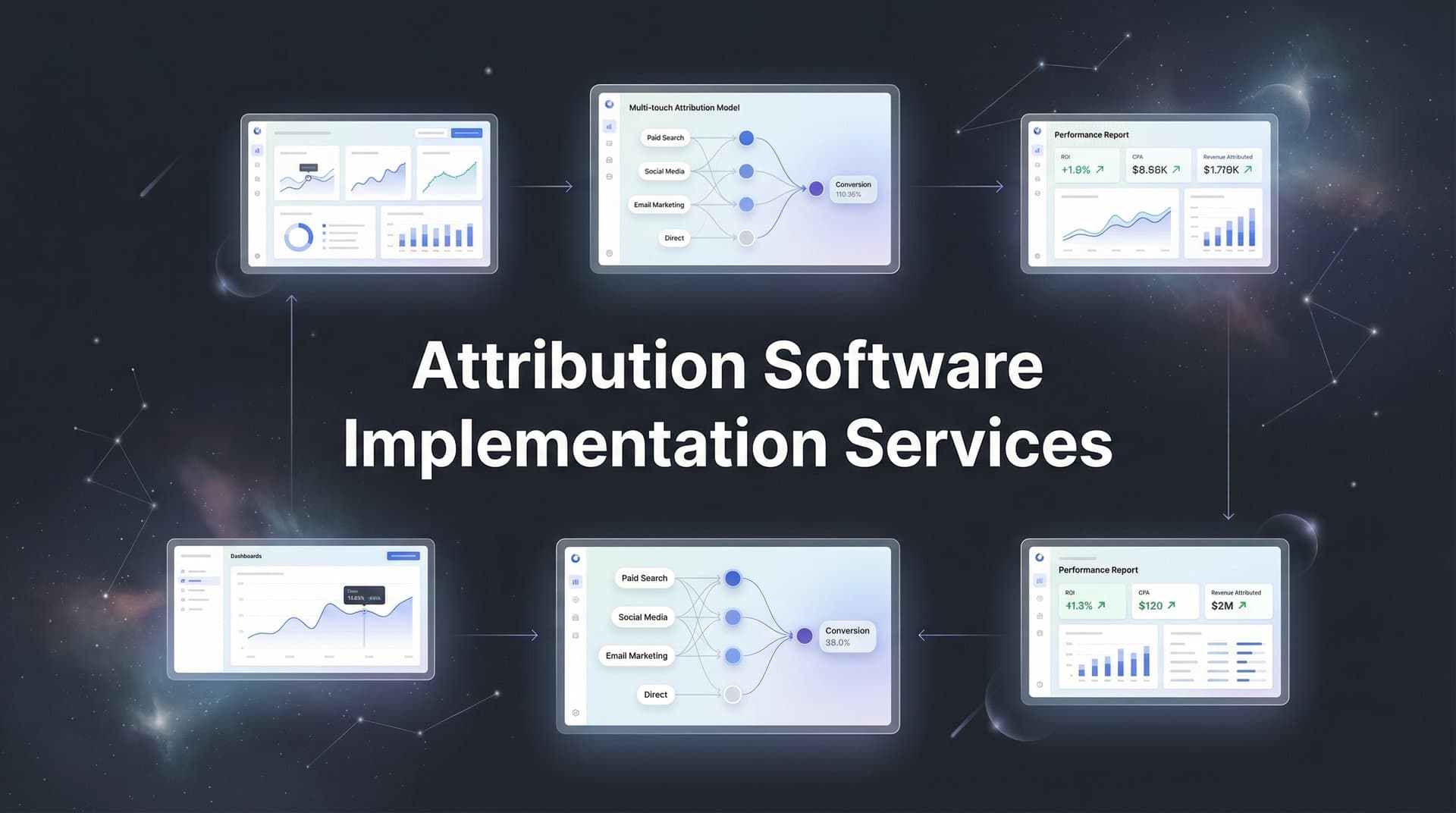
Marketing teams running campaigns across multiple platforms often struggle to connect ad spend to actual revenue. You see clicks and impressions, but which touchpoints truly drive conversions? Attribution software solves this challenge by tracking the complete customer journey from first ad click to closed deal.
However, implementing attribution software correctly makes the difference between accurate insights and misleading data.
This guide walks you through the entire implementation process, from initial planning to verifying your tracking accuracy. Whether you are working with an implementation services team or handling setup in-house, these steps ensure your attribution data reflects reality.
By the end, you will have a fully configured attribution system capturing every touchpoint and feeding better data back to your ad platforms for improved targeting and optimization.
Step 1: Audit Your Current Marketing Stack and Data Sources
Before implementing any attribution software, you need a clear picture of your existing setup. Think of this as creating a map before planning a road trip. You cannot optimize what you cannot see.
Start by documenting every active ad platform where you currently run campaigns. List Meta Ads, Google Ads, LinkedIn Ads, TikTok Ads, and any other channels in your mix. For each platform, note what tracking is currently in place. Are you using platform pixels? What conversion events are being tracked? Write it all down.
Map Your CRM Integration Points: Your CRM holds critical conversion data that many marketing teams overlook. Identify exactly where conversion events are recorded. Does your sales team log demos in Salesforce? Are form submissions flowing into HubSpot? Document the entire flow from lead capture to closed deal.
Review Website Tracking Infrastructure: Examine all tracking currently installed on your website. Check for Facebook Pixel, Google Analytics, Google Tag Manager, and any other scripts running. Document your UTM parameter conventions. Are your teams consistently using the same naming structure across campaigns? Understanding the differences between UTM tracking vs attribution software helps clarify what each approach captures.
Many marketing teams discover significant data gaps during this audit. You might find that your sales team closes deals offline without connecting them back to the original ad source. Or perhaps your retargeting campaigns use different UTM parameters than your prospecting campaigns, making it impossible to track the full journey.
Create a visual diagram showing how data currently flows between systems. Draw arrows from ad platforms to your website, from your website to your CRM, and from your CRM to closed revenue. Where do those arrows break? Those breaks represent lost attribution data.
This audit typically reveals that most teams are tracking only 40-60% of their actual customer touchpoints. The missing data points are costing you optimization opportunities. Document everything you find, including what is working well and what is broken or missing entirely.
Step 2: Define Your Attribution Goals and Success Metrics
Attribution software can answer dozens of questions about your marketing performance. The key is deciding which questions matter most for your business right now.
Start by clarifying the specific business questions you need attribution to answer. Are you trying to determine which channels drive the highest quality leads? Do you need to optimize budget allocation across platforms? Are you struggling to justify marketing spend to executives who want clear ROI numbers?
Your sales cycle length directly impacts which attribution model makes sense. If you have a short sales cycle (under 7 days), last-click attribution might suffice. But for longer sales cycles with multiple touchpoints, multi-touch attribution software becomes essential for understanding what actually drives conversions.
Select Your Attribution Models: Most marketing teams benefit from comparing multiple models simultaneously. First-touch shows which channels generate awareness. Last-touch reveals what closes deals. Linear attribution credits all touchpoints equally. Time-decay gives more weight to recent interactions. Choose 2-3 models that align with how your customers actually buy.
Establish Baseline Metrics: Before implementing new attribution software, document your current performance metrics. What is your cost per acquisition by channel based on last-click data? What is your conversion rate? What is your average customer lifetime value? These baselines let you measure whether your new attribution insights actually improve performance.
Define which conversion events matter most for your business. Lead generation teams might prioritize form submissions and demo bookings. E-commerce businesses focus on purchases and revenue. B2B companies with longer sales cycles need to track demos, qualified opportunities, and closed deals separately.
Set realistic timelines for data collection before drawing conclusions. You need at least 2-4 weeks of clean data before making major optimization decisions. Rushing to conclusions with insufficient data leads to poor choices that can actually decrease performance.
Document these goals in a simple one-page summary. Share it with your implementation team and stakeholders. When everyone understands what success looks like, the implementation process stays focused on outcomes that matter.
Step 3: Configure Server-Side Tracking for Accurate Data Collection
Server-side tracking has become the industry standard for accurate attribution data. Browser-based tracking faces increasing limitations from privacy regulations, ad blockers, and iOS restrictions that block third-party cookies. Server-side tracking overcomes these challenges by processing data on your server before sending it to analytics platforms.
The difference is significant. Client-side tracking relies on JavaScript running in the user's browser, which can be blocked or limited. Server-side tracking captures data on your server where users cannot block it, then sends that data directly to your attribution platform through secure API connections.
Install Tracking Scripts on Your Website: Follow your attribution platform's documentation to install the necessary tracking code. Most platforms provide a single script that you add to your website header. If you use Google Tag Manager, you can deploy tracking through a container tag instead of editing your site code directly.
The installation process typically takes 15-30 minutes for someone familiar with website code. If you are not comfortable editing your site, your web developer can handle this quickly. The key is ensuring the script loads on every page where you want to track user behavior. Working with an attribution software implementation consultant can accelerate this process significantly.
Set Up Conversion Event Triggers: Define exactly which user actions should fire conversion events. Common events include page views, form submissions, button clicks, demo bookings, purchases, and account creations. Each event needs a clear trigger that fires when the action occurs.
For example, when someone submits a contact form, your tracking should fire a "lead_submitted" event that captures the user's journey data. When they book a demo, fire a "demo_booked" event. When they become a customer, fire a "purchase" event with revenue data attached.
Connect Your CRM for Offline Conversions: This step separates accurate attribution from incomplete attribution. Many conversions happen offline through sales calls, in-person meetings, or phone conversations. If your attribution software does not capture these events, you are missing critical data about what drives revenue.
Most attribution platforms offer native CRM integrations or API connections. Configure these integrations to automatically sync conversion events from your CRM back to your attribution platform. When a sales rep marks an opportunity as "closed won" in Salesforce, that data should flow back and connect to the original ad source.
Test that events fire correctly using your browser's developer tools. Open the Network tab, perform a test action like submitting a form, and verify that the tracking event appears in the network requests. Most attribution platforms also provide real-time event logs where you can see events as they fire.
Run multiple test conversions through different scenarios. Test on desktop and mobile. Test with ad blockers enabled. Test across different browsers. Verify that your tracking captures the complete customer journey regardless of how users interact with your site.
Step 4: Connect Your Ad Platforms and Enable Conversion Sync
Your attribution software becomes exponentially more valuable when it feeds data back to your ad platforms. This two-way data flow allows platform algorithms to optimize toward conversions that actually drive revenue, not just cheap clicks.
Start by integrating each ad platform through API connections. Most modern attribution platforms offer one-click integrations for major platforms like Meta, Google, LinkedIn, and TikTok. Navigate to your attribution platform's integrations section and follow the authorization flow for each platform.
The integration process typically requires admin access to your ad accounts. You will authorize the attribution platform to read campaign data and send conversion events back. This secure connection allows real-time data synchronization without manual exports or imports. Understanding cross platform attribution software capabilities helps you maximize these integrations.
Configure Conversion Sync Settings: Conversion sync sends enriched conversion data from your attribution platform back to your ad platforms. This is where the real magic happens. Instead of ad platforms seeing only their own last-click conversions, they receive complete journey data showing which ads contributed to conversions.
For example, someone might click your Meta ad, then later search for your brand on Google, then convert. Without conversion sync, Meta sees no conversion and Google takes full credit. With conversion sync, both platforms receive accurate attribution data showing their role in the conversion path.
Map Conversion Events Correctly: Each attribution platform uses different naming conventions for conversion events. Meta calls them "Custom Conversions." Google calls them "Conversion Actions." Your attribution software needs to map your internal events to each platform's specific format.
Create a mapping document showing how your events translate. Your "demo_booked" event might map to "Schedule" in Meta and "Lead" in Google. Your "purchase" event maps to "Purchase" on both platforms but needs different parameters for revenue tracking.
Verify data is flowing correctly by comparing platform reports to your attribution data. Check Meta's Events Manager to confirm that conversion events are appearing. Review Google Ads conversion tracking to ensure events are being recorded. The numbers should align closely, though some discrepancy is normal due to different attribution windows.
Set up automated data refresh schedules. Most platforms support hourly or daily syncing. Real-time data flow allows ad platform algorithms to optimize faster, but hourly updates typically provide sufficient freshness for most marketing teams.
Monitor the integration for the first week closely. Check daily that conversions are syncing correctly. If you notice discrepancies larger than 10-15%, investigate the cause immediately. Common issues include incorrect event mapping, API connection failures, or attribution window mismatches.
Step 5: Validate Your Data and Troubleshoot Common Issues
Implementation is not complete until you have validated that your tracking accurately reflects reality. This validation phase catches configuration errors before they corrupt your optimization decisions.
Run controlled test conversions through your entire funnel. Start by clicking one of your own ads, navigating through your website, and completing a conversion action. Then verify that the conversion appears correctly in your attribution platform with the right source attribution.
Repeat this test for each major traffic source. Click a Meta ad and convert. Click a Google ad and convert. Type your URL directly and convert. Each test should show accurate source attribution in your platform. Reviewing marketing attribution software features helps you understand what validation capabilities your platform offers.
Compare Data Across Systems: Pull conversion data from three sources: your attribution platform, your ad platforms, and your CRM. The numbers should tell a consistent story, though perfect alignment is rare due to different attribution windows and methodologies.
For example, if your attribution platform shows 100 conversions this week, your CRM should show roughly 100 new leads or customers. Your ad platforms combined might show 120 conversions due to overlap and last-click attribution. Discrepancies within 10-20% are normal and expected.
Check for Common Tracking Issues: Duplicate tracking is one of the most frequent problems. If you have both old pixel-based tracking and new server-side tracking running simultaneously, you might count conversions twice. Review your tracking setup and remove any deprecated tracking code.
Missing UTM parameters create attribution gaps. Check that all your campaigns use consistent UTM parameters. A campaign without proper UTMs appears as "direct" traffic in your attribution data, hiding its true source.
Broken pixel fires happen when tracking scripts fail to load or execute. Use browser developer tools to verify that tracking scripts load successfully on every page. Check for JavaScript errors that might prevent tracking from firing.
Verify Cross-Device and Cross-Session Tracking: Modern customer journeys span multiple devices and sessions. Someone might see your ad on mobile, research on desktop, and convert on tablet days later. Your attribution software should connect these touchpoints into a single customer journey.
Test this by clicking an ad on your phone, then converting on your desktop. Check whether your attribution platform connects both touchpoints to the same user. Many platforms use probabilistic matching or login-based identity resolution to track cross-device journeys.
Document any discrepancies you find and their root causes. Create a troubleshooting log that tracks issues, solutions, and prevention steps. This documentation becomes invaluable for ongoing monitoring and training new team members.
Step 6: Train Your Team and Establish Reporting Workflows
The most sophisticated attribution setup delivers zero value if your team does not know how to use it. Training and workflow establishment transform your implementation from a technical project into a business advantage.
Start by creating dashboards that answer your key attribution questions at a glance. Most attribution platforms offer customizable dashboards where you can display the metrics that matter most. Build separate dashboards for different stakeholders: one for media buyers showing channel performance, another for executives showing ROI and marketing revenue attribution.
Train Marketing Team Members on Interpretation: Schedule hands-on training sessions where team members learn to read multi-touch attribution reports. Walk through real examples showing how to interpret attribution data and translate it into action.
For instance, if your attribution data shows that LinkedIn generates high-quality leads but Meta drives more volume at lower cost, that insight should inform your budget allocation strategy. Teach your team to spot these patterns and make data-driven recommendations.
Address common misinterpretations during training. Many marketers initially struggle with the concept that a channel can receive attribution credit without being the last click. Explain how multi-touch attribution works and why it provides a more complete picture than last-click models. Understanding the differences between marketing attribution software vs traditional analytics helps clarify these concepts.
Establish Regular Review Cadences: Set up weekly or monthly review meetings where your team analyzes attribution data together. Weekly reviews work well for teams running active campaigns that need quick optimization cycles. Monthly reviews suit teams with longer sales cycles or more stable campaign structures.
During these reviews, compare current performance against your baseline metrics from Step 2. Are you seeing improved efficiency? Is your cost per acquisition decreasing? Are you identifying high-performing channels you previously undervalued?
Set Up Automated Alerts: Configure alerts for significant changes in channel performance or data anomalies. If a channel's conversion rate drops by 30% overnight, you want to know immediately. If tracking stops firing on a key landing page, an alert helps you catch the issue before it corrupts days of data.
Most attribution platforms offer alert functionality. Set thresholds that make sense for your business. A 10% change might be normal variation, but a 40% change deserves immediate investigation.
Document standard operating procedures for ongoing attribution maintenance. Create a simple guide covering common tasks: how to add new campaigns to tracking, how to troubleshoot missing conversions, how to update UTM parameters, and who to contact when issues arise. This documentation ensures consistency as team members change or new people join.
Your Attribution Implementation Roadmap
Implementing attribution software requires careful planning, but the payoff is transformational. You now have a clear roadmap: audit your stack, define goals, configure server-side tracking, connect platforms, validate data, and train your team.
Use this checklist to track your progress: current stack documented, attribution models selected, tracking scripts installed, ad platforms connected, test conversions validated, and team trained on dashboards. Each completed step moves you closer to accurate attribution that drives better marketing decisions.
With accurate attribution in place, you can finally see which ads and channels drive real revenue, not just clicks. Your ad platform algorithms receive better conversion data, improving targeting and optimization over time. You stop wasting budget on channels that look good in last-click reports but contribute little to actual revenue.
The implementation timeline typically spans 2-4 weeks for initial setup, plus an additional 2-4 weeks of data collection before drawing major optimization conclusions. This investment pays dividends through improved campaign performance and confident budget allocation decisions.
Start with Step 1 today by documenting your current marketing stack. Block two hours on your calendar, gather your team, and map out every platform, integration, and data flow in your current setup. That audit reveals exactly where your attribution gaps exist and what you need to fix.
Ready to elevate your marketing game with precision and confidence? Discover how Cometly's AI-driven recommendations can transform your ad strategy. Get your free demo today and start capturing every touchpoint to maximize your conversions.



