

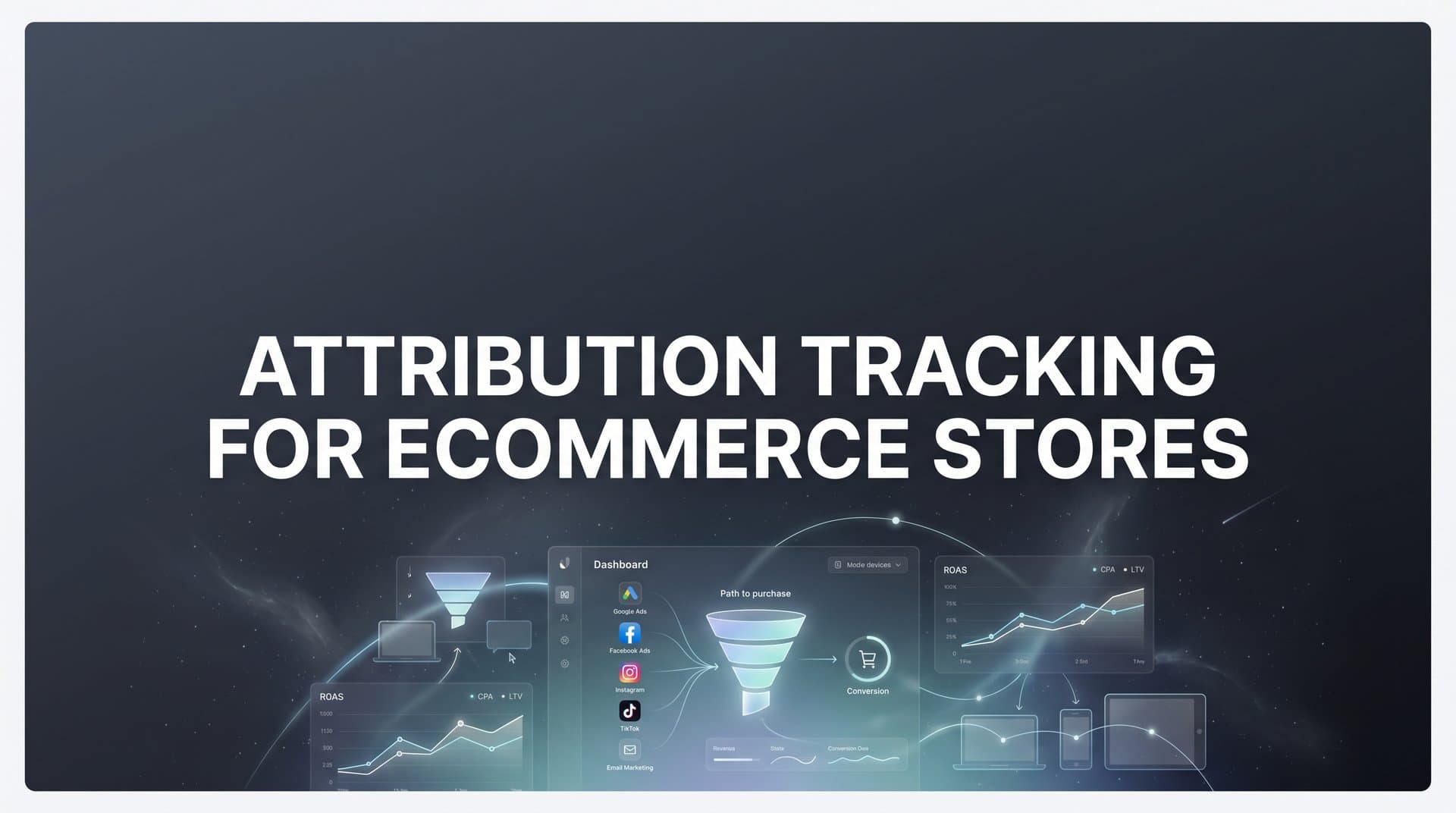
Running paid ads for your ecommerce store without proper attribution tracking is like driving blindfolded. You might be spending thousands on Facebook ads while your Google campaigns actually drive the revenue, or vice versa.
The challenge? Ecommerce customer journeys are complex. A shopper might click a Facebook ad on Monday, search your brand on Google Wednesday, and finally convert through an email link on Friday. Without attribution tracking, you only see that last email click, missing the full picture of what actually influenced the sale.
This guide walks you through setting up attribution tracking for your ecommerce store from scratch. You will learn how to connect your ad platforms, track the complete customer journey, and finally understand which marketing efforts deserve more budget.
Whether you are running a Shopify store spending $5,000 monthly on ads or managing a larger operation with six-figure ad budgets, these steps will help you stop guessing and start making data-driven decisions.
Step 1: Audit Your Current Tracking Setup and Identify Gaps
Before you build anything new, you need to understand what you already have. Most ecommerce stores have accumulated a patchwork of tracking pixels over time, and many have issues lurking beneath the surface.
Start by opening your website and using browser developer tools or a tag manager preview mode to see which pixels are firing. Check for the Facebook Pixel, Google Ads tag, TikTok pixel, and any other platform-specific tracking codes. You are looking for two common problems: duplicate pixels that send the same event multiple times, and missing event tracking where critical actions like "Add to Cart" or "Purchase" are not being captured.
Next, create a spreadsheet listing every traffic source that brings customers to your store. Include paid social platforms like Facebook and Instagram, paid search through Google and Microsoft, email campaigns, organic search, affiliate partners, and any other channels in your marketing mix. This becomes your tracking requirements checklist for your ecommerce tracking setup for multiple channels.
Now comes the detective work. Walk through a complete customer journey on your site as if you were a real shopper. Start from an ad click, browse products, add items to cart, proceed to checkout, and complete a purchase. At each step, verify that tracking events are firing correctly. Use the Facebook Pixel Helper extension for Chrome or similar tools for other platforms.
Pay special attention to where data breaks down. Does your tracking work on the homepage but fail on product pages? Do events fire on desktop but not mobile? Does the purchase event capture the correct revenue value? These gaps are costing you money right now.
Document everything you find. Note which pixels are installed, which events are tracking correctly, and which are broken or missing. Identify any third-party apps or customizations that might interfere with tracking. This audit gives you a clear baseline and shows exactly what needs fixing.
The most common gap you will find? Most ecommerce stores only track the final click before purchase, completely missing the earlier touchpoints that influenced the decision. A customer might interact with your brand five times before buying, but you only see one of those interactions. That is the problem we are about to solve.
Step 2: Implement Server-Side Tracking for Accurate Data Collection
Browser-based tracking pixels are dying, and relying on them alone means you are missing a significant portion of your conversions. iOS privacy updates, browser restrictions, and ad blockers now prevent many client-side pixels from firing. The solution? Server-side tracking.
Think of server-side tracking like this: instead of relying on a pixel in someone's browser to report back to Facebook or Google, your server sends that information directly. The data flows from your ecommerce platform to your tracking infrastructure to the ad platforms, bypassing all the browser-level restrictions that break traditional pixels.
Start by choosing a server-side tracking solution for ecommerce that integrates with your platform. If you are on Shopify, look for solutions with native Shopify integrations. WooCommerce and BigCommerce stores need solutions that can connect to their specific platform architecture. The key is finding a tool that can capture events from your server without requiring extensive custom development.
Configure the essential ecommerce events that matter for attribution. At minimum, you need to track page views, add to cart actions, checkout initiations, and completed purchases. Each event should include relevant data: product IDs, prices, quantities, and customer information where available.
Here is where server-side tracking becomes powerful: it captures events even when browser pixels fail. A customer using an iPhone with tracking prevention enabled? Your server still records their purchase. Someone with an ad blocker installed? The server-side event still fires. This means you finally see the complete picture of your conversions.
Set up real-time testing to verify everything works. Make a test purchase on your store and watch the events flow through your tracking system. Check that the purchase value is accurate, the product details are correct, and the event reaches your ad platforms. Do this on multiple devices and browsers to ensure consistency.
One critical detail: server-side tracking needs proper customer identity resolution. When someone clicks your Facebook ad and later purchases, you need to connect those two events to the same person. This requires capturing and storing click IDs from your ad platforms and matching them to purchases in your backend. Most modern server-side solutions handle this automatically, but verify it is working correctly.
The difference between client-side and server-side tracking can be dramatic. Many ecommerce stores find they were missing 20-30% of their conversions with browser pixels alone. Server-side tracking recovers that lost data and gives you the accurate conversion counts you need for proper attribution.
Step 3: Connect Your Ad Platforms and Marketing Channels
Now that you have server-side tracking capturing accurate event data, it is time to connect all your advertising platforms. Each platform needs to receive conversion data so you can compare performance across channels.
Start with Facebook and Instagram by setting up the Conversions API properly. This is Meta's server-side tracking solution that receives events directly from your server. Configure it to send all your key ecommerce events: view content, add to cart, initiate checkout, and purchase. Include as much customer information as you have consent to share, like email addresses and phone numbers, as this improves Meta's ability to match conversions back to ad clicks.
Next, connect Google Ads with Enhanced Conversions enabled. Enhanced Conversions is Google's version of server-side tracking that supplements your existing conversion tags with hashed customer data from your website. This improves conversion measurement accuracy and helps Google's algorithms optimize your campaigns better. Set up conversion actions for each stage of your funnel, not just purchases.
If you run ads on TikTok, Pinterest, Microsoft Ads, or other platforms, integrate them as well. Each platform has its own server-side or enhanced tracking solution. The goal is ensuring every platform receives the same conversion data so you can accurately compare their performance using cross-platform attribution tracking.
Here is where many ecommerce stores make a critical mistake: inconsistent UTM parameters. Create a standardized UTM parameter structure and use it religiously across all campaigns. Your UTM source should clearly identify the platform, your medium should specify the ad type, and your campaign name should be descriptive and consistent.
For example: utm_source=facebook, utm_medium=cpc, utm_campaign=summer_sale_2026. Stick to this format across every channel. This consistency is essential for attribution tracking because it allows you to group and analyze traffic sources accurately in your reports.
Test each integration thoroughly. Run a small test campaign on each platform and verify that conversions are being tracked correctly. Check that the conversion values match your actual order totals and that the attribution is connecting ad clicks to purchases. If something looks off, troubleshoot it now before scaling your ad spend.
The key principle here: all platforms should receive identical conversion data. When someone makes a $100 purchase, Facebook, Google, and every other platform should see that same $100 conversion. This creates a level playing field for comparing channel performance and prevents the double-counting issues that plague many attribution setups.
Step 4: Link Your CRM and Backend Systems for Full-Funnel Visibility
Attribution tracking should not stop at the initial purchase. The most valuable ecommerce customers are repeat buyers, and understanding which marketing channels drive customer lifetime value requires connecting your CRM and backend systems.
Start by integrating your CRM or customer database with your attribution tracking. This connection allows you to track the complete customer lifecycle: from first website visit to lead, from lead to first purchase, from first purchase to repeat customer, and eventually to churned customer who stops buying. Each stage tells you something important about channel quality.
Map out your customer lifecycle stages based on your business model. A subscription box company might track: trial signup, first paid month, three-month retention, six-month retention, and cancellation. A traditional ecommerce store might track: first purchase, second purchase within 90 days, third purchase, and high-value customer status. For subscription businesses specifically, implementing attribution tracking for subscription business models is essential.
Configure revenue event tracking beyond the initial sale. Track refunds so you can calculate net revenue by channel. Track subscription renewals if you have recurring products. Track repeat purchases and calculate customer lifetime value. This data reveals which channels bring one-time bargain hunters versus loyal customers who buy repeatedly.
The real power comes from matching ad clicks to actual revenue in your backend systems. When you can see that customers from Google Ads have a 40% higher lifetime value than customers from Facebook, even if Facebook drives more initial purchases, that changes your budget allocation strategy completely.
Set up proper customer identity resolution across all touchpoints. This means connecting anonymous website visitors to identified leads to paying customers. Use email addresses as the primary identifier when available, supplemented by device IDs and other signals. The goal is creating a unified customer record that shows every interaction across every channel.
Many ecommerce platforms make this easier with native integrations. Shopify, for example, can connect to various CRM systems and attribution tools with minimal technical work. WooCommerce might require more custom integration depending on your CRM choice. Evaluate what is possible with your current tech stack.
Here is why this matters: imagine you discover that email marketing drives customers with 3x higher lifetime value than paid social, but paid social drives 5x more initial purchases. Without CRM integration, you would keep overspending on paid social. With full-funnel visibility, you can balance your budget to maximize total customer value, not just first purchases.
Step 5: Configure Your Attribution Model and Reporting Dashboard
You are collecting accurate data across all touchpoints. Now you need to decide how to assign credit for conversions. This is where attribution models come in, and choosing the right one matters more than most marketers realize.
Last-touch attribution gives all credit to the final interaction before purchase. It is simple but deeply flawed for ecommerce, where customers typically interact with your brand multiple times before buying. First-touch attribution gives all credit to the initial interaction, which helps you understand awareness-building channels but ignores everything that happened after.
Multi-touch attribution models distribute credit across multiple touchpoints in the customer journey. Linear attribution splits credit evenly across all interactions. Time-decay attribution gives more credit to recent interactions. Position-based attribution emphasizes the first and last touchpoints while giving some credit to middle interactions. Selecting the best attribution model for ecommerce depends on your specific sales cycle and customer behavior.
For most ecommerce stores, a position-based or time-decay model provides the most actionable insights. These models recognize that both awareness and conversion touchpoints matter, while acknowledging that recent interactions typically have more influence on the purchase decision.
Set your attribution window based on your typical sales cycle. If you sell impulse-buy products under $50, a 7-day attribution window might be sufficient. If you sell furniture or high-consideration items, you might need a 30-day or even 60-day window. Look at your actual customer behavior data to determine what makes sense.
Build a reporting dashboard that shows true ROAS by channel and campaign. This dashboard should display revenue attributed to each traffic source, the cost of that traffic, and the resulting return on ad spend. Include filters to view data by different time periods and attribution models. The right marketing analytics for ecommerce stores makes this process significantly easier.
Here is a critical step many skip: create comparison views that show different attribution models side by side. Look at your channel performance under last-touch, first-touch, and multi-touch models simultaneously. This reveals which channels are over-credited or under-credited by simpler models.
You might discover that your email marketing looks amazing under last-touch attribution but contributes less under multi-touch models because it mainly closes deals that other channels initiated. Or you might find that your upper-funnel Facebook campaigns look terrible under last-touch but drive significant assisted conversions under multi-touch models.
Establish baseline metrics before making any optimization decisions. Record your current performance under your chosen attribution model, then wait at least two weeks before making major budget changes. This prevents you from reacting to normal variance and ensures your optimizations are based on real patterns.
Step 6: Optimize Ad Platform Algorithms with Better Conversion Data
Accurate attribution tracking benefits you directly, but it also improves your ad platform performance by feeding better data to their optimization algorithms. This creates a compounding effect where better tracking leads to better ad performance.
Send enriched conversion events back to Meta, Google, and other platforms through their server-side APIs. Include as much customer data as you have consent to share: email addresses, phone numbers, customer names, and location data. This information helps platforms match conversions back to specific users and improve their targeting models.
Focus on improving match rates, which measure how well platforms can connect conversion events to specific users. Higher match rates mean the platform's algorithm gets clearer feedback about which audiences and creatives drive results. This leads to better optimization over time. Implementing robust conversion tracking for ecommerce stores is the foundation for achieving these higher match rates.
Set up value optimization by passing actual purchase values to your ad platforms, not just conversion counts. When Facebook knows that one conversion was worth $50 and another was worth $500, it can optimize toward higher-value customers. This is especially powerful for ecommerce stores with wide product price ranges.
Configure your conversion events with the right optimization goals. If you care about purchases, optimize for purchases, not just add-to-cart events. If you have a long sales cycle, you might optimize for initiate checkout events as a proxy for purchase intent. Align your optimization events with your actual business goals.
Monitor how improved data quality affects campaign performance over time. You should see more stable performance, better learning phases for new campaigns, and improved ROAS as the platforms' algorithms get better signals. This does not happen overnight but typically becomes noticeable within 2-4 weeks.
Adjust your bidding strategies based on accurate attribution insights. If you discover that certain campaigns drive high lifetime value customers even if their first-purchase ROAS looks mediocre, you can bid more aggressively on those campaigns. The platforms' algorithms will optimize toward the signals you send them, so make sure those signals reflect true business value.
The feedback loop works like this: better tracking gives you better attribution data, which helps you identify truly valuable campaigns, which you can then feed back to ad platforms through value optimization, which improves their targeting and bidding, which drives better results, which gives you more data to optimize further. Each cycle compounds the previous one.
Putting It All Together
Setting up attribution tracking for your ecommerce store takes initial effort, but the payoff is substantial. You now have a clear roadmap: audit your current setup, implement server-side tracking, connect all your ad platforms, link your backend systems, configure your attribution model, and feed better data back to your ad platforms.
Quick checklist before you start: Document all current tracking pixels and their status. Choose a server-side tracking solution that integrates with your ecommerce platform. Standardize your UTM parameters across all campaigns. Select an attribution model that matches your sales cycle. Plan for ongoing monitoring and optimization.
The ecommerce brands that win are the ones that know exactly which ads drive revenue, not just clicks. With proper attribution tracking in place, you can confidently scale what works and cut what does not. You will stop wasting budget on channels that look good under last-touch attribution but do not actually drive profitable customers. You will start investing more in channels that build your brand and drive long-term value.
Think about what changes when you can see the complete customer journey. You might discover that your TikTok ads are incredible at introducing new customers to your brand, even if they rarely get last-click credit. You might find that your Google Shopping campaigns are excellent at closing deals but terrible at finding new customers. These insights let you build a balanced marketing mix instead of over-investing in whatever got the last click.
Attribution tracking also improves your relationship with ad platforms. When you feed accurate, enriched conversion data back to Facebook and Google, their algorithms optimize better. Your campaigns learn faster, target more precisely, and deliver more consistent results. This creates a virtuous cycle where better data leads to better performance.
Start with the basics and expand over time. Get server-side tracking working correctly first. Then connect your major ad platforms. Then add CRM integration. Then refine your attribution model. You do not need to implement everything perfectly on day one. Progress beats perfection.
Ready to implement accurate attribution tracking without the technical headaches? Cometly connects your ad platforms, ecommerce store, and CRM to track every touchpoint and show you exactly what drives revenue. From server-side tracking to AI-powered optimization recommendations, Cometly gives you the complete attribution picture you need to scale profitably.
Ready to elevate your marketing game with precision and confidence? Discover how Cometly's AI-driven recommendations can transform your ad strategy. Get your free demo today and start capturing every touchpoint to maximize your conversions.



