

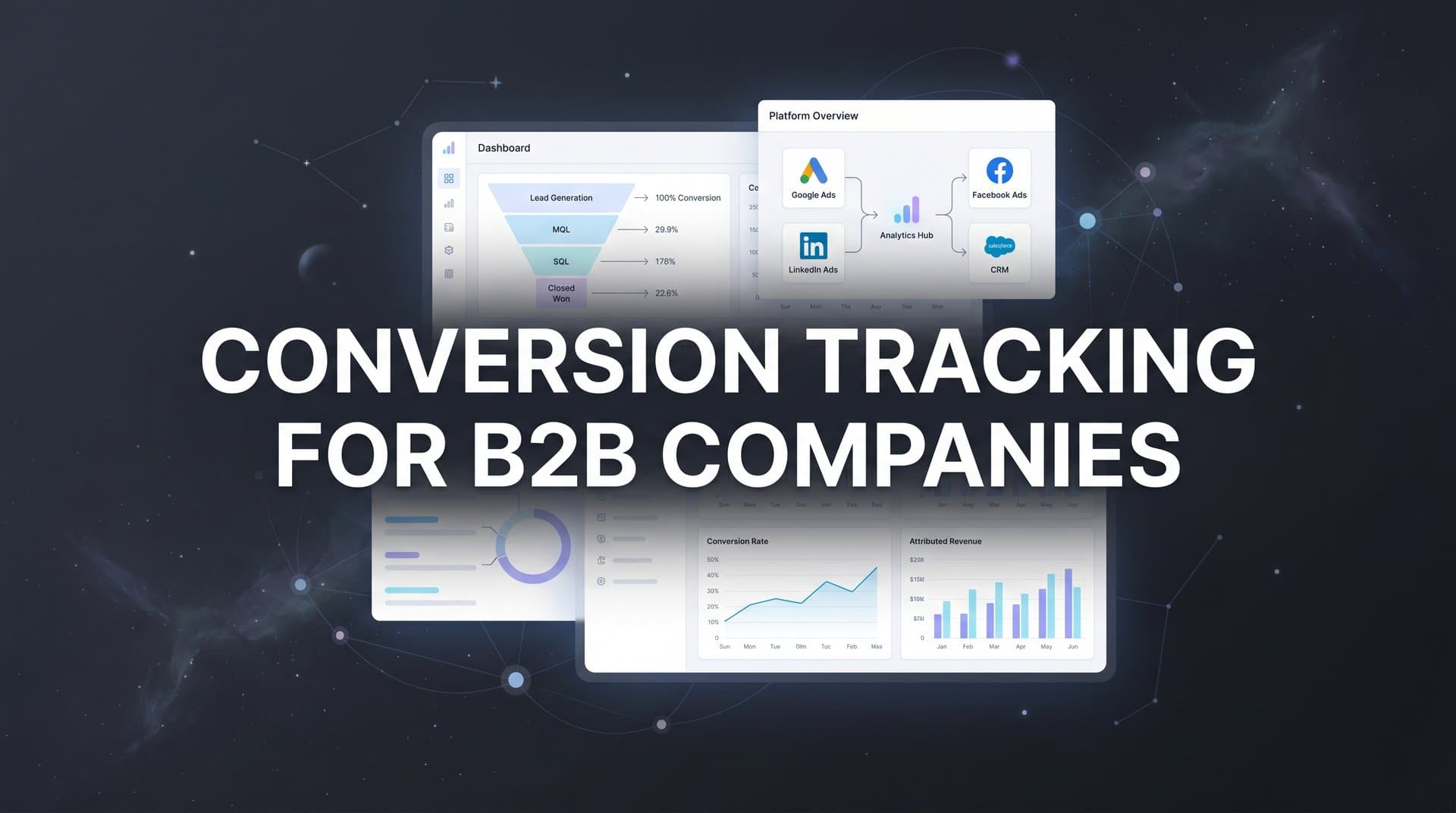
B2B conversion tracking presents unique challenges that consumer-focused businesses rarely face. Your sales cycles span weeks or months, multiple stakeholders touch each deal, and the path from first click to closed revenue winds through countless touchpoints.
Without proper tracking, you're left guessing which campaigns actually drive pipeline and which ones just burn budget.
The problem runs deeper than missing a few data points. When you can't connect your marketing touchpoints to actual revenue, you make decisions in the dark. You might pour budget into channels that generate lots of leads but zero closed deals. Or you might cut spending on channels that quietly drive your most valuable customers.
This guide walks you through building a conversion tracking system designed specifically for B2B complexity. You'll learn how to define meaningful conversion events beyond simple form fills, connect your ad platforms to your CRM, track the full customer journey from anonymous visitor to closed deal, and use that data to optimize your marketing spend.
By the end, you'll have a clear roadmap for implementing tracking that shows you exactly which marketing efforts generate real revenue, not just vanity metrics.
Step 1: Define Your B2B Conversion Events and Funnel Stages
Before you implement any tracking technology, you need to map what actually matters in your business. Start by documenting your complete buyer journey from the moment someone first discovers your brand through to the point they become a paying customer.
Your conversion events fall into two categories: micro-conversions and macro-conversions. Micro-conversions are the smaller engagement signals along the way, like downloading a whitepaper, attending a webinar, or viewing your pricing page. Macro-conversions represent the big moments, like requesting a demo, becoming a sales-qualified lead, or closing a deal.
Here's where B2B differs from B2C: not all conversions carry equal weight. A demo request from an enterprise prospect is worth far more than a content download from a student researcher. You need to assign relative values to each conversion event based on your historical close rates and average deal sizes.
Build Your Conversion Hierarchy: Start with your macro-conversions and work backward. If your average customer closes at $50,000 and 20% of demo requests eventually close, then each demo request has an expected value of $10,000. Apply this same logic to every conversion event in your funnel.
Document Event Purposes: Some events exist primarily for optimization, while others matter more for reporting. Your ad platforms need to see conversions frequently enough to optimize effectively. If you only track closed deals and you close 10 deals per month, your algorithms don't have enough signal to work with. In this case, you might optimize for demo requests or SQL conversions while reporting on closed revenue.
Create a simple spreadsheet that lists each conversion event, its expected value, its position in your funnel, and whether it's used for optimization, reporting, or both. This becomes your single source of truth as you build out your tracking infrastructure. For more guidance on this process, explore best practices for tracking conversions accurately.
The key is being realistic about your sales process. If leads typically touch 8 to 12 pieces of content before requesting a demo, your tracking needs to capture all those touchpoints, not just the final conversion.
Step 2: Implement Server-Side Tracking for Accurate Data Collection
Browser-based tracking pixels worked fine five years ago. Today, they're increasingly unreliable for B2B tracking, and here's why: your prospects use ad blockers, switch between devices, and take weeks or months to convert. Traditional client-side pixels miss a significant portion of this activity.
Server-side tracking solves these problems by capturing conversion data on your server before it ever reaches the visitor's browser. When someone fills out a form on your website, your server records that event and sends it directly to your analytics platform and ad networks. No browser extensions can block it. No cookie limitations can interfere with it.
Set Up Your Server-Side Infrastructure: You'll need a server-side tracking solution that can receive events from your website, validate them, and forward them to your marketing tools. This might be a dedicated attribution platform, a customer data platform, or a custom implementation using your existing backend systems.
The technical implementation varies depending on your stack, but the core concept remains consistent. When a conversion event occurs (form submission, demo booking, trial signup), your server captures that event along with all relevant user data and marketing attribution parameters.
Maintain First-Party Data Collection: Server-side tracking relies on first-party data, which means you're collecting information directly from your users on your own domain. This approach complies with privacy regulations better than third-party cookies and provides more reliable, long-term tracking as browsers continue tightening privacy controls.
You'll want to capture and store key identifiers like email addresses, company domains, and unique user IDs. These identifiers let you connect anonymous website sessions to known leads in your CRM, creating a complete view of each prospect's journey. Companies focused on conversion tracking for lead generation find this approach essential for accurate attribution.
Verify Your Implementation: After setting up server-side tracking, run a validation test. Submit a test form on your website, then check three places: your server logs, your analytics platform, and your ad platform conversion reports. All three should show the same conversion event. If they don't match, you've got a gap in your tracking chain that needs fixing before you go live.
Server-side tracking requires more technical setup than dropping a pixel on your site, but it's the foundation of reliable B2B conversion tracking. Without it, you're building on shaky ground.
Step 3: Connect Your CRM to Your Marketing Attribution System
Your CRM holds the most valuable conversion data in your entire marketing stack. It knows which leads turned into opportunities, which opportunities closed, and how much revenue each deal generated. Without connecting this data back to your marketing attribution, you're only seeing half the story.
Start by integrating your CRM with your attribution platform. Most modern attribution tools offer native integrations with Salesforce, HubSpot, and other major CRMs. The integration should be bi-directional: marketing data flows into your CRM to enrich lead records, and sales data flows back to your attribution platform to complete the revenue picture. Learn more about choosing the right attribution platform for B2B companies.
Map CRM Stages to Marketing Events: Your CRM tracks leads through various stages like MQL, SQL, Opportunity, and Closed Won. Each stage transition represents a conversion event that your marketing attribution needs to recognize. Create a clear mapping between your CRM stages and your marketing conversion events.
For example, when a lead moves from MQL to SQL in your CRM, that should trigger an SQL conversion event in your attribution platform. When an opportunity closes, that should trigger a revenue conversion event with the actual deal value attached.
Configure Offline Conversion Tracking: Many B2B conversions happen offline through phone calls, in-person meetings, or email conversations with sales reps. Your CRM captures these events, but your ad platforms don't know about them unless you explicitly send that data back.
Set up offline conversion imports for each ad platform you use. When a lead converts offline in your CRM, your attribution platform should automatically send that conversion back to Meta, Google, LinkedIn, and other ad networks. This closes the loop and lets ad algorithms optimize for the outcomes that actually matter. For detailed implementation guidance, see our guide on offline conversion tracking for online ads.
Implement Lead Scoring Integration: Not all leads are created equal. A lead from a Fortune 500 company is worth more than a lead from a small startup, even if both requested the same whitepaper. Integrate your lead scoring system with your attribution platform so you can weight conversions by quality, not just quantity.
Test your CRM integration thoroughly. Create a test lead, move it through your sales stages, and verify that each stage transition appears correctly in your attribution reporting. Check that revenue values match between your CRM and your attribution platform. Any discrepancies need to be resolved before you start making optimization decisions based on this data.
Step 4: Configure Multi-Touch Attribution for Long Sales Cycles
B2B buyers don't see one ad and immediately convert. They discover your brand through a LinkedIn ad, read three blog posts, download a case study, attend a webinar, and then finally request a demo six weeks later. Single-touch attribution models that credit only the first or last touchpoint completely miss this reality.
Multi-touch attribution distributes credit across all the touchpoints that contributed to a conversion. The question is how to distribute that credit fairly. Different attribution models make different assumptions about which touchpoints matter most.
Choose Your Attribution Model: Linear attribution gives equal credit to every touchpoint in the journey. Time-decay attribution gives more credit to recent touchpoints, assuming they had more influence on the final decision. Position-based attribution (also called U-shaped) gives extra credit to the first and last touchpoints while distributing the remaining credit evenly across middle touches.
For B2B companies with long sales cycles, time-decay and position-based models often provide the most useful insights. They recognize that early touchpoints create awareness while later touchpoints drive the final conversion decision. Understanding revenue attribution for B2B SaaS companies can help you select the right model for your business.
Set Appropriate Lookback Windows: Your lookback window determines how far back in time you'll give credit to marketing touchpoints. If your average sales cycle runs 90 days, a 30-day lookback window misses most of your customer journey. Set your lookback window to at least match your average sales cycle length, and consider extending it further to capture the full awareness and consideration phases.
Different conversion events might warrant different lookback windows. You might use a 7-day window for content downloads but a 180-day window for closed revenue. This flexibility lets you optimize for quick wins while still understanding your full revenue attribution.
Track All Channel Touchpoints: Multi-touch attribution only works if you're actually tracking all the touches. Make sure you're capturing paid ads, organic search, social media, email campaigns, direct traffic, and referrals. Each channel needs proper UTM parameters or tracking mechanisms so you can identify its contribution to conversions.
Account for Multiple Stakeholders: B2B deals often involve multiple people from the same company. Your attribution model needs to recognize when different individuals from the same account engage with your marketing. Consider implementing account-based attribution that rolls up individual touchpoints to the company level.
Run comparison reports showing how different attribution models credit your channels. You'll likely see significant differences between first-touch, last-touch, and multi-touch models. These differences reveal which channels drive awareness versus which ones close deals.
Step 5: Send Enriched Conversion Data Back to Ad Platforms
Your ad platforms use machine learning to optimize campaign performance, but they can only optimize for the conversion data you give them. If you only send top-of-funnel form fills, the algorithms optimize for more form fills, regardless of whether those leads ever become customers.
Conversion sync solves this problem by feeding qualified lead data and revenue information back to your ad platforms. When you tell Meta or Google which leads actually turned into customers, their algorithms learn to find more people like your best customers, not just more people who fill out forms.
Configure Offline Conversion Imports: Each major ad platform offers offline conversion tracking capabilities. Meta has Conversions API and offline events, Google has offline conversion imports, and LinkedIn has conversion tracking with offline events. Set up these features for every platform where you run campaigns.
The setup process involves uploading conversion data that includes customer identifiers (email, phone, address) along with conversion values and timestamps. Your attribution platform should handle this automatically through its integration with your CRM. If you're managing campaigns across channels, consider implementing conversion tracking for multiple ad platforms to streamline this process.
Implement Enhanced Conversions: Enhanced conversions improve match rates between your conversion data and ad platform user profiles. Instead of relying solely on cookies, enhanced conversions use hashed customer information to match conversions back to the people who saw your ads. This is especially valuable as third-party cookies become less reliable.
Google and Meta both support enhanced conversions. Enable this feature in your tracking implementation to ensure maximum conversion attribution accuracy.
Optimize for Downstream Metrics: Once you're syncing qualified lead and revenue data back to ad platforms, shift your campaign optimization targets accordingly. Instead of optimizing for all leads, optimize for SQL conversions. Instead of maximizing form fills, maximize revenue within your target cost per acquisition.
This shift fundamentally changes how ad algorithms bid and target. They stop chasing vanity metrics and start pursuing actual business outcomes.
Validate Your Conversion Sync: After setting up conversion sync, verify that synced conversions appear in your ad platform reporting. Check the conversion lag time to understand how long it takes for offline conversions to appear after the initial ad click. This lag time is normal for B2B businesses with long sales cycles, but you need to account for it when evaluating campaign performance.
Monitor your conversion match rates as well. If only 40% of your CRM conversions are matching back to ad clicks, you've got a tracking gap that needs investigation. Good implementations typically achieve 70% to 90% match rates.
Step 6: Build Dashboards That Connect Marketing to Revenue
All your tracking infrastructure means nothing if stakeholders can't easily access and understand the data. Your final step is creating dashboards that translate complex attribution data into clear business insights.
Create Unified Funnel Reporting: Build a dashboard that shows your complete funnel from ad impressions through clicks, conversions, MQLs, SQLs, opportunities, and closed revenue. Each stage should display volume, conversion rates, and cost metrics. This view lets you identify exactly where prospects drop off and where your marketing investment generates the best returns.
Include both absolute numbers and percentages. Seeing that you generated 500 MQLs is useful, but knowing that represents a 15% conversion rate from total leads provides context for optimization.
Show Real-Time Campaign Performance: Create a dashboard that displays current campaign performance across all channels. Which campaigns are driving pipeline right now? Which ones are burning budget without generating qualified leads? Real-time visibility lets you make quick adjustments rather than waiting for monthly reports. For businesses running ads across multiple accounts, explore solutions for conversion tracking for multiple ad accounts.
Include alerts for significant changes in conversion rates or cost metrics. If your cost per SQL suddenly doubles, you want to know immediately, not three weeks later when you review your monthly report.
Build Channel Comparison Views: Create reports that compare attributed revenue across channels and campaigns using your chosen attribution model. This view answers critical budget allocation questions: Should you increase LinkedIn spend and decrease Google spend? Which content types drive the most valuable leads?
Show both first-touch and multi-touch attribution side by side. The differences between these views reveal which channels drive awareness versus which ones close deals. You need both types of channels in your mix, but you need to understand their different roles. Implementing accurate cross-platform conversion tracking ensures your channel comparisons reflect reality.
Share Dashboards Strategically: Different stakeholders need different views of your data. Your CEO wants to see marketing's contribution to revenue. Your CFO wants to see ROI and CAC metrics. Your marketing team wants to see campaign-level performance data. Build role-specific dashboards that surface the most relevant metrics for each audience.
Make dashboards accessible and easy to understand. If executives need a data analyst to interpret your reports, you've failed. Use clear labeling, simple visualizations, and obvious insights that drive action.
Putting It All Together
You now have a complete framework for B2B conversion tracking that goes far beyond basic pixel implementation. This system connects every touchpoint, from the first ad click through CRM stages to closed revenue, into a single view of your customer journey.
Start with Step 1 by documenting your conversion events and funnel stages. Get crystal clear on what matters in your business before you implement any technology. Then work through each subsequent step, validating your tracking at each phase before moving forward.
The technical implementation takes time, but the payoff is massive. Instead of guessing which campaigns drive revenue, you'll know. Instead of optimizing for vanity metrics, you'll optimize for actual business outcomes. Instead of defending your marketing budget with soft metrics, you'll demonstrate clear ROI.
Here's your quick implementation checklist: Define 5 to 7 key conversion events with assigned values. Implement server-side tracking for reliable data collection. Connect your CRM with bi-directional data sync. Configure multi-touch attribution with appropriate lookback windows. Set up conversion sync to feed better data to ad platforms. Build dashboards that tie marketing directly to revenue.
With this system in place, you can finally answer the question every B2B marketer needs to answer: which marketing investments actually drive revenue?
Ready to elevate your marketing game with precision and confidence? Discover how Cometly's AI-driven recommendations can transform your ad strategy. Get your free demo today and start capturing every touchpoint to maximize your conversions.


