

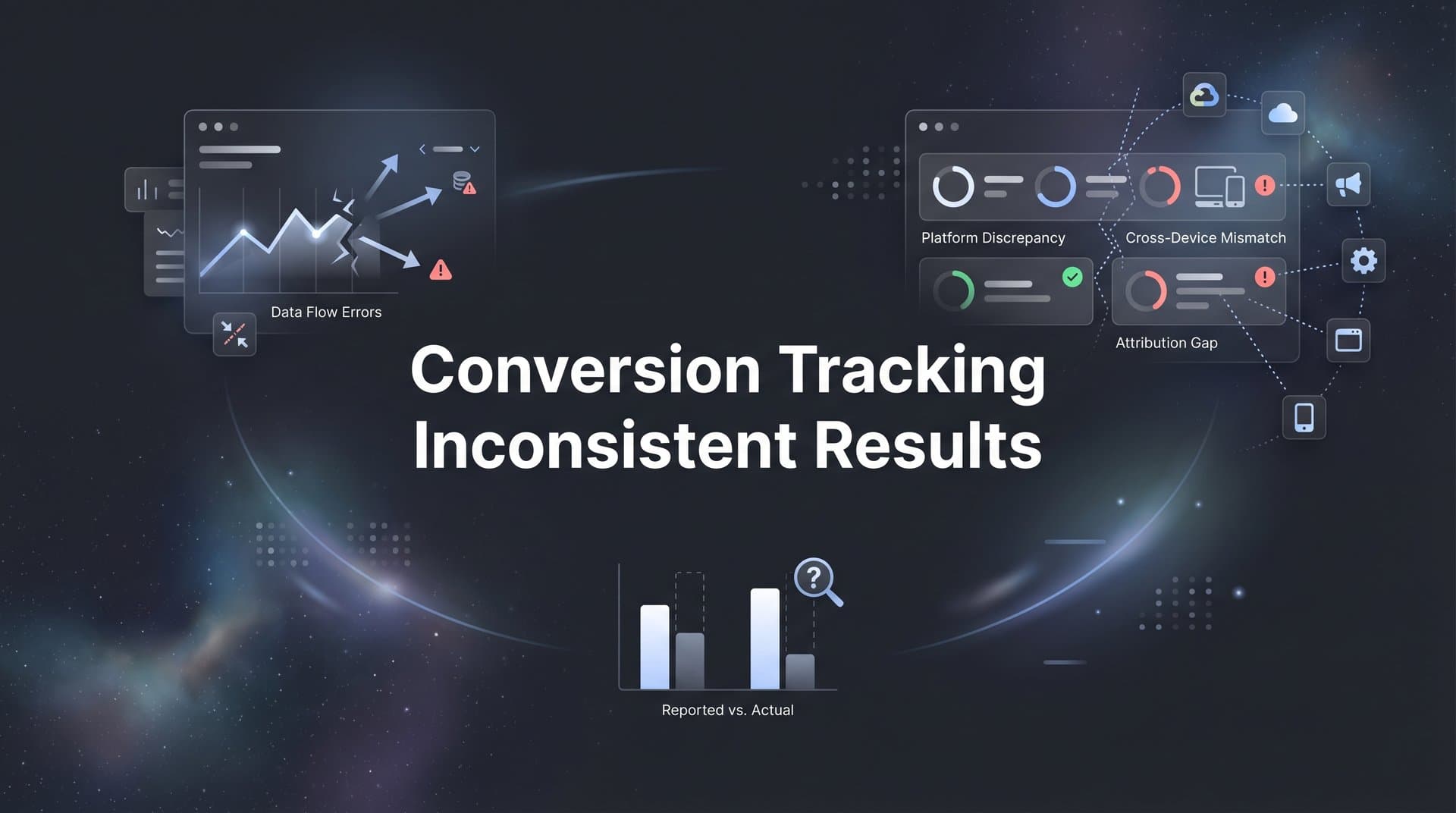
You open your marketing dashboard on Monday morning, coffee in hand, ready to review last week's campaign performance. Google Ads shows 247 conversions. Meta reports 312. Your CRM says 189. And your analytics platform? It's showing yet another number entirely.
Which one is right? More importantly, which one should you trust when deciding where to allocate next month's budget?
This isn't just a minor annoyance. When your conversion tracking shows inconsistent results across platforms, every optimization decision becomes a guess. You might be cutting budgets from channels that are actually driving revenue, or doubling down on sources that look good on paper but aren't converting in reality. The cost of these misguided decisions adds up quickly, and the frustration of not having a single source of truth can paralyze your entire marketing strategy.
The Hidden Mechanics Behind Tracking Discrepancies
Before you can fix inconsistent tracking, you need to understand why different platforms report wildly different numbers in the first place. The answer isn't that one platform is lying while another tells the truth. It's that each platform is measuring conversions through a completely different lens.
Think of it like asking three people to describe the same car accident. The driver sees it one way, the passenger another, and the pedestrian has an entirely different perspective. They're all describing the same event, but from fundamentally different vantage points.
Attribution windows are the first major culprit. Google Ads typically uses a 30-day click attribution window, meaning it claims credit for conversions that happen within 30 days of someone clicking your ad. Meta, on the other hand, defaults to a 7-day click and 1-day view attribution window. So if someone clicks your Facebook ad, then clicks your Google ad three weeks later and converts, Google claims the conversion while Meta doesn't even see it.
But here's where it gets more complex. Meta also counts view-through conversions, giving itself credit when someone simply sees your ad without clicking, then converts later. Google Ads can do this too, but with different time windows and counting methodologies. The same customer journey can legitimately generate a conversion in both platforms, even though only one actual sale occurred.
Cookie limitations and browser privacy features have made this problem exponentially worse in recent years. Safari's Intelligent Tracking Prevention (ITP) limits cookie lifespans to just seven days for third-party cookies and 24 hours in some cases. Firefox's Enhanced Tracking Protection blocks many tracking cookies entirely. And with Chrome's Privacy Sandbox rolling out, third-party cookies are becoming increasingly unreliable across all browsers.
What does this mean for your tracking? Those cookies that platforms rely on to connect ad clicks to conversions are either being blocked, deleted prematurely, or simply not working as intended. A user might click your ad on Safari, but by the time they convert a week later, the cookie connecting that click to the conversion is long gone.
There's also a business reality worth acknowledging. Each ad platform is financially incentivized to claim credit for as many conversions as possible. They're not falsifying data, but they are using attribution methodologies that favor their own role in the customer journey. When you're spending money on their platform, they want to show you that it's working. This creates an inherent conflict where the sum of conversions across all platforms often exceeds your actual total conversions, because multiple platforms are claiming credit for the same sale.
Five Common Culprits Causing Your Data Mismatch
Beyond the fundamental attribution differences, several technical issues can turn minor discrepancies into major data chaos. Let's break down the most common problems that marketers face when trying to track conversions accurately.
Pixel Firing Failures: Your tracking pixel is supposed to fire every time someone completes a conversion action on your site. But what happens when your page loads slowly, or a user closes the tab before the pixel finishes loading? The conversion happens in your backend, but the ad platform never receives the signal. Ad blockers make this worse by actively preventing pixels from firing at all. Studies suggest that ad blockers are used by a significant portion of internet users, meaning a substantial percentage of your conversions might be invisible to your ad platforms simply because the tracking code never executed.
Incomplete Implementation Issues: Many businesses set up conversion tracking once and assume it's working forever. But websites evolve. You add new checkout flows, implement new forms, or change your thank-you page structure. If your tracking code isn't updated to match these changes, conversions start falling through the cracks. A common scenario: your developer implements a new single-page application framework, and suddenly your pixel stops firing because the page never technically "loads" in the traditional sense that triggers the tracking code.
Cross-Device Tracking Breakdown: Picture this customer journey: someone sees your Instagram ad on their phone during their morning commute, clicks through and browses your product. Later that evening, they're on their laptop, remember your brand, Google your company name, click your ad, and purchase. Which platform gets credit? It depends entirely on whether the platform can connect that mobile session to the desktop conversion. Without proper cross-device tracking, this looks like two completely separate users, and the platform that got the initial click never knows a conversion happened.
Cross-device tracking has become particularly challenging because it requires user login or sophisticated probabilistic matching. If users aren't logged into their Facebook account on both devices, Meta can't definitively connect those sessions. Google has better cross-device capabilities through Google account logins, but even that isn't foolproof if users aren't consistently logged in across devices.
Time Zone Misalignments: This one seems trivial until it causes major reporting headaches. Your ad platform might be set to Pacific Time, your analytics to Eastern Time, and your CRM to UTC. A conversion that happens at 11:30 PM Eastern appears in different days across different platforms. When you're comparing daily performance, these time zone differences create discrepancies that compound over time, making it look like platforms are reporting different conversion volumes when they're actually just bucketing the same conversions into different days.
Conversion Window Differences: Beyond attribution windows, platforms count conversions differently based on when they occurred. Some platforms report conversions based on when the click happened, others based on when the conversion occurred. If you're looking at "conversions this week" in Google Ads, you might be seeing conversions that happened this week from clicks that occurred weeks ago. Meanwhile, Meta might be showing you only conversions from clicks that happened this week. You're comparing apples to oranges without realizing it.
Diagnosing Your Specific Tracking Problems
Now that you understand the common causes, how do you figure out which specific issues are affecting your data? A systematic audit is essential, and it starts with establishing what you're going to trust as your source of truth.
Your backend database or CRM should be your north star. These systems record actual transactions, actual leads, actual revenue. They're not estimating or modeling. They know exactly what happened because they processed the transaction or captured the lead. Start by pulling a report from your CRM showing all conversions for a specific time period, let's say the last 30 days.
Now compare this number to what each ad platform is reporting for the same period. But here's the critical part: make sure you're comparing the same conversion actions. If your CRM counts every form submission as a lead, but Google Ads is only tracking purchase conversions, you're going to see massive discrepancies that have nothing to do with tracking accuracy.
Look for patterns in the discrepancies. Is Google Ads consistently reporting 20% more conversions than your CRM? That's a systematic issue, possibly related to attribution windows or duplicate conversion counting. Are the numbers randomly varying by 50% or more from day to day? That suggests pixel firing problems or implementation issues.
Use your browser's developer tools to verify that tracking pixels are actually firing. Load your conversion page and check the Network tab to see if the conversion event is being sent to the ad platform. If you don't see it, your pixel isn't working. This simple check can reveal implementation problems that have been silently losing data for months.
Compare conversion values, not just conversion counts. If your CRM shows $50,000 in revenue but Google Ads reports $65,000, either Google is claiming credit for conversions that came from other sources, or there's a conversion value tracking issue. This value-based comparison often reveals attribution inflation more clearly than simple conversion counts.
Test your tracking with controlled conversions. Complete a test purchase or lead submission yourself, then check whether it appears correctly in all platforms. Do this from different devices, different browsers, with and without ad blockers. This hands-on testing reveals real-world tracking failures that reports alone might miss.
Server-Side Tracking: A More Reliable Foundation
Client-side tracking, where JavaScript pixels fire in users' browsers, was the standard for years. But in 2026, relying solely on client-side tracking is like building a house on sand. Browser privacy features, ad blockers, and cookie restrictions have made it fundamentally unreliable.
Server-side tracking offers a solution by moving the tracking logic from the user's browser to your own server. Instead of hoping a pixel fires correctly in a browser environment you don't control, your server sends conversion data directly to ad platforms through their APIs. This happens regardless of browser settings, ad blockers, or cookie restrictions.
Here's how it works in practice. When a user completes a conversion on your site, your server receives that information immediately because it processed the transaction. Your server then sends a conversion event directly to Google Ads, Meta, and any other platforms you're using. The user's browser isn't involved in this data transmission, so browser-based limitations don't interfere.
The benefits go beyond just bypassing ad blockers. Server-side tracking gives you complete control over what data gets sent and when. You can enrich conversion events with additional information from your CRM, like customer lifetime value or whether this is a repeat customer. This enriched data helps ad platforms optimize more effectively because they're working with complete, accurate information rather than fragmented browser-based signals.
Server-side tracking also solves the cross-device problem more elegantly. Since you're tracking conversions based on user accounts or email addresses in your system rather than browser cookies, you naturally connect the same user across devices. When someone browses on mobile and purchases on desktop, your server knows it's the same person and can attribute the conversion correctly.
Implementation does require technical setup. You need to configure server-side tracking through platforms like Google Tag Manager Server-Side or implement direct API integrations with ad platforms. But the investment pays off in data accuracy and reliability. Many businesses see their tracked conversion volumes increase by 20-30% simply because they're capturing conversions that client-side tracking was missing.
Building a Unified Attribution System
Server-side tracking solves the data collection problem, but you still need a way to make sense of the customer journey across multiple touchpoints. This is where unified attribution comes in, connecting all your marketing data into a single, coherent view.
The goal is creating a system where every touchpoint is captured and connected to the ultimate conversion. When a customer clicks a Facebook ad, visits from organic search, receives an email, and then converts through a Google ad, you want to see that entire journey, not just the last click that Google claims credit for.
Multi-touch attribution models distribute credit across all the touchpoints that contributed to a conversion. A linear model gives equal credit to every touchpoint. A time-decay model gives more credit to recent interactions. A position-based model emphasizes the first and last touch while still acknowledging middle interactions. The specific model matters less than having visibility into the complete journey.
Connecting your ad platforms, website analytics, and CRM creates this unified view. When data flows from your website to your CRM, and conversion events flow back to your ad platforms, you establish a closed loop. You can see which marketing touchpoints actually led to revenue, not just which ones happened to be the last click before conversion.
This unified data also enables smarter optimization. Instead of optimizing each ad platform in isolation based on its own attribution, you can optimize based on true revenue contribution. You might discover that Facebook ads rarely get last-click credit but consistently initiate customer journeys that convert later through other channels. Without unified attribution, you'd undervalue Facebook and potentially cut a channel that's actually driving significant revenue.
Feeding enriched conversion data back to ad platforms improves their algorithmic optimization. When you send conversion events that include customer value, product categories, or customer segments, ad platforms can optimize for high-value conversions rather than just conversion volume. This creates a virtuous cycle where better data leads to better targeting, which leads to better results, which generates even better data.
Your Action Plan for Consistent Tracking
Fixing inconsistent conversion tracking isn't an overnight process, but following a prioritized approach gets you to reliable data faster. Start with these steps in order.
First, establish your source of truth. Choose your CRM or backend database as the definitive record of conversions and revenue. Every other platform's data will be compared against this baseline. Make sure this source is tracking conversions accurately and completely before you move forward.
Second, audit your current tracking implementation. Check that pixels are firing correctly, that conversion actions are defined consistently across platforms, and that time zones align. Fix any obvious implementation issues before investing in more sophisticated solutions. If you're struggling with conversions not tracking, start with the basics.
Third, implement conversion API tracking for your most important conversion events. Start with purchases or high-value lead submissions. Once you see the improvement in data accuracy, expand server-side tracking to additional conversion types.
Fourth, set up cross-platform attribution that connects your ad platforms to your source of truth. This might mean implementing a dedicated attribution platform or building custom integrations. The goal is seeing the complete customer journey across all touchpoints.
Fifth, establish realistic expectations for data accuracy. Even with perfect tracking, you'll see some variance between platforms because they use different attribution models. The goal isn't making every platform report identical numbers. It's reducing unexplained discrepancies and having confidence that the directional trends are accurate enough for optimization decisions.
Monitor your tracking health regularly. Set up weekly checks comparing platform-reported conversions to your source of truth. When discrepancies exceed expected variance, investigate immediately rather than letting the problem compound.
Moving Forward with Confidence
Inconsistent conversion tracking isn't an inevitable reality of digital marketing. It's a solvable technical and strategic challenge. When you understand why discrepancies happen, implement server-side tracking, and build a unified attribution system, you transform unreliable data into a competitive advantage.
Think about the strategic value of actually knowing which marketing channels drive revenue. While competitors make budget decisions based on incomplete platform data, you're optimizing based on true customer journeys and actual revenue contribution. That clarity compounds over time, leading to better targeting, higher ROI, and confident scaling decisions.
The marketing landscape will continue evolving. Privacy regulations will tighten, browser restrictions will increase, and attribution will become more complex. But the fundamental solution remains the same: own your data, track comprehensively, and connect all touchpoints into a unified view. Businesses that build this foundation now will thrive while others struggle with fragmented, unreliable data.
Ready to elevate your marketing game with precision and confidence? Discover how Cometly's AI-driven recommendations can transform your ad strategy. Get your free demo today and start capturing every touchpoint to maximize your conversions.


