

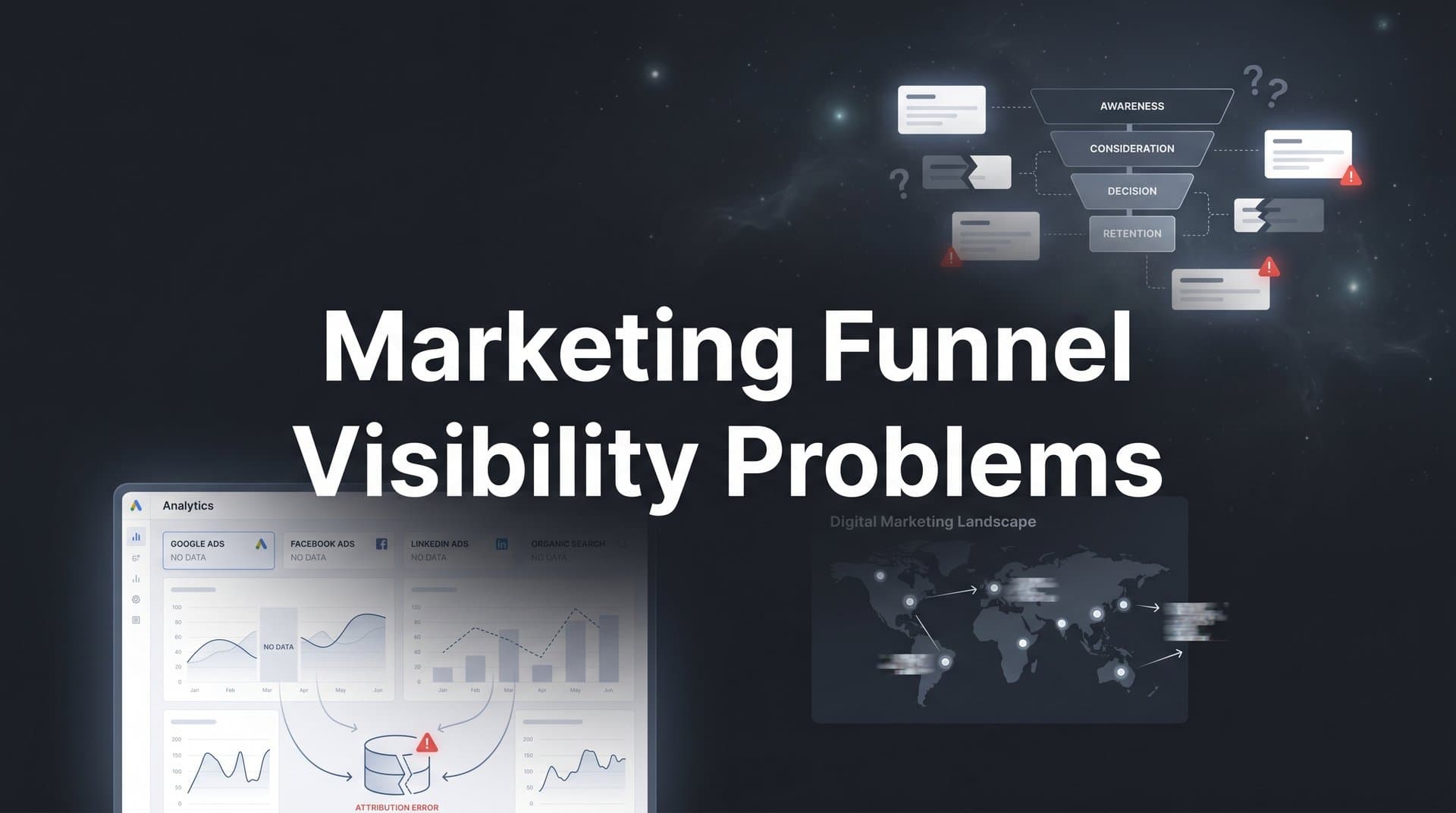
Most marketing teams are flying partially blind. They can see the top of their funnel clearly enough: impressions, clicks, cost-per-click. They can see the bottom: closed deals, revenue, return on ad spend. But the middle? That is often a black hole.
Marketing funnel visibility problems cost teams more than just insight. They lead to misallocated budgets, inaccurate reporting, and scaling decisions built on incomplete data. When you cannot see which touchpoints actually move prospects from awareness to conversion, you end up crediting the wrong channels, starving the campaigns that truly perform, and overfunding the ones that simply look good on the surface.
The challenge has grown more complex over the past few years. Apple's App Tracking Transparency framework has eroded the reliability of pixel-based tracking. Ad blockers are increasingly common. Each ad platform runs its own attribution model with its own conversion windows, which means running campaigns across Meta, Google, TikTok, and LinkedIn simultaneously almost guarantees conflicting data. Add a CRM that does not talk to your ad platforms, and you have a funnel with more gaps than visibility.
The good news: funnel visibility is a solvable problem. It requires the right tracking infrastructure, a unified data strategy, and a genuine commitment to connecting every touchpoint across the customer journey.
In this guide, we break down seven actionable strategies that address the most common marketing funnel visibility problems, from fragmented tracking and cross-platform blind spots to CRM disconnects and attribution model confusion. Whether you are running paid campaigns across Meta, Google, TikTok, or LinkedIn, these strategies will help you see the full picture and make confident, data-driven decisions about where to invest your budget.
1. Unify Your Tracking Across Every Ad Platform
The Challenge It Solves
When you run paid campaigns across multiple ad platforms simultaneously, each platform reports conversions using its own attribution window and methodology. Meta might claim credit for a conversion that Google also claims. TikTok might count a view-through conversion that LinkedIn counts as a click-through. The result is a reporting environment where your combined platform numbers often add up to far more conversions than you actually generated. You cannot make smart budget decisions when your data is double-counting results.
The Strategy Explained
The solution is to centralize all ad platform data into a single attribution layer that sits above the individual platforms. Instead of trusting each platform's native reporting as your source of truth, you route all conversion data through one system that deduplicates events, applies a consistent attribution model, and gives you a single, accurate view of performance across every channel.
This unified layer becomes your actual decision-making dashboard. You can compare channel performance on equal footing because every channel is measured the same way, with the same rules, using the same conversion events. When Meta says it drove 200 conversions and Google says it drove 150, your unified system tells you the real number and which platform actually deserves credit. Solving these omnichannel marketing campaign tracking challenges is essential for accurate reporting.
Implementation Steps
1. Audit your current tracking setup across every active ad platform and document where conversion events are being fired and how each platform's attribution window is configured.
2. Identify a centralized attribution platform that ingests data from all your ad channels and applies consistent, deduplicated attribution logic across the full dataset.
3. Establish a single source of truth for each key conversion event, whether that is a lead form submission, a demo booking, or a purchase, and ensure that event is tracked consistently across every platform.
4. Disable or deprioritize native platform reports for budget decisions and route all optimization choices through your unified attribution view.
Pro Tips
Start with your highest-spend channels first. If Meta and Google represent the majority of your budget, unifying those two platforms alone will immediately surface meaningful discrepancies. Once you have a clean baseline, adding additional channels becomes much easier. Consistency in event naming across platforms will save you significant time during setup.
2. Bridge the Gap Between Ad Clicks and CRM Outcomes
The Challenge It Solves
Most attribution setups track the click and the conversion event, but they stop there. If your conversion event is a lead form submission, you know the ad drove a lead. What you do not know is whether that lead became a qualified opportunity, a proposal, or a closed deal. This gap between ad-level data and CRM-level outcomes is one of the most damaging marketing funnel blind spots because it forces you to optimize toward lead volume rather than revenue quality.
The Strategy Explained
Connecting your CRM to your attribution system closes the loop between ad spend and actual business outcomes. When a lead generated by a Meta campaign moves through your CRM pipeline, that progression becomes visible in your attribution data. You can see not just which campaigns drive leads, but which campaigns drive leads that actually close.
This changes your optimization logic entirely. You might discover that a campaign with a high cost-per-lead is actually your most efficient source of revenue because its leads close at a higher rate. Conversely, a campaign that looks excellent based on lead volume might be generating low-quality prospects that never convert past the first sales call. Without CRM integration, you would never know the difference.
Implementation Steps
1. Map your CRM pipeline stages to specific conversion events in your attribution system so that each stage progression, from MQL to SQL to opportunity to closed-won, becomes a trackable data point.
2. Pass UTM parameters and click identifiers from your ad platforms through your lead capture forms into your CRM so each contact record carries its original ad attribution data.
3. Configure your attribution platform to ingest CRM stage updates in real time or on a regular sync schedule so pipeline data stays current.
4. Build reports that show cost-per-pipeline-stage and cost-per-closed-deal by channel, campaign, and ad set, not just cost-per-lead.
Pro Tips
Work closely with your sales team to make sure CRM stage definitions are consistent and that reps are updating records accurately. Attribution data is only as good as the CRM data it pulls from. Even a basic integration that passes lead source data into your CRM is a significant upgrade over running attribution entirely at the click level.
3. Implement Server-Side Tracking to Recover Lost Data
The Challenge It Solves
Client-side tracking, which relies on browser-based pixels firing JavaScript in the user's browser, has become increasingly unreliable. Apple's App Tracking Transparency framework significantly reduced the data available to platforms like Meta for iOS users. Ad blockers prevent pixels from firing entirely for a meaningful portion of web traffic. Browser privacy settings and intelligent tracking prevention features in Safari and Firefox further limit what client-side pixels can capture. The result is that a significant share of your actual conversions are invisible to your attribution system, contributing to widespread marketing data accuracy problems.
The Strategy Explained
Server-side tracking moves the conversion event from the user's browser to your server. Instead of relying on a pixel to fire successfully in the user's browser, your server directly sends the conversion event to the ad platform's API, such as Meta's Conversions API or Google's server-side tagging in Google Tag Manager. Because the event originates from your server rather than the user's device, it bypasses ad blockers, browser restrictions, and iOS privacy limitations entirely.
The practical impact is that you recover conversion data that would otherwise be lost. Your attribution system sees more of the actual customer journey, your platform algorithms receive more complete signal data, and your reporting becomes more accurate. Server-side tracking has become an industry best practice specifically because the browser-based tracking environment has become so fragmented.
Implementation Steps
1. Audit your current pixel and tag setup to understand what percentage of your conversion events are currently captured client-side versus server-side.
2. Set up server-side event tracking using your ad platform's native API solutions: Meta Conversions API, Google's server-side container in Tag Manager, or a dedicated server-side tracking solution.
3. Configure event deduplication so that events captured both client-side and server-side are not counted twice in your attribution data.
4. Monitor event match quality scores in your ad platforms after implementation to verify that your server-side events are being matched accurately to user profiles.
Pro Tips
If you are running Meta campaigns and have not implemented the Conversions API, this is your highest-priority fix. The gap between client-side pixel data and actual conversions on iOS traffic can be substantial. Platforms like Cometly include server-side tracking as a core feature, which simplifies the implementation significantly compared to building it from scratch.
4. Adopt Multi-Touch Attribution to See the Full Journey
The Challenge It Solves
Last-click attribution is the default for most ad platforms, and it creates a systematically distorted view of your funnel. When only the final touchpoint before conversion receives credit, every awareness and consideration campaign looks like it contributes nothing. Your top-of-funnel content, your retargeting sequences, your mid-funnel nurture campaigns: all invisible in a last-click world. This is the core of what many marketers call the "dark funnel," where real influence exists but attribution challenges prevent you from seeing it.
The Strategy Explained
Multi-touch attribution distributes credit across all the touchpoints that contributed to a conversion, not just the last one. Depending on the model you choose, credit might be distributed equally across all touchpoints (linear), weighted toward the first and last interactions (U-shaped or position-based), or allocated based on time decay where more recent touchpoints receive more credit.
The right model depends on your sales cycle and business type. For longer B2B sales cycles with many touchpoints, a linear or time-decay model often reveals how much your awareness campaigns contribute to pipeline. For shorter purchase cycles, a position-based model that emphasizes first touch and last touch while still crediting the middle often provides the most useful picture. The key is that any multi-touch model gives you more visibility than last-click alone. For a deeper dive, explore our marketing funnel attribution guide.
Implementation Steps
1. Document your typical customer journey by reviewing CRM data and identifying how many touchpoints prospects typically have before converting and which channels appear most frequently across those journeys.
2. Select an attribution model that aligns with your sales cycle length and the number of touchpoints involved. Start with a linear model if you are unsure, as it provides an immediate contrast to last-click.
3. Run your historical data through multiple attribution models simultaneously to compare how credit shifts between channels and campaigns under different models.
4. Use the multi-touch view to identify campaigns that are consistently present in converting journeys but receive little or no credit under last-click attribution.
Pro Tips
Do not abandon last-click data entirely. It still tells you something useful about final conversion drivers. The real power comes from comparing last-click and multi-touch views side by side. When a channel looks strong in last-click but weak in multi-touch, or vice versa, that discrepancy is a signal worth investigating. Cometly's multi-touch attribution capabilities let you compare models in real time without having to rebuild your reporting from scratch.
5. Feed Enriched Conversion Data Back to Ad Platforms
The Challenge It Solves
Ad platform algorithms optimize toward the conversion signals you send them. If you only send pixel-based lead form submissions, the algorithm learns to find more people who submit lead forms. But not all leads are equal. If your CRM tells you that only a fraction of those leads ever become qualified opportunities, you are effectively training the algorithm to find more of the wrong kind of prospect. Your campaigns optimize toward volume rather than value, and your funnel fills with leads that never convert to revenue. This is a common marketing budget allocation problem that drains spend from high-performing channels.
The Strategy Explained
Conversion sync, sometimes called offline conversion import or Conversions API integration, closes this loop by sending enriched, CRM-verified conversion events back to your ad platforms. Instead of only sending a "lead submitted" event, you send downstream events: "lead qualified," "opportunity created," "deal closed." The ad platform algorithm can then optimize toward the audience segments most likely to become actual customers rather than just form fillers.
This approach works because modern ad platform algorithms are highly sophisticated at audience modeling, but only when they receive accurate signal data. When you feed Meta or Google verified revenue outcomes linked to specific ad interactions, their systems can identify the characteristics of high-value converters and find more people like them. The result is that your campaigns become more efficient over time as the algorithm learns from better data.
Implementation Steps
1. Identify the downstream CRM events that represent real business value: qualified leads, booked meetings, pipeline opportunities, and closed deals.
2. Set up a sync between your CRM and each ad platform's offline conversion or Conversions API system to pass these downstream events back with the original click identifiers that link them to specific ads.
3. Assign conversion values to different event types where possible so the algorithm can prioritize high-value outcomes over low-value ones.
4. Monitor campaign performance over several weeks after enabling conversion sync to observe how the algorithm shifts its targeting based on the richer signal data.
Pro Tips
The match rate between your CRM records and ad platform user profiles matters significantly. Sending email addresses, phone numbers, and other identifiers alongside your conversion events improves the match rate and makes the signal more useful to the algorithm. Platforms like Cometly automate this conversion sync process, continuously feeding enriched data back to Meta, Google, and other platforms without requiring manual exports.
6. Build Real-Time Dashboards That Map the Entire Funnel
The Challenge It Solves
Delayed reporting is a visibility problem in itself. When your performance data arrives in weekly exports or monthly reports, you are always making decisions based on what happened in the past rather than what is happening now. Budget waste accumulates before you can see it. Drop-off points in the funnel go unaddressed for weeks. By the time you identify a problem, a significant portion of your budget has already been spent on a broken stage in the journey.
The Strategy Explained
Real-time dashboards that map every stage of your funnel, from first ad impression through to closed revenue, give you the ability to act on insights the moment they emerge rather than in the next planning cycle. The key is building dashboards that are stage-by-stage rather than just top-level, so you can see exactly where prospects are dropping off and which stages have the highest conversion rates. Leveraging visual marketing funnel analytics makes it far easier to spot these breakdowns at a glance.
A well-structured funnel dashboard surfaces budget waste immediately. If your cost-per-click is stable but your cost-per-lead has spiked, you know the problem is in the landing page or offer, not the ad. If your lead-to-opportunity rate has dropped, you know the issue is in lead quality or sales follow-up, not ad performance. This kind of granular, real-time visibility is what separates reactive marketing teams from proactive ones.
Implementation Steps
1. Define the key stages of your funnel and assign a measurable metric to each stage: impressions, clicks, landing page visits, leads, qualified leads, opportunities, and closed deals.
2. Connect all your data sources, including ad platforms, your website, and your CRM, to a centralized analytics layer that updates in real time or near-real time.
3. Build stage-by-stage conversion rate views so you can immediately identify which transitions in the funnel are underperforming relative to historical benchmarks.
4. Set up alerts for significant changes in key metrics so you are notified automatically when a funnel stage drops below a threshold, rather than discovering it in a weekly review.
Pro Tips
Avoid building dashboards that show only aggregate numbers. A single cost-per-acquisition metric hides everything happening inside the funnel. The most useful dashboards show conversion rates at each stage transition so you can pinpoint exactly where the funnel is breaking down. Cometly's analytics dashboard is designed specifically for this kind of stage-by-stage funnel visibility across all your paid channels in one place.
7. Use AI-Powered Analysis to Surface Hidden Patterns
The Challenge It Solves
Even with unified tracking, CRM integration, and real-time dashboards in place, the sheer volume of data generated across multiple ad platforms and funnel stages can overwhelm manual analysis. There are patterns in your funnel data that human review will consistently miss: audience segments that convert at different rates across different channels, creative fatigue signals that precede performance drops, or budget allocation inefficiencies that only become visible when you analyze performance across dozens of campaigns simultaneously.
The Strategy Explained
AI-powered analysis operates across your entire dataset continuously, identifying patterns and anomalies that would take a human analyst days or weeks to surface manually. Rather than reviewing campaign performance in isolation, AI can analyze cross-platform funnel data holistically, connecting the dots between ad-level signals and downstream revenue outcomes to surface actionable optimization recommendations. This is a natural evolution of predictive analytics for marketing campaigns, applied directly to funnel optimization.
The practical application goes beyond simple reporting. AI can identify which specific ads and audience combinations are driving the highest-quality pipeline, flag campaigns that are beginning to underperform before the decline becomes obvious in aggregate metrics, and recommend budget reallocations based on what the full funnel data shows rather than what any single platform's native reporting suggests. This is the difference between looking at your data and actually learning from it at scale.
Implementation Steps
1. Ensure your data foundation is solid before layering on AI analysis. AI is only as useful as the data it analyzes. Unified tracking, CRM integration, and server-side event capture should be in place first.
2. Identify the specific questions you want AI analysis to answer: which campaigns drive the best pipeline quality, where budget is being wasted, which creative formats perform best across different funnel stages.
3. Use an attribution platform with built-in AI capabilities that can analyze cross-platform data in context rather than requiring you to export data into separate tools for analysis.
4. Act on AI recommendations systematically. Build a regular cadence for reviewing AI-generated insights and translating them into concrete campaign changes, budget adjustments, or creative tests.
Pro Tips
The most valuable AI insights are often the ones that challenge your existing assumptions. If your AI analysis consistently shows that a channel you have been underinvesting in drives strong mid-funnel progression, that is worth investigating seriously even if it contradicts your intuition. Cometly's AI Ads Manager and AI Chat are built specifically to surface these kinds of cross-platform insights and give marketers actionable recommendations they can act on immediately.
Putting It All Together
Solving marketing funnel visibility problems is not about any single fix. It is about building a connected system where every touchpoint, from the first ad impression to the final closed deal, is tracked, attributed, and visible in one place.
Start with the foundation: unify your cross-platform tracking and connect your CRM to your attribution system. These two steps alone will transform the quality of your reporting. Then layer on server-side tracking to recover the conversion data that browser limitations and privacy restrictions are hiding from your current setup.
From there, move from last-click to multi-touch attribution so you can finally see which campaigns are truly driving pipeline across the full customer journey. Feed that enriched, CRM-verified conversion data back to your ad platforms so their algorithms optimize toward real revenue outcomes rather than surface-level lead volume. Build real-time dashboards that give you stage-by-stage funnel visibility so you can act on problems the moment they emerge. And use AI-powered analysis to surface the patterns and opportunities that manual review will consistently miss.
The marketers and teams that solve funnel visibility gain a genuine competitive advantage. They spend less on channels that do not convert, scale the ones that do, and make every budget decision with confidence instead of guesswork.
If you are ready to eliminate the blind spots in your marketing funnel, Cometly brings all of these capabilities together in one platform: multi-touch attribution, server-side tracking, CRM integration, conversion sync, real-time analytics dashboards, and AI-powered optimization recommendations. Get your free demo today and start capturing every touchpoint to maximize your conversions.



