Every hour you spend analyzing outdated campaign data is an hour your competitors use to outbid you. In the fast-moving world of paid advertising, the difference between profitable campaigns and wasted ad spend often comes down to how quickly you can spot and respond to performance changes.
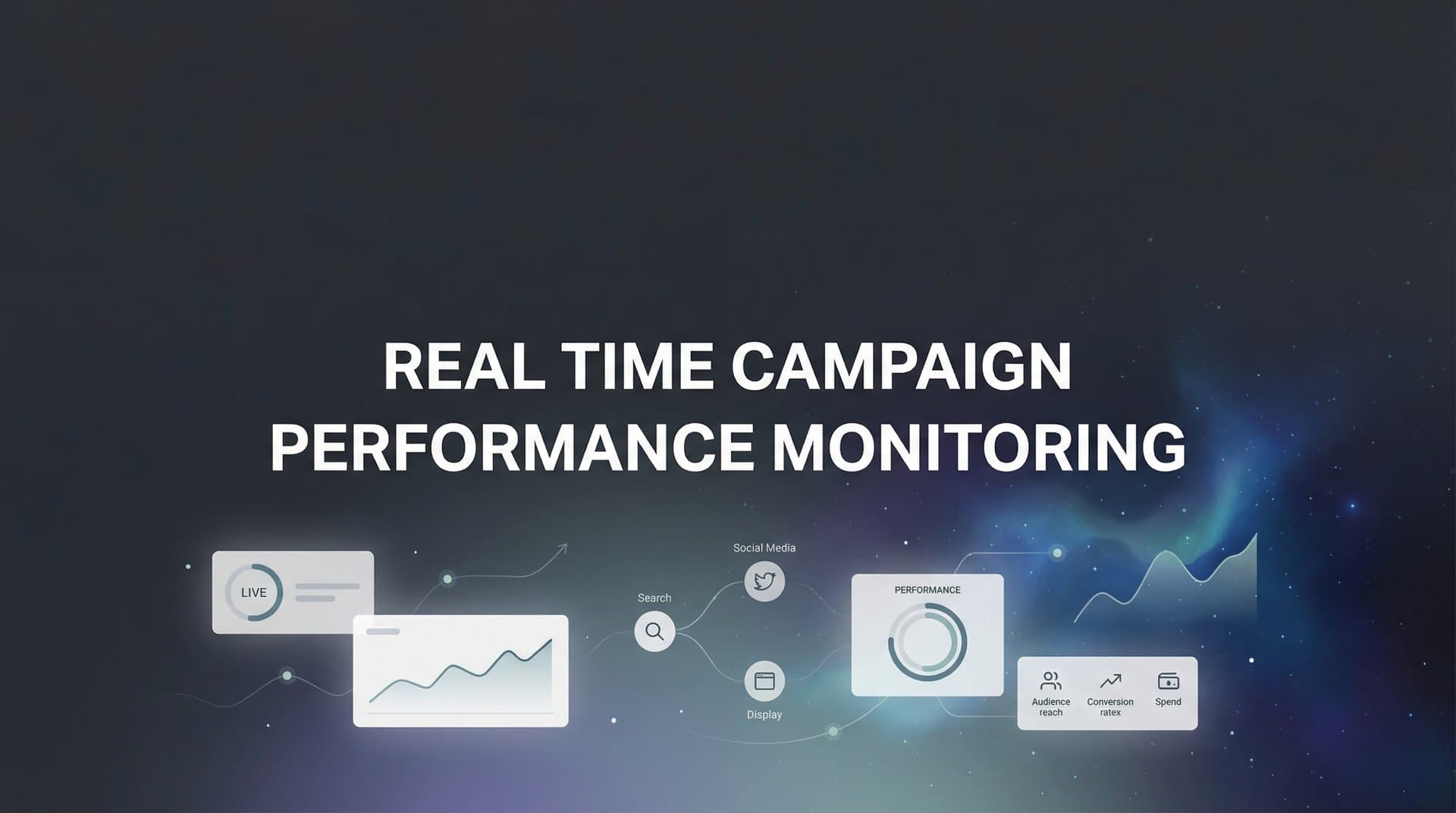
Real-time campaign performance monitoring gives you the visibility to catch underperforming ads before they drain your budget, scale winning campaigns while they're hot, and make confident optimization decisions backed by current data.
This guide walks you through setting up a real-time monitoring system that connects your ad platforms, tracks the complete customer journey, and delivers actionable insights the moment they matter. Whether you're managing campaigns across Meta, Google, TikTok, or multiple platforms simultaneously, you'll learn how to build a monitoring workflow that keeps you ahead of performance shifts instead of reacting to them days later.
Step 1: Connect Your Ad Platforms and Data Sources
The foundation of real-time campaign performance monitoring starts with establishing reliable connections to every platform where you're spending ad dollars. Without these connections, you're flying blind—making decisions based on incomplete information or, worse, manually jumping between platforms trying to piece together the full picture.
Begin by creating a comprehensive list of all advertising platforms currently running campaigns for your business. This typically includes Meta (Facebook and Instagram), Google Ads, TikTok, LinkedIn, and potentially platforms like Pinterest, Snapchat, or programmatic networks. Don't overlook smaller platforms where you're testing campaigns—these need monitoring too.
For each platform, you'll need to establish either API connections or native integrations that allow data to flow automatically into your monitoring system. Most modern attribution platforms support direct integrations with major ad networks, which means you can authorize access through OAuth connections rather than building custom API integrations from scratch.
When setting up these connections, pay close attention to permission levels. Your monitoring system needs read access to campaign data, ad performance metrics, and conversion tracking information. Some platforms require admin-level access to pull comprehensive data, while others allow reporting-only permissions.
After connecting each platform, verification becomes critical. Don't assume the integration worked just because it completed without error messages. Pull up recent campaign activity in both the native platform and your monitoring system, then compare key metrics like impressions, clicks, spend, and conversions. The numbers should match within a reasonable margin (small discrepancies can occur due to timezone differences or reporting delays).
Here's where many marketers stumble: incomplete integrations that miss certain campaign types or ad formats. Meta campaigns running in multiple accounts, Google Ads campaigns using different tracking templates, or TikTok campaigns with custom conversion events might not flow through automatically. Test your integration with actual live campaigns across different formats—feed ads, story ads, video ads, shopping campaigns—to ensure everything's captured.
The success indicator for this step? When you can view yesterday's complete campaign performance across all platforms in one unified location, without logging into individual ad accounts. If you're still switching between tabs to see the full picture, your integration isn't complete.
Step 2: Establish Your Core Performance Metrics
Raw data without context is just noise. Before you can monitor performance in real time, you need crystal-clear definitions of what "good performance" actually means for your campaigns.
Start by defining primary KPIs based on your campaign objectives. If you're running direct response campaigns focused on sales, ROAS (return on ad spend) and revenue per campaign become your north star metrics. For lead generation campaigns, CPA (cost per acquisition) and lead quality indicators matter most. Brand awareness campaigns track different metrics entirely—reach, frequency, and engagement rates take priority.
The mistake many marketers make? Tracking everything equally. This creates decision paralysis when you're trying to quickly assess campaign health. Instead, establish a metric hierarchy that separates leading indicators from lagging indicators.
We compare the leading options in our Shopify story ad generator roundup.
Leading indicators signal what's likely to happen—CTR (click-through rate), landing page conversion rate, and cost per click give you early warnings about campaign trajectory. Lagging indicators like total revenue, lifetime customer value, and overall ROAS tell you what already happened. You need both, but leading indicators let you intervene before problems compound.
Next, set baseline benchmarks using historical performance data. What's your average CPA for cold traffic campaigns? What ROAS do your retargeting campaigns typically achieve? What conversion rate do your landing pages maintain? These benchmarks become your reference points for identifying when current performance deviates meaningfully from normal.
Don't rely on industry benchmarks alone—your business has unique economics. A 3x ROAS might be phenomenal for one business model but unprofitable for another with different margins and customer lifetime values. Calculate your minimum acceptable performance thresholds based on actual unit economics.
Create tiered performance categories for quick assessment. For example, campaigns might be classified as: exceptional (ROAS above 5x), strong (ROAS 3-5x), acceptable (ROAS 2-3x), concerning (ROAS 1-2x), or failing (ROAS below 1x). These categories let you instantly prioritize which campaigns need attention. Understanding campaign performance metrics in depth helps you establish these categories effectively.
Document these metrics and benchmarks in a shared resource your entire team can reference. When everyone understands what constitutes good performance, optimization decisions become faster and more consistent.
The success indicator here? You can articulate exactly what "good performance" looks like for each campaign type without hesitation, and your team makes optimization decisions based on the same criteria.
Step 3: Configure Real-Time Tracking Across the Customer Journey
Platform-native reporting tells you what happened on the platform—but it misses everything that happens after the click. This blind spot costs marketers millions in misattributed conversions and optimization decisions based on incomplete data.
The solution is implementing server-side tracking that captures accurate conversion data despite browser limitations introduced by iOS privacy updates and cookie restrictions. Server-side tracking works by sending conversion events directly from your server to ad platforms, bypassing browser-based pixels that increasingly fail to fire due to privacy protections.
Here's why this matters: when someone clicks your Meta ad on an iPhone with iOS 14.5 or later, there's a significant chance the conversion pixel won't fire when they complete a purchase. The ad platform never receives confirmation of the conversion, which means it can't optimize toward similar high-value customers. Server-side tracking solves this by confirming conversions through server-to-server communication that doesn't rely on browser cookies.
To implement server-side tracking, you'll need to configure your website or application to send conversion events to a tracking server, which then forwards them to your ad platforms. Most modern attribution platforms handle this infrastructure for you—you install their tracking code, and they manage the server-side event forwarding automatically. Implementing real-time data tracking ensures you capture every conversion accurately.
But tracking the click-to-conversion journey is only half the picture. The real power of comprehensive monitoring comes from connecting CRM events to see beyond the initial conversion. When you track leads through to demos, sales calls, and closed deals, you understand which campaigns drive actual revenue, not just form submissions.
Set up CRM integration so that when a lead moves through your sales pipeline—from marketing qualified lead to sales qualified lead to opportunity to closed deal—those events flow back into your attribution system. This creates a complete view of the customer journey from first ad interaction through final conversion.
Map all touchpoints along this journey. A typical B2B customer might see a LinkedIn ad, click through to read a blog post, return later via a Google search, download a resource after clicking a retargeting ad, attend a webinar, and finally book a demo. Each touchpoint influences the decision, but last-click attribution only credits the final interaction.
Multi-touch attribution models distribute credit across the journey, giving you visibility into which early-stage touchpoints initiate valuable customer relationships and which closing touchpoints seal the deal. This matters enormously for optimization—you might discover that certain campaigns never generate last-click conversions but consistently initiate journeys that convert later through other channels. A robust real-time attribution system makes this visibility possible.
The technical implementation requires connecting your ad platforms, website analytics, marketing automation system, and CRM into one unified tracking ecosystem. This sounds complex, but modern attribution platforms streamline the process through pre-built integrations with popular tools.
Success indicator: when you can trace a conversion back through every ad interaction, website visit, and CRM event that preceded it, you've achieved the tracking visibility needed for informed optimization decisions.
Step 4: Build Your Monitoring Dashboard
Data accessibility determines whether you'll actually use your monitoring system or let it become another unused tool. Your dashboard needs to surface the right information at the right level of detail for quick decision-making.
Start by selecting dashboard views that match how you actually make decisions. Most marketers need at least three core views: campaign-level overview for budget allocation decisions, ad set-level analysis for audience and placement optimization, and creative-level breakdown for identifying winning messages and formats.
The campaign-level view should show your highest-spend campaigns with current performance against targets. This is your daily command center—a quick scan tells you which campaigns are crushing it, which are underperforming, and where your budget is flowing. Include metrics like spend, revenue, ROAS, CPA, and conversion volume for immediate context.
Ad set-level views help you understand which audiences, placements, and targeting strategies drive results. You might discover that your broad audience campaigns outperform your detailed targeting, or that Instagram Stories placements convert better than feed ads for certain products. This granularity guides tactical optimization decisions.
Creative-level analysis reveals which messages, images, videos, and offers resonate with your audience. When you can quickly identify that video ads outperform static images, or that specific value propositions drive higher conversion rates, you can scale winning creative approaches and retire underperformers.
Organize metrics by priority with revenue-driving metrics at the top. Your eyes should land first on the numbers that matter most—typically revenue, ROAS, and conversion volume. Supporting metrics like CTR, CPC, and impression share provide context but shouldn't dominate visual real estate.
Set up cross-platform comparison views to identify top performers across your entire advertising ecosystem. When you can see that TikTok campaigns are generating 4x ROAS while Google campaigns are at 2.5x, budget reallocation decisions become obvious. Without cross-platform visibility, you might continue over-investing in platforms that underperform relative to alternatives. A well-designed marketing dashboard for multiple campaigns makes these comparisons effortless.
Include trend visualizations to spot directional changes quickly. A campaign might show acceptable performance numbers today, but if ROAS has declined 30% over the past week, that's a warning sign requiring investigation. Line graphs showing performance trends over time reveal patterns that single-day snapshots miss.
Consider creating specialized dashboards for different team members. Your CEO might need a high-level view showing total ad spend, revenue, and overall ROAS. Your media buyers need granular campaign data with creative performance breakdowns. Your finance team wants spend pacing and budget utilization metrics. Tailored dashboards ensure everyone sees information relevant to their decisions.
For a deeper dive into this space, see our Slack media buyer agent guide.
The test of a well-built dashboard? You can answer critical performance questions—"Which campaigns should we scale?" "Where are we wasting budget?" "What's our current ROAS?"—within 30 seconds of opening it.
Step 5: Set Up Alerts and Automated Notifications
You can't watch dashboards 24/7, which means you need automated alerts that notify you when performance crosses critical thresholds. The right alert system catches problems early, while poorly configured alerts create notification fatigue that trains you to ignore warnings.
Start by defining threshold triggers based on your established benchmarks. Common triggers include CPA exceeding target by a specific percentage, ROAS dropping below minimum acceptable levels, daily spend pacing significantly ahead or behind schedule, or conversion volume falling below expected ranges.
For each trigger, determine the threshold that warrants notification. If your target CPA is $50, you might set an alert when it exceeds $65 (30% above target). This buffer prevents alerts from firing during normal performance variance while catching meaningful deviations.
Configure notification channels based on urgency. Critical issues—like campaigns spending at 10x your daily budget due to a configuration error—warrant immediate SMS or phone alerts. Important but less urgent issues—like ROAS declining 20% over the past three days—can go to email or Slack. Routine performance updates might be delivered via daily summary reports.
Create escalation rules for issues that persist. If a campaign's CPA stays above threshold for multiple hours despite initial notifications, escalate to a secondary contact. This ensures problems get addressed even when the primary person is unavailable. Leveraging real-time ad performance monitoring tools can automate much of this alerting process.
Balance alert sensitivity carefully. Setting thresholds too tight creates alert fatigue—you'll receive so many notifications about minor fluctuations that you start ignoring all alerts, including critical ones. Setting thresholds too loose means you discover problems only after they've caused significant budget waste.
Use historical variance to calibrate thresholds. If your CPA typically fluctuates between $40 and $60 throughout the week, setting an alert at $55 will fire constantly during normal operation. Instead, set the threshold at $75—clearly outside normal variance—to catch genuine problems.
Consider time-based alert logic. A campaign spending $500 in the first hour of the day might indicate a problem, but that same spend rate during peak hours could be normal. Contextual alerts that account for time of day, day of week, and seasonal patterns reduce false positives.
Document your alert configuration and review it regularly. As your campaigns evolve, your alert thresholds should too. A CPA that was acceptable six months ago might be unprofitable today if your product margins have changed or competitive pressure has increased.
Success indicator: your alerts catch real problems before they cause major budget waste, but you're not drowning in notifications about normal performance variance.
Step 6: Establish Your Response Protocol
Alerts tell you something's wrong—response protocols tell you what to do about it. Without documented procedures, you'll waste time debating the right action while underperforming campaigns continue burning budget.
Create decision trees for common performance scenarios. When CPA exceeds threshold: check if traffic quality has changed, review recent creative changes, verify tracking is working correctly, consider reducing bids or pausing worst-performing ad sets. When ROAS drops suddenly: investigate whether conversion tracking is delayed, analyze if product inventory issues are affecting conversion rates, review if competitor activity has increased, determine if seasonal factors are at play.
These decision trees don't need to be exhaustive flowcharts—simple if-then guidelines work well. "If CPA exceeds target by 30% for more than 4 hours, reduce daily budget by 50% and investigate cause" gives clear direction without requiring judgment calls in the moment.
Define response timeframes that match the severity and cost of different issues. Critical problems—campaigns spending uncontrollably or conversion tracking completely broken—require immediate action, meaning someone responds within 15-30 minutes regardless of time of day. Important issues—ROAS declining or CPA creeping up—need same-day review and action. Routine optimization opportunities—creative fatigue or audience saturation—can be addressed during scheduled optimization sessions.
Document standard optimization actions with clear criteria for each. Pause campaigns when ROAS falls below minimum acceptable threshold for a sustained period. Scale campaigns by increasing daily budget when they maintain strong ROAS with room to spend more. Adjust bids when CPA is above target but campaign structure and creative are sound. Reallocate budget by shifting spend from underperforming campaigns to top performers. Understanding automated budget reallocation for campaigns can help streamline these decisions.
Build feedback loops that track which responses actually improve performance. When you pause a campaign due to high CPA, did the remaining campaigns maintain performance, or did CPA increase across the board due to reduced scale? When you scaled a high-ROAS campaign, did it maintain efficiency at higher spend levels, or did performance decline? These learnings refine your response protocols over time.
Create a shared log where team members document the actions they take in response to alerts. This prevents duplicate efforts—two people pausing the same campaign—and creates an institutional knowledge base of what works. Over time, patterns emerge: certain types of performance issues consistently respond well to specific interventions.
Train your team on these protocols so everyone can respond consistently. When multiple people manage campaigns, standardized responses prevent the situation where one person aggressively pauses underperformers while another lets them run, creating inconsistent campaign management. Following best practices for real-time marketing optimization ensures your team stays aligned.
The goal isn't rigid adherence to rules—experienced marketers will recognize situations requiring judgment beyond the protocol. Instead, protocols provide a starting point that prevents analysis paralysis and ensures baseline actions get taken even when senior team members aren't available.
Success indicator: when performance issues arise, your team knows exactly what actions to take and executes them within appropriate timeframes, without lengthy discussions or delayed responses.
Putting It All Together
With real-time monitoring in place, you've transformed from reactive campaign management to proactive optimization. You're no longer discovering problems days after they start draining budget—you're catching issues within hours and capitalizing on opportunities while they're still hot.
Your quick-reference checklist: all ad platforms connected and verified, core KPIs defined with clear benchmarks, server-side tracking capturing the full customer journey, dashboard configured for quick decision-making, alerts set for critical thresholds, and response protocols documented for your team.
The next step is putting this system into action. Start with your highest-spend campaigns and refine your monitoring approach as you learn what signals matter most for your specific business. You'll likely adjust alert thresholds, add dashboard views, and refine response protocols based on real-world experience. Learning how to improve campaign performance with analytics will help you continuously refine your approach.
The competitive advantage of real-time monitoring compounds over time. Each day you're optimizing based on current data while competitors react to yesterday's performance, you're pulling ahead. Those marginal improvements—catching a declining campaign a day earlier, scaling a winner while it's still efficient, reallocating budget to top performers before they hit spend caps—add up to dramatically better overall performance.
Tools like Cometly can accelerate this entire process by connecting your ad platforms, CRM, and website tracking in one unified view. Instead of building integrations and tracking infrastructure from scratch, you get AI-powered insights that identify which campaigns actually drive revenue, not just clicks or form submissions. The platform captures every touchpoint across the customer journey and feeds enriched conversion data back to your ad platforms, improving their optimization algorithms.
Ready to elevate your marketing game with precision and confidence? Discover how Cometly's AI-driven recommendations can transform your ad strategy—Get your free demo today and start capturing every touchpoint to maximize your conversions.