

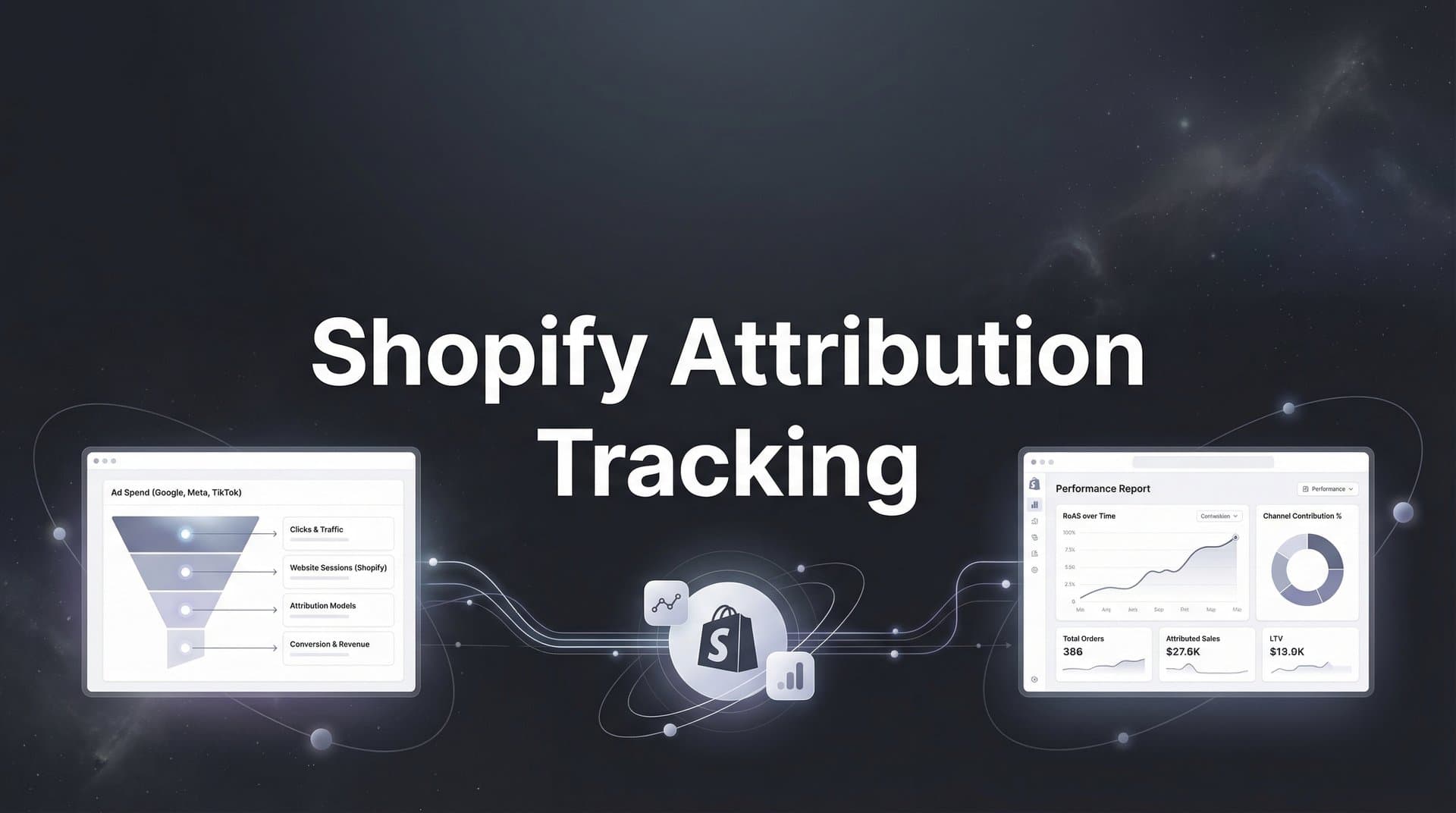
For Shopify store owners running paid ads, the gap between what ad platforms report and what actually drives revenue can feel like a black hole swallowing your marketing budget. You see Meta claiming 50 conversions while Google takes credit for 40 of the same sales—and your Shopify dashboard shows only 35 orders total. This attribution chaos isn't just frustrating; it's costing you money every time you make a budget decision based on flawed data.
The challenge has only intensified as privacy changes, iOS updates, and cookie restrictions have made traditional tracking increasingly unreliable. But here's the good news: with the right attribution tracking strategies, you can cut through the noise and finally understand which channels, campaigns, and ads actually drive your Shopify revenue.
This guide walks you through seven battle-tested strategies that leading ecommerce brands use to solve attribution tracking challenges and scale their ad spend with confidence.
1. Implement Server-Side Tracking to Bypass Browser Limitations
The Challenge It Solves
Browser-based tracking has become increasingly unreliable as iOS privacy features, cookie restrictions, and ad blockers create massive blind spots in your conversion data. When a customer uses Safari with Intelligent Tracking Prevention enabled or has an ad blocker installed, traditional pixel tracking simply fails to fire. This means you're making budget decisions based on incomplete data, often missing a significant portion of your actual conversions.
The result? You're likely undervaluing channels that actually drive revenue and potentially cutting budgets on campaigns that are performing better than your dashboard suggests.
The Strategy Explained
Server-side tracking sends conversion data directly from your Shopify server to ad platforms, completely bypassing the browser. Instead of relying on JavaScript pixels that can be blocked or restricted, your server communicates directly with Meta's Conversions API, Google's Enhanced Conversions, or TikTok's Events API.
Think of it like this: browser tracking is like sending a letter through a neighborhood where half the mailboxes are locked. Server-side tracking is like delivering the message directly to the recipient's hand. The data gets through regardless of what's happening in the browser.
This approach captures conversions that browser-based tracking misses entirely, giving you a more complete picture of which ads actually drive sales. Understanding the full scope of ecommerce attribution tracking becomes essential when implementing these solutions.
Implementation Steps
1. Install a server-side tracking solution that integrates with Shopify and your ad platforms. Platforms like Cometly offer pre-built integrations that connect your store to Meta, Google, and other channels without requiring extensive technical setup.
 7 Proven Strategies for Shopify Attribution Tracking That Actually Work
2. Configure your conversion events to send from both browser pixels and server-side simultaneously. This dual-tracking approach ensures maximum data capture while the server-side layer fills in gaps where browser tracking fails.
3. Test your implementation by placing test orders and verifying that conversion data appears in your ad platform's Events Manager. Check that key parameters like purchase value, product IDs, and customer information are flowing through correctly.
4. Monitor your attribution data for the first two weeks after implementation. You'll likely see your reported conversion numbers increase as server-side tracking captures events that were previously invisible.
Pro Tips
Don't disable your browser pixels when you implement server-side tracking. Run both in parallel for the most comprehensive data capture. Also, prioritize getting purchase events flowing first before worrying about tracking every micro-conversion. Revenue data is what matters most for scaling decisions.
2. Deploy UTM Parameters Consistently Across Every Campaign
The Challenge It Solves
Without consistent UTM parameters, you're essentially flying blind when trying to trace conversions back to specific campaigns. You might know that Facebook drove sales, but which campaign? Which ad set? Which creative? This lack of granularity makes it impossible to identify your best performers and scale what's working.
Many Shopify merchants use UTM parameters inconsistently or not at all, creating a mess of unattributed traffic that shows up as "direct" or gets misattributed to the wrong channels.
The Strategy Explained
UTM parameters are tags you add to your campaign URLs that allow analytics tools to track exactly where traffic originates. When implemented consistently, they create a clear trail from ad click to conversion, letting you see which specific campaigns, ad sets, and individual ads drive revenue.
We compare the leading options in our AI YouTube ad generator roundup.
The key word here is "consistently." You need a standardized naming convention that your entire team follows religiously. When everyone uses the same format, you can aggregate data across campaigns and compare performance accurately.
For Shopify attribution tracking, UTM parameters become your source of truth when ad platform reporting conflicts with reality. They give you an independent tracking layer that isn't subject to the same privacy restrictions as platform pixels. Many marketers wonder about UTM tracking vs attribution software and how they work together.
Implementation Steps
1. Create a UTM naming convention document that defines exactly how your team will structure parameters. For example: utm_source for the platform (facebook, google, tiktok), utm_medium for the ad type (cpc, display, video), utm_campaign for the campaign name, and utm_content for the specific ad or creative variant.
2. Build a UTM template or use a URL builder tool to generate links automatically. This reduces human error and ensures consistency. Google's Campaign URL Builder works well, or you can create a simple spreadsheet with formulas that generate tagged URLs.
 7 Proven Strategies for Shopify Attribution Tracking That Actually Work
3. Apply UTM parameters to every single link in your paid campaigns, email marketing, social posts, and influencer partnerships. No exceptions. Even if a platform has native tracking, add UTMs anyway for cross-verification.
4. Set up custom reports in Google Analytics or your attribution platform that break down conversions by UTM parameters. This lets you see at a glance which campaigns drive the most revenue, not just the most clicks.
Pro Tips
Use lowercase for all UTM parameters to avoid duplicate entries in your analytics. Also, avoid using spaces in your parameter values. Use hyphens or underscores instead. And here's a critical one: never change your UTM structure mid-campaign. If you need to update your naming convention, implement it with new campaigns while keeping historical data intact.
3. Connect Your CRM Data for Full-Funnel Visibility
The Challenge It Solves
Most attribution tools only see what happens on your website, missing the complete picture of how customers interact with your brand across multiple touchpoints. A customer might discover you through a Facebook ad, sign up for your email list, receive several nurture emails, click a retargeting ad, and finally purchase. Without CRM integration, you're only seeing fragments of this journey.
This incomplete view leads to undervaluing channels that contribute to conversions without being the final click. Email marketing, retargeting, and nurture sequences often get zero credit despite playing crucial roles in the conversion path.
The Strategy Explained
Integrating your CRM data with your attribution tracking connects the dots between website visits, ad interactions, email engagement, and purchases. This gives you visibility into multi-session journeys where customers research, leave, come back, and eventually convert.
When your CRM data flows into your attribution platform, you can see how someone who clicked a Facebook ad three weeks ago, opened five emails, and then clicked a Google retargeting ad before purchasing should have revenue credit distributed across all those touchpoints. Proper customer attribution tracking makes this level of insight possible.
This full-funnel visibility changes how you evaluate channel performance. Suddenly, that email campaign that never gets last-click credit shows its true value as a conversion accelerator.
Implementation Steps
1. Choose an attribution platform that integrates with your email service provider and CRM. Cometly, for example, connects with major platforms like Klaviyo, HubSpot, and Salesforce to pull in customer interaction data automatically.
 7 Proven Strategies for Shopify Attribution Tracking That Actually Work
2. Map your customer identifiers across systems. You need a consistent way to recognize the same person across your website, CRM, and ad platforms. Email address typically serves as the primary identifier, with additional matching on phone numbers and customer IDs.
3. Configure your integration to sync key events like email opens, email clicks, form submissions, and CRM stage changes. These become additional touchpoints in your attribution model that help explain the full customer journey. Understanding email marketing attribution tracking is crucial for this step.
4. Set up custom reports that show how CRM interactions contribute to conversions. Look for patterns like "customers who engage with email sequences convert at higher rates" or "retargeting performs better for leads already in the CRM."
Pro Tips
Focus on syncing high-intent actions first. Not every email open needs to be a tracked touchpoint, but actions like clicking to your product pages or engaging with abandoned cart emails definitely should be. Also, make sure your CRM data is clean before integration. Duplicate records and inconsistent formatting will create attribution nightmares.
4. Use Multi-Touch Attribution Models Instead of Last-Click
The Challenge It Solves
Last-click attribution gives 100% of the credit to whichever channel delivered the final touchpoint before purchase. This creates a distorted view where bottom-funnel channels like branded search and retargeting look like heroes while the channels that actually introduced customers to your brand get ignored.
Picture this: a customer discovers your product through a Facebook ad, clicks through to your site, leaves, sees a YouTube ad that reminds them about you, comes back through Google search, and purchases. Last-click attribution gives all the credit to Google, even though Facebook and YouTube did the heavy lifting of awareness and consideration.
The Strategy Explained
Multi-touch attribution distributes conversion credit across all the touchpoints in a customer's journey based on their contribution to the final sale. Different models weight touchpoints differently: linear attribution splits credit evenly, time-decay gives more credit to recent interactions, and position-based models emphasize first and last touches.
For Shopify merchants running multiple ad channels, multi-touch attribution reveals the true value of your awareness and consideration campaigns. You'll discover that the Facebook prospecting campaigns you were about to cut are actually driving significant revenue, just not as the last click. Mastering touchpoint attribution tracking helps you see this complete picture.
This shift in perspective changes budget allocation decisions entirely. Instead of funneling everything into retargeting because it has the best last-click ROAS, you can invest in the full funnel knowing how each stage contributes to revenue.
Implementation Steps
1. Choose an attribution model that matches your customer journey length. If your average customer converts quickly, time-decay might work well. If you have a longer consideration period with multiple touchpoints, position-based or data-driven models provide better insight.
2. Implement an attribution platform that supports multiple models and lets you compare them side by side. Platforms like Cometly allow you to view the same conversion data through different attribution lenses, helping you understand how model choice affects channel valuation.
3. Run your historical data through different attribution models to see how credit distribution changes. This exercise often reveals surprising insights about which channels are undervalued in your current reporting. Exploring various attribution tracking methods helps you find the right approach.
4. Set up dashboards that show both last-click and multi-touch attribution metrics for each channel. This comparison helps you make informed decisions about budget allocation while understanding the limitations of each approach.
Pro Tips
Don't get paralyzed trying to find the "perfect" attribution model. The goal isn't perfection; it's better decision-making. Start with a position-based model that gives 40% credit to first and last touches and 20% to middle interactions. You can refine from there based on what you learn about your customer journey patterns.
5. Feed Enriched Conversion Data Back to Ad Platforms
The Challenge It Solves
Ad platforms like Meta and Google rely on conversion data to optimize their algorithms and find more customers like your buyers. When tracking is incomplete or data quality is poor, these algorithms make decisions based on flawed information, leading to worse targeting and lower ROAS.
Think about it: if Meta's algorithm only sees 60% of your actual conversions because of tracking limitations, it's optimizing toward an incomplete picture of what a good customer looks like. You're essentially teaching it to find the wrong audience.
The Strategy Explained
Conversion API implementations and enhanced conversion tracking allow you to send enriched, accurate purchase data back to ad platforms with additional context they can't get from browser pixels alone. This includes customer lifetime value, order details, product categories, and quality signals that help algorithms understand what makes a valuable conversion.
When you feed better data to ad platforms, their machine learning systems can optimize more effectively. Meta's algorithm learns to find customers who are likely to make high-value purchases, not just any purchase. Google's Smart Bidding gets better at predicting which clicks will convert.
This creates a virtuous cycle: better data leads to better optimization, which leads to better results, which generates more data to further improve targeting. Implementing Facebook attribution tracking properly is essential for feeding Meta's algorithm the data it needs.
Implementation Steps
1. Implement Conversion APIs for your primary ad platforms. Meta's Conversions API, Google's Enhanced Conversions, and TikTok's Events API all allow server-side data transmission that includes enriched conversion information.
2. Configure your conversion events to send detailed parameters beyond just purchase confirmation. Include order value, product IDs, product categories, customer type (new vs. returning), and any other data points that indicate conversion quality.
3. Enable value-based optimization in your campaigns once you're sending reliable conversion value data. This tells ad platforms to prioritize finding customers who are likely to make larger purchases, not just optimize for conversion volume.
4. Monitor your cost per acquisition and ROAS in the weeks after implementation. Many merchants see improvement as algorithms adapt to the better data quality and begin finding more qualified prospects.
Pro Tips
Make sure you're sending customer lifetime value data when available, not just individual order value. If you can identify that a customer is likely to make repeat purchases based on their first order characteristics, send that signal to ad platforms. Also, use event match quality scores in Meta's Events Manager to verify that your data is being matched effectively.
6. Track Micro-Conversions to Understand the Full Journey
The Challenge It Solves
Focusing exclusively on purchase conversions means you're only seeing the endpoint of customer journeys, missing all the signals that predict future sales. A customer who adds items to cart but doesn't purchase is far more valuable than someone who just views a product page, but if you're only tracking purchases, both look equally unsuccessful.
This blind spot makes it difficult to optimize campaigns for earlier-stage actions that lead to purchases. You end up with campaigns that either convert immediately or appear to fail, with no visibility into the middle ground where most customer journeys actually happen.
The Strategy Explained
Micro-conversions are high-intent actions that happen before purchase: adding items to cart, initiating checkout, signing up for email lists, or engaging with product configurators. Tracking these as attribution touchpoints reveals which campaigns drive valuable engagement even when immediate purchases don't follow.
When you layer micro-conversion data into your attribution model, you can see that a Facebook campaign might not drive many immediate purchases but generates tons of add-to-cart events from customers who return and buy later through other channels. Without tracking that add-to-cart action, you'd undervalue the campaign.
This approach also helps you identify where customers drop off in the funnel. If a campaign drives high add-to-cart rates but low checkout initiations, you've got a pricing or shipping cost issue, not an audience problem. Proper Shopify conversion tracking setup ensures you capture these critical events.
Implementation Steps
1. Define which micro-conversions matter most for your business. For most Shopify stores, add-to-cart, initiate checkout, and email signup are the critical events. Some stores also benefit from tracking product page views for high-consideration items.
2. Set up event tracking for these actions across all your marketing channels. Make sure each micro-conversion is captured with the same UTM parameters and attribution data as your purchase events.
3. Assign value to micro-conversions based on their likelihood to lead to purchases. If 30% of add-to-cart actions eventually convert, you might assign them 30% of your average order value for attribution purposes.
4. Create funnel reports that show how different campaigns perform at each stage. Compare add-to-cart rates, checkout initiation rates, and purchase completion rates across channels to identify optimization opportunities.
Pro Tips
Don't track too many micro-conversions or you'll drown in data. Focus on the three to five actions that most reliably predict future purchases. Also, segment your analysis by new versus returning customers. Micro-conversions often matter more for first-time visitors who need multiple touchpoints before purchasing.
7. Consolidate Attribution Data in a Single Dashboard
The Challenge It Solves
When your attribution data lives in separate platforms—Meta Ads Manager showing one set of numbers, Google Ads showing different numbers, and Shopify showing yet another version of reality—you waste hours trying to reconcile reports and never get a clear answer about what's actually working.
This fragmentation leads to analysis paralysis. You know the numbers don't match, but you're not sure which platform to trust. So you either make decisions based on gut feel or default to whatever platform is loudest about its performance.
The Strategy Explained
A unified attribution dashboard pulls data from all your marketing channels, your Shopify store, and your CRM into a single interface where you can see true cross-channel performance. Instead of comparing Meta's view of conversions with Google's view, you see one source of truth based on actual Shopify orders matched to their originating touchpoints.
This consolidation eliminates the confusion of conflicting metrics. When Meta and Google both claim credit for the same sale, your unified dashboard shows exactly what happened: the customer saw a Meta ad first, then clicked a Google ad before purchasing, and your attribution model distributes credit accordingly. Effective cross-platform attribution tracking makes this unified view possible.
The real power comes when you can compare channels apples-to-apples using consistent metrics. Suddenly, you can answer questions like "Should I move budget from Meta to TikTok?" with confidence because you're looking at the same attribution methodology across both channels.
Implementation Steps
1. Choose an attribution platform that integrates with all your marketing channels and your Shopify store. Look for solutions that offer pre-built connectors to Meta, Google, TikTok, Pinterest, and other platforms you use regularly. Reviewing the best software for tracking marketing attribution can help you make this decision.
2. Connect each data source and verify that conversion events are flowing correctly. Check that the platform is successfully matching conversions from your Shopify store to the marketing touchpoints that drove them.
3. Set up your primary dashboard views to answer your most important questions. Most merchants need views for overall channel performance, campaign-level ROAS, customer acquisition cost by channel, and attribution model comparisons.
4. Establish a routine for reviewing your consolidated dashboard. Many successful ecommerce teams do a quick daily check of key metrics and a deeper weekly analysis of trends and optimization opportunities.
Pro Tips
Resist the urge to build overly complex dashboards with every possible metric. Focus on the five to seven metrics that actually drive decisions: revenue by channel, ROAS, customer acquisition cost, contribution margin, and conversion rate are usually sufficient. Also, use your unified dashboard as your source of truth, but keep access to individual platform dashboards for tactical campaign management.
Your Implementation Roadmap
Mastering Shopify attribution tracking isn't about implementing one silver-bullet solution. It's about building a system where server-side tracking, consistent UTM parameters, CRM integration, multi-touch models, and enriched conversion data work together to give you a complete, accurate view of what drives revenue.
Start with the strategies that address your biggest pain points. If you're losing data to browser restrictions and iOS limitations, prioritize server-side tracking first. That single change often reveals 20-30% more conversions you didn't know existed. If you're struggling to understand which channels actually drive revenue versus which just take last-click credit, implement multi-touch attribution next.
The goal is to reach a point where you can confidently answer the question: "Where should I put my next marketing dollar?" When you have accurate attribution data flowing through a unified dashboard, that question becomes surprisingly easy to answer. You'll see which campaigns generate profitable customers, which channels work together to drive conversions, and where you're wasting budget on underperformers.
Don't try to implement everything at once. Pick two strategies to focus on this month. Get them working properly, learn from the data they reveal, then add the next layer. Most merchants see significant improvements in decision-making quality within 30 days of implementing just server-side tracking and consistent UTM parameters.
The strategies above give you the roadmap. The data will show you where to scale. And when you can trust your attribution data, scaling becomes a matter of execution rather than guesswork.
Ready to elevate your marketing game with precision and confidence? Discover how Cometly's AI-driven recommendations can transform your ad strategy. Get your free demo today and start capturing every touchpoint to maximize your conversions.


