

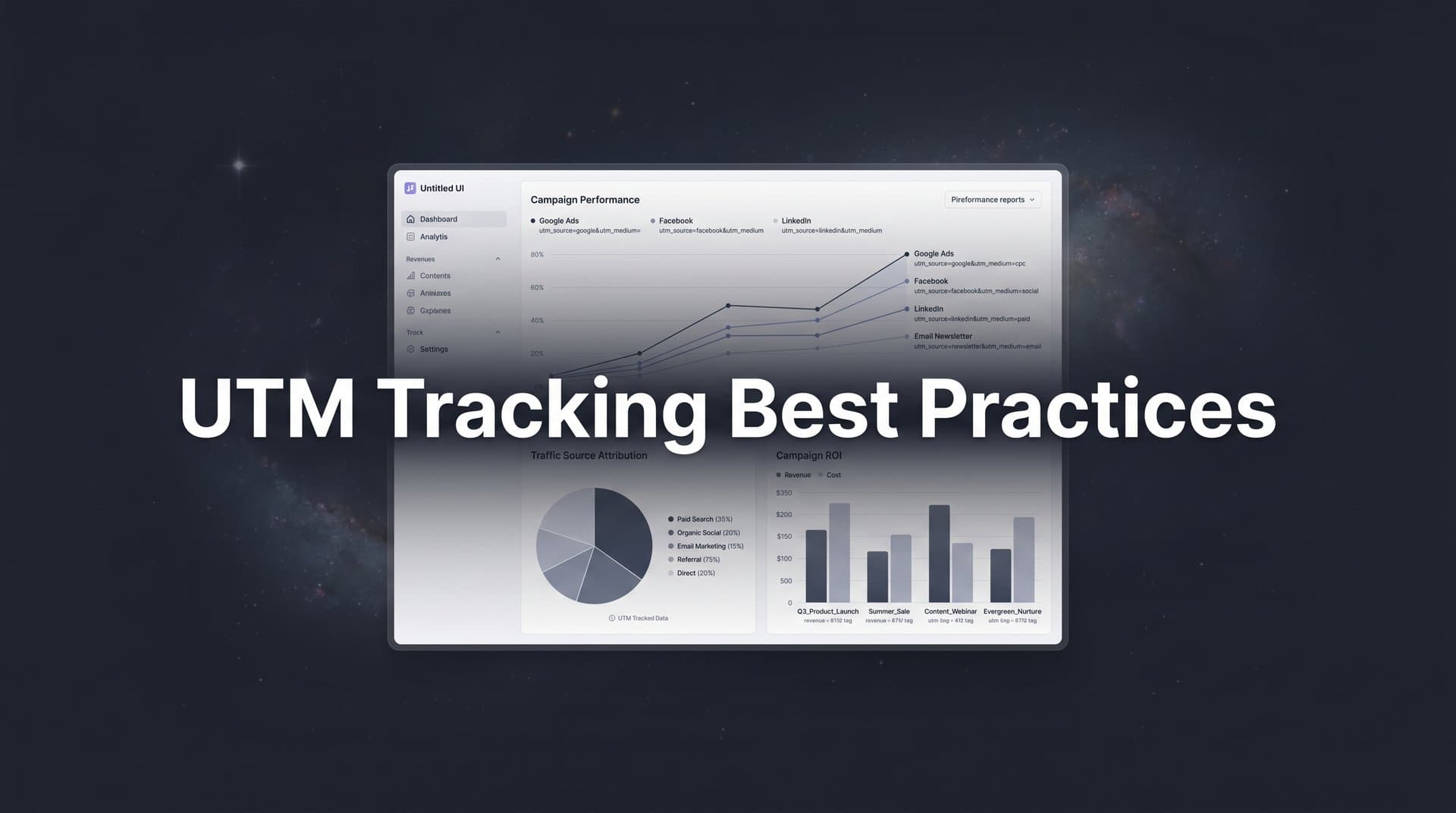
Every click on your ads tells a story, but without proper UTM tracking, that story gets lost in translation. UTM parameters are the foundation of accurate marketing attribution, yet many marketers either skip them entirely or implement them inconsistently, leading to murky data and misallocated budgets.
When your UTM strategy falls short, you end up crediting the wrong channels, overspending on underperforming campaigns, and missing the touchpoints that actually drive revenue. The consequences ripple through your entire marketing operation: budget decisions based on incomplete data, campaigns that look successful but drive zero conversions, and a constant struggle to prove marketing ROI.
This guide covers eight proven UTM tracking best practices that will transform your campaign data from chaotic to crystal clear. Whether you are running paid ads across multiple platforms, managing organic social, or coordinating email campaigns, these practices will help you capture every touchpoint and finally understand what is really driving your conversions.
1. Establish a Standardized Naming Convention
The Challenge It Solves
Without consistent naming rules, your analytics platform treats "Facebook," "facebook," and "FACEBOOK" as three separate traffic sources. This fragmentation turns what should be a clear performance picture into a scattered mess of duplicate entries. Your reports become impossible to read, and comparing campaign performance requires manual data cleanup that wastes hours every week.
The problem compounds as your team grows. When different marketers use different capitalization, abbreviations, or delimiters, your data integrity crumbles. You cannot trust your reports, and strategic decisions become guesswork.
The Strategy Explained
A standardized naming convention creates a single set of rules that everyone on your team follows for every UTM parameter. The most critical rule: use lowercase for everything. Google Analytics and most analytics platforms are case-sensitive, so consistency in capitalization prevents duplicate entries.
Beyond capitalization, establish clear rules for delimiters and abbreviations. Use underscores or hyphens consistently to separate words (never spaces, which break URLs). Define standard abbreviations for common terms: "fb" for Facebook, "goog" for Google, "em" for email. Document these rules in a shared resource that every team member can access. For more detailed guidance, review these UTM parameter best practices for campaigns.
The goal is predictability. When anyone on your team needs to tag a link, they should know exactly how to format each parameter without thinking. This consistency transforms messy data into clean, actionable insights.
Implementation Steps
1. Document your naming convention rules in a shared document that covers capitalization (all lowercase), delimiter choice (underscores vs hyphens), approved abbreviations, and date formats if you include them in campaign names.
2. Create a reference sheet listing your most common sources, mediums, and campaign types with their exact formatting so team members can copy and paste rather than typing from memory.
3. Audit your existing UTM data to identify inconsistencies, then create a mapping document showing how old variations should be standardized going forward (you cannot retroactively change historical data, but you can merge them in reports).
4. Train your entire marketing team on the new standards and make the reference document easily accessible in your project management tool or internal wiki.
Pro Tips
Build your naming convention before you need it, not after your data is already messy. Keep abbreviations intuitive so new team members can understand them without constant reference. If you work with external agencies or partners, share your naming convention document and require them to follow it for any campaigns they manage on your behalf.
2. Use All Five UTM Parameters Strategically
The Challenge It Solves
Many marketers only use utm_source and utm_medium, leaving utm_campaign, utm_term, and utm_content blank. This approach works for basic tracking but falls apart when you need to analyze campaign performance, compare ad variations, or understand which keywords drive results. Without strategic use of all five parameters, you lose the granularity needed for optimization decisions.
The reverse problem also exists: stuffing unnecessary information into parameters or using them incorrectly. When you misuse parameters, your reports become confusing and your data loses its analytical value.
The Strategy Explained
Each UTM parameter serves a specific purpose in your tracking hierarchy. utm_source identifies where the traffic originates (facebook, google, newsletter). utm_medium categorizes the marketing channel type (cpc, social, email). utm_campaign groups related marketing efforts (spring_sale, product_launch, webinar_series). Learn more about what UTM tracking is and how UTMs help your marketing.
utm_term was originally designed for paid search keywords but works for any targeting variable you want to track. utm_content differentiates variations within the same campaign, perfect for A/B testing ad creative or tracking different placements.
Think of these parameters as a hierarchy that moves from broad to specific: source and medium tell you the channel, campaign tells you the marketing initiative, and term and content provide granular detail. This structure lets you analyze performance at whatever level makes sense for your question.
Implementation Steps
1. Define clear purposes for each parameter in your organization: source for platform, medium for channel type, campaign for initiative name, term for targeting variables, and content for creative variations.
2. Create a parameter matrix showing which parameters you will use for each channel type (paid social might use all five, while email might only need source, medium, and campaign).
3. Establish campaign naming patterns that include date ranges or version numbers in utm_campaign to track performance over time (example: "spring_sale_2026_v2").
4. Use utm_content systematically for A/B tests by labeling variations clearly (example: "image_a" vs "image_b" or "headline_control" vs "headline_variant").
Pro Tips
Do not stuff multiple pieces of information into a single parameter with complex delimiters. Keep each parameter focused on one dimension of your campaign. When in doubt about whether to use utm_term or utm_content, choose based on whether the variable relates to targeting (term) or creative execution (content).
3. Build a Centralized UTM Management System
The Challenge It Solves
Spreadsheets work when you are managing a handful of campaigns, but they fail at scale. Team members create duplicate entries, typos slip through, and nobody knows which version is current. Without validation rules, errors accumulate until your UTM data becomes unreliable. You end up with "facebook," "facbook," and "fb" all appearing as separate sources.
The bigger problem: spreadsheets do not prevent mistakes. Anyone can type anything into any cell, and you only discover the error weeks later when your reports look wrong.
The Strategy Explained
A centralized UTM management system replaces manual spreadsheet tracking with a validated tool that enforces your naming conventions automatically. This system serves as the single source of truth for all campaign URLs, preventing duplicates and catching errors before they reach your analytics platform.
The system should include dropdown menus for common values, automatic lowercase conversion, real-time validation against your naming rules, and a searchable database of all previously created UTM combinations. When someone needs a campaign URL, they build it through the system rather than typing parameters manually. Explore the best tools for tracking ad performance to find solutions that fit your needs.
This approach shifts UTM creation from a manual typing task to a guided selection process. The system knows your approved sources, mediums, and campaigns, so users choose from validated options rather than inventing new variations.
Implementation Steps
1. Evaluate UTM builder tools that offer validation and centralized management (options range from Google's Campaign URL Builder with custom extensions to dedicated UTM management platforms).
2. Configure your chosen system with dropdown menus containing your approved sources, mediums, and standard campaign patterns based on your naming convention documentation.
3. Set up automatic lowercase conversion and character validation to prevent spaces, special characters, or other formatting issues that break URLs.
4. Create a workflow where all campaign URLs must be generated through the system, and train team members to search existing URLs before creating new ones to avoid duplicates.
Pro Tips
Include a "notes" field in your UTM management system where team members can document the purpose of each campaign. This context helps future analysis and prevents confusion about what old campaigns were testing. Export your UTM database monthly as a backup and reference document.
4. Implement Dynamic UTM Parameters
The Challenge It Solves
Manually adding UTM parameters to every ad variation across multiple campaigns creates massive room for human error. Typos happen, team members forget to update parameters when duplicating ads, and tracking breaks without anyone noticing until the campaign is over. The time investment alone becomes prohibitive when you are managing hundreds of ad variations.
Static UTM parameters also cannot capture dynamic information like which specific keyword triggered your ad or what placement the ad appeared in. You lose valuable optimization data because your tracking is too rigid.
The Strategy Explained
Dynamic UTM parameters use platform-specific macros that automatically populate with actual campaign data when someone clicks your ad. Instead of typing "utm_campaign=spring_sale" manually, you use a macro like "{campaignid}" that fills in the actual campaign ID automatically. The platform replaces the macro with real data at click time.
Each advertising platform offers different dynamic parameters. Google Ads provides ValueTrack parameters like {campaignid}, {adgroupid}, and {keyword}. Meta offers URL parameters like {{campaign.name}} and {{ad.name}}. LinkedIn, TikTok, and other platforms have their own macro systems. For TikTok specifically, check out the best tools for tracking TikTok ads.
This approach eliminates manual parameter entry while capturing granular data that static parameters cannot provide. You get automatic accuracy plus deeper insights into what is actually driving clicks.
Implementation Steps
1. Research the dynamic parameter options for each advertising platform you use (Google Ads ValueTrack parameters, Meta URL parameters, LinkedIn dynamic parameters) and document which macros you will use for each campaign type.
2. Create URL templates for each platform that combine your static UTM parameters (source, medium) with dynamic parameters for campaign-specific data (campaign name, ad ID, keyword).
3. Test your dynamic parameter setup by clicking test ads and verifying that the macros populate correctly in your analytics platform before launching live campaigns.
4. Document your dynamic parameter templates in your UTM management system so team members can copy the correct format when setting up new campaigns.
Pro Tips
Mix static and dynamic parameters strategically. Use static values for utm_source and utm_medium (you always know which platform and channel type you are using), but use dynamic parameters for utm_campaign, utm_term, and utm_content to capture granular variation data automatically. Always test dynamic parameters in a staging environment before applying them to live campaigns.
5. Separate Organic and Paid Traffic
The Challenge It Solves
When organic and paid traffic from the same platform get lumped together in your reports, you cannot accurately calculate your paid advertising ROI. You might think your Facebook ads are performing well, but half that traffic could be organic social posts. This mixing makes budget allocation decisions impossible because you do not know which results came from paid spend versus free content.
The confusion gets worse when you run both paid and organic campaigns on the same platform simultaneously. Without clear separation, you cannot determine whether your paid campaigns are actually worth the investment or if organic efforts are carrying the load.
The Strategy Explained
The utm_medium parameter is your tool for cleanly separating paid and organic traffic. Establish distinct medium values that immediately identify the traffic type: "cpc" or "paid_social" for paid campaigns, "social" or "organic_social" for unpaid posts. This separation creates clean report segments that show exactly how each channel performs.
Consistency matters here more than the specific values you choose. What matters is that your entire team uses the same medium values for the same traffic types across all platforms. When you run paid LinkedIn ads, they should use the same medium value as paid Facebook ads so you can compare paid social performance across platforms. Implementing cross-platform tracking tools can help maintain this consistency.
This separation extends beyond social media. Use distinct mediums for paid search versus organic search, paid email promotions versus regular newsletters, and sponsored content versus organic content marketing.
Implementation Steps
1. Define your standard medium values for each traffic type: "cpc" for paid search, "paid_social" for paid social advertising, "social" for organic social posts, "email" for regular newsletters, "paid_email" for sponsored email placements.
2. Add these standard medium values to your UTM management system as dropdown options to ensure consistency across all campaigns.
3. Audit your current campaigns to identify any instances where organic and paid traffic are not properly separated, then update future campaigns to follow the new standard.
4. Create separate report views in your analytics platform that filter by medium to give you clean paid-only and organic-only performance data.
Pro Tips
When you boost an organic post with paid promotion, treat it as paid traffic and use your paid medium value. The boost cost means it is no longer organic, even though it started that way. For platforms where you run both organic and paid regularly, consider adding the platform name to your medium value for extra clarity: "facebook_paid" versus "facebook_organic."
6. Track Campaign Variations with Content Parameter
The Challenge It Solves
You are running three different ad creatives in the same campaign, but your analytics shows them all as identical traffic. You have no idea which image, headline, or call-to-action actually drives conversions. Without tracking creative variations, you end up making optimization decisions based on gut feeling rather than data, often killing winning ads and scaling losers.
The same problem appears with placement testing, audience variations, and any other within-campaign differences. When everything looks the same in your reports, you cannot identify what is actually working.
The Strategy Explained
The utm_content parameter is designed specifically for tracking variations within the same campaign. Use it to differentiate ad creatives, test different placements, compare audience segments, or track any other variable you are testing. This granularity lets you see exactly which variation drives the best results.
For A/B testing, use clear content labels that identify what is being tested: "hero_image_a" versus "hero_image_b" for creative tests, "feed_placement" versus "story_placement" for placement tests, or "audience_lookalike" versus "audience_interest" for targeting tests. The key is making the content parameter descriptive enough that you remember what you were testing when you review the data later. Following best practices for tracking conversions accurately ensures this data translates into actionable insights.
This approach transforms utm_content from an optional parameter into your primary optimization tool. When you can see performance data at the variation level, you make smarter decisions about which creative, placement, or audience to scale.
Implementation Steps
1. Establish a content parameter naming pattern for common test types: creative variations (image_a, image_b), placement tests (feed, story, sidebar), audience segments (lookalike, interest, retarget), and CTA variations (cta_learn, cta_buy, cta_demo).
2. Create a testing log that documents what each content parameter value represents, including screenshots of the actual creative or details about the audience configuration.
3. Build content parameter values into your ad creation workflow so every new ad variation automatically gets a unique, descriptive content tag.
4. Set up custom reports in your analytics platform that group by utm_content to compare variation performance within campaigns.
Pro Tips
Keep content parameter values short but meaningful. "img_hero_beach" is better than "image_1" because you will remember what it means months later. When running sequential tests, include version numbers: "headline_v1," "headline_v2," "headline_v3." This chronological tracking helps you see how performance evolves as you iterate.
7. Audit and Clean UTM Data Regularly
The Challenge It Solves
UTM inconsistencies accumulate over time despite your best efforts. A team member types "gogle" instead of "google," someone uses "Facebook" instead of "facebook," or an old campaign gets duplicated with slightly different parameters. These errors fragment your data, making reports unreliable and hiding performance trends. By the time you notice the problem, you have weeks or months of messy data.
Without regular audits, small inconsistencies compound into major data quality issues. Your reports become less trustworthy, and you start second-guessing every insight because you are not sure if the data is clean.
The Strategy Explained
Regular UTM audits catch inconsistencies before they become major problems. A monthly review of your UTM data identifies typos, duplicates, and naming convention violations while they are still easy to fix. The audit process involves pulling all unique UTM combinations from your analytics platform, comparing them against your naming standards, and flagging anything that does not match.
The goal is not perfection but continuous improvement. Each audit helps you identify common error patterns, which you can then prevent through better training or system updates. Over time, your data quality improves as you catch and correct issues faster. Strong attribution reporting best practices depend on this clean data foundation.
Cleaning historical data is impossible in most analytics platforms, but you can create filtered views that merge duplicate entries for reporting purposes. This approach gives you clean current reports even when historical data contains inconsistencies.
Implementation Steps
1. Schedule a monthly UTM audit on your team calendar and assign responsibility to a specific person who will pull the data and review it against your standards.
2. Export all unique source, medium, campaign, term, and content values from your analytics platform and sort them alphabetically to identify obvious duplicates and typos.
3. Create a cleanup document that maps incorrect values to their correct equivalents (example: "Facebook" → "facebook," "gogle" → "google") for use in filtered reports and future reference.
4. Share audit findings with your team, highlighting common errors and updating your UTM management system or training materials to prevent the same mistakes from recurring.
Pro Tips
Use regular expressions or filtering in your analytics platform to create report views that automatically merge common duplicates. For example, create a filter that groups "facebook," "Facebook," and "fb" into a single "Facebook" category for reporting purposes. This does not fix the underlying data but makes your reports immediately more useful.
8. Connect UTM Data to Full-Funnel Attribution
The Challenge It Solves
UTM tracking tells you where clicks came from, but it does not tell you which clicks turned into customers or generated revenue. You can see that your Facebook campaign drove 1,000 clicks, but without connecting that data to conversions and sales, you have no idea if those clicks were worth the ad spend. This disconnect between click data and business outcomes makes it impossible to calculate true marketing ROI.
The gap gets wider as customer journeys become more complex. A customer might click your Facebook ad, return later through organic search, and finally convert after clicking an email. If you are only looking at UTM data in isolation, you credit the email and miss the Facebook ad that started the journey.
The Strategy Explained
Full-funnel attribution connects your UTM click data to downstream events like form submissions, trial signups, purchases, and revenue. This connection lets you see the complete customer journey from first click to final conversion, showing exactly which marketing touchpoints contributed to each sale. Understanding the relationship between UTM tracking and attribution is essential for this process.
The process requires integrating your UTM data with your CRM, marketing automation platform, and analytics tools so that every conversion event carries the original UTM parameters forward. When someone clicks your ad, those UTM values need to persist through form submissions, email signups, and CRM records so you can trace revenue back to the original campaign.
This full-funnel view transforms UTM tracking from a simple traffic measurement tool into a revenue attribution system. You can finally answer questions like "Which campaign drove the most revenue?" and "What is the actual ROI of our Facebook ads?" with confidence.
Implementation Steps
1. Implement a tracking system that captures UTM parameters when visitors first land on your site and stores them in cookies or local storage so they persist across multiple sessions.
2. Pass UTM data through your conversion forms as hidden fields so that form submissions include the original traffic source information.
3. Configure your CRM to accept and store UTM parameters with each lead record, creating a permanent connection between the lead and the campaign that generated it.
4. Set up attribution reports that connect UTM data to conversion events and revenue, showing you which campaigns drive not just traffic but actual business results.
Pro Tips
Consider using a dedicated attribution platform that automatically connects UTM data to conversions and revenue across your entire marketing stack. These platforms handle the technical complexity of tracking customer journeys and provide ready-made reports showing true marketing ROI. Review the best software for tracking marketing attribution in 2026 to find the right solution. The investment pays for itself quickly when you can confidently optimize budgets based on revenue data instead of guessing based on clicks.
Putting It All Together
Implementing these UTM tracking best practices transforms your marketing data from a jumbled mess into a clear picture of what actually drives results. The foundation starts with your naming convention and parameter strategy. Get these basics right before launching another campaign, and you will avoid months of cleanup work later.
Build your centralized management system next. This step prevents errors at the source and ensures consistency as your team grows. Dynamic parameters and proper organic-paid separation come after your foundation is solid, adding layers of sophistication to your tracking without sacrificing accuracy.
The real power emerges when you connect your UTM data to full-funnel attribution. Linking every click to actual revenue shows you which campaigns deserve more budget and which are wasting money. This connection between click-level data and business outcomes is where UTM tracking stops being a technical exercise and becomes a strategic advantage.
Start with one practice and build from there. Establish your naming convention this week, implement your management system next month, and gradually add sophistication to your tracking. Each improvement compounds, giving you clearer data and better decisions.
With accurate tracking in place, you can confidently optimize budgets, scale winning campaigns, and prove the true ROI of your marketing efforts. Clean UTM data paired with proper attribution gives you the clarity to make decisions that grow your business.
Ready to elevate your marketing game with precision and confidence? Discover how Cometly's AI-driven recommendations can transform your ad strategy. Get your free demo today and start capturing every touchpoint to maximize your conversions.


