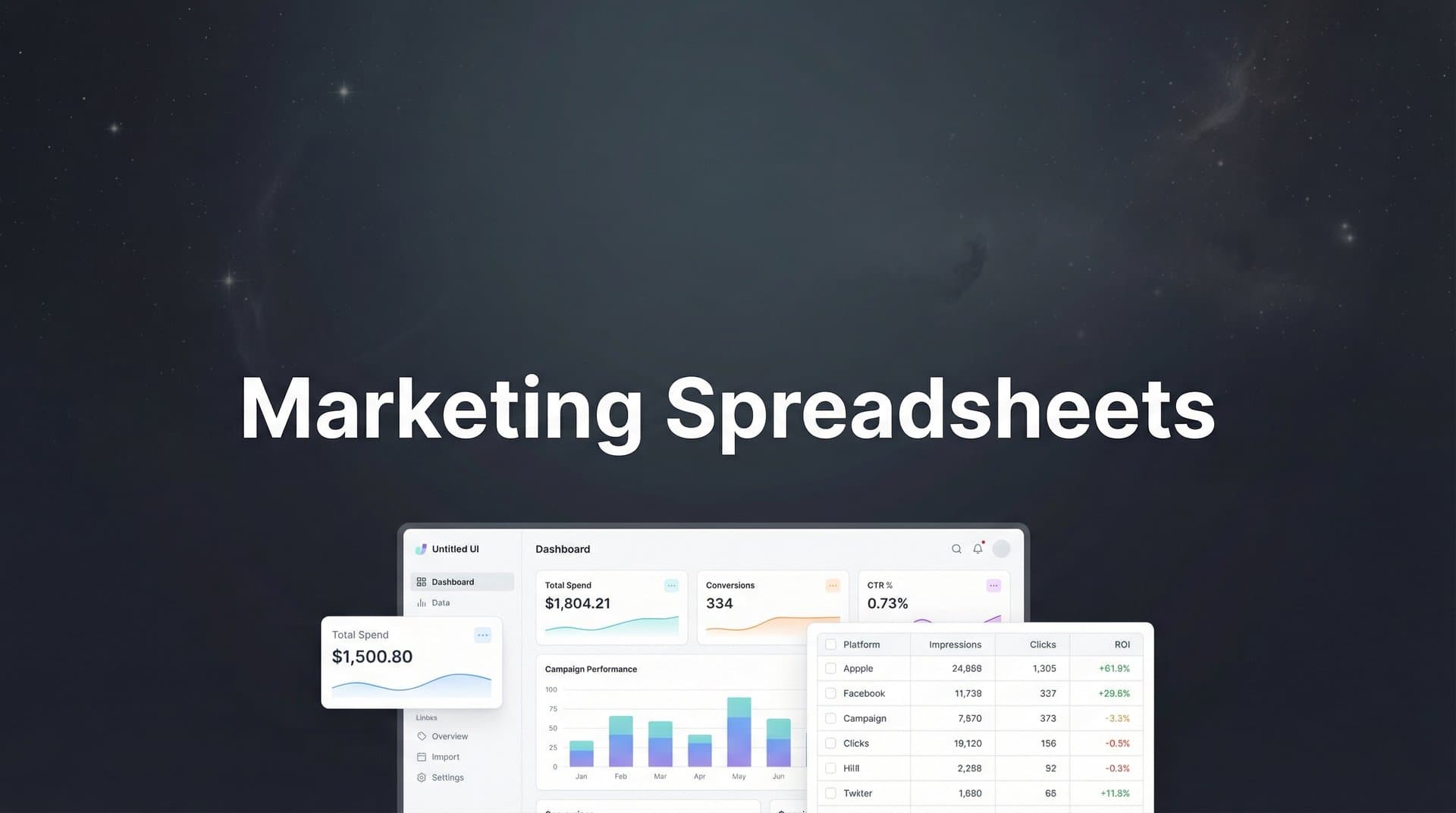
You've got spreadsheets everywhere. One for Facebook ads, another for Google campaigns, a third tracking email performance, and somehow none of them tell the same story about last month's revenue. Your team spends Tuesday mornings copying data between tabs, Wednesday afternoons fixing formula errors, and Thursday trying to explain why the numbers in the executive report don't match what the CMO saw in Slack.
Marketing spreadsheets should accelerate decision-making, not become the bottleneck. The difference between teams drowning in Excel chaos and those using spreadsheets strategically comes down to structure, intelligent automation, and knowing exactly when a spreadsheet solves your problem versus when it creates new ones.
This guide breaks down seven battle-tested strategies for building marketing spreadsheets that deliver actionable insights, eliminate hours of manual work, and connect seamlessly to your broader analytics ecosystem. Whether you're tracking multi-channel campaign performance, managing quarterly budgets, or building attribution models, these approaches transform spreadsheets from data graveyards into decision engines.
1. Build a Single Source of Truth Dashboard
The Challenge It Solves
When campaign data lives in separate spreadsheets across different team members' drives, you get conflicting metrics, version control nightmares, and meetings that devolve into "which numbers are we using?" debates. One spreadsheet shows 47 conversions from Facebook, another shows 52, and nobody knows which file has the correct cost per acquisition.
This fragmentation kills confidence in your data and slows every strategic decision to a crawl.
The Strategy Explained
A single source of truth dashboard aggregates all marketing channel data into one master spreadsheet that becomes the definitive reference for performance metrics. This isn't just dumping data into one file—it's creating a structured system where each channel feeds into standardized metrics that enable true cross-platform comparison.
The dashboard should include consistent date ranges, unified conversion definitions, and calculated fields that automatically generate key metrics like blended CAC, ROAS by channel, and contribution to pipeline. When everyone references the same file with the same formulas, disagreements about performance disappear. For teams managing complex multi-channel efforts, a dedicated marketing dashboard for multiple campaigns can streamline this process significantly.
Implementation Steps
1. Create a master tab structure with separate sheets for each channel (Facebook, Google, LinkedIn, Email) that all feed into one "Dashboard" summary tab using cell references or QUERY functions.
2. Standardize your metric definitions across channels—decide whether "conversion" means lead, qualified lead, or closed deal, then apply that definition consistently in every channel tab.
3. Build calculated metric columns that auto-generate CAC, ROAS, CPL, and other KPIs using formulas that reference your standardized data fields, ensuring calculations stay consistent even when underlying data updates.
Pro Tips
Use data validation and protected ranges to prevent accidental formula overwrites. Add a "Last Updated" timestamp cell that shows when data was refreshed so stakeholders know if they're looking at current information. Consider color-coding performance thresholds—green for campaigns exceeding targets, yellow for at-risk, red for underperforming.
2. Automate Data Pulls with Platform Integrations
The Challenge It Solves
Manual data entry from ad platforms into spreadsheets consumes hours every week and introduces human error at every step. You log into Facebook Ads Manager, copy metrics, paste into Excel, then repeat for Google Ads, LinkedIn, and every other platform. By the time you finish, the data is already outdated and someone inevitably pastes numbers into the wrong column.
This manual process doesn't just waste time—it creates data quality issues that undermine every analysis built on that foundation.
The Strategy Explained
Platform integrations and automation tools pull data directly from ad platforms into your spreadsheets on scheduled intervals, eliminating manual copying and ensuring your reports always reflect current performance. Google Sheets offers native connectors for Google Ads and Google Analytics, while third-party tools can bridge Facebook, LinkedIn, and other platforms.
For side-by-side comparisons, see our best tracking software for Facebook ads roundup.
The key is setting up automated refreshes that run daily or weekly, populating your spreadsheet with fresh data while you focus on analysis instead of data entry. This transforms your spreadsheet from a static snapshot into a living dashboard that updates automatically. Many marketers eventually graduate to marketing campaign tracking software when their automation needs outgrow spreadsheet capabilities.
Our roundup of the best AI UGC generator options can help you shortlist.
Implementation Steps
1. For Google Ads data, use the native Google Ads add-on in Google Sheets to create automated report queries that refresh on your chosen schedule without manual intervention.
2. Connect Facebook Ads data using tools like Supermetrics or Porter Metrics, configuring scheduled data pulls that populate designated tabs with campaign performance metrics automatically.
3. Set up refresh schedules during off-hours (like 6 AM daily) so updated data is waiting when your team starts work, and configure error notifications to alert you if an automated pull fails.
Pro Tips
Start with one platform integration, validate the data accuracy, then expand to additional channels. Keep raw automated data in separate "Data" tabs and reference it in your analysis tabs—this prevents accidental overwrites during refresh cycles. Document your automation setup in a README tab so team members understand what updates automatically versus what requires manual input.
3. Create Dynamic Budget Allocation Trackers
The Challenge It Solves
Static budget spreadsheets show you what you planned to spend, but they don't help you make real-time allocation decisions when campaigns outperform or underperform. You've budgeted $10K for Facebook and $5K for Google, but Facebook is delivering $30 CAC while Google sits at $90—and your spreadsheet just shows whether you're on pace to hit those original budget numbers.
Without dynamic allocation logic, you're managing to a plan instead of optimizing to performance.
The Strategy Explained
Dynamic budget trackers use formulas and conditional logic to calculate optimal spend allocation based on performance thresholds, pacing requirements, and efficiency targets. Instead of static budget versus actual columns, you build systems that recommend where to shift budget based on current CAC, ROAS, or other efficiency metrics.
These trackers should show not just what you're spending, but what you should spend based on performance data, with formulas that automatically flag opportunities to reallocate budget from underperforming channels to high-performers. Teams looking for more sophisticated approaches should explore AI-powered marketing budget allocation solutions that automate these decisions.
Implementation Steps
1. Build a budget tracker with columns for planned budget, actual spend, current CAC/ROAS, target CAC/ROAS, and a calculated "recommended allocation" that uses IF formulas to suggest budget increases for efficient channels and decreases for inefficient ones.
2. Add pacing indicators that calculate whether you're ahead or behind monthly budget targets, with formulas that project end-of-month spend based on current daily run rates and flag channels that need adjustment.
3. Create scenario modeling columns where you can input "what if" budget shifts and see projected outcomes—if you move $2K from Channel A to Channel B, what happens to total conversions and blended CAC?
Pro Tips
Use conditional formatting to highlight allocation opportunities visually—channels with CAC below target in green, above target in red. Build in minimum and maximum spend constraints so recommendations don't suggest unrealistic shifts. Update your efficiency targets monthly as you gather more performance data and market conditions evolve.
4. Design Multi-Touch Attribution Models
The Challenge It Solves
Last-click attribution in ad platforms tells you the final touchpoint before conversion, but it ignores every earlier interaction that warmed up the prospect. Your customer saw three Facebook ads, clicked a Google search result, downloaded a lead magnet from LinkedIn, then converted via email—but your ad platform reports only credit the email, leaving you blind to the full journey.
This incomplete picture leads to undervaluing top-of-funnel channels and misallocating budget toward bottom-funnel touchpoints that close deals but don't create demand. Understanding attribution models in digital marketing is essential for solving this challenge.
The Strategy Explained
Multi-touch attribution spreadsheets capture the sequence of touchpoints each customer experiences and apply weighted formulas to distribute conversion credit across the journey. You can build linear models (equal credit to all touches), time-decay models (more credit to recent touches), or position-based models (extra credit to first and last touches).
The spreadsheet structure tracks user IDs or email addresses alongside timestamped touchpoints, then uses formulas to calculate each channel's attributed conversions based on your chosen weighting methodology. This reveals which channels contribute to conversions even when they're not the final click.
Implementation Steps
1. Structure your data with columns for User ID, Touchpoint Date, Channel, Campaign, and Conversion Date, with each row representing one touchpoint in a customer's journey—this creates the foundation for attribution calculations.
2. Build a lookup system that identifies all touchpoints associated with each conversion, then apply your attribution formula—for time-decay, you might give 40% credit to the last touch, 30% to second-to-last, 20% to third-to-last, and 10% to earlier touches.
3. Create summary tables that aggregate attributed conversions by channel and campaign, showing how credit distributes across your marketing mix compared to last-click reporting from ad platforms.
Pro Tips
Start with a simple linear model before building complex weighted formulas—it's easier to validate your data structure with equal weighting. Consider different attribution windows for different conversion types (7 days for lead gen, 30 days for purchases). Compare your multi-touch results against platform last-click data to identify which channels are getting under-credited in standard reporting. For more advanced needs, consider dedicated marketing campaign attribution software tools.
5. Implement UTM Parameter Tracking Systems
The Challenge It Solves
Inconsistent UTM parameters create tracking chaos that makes campaign analysis nearly impossible. One team member tags Facebook campaigns with "utm_source=facebook" while another uses "utm_source=fb" and a third uses "utm_source=Facebook"—now your analytics tool treats these as three separate sources, fragmenting your data and making performance comparison meaningless.
Without standardized UTM conventions, you can't trust your source attribution data, and every analysis requires manual cleanup and reconciliation.
The Strategy Explained
A UTM parameter tracking system provides standardized templates and validation rules that ensure every campaign link follows consistent naming conventions. This spreadsheet becomes your UTM builder tool—team members input campaign details, and formulas automatically generate properly formatted URLs with validated parameters.
The system should include dropdown menus for source, medium, and campaign values that enforce your naming standards, plus documentation that explains when to use each parameter value. This prevents freeform text entry that leads to inconsistency. A well-structured marketing campaign tracking spreadsheet serves as the foundation for this system.
Implementation Steps
1. Create a UTM builder tab with columns for Base URL, Source, Medium, Campaign Name, Content, and Term, then use a formula like CONCATENATE or TEXTJOIN to automatically generate the full tagged URL based on these inputs.
2. Set up data validation dropdowns for Source (facebook, google, linkedin, email, etc.) and Medium (cpc, social, email, referral, etc.) that restrict entries to your approved values, preventing team members from creating new variations.
3. Build a tracking log that archives every generated UTM link alongside campaign details, launch date, and owner—this creates an audit trail and prevents duplicate campaign names.
Pro Tips
Document your UTM naming conventions in a reference tab that explains the difference between source and medium, when to use campaign versus content parameters, and examples for common scenarios. Use lowercase for all UTM values to avoid case-sensitivity issues in analytics platforms. Consider adding a "Notes" column where team members can add context about campaign goals or targeting details for future reference.
6. Structure A/B Test Result Tracking
The Challenge It Solves
Marketing teams run dozens of A/B tests but lose the institutional knowledge because results live in scattered documents, Slack threads, or someone's memory. Six months later, you test the same hypothesis again because nobody documented what you already learned. Test insights that could inform future campaigns disappear into the void.
Without systematic test documentation, you're constantly relearning lessons instead of building on previous discoveries.
The Strategy Explained
A structured A/B test tracking spreadsheet documents every experiment from hypothesis through results, creating a searchable archive of what you've tested and what you've learned. Each test gets its own row with standardized fields for hypothesis, variant details, sample size, conversion rates, statistical significance calculations, and key takeaways.
This transforms scattered test results into institutional knowledge that new team members can reference and that informs future test ideas. The spreadsheet becomes your testing playbook that gets smarter over time. Teams focused on improving marketing campaign performance rely heavily on systematic test documentation.
Implementation Steps
1. Create columns for Test ID, Start Date, End Date, Hypothesis, Control Description, Variant Description, Control Conversions, Variant Conversions, Sample Size, and Statistical Significance—this captures the complete test context and results.
2. Build formulas that automatically calculate conversion rates, lift percentage, and statistical significance using Z-test or Chi-square formulas, eliminating manual calculations and ensuring consistent statistical rigor.
3. Add "Key Learnings" and "Next Steps" columns where you document not just whether the variant won, but why you think it won and what you'll test next based on these results.
Pro Tips
Tag tests with categories like "Landing Page," "Ad Creative," "Email Subject Line" so you can filter and analyze patterns within test types. Include links to the actual test variants (screenshots or URLs) so future team members can see what you tested, not just read about it. Review your test archive quarterly to identify patterns—maybe all your winning email tests use questions in subject lines, or image-based ads consistently outperform text-based ones.
7. Connect Spreadsheet Insights to Real-Time Action
The Challenge It Solves
Most marketing spreadsheets are passive reporting tools—they show you what happened, but they don't trigger action. You build beautiful dashboards that update daily, but nobody checks them until the weekly meeting, by which time underperforming campaigns have burned through budget and opportunities have passed.
We break down the leading options in our marketing dashboard software comparison guide.
Spreadsheets that don't connect to action are just pretty numbers that don't move the business forward.
The Strategy Explained
Action-oriented spreadsheets include automated alerts and decision triggers that transform passive data into active optimization signals. This means setting up conditional formatting that highlights performance issues visually, creating "action required" columns that flag campaigns needing attention, and potentially connecting to automation tools that send alerts when thresholds are crossed.
The goal is making your spreadsheet demand attention when something needs to change, rather than waiting for someone to notice a problem buried in rows of data. Learning how to track marketing campaigns effectively means building these action triggers into your workflow.
Implementation Steps
1. Add an "Action Required" column with IF formulas that flag campaigns where CAC exceeds target by 20%, ROAS drops below threshold, or daily spend is pacing to exceed monthly budget—this creates a prioritized task list.
2. Use conditional formatting rules that automatically highlight cells in red when performance crosses critical thresholds, making problems jump off the page visually without requiring detailed analysis.
3. Set up Google Sheets notification rules or Zapier integrations that send Slack messages or emails when specific conditions are met—like when a campaign's CAC exceeds $100 or when daily spend hits 150% of target pacing.
Pro Tips
Start with simple visual alerts through conditional formatting before building complex automation—sometimes a red cell is enough to trigger action. Define clear ownership for who responds to each alert type so notifications don't get ignored. Review your alert thresholds monthly and adjust as your performance benchmarks evolve—what's concerning in month one might be normal in month six.
Your Implementation Roadmap
Marketing spreadsheets can be powerful decision tools when built with strategic structure and intelligent automation. Start with the single source of truth dashboard and UTM tracking system as your foundation—these create data consistency and tracking reliability that everything else builds on. Layer in budget allocation tracking and test documentation next, as these directly support optimization decisions and institutional learning.
For teams managing significant ad spend across multiple platforms, recognize when spreadsheet limitations signal it's time to upgrade your analytics infrastructure. Manual data pulls create delays between performance shifts and optimization responses. Spreadsheet attribution models capture only the touchpoints you manually log, missing interactions you don't track. Understanding the attribution challenges in marketing analytics helps you identify when you've outgrown manual solutions.
Modern marketing attribution platforms capture every touchpoint automatically, apply sophisticated attribution models in real time, and sync conversion data back to ad platforms to improve targeting and optimization. When your spreadsheet workflows start feeling like bottlenecks rather than accelerators, that's your signal to explore dedicated solutions that scale with your campaigns. The best AI-powered marketing attribution tools can handle complexity that spreadsheets simply cannot match.
The goal isn't spreadsheet perfection—it's actionable insights that drive revenue. Build spreadsheets that serve that purpose, and upgrade to platforms that do it better when the time comes.
Ready to elevate your marketing game with precision and confidence? Discover how Cometly's AI-driven recommendations can transform your ad strategy—Get your free demo today and start capturing every touchpoint to maximize your conversions.