

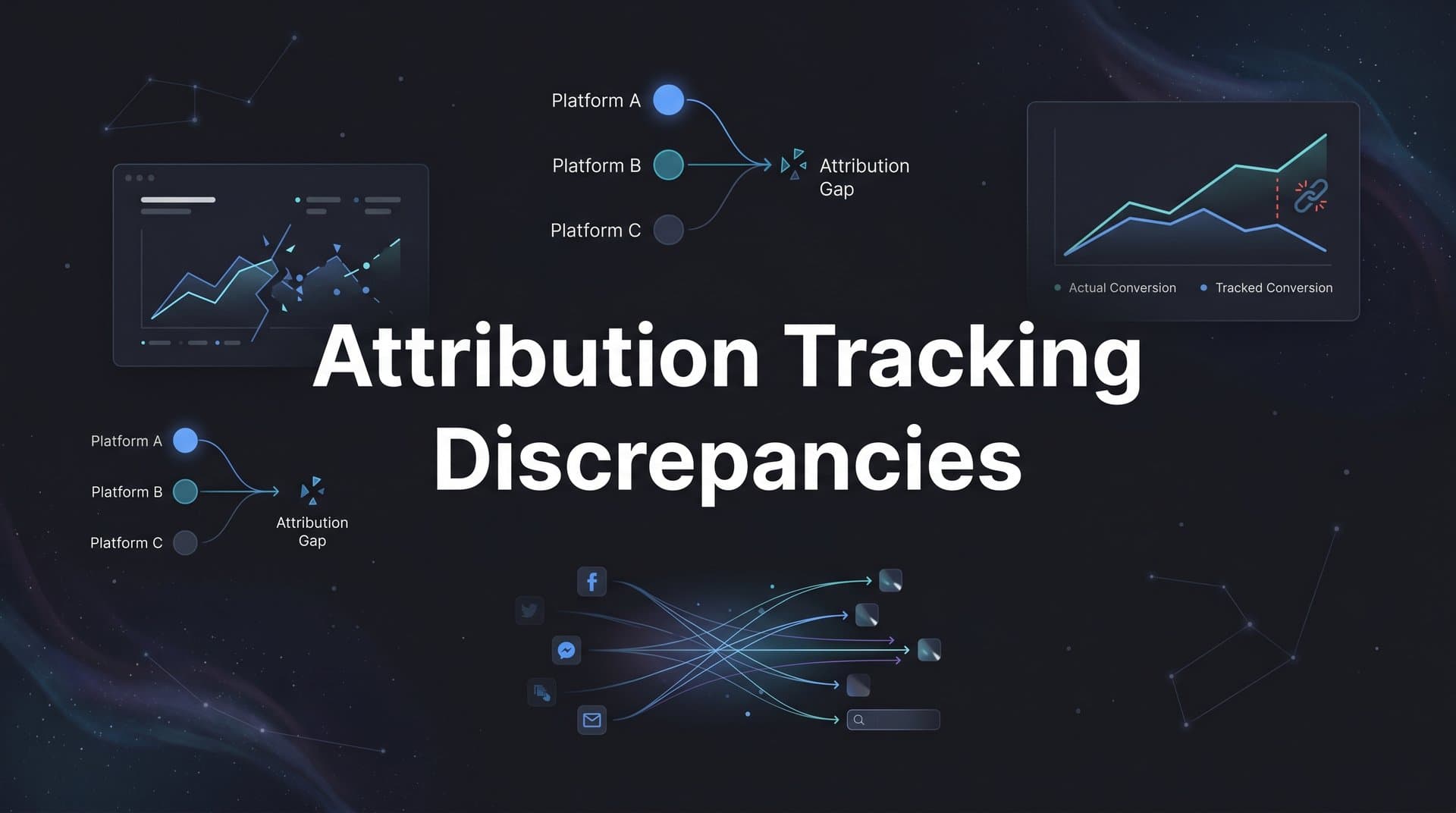
You check your Meta Ads dashboard and see 50 conversions. Then you open Google Analytics and find 35. Your CRM shows 42 closed deals. Which number is right?
Attribution tracking discrepancies frustrate marketers daily, leading to misallocated budgets and flawed campaign decisions. These gaps between platforms occur because each tool uses different tracking methods, attribution windows, and data collection approaches.
The good news: most discrepancies follow predictable patterns and can be systematically diagnosed and reduced.
This guide walks you through a practical process to identify where your tracking breaks down, understand why numbers differ, and implement fixes that bring your data closer to alignment. By the end, you'll have a clear framework for auditing your attribution setup and maintaining data accuracy across your marketing stack.
Step 1: Audit Your Current Tracking Setup Across All Platforms
Before you can fix discrepancies, you need to understand exactly what's tracking what. Think of this as creating a map of your entire data ecosystem.
Start by documenting every tracking pixel, tag, and integration currently active on your site. Open your website's source code and use browser developer tools to inspect which scripts fire on each page. You're looking for Meta Pixel, Google Analytics tags, Google Ads conversion tracking, LinkedIn Insight Tag, and any other platform pixels.
Create a spreadsheet that lists each tracking element, which pages it appears on, and what events it's configured to capture. This visibility is crucial because many sites accumulate tracking codes over time, sometimes with duplicate or outdated pixels still firing.
Next, map which platforms track which conversion events and where data flows. Does your Meta Pixel fire on the thank-you page after a purchase? Does Google Analytics receive the same event? Are these events also being sent to your CRM? Document the complete journey of each conversion signal.
Pay special attention to overlapping tracking that may cause double-counting issues. If you have both a global site tag and a legacy conversion pixel firing the same event, you're artificially inflating your numbers on that platform.
Now create a baseline comparison of conversion numbers across platforms for the same time period. Choose a recent week and pull conversion data from Meta Ads, Google Ads, Google Analytics, and your CRM. Don't just look at totals—compare specific conversion types like form submissions, purchases, or demo requests.
Finally, check for missing or broken tracking codes using browser developer tools. Load your conversion pages and watch the Network tab to confirm pixels fire correctly. Test the complete conversion flow from ad click to thank-you page, verifying that tracking parameters persist throughout the journey. If you're struggling with implementation issues, our guide on attribution tracking not working covers common problems and solutions.
This audit gives you a clear picture of your current state. You might discover that certain platforms aren't tracking key events at all, or that tracking breaks on specific pages. Document everything you find—this becomes your roadmap for improvements.
Step 2: Compare Attribution Windows and Models Across Platforms
Here's where things get interesting. Even with perfect tracking implementation, your numbers will differ because platforms fundamentally measure success differently.
Meta uses 7-day click and 1-day view attribution by default. This means if someone clicks your ad and converts within seven days, Meta claims credit. If they see your ad but don't click, Meta still claims credit if they convert within 24 hours.
Google Ads typically uses 30-day click attribution. Someone can click your Google ad and convert nearly a month later, and Google will still count that conversion. See the problem? The same customer journey gets measured with completely different yardsticks.
Document the attribution model each platform uses. Beyond windows, platforms use different attribution models: last-click, first-click, linear, time-decay, or data-driven. Last-click gives all credit to the final touchpoint before conversion. First-click credits the initial interaction. Linear spreads credit equally across all touchpoints.
A customer might see your Meta ad, click a Google search ad, then convert via direct traffic. Meta's view attribution might claim it. Google's last-click model definitely claims it. Your analytics might attribute it to direct traffic. All three platforms are "right" according to their own logic.
Recognize that different windows naturally create different conversion counts for the same customer actions. This isn't a bug—it's a feature of how attribution works. A platform with a longer attribution window will always report higher conversion numbers because it has more time to claim credit. Understanding cross platform attribution tracking helps you navigate these differences effectively.
Where possible, align attribution windows to reduce artificial discrepancies. Many platforms allow you to customize attribution windows in reporting. If you standardize on 7-day click across Meta, Google, and your analytics, you'll reduce variance caused purely by window differences.
The key insight: note which discrepancies are expected due to model differences versus actual tracking failures. If Meta reports 20% more conversions than Google and both use different attribution windows, that variance might be completely normal. If Meta suddenly reports 50% fewer conversions than yesterday with no campaign changes, that's a tracking failure requiring investigation.
Step 3: Diagnose Data Loss Points in Your Tracking Chain
Now we get to the technical detective work. Even perfectly configured tracking fails when privacy features, ad blockers, and device limitations interfere with data collection.
Start by testing tracking across different browsers, devices, and privacy settings. Open your site in Chrome, Safari, Firefox, and Brave. Run test conversions in each browser and check whether your pixels fire correctly. You'll likely discover that Safari blocks more tracking than Chrome due to Intelligent Tracking Prevention.
iOS App Tracking Transparency has fundamentally changed mobile attribution. When users opt out of tracking on iOS devices, Meta's pixel loses visibility into much of their activity. Test conversions on iOS devices with tracking disabled to see how much data you're losing. For many advertisers, this represents 40-60% of mobile traffic. Our guide on post iOS attribution tracking explains how to adapt your strategy.
Check for ad blockers and consent management platforms that prevent tracking. Install popular ad blockers like uBlock Origin, then test your conversion flow. Many pixels simply won't fire when ad blockers are active. If you use a consent management platform for GDPR compliance, verify that pixels only fire after users grant consent—but also understand this means losing data from users who decline.
Verify that redirect chains and landing page load times aren't breaking tracking parameters. Click one of your ads and watch the URL as the page loads. Do UTM parameters persist through redirects? If your ad sends users through multiple redirects before reaching the landing page, parameters can get stripped along the way.
Slow page loads cause tracking failures too. If your page takes five seconds to load and users navigate away before your pixel fires, that conversion data never gets captured. Use Google PageSpeed Insights to check load times, and prioritize loading critical tracking scripts early.
Use test conversions to trace the full data path from click to recorded conversion. Set up a test campaign with a small budget, click your own ads from different devices and browsers, and complete conversions. Then verify that each conversion appears correctly in all platforms. When conversions go missing, you've identified a specific failure point. For tracking users across multiple touchpoints, explore cross device attribution tracking strategies.
Document every data loss point you discover. Create a list showing which browsers block which pixels, what percentage of traffic uses ad blockers, and where in your conversion flow tracking breaks. This diagnostic work reveals exactly where to focus your fixing efforts.
Step 4: Implement Server-Side Tracking to Fill Data Gaps
Server-side tracking has become essential for accurate attribution in the privacy-first era. While browser-based pixels get blocked, server-side events flow directly from your servers to ad platforms, bypassing most privacy restrictions.
The fundamental difference: client-side pixels rely on the user's browser to send data to platforms. If the browser blocks the pixel, no data gets sent. Server-side tracking sends conversion data directly from your server to the platform's API, independent of browser restrictions.
Set up server-side events through your ad platforms' Conversions API or similar tools. Meta offers the Conversions API, Google provides server-side tagging through Google Tag Manager, and most major platforms have equivalent solutions. These APIs let you send conversion events directly from your server whenever a conversion happens.
The setup typically involves integrating the API into your website backend or using a tag management server container. When a user completes a conversion, your server sends an event to the platform's API with details like conversion type, value, and user identifiers. If you need help with implementation, consider a attribution tracking setup service to ensure proper configuration.
Configure event deduplication to prevent counting the same conversion twice. When you run both pixel tracking and server-side tracking simultaneously, the same conversion might get reported through both channels. Platforms handle this through event deduplication using a unique event ID.
Here's how it works: assign each conversion a unique identifier. Send this same ID with both your pixel event and your server-side event. The platform recognizes they're the same conversion and counts it only once. Without proper deduplication, you'll inflate your conversion numbers and make your tracking worse, not better.
Test server-side tracking alongside existing pixel tracking to measure improvement. Run both systems in parallel for a few weeks and compare results. You should see server-side tracking capture conversions that pixels miss, particularly from iOS users and privacy-focused browsers.
Prioritize high-value conversion events for server-side implementation first. If you're running an e-commerce site, start with purchase events. For lead generation, prioritize form submissions and demo requests. These critical conversions deserve the most reliable tracking.
Server-side tracking requires more technical implementation than dropping a pixel on your site, but the data accuracy improvement makes it worthwhile. Many marketers see 20-30% more conversions tracked after implementing server-side events properly.
Step 5: Establish a Single Source of Truth for Conversion Data
With tracking happening across multiple platforms, each reporting different numbers, you need one authoritative source for making decisions. This prevents analysis paralysis and creates consistency across your marketing team.
Choose your CRM or attribution platform as the authoritative data source. Your CRM sees the complete customer journey because it tracks actual business outcomes—closed deals, revenue, customer lifetime value. Ad platforms optimize for clicks and conversions, but your CRM knows which conversions became paying customers.
For businesses without a robust CRM, a dedicated attribution platform serves this role. These tools aggregate data from all marketing channels and apply consistent attribution logic across everything. The key is picking one system and declaring it the official record. Review the best software for tracking marketing attribution 2026 to find the right solution for your needs.
Configure all platforms to send conversion data to this central system. Use integration tools, APIs, or direct connections to flow data from Meta, Google, LinkedIn, and other platforms into your source of truth. This creates a unified dataset where you can compare platform performance using consistent measurement.
Set up consistent UTM parameters and naming conventions across all campaigns. Create a standardized structure for campaign names, ad set names, and UTM tags. When every campaign follows the same naming pattern, you can accurately track performance across platforms in your central system. Understanding the differences between UTM tracking vs attribution software helps you make informed decisions about your tech stack.
For example, use a format like: platform_campaigntype_audience_offer. A Meta campaign might be "meta_prospecting_lookalike_freeguide" while a Google campaign is "google_search_branded_demo". Consistency makes cross-platform analysis possible.
Create a reconciliation process to compare platform-reported data against your source of truth. Build a weekly or monthly report that shows conversions reported by each platform alongside what your CRM or attribution platform recorded. This comparison reveals which platforms over-report or under-report relative to reality.
Document acceptable variance thresholds so you know when discrepancies require investigation. A 10-15% variance between platforms is often normal due to attribution window differences and technical limitations. But if a platform suddenly shows 40% fewer conversions than your source of truth, something broke and needs fixing.
Your source of truth becomes the foundation for budget allocation decisions. When Meta reports 100 conversions but your CRM shows only 60 became customers, you optimize based on the 60. This grounds your marketing in business outcomes rather than platform-reported vanity metrics.
Step 6: Create an Ongoing Monitoring and Maintenance System
Attribution tracking isn't set-it-and-forget-it. Platforms update their tracking methods, privacy regulations change, and technical issues emerge. Ongoing monitoring catches problems before they derail your campaigns.
Build a weekly or monthly discrepancy report comparing key platforms. Create a simple dashboard or spreadsheet that shows conversion counts from Meta, Google, your analytics, and your CRM for the same time period. Track this consistently so you can spot unusual patterns.
When Meta normally reports 20% more conversions than Google due to attribution window differences, and suddenly that gap jumps to 50%, you know something changed. Regular monitoring makes these anomalies obvious. Following attribution tracking best practices ensures your monitoring system catches issues early.
Set up alerts for sudden changes in tracking accuracy or conversion volume. Many analytics platforms let you create automated alerts when metrics fall outside expected ranges. Configure alerts for significant drops in conversion volume or unusual spikes that might indicate tracking issues.
If your site normally records 100 conversions per week and suddenly drops to 30 with no campaign changes, an alert catches this immediately rather than letting bad data accumulate for weeks.
Schedule quarterly audits to check for new tracking issues or platform changes. Every three months, repeat the comprehensive audit from Step 1. Check that all pixels still fire correctly, test conversions across browsers and devices, and verify your server-side tracking continues working properly.
Platforms frequently update their tracking requirements. Meta might deprecate an old pixel version, or Google might change how conversion tags should be implemented. Quarterly audits catch these changes before they cause data loss.
Document all tracking changes and their impact on data accuracy. When you implement server-side tracking, note the date and measure how it affected conversion reporting. When you update your attribution window settings, document the change and its impact on numbers.
This documentation creates institutional knowledge. When a new team member joins or you need to troubleshoot an issue six months later, you have a clear record of what changed and when.
Train team members on proper campaign tagging to prevent future discrepancies. Many attribution issues stem from inconsistent UTM parameters or campaign naming. Create a simple guide showing your team exactly how to structure campaign URLs and where to find UTM parameters.
When everyone follows the same tagging conventions, your attribution data stays clean and comparable across campaigns and platforms.
Putting It All Together: Your Attribution Accuracy Checklist
Fixing attribution tracking discrepancies is not a one-time project but an ongoing practice. Start by auditing your current setup to understand exactly what's tracking what and where data flows. This foundation reveals the gaps and overlaps creating inaccurate reporting.
Work systematically through attribution window alignment, understanding that different measurement approaches naturally produce different numbers. Document which variances are expected versus which signal actual problems.
Diagnose data loss points by testing across browsers, devices, and privacy settings. The insights you gain show exactly where tracking breaks down and which user segments you're losing visibility into.
Implement server-side tracking to recapture data that browser-based pixels miss. This single improvement often recovers 20-30% of lost conversion data, particularly from iOS users and privacy-conscious browsers.
Establish your CRM or attribution platform as the single source of truth for marketing decisions. This prevents the confusion of conflicting numbers and grounds your optimization in actual business outcomes rather than platform-reported metrics.
Build ongoing monitoring into your routine with regular discrepancy reports, automated alerts, and quarterly audits. Attribution tracking requires maintenance, and consistent monitoring catches issues before they compound.
The key is accepting that perfect alignment across platforms is impossible due to fundamental differences in how each tool measures success. Meta's 7-day click window will always report different numbers than Google's 30-day window. Safari's tracking prevention will always create data gaps compared to Chrome.
Instead of chasing perfect alignment, focus on understanding why numbers differ and establishing a reliable source of truth for your decisions. With consistent monitoring and maintenance, you can reduce discrepancies to manageable levels and make confident budget allocation choices based on accurate data.
Your attribution setup should evolve as privacy regulations tighten and platforms update their tracking methods. The marketers who win are those who treat attribution as an ongoing discipline rather than a one-time setup task.
Ready to elevate your marketing game with precision and confidence? Discover how Cometly's AI-driven recommendations can transform your ad strategy—Get your free demo today and start capturing every touchpoint to maximize your conversions.


