

Every marketer knows the frustration of asking "which campaign actually drove that sale?" You're running ads across Meta, Google, TikTok, and LinkedIn, but when a customer converts, the credit gets scattered across platforms or lost entirely. One platform claims the conversion, another shows an assist, and your CRM tells a completely different story.
Marketing attribution tracking solves this by connecting every touchpoint in the customer journey to actual revenue. Instead of guessing which channels work, you get a clear picture of how customers discover your brand, engage with your content, and ultimately convert.
This guide walks you through setting up attribution tracking from scratch, whether you're starting fresh or fixing a broken system. By the end, you'll have a clear framework for capturing every interaction, choosing the right attribution model, and making confident decisions about where to invest your ad budget.
Let's get your tracking dialed in.
Step 1: Map Your Customer Journey and Conversion Points
Before you can track attribution accurately, you need to understand exactly how customers move through your funnel. This means documenting every channel, touchpoint, and conversion event that matters to your business.
Start by identifying all channels where customers first discover your brand. This typically includes paid advertising on platforms like Meta, Google, TikTok, and LinkedIn, but don't forget organic search traffic, social media posts, referral partners, email campaigns, and direct traffic. Each of these represents a potential first touchpoint that deserves credit in your attribution model.
Next, document every interaction that happens between that first discovery and final conversion. A typical B2B SaaS customer might click a LinkedIn ad, visit your landing page, download a resource, receive nurture emails, attend a webinar, request a demo, and finally sign up for a trial. Each of these touchpoints plays a role in the conversion decision.
Now define your key conversion events and assign value to each one. Not all conversions are created equal. A newsletter signup has different value than a demo request, which has different value than a closed deal. Be specific about what counts as a conversion in your business. Is it when someone fills out a lead form? Starts a trial? Makes their first purchase? Upgrades to a higher tier?
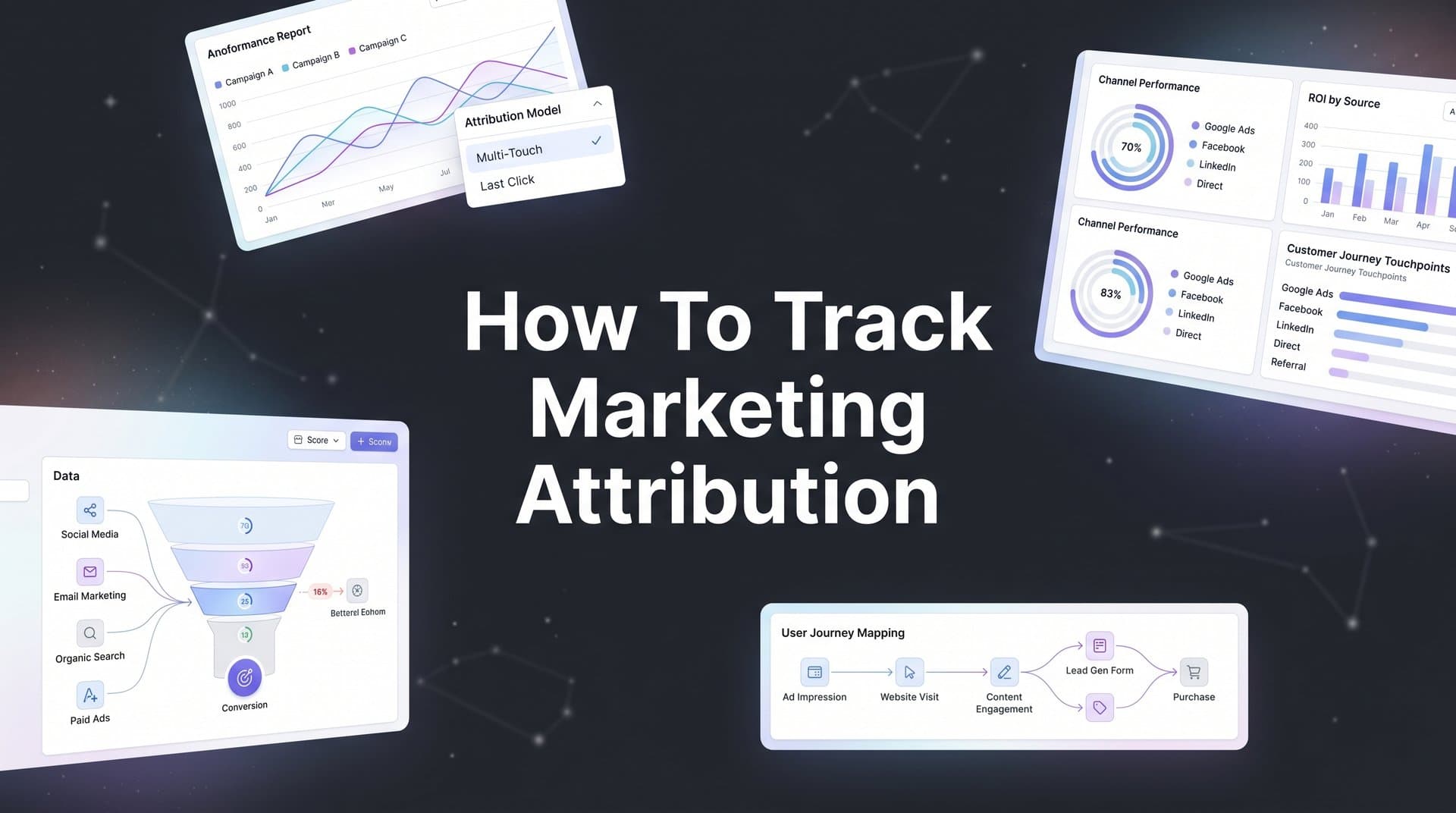
Create a visual map showing how customers typically move through your funnel. This doesn't need to be complicated—a simple flowchart showing the most common paths from awareness to conversion works perfectly. The goal is to visualize the journey so you can identify which touchpoints to track.
Pay special attention to conversion events that happen outside your website. If leads flow through your CRM before becoming customers, you need to track that. If sales calls or demos are part of your process, those touchpoints matter too. The most accurate digital marketing attribution measurement systems connect website behavior to CRM data to revenue outcomes.
Success indicator: You have a documented list of all touchpoints and conversion events with clear definitions. Your team agrees on what counts as a conversion and understands the typical customer journey. This foundation makes everything else easier.
Step 2: Implement UTM Parameters Across All Campaigns
UTM parameters are the foundation of accurate attribution tracking. These small tags added to your URLs tell your analytics system exactly where traffic came from, which campaign drove it, and what specific ad or link generated the click.
Set up a consistent UTM naming convention for all five standard parameters: source (where the traffic comes from, like facebook or google), medium (the marketing channel, like cpc or email), campaign (the specific campaign name), content (to differentiate ads or links within the same campaign), and term (for paid search keywords).
The key word here is consistent. Inconsistent UTM parameters are one of the biggest attribution tracking failures. If one team member uses "Facebook" while another uses "facebook" and a third uses "fb," your data splits across three different sources instead of consolidating into one clear picture. Establish strict conventions and enforce them.
Create a UTM tracking spreadsheet or template to maintain consistency across your team. This should include your naming conventions, examples of properly formatted UTMs, and a library of all active campaign URLs. Every time someone creates a new campaign, they should add it to this master document with the correct UTM parameters. Learn more about what UTM tracking is and how UTMs help marketing to maximize your implementation.
Apply UTM parameters to every marketing link. This means every paid ad, every email link, every social post, every partner referral, and every piece of content you distribute. If you're sharing a link and want to track where conversions come from, it needs UTMs.
Common pitfall: Teams often remember UTMs for paid ads but forget them for organic social posts, email signatures, or partner links. These untagged sources show up as "direct" traffic in your analytics, making it impossible to attribute conversions accurately.
Use a URL builder tool to generate your UTM links and reduce manual errors. Many attribution platforms include built-in URL builders that auto-populate your naming conventions. This prevents typos and ensures consistency across your team.
Success indicator: Every marketing link uses properly formatted UTM parameters that match your naming guide. Your analytics platform shows clean, consolidated data for each source and campaign instead of fragmented entries caused by inconsistent naming.
Step 3: Set Up Server-Side Tracking for Accurate Data Capture
Browser-based tracking is broken. iOS privacy updates, ad blockers, cookie restrictions, and browser settings now block a significant portion of traditional pixel-based tracking. If you're relying solely on client-side pixels, you're missing conversions and making decisions on incomplete data.
Server-side tracking solves this by capturing conversion data on your server before it ever reaches the user's browser. Instead of relying on cookies and pixels that can be blocked, server-side tracking sends conversion information directly from your server to your attribution platform and ad networks.
The difference is dramatic. Many businesses see 20-30% more conversions captured with server-side tracking compared to pixel-only implementations. These aren't new conversions—they're conversions that were always happening but never getting tracked because of browser restrictions.
Configure server-side tracking by connecting your website, CRM, and ad platforms through a central tracking system. This typically involves installing a server-side tracking script on your website, setting up webhooks or API connections from your CRM, and configuring your attribution platform to receive and process this data.
The technical setup varies depending on your platform, but the concept remains the same: when a conversion happens, your server sends that event data to your attribution system along with all the associated touchpoint information. This creates a complete record of the customer journey that isn't vulnerable to browser-level blocking. A robust campaign attribution tracking system handles this complexity automatically.
Test your implementation thoroughly by running conversions through each channel and verifying data flows correctly. Create a test lead, track it through your funnel, and confirm it appears in your attribution platform with all the correct touchpoint data. Check that the conversion syncs back to your ad platforms so their algorithms can optimize based on accurate data.
Look for discrepancies between what your CRM shows and what your attribution platform reports. Small variances are normal due to timing differences, but large gaps indicate tracking problems that need fixing before you rely on the data for decisions.
Success indicator: Conversion data matches between your CRM records and attribution platform within acceptable variance (typically within 5-10%). You can trace server-side conversions back to their original source just as reliably as browser-based ones.
Step 4: Connect Your Ad Platforms and CRM Data
Your attribution system is only as good as the data flowing into it. To get a complete picture of what drives revenue, you need to connect every marketing platform and sales tool you use into a unified tracking system.
Integrate all your ad platforms with your attribution system. This includes Meta, Google Ads, TikTok, LinkedIn, and any other paid channels you're running. These integrations pull in ad spend data, impression counts, click data, and platform-reported conversions so you can compare platform metrics against your actual attributed results.
Link your CRM to track leads through to closed revenue. This is where attribution becomes truly powerful. Instead of just tracking which ad generated a lead, you can see which ad generated a lead that became a paying customer worth specific revenue. Connect HubSpot, Salesforce, or whatever CRM you use to your attribution platform.
Map conversion events from your CRM back to the original ad click or touchpoint. When a deal closes in your CRM, your attribution system should automatically connect that revenue back through every touchpoint in the customer journey. This creates the complete picture: this person clicked this ad, visited these pages, downloaded this resource, attended this webinar, and became this customer worth this much revenue. Understanding channel attribution in digital marketing helps you maximize this revenue tracking capability.
Set up conversion sync to feed accurate data back to ad platform algorithms. This is a game-changer for campaign performance. Instead of ad platforms making optimization decisions based on incomplete browser data, conversion sync sends your server-side conversion data back to Meta, Google, and other platforms. This helps their algorithms identify better audiences and optimize delivery more effectively.
The feedback loop works like this: your attribution platform captures the complete conversion data, enriches it with CRM information about lead quality and revenue, then sends that enriched data back to ad platforms. The platforms use this better data to find more customers like your best converters, not just your most recent clickers.
Success indicator: You can trace a closed deal back to the specific ad, campaign, and channel that initiated the journey. Your ad platforms show improved conversion tracking compared to pixel-only setups, and their algorithms have access to complete conversion data for optimization.
Step 5: Choose and Configure Your Attribution Model
Attribution models determine how credit gets distributed across the touchpoints in a customer journey. Choosing the right model matters because it shapes which channels appear most valuable and influences where you invest your budget.
Compare the main attribution models to understand what each one reveals. First-touch attribution gives 100% credit to the initial touchpoint that brought someone into your funnel. This model helps you understand what drives awareness and top-of-funnel traffic. Last-touch attribution gives all credit to the final touchpoint before conversion, showing you what closes deals.
Linear attribution distributes credit equally across all touchpoints in the journey. If someone had five interactions before converting, each touchpoint gets 20% credit. This model acknowledges that every interaction played a role, but it doesn't account for the fact that some touchpoints matter more than others.
Time-decay attribution weights recent interactions more heavily than earlier ones. The logic is that touchpoints closer to conversion had more influence on the decision. Position-based attribution (often using a 40-20-40 split) gives significant credit to both the first and last touchpoints while distributing remaining credit across middle interactions. For detailed guidance, explore how to build a marketing attribution model that fits your business.
Match your model to your sales cycle. Businesses with short sales cycles and single-session conversions often start with last-touch attribution because the entire journey happens quickly. B2B companies with longer sales cycles benefit from multi-touch models that acknowledge the multiple interactions required to close a deal.
Configure your chosen model in your attribution platform and understand how credit gets distributed. Most platforms let you view data through multiple attribution lenses, which is valuable for getting a complete picture. You might use position-based as your primary model while also checking first-touch data to evaluate top-of-funnel performance.
Plan to compare models side by side. The same conversion data looks different through different attribution lenses. A channel that dominates in last-touch attribution might show moderate performance in first-touch. Comparing models helps you understand the full role each channel plays in your marketing mix.
Success indicator: You have selected a primary attribution model with clear reasoning tied to your business goals and sales cycle length. You understand how your chosen model distributes credit and can explain why it makes sense for your specific situation.
Step 6: Validate Your Data and Troubleshoot Common Issues
Setting up attribution tracking is one thing. Ensuring it works correctly is another. Data validation catches problems before they corrupt your reporting and lead to bad decisions.
Run test conversions through each channel and verify they appear correctly in your attribution reports. Create a test lead by clicking one of your ads, going through your funnel, and completing a conversion. Then check that this test conversion appears in your attribution platform with all the correct touchpoint data and source information.
Check for data discrepancies between platform-reported conversions and your attribution data. Some variance is normal—platforms use different attribution windows and counting methods. But large discrepancies indicate problems. If Meta reports 100 conversions but your attribution platform only shows 60, you're missing data somewhere. Understanding common attribution challenges in marketing analytics helps you identify and resolve these issues faster.
Identify and fix common issues before they become systematic problems. Missing UTM parameters are the most frequent culprit—someone launched a campaign without proper tagging, and now those conversions show up as direct traffic. Broken integrations between your CRM and attribution platform create gaps where conversions happen but don't get tracked back to their source.
Watch for duplicate conversions where the same event gets counted multiple times due to overlapping tracking implementations. This inflates your conversion numbers and makes channels appear more effective than they actually are. Also check for untracked touchpoints where part of your customer journey isn't being captured at all.
Set up ongoing data quality checks to catch problems before they corrupt your reporting. Schedule weekly reviews where you compare your attribution data against CRM records and platform reports. Create alerts for unusual patterns like sudden drops in tracked conversions or channels that stop reporting data entirely.
Success indicator: Your attribution data aligns with CRM records within acceptable variance. You have a documented process for regular validation and a checklist for troubleshooting when discrepancies appear. Your team knows how to spot and fix common tracking issues.
Step 7: Analyze Reports and Optimize Your Ad Spend
Now comes the payoff—using your attribution data to make smarter marketing decisions. The goal isn't just to track attribution but to use those insights to improve campaign performance and ROI.
Build dashboards showing attributed revenue by channel, campaign, and ad creative. Your dashboard should answer key questions at a glance: Which channels drive the most revenue? Which campaigns have the best ROI? Which ad creatives convert best? Focus on revenue attribution, not just lead attribution, because not all leads are equally valuable.
Identify your highest-performing channels based on actual revenue, not just clicks or leads. A channel might generate tons of traffic and leads but produce customers with low lifetime value. Another channel might generate fewer leads but higher-quality customers who spend more. Attribution data reveals these differences that surface-level metrics miss. Learn how to track marketing ROI accurately to maximize these insights.
Reallocate budget from underperforming campaigns to proven winners. This is where attribution tracking drives ROI. Instead of spreading budget evenly across channels or relying on gut feeling, you can confidently shift spend toward channels with demonstrated revenue impact. Start with small shifts and monitor results before making major changes.
Use attribution insights to inform creative testing and audience targeting decisions. If your data shows that video ads drive more high-value customers than image ads, create more video content. If certain audience segments convert at higher rates, expand targeting to similar audiences. Let your attribution data guide your creative and targeting strategy.
Review your attribution reports weekly and make incremental optimizations. Attribution isn't a set-it-and-forget-it system. Customer behavior changes, channel performance shifts, and new opportunities emerge. Regular analysis keeps you ahead of these changes and lets you capitalize on what's working while cutting what isn't. Discover how data analytics can improve your marketing strategy for deeper optimization techniques.
Success indicator: You make weekly budget decisions based on attributed revenue data rather than platform metrics alone. Your team can clearly articulate which channels drive the best customers and why. Your optimization decisions are grounded in complete customer journey data, not isolated touchpoint metrics.
Putting It All Together
You now have a complete framework for tracking marketing attribution across your campaigns. Here's your quick-start checklist: map your customer journey and conversion points so you know what to track, implement consistent UTM parameters across every marketing link, set up server-side tracking to capture conversions that browser-based pixels miss, connect your ad platforms and CRM for complete journey visibility, choose your attribution model based on your sales cycle and business goals, validate your data quality with regular checks, and use attribution reports to optimize spend toward proven winners.
The most important step is getting started. Even imperfect attribution beats flying blind. You don't need to implement everything perfectly on day one. Start with the basics—UTM parameters and platform integrations—then layer in server-side tracking and multi-touch attribution as your system matures.
As you refine your tracking, you'll gain clearer insights into which channels truly drive revenue. You'll stop wasting budget on channels that generate clicks but not customers. You'll identify the customer journey patterns that lead to high-value conversions. And you'll make optimization decisions with confidence because you're working from complete data, not fragmented platform reports.
Ready to see exactly which ads drive your revenue? Explore how Cometly connects every touchpoint to conversions so you can make data-driven decisions. From ad clicks to CRM events, Cometly tracks it all—providing a complete, enriched view of every customer journey. You'll know what's really driving revenue, get AI-powered recommendations to scale winning campaigns, and feed better data back to ad platform algorithms for improved targeting and optimization.
Ready to elevate your marketing game with precision and confidence? Discover how Cometly's AI-driven recommendations can transform your ad strategy—Get your free demo today and start capturing every touchpoint to maximize your conversions.



