

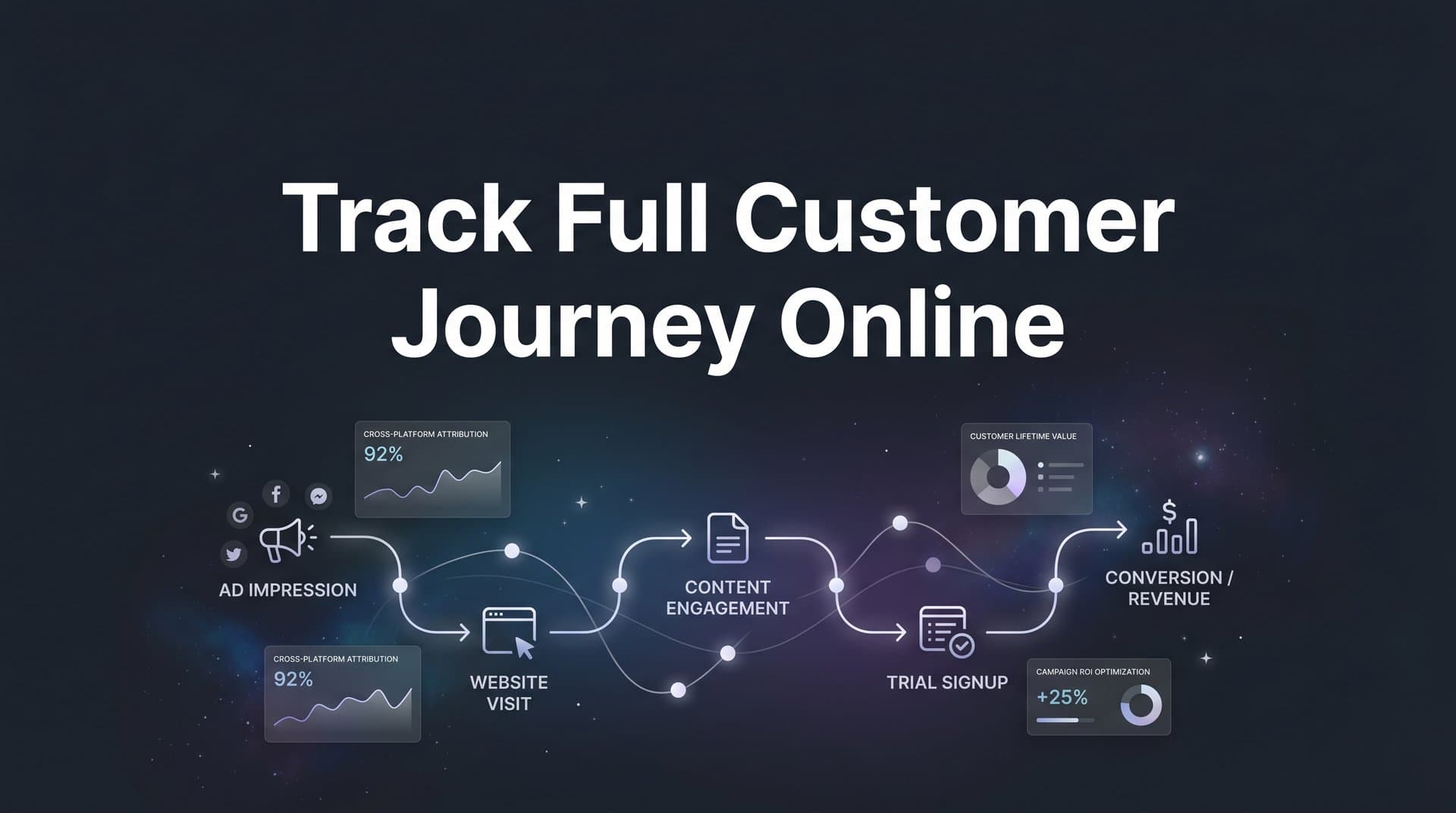
Most digital marketers know the feeling: a lead converts, revenue hits the books, but no one can confidently say which ad, email, or landing page actually drove that sale. When you run campaigns across Meta, Google, TikTok, and other platforms, the customer journey fragments into dozens of disconnected data points. Clicks happen on one platform, engagement happens on another, and the final purchase might come days later through a completely different channel.
Without a unified way to track the full customer journey online, you end up making budget decisions based on incomplete or misleading data. You might over-invest in channels that get last-click credit while starving the campaigns that actually introduce new buyers to your brand. It is a frustrating cycle, and it costs real money.
This guide walks you through a practical, repeatable process for mapping and tracking every touchpoint a customer interacts with before they convert. By the end, you will have a clear system for connecting ad clicks, website visits, form fills, CRM events, and revenue data into one continuous view. Whether you are a solo media buyer or part of a larger marketing team, these steps will help you move from guesswork to data-driven confidence.
Here is what we will cover: six concrete steps that take you from a fragmented, platform-by-platform view of your marketing to a unified customer journey you can actually act on. Let us get into it.
Step 1: Map Every Touchpoint in Your Marketing Ecosystem
Before you can track the full customer journey online, you need to know what that journey actually looks like. This step is about getting everything out of your head and into a format you can work with. Think of it as drawing the map before you start navigating.
Start with a complete audit of every active channel in your marketing mix. That means paid platforms like Meta Ads, Google Ads, TikTok Ads, and LinkedIn, but also organic channels like SEO, social media, and referral traffic. Do not forget email sequences, retargeting campaigns, and any offline touchpoints like events or phone calls that eventually lead to a digital conversion. Understanding customer journey touchpoints is essential to building a complete picture.
For each channel, document what data it currently captures and where it sends that data. Some channels will have robust tracking already in place. Others will have significant blind spots. Write it all down.
Identify the common paths prospects take: In most businesses, there is not one customer journey. There are several. A prospect might click a Facebook ad, visit your site, leave, get a retargeting ad on Google, click through to a landing page, and then convert via a direct visit three days later. Map out two or three of the most common paths your customers take from first touch to closed deal. Look at your CRM history, talk to your sales team, and use whatever analytics data you already have.
Spot the gaps where tracking breaks down: This is the most important part of Step 1. Common gap points include cross-device journeys where someone clicks an ad on their phone but converts on a desktop, offline events like sales calls or in-person demos that never get logged back to marketing, CRM handoffs where lead data stops flowing to your attribution system, and form submissions that fire without UTM parameters attached.
Build a simple tracking map: You do not need sophisticated software for this step. A spreadsheet works fine. Create columns for channel name, the data it captures, where that data lives, and whether it connects to your central analytics or CRM. Add a notes column for known gaps. This document becomes your baseline, and you will refer back to it throughout the rest of this process.
The goal here is clarity. Once you can see the full ecosystem laid out in front of you, the gaps become obvious. And obvious gaps are fixable gaps.
Step 2: Implement Server-Side Tracking Across Your Website
Here is where many marketers hit a wall they did not know existed. You have pixels installed, UTM parameters set up, and Google Analytics running. It feels like you are tracking everything. But you are probably missing a meaningful portion of your actual conversions.
The problem is browser-based, or client-side, tracking. Traditional pixels fire from the user's browser, which means they are subject to everything that gets in the way inside that browser. Ad blockers prevent pixels from loading. Apple's App Tracking Transparency framework, introduced with iOS 14.5, significantly restricts cross-app and cross-site tracking on Apple devices. Understanding the differences between server-side tracking vs pixel tracking is critical for modern marketers.
The result: client-side pixels miss events that actually happened. Conversions go unrecorded. Your attribution data understates what your campaigns are actually driving.
Server-side tracking solves this at the root: Instead of relying on the user's browser to fire an event, server-side tracking processes those events on your own server before sending them to your analytics platform or ad network. Because the event originates server-side, it bypasses ad blockers and is far less affected by browser-level privacy restrictions. The data is cleaner, more complete, and more reliable.
To implement server-side tracking, you will need a few things in place. First, a tagging infrastructure that supports server-side containers, such as Google Tag Manager's server-side container feature. Second, a tracking endpoint or middleware layer that receives events from your website and routes them appropriately. Third, a system that can enrich those events with first-party data like email addresses or customer IDs before sending them downstream.
Standardize your UTM parameters now: Server-side tracking captures better data, but only if your campaigns are tagged consistently. Establish a UTM convention your entire team follows: source, medium, campaign, content, and term. Use a shared UTM builder document or template to eliminate inconsistencies. Following UTM parameter tracking best practices is one of the most impactful things you can do to prevent attribution data from falling apart.
Capture first-party data at every form and landing page: When a visitor fills out a form, that is your opportunity to collect consented, first-party data. Name, email, and phone number can be hashed and used to match that visitor to downstream events in your CRM or ad platforms. This is the foundation of durable attribution that does not depend on third-party cookies.
Cometly's server-side tracking is built specifically to capture the touchpoints that traditional pixels lose. It processes events at the server level and feeds that data into your attribution layer, giving you a more complete picture of what is actually driving conversions across your campaigns.
Step 3: Connect Your Ad Platforms and CRM Into One Data Layer
You now have a map of your touchpoints and a more reliable tracking infrastructure. The next challenge is getting all of that data to talk to each other. Right now, your Meta Ads Manager, Google Ads dashboard, TikTok Ads account, and CRM are probably operating as separate silos. Each one tells part of the story. None of them tells the whole story.
The goal of this step is to create a unified data layer where ad click data, website behavior, lead records, and revenue events all live together and reference the same customer journey. For a deeper dive into this challenge, explore how tracking customer journey across platforms works in practice.
Connect your ad platforms to a central attribution system: Start by integrating your active ad accounts into a single attribution platform. This typically involves connecting via API so that campaign data, ad spend, impressions, clicks, and conversion events flow into one place. The key is making sure each platform is sending data consistently and that your attribution system can match clicks from each platform to the same underlying user journey.
Link your CRM to close the revenue loop: This is the step most marketing teams skip, and it is the one that matters most for accurate ROI reporting. When a lead moves through your CRM pipeline, those status changes and revenue events need to flow back to your marketing attribution data. If a prospect clicked a LinkedIn ad, became a lead, and closed as a customer 45 days later, that revenue needs to be attributed back to that LinkedIn campaign.
Popular CRMs like HubSpot and Salesforce can be connected to attribution platforms via native integrations or webhooks. The key fields to sync include lead creation date, lead source, deal stage changes, closed-won date, and deal value. Once these events flow back to your attribution layer, you can see actual revenue attributed to specific campaigns, not just lead volume.
Match ad click data with downstream CRM conversions: The technical challenge here is identity resolution: connecting the anonymous ad click to the named CRM record. This is typically done using a combination of UTM parameters passed through to your CRM on form submission, first-party identifiers like email addresses, and click IDs from ad platforms such as Meta's fbclid or Google's gclid. If your UTM parameters are not flowing through correctly, you may want to investigate why UTM parameters are not capturing the full journey.
Cometly connects your ad platforms, CRM, and website data to unify the customer journey in real time. Instead of manually stitching together reports from five different dashboards, you get one continuous view of how prospects move from first ad click to closed revenue, across every channel.
Step 4: Choose and Apply the Right Attribution Model
Now that your data is flowing into a unified system, you face a question that has no single right answer: which touchpoint gets credit for the conversion? This is where attribution models come in, and choosing the right one can dramatically change how you interpret your results and where you invest your budget.
Here is a quick breakdown of the most common models and when each one makes sense.
First-Touch Attribution: Gives 100% of the credit to the first touchpoint a prospect interacted with. This model is useful when you want to understand what is driving awareness and bringing new audiences into your funnel. It tends to favor top-of-funnel channels like branded search and social prospecting campaigns.
Last-Touch Attribution: Gives 100% of the credit to the final touchpoint before conversion. This is the default model in many ad platforms and analytics tools. It is simple but often misleading because it ignores everything that happened earlier in the journey. It tends to over-credit retargeting and direct traffic.
Linear Attribution: Distributes credit equally across every touchpoint in the journey. This model works well when you genuinely believe every interaction contributed equally and you want a balanced view of channel performance. It is a good starting point for teams new to multi-touch attribution. For a more thorough exploration, read about customer journey attribution and how different models compare.
Time-Decay Attribution: Gives more credit to touchpoints that occurred closer to the conversion. The logic is that recent interactions had more influence on the final decision. This model is particularly useful for businesses with shorter sales cycles where recency matters.
Data-Driven Attribution: Uses machine learning to assign credit based on the actual patterns in your conversion data. It is the most sophisticated option and works best when you have sufficient conversion volume for the algorithm to find meaningful patterns. This model tends to surface the most accurate picture of channel contribution over time.
The practical advice here: do not commit to a single model and never look at another. The real insight comes from comparing models side by side. When you toggle between first-touch and linear attribution, you might discover that a mid-funnel email sequence is contributing far more than last-touch data suggests. That kind of insight can completely change how you allocate budget.
Cometly lets you switch between multi-touch attribution models within the same dashboard, so you can see how credit shifts across channels without rebuilding reports from scratch. This flexibility is what turns attribution from a reporting exercise into an actual optimization tool.
Step 5: Validate Your Data and Fix Tracking Gaps
Setting up tracking is one thing. Knowing it is actually working is another. This step is where a lot of teams cut corners, and it shows up later as misattributed revenue, inflated conversion counts, or completely missing data for entire channels.
The good news is that validation does not have to be complicated. It just has to be systematic.
Run test conversions across every channel: Before you trust your data, verify it. Click through your own ads from a test account or incognito browser, fill out your forms, and complete a test purchase or lead submission if possible. Then check whether that event appears correctly in your attribution platform, your CRM, and your ad platform's conversion reporting. If the event fires in one place but not another, you have found a gap that needs fixing. Learn more about why conversion tracking numbers are wrong and how to diagnose common issues.
Cross-reference your data sources: Pull a date range from your attribution platform and compare conversion counts against your CRM records and your ad platform reports. Some discrepancy is normal due to different attribution windows and data processing delays. Significant discrepancies, say more than 10 to 15 percent, usually point to a real tracking problem: duplicate events, missing UTM parameters, or events firing on the wrong page.
Watch for these common pitfalls:
Duplicate events: Firing the same conversion event from both a client-side pixel and a server-side integration without deduplication logic will inflate your conversion counts. Most platforms support deduplication using event IDs, so make sure those are implemented.
Missing UTM parameters: If campaigns are running without UTMs, or if redirect chains are stripping parameters, those sessions will show up as direct traffic and your attribution data will be incomplete. Audit your redirect chains regularly.
Mismatched conversion windows: Ad platforms and your attribution system may use different lookback windows. A conversion that your attribution platform assigns to a campaign from 30 days ago might not appear in the ad platform's 7-day click window. Align your windows where possible and document any differences.
Build a recurring audit cadence: Tracking does not stay accurate on its own. Campaigns change, new landing pages go live, redirects get added, and CRM fields get renamed. Set a recurring weekly or biweekly calendar reminder to run through a basic validation checklist. Catching small issues early prevents them from compounding into months of bad data.
Step 6: Analyze Journey Data and Optimize Your Ad Spend
This is the step where all of that setup work pays off. You now have a unified, validated view of the full customer journey. The question is: what do you do with it?
The answer is to stop optimizing for clicks and start optimizing for revenue. With full-journey data in hand, you can see which campaigns, creatives, and channels actually drive closed deals, not just top-of-funnel activity.
Identify which campaigns drive real revenue: Pull your attribution data and filter by revenue or pipeline value, not just lead volume. You will almost certainly find that some campaigns generate a lot of leads that never convert, while others generate fewer leads but at a much higher close rate. Shift budget toward the campaigns with the best revenue-per-click or revenue-per-lead metrics, and reduce spend on campaigns that look good in the ad platform but produce low-quality pipeline.
Look for patterns in high-value customer paths: Segment your converted customers and trace their journeys backward. What was their first touchpoint? Which channels appeared most often in the paths that led to your highest-value deals? If you consistently see that prospects who engaged with a specific content campaign early in their journey went on to become your best customers, that is a signal worth acting on. The ability to track customer touchpoints before purchase is what makes this kind of analysis possible.
Feed enriched conversion data back to ad platforms: This is one of the highest-leverage actions you can take. When you send enriched, first-party conversion data back to Meta, Google, and other ad platforms via their conversion APIs (sometimes called CAPI), you improve the quality of the signal those platforms use to optimize their algorithms. Better signal quality generally leads to better audience targeting, lower cost per acquisition, and more efficient ad delivery. Meta and Google both recommend this practice as a core part of their optimization strategy.
Cometly's Conversion Sync feature automates this process, sending enriched conversion events back to your ad platforms so their machine learning models get the cleanest possible data. And Cometly's AI recommendations surface which ads and campaigns are performing best across every channel, with specific suggestions for where to shift budget to maximize returns.
Think of this step as the ongoing engine of your marketing operation. The map you built in Step 1 told you where the journey goes. The data you collect in Steps 2 through 5 tells you what is actually happening. Step 6 is where you use that knowledge to make smarter decisions, continuously.
Putting It All Together: Your Full-Journey Tracking Checklist
If you have worked through each step in this guide, you now have the foundation for tracking the full customer journey online with real accuracy. Here is a quick-reference checklist to make sure nothing falls through the cracks.
Step 1: Map Your Ecosystem. Audit all active channels, document common customer paths, and identify gaps where tracking currently breaks.
Step 2: Implement Server-Side Tracking. Move beyond client-side pixels, standardize UTM parameters, and collect first-party data at every form and landing page.
Step 3: Connect Ad Platforms and CRM. Integrate every ad account into a central attribution platform and sync CRM revenue events back to your marketing data.
Step 4: Apply the Right Attribution Model. Understand the difference between first-touch, last-touch, linear, time-decay, and data-driven models. Compare them side by side to find the most accurate picture for your business.
Step 5: Validate and Audit Regularly. Run test conversions, cross-reference data sources, fix duplicate events and missing UTMs, and maintain a recurring audit cadence.
Step 6: Analyze and Optimize. Use journey data to shift budget toward revenue-driving campaigns, identify high-value customer paths, and feed enriched conversion data back to ad platforms.
When these six steps work together, the result is confidence: confidence in your budget decisions, confidence in your ROI reporting, and confidence in the story you tell stakeholders about what is actually driving growth.
Cometly is built to make this entire system work as one connected platform. From server-side tracking and multi-touch attribution to AI-powered recommendations and conversion sync, it gives you the unified view of your customer journey that fragmented dashboards simply cannot provide. Agencies like Rise Up Marketing have used Cometly to build stronger client trust and reduce optimization time, while teams like Q3 Advisors have used it to scale ad spend with confidence after gaining clearer attribution visibility.
Ready to elevate your marketing game with precision and confidence? Discover how Cometly's AI-driven recommendations can transform your ad strategy. Get your free demo today and start capturing every touchpoint to maximize your conversions.



