

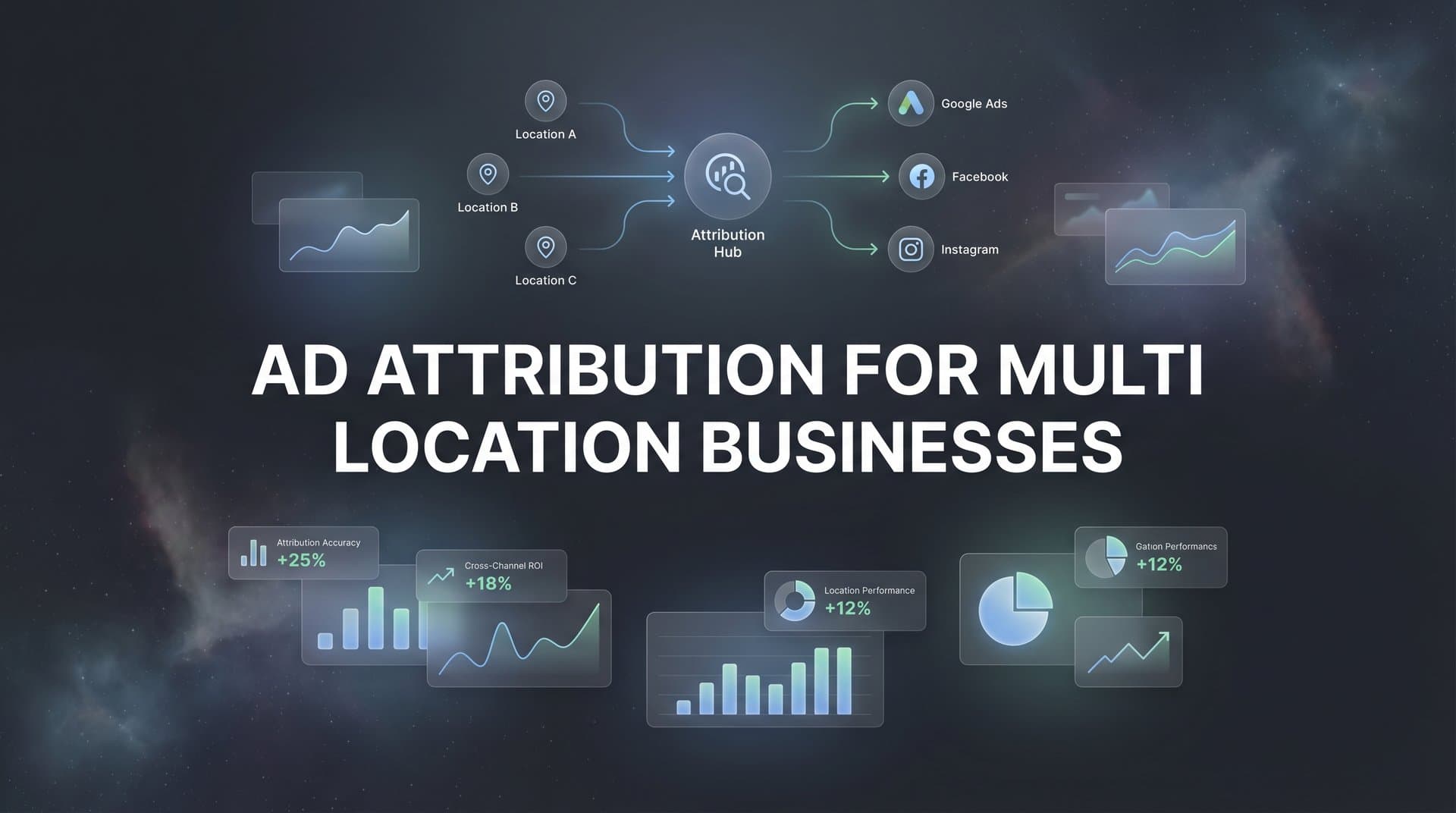
When you're running ads for a business with ten locations, the question "which ads are working?" suddenly becomes ten times more complicated. That Facebook campaign might be crushing it in Austin but barely moving the needle in Dallas. Your Google Ads could be driving store visits to your downtown location while your suburban stores see nothing. And here's the real headache: a customer might see your ad in Chicago, research your brand on their lunch break, and then walk into your Denver location three days later to make a purchase.
Without proper attribution, you're making budget decisions in the dark. You know your total ad spend and your total revenue, but the crucial middle layer—which specific ads drive results at which specific locations—remains frustratingly opaque. Standard attribution tools weren't built for this complexity, and the disconnect between where you spend money and where you actually make money can drain your budget fast.
The stakes are high. Multi-location businesses often operate with different market dynamics, customer demographics, and competitive landscapes at each location. What works in one market might fail in another, but if you can't see performance at the location level, you'll keep funding underperforming campaigns while starving the ones that actually drive revenue. This article breaks down exactly how to build an attribution system that shows you what's working where, so you can allocate budget with confidence instead of guesswork.
Why Standard Attribution Breaks Down Across Multiple Locations
The fundamental problem is simple: you run ads at the brand level, but conversions happen at the location level. Your Meta Ads account shows one campaign budget and one set of results. Your Google Ads dashboard aggregates everything into neat totals. But your actual business operates across distinct locations with different performance profiles, and standard platform reporting can't tell you which location drove which conversion.
This creates a massive disconnect between spend and results. You might allocate $10,000 to a regional campaign covering five locations, but if four locations convert at 2% and one converts at 8%, you're essentially subsidizing poor performance with revenue from your best location. Without location-level attribution, you'd never know to shift more budget toward that high-performing market.
Cross-location customer journeys make this even messier. Modern buyers don't follow linear paths. Someone might see your Instagram ad while visiting family in Phoenix, click through to browse your services, and then book an appointment at your Seattle location when they return home. Standard attribution would credit that conversion to the Phoenix market because that's where the click happened, even though the revenue came from Seattle.
Platform-native attribution tools like Meta Ads Manager and Google Analytics simply weren't designed for location-level granularity. They're built to answer questions like "which campaign performed best?" not "which campaign performed best in which market?" You can add location parameters to your URLs, but those platforms won't automatically segment your conversion data by location unless you've built a sophisticated tracking infrastructure.
The privacy-focused web makes this harder. iOS tracking limitations, cookie restrictions, and browser privacy features all degrade the quality of attribution data. When a customer's journey spans multiple devices, browsers, and locations, maintaining an accurate connection between ad touchpoint and final conversion becomes incredibly difficult without server-side tracking capabilities.
Franchise models add another layer of complexity. Corporate headquarters might run the ads and foot the bill, but individual franchisees need to see ROI data for their specific location. If you can't show a franchisee that your ad campaigns are driving measurable results to their store, you'll struggle to maintain buy-in for centralized marketing efforts.
The Building Blocks of Multi-Location Ad Attribution
Building attribution that works across multiple locations starts with a tracking infrastructure that preserves location data throughout the entire customer journey. This means implementing location-specific parameters in every ad, every landing page, and every conversion event so you never lose sight of which location a customer is associated with.
Location-Specific UTM Structures: Your UTM parameters need to include location identifiers that persist through the funnel. A well-structured approach might look like utm_campaign=spring_promo&utm_content=chicago_north. This tags every click with the specific location the ad was targeted toward, creating a data trail you can follow all the way to conversion.
The key is consistency. If you use "chicago_north" in one campaign and "chicago-north" in another, your data gets fragmented. Establish a naming convention early and enforce it across every campaign, every platform, and every team member who touches your ads. Many multi-location businesses use location codes that match their internal systems—if your Chicago North location is "LOC_CH_N" in your CRM, use that same identifier in your UTM tags.
CRM and POS Integration: Your attribution system needs to know where conversions actually happen, not just where clicks happen. This requires connecting your ad platforms to the systems that record real business outcomes—your CRM for lead generation, your POS for retail sales, your booking system for appointments.
When someone fills out a contact form, that form submission should capture which location they're interested in and pass it back to your analytics platform. When someone makes a purchase in-store, your POS system should record that transaction with location data that can be matched to their earlier ad interactions. This creates a complete picture of the customer journey from ad impression to revenue, segmented by location.
Server-Side Tracking for Data Accuracy: Browser-based tracking falls short when customers use ad blockers, switch devices, or browse in privacy mode. Server-side tracking solves this by sending conversion data directly from your server to your analytics platform and ad platforms, bypassing browser limitations entirely.
For multi-location businesses, server-side tracking is particularly valuable because it lets you enrich conversion events with location data before sending them to ad platforms. When a customer converts, your server can append their associated location to the conversion event, ensuring that Meta, Google, and other platforms receive accurate, location-tagged conversion data that improves their optimization algorithms.
This infrastructure also enables you to track offline conversions—store visits, phone calls, in-person purchases—and connect them back to digital ad touchpoints. A customer might click your Facebook ad on Monday and walk into your store on Thursday. Implementing a robust tracking solution for multi-location business lets you capture that store visit as a conversion and attribute it to the original ad interaction, even though no browser was involved in the final conversion.
Attribution Models That Actually Work for Multi-Location Campaigns
Last-click attribution is particularly problematic for multi-location businesses because it ignores the brand-building ads that create awareness across all your markets. If someone sees your YouTube ad in Atlanta, researches your services, and then converts at your Atlanta location two weeks later, last-click attribution credits only the final touchpoint—maybe a Google search or a direct visit—while ignoring the YouTube ad that started the journey.
This leads to systematically undervaluing top-of-funnel campaigns and overvaluing bottom-of-funnel touchpoints. You might conclude that YouTube ads don't work and shift all your budget to branded search, not realizing that those branded searches only happen because your YouTube ads built awareness in the first place.
Multi-Touch Attribution for Complete Journey Visibility:Multi-touch attribution models credit multiple touchpoints throughout the customer journey, giving you a more accurate picture of which ads contribute to conversions at each location. Instead of assigning 100% credit to the last click, these models distribute credit across all the interactions that led to a conversion.
Linear attribution gives equal credit to every touchpoint in the journey. Time-decay attribution gives more credit to touchpoints closer to conversion. Position-based attribution emphasizes the first and last touchpoints while still crediting middle interactions. The right model depends on your business type and sales cycle, but any multi-touch approach beats last-click for understanding the full impact of your ad spend.
For multi-location businesses, multi-touch attribution reveals patterns you'd otherwise miss. You might discover that video ads drive initial awareness across all markets, but different locations respond to different retargeting strategies. Your urban locations might convert best with Instagram retargeting, while suburban locations respond better to Facebook carousel ads. These insights only surface when you can see the full journey, segmented by location.
Matching Models to Business Types: Corporate-owned multi-location businesses can implement unified attribution models across all locations because they control the entire operation. You can standardize tracking, enforce consistent tagging, and aggregate data however makes sense for your decision-making process.
Franchise models need attribution systems that serve two audiences: corporate needs to see overall performance and ROI across the entire network, while individual franchisees need location-specific data showing how ads perform for their store. This often requires building dual reporting layers—one for strategic oversight and one for local optimization.
Service-area businesses face unique challenges because "location" might mean territory rather than physical address. A plumbing company might serve five zip codes from one office, and attribution needs to track which ads drive leads from which service areas. The same tracking principles apply, but location identifiers represent territories rather than store addresses.
Setting Up Location-Level Tracking That Scales
Scaling location-level attribution starts with a bulletproof naming convention that everyone follows without exception. Create a master spreadsheet that lists every location, its unique identifier, and exactly how that identifier should appear in UTM tags, campaign names, and conversion tracking. Share this document with everyone who touches your ads, and make it the single source of truth for all location references.
Your naming convention should be intuitive enough that team members can construct correct tags without constantly checking the spreadsheet. If your Phoenix location is always "PHX" and your Seattle location is always "SEA", those codes become second nature. Avoid ambiguous abbreviations—if you have locations in both Portland, Oregon and Portland, Maine, "Portland" won't cut it. Use "PDX" and "PWM" to eliminate confusion.
Integrating Offline Conversions: Digital attribution only tells half the story for multi-location businesses. Store visits, phone calls, and in-person purchases all need to flow back into your attribution system so you can see the complete impact of your ad spend.
For store visits, this might mean implementing location-based conversion tracking through Google Ads Store Visits or Facebook Store Traffic campaigns. These tools use location data from mobile devices to detect when someone who saw your ad later visits your physical location. The accuracy isn't perfect, but it provides directional data about which ads drive foot traffic to which stores.
Phone call tracking requires dynamic number insertion—displaying different phone numbers based on which ad or campaign the visitor came from. When someone calls the number shown on your landing page, the call tracking system logs which campaign drove that call and which location the caller is interested in. This data can then be sent to your analytics platform as a conversion event with location attribution intact.
In-person purchases need POS integration that captures customer identifiers—email addresses, phone numbers, loyalty card numbers—that can be matched to earlier digital interactions. When someone who clicked your ad three days ago makes a purchase in-store, your system should recognize that customer and attribute the sale to the original ad touchpoint.
Building Dashboards That Clarify Instead of Overwhelm: With multiple locations, multiple campaigns, and multiple attribution touchpoints, your data can quickly become unmanageable. Effective dashboards focus on the metrics that drive decisions rather than displaying everything you can possibly measure.
Start with a location comparison view that shows key metrics—revenue, conversion rate, cost per acquisition, return on ad spend—for each location side by side. This lets you quickly identify which locations are performing well and which need attention. Add filters for date ranges, campaign types, and ad platforms so you can drill down when you spot something interesting.
Create campaign-level views that break down performance by location within each campaign. If you're running a spring promotion across all locations, you need to see which locations are converting and which are burning budget without results. This view should make it obvious where to increase spend and where to cut back.
Using Attribution Data to Optimize Spend Across Locations
Once you have accurate location-level attribution, the optimization opportunities become clear. You'll quickly discover that different locations respond differently to the same ad channels, and reallocating budget based on these insights can dramatically improve overall performance.
Start by identifying your highest-performing location-channel combinations. Maybe your Miami location converts incredibly well from Instagram ads while your Boston location sees better results from Google Search. Instead of spreading budget evenly across all platforms for all locations, shift more Instagram budget to Miami and more Search budget to Boston. This targeted approach maximizes the efficiency of every dollar spent.
Look for underperforming combinations too. If your Denver location consistently shows poor results from Facebook ads despite strong performance on other channels, you have three options: optimize the Facebook creative specifically for Denver's market, reduce Facebook spend for Denver and reallocate to better-performing channels, or investigate whether there's a location-specific issue beyond advertising—maybe the Denver team needs better sales training or the location has operational problems.
Feeding Better Data Back to Ad Platforms: Modern ad platforms like Meta and Google rely on conversion data to optimize their algorithms. When you send them accurate, location-tagged conversion events, their AI can learn which audiences and placements work best for each specific location, improving performance over time.
Conversion sync capabilities let you send enriched conversion data from your CRM or POS system back to ad platforms. Instead of platforms only seeing "conversion happened," they receive "conversion happened at Chicago North location with $500 revenue." This additional context helps their optimization algorithms make smarter decisions about who to target and how much to bid.
For multi-location businesses, this means ad platforms can optimize separately for each location's unique characteristics. The algorithm might learn that your Atlanta location converts best with one demographic profile while your Seattle location performs better with a different audience. Over time, this location-specific optimization improves results across your entire network.
Diagnosing Location-Specific Performance Issues: Attribution data helps you distinguish between advertising problems and operational problems. If one location shows low conversion rates across all ad channels, the issue probably isn't your ads—it might be the location's customer service, product availability, pricing, or competitive environment.
Conversely, if one location shows strong performance from organic traffic and referrals but poor results from paid ads, you likely have an advertising problem specific to that market. Maybe your ad creative doesn't resonate with local demographics, or your targeting parameters are too broad for that market's competitive landscape. Understanding multi-platform attribution problems can help you identify where your tracking or strategy needs adjustment.
This diagnostic capability prevents wasted optimization effort. Instead of endlessly tweaking ads for a location that has operational issues, you can identify the real problem and address it directly. Instead of assuming a location is underperforming when it's actually your ad strategy that needs work, you can focus your efforts where they'll have the biggest impact.
Putting It All Together: Your Multi-Location Attribution Roadmap
Multi-location ad attribution requires four essential components working together: location-specific tracking parameters that preserve location data throughout the customer journey, CRM or POS integration that captures where conversions actually happen, multi-touch attribution models that credit the full journey from awareness to conversion, and conversion sync capabilities that feed accurate data back to ad platforms for better optimization.
Start by auditing your current setup. Review your UTM tagging structure—is location data consistently captured in every campaign? Check your analytics platform—can you segment conversions by location, or does everything aggregate into one bucket? Examine your CRM and POS systems—do they capture location data in a format that can be matched to ad interactions?
Identify your biggest attribution gaps. For most multi-location businesses, the gap is either incomplete location tagging that loses track of which location a customer is associated with, or missing integration between ad platforms and the systems that record actual conversions. Implementing proper attribution tracking for multi-location businesses addresses these foundational issues before you worry about advanced attribution models or sophisticated dashboards.
Build your tracking infrastructure systematically. Establish naming conventions first, then implement location tagging across all campaigns, then connect your conversion systems, then layer on multi-touch attribution and optimization capabilities. Trying to do everything at once leads to mistakes and incomplete data that undermines the entire system.
Making Every Location Count
Multi-location ad attribution isn't a luxury for businesses operating across multiple markets—it's the foundation of smart budget decisions. Without it, you're averaging performance across locations with wildly different dynamics, funding underperforming markets with revenue from your best locations, and missing optimization opportunities that could dramatically improve your overall return on ad spend.
The goal is clarity: knowing exactly which ads drive revenue at which locations so you can scale what works and cut what doesn't. When you can see that your Phoenix location converts at 8% from Instagram ads while your Portland location barely hits 2%, you make different decisions than when you only see a 5% average across both markets.
This clarity compounds over time. As you accumulate location-level attribution data, patterns emerge that inform not just advertising decisions but broader business strategy. You might discover that certain locations are better suited for specific services, or that market demographics suggest different product mixes, or that competitive dynamics require location-specific positioning.
Ready to elevate your marketing game with precision and confidence? Discover how Cometly's AI-driven recommendations can transform your ad strategy—Get your free demo today and start capturing every touchpoint to maximize your conversions across every location.



