

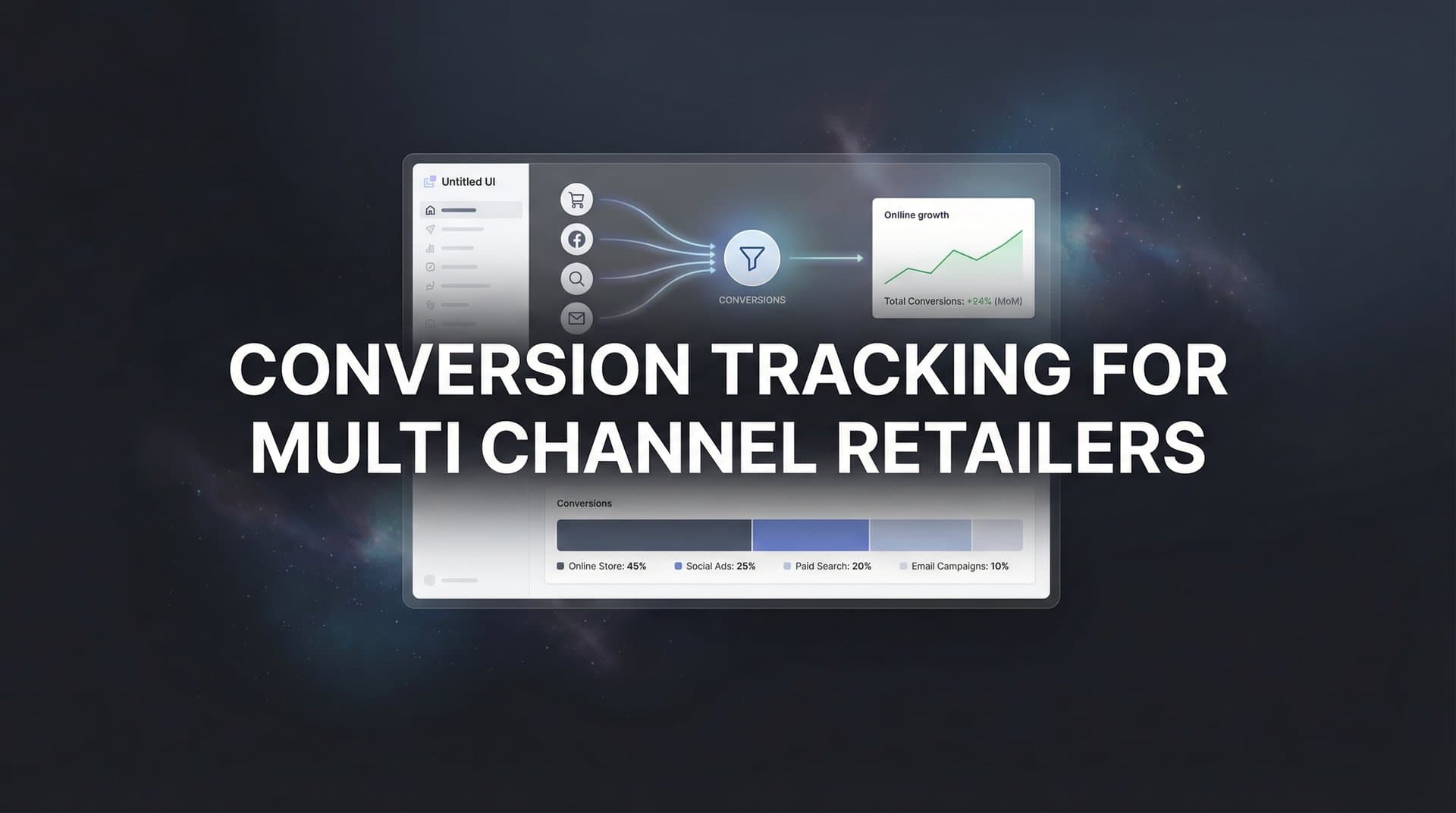
You run ads on Meta, Google, and TikTok. Customers browse your products on mobile during lunch, research reviews on desktop at night, and finally make a purchase through your app or walk into your store on Saturday. Meanwhile, your analytics dashboard shows clicks and impressions, but you cannot connect the dots between which ad actually convinced someone to buy that $200 jacket.
This is the multi-channel tracking gap that costs retailers thousands in wasted ad spend every month.
Without proper conversion tracking, you are making budget decisions based on incomplete data. You might be pouring money into channels that generate engagement but not revenue, while underfunding the touchpoints that actually convert browsers into buyers. For multi-channel retailers, where customers interact across devices, platforms, and even physical locations before purchasing, this blind spot becomes even more critical.
The solution is not just installing another tracking pixel. It requires a comprehensive system that captures every customer touchpoint, connects online behavior to offline purchases, and attributes revenue accurately across all your marketing channels. This means implementing server-side tracking to overcome browser limitations, integrating your ad platforms with your e-commerce and CRM systems, and configuring attribution models that reflect how customers actually shop.
This guide walks you through the exact process of building that system. You will learn how to map your customer journey, implement tracking that captures conversions other tools miss, connect all your data sources into a unified view, and validate that everything works correctly. By the end, you will know precisely which marketing efforts drive revenue and which just generate vanity metrics.
Step 1: Map Your Customer Journey and Define Conversion Events
Before installing any tracking code, you need to understand exactly what you are tracking and why. Start by documenting every channel where customers interact with your brand. This includes paid advertising platforms like Meta, Google, and TikTok, organic channels like search and social media, email marketing, your website and mobile app, and your physical retail locations if applicable.
Next, identify the specific actions that matter at each stage of the customer journey. Not all conversions carry equal weight. A product page view indicates interest but does not predict purchase as strongly as adding an item to cart. An email signup provides a way to nurture the relationship but generates less immediate revenue than a completed purchase.
Create a conversion hierarchy that distinguishes between micro-conversions and macro-conversions. Micro-conversions are the smaller actions that move customers toward a purchase: viewing a product page, watching a product video, signing up for your email list, adding items to cart, or starting the checkout process. Macro-conversions represent revenue-generating actions: completing a purchase online, buying in-store after clicking an ad, scheduling a store pickup, or making a repeat purchase.
Assign a value to each conversion event based on its relationship to revenue. Your completed purchases have obvious values (the actual transaction amount), but micro-conversions need estimated values too. If 10% of email signups eventually purchase with an average order value of $150, each signup is worth approximately $15. If 30% of cart additions lead to purchases, each add-to-cart action carries value proportional to the cart contents.
Document the typical paths customers take from first interaction to final purchase. Do they usually see a social media ad first, then search for your brand name, then visit your website multiple times before buying? Or do they discover you through organic search, sign up for emails, and purchase after receiving a promotional offer? Understanding these patterns helps you set appropriate attribution windows and identify which touchpoints play supporting roles versus closing roles. For retailers managing attribution tracking for omnichannel retail, this mapping becomes essential.
Your success indicator for this step is a complete document that lists every channel, every conversion event, the assigned value for each event, and the typical customer journey patterns you have identified. This becomes your tracking blueprint for the technical implementation ahead.
Step 2: Implement Server-Side Tracking for Accurate Data Collection
Browser-based tracking pixels have become increasingly unreliable for multi-channel retailers. iOS App Tracking Transparency restrictions block many tracking attempts, ad blockers prevent pixels from firing, and cross-device behavior creates gaps where the same customer appears as multiple anonymous users. If you rely solely on client-side tracking, you are missing a significant portion of your actual conversions.
Server-side tracking solves these problems by collecting conversion data on your server before sending it to analytics platforms and ad networks. Instead of relying on browser cookies and pixels that users can block, your server captures the conversion event directly from your e-commerce platform or point-of-sale system, then forwards that data to the platforms that need it.
Start by setting up a server-side tracking infrastructure that connects to your e-commerce platform. If you use Shopify, WooCommerce, BigCommerce, or similar systems, you will need to configure webhooks or API integrations that send conversion events to your tracking server whenever a purchase occurs. This ensures you capture every online transaction regardless of whether the customer's browser allowed your tracking pixels to fire. Learn more about ecommerce tracking setup for multiple channels to get started.
We compare the leading options in our ecommerce product video generator roundup.
For retailers with physical stores, integrate your point-of-sale system into the same tracking infrastructure. Modern POS systems offer APIs that can send transaction data to external platforms. When a customer makes an in-store purchase, your POS should trigger a conversion event that includes the transaction details and any available customer identifiers like email address or loyalty program ID.
Configure first-party data collection that respects privacy regulations while maintaining tracking accuracy. This means collecting data on your own domain rather than through third-party cookies, obtaining proper consent where required, and using hashed customer identifiers that protect personal information while enabling cross-platform tracking.
The technical implementation typically involves setting up a server-side tag management container or using a customer data platform that handles the server-side connections for you. Your development team will need to configure the data flow from your e-commerce platform and POS system to your tracking server, then from your tracking server to each advertising platform's conversion API.
Test your server-side tracking by making test purchases through different channels and devices. Verify that conversion events fire correctly even when you block cookies, use private browsing mode, or switch devices mid-journey. Your success indicator is seeing server-side events appear in your analytics dashboard for every test conversion, regardless of browser settings or device changes.
Step 3: Connect Your Ad Platforms to a Unified Attribution System
Each advertising platform reports conversions differently, uses different attribution windows, and counts conversions based on its own last-click methodology. Meta might credit itself for a conversion that Google also claims, and TikTok might report results that neither of the other platforms see. Without a unified attribution system, you cannot accurately compare channel performance or make informed budget decisions.
Begin by integrating all your active advertising platforms into a central attribution hub. This includes Meta Ads, Google Ads, TikTok Ads, Pinterest Ads, and any other platforms where you run campaigns. Each platform offers a Conversions API or similar server-side integration that allows you to send conversion data directly from your server. Using conversion tracking software for multiple ad platforms simplifies this process significantly.
Set up proper UTM parameters for every campaign, ad set, and creative you run. Create a consistent naming convention that identifies the source, medium, campaign name, and specific content. For example: utm_source=facebook, utm_medium=paid_social, utm_campaign=spring_sale_2026, utm_content=carousel_ad_v2. Consistency here is critical because these parameters become the foundation for comparing performance across platforms.
Configure conversion APIs for each major ad platform to send enriched data back from your server. This improves the platform's algorithm optimization by providing more complete conversion information than browser pixels can capture. When you send server-side conversion events that include customer value, product categories, and other contextual data, ad platforms can better identify which audiences and creative approaches drive valuable conversions.
Establish deduplication rules to prevent counting the same conversion multiple times. If a customer clicks a Meta ad, then searches for your brand on Google before purchasing, both platforms might try to claim credit for that conversion. Your unified attribution system should identify duplicate conversions based on order ID, timestamp, and customer identifier, then apply your chosen attribution model to assign credit appropriately.
Create a standardized conversion event schema that maps your internal conversion names to each platform's expected format. What you call "purchase" internally might need to be sent as "Purchase" to Meta, "conversion" to Google, and "CompletePayment" to TikTok. Your attribution system should handle these translations automatically.
Your success indicator for this step is seeing consistent conversion data flowing to all connected ad platforms, with proper attribution that avoids double-counting. Run a test purchase and verify that the conversion appears correctly in each platform's reporting interface with the appropriate attribution and conversion value.
Step 4: Link Your CRM and E-commerce Data for Full-Funnel Visibility
Your ad platforms show you which campaigns generate clicks and conversions, but they cannot tell you which customers become repeat buyers or which leads eventually close into high-value accounts. Connecting your CRM and e-commerce data completes the picture by tracking customers through their entire lifecycle with your brand.
Start by integrating your CRM system with your attribution platform. If you use Salesforce, HubSpot, or similar tools, set up an integration that sends lead creation, opportunity updates, and closed deal events to your tracking system. This allows you to track not just the initial conversion, but the entire progression from lead to customer to repeat purchaser. Businesses focused on conversion tracking for lead generation will find this integration particularly valuable.
Map online conversions to offline purchases using customer identifiers that persist across touchpoints. Email addresses work well because customers provide them when signing up for your list, creating an account, or making a purchase. When someone clicks an ad, browses your site, and later makes an in-store purchase using their loyalty account, you can connect those events by matching the email address across your systems.
Integrate your e-commerce platform data beyond just purchase events. Connect product catalog information, inventory levels, and customer lifetime value metrics. This enriched data helps you understand not just which channels drive conversions, but which channels attract customers who buy high-margin products or make repeat purchases.
Set up revenue tracking that captures actual purchase values rather than just conversion counts. A channel that drives 100 conversions at $50 average order value contributes less revenue than a channel that drives 50 conversions at $200 average order value. Your attribution system should track and report on revenue, not just conversion volume.
For retailers with subscription or membership models, configure tracking that attributes recurring revenue back to the original acquisition channel. If a customer signs up for your loyalty program after clicking a Google ad, and then makes purchases every month for the next year, your attribution system should credit that Google campaign with the full customer lifetime value, not just the initial conversion.
Create customer segments based on acquisition channel and analyze their long-term behavior. Do customers acquired through Meta ads have higher lifetime value than those from Google? Do TikTok customers make more repeat purchases? This analysis reveals which channels attract your most valuable customers, not just which generate the most immediate conversions.
Your success indicator is having complete visibility from initial ad click through final purchase and beyond, including repeat purchases and customer lifetime value. Test this by tracking your own customer journey through multiple touchpoints and verifying that all events connect properly in your attribution dashboard.
Step 5: Configure Multi-Touch Attribution Models
Last-click attribution gives all credit to the final touchpoint before conversion, but most multi-channel retail purchases involve multiple interactions across several days or weeks. A customer might first see your Meta ad, later search for your brand on Google, visit your website twice, and finally purchase after receiving an email. Which channel deserves credit for that sale?
Different attribution models answer this question differently, and the right choice depends on your specific sales cycle and channel mix. First-touch attribution gives all credit to the initial interaction, rewarding channels that introduce new customers to your brand. Last-touch attribution credits the final touchpoint, favoring channels that close sales. Linear attribution distributes credit equally across all touchpoints, while data-driven attribution uses machine learning to assign credit based on each touchpoint's actual influence on conversion.
Set up your attribution system to support multiple models simultaneously. Rather than choosing one model and sticking with it, successful retailers compare several models to understand channel performance from different perspectives. A channel that looks weak in last-touch attribution might reveal itself as a powerful awareness driver in first-touch attribution. Understanding attribution modeling for multi channel campaigns helps you make these comparisons effectively.
Configure attribution windows that match your typical customer journey duration. If most customers purchase within seven days of first interaction, a 7-day attribution window makes sense. If your products require more consideration and customers typically take 30 days to decide, extend your attribution window accordingly. Your research from Step 1 should inform these settings.
For multi-channel retailers, consider implementing position-based attribution models that give more credit to the first and last touchpoints while still acknowledging middle interactions. A common approach assigns 40% credit to the first touch, 40% to the last touch, and distributes the remaining 20% among middle touchpoints. This recognizes that both awareness and closing channels play important roles.
Create comparison dashboards that show the same conversion data through multiple attribution lenses. Look at how channel rankings change between first-touch and last-touch views. Identify channels that consistently perform well across all models (these are your reliable performers) versus channels that only shine in specific models (these play specialized roles in your customer journey).
Your success indicator for this step is the ability to view your conversion data through at least three different attribution models and understand how each model changes your perception of channel performance. Run reports comparing first-touch, last-touch, and linear attribution for the same time period and analyze the differences.
Step 6: Validate Your Tracking and Troubleshoot Common Issues
Even perfectly configured tracking systems can develop problems over time. Code updates break integrations, platform API changes disrupt data flows, and configuration errors create discrepancies between reported and actual conversions. Regular validation ensures your attribution data remains accurate and reliable.
Start by running controlled test conversions through each channel you track. Create test campaigns with small budgets, click your own ads from different devices, and complete purchases using test accounts. Verify that each test conversion appears correctly in your attribution dashboard with proper source attribution, conversion value, and timestamp.
Compare conversion counts across different reporting sources to identify discrepancies. Your e-commerce platform reports actual completed purchases, your ad platforms report conversions they attribute to their campaigns, and your unified attribution system should reconcile these different views. Expect some variance (5-10% differences are normal due to attribution window differences and technical factors), but investigate larger discrepancies. Review best practices for tracking conversions accurately to minimize these gaps.
Check for common tracking issues that cause data gaps. Missing or incorrect UTM parameters prevent proper source attribution. Broken tracking pixels fail to fire on key pages. Delayed data processing creates temporary reporting gaps. Ad blocker interference reduces conversion visibility. Cross-domain tracking problems lose customers who move between your marketing site and checkout domain.
Set up automated alerts that notify you when tracking problems occur. Configure alerts for sudden drops in conversion volume, significant increases in unattributed conversions, or extended periods without data from specific sources. Early detection allows you to fix problems before they corrupt weeks of attribution data. Understanding common multi channel tracking problems helps you anticipate and prevent issues.
Document your tracking setup completely, including which events you track, how they are configured, and where data flows between systems. When problems occur or team members change, this documentation becomes essential for troubleshooting and maintaining your tracking infrastructure.
Perform quarterly audits of your entire tracking system. Review your conversion event definitions to ensure they still align with your business goals. Check that all integrations remain active and data flows correctly. Verify that attribution windows and models still match your customer journey patterns. Update documentation to reflect any changes.
Your success indicator is conversion data that matches within 5% across all your reporting sources, with no unexplained gaps or anomalies. Run a full validation check monthly, comparing your attribution platform data against your e-commerce platform's actual transaction records.
Putting Your Multi-Channel Tracking to Work
You have built a comprehensive conversion tracking system that captures the complete customer journey across all your retail channels. Your quick-reference checklist confirms you have completed the essential components: all conversion events mapped with assigned values, server-side tracking capturing data that browser pixels miss, ad platforms connected and receiving enriched conversion data, CRM and e-commerce systems linked for full-funnel visibility, multiple attribution models configured for comparative analysis, and validation processes in place to maintain data accuracy.
This tracking infrastructure is not just about collecting data. It is about transforming that data into actionable insights that improve your marketing performance. Use your attribution reports to identify which channels genuinely drive revenue versus which only generate low-value engagement. Shift budget away from channels that look good in vanity metrics but fail to convert, and invest more in the touchpoints that actually influence purchase decisions.
Look beyond immediate conversions to understand customer lifetime value by channel. Some channels might drive lower initial conversion rates but attract customers who make repeat purchases and have higher long-term value. Your integrated CRM and e-commerce data reveals these patterns, allowing you to optimize for customer quality, not just conversion volume.
Compare your attribution models regularly to understand how different channels contribute to your success. A channel that appears weak in last-click attribution might be your strongest awareness driver in first-touch attribution. Recognize that successful multi-channel retail marketing requires different channels playing different roles, and fund your mix accordingly.
The complexity of managing multi-channel attribution data, analyzing performance across platforms, and optimizing budget allocation can quickly become overwhelming as your retail business scales. Platforms like Cometly help you analyze this data and get AI-powered recommendations for optimizing your ad spend across every channel, ensuring you capture every touchpoint and maximize conversions.
Ready to elevate your marketing game with precision and confidence? Discover how Cometly's AI-driven recommendations can transform your ad strategy. Get your free demo today and start capturing every touchpoint to maximize your conversions.



