

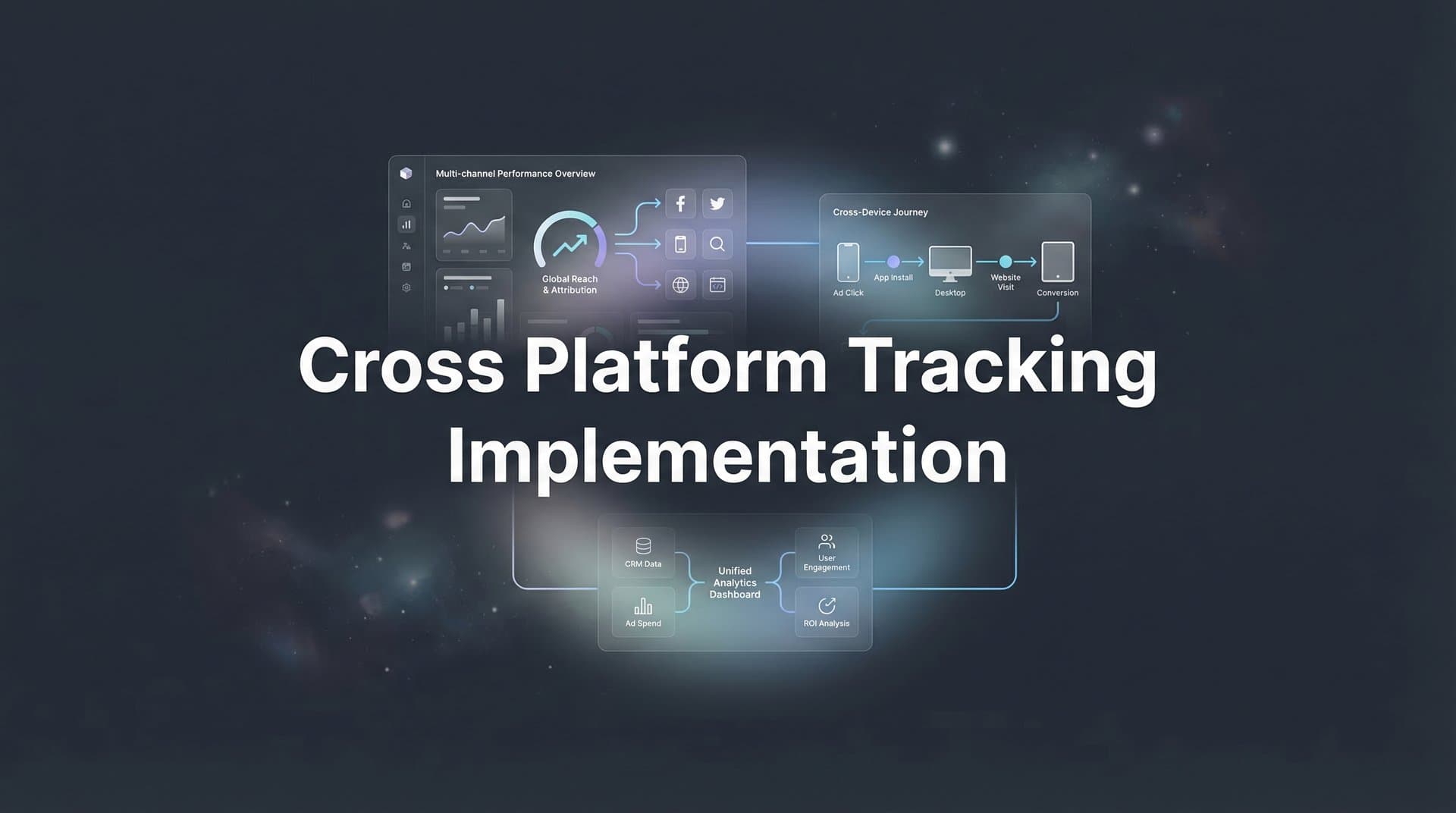
Your Meta campaign shows 47 conversions. Google Analytics reports 31. Your CRM says 52 deals came in this month. Which number is real? If you're running ads across multiple platforms, you've hit the fundamental problem of fragmented tracking—each platform lives in its own data silo, claiming credit for conversions while your actual customer journey spans three or four touchpoints you can't see.
Cross-platform tracking implementation solves this by connecting all your marketing touchpoints into one unified system. Instead of guessing which ads drive revenue based on conflicting reports, you get a complete view of how customers actually find and convert with your brand. This matters more than ever as privacy changes continue to break traditional tracking methods.
This guide walks you through the complete implementation process, from auditing what you have now to validating a working cross-platform tracking system. You'll learn how to standardize your data collection, implement server-side tracking to bypass browser limitations, and connect everything to a central attribution platform that shows you the truth about your marketing performance.
By the end, you'll have tracking infrastructure that captures every ad click, form fill, and purchase across Meta, Google, TikTok, LinkedIn, and any other platform you're running—all flowing into one place where you can finally see which channels actually drive revenue.
Step 1: Audit Your Current Tracking Infrastructure
Before you build anything new, you need to understand exactly what tracking you have in place right now. Most marketing teams discover they're running a patchwork of pixels, tags, and tracking codes that were added over time without a unified strategy. This audit reveals those gaps.
Start by documenting every ad platform you're actively running. List Meta, Google Ads, TikTok, LinkedIn, Twitter, Pinterest—whatever channels are getting budget. For each platform, identify which tracking pixels or tags are installed on your website. Check your website's tag manager or page source to confirm what's actually firing, not just what you think is installed.
Next, map out where customer journeys break. A common pattern: someone clicks your Meta ad, lands on your site where the Meta pixel fires, then returns three days later via Google search and converts. Your Meta pixel sees the conversion, Google sees it too, but neither platform knows about the other touchpoint. These blind spots are where attribution falls apart.
Document every conversion event you're currently tracking. Are you measuring purchases? Lead form submissions? Demo bookings? Free trial signups? List them all, then note which platforms are tracking which events. You'll often find inconsistencies—Meta tracks "Purchase" while Google tracks "Transaction" for the same action, making cross-platform comparison impossible.
Review your UTM parameter usage across all campaigns. Pull recent campaign URLs from each platform and look for patterns. Are you using consistent utm_source values? Do your utm_campaign names follow any standard structure? Most teams discover they have five different naming conventions because different people built campaigns at different times.
Check your CRM or backend systems to see what conversion data lives there. Many businesses track valuable events—demo completions, sales calls booked, closed deals—that never make it back to their ad platforms. This offline conversion data is critical for understanding true ROI, but it's often completely disconnected from marketing touchpoints. Understanding multiple ad platforms tracking issues helps you identify these common disconnects.
Your success indicator: a complete spreadsheet listing every tracking asset (pixels, tags, conversion events), every platform you're running, and specific examples of where customer journeys break or data gets lost. Include screenshots of your current tracking setup and note any platforms that aren't connected to anything else.
This audit typically reveals uncomfortable truths. You might find pixels that aren't firing, conversion events that only track on one platform, or entire customer journey segments you're not measuring at all. That's exactly the point—you can't fix what you can't see.
Step 2: Define Your Cross-Platform Tracking Architecture
Now that you know what's broken, it's time to design how your tracking should actually work. Your architecture determines how data flows from customer actions to your ad platforms and analytics tools. Get this wrong and you'll just build a more sophisticated mess.
First decision: client-side, server-side, or hybrid tracking. Client-side tracking runs in the user's browser using JavaScript pixels and tags. It's easy to implement but increasingly unreliable due to ad blockers, iOS tracking prevention, and cookie restrictions. Server-side tracking runs on your own servers, capturing events directly from your backend systems before sending them to ad platforms. It's more accurate but requires technical setup.
The right choice for most marketing teams in 2026 is hybrid. Use client-side tracking for immediate user interactions like page views and clicks, then validate and enrich those events with server-side tracking for conversions that matter. This approach gives you the best of both worlds: fast implementation with improved accuracy.
Select your central attribution platform—your single source of truth. This is where all your marketing data will ultimately flow. You need a system that can ingest data from multiple ad platforms, connect it to your CRM and backend conversions, and apply attribution models to show the complete customer journey. Choosing the best cross platform analytics tool becomes your decision-making dashboard.
Define your critical conversion events across all platforms. Don't track everything—focus on events that indicate real business value. For most businesses, this means: lead form submissions, demo requests, free trial starts, purchases, and qualified sales opportunities. These events should be defined identically across every platform so you can compare performance accurately.
Plan your user identification strategy. How will you connect the same person across devices and sessions? Options include: persistent first-party cookies, email-based identification when users log in or submit forms, and probabilistic matching based on behavioral patterns. Your strategy needs to respect privacy regulations while maintaining enough accuracy to attribute conversions correctly.
Map out your data flow. Draw a diagram showing how data moves from customer actions to your website, through your tracking layer, into your attribution platform, and back to ad platforms via conversion APIs. This visual map becomes your implementation blueprint and helps your team understand how all the pieces connect.
Consider your attribution model approach. Will you use last-click attribution, first-click, linear, time-decay, or position-based? Better yet, will your system let you compare multiple models to see how credit distribution changes? Your architecture should support flexible attribution modeling so you can analyze the same data different ways.
Document everything in a technical specification. Include: which tracking methods you'll use for each event type, how user identification will work, where data gets stored, which systems connect to which, and how often data syncs. This spec guides your implementation and serves as training material for new team members.
Success indicator: a clear architecture diagram showing every system, how they connect, and how data flows between them. Your team should be able to look at this diagram and understand exactly how a customer action becomes attributed revenue in your reporting.
Step 3: Standardize Your UTM and Naming Conventions
Inconsistent naming conventions are the silent killer of cross-platform attribution. When your Meta campaigns use one naming structure and Google uses another, you can't aggregate performance or compare channels accurately. Standardization fixes this.
Build a unified UTM structure that works across every platform. Start with the five standard UTM parameters: utm_source (the platform: facebook, google, tiktok), utm_medium (the channel type: cpc, social, email), utm_campaign (your campaign name), utm_content (ad variation), and utm_term (keyword for search). Define exactly what values you'll use for each parameter and stick to them religiously.
Create a naming taxonomy for campaigns, ad sets, and ads. A good structure includes: objective_audience_offer_date. For example: "conversion_saas_freetrial_mar2026" tells you this campaign aims for conversions, targets SaaS companies, promotes a free trial, and launched in March 2026. Use underscores or hyphens consistently—never mix them.
Standardize your utm_source values. Use "facebook" not "meta" or "fb". Use "google" not "googleads" or "adwords". Use "linkedin" not "li". Consistency here lets you aggregate data correctly when you're analyzing cross-platform performance. Document approved source names in a reference sheet your team can access.
For utm_campaign, mirror your platform campaign names but make them readable. If your Meta campaign is "Conv_Q1_Retarget_WarmAud", your UTM should be "conversion_q1_retargeting_warm" or similar. The goal is consistency between what you see in the ad platform and what appears in your analytics.
Enable auto-tagging where available but maintain manual UTM parameters too. Google Ads auto-tagging adds gclid parameters that provide detailed click data, but you should still include UTM parameters for consistency with other platforms. Most attribution systems can handle both and will use whichever provides better data.
Build a shared reference guide—a simple spreadsheet listing approved values for each UTM parameter, naming convention rules, and examples. Make this the definitive source your team checks before launching any campaign. Include a section showing common mistakes to avoid: mixing cases (Facebook vs facebook), using spaces instead of underscores, or abbreviating inconsistently.
Apply your new conventions to all active campaigns. Yes, this means updating existing campaign URLs. Set a deadline—say two weeks—to bring everything into compliance. Update your ad platform campaign names to match your new taxonomy. This upfront work pays off immediately when you can finally compare performance across platforms without data cleanup. For a deeper dive into this process, check out our cross platform tracking setup guide.
Success indicator: every active campaign across all platforms uses your standardized UTM structure and naming conventions. Pull a report from your analytics showing utm_source, utm_medium, and utm_campaign values—they should be clean, consistent, and immediately understandable without referring to a decoder ring.
Step 4: Implement Server-Side Tracking for Data Accuracy
Browser-based tracking is dying. iOS App Tracking Transparency blocks it, Safari Intelligent Tracking Prevention limits it, and ad blockers eliminate it entirely. Server-side tracking bypasses these restrictions by capturing conversion events directly from your backend systems and sending them to ad platforms via server-to-server connections.
Start by setting up server-side event tracking for your critical conversions. Instead of relying on a pixel firing in someone's browser when they complete a purchase, your server captures that purchase in your database and sends the conversion event directly to Meta, Google, and other platforms using their Conversion APIs. This happens regardless of browser settings or ad blockers.
Configure your server to capture key user identifiers when conversions happen. You need at least one of these: email address (hashed), phone number (hashed), or a click ID from the ad platform (fbclid for Meta, gclid for Google). These identifiers let ad platforms match your server-side conversion back to the original ad click, completing the attribution loop.
Set up Meta's Conversions API first since it's one of the most important for paid social attribution. You'll send events like "Purchase", "Lead", or "CompleteRegistration" from your server to Meta's API endpoint. Include the event name, timestamp, user data (hashed email and other identifiers), and custom data like purchase value or product details. Our server side tracking implementation guide provides the exact format required.
Implement Google's Enhanced Conversions or Conversion API next. Similar to Meta, you're sending conversion events from your server to Google with hashed user data that lets Google match the conversion to the original click. This improves attribution accuracy and helps Google's algorithm optimize toward actual conversions instead of just clicks.
Connect your CRM and backend systems to capture offline conversions. If someone fills out a lead form then has a sales call three days later that closes into a deal, that deal should flow back to your tracking system and attribute to the original ad that drove the lead. Set up webhooks or API integrations that push CRM events into your attribution platform whenever deals progress or close.
Configure event deduplication to avoid double-counting. When you run both client-side pixels and server-side tracking, the same conversion might fire twice—once from the browser and once from your server. Use event IDs to deduplicate: assign each conversion a unique identifier and send it with both the browser event and server event. Ad platforms will recognize matching event IDs and count the conversion only once.
Test your server-side implementation thoroughly. Trigger a test conversion—make a purchase or submit a lead form on your site. Check three places: your server logs to confirm the event was captured, your ad platform's events manager to verify the event was received, and your attribution dashboard to ensure it was recorded correctly. All three should show the same conversion with matching timestamps and values.
Monitor event delivery rates in your ad platform dashboards. Meta and Google show you what percentage of conversions are coming from server-side versus client-side tracking. You want to see server-side events increasing as your implementation stabilizes. If server-side events aren't firing consistently, troubleshoot your server configuration or API authentication. Explore the best server side tracking platform options to find the right fit for your needs.
Success indicator: server-side conversion events flowing to all major ad platforms with event match quality scores above 8.0 (for Meta) and enhanced conversion tracking active in Google Ads. Your test conversions should appear in platform event managers within minutes with complete user data attached.
Step 5: Connect Your Ad Platforms to a Unified Attribution System
You've standardized your tracking and implemented server-side events. Now it's time to bring everything together in one place where you can actually see cross-platform performance and make decisions based on complete data.
Integrate all your ad platform data into your central attribution tool. This means connecting Meta Ads, Google Ads, TikTok Ads, LinkedIn Ads, and any other platforms you're running. Most attribution platforms offer native integrations that pull campaign performance data automatically—use these instead of manual exports. You want daily or hourly data syncs so your dashboard stays current.
Connect your website analytics as well. Your attribution platform should ingest data from Google Analytics or whatever web analytics you use. This adds another layer of validation and captures organic traffic and direct visits that complement your paid advertising data. The goal is seeing every marketing touchpoint in one unified view.
Configure multi-touch attribution models to see the complete customer journey. Instead of giving all credit to the last click before conversion, cross platform attribution tracking distributes credit across every touchpoint. Set up models like linear (equal credit to all touches), time-decay (more credit to recent touches), or position-based (more credit to first and last touches). Compare these models to understand how different perspectives change your channel performance rankings.
Map revenue data from your CRM to marketing touchpoints. This is where cross-platform tracking becomes truly powerful. When a lead converts to a customer and generates revenue, that revenue should flow back to your attribution system and connect to the original marketing touches. You'll see not just which ad drove a lead, but which ad drove a lead that became a $50,000 customer. This changes everything about budget allocation.
Set up conversion sync to feed enriched data back to ad platform algorithms. Your attribution platform should send high-quality conversion events back to Meta, Google, and other platforms via their Conversion APIs. This creates a feedback loop: your unified tracking captures better conversion data, which flows back to ad platforms, which improves their optimization, which drives better results. Platforms like Meta explicitly recommend this approach for optimal campaign performance.
Build your primary reporting dashboard. Create views that show: cross-platform campaign performance with consistent metrics, customer journey paths showing how people move between channels, attribution model comparisons, and revenue attribution by source. A well-designed cross platform marketing analytics dashboard becomes your daily decision-making tool for budget allocation and campaign optimization.
Set up automated reporting for your team. Schedule weekly or monthly reports that show cross-platform performance trends, top-performing campaigns across all channels, and attribution insights. Make sure stakeholders who don't live in the attribution platform still get the insights they need to understand marketing ROI.
Success indicator: a single dashboard showing all ad platform performance with unified metrics, multi-touch attribution models applied to real customer journeys, and revenue data connected to marketing touchpoints. You should be able to answer "Which channel drove our highest-value customers this month?" with actual data, not guesses.
Step 6: Validate and Test Your Cross-Platform Implementation
Your tracking infrastructure is built. Before you trust it with real budget decisions, you need to validate that everything works correctly and data flows accurately from customer actions to your reporting dashboard.
Run controlled test conversions through each platform. Start with Meta: click one of your own ads, complete a conversion action on your site, and track that conversion through your entire system. It should appear in Meta Events Manager, your attribution platform, and your CRM if applicable. Note the timestamp, conversion value, and any custom parameters. Repeat this test for Google Ads, TikTok, and every other platform you're tracking.
Compare attribution data against native platform reporting. Pull a report from Meta Ads showing conversions for the past week. Pull the same date range from your attribution platform filtered to Meta traffic. The numbers won't match exactly—attribution platforms often show fewer conversions due to stricter validation—but they should be within 5-10% of each other. Larger discrepancies indicate tracking problems you need to investigate.
Check for common data discrepancies and troubleshoot them. If your attribution platform shows significantly fewer conversions than the ad platform reports, possible causes include: conversion events not firing server-side, event deduplication removing valid conversions, or attribution windows set too narrow. If you see more conversions in your attribution platform than the ad platform shows, you might have duplicate events or incorrect event mapping. Learn how to track conversions across multiple ad platforms to avoid these common pitfalls.
Validate cross-platform customer journeys. Find a conversion in your attribution platform and examine its full journey path. You should see every touchpoint—the initial Meta ad click, the Google search three days later, the direct visit before conversion. If journeys show only single touches when you know customers interact multiple times, your user identification strategy needs adjustment. Effective customer journey tracking across devices ensures you capture the complete picture.
Test your conversion sync back to ad platforms. After running test conversions, check your ad platform conversion reports to verify they received the server-side events. Meta's Events Manager shows event match quality—you want scores above 8.0. Google's conversion tracking should show "Enhanced" conversions with user-provided data. Low match quality means your user identifiers aren't working correctly.
Set up ongoing monitoring alerts for tracking failures. Configure notifications that trigger when: conversion volume drops suddenly, server-side event delivery rates fall below thresholds, or discrepancies between platforms exceed acceptable ranges. Tracking breaks happen—pixels get accidentally removed, API credentials expire, platform updates break integrations. Alerts help you catch problems before they corrupt weeks of data.
Run a final end-to-end validation. Execute a complete customer journey: click an ad, browse your site, return via another channel, complete a conversion. Track this journey through every system. You should see: the initial click in the ad platform, both touchpoints in your attribution system, the conversion firing client-side and server-side, and the conversion appearing in your reporting dashboard with full journey attribution. If any step fails, troubleshoot before going live.
Success indicator: test conversions tracked accurately across all platforms with less than 5% variance from source data, complete customer journeys visible in your attribution system, and monitoring alerts configured to catch future tracking issues. Your tracking infrastructure should feel reliable enough to base real budget decisions on the data it produces.
Putting It All Together
Your cross-platform tracking implementation is complete when you can answer these questions with confidence: Which ad platform drives the most revenue? Which campaigns generate the highest-value customers? How many touchpoints do customers need before converting? What's the true ROI of each marketing channel?
Quick implementation checklist to confirm you're done: Audit complete with documented tracking inventory showing all pixels, platforms, and gaps. Architecture defined with hybrid client-side and server-side approach documented in a technical spec. UTM conventions standardized and deployed across all active campaigns with consistent naming. Server-side tracking live with conversion APIs sending events to Meta, Google, and other platforms. All platforms connected to your unified attribution system with multi-touch models configured. Validation tests passed with accurate data flow and less than 5% variance from source data.
With this infrastructure in place, you finally have the visibility that fragmented tracking never provided. You can see which ads actually drive revenue, not just which ones get the last click. You can identify high-performing channels that deserve more budget and underperforming ones that need optimization or cuts. You can make decisions based on complete customer journeys instead of partial data from isolated platforms.
The real power comes from the feedback loop you've created. Better tracking data flows back to ad platform algorithms through conversion sync, improving their optimization. They deliver better results, which generates more conversion data, which further improves their performance. This compounds over time, making your advertising more effective with each campaign iteration.
Your next step: use these insights to reallocate budget toward your highest-performing channels and scale with confidence. Look at your attribution dashboard and identify campaigns with strong multi-touch attribution scores and high revenue per conversion. Those deserve more investment. Find campaigns that look good on last-click attribution but show weak performance in multi-touch models—those are getting credit they don't deserve.
Ready to elevate your marketing game with precision and confidence? Discover how Cometly's AI-driven recommendations can transform your ad strategy—Get your free demo today and start capturing every touchpoint to maximize your conversions.



