

You launch a campaign, watch the clicks roll in, and then... nothing. You know traffic arrived, but you can't tell which ad drove it, which audience responded, or whether that $5,000 spend actually converted. Without proper UTM parameters, every click is a missed opportunity to understand what's working and what's burning budget.
UTM parameters are the foundation of marketing attribution. They're tiny pieces of code added to your URLs that tell analytics platforms exactly where each visitor came from, which campaign brought them in, and what creative they clicked. When implemented correctly, UTMs transform vague traffic sources into precise attribution data that shows you which ads and channels actually drive revenue.
Yet most marketing teams get UTM tracking wrong. They skip parameters entirely, use inconsistent naming across campaigns, or implement them differently across platforms. The result? Fragmented data, duplicate entries, and analytics dashboards that raise more questions than they answer.
This guide walks you through the complete process of setting up UTM parameters correctly. You'll learn the five core parameters and when to use each one, how to build a naming convention your entire team can follow, and how to implement UTMs across every ad platform you run. By the end, you'll have a scalable system that captures clean, consistent data across every campaign you launch.
Step 1: Understand the Five Core UTM Parameters and When to Use Each
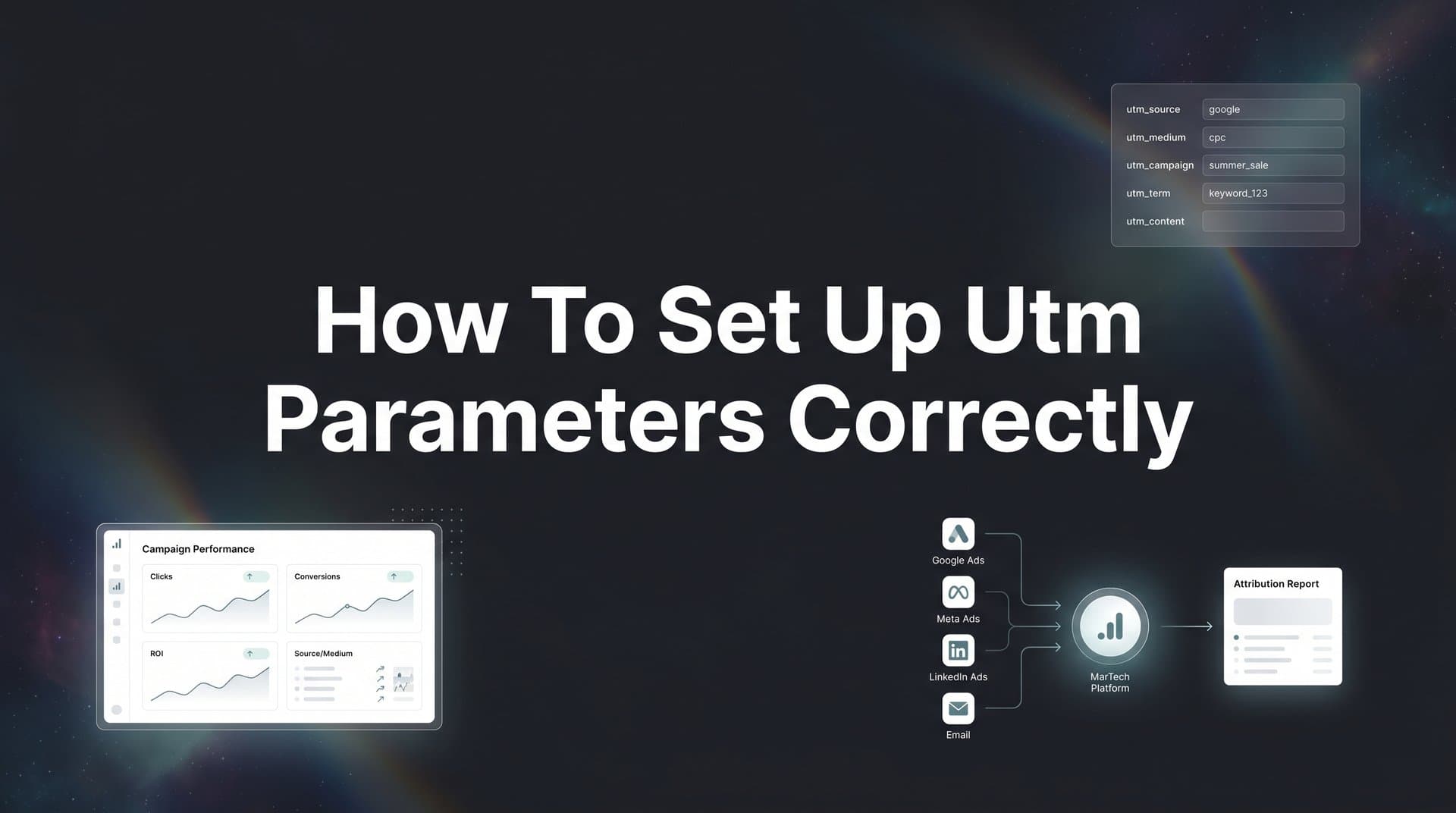
UTM parameters are query strings appended to URLs that pass campaign information to analytics platforms. There are five standard parameters, each serving a specific purpose in tracking your marketing efforts.
utm_source identifies where traffic originates. This is the referrer—the platform or website sending visitors to you. Examples include google, facebook, newsletter, linkedin, or twitter. Think of source as answering "where did this person come from?" If you're running ads on Meta, your source is facebook. If you're sending an email campaign, your source might be mailchimp or klaviyo.
utm_medium defines the marketing channel type. This categorizes how the traffic arrived, not where it came from. Common values include cpc (cost per click), email, social, organic, referral, or display. Medium answers "what type of marketing brought them here?" A Facebook ad uses medium=cpc or medium=paid_social, while an organic Facebook post uses medium=social.
utm_campaign is your campaign identifier. This names the specific promotion, product launch, or marketing initiative. Examples include spring_sale_2026, webinar_signup_april, or product_launch_q2. Campaign answers "which specific initiative is this part of?" This parameter ties all your channels together under one umbrella, letting you see total campaign performance across platforms.
utm_term tracks paid search keywords. This parameter is optional and primarily used for Google Ads or other paid search platforms. It captures which keyword triggered your ad. For example, if someone searches "marketing attribution software" and clicks your ad, utm_term=marketing_attribution_software. Most ad platforms can auto-populate this using dynamic parameters.
utm_content differentiates ad variations or creative elements. Use this for A/B testing different headlines, images, or calls-to-action within the same campaign. Examples include utm_content=video_ad or utm_content=carousel_creative_1. This parameter answers "which specific version of the ad did they click?" Understanding what UTM tracking is and how it helps marketing gives you the foundation to use these parameters effectively.
For most campaigns, you'll use source, medium, and campaign as your required trio. These three parameters provide the core attribution data you need. Add term for paid search campaigns where keyword data matters. Add content when you're testing multiple ad variations and need to identify which creative performs best.
Step 2: Create a Consistent Naming Convention for Your Team
Inconsistent UTM naming is the fastest way to destroy your attribution data. When one team member uses "Facebook" and another uses "facebook," analytics platforms treat them as separate sources. Your data fragments, reports become unreliable, and you lose the ability to track performance accurately.
Establish a lowercase-only rule from day one. Analytics platforms are case-sensitive, meaning Google, google, and GOOGLE appear as three different traffic sources. Choose lowercase for everything and enforce it across your team. This single rule eliminates the most common source of data fragmentation.
Use underscores or hyphens consistently, never spaces or special characters. Spaces in URLs get converted to "%20" through URL encoding, making your parameters harder to read and prone to breaking. Pick either underscores (spring_sale_2026) or hyphens (spring-sale-2026) and stick with it. Underscores tend to be more readable in analytics reports, but the key is consistency.
Build a standardized format that everyone follows. A simple structure works best: source_medium_campaign. For example, facebook_cpc_spring_sale or google_email_webinar_april. This format makes it easy to scan reports and immediately understand where traffic came from and what campaign it belongs to. Following best practices for UTM parameter tracking ensures your team maintains data quality.
Create a shared naming document that your team references before building any campaign. This can be a simple spreadsheet with approved values for each parameter. List your standard sources (google, facebook, linkedin, twitter, newsletter), standard mediums (cpc, email, social, organic, referral), and campaign naming formats. Include examples for common scenarios so team members can follow the pattern.
Include date formats if you're tracking time-sensitive campaigns. Decide whether you'll use 2026-q2, 2026-04, or april-2026 and document it. Consistent date formatting lets you filter and compare campaigns by time period without manually sorting through inconsistent labels.
Your naming convention should answer these questions: How do we label different ad platforms? How do we differentiate between organic and paid traffic from the same source? How do we name ongoing campaigns versus one-time promotions? How do we handle tests and experiments?
Document edge cases as they arise. When someone asks "how should I tag this LinkedIn sponsored content post?" and you decide on linkedin_sponsored_content_campaign_name, add that to your shared document. Over time, you'll build a comprehensive reference that covers every scenario your team encounters.
Step 3: Build Your UTM-Tagged URLs Using a URL Builder
Manual URL construction leads to typos, missing parameters, and broken tracking. Use a URL builder tool to generate your tagged URLs correctly every time. Google's Campaign URL Builder is free, reliable, and ensures proper formatting.
We compare the leading options in our ad builder roundup.
Start with your destination URL—the page where you want to send traffic. This should be the full URL including https://, such as https://www.yoursite.com/product-page or https://www.yoursite.com/blog/article-title. Paste this into the "Website URL" field in the URL builder.
Fill in your campaign source. This is where the traffic originates. For a Facebook ad campaign, enter facebook. For a Google Ads campaign, enter google. For an email newsletter sent through Mailchimp, enter mailchimp. Remember your lowercase-only rule and your team's naming convention.
Enter your campaign medium. For paid ads, use cpc or paid_social depending on your team's standard. For email campaigns, use email. For organic social posts, use social. For content partnerships, use referral. This categorizes the channel type.
Add your campaign name. This should match your internal campaign identifier. If you're running a spring sale across multiple channels, use spring_sale_2026 consistently across Facebook, Google, email, and everywhere else. This ties all campaign traffic together in your analytics.
Include campaign term and content if needed. For Google Ads, you might use dynamic parameters like {keyword} for term, which auto-populates with the actual search term. For A/B tests, use content to differentiate versions like headline_a or video_creative. Learn more about how marketers use UTMs for campaigns to maximize your tracking effectiveness.
If you're evaluating vendors, our AI creative testing platform breakdown can help.
The URL builder generates your tagged URL automatically. It looks something like: https://www.yoursite.com/product-page?utm_source=facebook&utm_medium=cpc&utm_campaign=spring_sale_2026&utm_content=video_ad
Test your tagged URL before launching. Paste it into a browser and verify the page loads correctly. Check that parameters appear in the URL bar exactly as you entered them. Special characters should be encoded properly—spaces become %20, ampersands become %26.
Save your generated URLs in a central tracking spreadsheet. Create columns for campaign name, destination URL, full tagged URL, platform, launch date, and end date. This becomes your source of truth for every campaign you run. When you need to update a campaign or reference past tracking, you have everything documented in one place.
Step 4: Implement UTMs Across Different Ad Platforms
Each ad platform handles UTM parameters differently. Some require manual tagging, while others offer dynamic parameters that auto-populate campaign details. Understanding platform-specific implementation ensures your tracking works correctly everywhere you advertise.
In Meta Ads Manager, add UTM parameters to your URL parameters field when creating ads. Navigate to the ad level, find the "Website URL" section, and click "Build a URL parameter." Meta offers dynamic parameters like {{campaign.name}}, {{adset.name}}, and {{ad.name}} that automatically pull campaign details. A typical Meta URL might look like: ?utm_source=facebook&utm_medium=cpc&utm_campaign={{campaign.name}}&utm_content={{ad.name}}
If you're evaluating vendors, our AI campaign manager breakdown can help.
This dynamic approach eliminates manual entry for every ad. When you launch a new campaign called "spring_sale_2026," Meta automatically populates utm_campaign=spring_sale_2026 without you typing it repeatedly. The same works for ad set names and individual ad creative names. For enhanced tracking, consider setting up the Conversion API alongside your UTM parameters.
Google Ads uses ValueTrack parameters for automatic tagging. Instead of manually entering campaign names, use parameters like {campaignid}, {adgroupid}, or {creative} that Google populates dynamically. Your URL template might be: ?utm_source=google&utm_medium=cpc&utm_campaign={campaignid}&utm_term={keyword}&utm_content={creative}
You can also enable auto-tagging in Google Ads, which adds a gclid parameter to your URLs. This works seamlessly with Google Analytics but doesn't provide the same clarity in other attribution platforms. Many marketers use both auto-tagging and manual UTM parameters for maximum compatibility.
LinkedIn Campaign Manager follows a similar pattern. Add URL parameters at the campaign level and use dynamic parameters like {{campaign.id}} or {{creative.id}}. For LinkedIn, your UTMs might look like: ?utm_source=linkedin&utm_medium=cpc&utm_campaign={{campaign.name}}&utm_content={{creative.id}}
TikTok Ads Manager supports URL parameters in the "Tracking" section when setting up ads. Use their dynamic macros like __CAMPAIGN_NAME__ or __AID__ to auto-populate details. Your TikTok UTMs follow the same structure: ?utm_source=tiktok&utm_medium=cpc&utm_campaign=__CAMPAIGN_NAME__&utm_content=__AID__
Email marketing platforms like Mailchimp, Klaviyo, or HubSpot let you add UTM parameters to every link in your emails. Most platforms offer merge tags that automatically populate campaign names. In Mailchimp, you might use *|CAMPAIGN_UID|* to insert the unique campaign identifier. Your email UTMs could be: ?utm_source=mailchimp&utm_medium=email&utm_campaign=spring_newsletter_2026
For organic social posts, manually add UTM parameters to any link you share. Use utm_medium=social instead of cpc to differentiate organic from paid. This lets you compare paid social performance against organic social efforts in the same platform.
Step 5: Verify Your UTM Data Is Flowing Correctly
Building UTM parameters correctly is only half the battle. You need to verify that data actually reaches your analytics platform and appears as expected. Broken tracking means wasted ad spend and decisions made on incomplete data.
Start with Google Analytics real-time reports. After launching a campaign, click a tagged URL yourself and immediately check GA4's real-time view. Navigate to Reports > Realtime and look for your session. You should see your UTM parameters appear under "Traffic acquisition" with the source, medium, and campaign you specified.
If your parameters don't appear, something broke in the chain. Check your URL for typos, verify parameters are properly formatted with ampersands (&) between each one, and confirm your destination page has the analytics tracking code installed. When UTM parameters aren't tracking properly, systematic troubleshooting helps identify the root cause.
Use browser developer tools to inspect URLs as they load. Right-click anywhere on your page, select "Inspect," and go to the "Network" tab. Click your tagged URL and watch the page load. You'll see the full URL with all parameters in the developer console. This confirms parameters pass through correctly and aren't stripped by redirects or page loads.
Look for common errors that break tracking. Duplicate parameters happen when you add UTMs to a URL that already has them, creating entries like ?utm_source=facebook&utm_source=google. Only the last value gets recorded, corrupting your data. Broken encoding occurs when special characters aren't converted properly—spaces, ampersands, and quotes can all cause issues if not encoded.
Missing values appear when you forget a parameter or leave it blank. A URL like ?utm_source=facebook&utm_medium=&utm_campaign=spring_sale sends an empty medium value, which analytics platforms may record as "(not set)" or drop entirely.
Set up test conversions to trace the full attribution path. Create a test campaign with known UTM parameters, click through to your site, and complete a conversion action like filling out a form or making a test purchase. Then check your analytics to verify the conversion attributes correctly to your UTM parameters. This end-to-end test confirms tracking works from click to conversion. A comprehensive conversion tracking setup guide can help you validate your entire tracking system.
Connect UTM data to your attribution platform for complete journey tracking. While Google Analytics shows last-click attribution by default, a dedicated attribution platform can ingest UTM parameters alongside other touchpoints—email opens, CRM events, offline conversions—to show the full customer journey. This reveals how your UTM-tagged campaigns work together across multiple touches before conversion.
Step 6: Maintain and Scale Your UTM System Over Time
UTM tracking isn't a one-time setup. As your team grows, campaigns multiply, and new channels emerge, your system needs ongoing maintenance to stay effective. Without regular audits, naming conventions drift, inconsistencies creep in, and data quality degrades.
Audit existing campaigns quarterly for naming inconsistencies. Export your traffic source data from analytics and scan for variations that should be consolidated. Look for entries like "Facebook," "facebook," "fb," and "meta" that all represent the same source. Document the correct format and update active campaigns to match.
Update your naming convention document as new channels emerge. When you start advertising on a new platform like Threads or Bluesky, decide how to label it before launching your first campaign. Add it to your shared document with examples so everyone uses the same format from day one.
Train new team members on UTM standards during onboarding. Don't assume they'll figure it out by looking at existing campaigns. Walk them through your naming convention, show them where the documentation lives, and have them build a test campaign under supervision. This prevents new hires from accidentally introducing inconsistencies.
Use spreadsheet templates or UTM management tools for team collaboration. Create a Google Sheet template with pre-filled dropdowns for approved sources, mediums, and campaign formats. Team members select from approved options rather than typing freeform, reducing errors. Some teams use dedicated UTM management tools that enforce naming rules automatically. When UTM parameters aren't capturing the full journey, it often indicates gaps in your tracking coverage that need addressing.
Connect UTM data to revenue attribution for true ROI measurement. UTM parameters tell you which campaigns drove traffic and conversions, but connecting those conversions to actual revenue shows which campaigns are profitable. When you can trace a Facebook ad click through to a $10,000 deal, you move from vanity metrics to business impact. Learning how to measure marketing ROI correctly transforms your UTM data into actionable business intelligence.
Your UTM system should evolve with your marketing sophistication. Start with basic source, medium, and campaign tracking. As you scale, add content parameters for creative testing, implement dynamic parameters for automation, and connect UTM data to your full attribution stack for multi-touch insights.
Putting It All Together
Clean UTM tracking transforms marketing from guesswork into a data-driven operation. When every campaign URL carries accurate source, medium, and campaign parameters, you can finally answer the questions that matter: Which channels drive the most conversions? Which campaigns generate the best ROI? Where should we increase spend and where should we cut?
Start with the fundamentals: master the five UTM parameters and understand when to use each one. Build a naming convention that your entire team follows, using lowercase values, consistent separators, and a shared reference document. Use a URL builder for every campaign to eliminate manual errors and ensure proper formatting.
Implement platform-specific dynamic parameters in Meta, Google, LinkedIn, TikTok, and your email platform. This automates UTM population and reduces the chance of typos or inconsistencies. Verify your data flows correctly by checking real-time reports, inspecting URLs with developer tools, and running test conversions through the full attribution path.
Maintain your system with quarterly audits, updated documentation, and proper onboarding for new team members. As your marketing scales, your UTM tracking should scale with it—capturing cleaner data, revealing deeper insights, and connecting every click to revenue.
With proper UTM implementation, you move beyond surface-level metrics like clicks and impressions. You see which ads and channels actually drive revenue, not just traffic. You identify winning campaigns early and double down before the competition catches on. You cut underperforming spend with confidence because the data tells you exactly what's not working.
For marketers ready to go beyond basic tracking and connect every touchpoint to real conversions, a dedicated attribution platform transforms UTM data into actionable insights. Instead of seeing isolated campaign performance, you understand how channels work together across the customer journey. You capture every touchpoint from first ad click to final purchase, feeding your ad platforms better data that improves targeting and optimization.
Ready to elevate your marketing game with precision and confidence? Discover how Cometly's AI-driven recommendations can transform your ad strategy—Get your free demo today and start capturing every touchpoint to maximize your conversions.



