

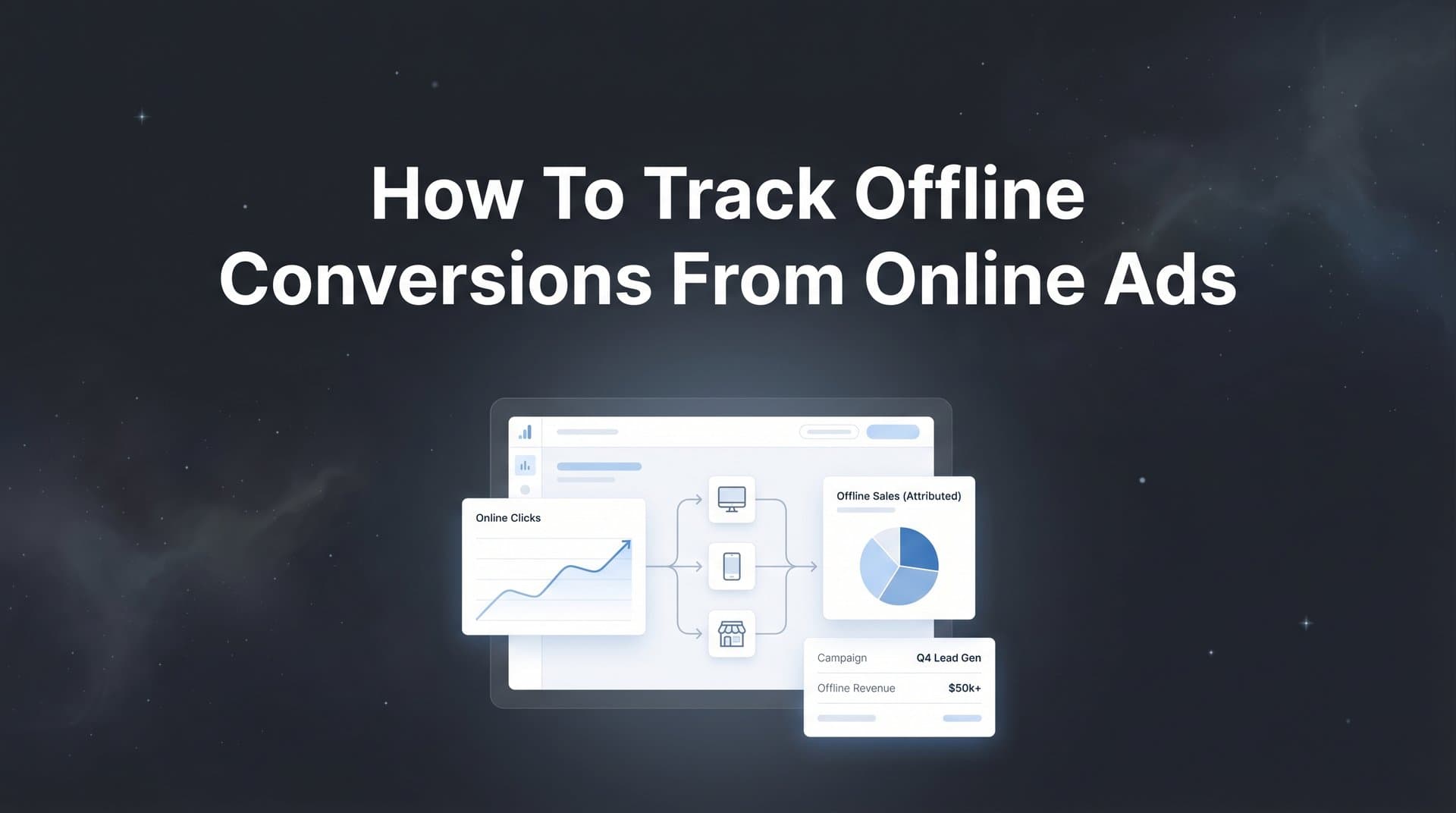
Your online ads generate clicks and leads, but what happens after someone picks up the phone, walks into your store, or signs a contract in your office? For many businesses, the most valuable conversions happen offline, yet these remain invisible in standard ad platform reporting. This disconnect creates a significant blind spot: you might be pouring budget into campaigns that look underperforming online but actually drive your highest-value customers through offline channels.
Think about it. A potential customer clicks your Google ad at 9 AM on Monday, browses your website during their commute, then calls your sales team three days later to close a $50,000 deal. In your ad dashboard? That campaign shows one click, no conversion, and looks like a waste of money. Meanwhile, the campaign you're about to pause is actually your top revenue driver.
Tracking offline conversions from online ads bridges this gap, giving you a complete picture of your marketing ROI. This guide walks you through the entire process, from setting up the right infrastructure to feeding conversion data back to your ad platforms so their algorithms can optimize for the outcomes that actually matter to your business.
Whether you deal with phone calls, in-store purchases, or B2B sales cycles that close weeks after the initial click, you'll learn exactly how to connect these offline events to the online touchpoints that initiated them. No more flying blind. No more killing profitable campaigns because you can't see the full story.
Step 1: Map Your Offline Conversion Points and Customer Journey
Before you can track offline conversions, you need to know exactly what you're tracking. This isn't about capturing every possible interaction. It's about identifying the specific offline events that represent real business value.
Start by listing every way customers convert outside your website. For a local service business, this might include phone calls that book appointments, in-person consultations, and signed contracts. For retail, it could be in-store purchases, showroom visits, or phone orders. For B2B companies, think closed deals in your CRM, signed proposals, or demo meetings that happen after initial online engagement.
Not all offline events deserve equal attention. A customer calling to ask about your hours isn't the same as someone calling to place a $10,000 order. Create a conversion hierarchy based on revenue impact. Which offline actions directly generate revenue? Which indicate high purchase intent? Which are just informational?
High-Value Conversions: Closed sales, signed contracts, high-ticket purchases, qualified sales calls that convert.
Medium-Value Conversions: Scheduled consultations, store visits with purchase intent, qualified lead calls.
Low-Value Conversions: General inquiry calls, information requests, low-intent interactions.
Next, document the typical customer journey from ad click to offline conversion. How long does it usually take? For e-commerce with in-store pickup, it might be same-day. For B2B software sales, it could be 30 to 90 days. Understanding these timelines is critical because you'll need to configure your tracking windows accordingly. Learning how to track customer journey online helps you map these touchpoints effectively.
Map out the touchpoints: Someone clicks your Facebook ad, fills out a lead form, receives a follow-up email, then calls your sales team a week later. Or they click a Google ad, visit your store locator, then make an in-store purchase two days later. Document these paths because each handoff point is where tracking can break down.
Pay special attention to where online data meets offline systems. When someone fills out a form on your website, where does that lead go? Into your CRM? A spreadsheet? An email inbox? These transition points need to preserve the tracking data that connects back to the original ad click.
The goal here isn't perfection. It's clarity. You need a clear picture of what matters and how it typically happens so you can build tracking infrastructure that captures the right data at the right moments.
Step 2: Establish Unique Identifiers for Cross-Channel Tracking
Here's the fundamental challenge: your ad platform knows about the click, and your CRM knows about the sale, but they don't automatically know they're talking about the same person. Unique identifiers solve this problem by creating a thread you can follow from initial click through final conversion.
Click IDs are your foundation. When someone clicks a Google ad, Google automatically appends a GCLID (Google Click ID) to your landing page URL. Facebook does the same with FBCLID. These identifiers are unique to each click and allow the ad platform to match conversions back to specific ads, keywords, and audiences.
The trick is capturing and preserving these click IDs throughout your entire funnel. When someone lands on your page with a GCLID in the URL, you need to grab it and store it. Most modern tracking systems can capture these automatically, but you can also use hidden form fields to pass them through lead submissions.
Set up your forms to include hidden fields for GCLID, FBCLID, and any other platform-specific identifiers you're using. When someone submits a form, these values get saved alongside their contact information in your CRM. Later, when they convert offline, you'll have the click ID needed to report that conversion back to the ad platform.
UTM parameters provide another layer of attribution data. While click IDs connect to specific clicks, UTM parameters tell you the campaign, source, medium, and content that drove the visit. Understanding what UTM tracking is and how UTMs help your marketing is essential for proper attribution setup.
Example UTM Structure: utm_source=google, utm_medium=cpc, utm_campaign=spring-sale-2026, utm_content=headline-a
Capture these parameters the same way you capture click IDs through hidden form fields or your analytics platform. They provide context even when click IDs expire or get lost, and they're essential for attribution analysis in your own systems.
For phone calls, use dynamic number insertion. This technique displays different phone numbers based on the traffic source, allowing you to attribute calls to specific campaigns. When someone arrives from a Google ad, they see one number. When they come from Facebook, they see another. Your call tracking software then logs which number was called and connects it back to the source. Mastering how to track phone call conversions from ads is crucial for businesses that rely on inbound calls.
The key is creating a persistent connection between the initial ad interaction and the customer record in your CRM. Every lead should carry with it the digital breadcrumbs that reveal its origin. Store click IDs, UTM parameters, and source data in custom fields in your CRM so they're available when you need to report conversions.
Think of this like a relay race. The click ID is the baton that gets passed from your ad platform, to your landing page, through your form submission, into your CRM, and eventually back to the ad platform when a conversion happens. Drop the baton at any point, and you lose attribution.
Step 3: Connect Your CRM and Sales Systems to Your Tracking Infrastructure
Your CRM is where offline conversions live. Sales calls get logged, deals get closed, contracts get signed, all inside systems like Salesforce, HubSpot, or Pipedrive. To track offline conversions, you need to connect these systems to your marketing analytics infrastructure.
Most modern CRMs offer native integrations or API connections that allow data to flow between systems. The goal is creating a two-way street: marketing data flows into your CRM to enrich lead records, and conversion data flows out to your attribution platform and ad platforms.
Start by integrating your CRM with your attribution platform. Solutions like Cometly connect directly to major CRMs and automatically sync conversion events. When a deal closes in Salesforce, that event gets captured along with all the associated tracking data (click IDs, UTM parameters, revenue amount) and becomes available for attribution analysis. Understanding how to track sales leads throughout your pipeline ensures no conversion data gets lost.
Configure webhooks or API connections to trigger when important events happen. When a lead status changes to "Closed Won," fire a webhook that sends conversion data to your tracking system. When a sales call is logged with a specific outcome tag, capture that event. The more granular you can get, the better your attribution insights.
For call tracking, implement software that integrates with both your CRM and your attribution platform. Services like CallRail, CallTrackingMetrics, or DialogTech can dynamically swap phone numbers based on visitor source, record calls, and push call data into your CRM and analytics systems.
Set up dynamic number insertion on your website so different visitors see different numbers based on their traffic source. When calls come in, your call tracking software logs the source, duration, and outcome. If your sales team marks a call as qualified or converts it to a deal, that data flows through your integrated systems.
The technical setup varies by platform, but the principle remains constant: eliminate manual data entry wherever possible. Every time a human needs to copy-paste data between systems, you introduce opportunities for errors and delays. Automated integrations ensure conversion data flows in real-time or near-real-time.
Configure your CRM fields to store all relevant tracking data. Create custom fields for GCLID, FBCLID, UTM parameters, and any other identifiers you're using. When a lead comes in, these fields get populated automatically. When that lead converts offline, you have everything needed to attribute the conversion.
Test your integrations thoroughly. Create a test lead with known tracking parameters, move it through your sales pipeline, and verify that conversion data appears in your attribution platform. Check that revenue amounts sync correctly, that timestamps are accurate, and that the attribution connects back to the right campaigns.
Step 4: Configure Offline Conversion Imports in Your Ad Platforms
Now comes the payoff: feeding your offline conversion data back to your ad platforms so they can optimize for real business outcomes. Each platform has its own method, but the goal is the same. Show Google, Meta, and other platforms which clicks led to actual revenue.
For Google Ads, you have several options. Enhanced conversions use first-party customer data (hashed email addresses or phone numbers) to match conversions to clicks even when click IDs aren't available. This method improves match rates and works well for businesses with strong customer data.
Set up enhanced conversions in your Google Ads account by enabling the feature and configuring how you'll send customer data. You can implement it through Google Tag Manager, the Google Ads API, or manual uploads. The system hashes customer information before sending it, protecting privacy while enabling matching. If you're running into issues, troubleshooting Google Ads conversion tracking issues can help identify the problem.
For manual offline conversion imports in Google Ads, prepare a CSV file with the required fields: GCLID, conversion name, conversion time, conversion value, and conversion currency. Upload this file through the Google Ads interface under Tools & Settings, then Conversions, then Uploads.
Set your conversion window to match your actual sales cycle. If deals typically close within 60 days of the initial click, set a 60-day window. Too short, and you'll miss conversions. Too long, and you'll attribute conversions to clicks that had minimal influence. Most B2B companies use 30 to 90-day windows, while retail might use 7 to 30 days.
For Meta (Facebook and Instagram), configure the Conversions API to send server-side events from your CRM. Unlike browser-based tracking, the Conversions API sends data directly from your server to Meta, bypassing browser restrictions and ad blockers. If you're experiencing tracking gaps, learning how to improve Facebook Ads conversion tracking can significantly boost your match rates.
Set up the Conversions API through your attribution platform or by building a custom integration using Meta's API documentation. You'll need to send event data including the FBCLID (Facebook Click ID), event name, event time, customer information (hashed), and conversion value.
Meta's Events Manager shows you the health of your Conversions API setup. Check your Event Match Quality score, which indicates how well Meta can match your conversion events to ad clicks. Higher match rates mean better attribution and optimization. Improve match quality by sending more customer data parameters like email, phone, and address.
Establish automated data pipelines rather than manual uploads whenever possible. Many attribution platforms can automatically sync conversion data to ad platforms on a daily or hourly basis. This keeps your ad algorithms fed with fresh data and reduces the manual work involved.
Configure attribution settings that align with your business model. If you use multi-touch attribution internally but ad platforms only support last-click, understand this discrepancy and how it affects your analysis. Some platforms allow you to customize attribution models for offline conversions.
Remember that ad platform algorithms need volume to optimize effectively. If you're only sending a handful of conversions per week, the platforms won't have enough signal to improve targeting. In these cases, you might track multiple conversion events at different funnel stages to give algorithms more data to work with.
Step 5: Validate Your Tracking and Troubleshoot Common Issues
Setting up offline conversion tracking is one thing. Knowing it actually works is another. Validation is critical because tracking errors compound over time, leading to bad data and worse decisions.
Run test conversions through your entire funnel. Click one of your own ads with tracking parameters, fill out a lead form, then manually create a conversion in your CRM that matches that test lead. Watch the data flow through your systems. Does the conversion appear in your attribution platform? Does it sync to the ad platform? How long does it take?
Check your match rates in each ad platform. In Google Ads, review your offline conversion imports to see what percentage of uploaded conversions matched to clicks. In Meta, check your Event Match Quality score in Events Manager. Low match rates indicate problems with your tracking setup. When offline conversions are not tracked properly, your optimization efforts suffer significantly.
Common culprits for low match rates include missing or incorrect click IDs, mismatched customer data, timezone issues, and conversions outside your attribution window. If you're seeing match rates below 50%, something is fundamentally broken.
Missing Click IDs: Verify that GCLIDs and FBCLIDs are being captured on your landing pages and stored in your CRM. Check hidden form fields and URL parameter passing.
Timezone Mismatches: Ensure conversion timestamps use the same timezone as your ad account. A conversion recorded at 2 PM EST but uploaded as 2 PM PST won't match correctly.
Duplicate Events: Make sure you're not sending the same conversion multiple times. Implement deduplication logic using transaction IDs or conversion IDs to prevent double-counting.
Set up ongoing monitoring to catch issues before they snowball. Create a dashboard that shows daily conversion counts, match rates, and data pipeline health. If conversions suddenly drop to zero or match rates plummet, you'll know immediately rather than discovering it weeks later. Understanding why your ads show conversions but no sales can reveal critical tracking gaps.
Test your setup after any major changes to your website, CRM, or tracking infrastructure. A simple form update can break click ID passing. A CRM migration can disrupt your integration. Treat tracking validation as an ongoing process, not a one-time task.
Document your tracking setup thoroughly. When someone on your team needs to troubleshoot an issue six months from now, they should be able to reference documentation that explains how data flows through your systems, what fields store which identifiers, and how to verify everything is working correctly.
Step 6: Analyze Attribution Data and Optimize Campaign Performance
With offline conversion tracking in place, you can finally see the full picture. The campaigns that looked mediocre based on online metrics alone might be your top revenue drivers. The channels you were about to cut might be generating your highest-value customers.
Start by comparing online-only metrics versus full-funnel attribution. Pull a report showing campaign performance based solely on online conversions (form fills, chat initiations). Then pull the same report including offline conversions (closed deals, phone sales, in-store purchases). The differences will be eye-opening.
You'll typically find that certain campaigns drive strong online engagement but weak offline conversion, while others generate fewer online actions but much higher-quality leads that close at higher rates and values. This is especially true for high-ticket B2B products where the customer journey involves multiple offline touchpoints. Learning how to track marketing ROI accurately ensures you're measuring what actually matters.
Identify campaigns and ad sets that drive high-value offline conversions despite lower online metrics. Maybe your generic brand awareness campaign shows a high cost per lead online, but those leads convert to customers at twice the rate of other sources. Without offline tracking, you'd kill that campaign. With it, you double down.
Look for patterns in which traffic sources produce offline converters. Do Google Search ads drive more phone calls while Facebook drives more form fills? Do certain keywords correlate with higher deal values even if they generate fewer total leads? These insights reshape your entire strategy. Understanding how to track conversions across platforms gives you the complete picture.
Reallocate budget toward channels proven to generate actual revenue, not just clicks or leads. If LinkedIn ads cost three times more per lead than Facebook but close at five times the rate with twice the deal size, the math becomes clear. Shift budget to LinkedIn and scale what works.
Use offline conversion data to inform audience targeting. If customers who convert offline share common characteristics (job titles, company sizes, locations), build lookalike audiences based on these high-value converters. Feed this data back to your ad platforms to improve their targeting algorithms.
Analyze creative performance through the lens of offline conversions. The ad creative that generates the most clicks might not generate the most revenue. Test different messaging angles and see which ones attract prospects who actually convert offline. Quality over quantity becomes measurable.
Set up custom reports that show the metrics that matter to your business. Revenue per campaign, cost per closed deal, customer acquisition cost including full sales cycle, and lifetime value by traffic source. These become your new north stars, replacing vanity metrics like click-through rate or cost per lead.
Share attribution insights across your organization. When sales sees which marketing campaigns drive their best leads, they can prioritize follow-up accordingly. When leadership sees true marketing ROI including offline revenue, budget conversations change. Data alignment creates organizational alignment.
Turning Data Into Revenue
Tracking offline conversions transforms your advertising from guesswork into precision marketing. With the infrastructure in place, you can finally see which campaigns drive real business outcomes, not just online engagement metrics. The disconnect between ad clicks and actual revenue disappears, replaced by clear line-of-sight attribution.
Quick implementation checklist: Map all offline conversion points and their business value. Capture and store click IDs and UTM parameters with every lead. Connect your CRM and sales systems to your tracking platform. Configure conversion imports in Google, Meta, and other ad platforms. Validate tracking with test conversions and monitor match rates. Analyze full-funnel data to optimize budget allocation.
The effort you invest in proper offline conversion tracking pays dividends through smarter budget decisions and ad platform algorithms that optimize for your actual goals. Instead of optimizing for clicks or form fills, your campaigns optimize for closed deals and real revenue. That's the difference between spending money on ads and investing in growth.
Platforms like Cometly streamline this entire process by connecting your ad platforms, CRM, and website to track the complete customer journey. From ad clicks to CRM events, Cometly captures every touchpoint, providing AI-driven recommendations to identify high-performing campaigns across every channel. Then it feeds enriched conversion data back to Meta, Google, and other platforms, improving targeting and ROI across all your campaigns.
Ready to elevate your marketing game with precision and confidence? Discover how Cometly's AI-driven recommendations can transform your ad strategy. Get your free demo today and start capturing every touchpoint to maximize your conversions.



