You're looking at your Google Ads dashboard, conversions are rolling in, and everything seems fine. But then a question creeps in: which keywords actually drove those conversions? Was it the branded search campaign that got the last click, or did that YouTube ad three days ago plant the seed? What about the Display remarketing campaign that showed up right before the user finally purchased? If you've ever stared at your campaign data trying to answer these questions, you're not alone.
This is exactly the problem that Google Ads attribution reporting is designed to solve. Rather than simply telling you that a conversion happened, attribution reporting tells you how credit should be distributed across every ad interaction that contributed to it. It's the difference between knowing a sale occurred and understanding the journey that led there.
In 2026, this distinction matters more than ever. With campaigns running simultaneously across Search, Display, YouTube, and Performance Max, combined with the ongoing impact of privacy changes on trackable data, the old habit of crediting the last click and moving on is no longer good enough. Marketers who understand attribution reporting make smarter budget decisions, protect campaigns that assist conversions, and avoid scaling what's actually underperforming.
This guide walks you through how Google Ads attribution reporting works, the models available to you, where to find the reports, what can go wrong, and how to build a fuller picture by looking beyond Google's own ecosystem. Whether you're new to attribution or looking to sharpen your approach, you'll come away with a practical framework for making your data work harder.
How Google Assigns Credit for Your Conversions
Before diving into models and reports, it helps to understand what attribution reporting actually is and how it fits into the broader measurement picture inside Google Ads.
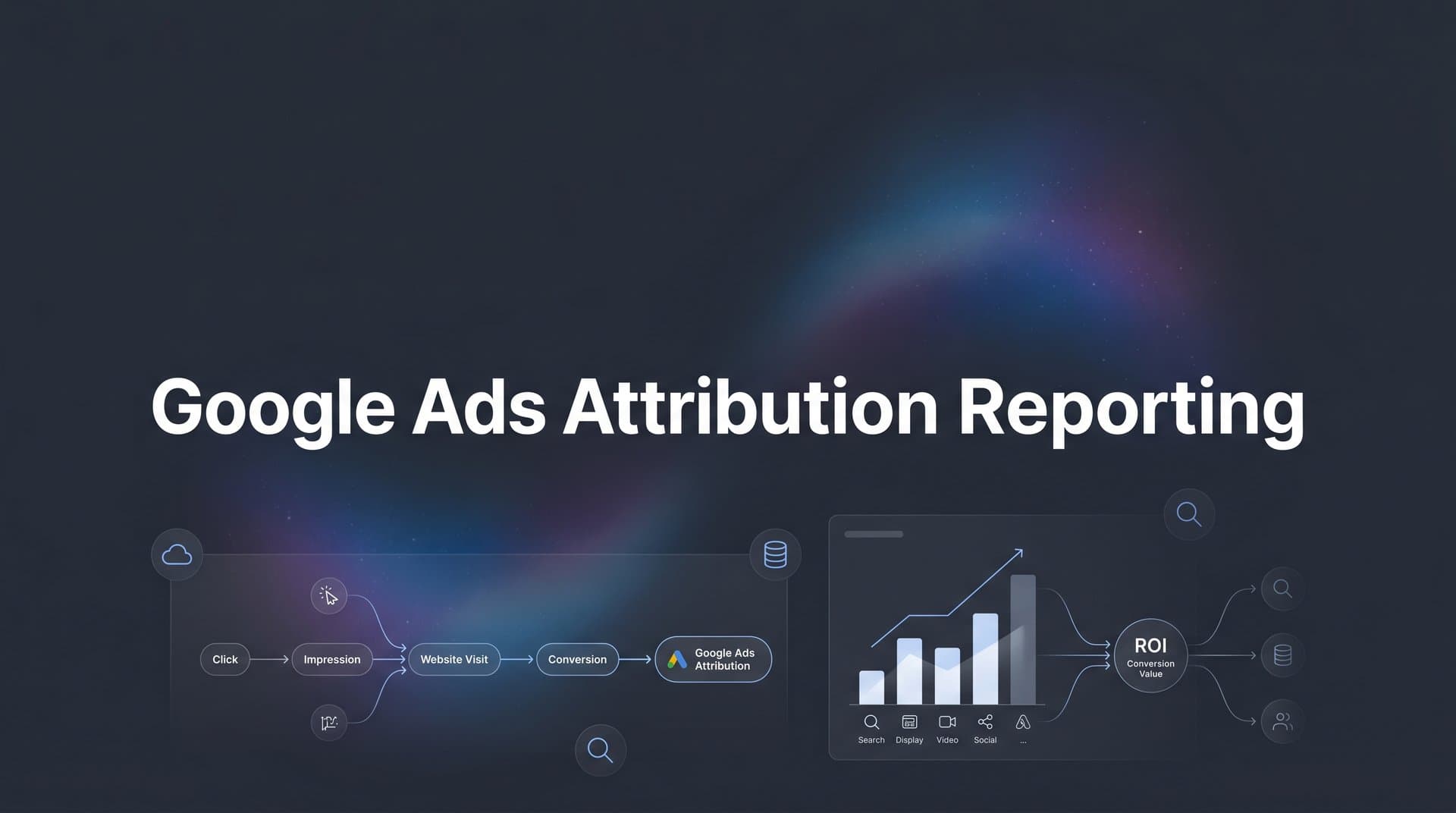
Attribution reporting is the process of determining which ads, keywords, and campaigns receive credit for a conversion event. When a user clicks on a Search ad, later sees a Display ad, watches a YouTube pre-roll, and then converts after clicking another Search ad, Google has to decide how to distribute credit across those interactions. Attribution reporting is the system that handles that distribution.
This is distinct from conversion tracking, which simply records whether a conversion happened at all. Think of conversion tracking as the "did it happen?" layer and attribution reporting as the "who gets the credit?" layer. Many marketers conflate the two, which leads to confusion when they see different conversion numbers depending on which report they're looking at. If you need a refresher on the tracking side, our guide on Google Ads conversion tracking covers the fundamentals.
Google tracks interactions across its own properties, including Search, Shopping, Display, YouTube, and Performance Max, before a user converts. These interactions are recorded as a conversion path: the sequence of touchpoints a user encountered within Google's ecosystem prior to completing a goal. That goal might be a purchase, a form submission, a phone call, or any other action you've defined as a conversion in your account.
The conversion path concept is central to understanding why attribution reporting exists. A user rarely searches once, clicks once, and buys immediately. More often, they encounter your brand multiple times across different formats and placements before committing. If you only look at which ad received the final click, you're ignoring every interaction that influenced the decision along the way.
It's also worth noting that Google's attribution reporting only covers interactions it can observe, which means clicks, impressions (in some models), and video views within its own ad network. If that same user also saw your Facebook ad or opened your email newsletter before converting, Google has no visibility into those touchpoints. This is a fundamental constraint we'll return to later, but it's important to keep in mind from the start.
Understanding this foundation sets you up to use attribution reports intelligently rather than treating them as the final word on what's driving your results.
Breaking Down Google's Attribution Models
Once you understand that Google is distributing credit across a conversion path, the next question is: how does it decide who gets how much? That's where attribution models come in.
As of 2026, data-driven attribution is the default model in Google Ads, and for most accounts, it's the one doing the heavy lifting. But Google still offers several models, and knowing when each one is appropriate can meaningfully change how you interpret your data.
Data-Driven Attribution: This model uses machine learning to assign fractional credit to each touchpoint based on its actual contribution to conversion. Rather than applying a fixed rule, it analyzes the conversion paths in your account and compares paths that led to conversions against paths that didn't. The result is a model that reflects the real influence of each interaction. Google made this the default because it adapts to your specific account data rather than applying a one-size-fits-all formula. The catch is that it requires a minimum volume of conversion data to function accurately, so smaller accounts may see less reliable results from it.
Last Click: All credit goes to the final ad clicked before conversion. This model is straightforward and easy to explain to stakeholders, but it systematically undervalues upper-funnel touchpoints that built awareness and intent. It can be useful for businesses with very short sales cycles where the last interaction genuinely is the most influential one.
First Click: The opposite of last click, this model gives all credit to the first interaction. It's useful for understanding which campaigns are best at introducing new customers to your brand, but it ignores everything that happened between that first touch and the eventual conversion. For a deeper dive into how single-touch and multi-touch approaches differ, see our breakdown of single source attribution and multi-touch attribution models.
Linear: Credit is distributed equally across all touchpoints in the path. This model acknowledges that multiple interactions matter but doesn't differentiate between more and less influential ones.
Time Decay: Touchpoints closer to the conversion receive more credit than earlier ones. This can make sense for longer consideration cycles where the final interactions are genuinely more decisive, such as a high-consideration B2B purchase.
Position-Based: Also called U-shaped attribution, this model gives 40% credit to both the first and last touchpoints, with the remaining 20% distributed across the middle. It's a compromise between first and last click thinking.
One important note: Google began deprecating rules-based models for new conversion actions in 2023, migrating existing conversion actions that used them to data-driven attribution. If you're setting up new conversion actions today, data-driven is essentially your starting point.
The most practical tool for working with these models is the Model Comparison report inside Google Ads. It lets you see, side by side, how credit shifts when you switch between models. If a campaign looks weak under last click but strong under data-driven or first click, that's a signal it's contributing to conversions even if it's not closing them. That insight alone can save you from cutting a campaign that's actually doing important work.
Where to Find Attribution Reports in Google Ads
Knowing that attribution reports exist is one thing. Knowing exactly where to find them and what each one tells you is what turns that knowledge into action.
Inside Google Ads, attribution reports live under Tools > Measurement > Attribution. Once you're there, you'll see several report views, each designed to answer a different question about your conversion paths.
Overview: This is your starting point. It gives you a high-level summary of conversion activity, including how many conversions are being attributed across your campaigns and a snapshot of path behavior. It's useful for getting oriented before diving into the more detailed views.
Top Paths: This report shows the most common sequences of campaign and keyword interactions that users took before converting. You might see, for example, that a large portion of your converters started with a branded search, then encountered a Display ad, and finally converted through another branded search. Or you might discover that a generic keyword is consistently appearing early in the path, even though it rarely gets last-click credit. Top Paths is where you start to see the actual shape of your customers' journeys within Google's ecosystem.
Path Metrics: This report focuses on the structure of conversion paths rather than their content. It tells you the average path length (how many interactions a typical converter had before completing a goal) and the time lag (how many days elapsed between the first interaction and the conversion). These two metrics are particularly valuable for setting conversion windows. If your average time lag is 14 days, but your conversion window is set to 7 days, you're likely undercounting conversions and making budget decisions on incomplete data.
Model Comparison: This is the report most marketers should be spending more time in. It lets you select two attribution models and compare how credit is distributed across your campaigns, ad groups, or keywords under each model. For a broader look at how different models stack up, our comparison of attribution models for marketers provides additional context. The differences can be significant. A campaign that appears to contribute very few conversions under last click might look like a major driver under data-driven attribution. This report gives you the evidence to defend budget allocation decisions and challenge assumptions about which campaigns are "working."
Beyond the dedicated Attribution section, you can also access attribution data directly in your standard campaign reports. Look for the Assisted Conversions column, which shows how many conversions a campaign or keyword contributed to without receiving last-click credit. Adding this column to your campaign view is a quick way to surface attribution insights without navigating to a separate report every time.
Common Pitfalls That Skew Your Attribution Data
Google Ads attribution reporting is a powerful tool, but it has real limitations that can quietly distort the picture if you're not aware of them. Understanding these pitfalls is just as important as knowing how to use the reports themselves.
The Walled Garden Problem: Google Ads attribution only tracks interactions that happen within Google's own ecosystem. If a user saw your Meta ad on Monday, clicked your TikTok ad on Wednesday, and then converted after clicking your Google Search ad on Friday, Google's attribution report shows a one-touch path: just the Search click. The Meta and TikTok interactions are completely invisible to it. This is the walled garden problem, and it affects every platform-native attribution tool, not just Google's. The result is that Google Ads tends to look like the primary driver of conversions even when other channels played a significant role. This can lead to over-investment in Google and under-investment in channels that are genuinely contributing. Understanding the broader attribution challenges in marketing analytics helps put this limitation in perspective.
Privacy Changes and Modeled Conversions: Apple's App Tracking Transparency framework, introduced in iOS 14.5, significantly reduced the volume of observable user data available to advertisers. Combined with the broader industry shift toward consent-based tracking and the ongoing deprecation of third-party cookies, Google now has less raw data to work with than it did a few years ago. To compensate, Google uses conversion modeling: a machine learning approach that estimates conversions it cannot directly observe based on patterns in the data it can see. Modeled conversions are integrated into your reported totals, which means some of what you see in your attribution reports is an estimate rather than a direct observation. This isn't necessarily bad, but it's important to understand that your data has gaps and that Google is filling them algorithmically.
Conversion Window Mismatches: If your conversion window is set too short relative to your actual sales cycle, you'll miss conversions that happen outside that window. The Path Metrics report can help you identify this problem by showing your actual time lag data. If the average time between first click and conversion is longer than your current window, it's time to adjust.
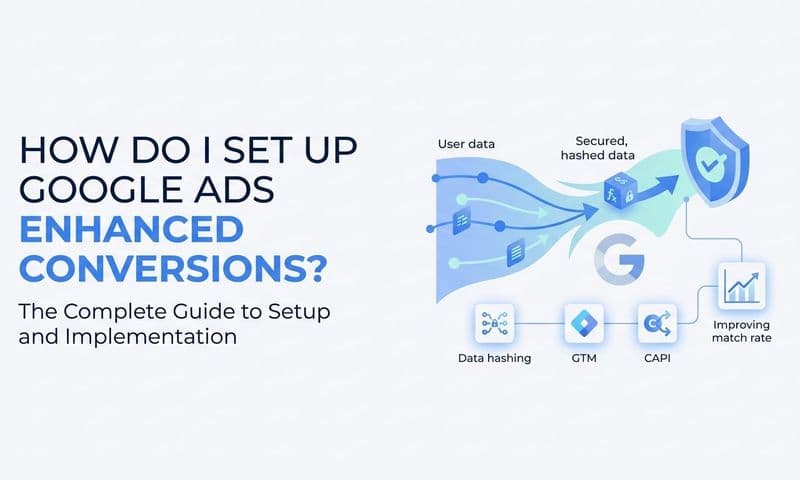
Tag Implementation Errors: Conversion tags that fire on the wrong page, fire multiple times for a single conversion, or fail to fire at all will silently corrupt your attribution data. A purchase that gets counted three times looks like a high-performing campaign. A campaign driving real conversions that aren't being tracked looks like a waste of budget. Regular tag audits, using tools like Google Tag Assistant or server-side verification, are essential for keeping your foundation clean. Implementing enhanced conversions in Google Ads can also help recover data that standard tags miss.
Moving Beyond Platform-Native Reporting for Full-Funnel Clarity
Here's the honest truth about Google Ads attribution reporting: it's an excellent tool for understanding what happens inside Google's ecosystem, but it was never designed to show you the full customer journey. For businesses running campaigns across multiple platforms simultaneously, relying solely on Google's self-reported data creates a fundamentally incomplete picture.
Think about what a typical multi-channel campaign looks like in 2026. A potential customer might discover your brand through a Meta video ad, click a LinkedIn sponsored post a week later, search for your brand name on Google, and then convert after clicking a Google Shopping ad. Google Ads shows you a two-touch path: the branded search and the Shopping click. The Meta and LinkedIn interactions, which may have been instrumental in building awareness and intent, are simply not in the picture. This is why cross-channel attribution has become a critical capability for modern marketing teams.
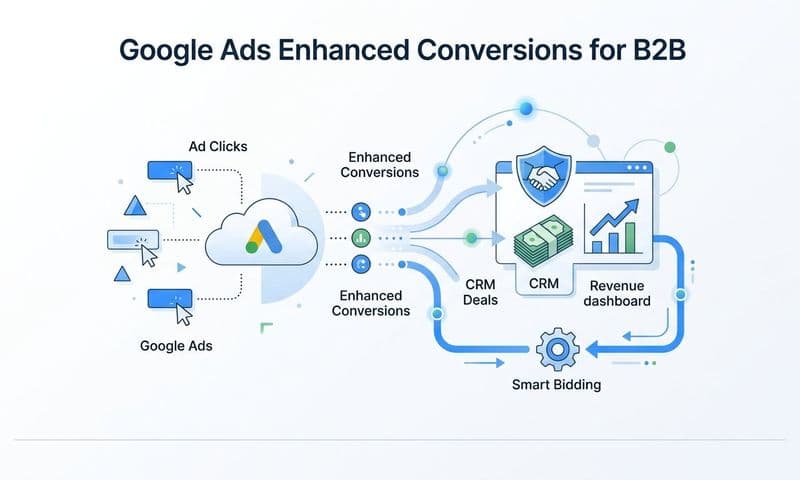
This is where independent, cross-platform attribution becomes essential. Instead of relying on each platform to report its own performance (which creates significant overlap and double-counting), a cross-platform attribution tool connects ad clicks from every channel to CRM events and actual revenue. The result is a unified view of what's driving results across your entire marketing mix, not just within one platform's walls.
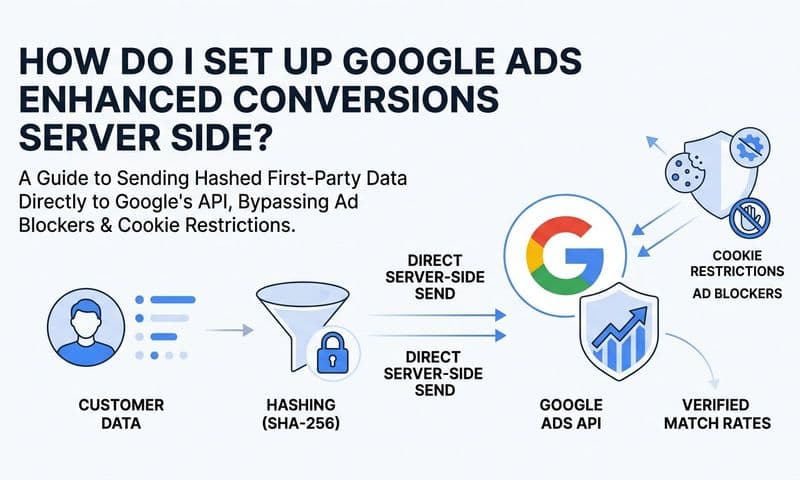
Server-side tracking plays a critical role in this approach. As browser-based tracking becomes less reliable due to privacy changes and ad blockers, server-side tracking sends conversion data directly from your server to ad platforms rather than relying on a browser-based tag. This method is more resilient to the data loss that comes from cookie restrictions and consent frameworks, meaning more of your actual conversions get recorded and attributed correctly.
Conversion sync takes this a step further. By sending enriched conversion data back to Google Ads, including signals that the platform's own tracking may have missed, you improve the quality of the data that Google's Smart Bidding algorithms use to optimize your campaigns. Better input data means better optimization decisions, which means your campaigns perform more efficiently over time.
Platforms like Cometly are built specifically for this purpose. Cometly connects your Google Ads data with every other channel you're running, your CRM, and your website to give you a complete view of the customer journey in real time. Instead of trusting each platform's self-reported numbers, you get a single source of truth that shows which touchpoints, across every channel, are actually driving revenue.
Turning Attribution Insights Into Smarter Budget Decisions
Attribution data is only valuable if it changes how you allocate budget. Here's a practical framework for turning what you learn in your attribution reports into decisions you can act on.
Use Path Metrics to Set Realistic Conversion Windows: Start by checking your average path length and time lag in the Path Metrics report. If most of your converters take 10 or more days from first interaction to conversion, make sure your conversion windows reflect that. Cutting campaigns after a week because they "aren't converting" is a common mistake that path data can prevent. Set your windows based on actual behavior, not assumptions.
Use Model Comparison to Find Undervalued Campaigns: Run a comparison between last click and data-driven attribution for your campaigns. Pay close attention to campaigns that look weak under last click but show meaningful credit under data-driven. These are often your awareness and consideration campaigns, the ones that introduce users to your brand and keep them engaged before they're ready to convert. Understanding the importance of attribution models in marketing can help you build a stronger case for protecting these campaigns internally.
Add Assisted Conversions to Your Regular Reporting: Make Assisted Conversions a standard column in your campaign view. This gives you a quick, ongoing signal of which campaigns are contributing to conversions without closing them. A campaign with low direct conversions but high assisted conversions is worth protecting, not cutting.
Build a Review Cadence: Attribution data is most useful when reviewed consistently. A practical cadence looks like this: review attribution reports weekly to catch anomalies and monitor path behavior, compare models monthly to identify shifts in how credit is being distributed, and validate Google's numbers quarterly using cross-platform attribution data to ensure you're not making major budget decisions based on a single platform's self-reported view. Dedicated attribution reporting software can streamline this process significantly.
The goal is to move from reactive budget management, where you cut what looks bad and scale what looks good based on surface metrics, to a more informed approach where you understand the role each campaign plays across the full conversion path before making changes.
Putting It All Together
Google Ads attribution reporting gives you a meaningful window into how your campaigns contribute to conversions. The ability to see conversion paths, compare attribution models, and identify undervalued touchpoints is genuinely powerful, and most advertisers aren't using these reports nearly enough.
But it's important to hold that power with clear eyes. Google's attribution reporting is a view of one part of the customer journey: the part that happens inside Google's ecosystem. In a world where customers interact with your brand across multiple platforms, devices, and channels before converting, that view is valuable but incomplete.
The smartest approach combines both: use Google Ads attribution reports to understand what's happening within the platform, and pair that with cross-platform attribution to validate those insights against a fuller picture of the customer journey. When your data sources agree, you can act with confidence. When they diverge, you know to dig deeper before making major budget shifts.
Start this week by opening your attribution reports in Google Ads, comparing at least two models in the Model Comparison report, and checking your Path Metrics to make sure your conversion windows match your actual sales cycle. These steps alone can surface insights that change how you allocate budget.
When you're ready to connect Google Ads data with every other channel you're running and get a truly unified view of what's driving revenue, Cometly is built exactly for that. Cometly captures every touchpoint from ad clicks to CRM events, feeds enriched conversion data back to Google and other platforms, and gives your team AI-powered recommendations to scale what's actually working. Get your free demo today and start seeing the complete picture behind every conversion.