

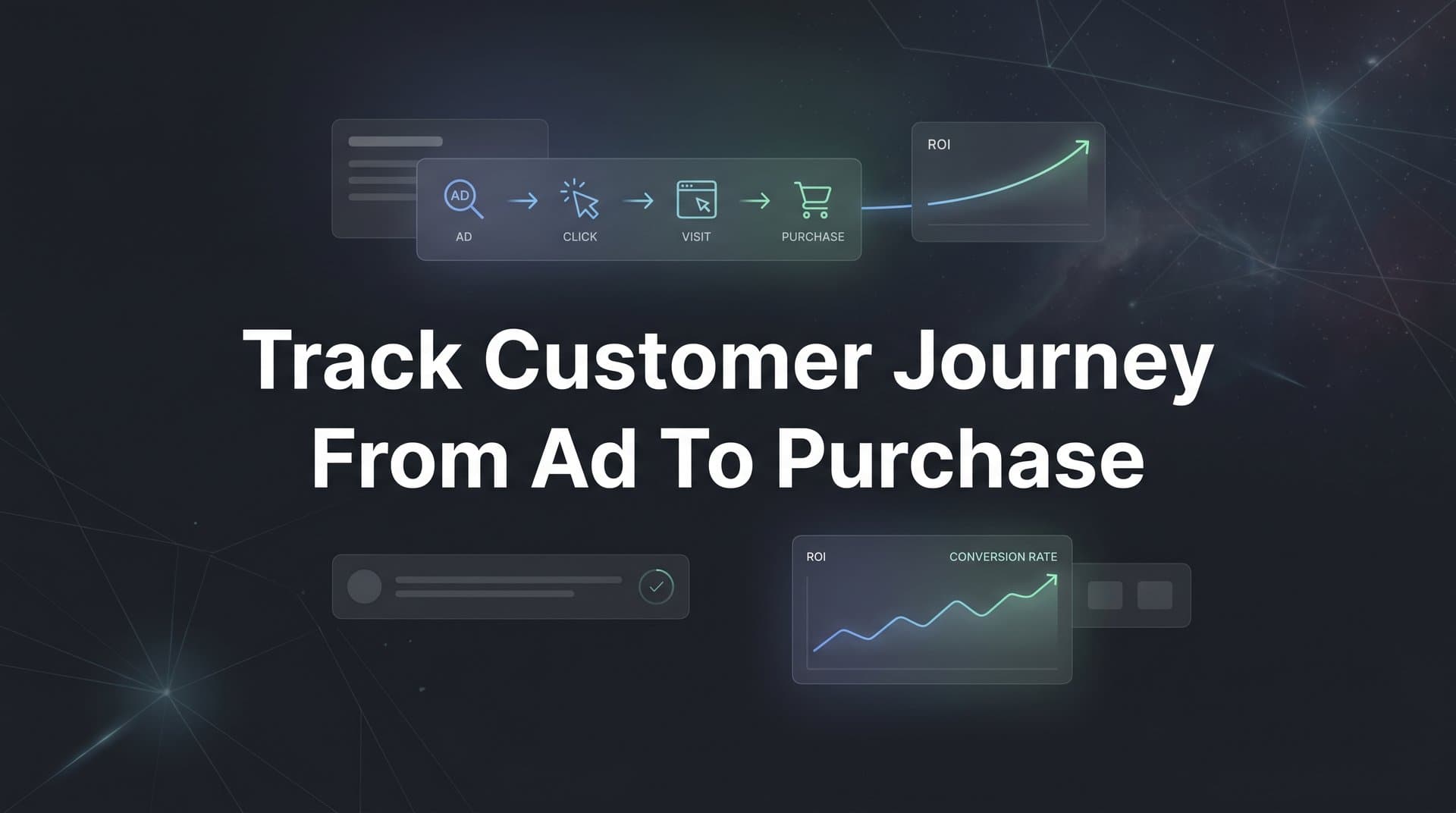
Every marketer has faced the same frustrating question: which ad actually led to that sale? A prospect might click a Facebook ad on Monday, browse your site on Wednesday through a Google search, and finally convert on Friday after seeing a retargeting ad on Instagram. Without proper tracking in place, you are left guessing which touchpoint deserves credit and where to invest your next dollar.
This is not a small problem. When your reporting is fragmented, you end up rewarding the wrong channels, cutting campaigns that are quietly driving results, and feeding poor data back to ad platform algorithms that rely on accurate signals to optimize your spend.
Tracking the customer journey from ad to purchase is the foundation of smart, profitable advertising. When you can see the full path a buyer takes, from the very first ad impression through every interaction to the final conversion, you gain the clarity to cut wasteful spend, double down on what works, and give ad platforms the data they need to find more buyers like your best customers.
This guide walks you through six actionable steps to build a complete, end-to-end tracking system. You will learn how to define the touchpoints that matter, set up the technical infrastructure, connect your ad platforms and CRM, implement proper attribution modeling, sync conversion data back to the platforms, and use journey insights to optimize your campaigns.
Whether you are running ads on Meta, Google, TikTok, LinkedIn, or all of the above, these steps will help you move from fragmented reporting to a unified view of what is actually driving revenue. Let's get into it.
Step 1: Map Out Every Touchpoint in Your Buyer's Path
Before you can track the customer journey from ad to purchase, you need to know what that journey actually looks like. This sounds obvious, but many marketers skip this step and jump straight into technical setup, which means they end up tracking the wrong things or missing critical interactions entirely.
Start by listing every channel where a prospect might interact with your brand. Think paid ads across all platforms, organic search, email campaigns, social media posts, direct website visits, and referral links from partners or affiliates. Each of these is a potential customer journey touchpoint in your buyer's path.
Next, document the typical stages of your funnel. A common sequence looks something like this: a prospect sees a paid ad and clicks through to a landing page, browses product pages or reads content, submits a lead form or signs up for a trial, enters an email nurture sequence, attends a demo or adds items to a cart, and finally makes a purchase or closes a deal. Your specific funnel may look different, but the goal is to write it down explicitly.
As you map this out, distinguish between micro-conversions and macro-conversions. Micro-conversions are the smaller actions that signal intent: an email signup, a content download, an add-to-cart event, a demo request. Macro-conversions are the revenue-generating outcomes: a completed purchase or a closed deal. Both matter. Tracking only the final conversion leaves you blind to the steps that lead there, which makes optimization nearly impossible.
Once you have this mapped out, create a simple journey map document that your whole team can reference. It does not need to be elaborate. A spreadsheet or a one-page diagram works fine. The point is to have a shared blueprint that defines what you need to track before you start configuring any tools. Many teams find that dedicated customer journey mapping tools can streamline this process significantly.
One common pitfall at this stage is overlooking offline or CRM-based touchpoints. If your sales team follows up with leads via phone calls, live chat, or in-person meetings, those interactions happen between the ad click and the purchase. They are part of the journey too. Make sure your map accounts for them, even if the tracking method for those touchpoints is different from your digital channels.
A complete journey map gives you a clear picture of the tracking infrastructure you need to build. Every touchpoint you identify in this step becomes a data point you will configure in the steps that follow.
Step 2: Set Up Server-Side Tracking and UTM Parameters
With your journey map in hand, it is time to build the technical foundation that makes tracking possible. This step is where many marketers either set themselves up for success or unknowingly introduce gaps that corrupt their data for months.
Let's start with the most important shift in modern tracking: moving beyond browser-based pixels alone. Traditional client-side tracking relies on JavaScript firing in a user's browser. The problem is that ad blockers prevent those scripts from running, Apple's App Tracking Transparency framework limits data collection on iOS devices, and the ongoing deprecation of third-party cookies continues to erode tracking accuracy. The result is that a meaningful portion of your conversions never get recorded. Understanding why server-side tracking is more accurate is essential for modern marketers facing these challenges.
Server-side tracking solves this by sending conversion data directly from your server to the ad platform's API, bypassing the browser entirely. When a conversion happens, your server captures the event and sends it to Meta's Conversions API, Google's Enhanced Conversions, or TikTok's Events API. This approach is far more reliable because it is not subject to browser-level restrictions.
Alongside server-side tracking, you need a consistent UTM parameter structure. UTMs are the tags you append to your ad URLs that tell your analytics platform where a click came from. A well-structured UTM includes five components: source (the platform, like "meta" or "google"), medium (the channel type, like "cpc" or "email"), campaign (the specific campaign name), content (the ad creative or variation), and term (the keyword, for search campaigns). For a deeper dive, check out our guide on UTM tracking and how it helps your marketing.
Consistency is everything here. If one team member tags a campaign as "Facebook" and another uses "Meta" and a third uses "fb," your data will be split across three separate entries in your reports. Establish a naming convention document and enforce it across every campaign, every platform, and every team member.
Most ad platforms also offer auto-tagging features. Google Ads uses GCLID parameters automatically, and Meta has its own click ID system. Use these alongside your UTMs rather than treating them as alternatives. They capture additional data that UTMs alone cannot provide.
Before you scale any spend, run test conversions and verify that data is flowing correctly through your entire tracking setup. Click your own ads, complete a test purchase or form submission, and confirm that the event shows up in your analytics platform, your ad platform's event manager, and your CRM. Catching a tracking gap before you spend a significant budget is far better than discovering it three months later.
Pro tip: Cometly's server-side tracking captures touchpoints that browser pixels miss, giving you a more complete and accurate data foundation from day one. This is especially valuable for businesses running iOS-targeted campaigns or operating in privacy-conscious markets.
Step 3: Connect Your Ad Platforms, Website, and CRM Into One System
Here is where things get interesting. You might have excellent tracking set up on each individual platform, but if those platforms are not talking to each other, you still have a fragmented view of the customer journey.
Think about what siloed data looks like in practice. Meta Ads Manager shows you clicks and reported conversions. Google Ads shows you its own set of conversions. TikTok shows you yet another number. Your website analytics shows sessions and goals. Your CRM shows leads and closed deals. None of these systems agree with each other, and none of them show you the full picture on their own.
The goal of this step is to connect all of these data sources into a single unified system so you can see the complete journey from first ad click to final purchase in one place. The right ad tracking tools make this integration process far more manageable.
Start with your ad platform integrations. Connect each platform using its API credentials, map your conversion events to the corresponding actions in your tracking system, and verify that data is syncing in real time. Most modern attribution platforms handle this through direct API connections rather than manual data exports, which means your reports stay current without manual work.
Next, link your CRM. This is the step that most marketers skip, and it is one of the most valuable connections you can make. Your CRM contains the downstream revenue data: which leads became opportunities, which opportunities closed, and what the deal value was. When you tie that data back to the original ad click, you can see not just which campaigns drove leads but which campaigns drove revenue. Learning how to track sales leads effectively is a critical part of closing this loop.
Popular CRMs like HubSpot and Salesforce can be connected through direct integrations or API connections. The key is ensuring that the unique identifier from the original ad click, whether that is a UTM parameter, a click ID, or a custom tracking parameter, is passed through to the CRM record so the connection can be made.
Your tracking should capture the full funnel: click, lead, opportunity, and revenue. Not just the first touch or the last touch, but every stage in between. This is what gives you the complete picture.
Cometly is built specifically for this kind of integration. It connects your ad platforms, website, and CRM in one dashboard so you can see the entire journey from first ad click to final purchase without toggling between tools or manually reconciling conflicting numbers.
Step 4: Choose and Apply the Right Attribution Model
With your data flowing into a unified system, you now face one of the most important analytical decisions in marketing: how do you assign credit for a conversion when multiple touchpoints contributed to it?
This is what attribution modeling is all about. An attribution model is a rule or set of rules that determines how conversion credit is distributed across the touchpoints in a customer's journey. The model you choose dramatically affects which channels look like winners and which look like underperformers, which in turn affects where you invest your budget. Selecting the best software for tracking marketing attribution can simplify this process considerably.
Here is a quick overview of the most common models:
First-Touch Attribution: Gives 100% of the credit to the very first touchpoint in the journey. This model is useful for understanding which channels are best at generating initial awareness, but it ignores everything that happened after that first interaction.
Last-Touch Attribution: Gives 100% of the credit to the final touchpoint before conversion. This is the default in many ad platforms and analytics tools. It tends to over-credit closing channels like branded search or direct traffic while ignoring the earlier touchpoints that built awareness and intent.
Linear Attribution: Distributes credit equally across all touchpoints in the journey. This is more balanced than first or last touch, but it treats a quick homepage visit the same as a 20-minute product page session, which may not reflect actual influence.
Time-Decay Attribution: Gives more credit to touchpoints that occurred closer to the conversion. This makes intuitive sense for longer sales cycles where the most recent interactions are often the most persuasive.
Data-Driven or Algorithmic Attribution: Uses machine learning to analyze all conversion paths and assign credit based on the actual statistical contribution of each touchpoint. This is the most accurate model, but it requires sufficient conversion volume to produce reliable results.
Choosing the right model depends on your business. For short sales cycles with a single touchpoint, last-touch may be sufficient. For longer B2B journeys where prospects interact with your brand many times over weeks or months, a multi-touch model gives you a more accurate picture. Data-driven attribution is ideal when you have enough volume to make the algorithm meaningful.
The real danger is relying on a single model without questioning it. Each model tells a different story, and the truth often lives somewhere in between. This is why comparing models side by side is so valuable. When you can see how credit shifts across your channels under different attribution lenses, you gain a much more nuanced understanding of what is actually driving results.
Cometly lets you compare multiple attribution models in one view, so you can see which channels truly drive revenue regardless of which model you apply. This kind of flexibility is essential for making confident budget decisions.
Step 5: Sync Conversion Data Back to Ad Platforms
Most marketers think of tracking as a one-way street: data flows from ad platforms into your analytics system. But there is a second, equally important direction: sending accurate conversion data back to the ad platforms so their algorithms can optimize your campaigns more effectively.
Here is why this matters. Platforms like Meta, Google, and TikTok use machine learning to decide who sees your ads, how much to bid for each impression, and which audiences to target. These algorithms are only as good as the conversion signals they receive. If the data you are sending them is incomplete or inaccurate, their optimization will be off, and your campaign performance will suffer as a result.
The problem with relying solely on platform pixels is well-documented. Browser-based pixels miss conversions due to ad blockers, iOS restrictions, and cookie limitations. Understanding what a tracking pixel is and how it works helps clarify why these limitations exist. This means the ad platform's algorithm is making optimization decisions based on an incomplete picture of your actual results. It may be optimizing for a subset of your true conversions, which often leads to targeting the wrong audiences or setting inefficient bids.
Conversion sync, also known as Conversions API or CAPI integration, solves this by sending enriched conversion events directly from your server to each platform's API. These events can include revenue values, customer data (hashed for privacy), and other signals that help the algorithm understand not just that a conversion happened, but what kind of conversion it was and how valuable it was.
The downstream impact on campaign performance is meaningful. When ad platforms receive better data, their lookalike audience modeling improves because they have a clearer picture of who your actual customers are. Their bidding algorithms become smarter because they are optimizing toward real revenue events rather than incomplete pixel fires. Over time, better data in translates to better ROAS out.
Practically speaking, you will want to set up conversion sync for each major platform you advertise on: Meta's Conversions API, Google's Enhanced Conversions, and TikTok's Events API. Each has its own setup process, but the principle is the same: enrich the signal, close the data gap, and let the platform's AI work with complete information. If you also need to account for interactions that happen outside digital channels, our guide on how to track offline conversions covers that critical piece.
Cometly's Conversion Sync handles this automatically, sending enriched conversion events back to Meta, Google, TikTok, and other platforms. This means the algorithms optimizing your campaigns are working with your best, most accurate data rather than a partial view.
Step 6: Analyze Journey Data and Optimize Your Campaigns
You have mapped your touchpoints, set up server-side tracking, unified your data sources, applied an attribution model, and synced conversions back to your ad platforms. Now comes the part that makes all of that infrastructure worthwhile: actually using the data to make better decisions.
Start by reading your customer journey reports with a focus on patterns. What are the most common paths to purchase? You might find that a significant portion of your best customers first encountered your brand through a YouTube ad, came back via branded search, and converted after a retargeting campaign on Meta. That sequence is valuable intelligence. It tells you that YouTube is playing a critical role in driving awareness even if it does not get credit in a last-touch model. Leveraging customer journey analytics tools makes it far easier to uncover these patterns at scale.
Look for drop-off points in the journey. Where are prospects leaving the funnel without converting? A high volume of ad clicks that do not progress to landing page engagement might indicate a messaging mismatch. A large number of leads that never reach the demo stage might point to a nurture sequence that needs work. Journey data surfaces these gaps in a way that siloed platform reporting never could.
Pay attention to time-to-convert patterns. How many touchpoints does your average buyer need before they purchase? How long does the journey typically take from first click to conversion? If your average customer takes 14 days and seven touchpoints to convert, you need to make sure your retargeting campaigns are running long enough and frequently enough to stay present throughout that window.
Use these insights to reallocate budget. Shift spend toward the channels and campaigns that consistently appear in winning conversion paths, not just the ones that get the last click. This is where multi-touch attribution pays off directly: it reveals the channels that are contributing to revenue even when they are not the final touchpoint. For a broader look at measuring campaign effectiveness, our guide on how to track marketing campaigns provides additional frameworks you can apply.
Set up a regular review cadence to keep this process ongoing. A weekly or biweekly review of your journey data and campaign performance ensures that you are catching changes quickly and making iterative improvements rather than letting underperforming campaigns run unchecked.
Cometly's AI recommendations surface high-performing ads and campaigns across all your channels, highlighting what is working so you can scale it with confidence. Instead of manually digging through reports, you get clear signals about where to invest and where to pull back, all grounded in your actual revenue data.
Putting It All Together: Your Customer Journey Tracking Checklist
You now have a complete framework for tracking the customer journey from ad to purchase. Before you close this tab and get to work, here is a quick checklist to make sure nothing falls through the cracks:
1. Map every touchpoint in your buyer's path, including micro-conversions, macro-conversions, and any offline or CRM-based interactions.
2. Implement server-side tracking alongside a consistent UTM naming convention, and verify your setup with test conversions before scaling spend.
3. Connect your ad platforms, website, and CRM into a unified system so you can see the complete journey from first click to closed deal in one place.
4. Choose the right attribution model for your business, compare models side by side, and validate your findings against actual revenue data.
5. Sync enriched conversion data back to Meta, Google, TikTok, and any other platforms you advertise on so their algorithms can optimize with complete, accurate signals.
6. Analyze your journey reports regularly, identify patterns and drop-off points, and use those insights to reallocate budget toward what is actually driving revenue.
Tracking the customer journey from ad to purchase is not a one-time setup. It is an ongoing practice that becomes more valuable over time as you accumulate more data and refine your approach. The marketers who invest in this process gain a clear, data-driven understanding of what is driving revenue, and they can scale with confidence instead of guesswork.
Cometly brings all six of these steps together in one platform. It connects your ads, website, and CRM to give you a complete view of every customer journey in real time, with AI-powered recommendations that surface what is working and conversion sync that feeds better data back to your ad platforms.
If you are ready to stop guessing and start seeing the full picture, Get your free demo today and start capturing every touchpoint to maximize your conversions.



