Paid social media is one of the largest line items in most B2B SaaS marketing budgets, yet it remains one of the hardest channels to measure accurately. The core problem is not the spend itself but the visibility gap between an ad click and a closed deal. Without a reliable system to track paid social media ROI, marketing teams end up making budget decisions based on platform-reported metrics that rarely tell the full story.
Cost-per-click and impressions are easy to find. Revenue attribution is not.
This guide is built for marketing teams and growth leaders who need a clear, repeatable process to connect paid social campaigns directly to pipeline and revenue. You will learn how to define the right conversion events, set up server-side tracking to capture accurate data, choose an attribution model that reflects how B2B buyers actually behave, and build a reporting framework that gives leadership real answers.
Each step builds on the last, moving from foundational setup to ongoing optimization. By the end, you will have a working system that tells you which campaigns, ad sets, and creatives are generating qualified leads and driving revenue, not just traffic.
Whether you are running campaigns on Meta, LinkedIn, or TikTok, the same principles apply. The goal is a single source of truth for your paid social performance, one that connects ad spend to pipeline velocity and closed-won revenue without relying on fragmented native platform dashboards.
Let's build that system, step by step.
Step 1: Define the Conversion Events That Actually Matter
Before you touch a tracking pixel or configure a single integration, you need to get clear on what you are actually trying to measure. This is the step most teams skip, and it is the reason their attribution data ends up cluttered and unreliable.
Not all conversion events are created equal. In B2B SaaS, the events that signal real business value are specific: demo requests, free trial signups, qualified form submissions, and closed-won opportunities. These are the actions that connect to revenue. Page views, video plays, and social follows are not conversion events worth building your ROI system around.
Here is how to approach this systematically.
Map events to your funnel stages. Think of your B2B marketing funnel in three broad layers: awareness, consideration, and decision. Assign at least one measurable conversion event to each layer. A content download might represent top-of-funnel engagement. A demo request signals bottom-of-funnel intent. A closed-won deal in your CRM is the revenue outcome you ultimately care about. Measuring ROI at multiple funnel stages gives you a more complete picture of where paid social is contributing.
Assign monetary values to each event. Your attribution system needs numbers to calculate ROI accurately. If your average contract value is known, work backwards. If a demo request converts to a closed deal at a certain rate, that demo request has a calculable pipeline value. Assign that value to the event so your reporting can translate activity into dollars rather than just counts.
Keep your list short and focused. This is where many teams go wrong. Tracking too many low-value events dilutes your data and makes it harder to identify what is actually driving revenue. Aim for three to five conversion events maximum. Prioritize depth of insight over breadth of data collection.
Write clear definitions for each event. A "qualified lead" means different things to different teams. Before you configure any tracking, document exactly what triggers each conversion event. Is a demo request counted when the form is submitted or when the meeting is confirmed? Clarity here prevents reporting discrepancies later.
You know this step is complete when you have a short, prioritized list of three to five conversion events with clear definitions and assigned pipeline values, documented and agreed upon by both marketing and sales before you move to any technical setup.
Step 2: Set Up Server-Side Tracking to Capture Accurate Data
Once your conversion events are defined, you need a reliable mechanism to capture them. Browser-based pixel tracking alone is no longer sufficient for B2B SaaS teams who need accurate data.
Here is the reality: ad blockers prevent pixels from firing, iOS privacy changes limit cross-device tracking, and browser restrictions increasingly block third-party cookies. The result is that a significant portion of your conversions simply go unrecorded when you rely solely on client-side pixels. You end up optimizing campaigns based on incomplete data, which leads to budget decisions that are directionally wrong.
Server-side tracking solves this problem by moving the event-firing logic from the user's browser to your server. When a conversion happens, your server sends the event data directly to the ad platform, bypassing browser limitations entirely. This is now the industry standard, and platforms like Meta and Google have built Conversion API infrastructure specifically to support it. Understanding why server-side tracking is more accurate than browser-based methods is essential before you begin configuration.
The core setup process works like this. You connect your website, CRM, and ad platforms through a server-side solution. When a user completes a conversion event, your server captures that event and sends it to Meta via the Conversions API (CAPI) or to Google via Enhanced Conversions. The event fires regardless of what the user's browser is doing.
Event deduplication is critical. Most teams run both browser pixels and server-side events simultaneously during the transition period, and often indefinitely. Without deduplication, the same conversion gets counted twice: once from the pixel and once from the server. You prevent this by passing a unique event ID with every event. The ad platform uses that ID to recognize and discard the duplicate. Get this right from the start, because double-counted conversions corrupt your ROI calculations.
First-party data enrichment improves match quality. When you send server-side events, you can pass additional customer data alongside them: hashed email addresses, phone numbers, and user IDs. Ad platforms use this data to match the event to a specific user profile, which improves what Meta calls "event match quality." Higher match quality means better audience targeting, more accurate attribution, and improved ad platform optimization. It is one of the most impactful things you can do to improve campaign performance beyond just the creative itself.
Validate your setup before moving on. Use the testing tools available in Meta Events Manager and Google Ads to confirm that events are firing correctly. Check that your platform-reported conversions are aligning more closely with your CRM data. If you are seeing a significant gap between the two, there is likely a configuration issue worth resolving before you build attribution models on top of unreliable data. Following a thorough server-side tracking implementation guide will help you avoid the most common configuration errors.
The success indicator here is straightforward: your Conversion API events are firing with high event match quality scores, and your platform-reported conversions are tracking closely with what your CRM shows as actual leads and opportunities.
Step 3: Choose the Right Attribution Model for B2B Buying Cycles
With accurate data flowing in, the next question is how to assign credit for conversions across all the touchpoints that contributed to a deal. This is where attribution modeling comes in, and it is where many B2B teams make a costly mistake.
Last-click attribution is the default in most ad platforms and analytics tools. It gives 100% of the credit for a conversion to the final touchpoint before the conversion event. For e-commerce with short purchase cycles, this is often fine. For B2B SaaS with sales cycles that can span weeks or months, it is systematically misleading.
Here is why. A prospect might first encounter your brand through a LinkedIn Sponsored Content post. They read a few blog posts, see a retargeting ad on Meta, attend a webinar, and then three weeks later search your brand name directly and request a demo. Under last-click attribution, branded search gets all the credit. LinkedIn, which introduced the prospect to your brand, gets none. Over time, this makes top-of-funnel paid social channels look like they have poor ROI, and teams cut the very campaigns that are filling the top of the pipeline.
Understanding the main attribution models helps you choose the right one for your situation. Reviewing the best software for tracking marketing attribution can also help you identify which platforms support the models that fit your sales cycle.
First-touch attribution credits the channel that first introduced the prospect to your brand. It is useful for understanding which channels are best at generating awareness and new pipeline, but it ignores everything that happened between introduction and conversion.
Linear attribution distributes equal credit across every touchpoint in the customer journey. It is simple and fair, and it gives paid social channels credit for their role throughout the funnel rather than just at the beginning or end.
Time-decay attribution gives more credit to touchpoints that occurred closer to the conversion event. This can make sense for shorter sales cycles where recency genuinely matters more, but it still undervalues early-stage paid social in long B2B cycles.
Data-driven attribution uses machine learning to assign credit based on actual conversion patterns in your data. It is the most accurate model available, but it requires sufficient data volume to produce reliable results. If you are a smaller team with limited conversion volume, data-driven attribution may not yet be viable.
For most B2B SaaS teams, multi-touch attribution is the right baseline. It distributes credit across all the touchpoints that influenced a deal, giving paid social channels their fair share rather than concentrating credit at a single point in the journey.
There is also an account-based dimension to consider. In B2B, multiple contacts from the same company often interact with your ads before a deal closes. A VP sees a LinkedIn ad, a manager clicks through to a landing page, and a director requests the demo. Your attribution model needs to account for this multi-contact reality, not just individual user journeys.
You know this step is working when you can clearly articulate why you chose a specific attribution model and how it maps to your average sales cycle length. That reasoning should be documented and revisited quarterly as your data matures.
Step 4: Connect Your Ad Platforms, CRM, and Revenue Data
Accurate tracking and a well-chosen attribution model are only as powerful as the integrations that connect your data sources. This step is about building the integration layer that ties everything together into a unified view of paid social ROI.
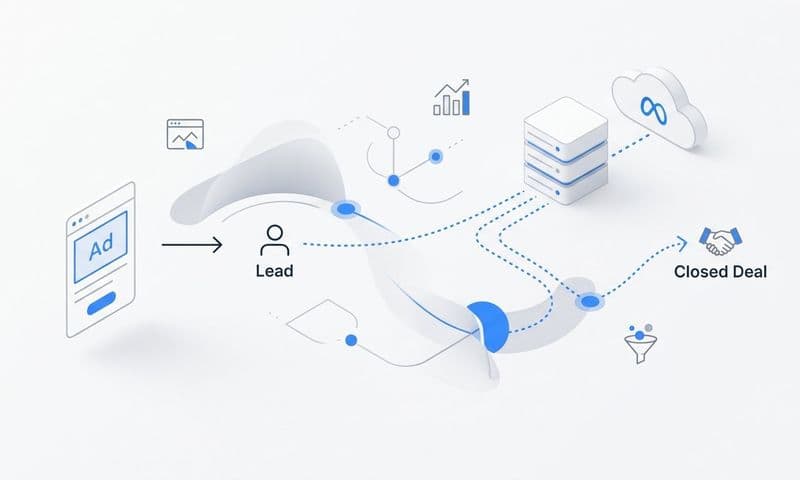
Think of it this way: your ROI tracking system is a chain. Ad platforms generate clicks and impressions. Your website captures conversion events. Your CRM tracks leads through pipeline stages. Your revenue platform records closed deals and payment data. If any link in that chain is broken or disconnected, your ROI calculation is incomplete. You end up knowing how much you spent but not how much you earned.
The key integrations you need to establish are these.
Ad platform connections. Connect Meta Ads, LinkedIn Ads, and Google Ads to your attribution platform. This pulls in spend data, impression data, and click data at the campaign, ad set, and creative level. Without this, you cannot calculate cost per pipeline dollar or ROAS against real revenue.
CRM integration. Whether you use HubSpot, Salesforce, or another CRM, connecting it to your attribution system is what allows you to tie ad touchpoints to pipeline stages. When a lead moves from "Marketing Qualified Lead" to "Sales Qualified Lead" to "Closed Won," those stage changes should flow back into your attribution data so you can see which paid social campaigns are generating opportunities that actually close. Learning how to track sales leads through your CRM is a foundational skill for making this integration work correctly.
Revenue platform integration. Connecting a platform like Stripe to your attribution system closes the final loop. It allows you to see actual revenue generated, not just pipeline value. When a deal closes and payment is processed, that revenue data gets attributed back to the original ad touchpoints that influenced the journey. This is the difference between tracking leads and tracking money.
Offline conversion tracking. In B2B SaaS, deals often close weeks or months after the initial ad click. That revenue data needs to be synced back to your attribution platform retroactively. Without offline conversion tracking, your paid social campaigns look less profitable than they actually are, because the revenue they generated is not being credited to them.
This is precisely where native platform dashboards fall short. Meta Ads Manager and LinkedIn Campaign Manager each show you performance within their own ecosystem. They cannot show you how LinkedIn influenced a deal that closed after a Google Ads retargeting click and a direct visit. Only a cross-channel attribution platform can provide that unified view.
Cometly is built specifically to connect these data sources. It integrates with your ad platforms, CRM, and revenue data to create a single customer journey record that shows every paid social touchpoint alongside the pipeline stage and revenue outcome. That unified record is what makes accurate ROI calculation possible.
The success indicator: you can pull up a single customer record and see every paid social touchpoint that influenced the journey, from the first LinkedIn impression to the closed-won deal in your CRM.
Step 5: Build a Paid Social ROI Dashboard That Drives Decisions
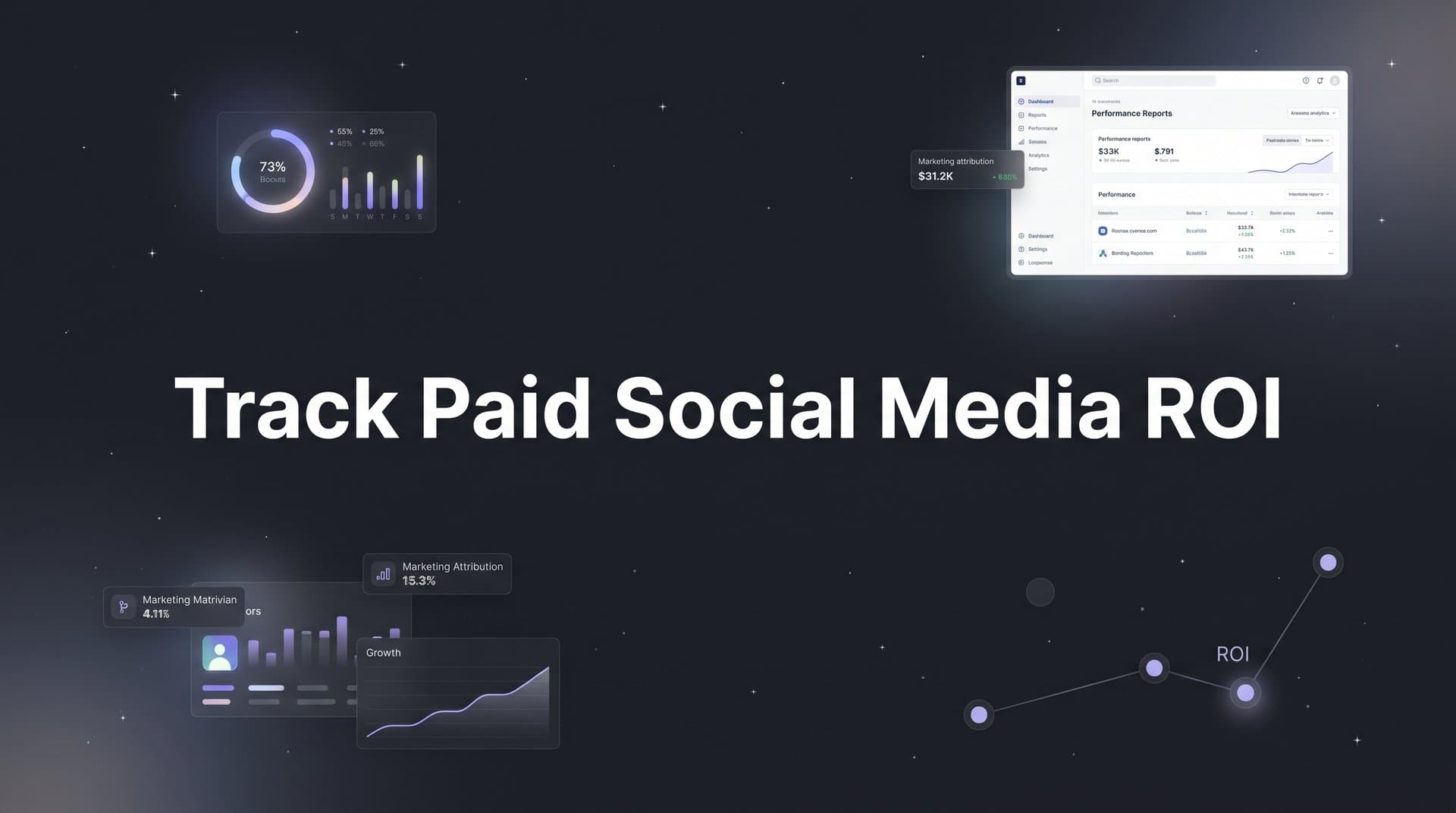
Data without a clear reporting structure is just noise. The goal of this step is to build a dashboard that answers real business questions quickly, specifically the question that matters most to leadership: which paid social campaigns are generating revenue?
Structure your dashboard in three layers, moving from the executive summary down to granular creative performance.
Executive layer: total pipeline and revenue by channel. This is the view your CMO or VP of Marketing needs. It shows total spend, total pipeline generated, total revenue attributed, and overall ROAS by channel for a given period. It answers the question "is paid social working?" at a glance. Critically, the ROAS here should be connected to actual closed revenue from your CRM, not the platform-estimated conversion value that Meta or LinkedIn reports natively.
Campaign layer: cost per qualified opportunity by campaign. This is where you start making budget decisions. The core metrics at this level are cost per lead, cost per qualified opportunity, pipeline generated, and revenue attributed, all broken down by campaign. This view allows you to compare LinkedIn's cost per pipeline dollar against Meta's cost per pipeline dollar, which is a far more meaningful comparison than comparing click-through rates. Applying the right analytics for paid campaigns at this layer is what separates teams that optimize on vanity metrics from those that optimize on revenue.
Creative layer: which ads are driving the highest-value leads. Not all leads are equal, and not all creatives attract the same quality of prospect. This layer shows you which specific ad creatives are generating leads that convert to opportunities and close as revenue. A creative with a high click-through rate but low pipeline conversion rate is not performing well, even if the platform says otherwise.
Beyond these core layers, add pipeline velocity as a secondary metric. Knowing which paid social channels generate deals that close faster helps you prioritize budget allocation. A LinkedIn campaign that generates fewer leads but closes them in half the time may have better ROI than a high-volume Meta campaign with a slow close rate.
The common pitfall here is building a dashboard that reports on activity rather than outcomes. Impressions, clicks, and reach are useful for diagnosing creative performance, but they should never be the primary metrics in a ROI dashboard. If your dashboard cannot answer "which paid social campaign generated the most revenue this quarter" in under 60 seconds, it needs to be rebuilt around outcomes.
That 60-second test is your success indicator for this step. Run it with your team. If it takes longer, identify which data connection or dashboard structure is creating the friction.
Step 6: Use AI-Driven Insights to Optimize and Scale What Works
Once your tracking is accurate, your attribution model is set, and your dashboard is built, you have something most marketing teams lack: a reliable data foundation. The next step is using that foundation to make smarter decisions faster, and this is where AI-driven analysis becomes genuinely useful rather than just a buzzword.
Manual reporting has a ceiling. You can look at campaign performance tables and identify obvious winners and losers. But patterns that span channels, audiences, creative formats, and time periods are difficult to surface manually. AI analysis on top of accurate attribution data finds those patterns automatically.
Practically, this means identifying which ad creatives drive the highest-value leads, not just the most clicks. It means recognizing which audience segments have the shortest sales cycles, so you can prioritize budget toward prospects who are more likely to close quickly. It also means flagging campaigns with declining ROI before significant budget is wasted, rather than catching the problem in a monthly review.
The feedback loop is equally important. When you send accurate, enriched conversion data back to ad platforms via Conversion API, you are not just improving your own reporting. You are improving the ad platform's own machine learning. Meta's algorithm uses your conversion data to find more users who behave like your best converters. Google's Smart Bidding uses it to optimize bids toward the outcomes that matter. Higher event match quality scores directly improve targeting accuracy and campaign efficiency over time. This is a compounding advantage: better data leads to better platform optimization, which leads to better campaigns, which generates better data.
A practical optimization workflow looks like this. First, use your revenue attribution dashboard to identify the top-performing campaigns by closed revenue, not just lead volume. Second, analyze the common characteristics of those campaigns: the audience targeting, the creative format, the offer, the landing page. Third, apply those insights to new creative and audience tests. Fourth, use your paid media analytics data to validate whether the new tests are replicating the results of the top performers.
Budget reallocation becomes data-driven rather than political. Instead of spreading budget evenly across platforms or defaulting to the channel with the most impressive-looking platform metrics, you shift spend toward the campaigns and channels that attribution data shows are generating the most pipeline and revenue. This is how paid social budgets compound in efficiency over time.
Cometly's AI recommendations layer is designed to surface exactly these kinds of insights. Rather than manually digging through reports to find scaling opportunities, the platform identifies them and presents them in a format that marketing teams can act on immediately.
The success indicator: you are making budget reallocation decisions based on revenue attribution data, not platform-reported ROAS or instinct. If someone asks why you increased LinkedIn spend this quarter, you have a specific revenue attribution number to point to.
Putting It All Together: Your Paid Social ROI Tracking Checklist
Tracking paid social media ROI is not a one-time project. It is an ongoing system that requires maintenance, iteration, and regular review. Here is a concise checklist of everything this guide has covered.
Step 1: Define conversion events. Identify three to five high-value conversion events, map them to funnel stages, and assign pipeline values to each.
Step 2: Set up server-side tracking. Implement Conversion API integration for your key ad platforms, configure event deduplication, and enrich events with first-party data to improve match quality.
Step 3: Choose your attribution model. Select a multi-touch attribution model that reflects your B2B sales cycle length, document your reasoning, and plan to revisit it quarterly.
Step 4: Connect your data sources. Integrate your ad platforms, CRM, and revenue platform into a unified attribution system. Enable offline conversion tracking so closed-won revenue flows back to the campaigns that generated it.
Step 5: Build your ROI dashboard. Structure it in three layers: executive summary, campaign-level performance, and creative-level performance. Make sure it answers revenue questions, not just activity questions.
Step 6: Activate AI-driven optimization. Use attribution data to identify top-performing campaigns, apply those insights to new tests, and reallocate budget based on revenue outcomes rather than platform metrics.
Revisit your attribution model quarterly. Audit your conversion events whenever your funnel changes. Update your dashboard as new channels are added to your media mix.
Cometly unifies all six of these steps into one platform. From server-side tracking and Conversion API integration to multi-touch attribution, revenue data connection, and AI-driven optimization, it is built specifically for B2B SaaS teams who need this level of visibility without stitching together a dozen separate tools.
Start with Step 1. Audit your current conversion events today, assign values to the ones that matter, and build from there. The system compounds quickly once the foundation is solid.
Ready to connect your paid social spend directly to pipeline and revenue? Get your free demo and see how Cometly gives your team the attribution clarity to scale with confidence.