The advertising landscape has fundamentally shifted. Creating dozens of ad variations, testing different audiences, and optimizing creatives used to require entire teams of designers, copywriters, and media buyers. Now, AI ad generators handle this entire workflow—from creative generation to campaign launch to performance analysis.
For digital marketers running campaigns across Meta, Google, and other platforms, these tools aren't just nice-to-haves anymore. They're competitive necessities.
This guide breaks down the top AI ad generators available today, examining what makes each one valuable and which scenarios they're best suited for. Whether you need full creative-to-conversion automation or specialized tools for specific ad formats, you'll find the right solution for your marketing stack.
1. AdStellar AI: Complete Creative-to-Conversion Platform
The Challenge It Solves
Most AI ad tools stop at creative generation. You generate an image or copy, then manually upload it to your ad platform, set up targeting, write headlines, launch the campaign, and hope you're testing the right combinations. This fragmented workflow creates gaps where performance insights get lost and optimization opportunities slip through.
AdStellar AI eliminates these handoffs entirely by handling the full journey from creative generation through campaign launch and performance analysis.
The Platform Explained
AdStellar is an AI-powered ad platform that generates ad creatives, launches them directly to Meta, and automatically surfaces your winning combinations. The platform creates scroll-stopping image ads, video ads, and UGC-style creatives with AI, then launches campaigns with AI-optimized audiences, headlines, and ad copy without requiring you to leave the platform.
 11 Best AI Ad Generators to Create High-Converting Ads in 2026
What sets AdStellar apart is the automatic testing framework. The platform tests every combination of creative, audience, and messaging, then surfaces top performers with real-time insights and reporting across every variable. You're not just generating ads—you're running a systematic testing operation that identifies what actually converts.
No designers, no video editors, no guesswork. One platform from creative to conversion.
Implementation Steps
1. Connect your Meta Ads account to AdStellar and define your campaign objectives and target audience parameters within the platform.
2. Use the AI creative generator to produce multiple ad variations across formats—static images, video content, and UGC-style creatives that match your brand.
3. Launch campaigns directly from AdStellar with AI-generated audience targeting, headlines, and ad copy optimized for your objectives.
4. Monitor the real-time performance dashboard as AdStellar automatically tests combinations and surfaces winning creatives and audiences.
5. Scale top performers and iterate on winning patterns without manual campaign management or creative production bottlenecks.
Pro Tips
Start with a broader testing approach—generate more creative variations than you think you need. AdStellar's automated testing will quickly identify patterns you might not have predicted. Pay attention to which creative formats perform best for your specific audience, then double down on those formats in future campaigns. The platform's strength is systematic testing at scale, so resist the urge to manually intervene too early before the data becomes clear.
2. Jasper AI: Enterprise-Grade Copywriting Platform
The Challenge It Solves
Maintaining consistent brand voice across hundreds of ad variations becomes nearly impossible at scale. Your team needs to produce ad copy for multiple campaigns, audiences, and platforms simultaneously while ensuring everything sounds distinctly like your brand. Generic AI copy tools produce generic results that don't capture your unique positioning.
Jasper AI addresses this through sophisticated brand voice training and enterprise-level copy generation capabilities.
The Platform Explained
Jasper is an AI copywriting platform built for teams that need to maintain brand consistency while producing high volumes of marketing content. The platform learns your brand voice, tone, and messaging guidelines, then generates ad copy that actually sounds like your company wrote it.
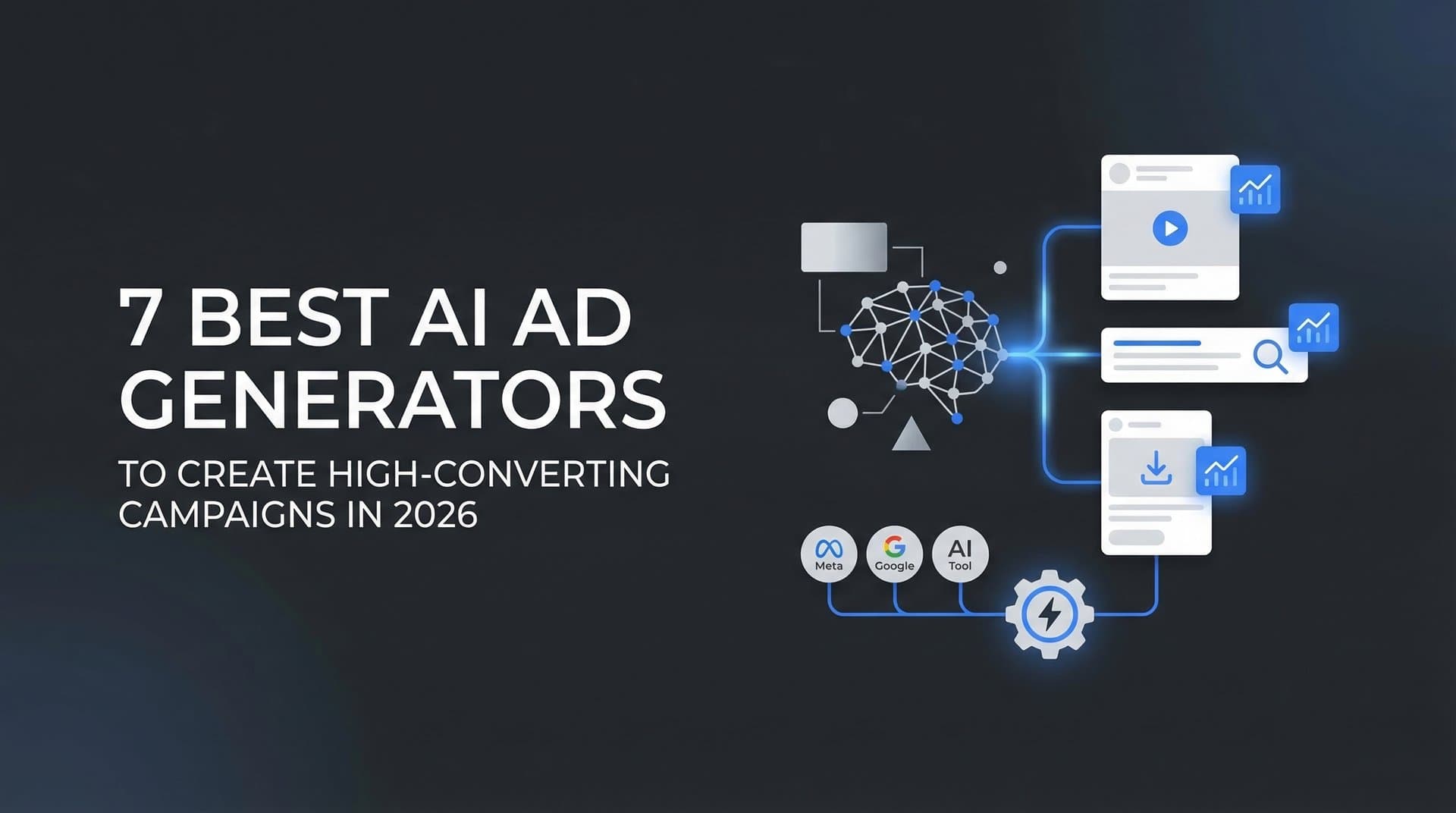
 7 Best AI Ad Generators to Create High-Converting Campaigns in 2026
The tool includes extensive templates specifically designed for ad copywriting across platforms—Facebook ads, Google ads, LinkedIn ads, and more. You can generate headlines, body copy, and calls-to-action that align with your brand standards without starting from scratch each time.
For marketing teams managing multiple campaigns simultaneously, Jasper's collaboration features allow different team members to work within the same brand voice framework, ensuring consistency regardless of who's writing the ads.
Implementation Steps
1. Set up your brand voice profile by providing examples of your best-performing copy, brand guidelines, and tone preferences that Jasper will learn from.
2. Select the appropriate ad copy template for your platform and campaign objective—whether you're writing Facebook ad primary text, Google responsive search ads, or LinkedIn sponsored content.
3. Input your campaign details, target audience characteristics, and key selling points that should be emphasized in the copy.
4. Generate multiple copy variations and refine them using Jasper's editing tools to ensure they align perfectly with your brand voice.
5. Export your finalized ad copy to your ad platforms and track which variations drive the best performance for future reference.
Pro Tips
Invest time upfront training Jasper on your brand voice with your absolute best examples. The quality of output directly correlates with the quality of training data. Create saved templates for your most common ad types so your team can generate on-brand copy quickly. When generating variations, ask Jasper to adjust for different audience segments—the same product benefits might need different framing for different buyer personas.
3. AdCreative.ai: Data-Driven Visual Ad Generator
The Challenge It Solves
Creating visually compelling ad creatives requires design skills most marketers don't have. Hiring designers for every ad variation becomes expensive and slow, especially when you need to test dozens of concepts quickly. You need professional-quality visuals without the professional designer timeline or budget.
AdCreative.ai generates conversion-focused ad creatives at scale while predicting which designs will perform best before you spend a dollar on media.
The Platform Explained
AdCreative.ai focuses specifically on generating visual ad creatives optimized for performance. The platform uses machine learning trained on successful ad data to create designs that follow proven conversion patterns. You input your brand assets, product information, and campaign goals, and the AI generates multiple creative variations designed for your specific platform and objective.
 7 Best AI Ad Generators to Create High-Converting Campaigns in 2026
The standout feature is the performance prediction scoring. Before you launch anything, AdCreative.ai predicts which designs are most likely to drive conversions based on patterns from successful campaigns. This helps you prioritize which creatives to test first and allocate budget more strategically.
The platform supports rapid iteration—you can generate dozens of creative variations in minutes, test different layouts and messaging approaches, and quickly identify what resonates with your audience.
Implementation Steps
1. Upload your brand assets including logos, product images, brand colors, and any existing creative elements you want to incorporate.
For a deeper dive into this space, see our WooCommerce image ad tool guide.
2. Define your campaign parameters including target platform, ad format, primary message, and conversion objective.
3. Generate multiple creative variations and review the AI performance predictions to identify which designs score highest for expected conversion potential.
4. Download your selected creatives and launch them across your ad platforms, starting with the highest-scoring variations.
5. Feed performance data back into the platform to improve future predictions and understand which creative patterns work best for your specific audience.
Pro Tips
Don't ignore the performance prediction scores—they're based on substantial data patterns. Start your testing with the highest-scoring creatives but don't completely skip lower-scoring options that might surprise you. Use the platform's A/B testing framework to systematically test one variable at a time rather than changing everything simultaneously. Generate creatives in batches organized by testing theme so you can clearly identify which creative approaches drive results.
4. Pencil AI: Creative Testing and Optimization Platform
The Challenge It Solves
You're running multiple ad creatives, but you don't truly understand why some perform better than others. Is it the headline? The visual style? The call-to-action placement? Without systematic testing and clear insights, you're guessing at what works rather than building on proven patterns.
Pencil AI combines creative generation with predictive performance analysis and systematic testing frameworks to identify exactly what drives results.
The Platform Explained
Pencil positions itself as a creative testing and optimization platform that happens to also generate ads. The platform creates static and video ad content, but its real value comes from predicting performance and helping you understand which creative elements actually impact conversions.
 7 Best AI Ad Generators to Create High-Converting Campaigns in 2026
The AI analyzes your existing ad creatives, identifies patterns in what's working, then generates new variations that build on those successful elements. For video content specifically, Pencil can generate UGC-style ads and product videos that match current platform trends.
The platform's testing framework helps you run structured experiments rather than random creative tests. You can isolate specific variables—testing different hooks, different visual styles, or different calls-to-action—and understand which changes actually move performance metrics.
Implementation Steps
1. Connect your ad accounts and allow Pencil to analyze your existing creative performance data to establish baseline patterns.
2. Use the creative generator to produce new ad variations, with the AI recommending approaches based on what's worked historically in your account.
3. Set up structured tests using Pencil's framework to isolate specific creative variables you want to understand better.
4. Launch your test campaigns and monitor Pencil's performance predictions against actual results to calibrate the AI for your specific audience.
5. Build a creative playbook based on validated insights about which elements consistently drive performance in your campaigns.
Pro Tips
Use Pencil's predictive capabilities to prioritize your testing roadmap—start with the creative changes most likely to impact performance. When generating video content, pay attention to the first three seconds. Pencil's UGC-style video generation works well for direct response campaigns where authentic-feeling content outperforms polished brand videos. Document your learnings systematically so you're building institutional knowledge about what works rather than starting from scratch with each campaign.
5. Copy.ai: Versatile Marketing Copy Generator
The Challenge It Solves
Your marketing team needs ad copy for Facebook, Google, LinkedIn, email campaigns, and landing pages—all with different character limits, tone requirements, and conversion goals. Jumping between different tools for each format creates workflow friction and inconsistent messaging across channels.
Copy.ai provides a unified platform for generating marketing copy across every format and channel your team uses.
The Platform Explained
Copy.ai is a versatile AI writing tool designed for marketing teams who need to produce copy across multiple channels and formats. The platform includes specific workflows for different ad types—short-form social ads, long-form advertorials, Google responsive search ads, and more.
 7 Best AI Ad Generators to Create High-Converting Campaigns in 2026
What makes Copy.ai valuable for ad creation is the flexibility. You're not locked into rigid templates. The platform can adapt to your specific needs whether you're writing a three-word headline or a 500-word advertorial. The AI understands context and can adjust tone and style based on your target platform and audience.
We compare the leading options in our AI ad creation tool roundup.
For teams, Copy.ai includes collaboration features that allow multiple marketers to work within shared brand guidelines and access previously generated copy that performed well.
Implementation Steps
1. Set up your brand voice and messaging guidelines within Copy.ai so all generated content maintains consistency across team members and campaigns.
2. Select the appropriate workflow for your specific ad format—whether you're creating Facebook ad copy, Google ad headlines, or LinkedIn sponsored content.
3. Provide campaign context including target audience, key benefits, and any specific messaging angles you want to emphasize.
4. Generate multiple copy variations and use Copy.ai's editing tools to refine and combine the best elements from different outputs.
5. Save high-performing copy to your team library so successful messaging patterns can be referenced and adapted for future campaigns.
Pro Tips
Use Copy.ai's "improve" feature on AI-generated copy that's close but not quite right—it often produces better results than starting over. Create custom workflows for your most common ad types so your team can generate on-brand copy quickly without extensive prompting. When generating ad copy variations, ask for different emotional angles—the same product benefit can be framed as aspiration, problem-solving, or social proof depending on your audience segment.
6. Predis.ai: Social-First Ad Creation Tool
The Challenge It Solves
Social media advertising requires both compelling copy and eye-catching visuals, and managing these elements separately creates workflow bottlenecks. You need to coordinate between copywriters and designers, ensure brand consistency, and maintain a content calendar across multiple social platforms simultaneously.
Predis.ai combines copy generation, visual creation, and scheduling in one social-focused platform.
The Platform Explained
Predis.ai is built specifically for social media marketing, generating both the copy and visuals for social ads and organic posts. The platform understands the nuances of different social platforms—what works on Instagram versus LinkedIn versus TikTok—and generates content optimized for each channel.
 7 Best AI Ad Generators to Create High-Converting Campaigns in 2026
The tool creates complete social posts including captions, hashtags, and visual designs that match current platform trends. For paid social advertising, Predis.ai generates ad creatives and copy variations designed for the specific objectives and formats of each platform.
The scheduling capabilities mean you can generate, review, and schedule your social content in one workflow rather than jumping between creation tools and scheduling platforms.
Implementation Steps
1. Connect your social media accounts and define your brand guidelines including visual style, tone, and key messaging themes.
2. Use Predis.ai to generate social ad concepts including both visual designs and accompanying copy optimized for your target platform.
3. Review the generated content and make adjustments to ensure it aligns with your campaign objectives and brand standards.
4. Schedule your approved ads and organic posts directly from Predis.ai to maintain a consistent social media presence.
5. Monitor performance metrics to understand which content types and messaging approaches resonate best with your audience on each platform.
Pro Tips
Use Predis.ai's platform-specific optimization features—what performs on Instagram often needs different treatment for LinkedIn. Generate content in batches organized by theme or campaign so you maintain consistent messaging across your social calendar. Pay attention to the hashtag recommendations but validate them against actual search volume and relevance rather than blindly using every suggestion. For paid social ads, generate multiple visual variations of the same message since small creative differences can significantly impact performance.
7. Canva Magic Studio: AI-Powered Design Within Canva
The Challenge It Solves
Your team is already comfortable with Canva for design work, but creating ads still requires significant design time and skill. You want AI-powered creative generation without forcing your team to learn an entirely new platform or abandon their existing design workflows and brand templates.
Canva Magic Studio brings AI creative capabilities directly into the design platform your team already knows.
The Platform Explained
Canva Magic Studio isn't a separate tool—it's a collection of AI-powered features built into Canva's familiar design interface. Magic Design generates complete design layouts from text prompts or uploaded images. Magic Write creates copy for your ads. Magic Edit allows you to modify images with text commands. Magic Expand extends image boundaries when you need different aspect ratios.
For teams already using Canva, this means AI creative generation without workflow disruption. You can start with AI-generated designs, then customize them using Canva's standard design tools. Your existing brand templates, fonts, and color palettes work seamlessly with the AI features.
The accessibility is the key advantage. Non-designers can generate professional-looking ad creatives, while experienced designers can use AI to accelerate their workflow rather than replace it. If you're exploring other AI image generator options, comparing capabilities across platforms helps identify the best fit for your creative needs.
Implementation Steps
1. Access Magic Studio features within your existing Canva account and familiarize yourself with the different AI tools available.
2. Use Magic Design to generate initial ad creative concepts by describing what you need or uploading reference images.
3. Customize the AI-generated designs using Canva's standard editing tools to align with your brand guidelines and campaign requirements.
4. Apply Magic Write to generate ad copy variations that complement your visual designs.
5. Export your finalized ads in the specific formats and dimensions required for your target advertising platforms.
Pro Tips
Combine AI generation with Canva's extensive template library—start with an AI-generated concept, then apply elements from your saved brand templates for consistency. Use Magic Edit to quickly adjust product images or backgrounds without needing separate photo editing software. When generating designs for multiple platforms, create one strong concept then use Magic Expand to adapt it to different aspect ratios rather than starting from scratch for each format. The AI works best as a starting point that you refine rather than expecting perfect final output.
Putting Your AI Ad Stack Together
The path forward depends on your specific workflow and goals. If you want a complete solution that handles everything from creative generation through campaign launch and optimization, AdStellar AI offers that end-to-end capability without requiring separate tools or manual handoffs between creative production and campaign management.
For teams with existing creative processes who need to enhance specific parts of their workflow, combining specialized tools may make sense. You might use Jasper for brand-consistent copy, AdCreative.ai for visual generation, and your existing ad platforms for campaign management.
The key consideration isn't just which tool generates the best-looking ads. It's ensuring your AI-generated creatives connect to proper attribution and analytics so you understand which ads actually drive revenue, not just clicks or impressions.
Regardless of which AI ad generator you choose, the effectiveness of your campaigns ultimately depends on tracking the complete customer journey. You need to know which creatives drive qualified leads, which audiences convert to customers, and which campaigns generate actual ROI. Without this connection between creative performance and revenue outcomes, you're optimizing for vanity metrics rather than business results.
Start with one tool that addresses your biggest creative bottleneck. Measure results carefully, comparing not just creative production speed but actual campaign performance. Scale what works, and don't be afraid to combine tools if different solutions excel at different parts of your workflow.
Ready to elevate your marketing game with precision and confidence? Discover how Cometly's AI-driven recommendations can transform your ad strategy—Get your free demo today and start capturing every touchpoint to maximize your conversions.