

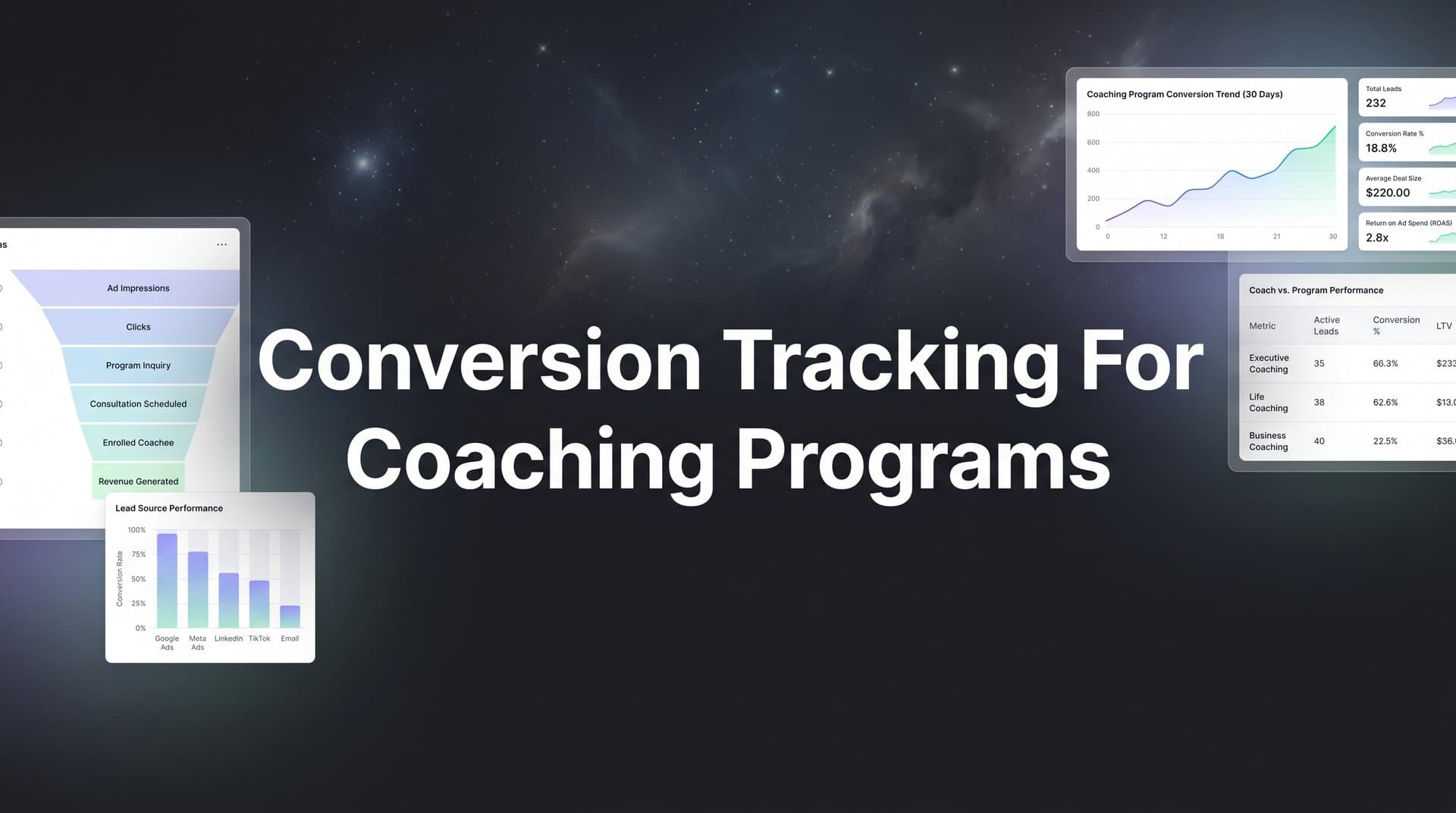
Running paid ads for your coaching program without proper conversion tracking is like coaching clients without measuring their progress. You might feel busy, but you have no idea what is actually working.
For coaching businesses, the customer journey is uniquely complex. Prospects might click a Facebook ad, watch a webinar, book a discovery call, and then enroll weeks later. Without tracking each touchpoint, you are left guessing which marketing efforts deserve more budget and which ones are draining your resources.
This guide walks you through setting up conversion tracking specifically designed for coaching programs. Whether you sell one-on-one coaching, group programs, or digital courses, you will learn how to track every meaningful action from the first ad click to the final enrollment.
By the end, you will know exactly which ads drive discovery calls, which webinars convert to clients, and where your best coaching clients actually come from. Let us get your tracking set up so you can scale with confidence.
Step 1: Map Your Coaching Program's Conversion Funnel
Before you install a single tracking pixel, you need to understand exactly what you are tracking. Your coaching funnel has multiple conversion points, and each one tells a different story about campaign performance.
Start by documenting every step a prospect takes from first contact to paying client. A typical coaching funnel might include: ad click, landing page visit, lead magnet download, webinar registration, webinar attendance, discovery call booking, call completion, and program enrollment. Your funnel might be simpler or more complex depending on your offer.
Here is where most coaches make a critical mistake. They track leads but ignore the steps between lead capture and enrollment. A thousand email subscribers mean nothing if none of them book discovery calls. You need visibility into every conversion point.
Next, assign a value to each conversion action. If you know that 20 percent of discovery calls convert to your five thousand dollar coaching program, each booked call represents one thousand dollars in potential value. If 30 percent of webinar attendees book calls, each attendee is worth three hundred dollars. These values help you calculate true ROI at every funnel stage.
Document the typical time lag between first touch and final purchase. Coaching programs rarely convert instantly. Low-ticket group programs might convert within two weeks, while premium one-on-one coaching can take eight weeks or longer. This timeline matters because it determines how you configure your conversion windows later. For premium offerings, understanding conversion tracking for high ticket sales becomes essential.
Create a visual funnel map showing both your primary conversion path and secondary paths. Some clients might skip your webinar and book a call directly from an ad. Others might download three lead magnets before attending a webinar. Map these variations so your tracking captures every journey.
The goal is complete clarity. You should be able to explain your funnel to someone who knows nothing about your business, and they should understand exactly how prospects become clients. This map becomes your tracking blueprint.
Step 2: Install Tracking Pixels and Server-Side Tracking
Now that you know what to track, it is time to install the technology that captures conversion data. You need both browser-based pixels and server-side tracking to get complete visibility.
Start with platform pixels. If you run Facebook or Instagram ads, install the Meta Pixel on every page of your coaching website, landing pages, and thank you pages. If you use Google Ads, add the Google Ads conversion tag. Each platform provides installation instructions, but the process typically involves adding a code snippet to your website header.
Most website builders and course platforms make pixel installation straightforward. WordPress users can use plugins like PixelYourSite. Kajabi, Teachable, and other course platforms have built-in pixel integration options. Find your platform's documentation and follow the setup steps carefully. If you use WordPress, check out our guide on conversion tracking for WordPress sites.
Here is the problem with relying solely on browser pixels. iOS privacy updates and ad blockers prevent many conversions from being tracked. Studies show that browser-based tracking can miss 30 to 50 percent of actual conversions, especially on mobile devices. For coaching businesses that depend heavily on mobile traffic from social media, this gap is devastating.
This is where server-side tracking becomes essential. Server-side tracking sends conversion data directly from your server to ad platforms, bypassing browser restrictions entirely. It captures conversions that pixels miss and provides more accurate attribution data.
Setting up server-side tracking requires technical implementation, but the accuracy improvement is worth it. You can use tools like Google Tag Manager Server-Side or dedicated attribution platforms that handle server-side tracking automatically. The key is ensuring conversion events fire from your server, not just the user's browser.
Configure your tracking to fire on specific pages and actions. Your thank you page after lead magnet download should trigger a lead event. Your booking confirmation page should fire a discovery call booked event. Your payment success page should trigger an enrollment event with the actual transaction value.
Before you launch any campaigns, test every pixel and event. Meta provides the Pixel Helper browser extension that shows you which events fire on each page. Google Tag Manager has a preview mode that displays all tags and triggers. Complete test conversions yourself and verify that data appears correctly in your ad platform dashboards.
Proper installation now saves you from wasting ad spend on broken tracking later. Take the time to get this foundation right.
Step 3: Connect Your CRM and Booking Tools
Your website is not the only place conversions happen. For coaching programs, critical conversion events occur in your CRM when leads progress through your pipeline and in your calendar tool when prospects book discovery calls.
Start by integrating your CRM with your tracking system. Whether you use HubSpot, GoHighLevel, Salesforce, or another platform, you need to capture when leads change status. A lead moving from "New Contact" to "Discovery Call Scheduled" is a conversion event. A contact moving from "Call Completed" to "Enrolled Client" is your most valuable conversion.
Most modern CRMs offer native integrations or webhook capabilities that send data to tracking platforms. Set up automated workflows that trigger conversion events when specific actions occur. When a contact books a call, your CRM should send that data to your attribution system. When they become a paying client, that enrollment should be tracked with the exact revenue amount.
Calendar booking tools are equally critical for coaching businesses. Connect Calendly, Acuity, TidyCal, or whatever scheduling tool you use to your tracking system. Every booked discovery call should be captured as a conversion event with the lead's contact information and source attribution. This is especially important for conversion tracking for lead generation funnels.
Here is why this matters. If you only track landing page conversions, you see that an ad generated 50 leads. But if you connect your calendar tool, you discover that only 5 of those leads actually booked calls. That is a 10 percent booking rate, which tells you something is wrong with your lead quality or follow-up process. Without this integration, you would keep running ads that generate leads who never convert.
Payment processor integration completes the picture. Connect Stripe, PayPal, or your payment platform to track actual enrollments and revenue. This data should flow back to your ad platforms so their algorithms can optimize for paying clients, not just leads.
The technical requirement that ties this together is UTM parameter persistence. When someone clicks your ad, UTM parameters capture the source, campaign, and ad details. These parameters must pass through your entire funnel and into your CRM records. Without UTM persistence, you lose attribution when leads convert days or weeks after their initial click.
Most CRMs can capture UTM parameters from form submissions, but verify this is configured correctly. Test by clicking one of your ads, filling out a form, and checking that the UTM data appears in your CRM contact record.
Step 4: Define and Configure Your Conversion Events
With your tracking infrastructure in place, you need to define exactly which events count as conversions and how much each one is worth to your coaching business.
Create custom conversion events for each meaningful stage in your funnel. Standard event names might include LeadCapture for email signups, WebinarRegistration for training signups, DiscoveryCallBooked for scheduled appointments, CallCompleted for finished consultations, and ProgramEnrollment for paying clients.
Naming consistency matters. If you call the same event "CallBooked" in one platform and "AppointmentScheduled" in another, you create confusion when analyzing data. Establish a naming convention and use it everywhere. Following best practices for tracking conversions accurately will save you headaches down the road.
Set up conversion values that reflect the true worth of each action. Your ProgramEnrollment event should include the actual purchase amount. But what about earlier funnel stages? Use the values you calculated in Step 1. If discovery calls have a 20 percent close rate for your five thousand dollar program, assign each CallBooked event a value of one thousand dollars.
These values help ad platforms optimize for actions that actually drive revenue. An algorithm optimizing for leads might find people who download free guides but never buy. An algorithm optimizing for discovery calls finds people who are serious enough to book appointments. An algorithm optimizing for enrollments with accurate revenue values finds your ideal coaching clients.
Configure conversion windows appropriate for coaching sales cycles. The default seven-day click and one-day view window is far too short for most coaching programs. If your average sales cycle is four weeks, set your conversion window to at least 30 days click and 7 days view. For premium programs with longer cycles, consider 60 or 90-day windows.
Longer conversion windows ensure you capture conversions that happen weeks after the initial ad interaction. Without this adjustment, you lose attribution data and your campaigns appear less effective than they actually are.
Before you trust your tracking, verify that events fire correctly. Complete test conversions yourself by going through your entire funnel. Download a lead magnet. Register for a webinar. Book a discovery call using a test calendar slot. Complete a test purchase if possible. Check that each event appears in your tracking dashboard with the correct value and attribution data.
This verification step catches configuration errors before they cost you money. A broken conversion event means wasted ad spend on campaigns you cannot properly measure.
Step 5: Implement Multi-Touch Attribution
Last-click attribution tells you which ad got the final click before conversion, but it ignores everything that happened before. For coaching programs with complex customer journeys, this creates a dangerously incomplete picture.
Think about how your clients actually find you. They might see your Facebook ad, visit your website, leave without converting, see a retargeting ad, download a lead magnet, receive email nurture sequences, watch a YouTube video, see another ad, and finally book a discovery call. Last-click attribution gives all the credit to that final ad, ignoring the five touchpoints that built trust along the way.
Multi-touch attribution distributes credit across all the interactions that contributed to a conversion. This reveals which channels initiate relationships, which ones nurture leads, and which ones close deals. Each role is valuable, and each deserves appropriate budget allocation. Implementing accurate cross platform conversion tracking makes this possible.
Compare different attribution models to understand your funnel dynamics. First-touch attribution shows which channels are best at attracting new prospects. Linear attribution gives equal credit to every touchpoint. Time-decay attribution gives more credit to interactions closer to conversion. Each model tells a different story about campaign performance.
For coaching businesses, you often discover that educational content and lead magnets excel at first-touch attribution while webinars and retargeting ads dominate last-touch. This insight helps you structure campaigns appropriately. Top-of-funnel campaigns should optimize for cost-per-lead. Bottom-of-funnel campaigns should optimize for cost-per-enrollment.
Track how retargeting ads, email sequences, and organic content contribute to final conversions. You might find that your best coaching clients interact with your brand seven to ten times before enrolling. This pattern tells you that immediate conversions are rare and that nurture sequences are essential.
Use attribution insights to identify which top-of-funnel content creates the highest-value coaching clients. Not all leads are equal. You might discover that people who download your advanced strategy guide convert at twice the rate of people who download your beginner checklist. This insight helps you create more of what works and less of what attracts tire-kickers.
Multi-touch attribution transforms how you evaluate marketing performance. Instead of judging campaigns solely on immediate conversions, you understand their role in the larger customer journey. This perspective helps you make smarter budget decisions and build more effective funnels.
Step 6: Send Conversion Data Back to Ad Platforms
Accurate tracking helps you understand performance, but it also helps ad platform algorithms find better prospects. When you send enriched conversion data back to Meta, Google, and other platforms, their AI learns exactly what a valuable coaching client looks like.
Configure conversion sync to feed data back to ad platforms continuously. This process, sometimes called Conversions API or offline conversion tracking, sends server-side conversion data directly to ad platforms. It includes conversions that happen off your website, like completed discovery calls and enrollments that close through phone conversations. Learn more about offline conversion tracking for online ads to capture these valuable events.
Here is why this matters. If you only send lead conversion data, ad algorithms optimize for people who download free content. They find more freebie seekers, not coaching clients. When you send discovery call bookings and actual enrollments, algorithms learn the characteristics of people who become paying clients. They find more of those people.
Include offline conversions in your data sync. Many coaching enrollments happen during or after discovery calls, not through online checkout. If you track only website conversions, you miss the most valuable conversion events. Send CRM data showing when leads become clients, including the revenue amount and the original ad source.
Enriched conversion data dramatically improves campaign performance. Ad platforms can match conversion events back to specific users and understand which audience segments, interests, and behaviors predict coaching client conversions. This feedback loop helps algorithms optimize bidding and targeting automatically.
Set up automated syncing so conversion data flows continuously without manual uploads. Manual CSV uploads are error-prone and delay optimization. Automated systems update ad platforms in real-time as conversions occur, giving algorithms fresh data to improve targeting immediately.
The technical implementation varies by platform. Meta offers Conversions API, Google provides offline conversion imports, and other platforms have similar capabilities. Many attribution tools handle this syncing automatically, sending conversion data to multiple ad platforms simultaneously. A conversion tracking API for advertisers can streamline this entire process.
This step closes the loop between tracking and optimization. You are not just measuring performance anymore. You are actively improving it by teaching ad algorithms what success looks like for your coaching business.
Step 7: Build Your Tracking Dashboard and Optimize
All the tracking infrastructure in the world is worthless if you do not use the data to make better decisions. Your final step is creating a dashboard that shows the metrics that actually matter for coaching program profitability.
Create a unified dashboard showing cost per lead, cost per discovery call, cost per enrollment, and client acquisition cost. These metrics tell you whether your marketing is profitable at each funnel stage. If your cost per lead is five dollars but your cost per discovery call is two hundred dollars, you have a lead quality problem. If your cost per call is great but your cost per enrollment is sky-high, you have a sales conversion issue.
Track these metrics by campaign, ad set, and individual ad. Aggregate data hides performance variations. You might have one ad generating discovery calls for fifty dollars and another generating them for three hundred dollars. Without ad-level tracking, you waste money on the expensive ad while the profitable one gets insufficient budget. If you run ads on Facebook, explore conversion tracking tools for Facebook ads specifically.
Set up weekly reporting to identify underperforming campaigns before they waste significant budget. Daily checking creates noise and leads to premature optimization. Monthly reviews miss opportunities to cut losses quickly. Weekly analysis strikes the right balance for most coaching businesses.
Use conversion data to make informed decisions about scaling winning ads and pausing losers. When you find an ad generating enrollments at a cost per client below your target, increase its budget. When an ad burns through budget without producing discovery calls, pause it. This sounds obvious, but many coaches keep running ads based on vanity metrics like reach and engagement instead of actual conversions.
Track client lifetime value by acquisition source to optimize for long-term revenue, not just initial enrollment. Some marketing channels attract clients who stay for months and buy additional programs. Others attract one-time buyers who churn immediately. If you optimize solely for enrollment cost, you might favor channels that attract low-value clients.
Calculate LTV by tracking which clients renew, upgrade, or purchase additional offers. Tag each client record with their original acquisition source so you can analyze retention and revenue patterns by channel. You might discover that webinar-sourced clients have twice the LTV of lead magnet-sourced clients, even if lead magnets have a lower initial cost per enrollment.
Build alerts for significant metric changes. If your cost per discovery call suddenly doubles, you need to know immediately. Automated alerts help you catch problems before they drain your budget.
Your dashboard should answer these questions instantly: Which campaigns are profitable? Which ads drive the most enrollments? What is my true cost per client by channel? Which traffic sources produce the highest LTV clients? If you cannot answer these questions, your dashboard needs work.
Putting It All Together
With these seven steps complete, you now have end-to-end conversion tracking for your coaching program. You can see exactly which ads generate discovery calls, which webinars drive enrollments, and what your true cost per coaching client is across every platform.
Quick implementation checklist: funnel mapped with conversion values assigned, pixels and server-side tracking installed, CRM and booking tools connected, conversion events configured and tested, multi-touch attribution enabled, conversion sync feeding data back to ad platforms, and dashboard built for ongoing optimization.
The coaches who scale successfully are the ones who know their numbers. You now have the tracking infrastructure to make data-driven decisions about where to invest your marketing budget. Start running campaigns, analyze the results, and let your conversion data guide you toward more enrolled clients.
No more guessing which ads work. No more wasting budget on campaigns that generate leads but not clients. No more flying blind through your marketing decisions.
You have visibility into every step of your coaching funnel. You know which touchpoints matter most. You understand the true value of each conversion action. Your ad platforms are learning from real enrollment data, not just lead captures. Your dashboard shows profitability at every funnel stage.
This is how professional coaching businesses operate. They track everything, measure what matters, and optimize relentlessly based on data. You are now equipped to do the same.
Ready to elevate your marketing game with precision and confidence? Discover how Cometly's AI-driven recommendations can transform your ad strategy. Get your free demo today and start capturing every touchpoint to maximize your conversions.


