Ad attribution accuracy is one of the most consequential challenges facing B2B SaaS marketing teams today. When your attribution data is unreliable, every budget decision, every channel investment, and every campaign optimization is built on a shaky foundation. You end up scaling campaigns that look good on paper but are quietly draining your pipeline, while underinvesting in channels that actually drive revenue.
This guide walks you through a practical, sequential process to fix that. Whether you are dealing with broken pixel tracking, misattributed conversions, or siloed data across your ad platforms and CRM, each step builds toward a single, reliable source of truth for your marketing performance.
By the end, you will know exactly which ads, channels, and campaigns are driving leads and closed revenue. You will also have the infrastructure in place to make confident, data-backed decisions without waiting on a data engineering team to build a custom solution.
The process moves in a deliberate sequence: audit your current tracking setup, implement server-side data collection, enrich your first-party data, align your attribution model with your actual sales cycle, connect ad spend to pipeline and revenue, and finally use AI-driven insights to validate and scale what is working. Each step depends on the one before it, so resist the temptation to skip ahead.
This is not a theoretical overview. It is a working framework designed for marketing teams and growth leaders who want accurate attribution data and want it now. Let's get into it.
Step 1: Audit Your Current Tracking Setup for Gaps and Errors
Before you can improve your attribution accuracy, you need to understand exactly where your current setup is breaking down. Most teams are surprised by how many gaps they find once they actually look.
Start by reviewing every active pixel and tag across your ad platforms. Pull up Meta Events Manager, the Google Ads tag diagnostics, and your LinkedIn Insight Tag status. You are looking for firing errors, duplicate events, and missing placements. A pixel that fires on your homepage but not your thank-you page will miss a significant portion of your conversions. A duplicate event firing on both a page load and a button click will inflate your reported numbers.
Next, cross-reference your conversion events against your CRM data. If Meta reports 80 lead form submissions in a given week but your CRM only shows 55 new leads, that discrepancy tells you something important. Either your pixel is double-counting, your CRM is not capturing everything, or conversions are happening outside the tracked flow. Each scenario has a different fix, but you cannot address any of them until you spot the gap.
Think carefully about which touchpoints in your customer journey are currently untracked. Post-click form submissions, demo requests, free trial signups that happen on a subdomain, or conversions that flow through a third-party scheduling tool are all common blind spots. If a conversion event is not explicitly tracked, it simply does not exist in your attribution data, and the campaigns that drove it get no credit.
Document every gap you find. A simple spreadsheet works fine at this stage. List the event name, the platform, whether it is firing correctly, and the discrepancy you observed. These gaps are precisely where attribution breaks down and where budget decisions go wrong.
Common pitfall to avoid: Many teams assume their pixel is working because it shows a green status in the ad platform dashboard. That green light only confirms the pixel code is present. It does not account for browser-level blocking, ad blockers, or iOS privacy restrictions that silently prevent the pixel from firing. You can have a technically installed pixel that is missing a significant portion of your actual conversion events. The only way to know is to compare platform-reported events against your backend data.
Success indicator: You have a documented list of every tracking gap, duplicate event, and discrepancy across your ad platforms and CRM. This becomes your audit baseline and your implementation roadmap for the steps that follow.
Step 2: Implement Server-Side Tracking to Capture What the Browser Misses
Once you understand where your tracking is broken, the next step is to address the structural reason so much data goes missing in the first place: browser-based pixel tracking is no longer reliable enough to serve as your primary data collection method.
Ad blockers, iOS App Tracking Transparency changes, and the ongoing deprecation of third-party cookies have collectively eroded the signal quality of client-side pixels. When a user has an ad blocker installed or is browsing with strict privacy settings, your pixel may never fire at all. The conversion happens, but your attribution system never sees it. Over time, this creates a systematic undercount of your actual performance, particularly among the privacy-conscious B2B buyers you are likely targeting.
Server-side tracking solves this by sending conversion data directly from your server to the ad platform, bypassing the browser entirely. The conversion still gets recorded, the ad platform still receives the signal, and your attribution data stays intact regardless of what is happening on the user's device.
For most B2B SaaS teams, this means configuring two things: the Meta Conversion API (CAPI) and Google Enhanced Conversions. Both allow you to send server-side events that supplement or replace your browser pixel events. The setup process involves generating an access token in Meta Events Manager or Google Ads, configuring your server or tag manager to send events to the API endpoint, and mapping your existing conversion events to the correct parameters.
One critical configuration detail is event deduplication. When you run server-side tracking alongside a browser pixel, both may fire for the same conversion. Without deduplication, your ad platform counts it twice, inflating your reported conversions and distorting your optimization signals. Ad platforms use a unique event ID to identify and remove duplicate events, but you must pass this ID consistently from both your browser and server events during setup. Get this right from the start rather than trying to untangle inflated data later.
After implementation, check your event match quality scores inside Meta Events Manager and Google Ads. Match quality reflects how well the platform can connect your server-side events to real user profiles. Higher match quality directly improves the targeting and optimization capabilities of your campaigns, which is why improving ad tracking accuracy matters beyond just fixing your conversion counts.
Success indicator: After server-side tracking is live, you should see your reported conversion volume increase as previously untracked events are now captured. If your numbers stay flat or drop, revisit your deduplication setup and verify that your server events are firing correctly for all conversion types identified in your audit.
Step 3: Enrich Your First-Party Data to Strengthen Attribution Signals
Server-side tracking gets your conversion events to the ad platform. First-party data enrichment makes those events meaningful enough for the platform's algorithm to act on them effectively.
Enrichment means passing additional identifiers alongside your conversion events: email addresses, phone numbers, user IDs, or any other information that helps the ad platform match the event back to a real person in their system. When you send a conversion event with nothing but a timestamp and a page URL, the platform has very little to work with. When you send that same event alongside a hashed email address, the platform can match it to a specific user profile, understand their behavior, and use that signal to find more people like them.
For B2B SaaS companies, this enrichment process should also pull in lead quality signals from your CRM. When a lead progresses to a certain pipeline stage, when a deal is marked as an MQL, or when a trial converts to a paid subscription, those events carry far more value than a simple form submission. Passing these downstream signals back to your ad platforms tells the algorithm to optimize toward high-value outcomes, not just raw conversion volume.
This is especially important given the length of the typical B2B buying cycle. A single buyer may interact with your ads across multiple campaigns, channels, and weeks before converting. Without enriched signals that connect those interactions to a real person, your attribution data fragments into disconnected events that never add up to a coherent customer attribution journey.
Hashed customer data sent through the Conversion API is the practical mechanism here. You hash the email or phone number before sending it, which protects the user's privacy while still giving the platform enough information to perform accurate matching. The result is a meaningfully higher event match quality score, which translates directly into better algorithm performance for your campaigns.
Common pitfall to avoid: Many teams implement server-side tracking correctly but send conversion events without any customer identifiers attached. The events arrive at the platform, but with low match quality because there is nothing to match them to. Technically working server-side tracking with missing identifiers still produces weak optimization signals. Enrichment is not optional if you want the full benefit of your tracking infrastructure.
Success indicator: Your event match quality scores in Meta Events Manager and Google Ads improve after enrichment is in place. You should also start to see your ad platform algorithms shift their optimization behavior as they receive higher-quality signals about which users are actually converting to customers.
Step 4: Align Your Attribution Model to Your Actual Sales Cycle
With accurate data flowing through your tracking infrastructure, the next question is how you assign credit to the touchpoints that contributed to a conversion. This is where attribution model selection becomes critical, and where many B2B SaaS teams make a costly mistake by defaulting to whatever their ad platform recommends.
Last-click attribution is the most common default, and it is consistently the wrong choice for B2B SaaS companies with longer sales cycles. Last-click gives 100 percent of the conversion credit to the final touchpoint before the conversion event. This systematically overvalues bottom-funnel retargeting ads, which catch buyers who were already going to convert, and systematically undervalues the awareness and consideration campaigns that put those buyers in your funnel in the first place. Over time, last-click attribution leads teams to cut their top-of-funnel spend and wonder why their pipeline starts drying up six months later.
Multi-touch attribution models distribute credit across multiple touchpoints in the customer journey. The right model for your team depends on how your buyers actually behave and how your go-to-market motion is structured.
Linear attribution assigns equal credit to every touchpoint in the journey. It is a reasonable starting point for teams that do not yet have enough data to weight touchpoints differently.
Time decay attribution gives more credit to touchpoints that occurred closer to the conversion. This works well for shorter sales cycles where recency is a meaningful signal.
Data-driven attribution uses your historical conversion data to assign credit based on which touchpoints actually correlate with closed deals. This is the most accurate model for teams with sufficient data volume, but it requires a meaningful baseline of conversions before the algorithm has enough to work with.
For sales-led growth companies, you want your attribution model to reflect the influence of each touchpoint across a multi-stage pipeline: first touch for awareness, middle touches for nurture and consideration, and final touch for conversion. For product-led growth companies, the model should account for in-product behavior and trial activity as meaningful attribution signals alongside ad touchpoints. Understanding the differences between sales-led and PLG attribution helps you choose the right approach for your motion.
Before switching models, compare the outputs side by side. Running two attribution models in parallel for a reporting period before fully committing will show you exactly how your channel performance numbers shift. This prevents the confusion that comes from suddenly seeing LinkedIn credited with a third of your pipeline when it previously showed minimal contribution under last-click.
Success indicator: Your attribution model produces channel performance data that aligns with what your sales team observes qualitatively. If your model says LinkedIn drives almost no pipeline but your sales team regularly hears prospects reference your LinkedIn content, your model is not reflecting reality and needs adjustment.
Step 5: Connect Ad Spend Data Directly to Pipeline and Revenue
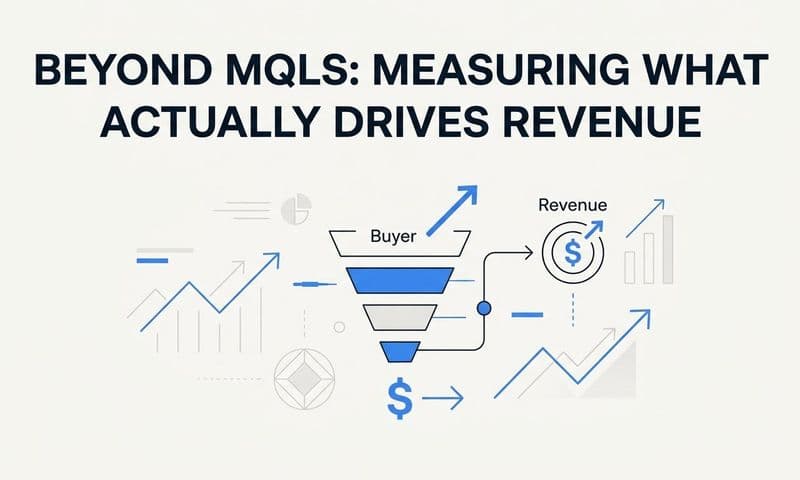
Attribution accuracy is only as useful as the revenue data it connects to. You can have perfect tracking and a well-calibrated attribution model, but if your analysis stops at lead volume or conversion events, you are still making budget decisions based on incomplete information.
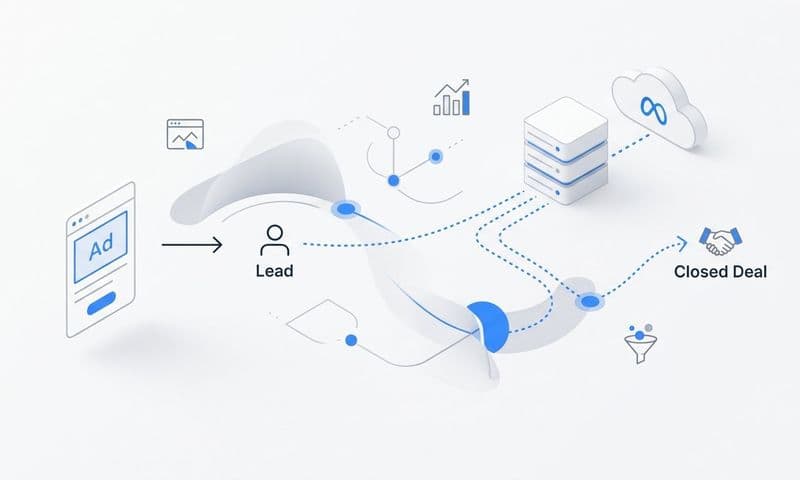
The goal of this step is to link your ad platform data to your CRM pipeline and closed-won revenue so that every channel performance report reflects actual business outcomes, not just marketing activity. This connection is what allows you to calculate true return on ad spend and customer acquisition cost based on real revenue rather than proxy metrics.
In practice, this means integrating your payment processor or CRM with your attribution platform. When a deal closes in your CRM, that revenue should flow back and be attributed to the specific campaigns, channels, and touchpoints that influenced the journey. When a trial converts to a paid subscription in Stripe, that event should be visible in your attribution reporting alongside the ad spend that drove the original trial signup.
For B2B SaaS teams, this level of visibility reveals something that lead volume metrics cannot: which campaigns are generating trials that convert to paying customers versus trials that churn immediately after onboarding. Two campaigns might generate the same number of trials at the same cost per trial, but if one consistently produces customers who stay and one produces customers who leave within 30 days, they are not equivalent. Without SaaS revenue attribution, you cannot see the difference.
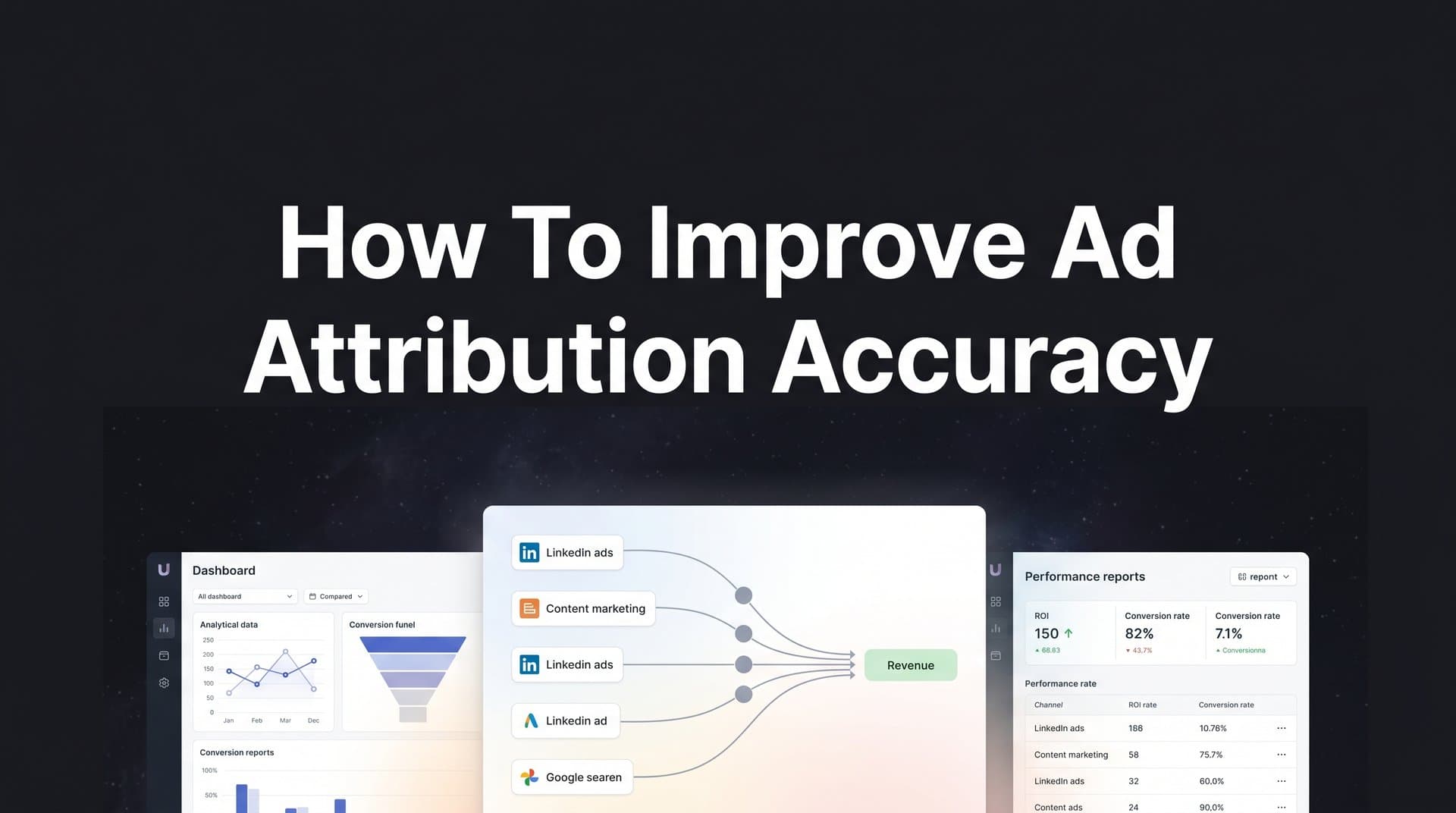
Cometly connects your ad platforms, CRM, and Stripe revenue data to give you this end-to-end view without manual data stitching or custom engineering work. You get a unified picture of ad spend, pipeline generated, deals closed, and revenue attributed across every channel, all in one place.
Success indicator: You can pull a single report that shows ad spend by channel alongside pipeline generated, deals closed, and revenue attributed. If you are still opening four separate tabs to piece this together manually, the marketing attribution CRM integration is not yet complete.
Step 6: Use AI-Driven Insights to Validate and Scale What Works
Once your attribution data is accurate and connected to revenue, you have something genuinely valuable: a dataset that reflects how real buyers move through your funnel and which marketing inputs drive closed deals. The final step is putting that dataset to work through AI-driven analysis.
Manual reporting is good at surfacing obvious patterns. AI analysis is good at finding the non-obvious ones: which combinations of touchpoints most reliably predict closed revenue, which ad creatives appear consistently in the journeys of your highest-value customers, and which channels look strong on a last-touch basis but actually contribute very little when you examine the full journey.
Start by looking for campaigns and ad creatives that appear repeatedly across multiple touchpoints in winning customer journeys. These are your compounding assets: content and campaigns that work at multiple stages of the funnel and deserve more investment, not just the ads that happen to get credit for the final click.
Use your enriched attribution data to feed better signals back to your ad platform algorithms. When Meta and Google receive accurate, enriched conversion data tied to high-value customers, their optimization algorithms can find more people who match that profile. This creates a reinforcing loop: better data produces better targeting, which produces higher-quality leads, which produces better data. Teams that set this up correctly often find their AI marketing analytics improving their cost per acquisition over time without increasing their bids.
Set up a regular attribution reporting cadence so your team reviews channel performance against revenue outcomes on a consistent schedule, whether weekly or monthly. Attribution analysis should not be something you do reactively when a campaign looks off. It should be a standing part of your marketing operations rhythm.
Scale budget toward channels and campaigns that show strong pipeline and revenue attribution. Reduce spend on those that generate volume but not value. This sounds obvious, but it is only possible when your attribution data is accurate enough to trust.
Common pitfall to avoid: Teams often use AI recommendations as a one-time audit rather than an ongoing feedback loop. Market conditions shift, buyer behavior evolves, and channel performance changes over time. An attribution insight that was accurate six months ago may no longer reflect current reality. Build the habit of reviewing and acting on AI-driven insights regularly, not just when something looks wrong.
Your Attribution Accuracy Checklist
Here is a quick-reference summary of the six steps covered in this guide. Use it to track your progress and identify where to focus next.
Step 1: Audit tracking gaps. Review all active pixels and tags, cross-reference conversion events against CRM data, and document every discrepancy and missing touchpoint.
Step 2: Implement server-side tracking. Configure Meta Conversion API and Google Enhanced Conversions, set up event deduplication, and verify your event match quality scores after launch.
Step 3: Enrich first-party data. Pass hashed customer identifiers alongside conversion events, connect CRM pipeline signals to your tracking infrastructure, and confirm match quality improvements.
Step 4: Align your attribution model. Choose a multi-touch model that reflects your actual sales cycle, compare model outputs before committing, and validate against qualitative sales team feedback.
Step 5: Connect to revenue. Integrate your CRM and payment data with your attribution platform so every channel report reflects pipeline and closed revenue, not just lead volume.
Step 6: Use AI insights to scale. Identify high-performing touchpoint combinations, feed enriched data back to ad platform algorithms, and establish a regular attribution review cadence.
Attribution accuracy is not a one-time project. It is an ongoing system that needs to be maintained as ad platforms evolve, privacy regulations shift, and your business model changes. The teams that treat it as infrastructure rather than a campaign-level task are the ones that consistently make better budget decisions over time.
Cometly brings all six of these steps together in one platform, tracking every touchpoint from ad click to closed revenue, providing AI-driven recommendations, and feeding enriched conversion data back to ad platforms. If your team is ready to move from fragmented attribution data to a single, reliable source of truth, start with Step 1 this week and work through the process sequentially. Get your free demo and see how Cometly can accelerate every step of this process for your B2B SaaS team.