

Your ad platform dashboard says you spent $10,000 last month. Your actual sales? Double what the platform reported. Or maybe it's the opposite—your ads claim 50 conversions, but only 30 customers actually bought. Either way, you're making budget decisions with incomplete information.
This is the reality for most marketers after iOS privacy updates fundamentally changed mobile tracking. App Tracking Transparency requirements mean a significant portion of your mobile audience now opts out of traditional tracking methods. The gaps in your data aren't small—they're substantial enough to derail your entire optimization strategy.
The consequences show up everywhere. Your cost-per-acquisition numbers look inflated because you're missing conversions. Your retargeting audiences shrink because you can't track who visited your site. Your lookalike campaigns underperform because the seed data is incomplete. And worst of all, you're scaling the wrong campaigns because you don't know which ones actually drive revenue.
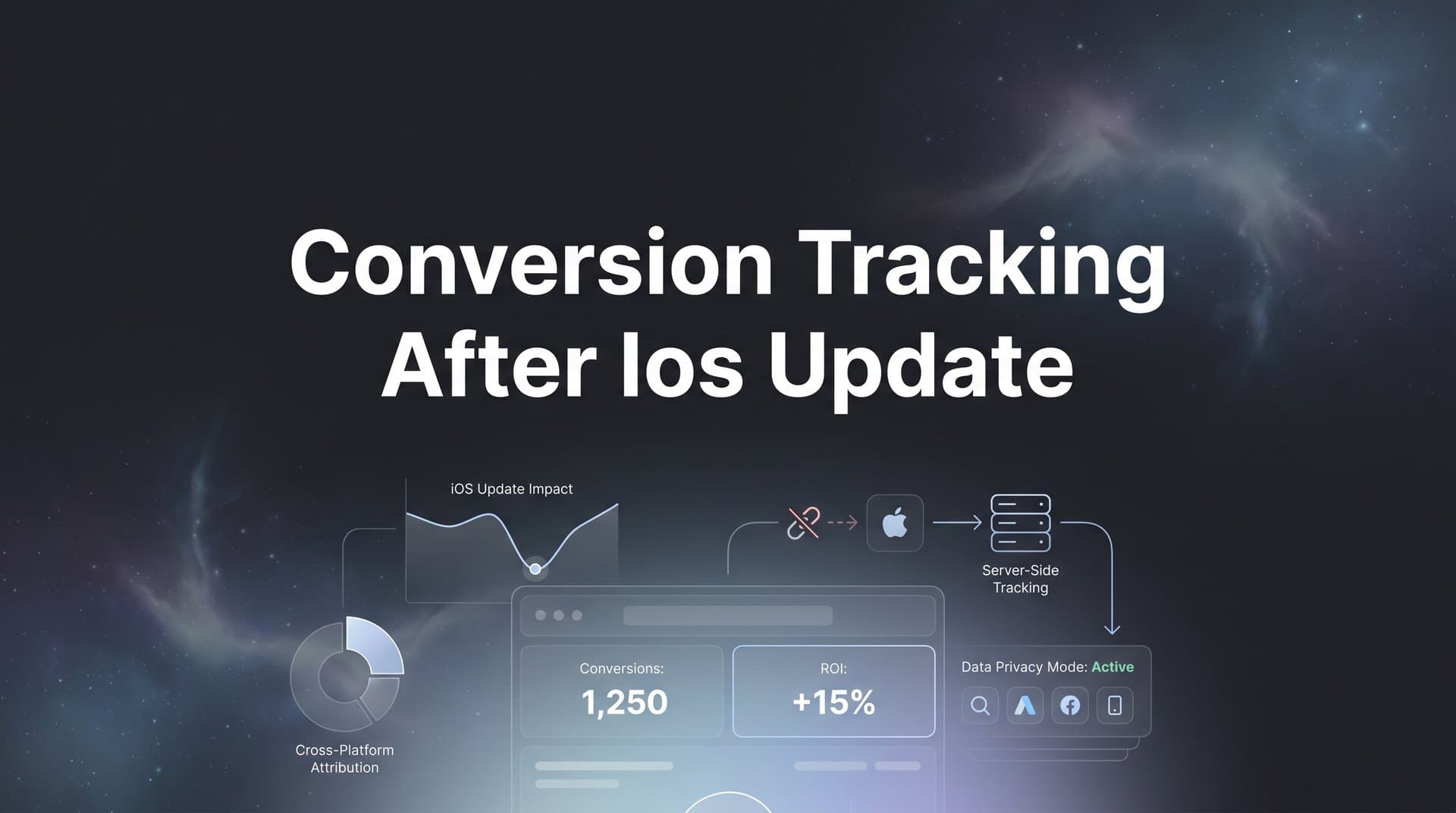
But here's the thing: accurate conversion tracking is still possible. It just requires a different approach—one that doesn't rely on browser-based pixels that users can block. You need server-side tracking, proper API configurations, unified attribution data, and ongoing validation to ensure everything works correctly.
This guide walks you through exactly how to restore accurate conversion tracking in a post-iOS update world. You'll learn how to audit your current setup to identify where data is leaking, implement server-side solutions that capture conversions regardless of user privacy settings, configure your ad platforms for privacy-first tracking, and validate that your data flows correctly across every channel.
Whether you run campaigns on Meta, Google, TikTok, or multiple platforms simultaneously, these steps will help you regain visibility into your customer journey. You'll finally understand which campaigns actually drive revenue, and you'll make budget decisions with confidence again.
Step 1: Audit Your Current Tracking Setup and Identify Data Gaps
Before you can fix your tracking, you need to understand exactly where it's broken. Start by comparing the conversion counts your ad platforms report against your actual sales data or CRM records. Pull a report from Meta Ads Manager, Google Ads, and any other platforms you use. Then pull the same date range from your Shopify dashboard, Stripe account, or whatever system processes your actual transactions.
The difference between these numbers reveals your tracking gap. If Meta reports 100 conversions but you only had 75 actual sales, you're either double-counting or your attribution window is too generous. More commonly, Meta might report 50 conversions while you had 100 sales—meaning half your conversions are invisible to your ad platform.
Document which platforms show the largest discrepancies. You'll often find that Meta and other social platforms suffer more than search platforms because they rely heavily on mobile app traffic where ATT opt-out rates are highest. Google Ads might show smaller gaps because search traffic skews more toward desktop, where tracking still works relatively well.
Next, check which specific events are still tracking versus which have dropped off. Log into your Meta Events Manager or Google Analytics and look at event volumes over time. You'll likely see a sharp drop around April 2021 when iOS 14.5 launched, followed by gradual declines as more users updated their devices and opted out of tracking. Understanding why you're losing tracking data after iOS updates is the first step toward fixing it.
Pay special attention to your most valuable events. If "Purchase" events dropped 40% but "Add to Cart" only dropped 15%, you know the problem gets worse as users move deeper into your funnel. This pattern suggests that many users are completing their journey on mobile devices where you can't track them.
Check your consent rates and ATT opt-in percentages to understand the scope of the problem. In Meta Events Manager, look at the "Event Match Quality" score for your pixel events. Low scores indicate poor data quality and matching. Many advertisers see opt-in rates between 15-25%, meaning 75-85% of iOS users are invisible to traditional tracking methods.
Create a simple spreadsheet documenting your findings: platform name, reported conversions, actual conversions, percentage gap, and which events are most affected. This baseline data will help you measure improvement as you implement the solutions in the following steps. You'll also need this information when configuring your server-side tracking priorities.
Step 2: Implement Server-Side Tracking to Bypass Browser Limitations
Server-side tracking works differently than the browser pixels you're used to. Instead of relying on JavaScript code that runs in a user's browser—code that can be blocked by privacy settings, ad blockers, or ATT restrictions—server-side tracking sends conversion data directly from your website's backend server to your ad platforms. The user's device never gets involved in the tracking process.
This matters because ATT restrictions only affect tracking that happens on the device itself. When your server sends conversion data directly to Meta or Google, it bypasses these limitations entirely. The ad platforms receive the conversion information regardless of whether the user opted in or out of app tracking. Learn more about server-side conversion tracking benefits to understand why this approach is essential.
The technical implementation varies depending on your website platform. If you run WordPress, you can use plugins that handle server-side tracking. Shopify stores can use apps specifically built for this purpose. For custom-built websites, your development team will need to implement server-side event tracking through your backend code.
The core concept remains the same: when a user completes a conversion action on your site—makes a purchase, submits a lead form, signs up for a trial—your server captures that event and sends it directly to your ad platforms through their APIs. You'll need to collect first-party data like email addresses, phone numbers, or user IDs to help platforms match the conversion back to the right ad click.
Connect your CRM and payment processor to capture downstream conversion events that happen after the initial website interaction. Many conversions don't complete immediately. A user might click your ad, fill out a form, then convert three days later after a sales call. If you only track website events, you'll miss this conversion entirely.
Integration with your CRM means that when a lead becomes a customer in Salesforce, HubSpot, or your chosen system, that conversion event gets sent back to your ad platforms. The platforms can then attribute the sale to the original ad that started the journey, even if days or weeks passed between click and conversion. This is especially important for offline conversion tracking for online ads.
Payment processor integration works similarly. When Stripe processes a payment, or when a subscription renews in your billing system, those events should flow back to your ad platforms. This gives you visibility into customer lifetime value, not just initial conversion value.
Test that server events fire correctly for each key conversion action. Make a test purchase on your site, or submit a test lead form. Then check your ad platform's events manager to confirm the conversion appeared. Look for the server event indicator—Meta shows a small server icon next to events that came from server-side tracking rather than the pixel.
You should see events appear within a few minutes of the test action. If they don't, check your API credentials, verify your event naming matches what your ad platforms expect, and confirm your server code is actually firing when conversions happen. Many implementations fail simply because the server event code sits in the wrong place in the checkout flow.
Step 3: Configure Conversions API for Meta and Other Ad Platforms
Meta's Conversions API (CAPI) is the most critical server-side integration for most advertisers because Meta relies heavily on mobile app traffic where ATT restrictions hit hardest. Setting up CAPI means your server sends conversion events directly to Meta, bypassing the pixel's browser-based limitations.
Start in Meta Events Manager by creating a new server event data source. Meta will generate an access token that your server uses to authenticate when sending events. You'll need to provide this token to your developer or to whatever platform handles your server-side tracking implementation. If you're experiencing poor conversion tracking accuracy on Facebook, CAPI is often the solution.
The key to effective CAPI implementation is sending customer information parameters that help Meta match your server events back to the right user. Include hashed email addresses, phone numbers, first and last names, city, state, zip code, and any other first-party data you collect. The more matching parameters you send, the higher your Event Match Quality score will be.
Configure Google Enhanced Conversions for improved match rates on the search side. Enhanced Conversions works similarly to CAPI—it sends hashed first-party data along with your conversion events to help Google match conversions back to ad clicks. You can implement it through Google Tag Manager or directly through the Google Ads API.
In Google Ads, navigate to your conversion actions and enable Enhanced Conversions for each one. You'll need to specify which customer data fields you're collecting and sending. At minimum, send email addresses. Adding phone numbers and physical addresses further improves match rates. For a complete walkthrough, see our Google conversion tracking complete guide.
Implement similar server-side connections for TikTok, LinkedIn, and other platforms you use. TikTok Events API, LinkedIn Conversions API, and Pinterest Conversions API all work on the same principle—your server sends conversion data directly to the platform along with first-party matching parameters.
Each platform has slightly different setup requirements and documentation, but the pattern remains consistent. Create an API access token, configure your server to send events in the format the platform expects, include customer matching parameters, and test that events flow correctly.
Deduplicate events to avoid double-counting conversions when you run both pixel tracking and server-side tracking simultaneously. This is crucial because you should keep your pixel active even after implementing server-side solutions—the pixel still captures some conversions, and running both methods together maximizes your data coverage. Avoiding duplicated conversion tracking across platforms is essential for accurate reporting.
Deduplication works by assigning a unique event ID to each conversion. When your pixel fires, it includes this event ID. When your server sends the same conversion through the API, it includes the same event ID. The ad platform recognizes that both events represent the same conversion and only counts it once.
In Meta, enable automatic deduplication by ensuring both your pixel events and CAPI events include the same event_id parameter. For Google, use the transaction_id field in both your gtag events and your Enhanced Conversions API calls. Test deduplication by making a test purchase and confirming that only one conversion appears in your platform reporting, not two.
Step 4: Optimize Your Event Prioritization and Aggregated Event Measurement
iOS updates introduced Aggregated Event Measurement, which limits advertisers to eight prioritized conversion events per domain for iOS traffic. This means you need to choose which eight events matter most to your business because only these will be available for campaign optimization on iOS devices.
Prioritize your events in Meta Events Manager based on business value, not just conversion volume. Your most valuable event should be "Purchase" or whatever represents actual revenue. Your second priority might be "Lead" if you run lead generation campaigns. Third could be "Add to Cart" for retargeting purposes. Understanding conversion tracking iOS limitations helps you make smarter prioritization decisions.
Think about your actual optimization strategy when setting priorities. If you run campaigns optimized for "Add Payment Info," make sure that event is in your top eight. If you never optimize for "View Content," don't waste a priority slot on it—even if it has high volume.
Configure conversion windows that align with your actual customer journey length. The default seven-day click and one-day view windows work for impulse purchases, but many businesses have longer consideration periods. If your average customer takes two weeks to decide, you'll miss conversions with a seven-day window.
Meta allows conversion windows up to 28 days for clicks. If your attribution data shows that conversions regularly happen beyond seven days, extend your window. Just understand that longer windows mean longer optimization learning periods—it takes more time to gather conversion data when you're waiting up to 28 days for results.
Set up value optimization if you track purchases with varying amounts. Instead of optimizing for "Purchase" events where every conversion is weighted equally, optimize for "Purchase value" so your campaigns prioritize higher-value customers. This requires passing the actual transaction amount with each conversion event.
In Meta, enable value optimization by selecting "Maximize value of conversions" as your campaign objective. In Google, choose "Target ROAS" bidding and provide your actual conversion values. The platforms will then optimize toward clicks that are more likely to result in high-value purchases, not just any purchase.
Adjust your attribution settings to account for longer conversion paths in a privacy-first environment. Many marketers find that post-iOS customers take more touchpoints to convert because retargeting audiences are smaller and tracking is less precise. Your attribution model should reflect this reality. If your attribution model broke after the iOS update, now is the time to reconfigure it.
Consider using data-driven attribution in Google Ads or comparing multiple attribution models in Meta. Single-touch attribution models like "last click" often undervalue upper-funnel campaigns that initiate the customer journey. Multi-touch models give credit to all the touchpoints that contributed to a conversion, providing a more complete picture of what's working.
Step 5: Connect Your Ad Platforms to a Unified Attribution Source
Relying on individual platform reporting creates blind spots because each platform only sees its own contribution to conversions. Meta doesn't know about your Google Ads clicks. Google doesn't know about your TikTok impressions. Neither platform sees your organic social posts, email campaigns, or direct traffic. Each platform claims credit for conversions that might have involved multiple touchpoints.
This fragmented view leads to budget misallocation. You might cut spending on Facebook because its reported ROAS looks weak, not realizing that Facebook ads play a crucial assist role in customer journeys that Google Ads closes. Or you might over-invest in Google because it gets last-click credit for conversions that Facebook initiated.
Set up a central attribution platform that tracks the complete customer journey from first touch to final conversion. This requires a system that sits outside your ad platforms and captures every interaction—ad clicks, website visits, email opens, CRM activities, and purchases—then connects them into unified customer journeys. A cross-platform conversion tracking solution eliminates these blind spots.
The platform should track users across devices and sessions, using first-party identifiers like email addresses or customer IDs to maintain identity even when cookies get deleted or users switch from mobile to desktop. This persistent tracking reveals the true path to conversion that individual platforms can't see. Solving cross-device conversion tracking issues is critical for accurate attribution.
Connect all your ad channels, website, and CRM to capture every touchpoint. Integration requirements vary by platform, but the goal remains consistent: every marketing interaction should flow into your unified attribution system. When someone clicks a Facebook ad, that click gets logged. When they return via Google search, that click gets logged and connected to the same user profile.
Website tracking through your attribution platform captures organic visits, direct traffic, and browsing behavior between ad clicks. CRM integration brings in offline conversions, sales calls, and customer lifecycle events. Payment processor integration adds actual revenue data. Together, these connections create a complete picture of how customers find and buy from you.
Compare platform-reported conversions against your unified data source to understand the true performance of each channel. You'll often find that platforms over-report conversions because they use attribution windows and models that maximize their own credit. Your unified source shows the reality—which channels genuinely drive conversions versus which ones just happen to be present near the end of the journey.
This comparison also reveals tracking gaps. If Meta reports 50 conversions but your unified platform only sees 40 of those same conversions, you know there's a data flow issue to investigate. The unified view becomes your source of truth for budget decisions because it's the only place where you can see cross-channel performance accurately.
Step 6: Validate Your Tracking and Establish Ongoing Monitoring
Run test conversions through each channel to confirm data flows correctly from click to final conversion. Create a test campaign in Meta with a small budget, click your own ad from a mobile device, and complete a purchase. Then verify that the conversion appears in Meta Ads Manager, in your unified attribution platform, and in your actual sales records with matching transaction details.
Repeat this process for Google Ads, TikTok, and every other platform you use. Test from both iOS and Android devices because tracking behavior differs. Test from different browsers. Test with ad blockers enabled to confirm your server-side tracking works even when browser-based tracking is blocked. Following best practices for tracking conversions accurately ensures your data remains reliable.
Document what you find. If conversions appear correctly everywhere, note that in your tracking documentation. If they don't, troubleshoot the issue immediately—don't wait until you've spent real budget on broken tracking. Common issues include incorrect event names, missing API credentials, or conversion events firing on the wrong page of your checkout flow.
Set up alerts for sudden drops in conversion volume that might indicate tracking issues. In your unified attribution platform or analytics system, configure automated alerts that notify you when conversion volume drops more than 20% compared to the previous week. Sudden drops usually mean something broke—a tracking script stopped firing, an API connection failed, or a platform changed its requirements.
These alerts help you catch problems quickly before they waste significant budget. If your tracking breaks on Monday but you don't notice until Friday, you've spent a week optimizing campaigns based on incomplete data. Automated alerts mean you'll know within hours when something goes wrong.
Create a weekly review process to compare attribution data against actual revenue. Every Monday, pull reports from your ad platforms, your unified attribution system, and your actual sales or revenue dashboard. The numbers won't match perfectly—attribution is inherently imperfect—but they should track in the same direction.
If Meta reports a 30% increase in conversions but your actual revenue only grew 10%, investigate the discrepancy. Maybe Meta's attribution window is too generous. Maybe you're getting lower-quality traffic. Maybe there's a data integrity issue. Regular reviews help you spot these patterns before they become expensive problems.
Document your setup so you can troubleshoot quickly when platforms update. Create a simple document that lists every tracking integration you've implemented: which server-side tracking platform you use, where your API credentials are stored, which events you're tracking, how deduplication works, and who on your team has access to each system.
This documentation becomes invaluable when something breaks. Instead of trying to remember how you configured everything six months ago, you can reference your documentation and quickly identify what might have changed. It's also essential if team members leave or if you need to bring in outside help to troubleshoot issues.
Your Tracking Restoration Checklist
You've now walked through the complete process of restoring accurate conversion tracking after iOS updates. Before you consider the job done, verify that you've completed each critical component.
Confirm your current tracking gaps are documented. You should have clear data showing the difference between platform-reported conversions and actual sales, broken down by platform and event type. This baseline lets you measure improvement as your new tracking systems come online.
Verify server-side tracking is implemented and firing correctly. Test conversions should appear in your ad platforms with server event indicators. Your CRM and payment processor should be connected so downstream conversions flow back to your ad platforms automatically.
Check that Conversions API is configured for each platform you use. Meta CAPI, Google Enhanced Conversions, and equivalent integrations for other channels should all be active. Your Event Match Quality scores should be "Good" or better, indicating strong data matching.
Ensure events are prioritized correctly and deduplicated. Your top eight events in Meta should align with your actual optimization strategy. Deduplication should prevent double-counting when both pixel and server events fire for the same conversion.
Confirm your unified attribution source is connected to all channels. Every ad platform, your website, and your CRM should feed data into your central attribution system. You should be able to view complete customer journeys from first touch to final conversion.
Validate that monitoring alerts are established. Automated alerts should notify you immediately when conversion volume drops unexpectedly. Your weekly review process should be calendared and assigned to a specific team member.
With these systems in place, you can confidently understand which campaigns drive real revenue and optimize your ad spend accordingly. You're no longer flying blind, making decisions based on incomplete platform data. You have visibility into the complete customer journey, accurate attribution across channels, and the infrastructure to maintain data quality as platforms continue evolving their privacy requirements.
The difference shows up in your results. Your cost-per-acquisition numbers reflect reality instead of tracking gaps. Your retargeting audiences grow because you're capturing more of your website visitors. Your lookalike campaigns perform better because they're built from complete conversion data. And most importantly, you're scaling the right campaigns because you know which ones actually drive revenue.
Ready to see your complete customer journey in one place? Cometly connects your ad platforms, CRM, and website to track every touchpoint from first click to final conversion. Our AI analyzes your attribution data to identify high-performing campaigns across every channel, then feeds enriched conversion events back to Meta, Google, and more to improve targeting and optimization. Get your free demo today and start capturing every touchpoint to maximize your conversions.



