

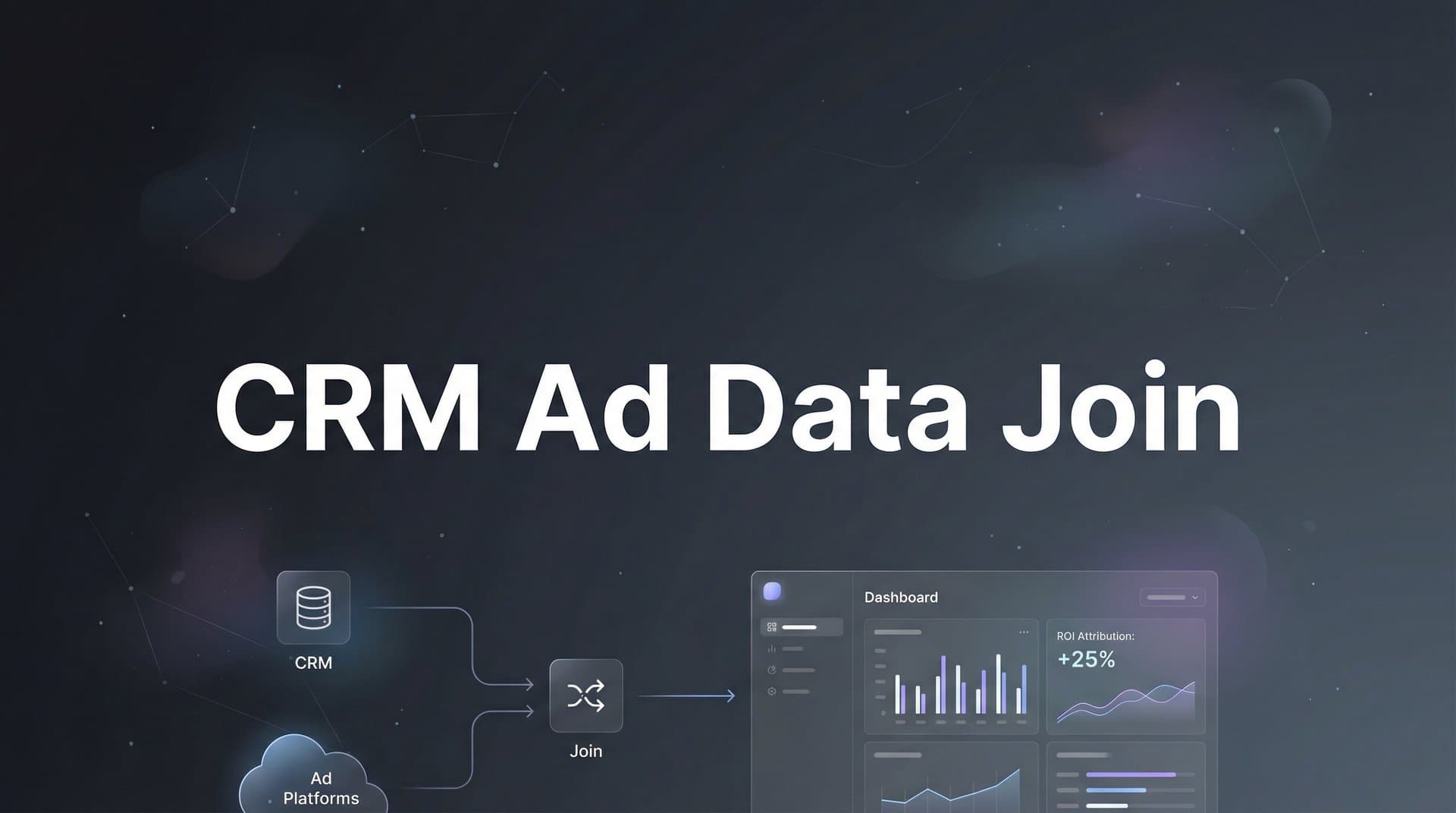
Most marketers operate with a frustrating blind spot. Your ad platforms tell you one story about performance, while your CRM tells another. Clicks and impressions live in one silo. Revenue and customer lifetime value live in another.
The result? You cannot confidently answer the most important question in marketing: which ads actually drive revenue?
Joining CRM data with ad data bridges this gap. When you connect these two data sources, you unlock the ability to see the complete customer journey, from the first ad click through to closed revenue. You can finally attribute real business outcomes to specific campaigns, ad sets, and creatives.
This guide walks you through the exact process of joining CRM ad data, whether you choose a manual approach or leverage an attribution platform. By the end, you will have a clear roadmap to connect your marketing touchpoints with your revenue data and make truly data-driven decisions about where to invest your ad budget.
Step 1: Audit Your Current Data Sources and Identify Gaps
Before you can join anything, you need to understand exactly what data you have and where it lives. This audit phase prevents wasted effort and reveals the specific technical requirements for your integration.
Start by mapping out every ad platform you currently use. List Meta Ads, Google Ads, LinkedIn Campaign Manager, TikTok Ads, or any other channels where you spend money. For each platform, document what data it provides: campaign names, ad set structures, creative performance, click IDs, and conversion tracking capabilities.
Next, turn your attention to your CRM. Whether you use Salesforce, HubSpot, Pipedrive, or another system, you need to understand how customer data flows through it. Document the stages in your customer journey: from lead to marketing qualified lead to sales qualified lead to opportunity to closed deal. Note which fields capture marketing source information and how consistently they get populated.
The critical step here is identifying your join keys. These are the data points that will allow you to match ad interactions with CRM records. Common join keys include click IDs like GCLID from Google or FBCLID from Meta, UTM parameters that track campaign source and medium, email addresses captured on forms, phone numbers for call tracking, or custom tracking parameters you create specifically for attribution.
Now comes the uncomfortable part: identifying the gaps. Look for missing UTM parameters on old campaigns. Check whether your landing page forms actually capture and pass tracking data to your CRM. Investigate whether iOS tracking limitations are creating blind spots in your mobile traffic. Review your CRM records to see how many leads have complete source attribution versus generic entries like "website" or "organic." Understanding marketing analytics data gaps is essential before attempting any integration.
Document everything you find. Create a spreadsheet that lists each platform, the data it provides, the join keys available, and the gaps you need to address. This audit becomes your roadmap for the technical work ahead. The more thorough you are now, the smoother your integration process will be.
Step 2: Establish a Consistent Tracking Framework
Inconsistent tracking is the silent killer of attribution accuracy. Before you can successfully join CRM and ad data, you need a standardized framework that captures the right information every single time.
Start with UTM parameters. Create a naming convention document that everyone on your marketing team will follow religiously. Define exactly how you will structure utm_source (the platform: facebook, google, linkedin), utm_medium (the channel type: cpc, social, email), utm_campaign (a descriptive campaign name), utm_content (to differentiate ad variations), and utm_term (for keyword tracking in search campaigns).
The key is consistency. If one person writes "Facebook" and another writes "facebook" and a third writes "fb," your data becomes fragmented and difficult to analyze. Establish clear rules: always lowercase, use hyphens instead of spaces, include the date in campaign names for easy sorting, and create a standard format like "platform_campaigntype_targetaudience_date."
Next, implement click ID capture on every conversion point. When someone clicks a Google ad, Google appends a GCLID parameter to the URL. When they click a Meta ad, Meta adds an FBCLID. These unique identifiers are gold for attribution because they connect directly back to the specific ad click in the platform's system. Implementing first party data tracking setup ensures you capture these identifiers reliably.
To capture these click IDs, add hidden fields to every form on your website. These fields automatically grab the GCLID, FBCLID, and UTM parameters from the URL and pass them along with the form submission. Your form builder or marketing automation platform should support this functionality. If you use custom forms, you will need JavaScript to extract URL parameters and populate hidden fields before submission.
Test the entire tracking flow before you launch new campaigns. Click through your own ads, fill out forms, and verify that tracking parameters appear correctly in your CRM. Check that parameters persist if someone clicks an ad, browses multiple pages, and then converts later. Use browser developer tools to inspect form submissions and confirm that hidden fields are capturing and sending the right data.
Server-side tracking has become increasingly important as browser-based tracking faces more restrictions. Consider implementing server-side conversion tracking for your key platforms. This approach sends conversion data directly from your server to the ad platform, bypassing browser limitations and improving accuracy.
Step 3: Prepare Your CRM Data for Integration
Your CRM data needs to be clean, standardized, and structured correctly before you attempt to join it with ad platform data. Garbage in means garbage out, and CRM data is often messier than marketers realize.
Start by identifying which fields will serve as your join keys. If you are matching on email addresses, ensure that email fields are consistently formatted. Remove extra spaces, convert everything to lowercase, and identify duplicate records with slight variations. If you are using UTM parameters or click IDs as join keys, verify that these fields exist in your CRM and are being populated correctly.
Clean your lead source and campaign fields. Many CRMs accumulate inconsistent source data over time: "Google," "google," "Google Ads," and "Google AdWords" all referring to the same platform. Standardize these values. Run reports to identify all unique values in your source fields, then use bulk update tools to consolidate variations into consistent naming.
Add custom fields if necessary to store ad platform identifiers. You might need dedicated fields for GCLID, FBCLID, LinkedIn click IDs, or TikTok click IDs. Create these fields with appropriate data types and ensure they are included in your form submission workflows. If you are capturing UTM parameters, you may want separate fields for each parameter rather than concatenating them into a single field. A comprehensive marketing attribution dataset guide can help you structure these fields correctly.
Consider your data export or API access method. If you plan to join data manually, you will need to export CRM records with all relevant fields included. Most CRMs allow custom report exports in CSV format. If you are using an attribution platform or building an automated integration, you will need API credentials with appropriate read permissions.
Document your CRM data structure. Note which fields map to which concepts: which field contains the lead creation date, which contains the conversion date, which contains the deal value, which contains the campaign source. This documentation becomes critical when you start building joins and need to align CRM concepts with ad platform concepts.
Finally, establish a baseline for data quality. Run a report showing what percentage of your leads have complete source attribution. This becomes your benchmark for measuring improvement as you implement better tracking and joining processes.
Step 4: Extract and Normalize Ad Platform Data
Each ad platform organizes and labels data differently. Before you can join ad data with CRM data, you need to extract the right information and transform it into a consistent structure.
Start by determining which metrics matter for your attribution analysis. At minimum, you need campaign identifiers, ad set or ad group names, ad creative identifiers, date ranges, click counts, and cost data. For more sophisticated attribution, include impression data, conversion data as reported by the platform, and any available click ID information.
Pull this data from each platform. Meta Ads Manager allows exports through the interface or via the Marketing API. Google Ads provides reporting through the interface, Google Ads Editor, or the Google Ads API. LinkedIn Campaign Manager has its own reporting interface and API. Most platforms refresh data with a delay, so account for attribution windows when pulling historical data. Leveraging advertising data analytics best practices ensures you extract the most valuable metrics.
Normalize your data structure across platforms. Create a unified schema with standard column names: date, platform, campaign_name, campaign_id, adset_name, adset_id, ad_name, ad_id, clicks, impressions, spend. Map each platform's native fields to these standardized columns. What Meta calls "Ad Set," Google calls "Ad Group." What one platform reports as "Amount Spent," another calls "Cost." Standardize everything.
Pay special attention to date and time formats. Some platforms export dates as MM/DD/YYYY while others use YYYY-MM-DD. Some include timestamps, others do not. Convert everything to a consistent format, preferably ISO 8601 (YYYY-MM-DD) for easy sorting and joining. Ensure time zones are consistent across all data sources.
Include cost data with appropriate currency conversion if you run campaigns in multiple currencies. Your ultimate goal is to calculate true return on ad spend based on CRM revenue, so accurate cost data is non-negotiable. If you use automated bidding or budget pacing, pull actual spend rather than budgeted amounts.
Create a master data file or database table that combines all platforms into one unified structure. This becomes the ad data side of your join. Each row should represent a unique combination of date, platform, campaign, ad set, and ad, with associated performance metrics. This normalized structure makes the joining process dramatically simpler than trying to match disparate platform formats against CRM records.
Step 5: Execute the Data Join Using Your Chosen Method
This is where theory becomes practice. You have clean CRM data, normalized ad platform data, and consistent tracking parameters. Now you need to actually join these datasets to see which ads drove which conversions.
The manual method works for smaller datasets or occasional analysis. Export your CRM data with all relevant fields including UTM parameters, click IDs, email addresses, and conversion dates. Export your ad platform data as described in Step 4. Use spreadsheet tools like Excel or Google Sheets with VLOOKUP or INDEX-MATCH functions to join on common fields. If you are comfortable with SQL, import both datasets into a database and use JOIN statements to match records based on your chosen keys.
When joining on UTM parameters, match on the combination of utm_source, utm_medium, and utm_campaign. A single parameter is not specific enough. Join on the date as well to avoid misattribution when you run the same campaign multiple times. The logic looks like: if CRM record source equals ad platform source AND CRM record medium equals ad platform medium AND CRM record campaign equals ad platform campaign AND CRM record date falls within ad platform date range, then match.
When joining on click IDs like GCLID or FBCLID, the process is more precise. Each click ID is unique to a specific ad click, so you can match directly. Pull a report from Google Ads or Meta that includes click IDs alongside campaign and ad information. Match these click IDs to the corresponding field in your CRM. This method provides the most accurate attribution because it connects to the exact ad interaction rather than campaign-level parameters.
The platform method automates this entire process. Attribution platforms like Cometly maintain persistent connections to both your ad accounts and your CRM. They automatically pull data from all sources, normalize it, and perform the joins continuously. When a conversion happens in your CRM, the platform matches it back to ad touchpoints using click IDs, UTM parameters, and even probabilistic matching for cases where direct identifiers are not available. An attribution data platform handles these complex matching scenarios automatically.
Handle multi-touch attribution carefully. A single customer might click multiple ads before converting. Your join should capture all touchpoints, not just the last one. Create a data structure that allows one CRM conversion to link to multiple ad interactions. Decide whether you want to use last-click attribution, first-click attribution, linear attribution across all touches, or a more sophisticated model.
Account for offline conversions and longer sales cycles. If your CRM tracks deals that close weeks or months after the initial ad click, your join needs to look back across the appropriate time window. B2B companies often need 30, 60, or even 90-day attribution windows to capture the full impact of their advertising.
Document your join logic clearly. Write down exactly which fields you are matching on, what your attribution window is, how you handle multi-touch journeys, and what you do with unmatched records. This documentation becomes critical when you need to troubleshoot discrepancies or explain your methodology to stakeholders.
Step 6: Validate Your Joined Data and Troubleshoot Issues
A successful join is not just about getting data to match. You need to verify that your results are accurate and identify where gaps exist.
Start with a sanity check on totals. If your ad platforms show 1,000 clicks but your joined dataset only accounts for 300 conversions, that might be normal. But if your CRM shows 500 conversions and your joined dataset only matches 100 of them, you have a problem. Compare conversion counts between systems to establish your match rate.
A match rate of 100% is unrealistic. Some conversions will always lack proper attribution due to tracking limitations, users who delete cookies, form fills that do not capture parameters correctly, or offline conversions that enter your CRM without digital touchpoints. A match rate of 70 to 85% is often considered good for most businesses. Below 50% indicates serious tracking problems that need immediate attention. Learning how to fix attribution data gaps becomes critical when match rates fall below acceptable thresholds.
Investigate unmatched records systematically. Pull a report of CRM conversions that did not match to any ad data. Look for patterns. Are they all from a specific date range when tracking was broken? Are they all from a particular lead source that is not being captured correctly? Are they mobile conversions affected by iOS tracking limitations? Each pattern points to a specific fix.
Test your join with known conversions. Identify a handful of recent conversions where you know exactly which ad drove them. Trace these through your joined dataset to verify they matched correctly. If a conversion you know came from a specific Meta ad is being attributed to Google or showing as unmatched, your join logic has a flaw.
Check for duplicate matches. Sometimes a single conversion incorrectly matches to multiple ad records, inflating your attributed conversion counts. This often happens when join keys are not specific enough or when date ranges overlap incorrectly. Use unique identifiers when possible and add additional matching criteria to eliminate false positives. Understanding attribution data discrepancies helps you identify and resolve these matching errors.
Document your findings. Create a validation report that shows total CRM conversions, total matched conversions, match rate percentage, and a breakdown of common reasons for unmatched records. Set this as your baseline and track improvement over time as you fix tracking issues and refine your join logic.
Establish ongoing monitoring. Data quality degrades over time as campaigns change, team members forget to add UTM parameters, or technical issues break tracking. Schedule regular validation checks, perhaps monthly, to catch problems early before they corrupt months of attribution data.
Step 7: Activate Your Insights and Optimize Campaigns
Joined data is worthless if you do not act on it. The real value comes from using these insights to make smarter advertising decisions and improve campaign performance.
Build reports that show true cost per acquisition and return on ad spend. Instead of relying on platform-reported conversions, calculate CPA using actual CRM conversions matched to ad spend. If you spent $5,000 on a campaign and it drove 50 CRM-verified leads, your true CPA is $100, regardless of what the ad platform dashboard claims. If those 50 leads generated $25,000 in closed revenue, your ROAS is 5:1.
Identify your top-performing campaigns, ad sets, and individual ads based on real business outcomes. You might discover that a campaign with mediocre click-through rates actually drives your highest-quality leads. Or that an ad with strong engagement metrics generates traffic that never converts in your CRM. Platform metrics tell you what people clicked. Joined data tells you what drove revenue. Using attribution data for ad optimization transforms how you allocate budget across campaigns.
Use these insights to reallocate budget. Shift spending away from campaigns that generate clicks but not conversions. Increase investment in campaigns that drive actual pipeline and closed deals. This is where joined data pays for itself. Many marketers discover they have been wasting 30 to 40% of their budget on channels that look good in platform dashboards but fail to generate real business results.
Analyze performance by customer segment. If your CRM tracks deal size, customer type, or lifetime value, you can calculate which campaigns drive your most valuable customers. A campaign that generates 100 small deals might be less valuable than one that generates 20 enterprise deals. Joined data reveals these nuances that platform reporting cannot show.
Send conversion data back to ad platforms to improve their optimization algorithms. Meta, Google, and other platforms use machine learning to optimize ad delivery. The more accurate conversion data you feed them, the better they perform. Use conversion APIs or server-side tracking to send CRM conversion events back to ad platforms. When you tell Meta that a lead became a customer and generated $10,000 in revenue, Meta can find more people like that lead.
This feedback loop is powerful. Platforms optimize for the signals you give them. If you only send them form fills, they optimize for form fills. If you send them closed deals with revenue values, they optimize for revenue. Joined data makes this possible by connecting ad clicks to downstream business outcomes. A robust marketing data analytics platform automates this feedback loop continuously.
Create attribution dashboards that your entire team can access. Sales needs to see which marketing campaigns are filling their pipeline. Executives need to see marketing ROI based on real revenue, not vanity metrics. Build visualizations that show the complete funnel from ad impression through closed revenue, with clear attribution to specific campaigns and channels.
Your Roadmap to Revenue-Driven Attribution
Joining CRM data with ad data transforms how you measure and optimize marketing performance. Instead of guessing which campaigns drive results, you gain clear visibility into the complete customer journey.
Quick checklist before you finish: confirm all ad platforms have consistent UTM tracking in place, verify your CRM captures and stores tracking parameters correctly, choose your join method based on technical resources and scale needs, validate match rates and investigate any significant gaps, and build reports that connect ad spend to actual revenue outcomes.
The marketers who master this data connection gain a significant competitive advantage. They stop wasting budget on campaigns that look good in platform dashboards but fail to generate real business results. They make decisions based on revenue impact, not vanity metrics. They feed better data back to ad platforms, creating a virtuous cycle of improved targeting and performance.
Whether you build this infrastructure manually or use an attribution platform like Cometly to automate the process, the investment pays dividends in smarter, more profitable advertising decisions. Manual methods work for smaller operations or occasional analysis. Attribution platforms make sense when you need continuous, automated tracking across multiple channels and want to leverage AI-driven insights to identify optimization opportunities.
The path forward is clear. Audit your current data sources, establish consistent tracking, prepare your systems for integration, execute the join, validate your results, and activate insights to optimize campaigns. Each step builds on the last, creating a foundation for truly data-driven marketing.
Ready to elevate your marketing game with precision and confidence? Discover how Cometly's AI-driven recommendations can transform your ad strategy. Get your free demo today and start capturing every touchpoint to maximize your conversions.



