

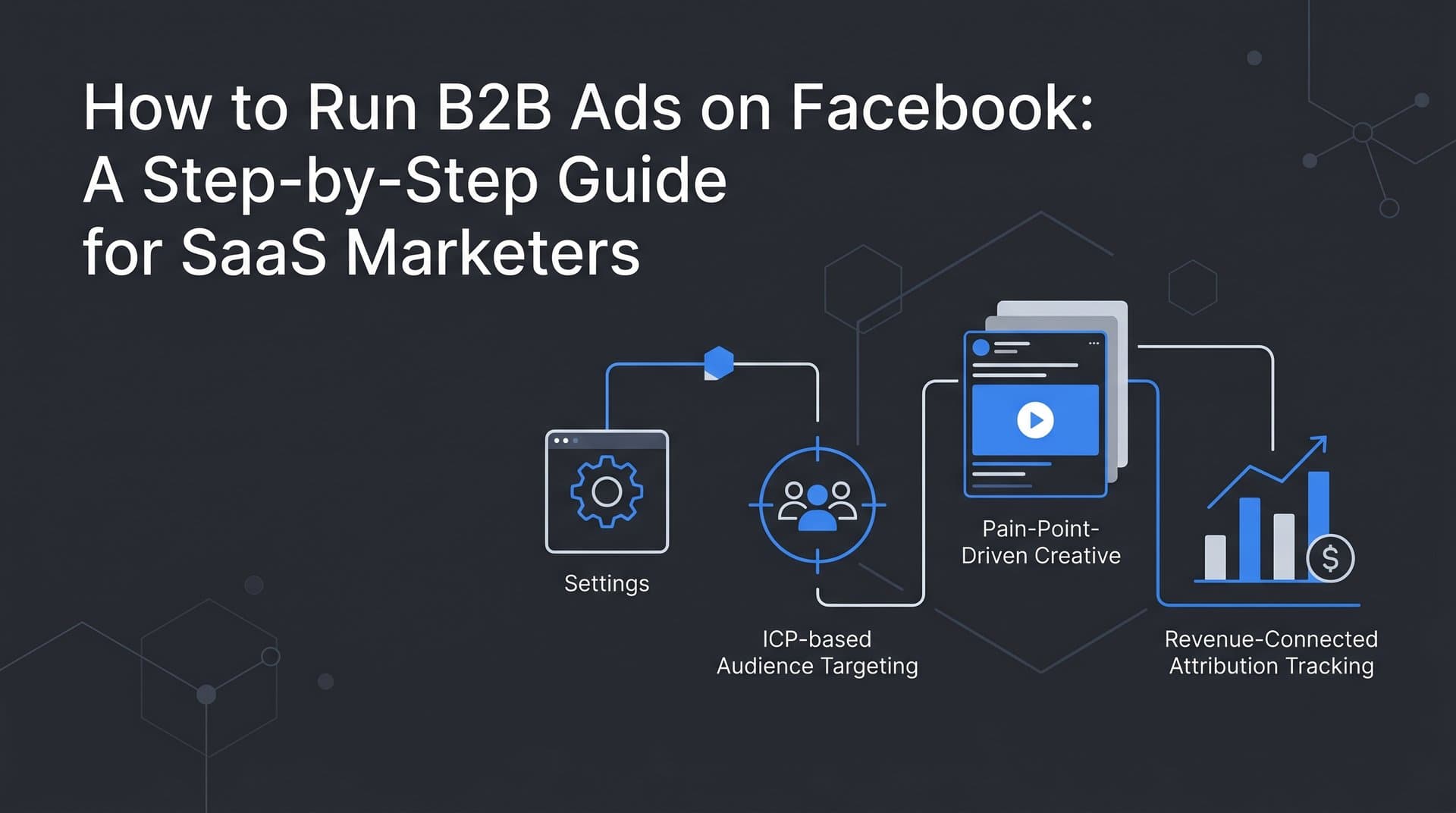
Facebook is not just a B2C platform. With over three billion monthly active users, it holds a significant portion of the professional decision-makers your B2B SaaS company needs to reach. The challenge is that most B2B marketers approach Facebook ads the wrong way, using consumer-style targeting and creative that fails to resonate with buyers who are evaluating software solutions.
The result is predictable: high click-through rates, low-quality leads, and a sales team that does not trust marketing data. Sound familiar?
This guide walks you through a proven, structured approach to running B2B ads on Facebook that actually generate qualified pipeline. You will learn how to set up your campaign architecture correctly, build audiences that match your ideal customer profile, create ad creative that speaks to real business pain points, and track results in a way that connects ad spend to actual revenue.
Whether you are launching your first Facebook campaign or rebuilding a strategy that has not delivered, these six steps will give you a clear, actionable framework. By the end, you will know exactly how to configure your campaigns, what metrics to watch, and how to use attribution data to make smarter budget decisions.
Step 1: Define Your ICP and Campaign Objective Before You Touch Ads Manager
The most expensive mistake you can make with B2B ads on Facebook is opening Ads Manager before you know exactly who you are trying to reach and what action you want them to take. Skipping this step means your targeting, creative, and landing page will all pull in different directions.
Start by documenting your ideal customer profile. This means getting specific about industry, company size, job title, seniority level, and where your buyer is in their decision-making process. A VP of Marketing at a 200-person SaaS company evaluating attribution tools has very different motivations than a founder at a five-person startup exploring their first ad platform. Your campaign needs to speak to one of them clearly, not both of them vaguely.
Once your ICP is documented, choose your campaign objective. This single decision shapes how Facebook's algorithm delivers your ads and who it prioritizes. For B2B SaaS, the most effective objectives are typically Lead Generation and Conversions. Lead Generation keeps prospects on Facebook and lowers the barrier to entry with native forms. Conversions drives traffic to your landing page and optimizes for specific actions like demo bookings or free trial signups.
Avoid selecting Traffic as your objective. It sounds logical, but Traffic campaigns optimize for clicks, not qualified actions. You will get volume with poor intent, and your cost per meaningful lead will be far higher than it needs to be.
Map your chosen objective to a measurable outcome before you build anything. Ask yourself: what does success look like in your CRM? If the answer is demo requests, your objective should be Conversions with a demo booking event. If the answer is content downloads at the top of funnel, Lead Generation with a gated asset makes sense. Clarity here prevents wasted spend and misaligned reporting later.
Keep your ICP documentation somewhere accessible throughout the campaign build. It should inform every targeting decision, every line of ad copy, and every element of your landing page. When all three align, your campaign has a much stronger foundation. Understanding the broader B2B SaaS marketing funnel helps you map each campaign objective to the right stage of the buyer journey.
Step 2: Build Audiences That Match Your B2B Buyer Profile
Facebook's audience targeting is less precise than LinkedIn's when it comes to B2B attributes. You cannot filter by company revenue or verified job function the way you can on LinkedIn. What you can do is layer multiple signals together to approximate your ICP, and then test aggressively to find what converts.
Start with Facebook's detailed targeting options. Layer job titles, industries, and employer size filters to build an audience that resembles your buyers. For example, if you are targeting marketing leaders at mid-market SaaS companies, you might combine job titles like "Head of Marketing" or "VP Marketing" with industry filters for software and internet companies, then narrow by the business decision-maker behavioral category.
Next, upload your CRM contact list to create a Custom Audience. This serves two purposes. First, you can retarget existing leads who have not yet converted. Second, you can exclude current customers and active trial users from your top-of-funnel campaigns. Excluding these groups keeps your cost per lead accurate and prevents your team from generating duplicate pipeline that skews reporting.
Build a Lookalike Audience from your highest-value customers. Take your closed-won accounts, upload that list, and let Facebook find users who share similar characteristics. A one percent Lookalike based on a well-defined seed audience is often one of the most efficient targeting options available for B2B SaaS on Facebook, because it leverages behavioral patterns that go beyond what you can manually filter.
Interest-based targeting can supplement these approaches, but treat it as a signal layer rather than a primary strategy. Interests like "B2B marketing," "SaaS," or "business software" can add relevance, but they are broad and often include users who are simply curious about a topic rather than professionals actively making purchasing decisions. Pairing Facebook with a platform like LinkedIn can sharpen your reach — explore SaaS LinkedIn ads as a complementary channel for reaching verified professional audiences.
Plan to run two to three distinct audience segments simultaneously from the start. This is not optional for B2B Facebook campaigns. Because targeting precision is limited, you need real performance data to determine which audience segment actually produces qualified leads. Audience testing is not a sign that something is wrong. It is a built-in requirement of the platform.
Step 3: Structure Your Campaign Architecture for Testing and Scale
Your campaign structure determines how much control you have over budget, testing, and optimization. Getting this right from the beginning saves you from the chaos of trying to untangle a messy account later.
Follow a clear hierarchy: one objective per campaign, separate ad sets for each audience segment, and multiple ad creatives per ad set. This structure keeps your data clean and makes it easy to identify what is working at each level. When a campaign contains multiple objectives or a single ad set contains multiple audiences, performance data becomes difficult to interpret and act on.
Set budgets at the ad set level rather than using campaign-level budget optimization when you are in testing mode. Campaign Budget Optimization (CBO) is useful for scaling, but during the testing phase it tends to favor one ad set over others before you have enough data to make that judgment call. Ad set-level budgets give each audience segment a fair chance to prove itself.
Start with two to three ad sets targeting different audience segments. You might test your Lookalike Audience against a detailed targeting audience built from job titles and industries, and a third ad set targeting website visitors for retargeting. Each ad set should contain at least three ad creatives so you can identify which format and message resonates within that audience.
Be cautious with Advantage+ audience options early on. Facebook's automated audience expansion can work well once you have established baseline performance, but using it from day one means you lose visibility into who is actually seeing your ads. Start with manual targeting, establish what converts, and then consider expanding.
Plan for a learning phase of at least seven days before drawing conclusions. Facebook's algorithm needs a minimum number of optimization events to calibrate delivery. For B2B campaigns with smaller audiences and less frequent conversions, this period can extend to two weeks. The critical rule during this window is simple: do not make changes. Adjusting budgets, pausing ads, or editing targeting during the learning phase resets the algorithm and delays meaningful results. Once you have baseline data, review proven strategies for scaling Facebook ads to expand what is working without sacrificing efficiency.
Step 4: Create Ad Creative That Speaks to B2B Buyers
Here is the context that changes everything about B2B creative on Facebook: your buyers are not in work mode when they see your ad. They are scrolling through personal content between checking messages from friends and watching videos. Your ad needs to earn attention in that environment before it can earn a click.
Lead with a specific business problem, not a product feature. An ad that opens with "Struggling to prove which campaigns are actually driving revenue?" will outperform one that opens with "Introducing [Product Name]: the all-in-one marketing platform." The first speaks to a real frustration. The second asks the buyer to care about you before you have given them a reason to.
Use social proof strategically. Customer outcomes, recognizable client logos, and industry-specific credibility signals all reduce the skepticism that B2B buyers bring to any new tool. You do not need elaborate case study copy. A single line like "Trusted by marketing teams at [recognizable company type]" or a simple logo strip can shift perception meaningfully.
Test at least three creative formats per ad set. Static images are fast to produce and often perform well for direct, text-forward messages. Short-form video can demonstrate a product or tell a story in a way that static images cannot. Carousel ads work well for showcasing multiple use cases or walking through a process step by step. Do not assume you know which format will win. Let the data tell you. For guidance on video specifications that affect delivery and quality, review the recommended Facebook video ads size requirements before production.
We cover this in more depth in our guide to AI short form video ads generator.
Write ad copy that addresses the buyer's specific role. A message written for a Head of Demand Generation should reference metrics, pipeline, and attribution. A message written for a Founder should reference growth, efficiency, and ROI. Generic pain points feel generic. Role-specific language feels like you understand their world.
Match your call to action to where the audience sits in the funnel. For cold audiences who have never heard of you, low-friction CTAs like "See how it works" or "Get the guide" perform better than "Book a demo." For retargeting audiences who have visited your pricing page or engaged with a previous ad, a direct CTA like "Start your free trial" or "Schedule a demo" is appropriate because they already have context.
Finally, make sure your landing page delivers exactly what your ad promises. If your ad says "See how B2B teams track revenue from ads," your landing page should immediately reinforce that message. Any disconnect between the ad and the page increases bounce rates and wastes the click you just paid for.
Step 5: Set Up Conversion Tracking and the Meta Conversion API
Accurate tracking is where most B2B Facebook campaigns quietly fall apart. Without it, you are making budget decisions based on incomplete data, and Facebook's algorithm is optimizing for the wrong signals.
Start by installing the Meta Pixel on your website. The Pixel captures browser-side events and is the foundation of your tracking setup. Verify it is firing correctly on your key conversion pages using the Meta Pixel Helper browser extension. Check that your thank-you pages, demo confirmation pages, and trial signup confirmations are all triggering the right events.
The Pixel alone is no longer sufficient. Browser privacy restrictions, ad blockers, and iOS privacy changes mean that a meaningful portion of conversion events never get recorded by browser-based tracking. This is where the Meta Conversion API becomes essential. A complete guide to Facebook conversion tracking covers how to implement both the Pixel and server-side events to capture every sale your ads drive.
The Conversion API (CAPI) sends conversion data directly from your server to Meta, bypassing the browser entirely. Implementing CAPI alongside your Pixel creates a more complete picture of your conversions. For B2B SaaS, this matters even more because your sales cycle is long. A prospect might click an ad, visit your site, and not convert until days or weeks later when a browser session has long expired.
Configure standard events for the actions that matter most in your funnel. The Lead event should fire when a form is submitted. CompleteRegistration works for trial signups. For demo bookings, you may need a custom event that maps to your specific conversion action. Be precise here. Vague event configurations produce vague optimization signals.
Use event deduplication to prevent the same conversion from being counted by both the Pixel and CAPI. Facebook's Events Manager provides deduplication tools that match browser and server events so you do not inflate your conversion numbers.
After implementation, check your event match quality scores in Events Manager. These scores indicate how accurately your conversion data is being matched to Facebook user profiles. Higher match quality means better optimization signals, which translates directly into improved campaign performance over time. Learn more about how Facebook event match quality affects your campaign's ability to find and convert the right buyers.
If you are using an attribution platform like Cometly, you can connect it to send enriched conversion data back to Meta. This allows Facebook's algorithm to optimize not just for lead volume but for the quality of leads that actually progress through your pipeline, which is a meaningful upgrade for any B2B SaaS campaign.
Step 6: Launch, Monitor, and Optimize Based on Pipeline Data
Launching your campaign is not the finish line. It is the starting point for a data-driven optimization process that separates B2B marketers who get results from those who get reports full of vanity metrics.
Monitor performance daily for the first two weeks, but be disciplined about what you measure. Click-through rate and cost per click are surface-level signals. The metrics that matter for B2B SaaS are cost per lead, lead quality, and ultimately cost per pipeline opportunity. If you are only watching what Facebook shows you in Ads Manager, you are missing the most important part of the story.
This is where an attribution platform becomes critical. Facebook's native reporting attributes conversions based on its own model, which often overstates performance compared to what your CRM shows. A prospect might see a Facebook ad and later convert through a Google search, but Facebook will claim credit for that conversion. Without a third-party attribution layer, you cannot reconcile these discrepancies or make accurate budget decisions. Understanding Facebook ads reporting discrepancies helps you identify where platform data diverges from reality and how to correct for it.
Connect your attribution platform to your CRM so you can see which ad sets and creatives are generating leads that actually convert to pipeline opportunities. A campaign that produces a high volume of leads at low cost may look excellent in Ads Manager but perform poorly when you trace those leads through to closed revenue. The inverse is also true: a campaign with a higher cost per lead might be generating your highest-quality pipeline.
Pause underperforming ad sets after they have spent enough to reach statistical significance. A common benchmark is 50 or more conversion events per ad set before making a definitive judgment. Pausing too early based on limited data leads to poor decisions. Waiting too long to act on clear underperformers wastes budget.
Refresh your creative every four to six weeks. B2B audiences on Facebook are typically smaller than B2C audiences, which means your target segment sees the same ads more frequently. Ad fatigue sets in faster. Monitor your frequency metric in Ads Manager. When frequency climbs above three to four for a cold audience, performance typically starts to decline. New creative resets the clock.
Finally, compare attribution models within your analytics platform. First-touch, last-touch, and linear attribution will each tell a slightly different story about Facebook's contribution to revenue. Understanding these differences helps you set realistic expectations and make smarter decisions about how much of your budget Facebook should receive relative to other channels. The Facebook ads attribution model you choose directly shapes how you evaluate campaign ROI and allocate future spend.
Putting It All Together: Your Facebook B2B Ad Launch Checklist
Before you hit publish on your first campaign, run through this checklist to confirm you have covered every layer of a well-structured B2B Facebook campaign.
ICP defined: You have documented your target buyer by industry, company size, job title, and buying stage, and that profile is reflected in your targeting, creative, and landing page.
Audiences built: You have created at least two to three audience segments, uploaded your CRM list for Custom Audiences, built a Lookalike from your best customers, and excluded current customers from top-of-funnel ad sets.
Campaign structured: You have one objective per campaign, separate ad sets for each audience segment, and at least three creatives per ad set ready to test.
Creative ready: Your ads lead with a business problem, include credibility signals, use role-specific language, and match CTAs to funnel stage. Your landing page message aligns with your ad copy.
Tracking verified: Your Meta Pixel is firing correctly, CAPI is implemented alongside it, events are configured for your key conversion actions, and deduplication is in place.
Attribution connected: You have linked your ad data to your CRM so you can measure performance beyond Ads Manager and see which campaigns are driving real pipeline and revenue.
The biggest differentiator between B2B Facebook campaigns that generate pipeline and those that generate noise is this last point. Connecting ad spend to revenue is not a nice-to-have. It is the only way to make confident budget decisions at scale.
Cometly is built to make that connection. It ties your Facebook ad performance to pipeline stages and closed revenue in real time, giving you a single source of truth that goes far beyond what Meta's native reporting can show. You can see which campaigns, ad sets, and creatives are actually driving deals, and use that data to scale what works with confidence.
Start with one focused campaign, measure it accurately from day one, and let revenue data guide every optimization decision from there. Get your free demo and see how Cometly connects your Facebook ad spend to the pipeline and revenue numbers that actually matter.



