

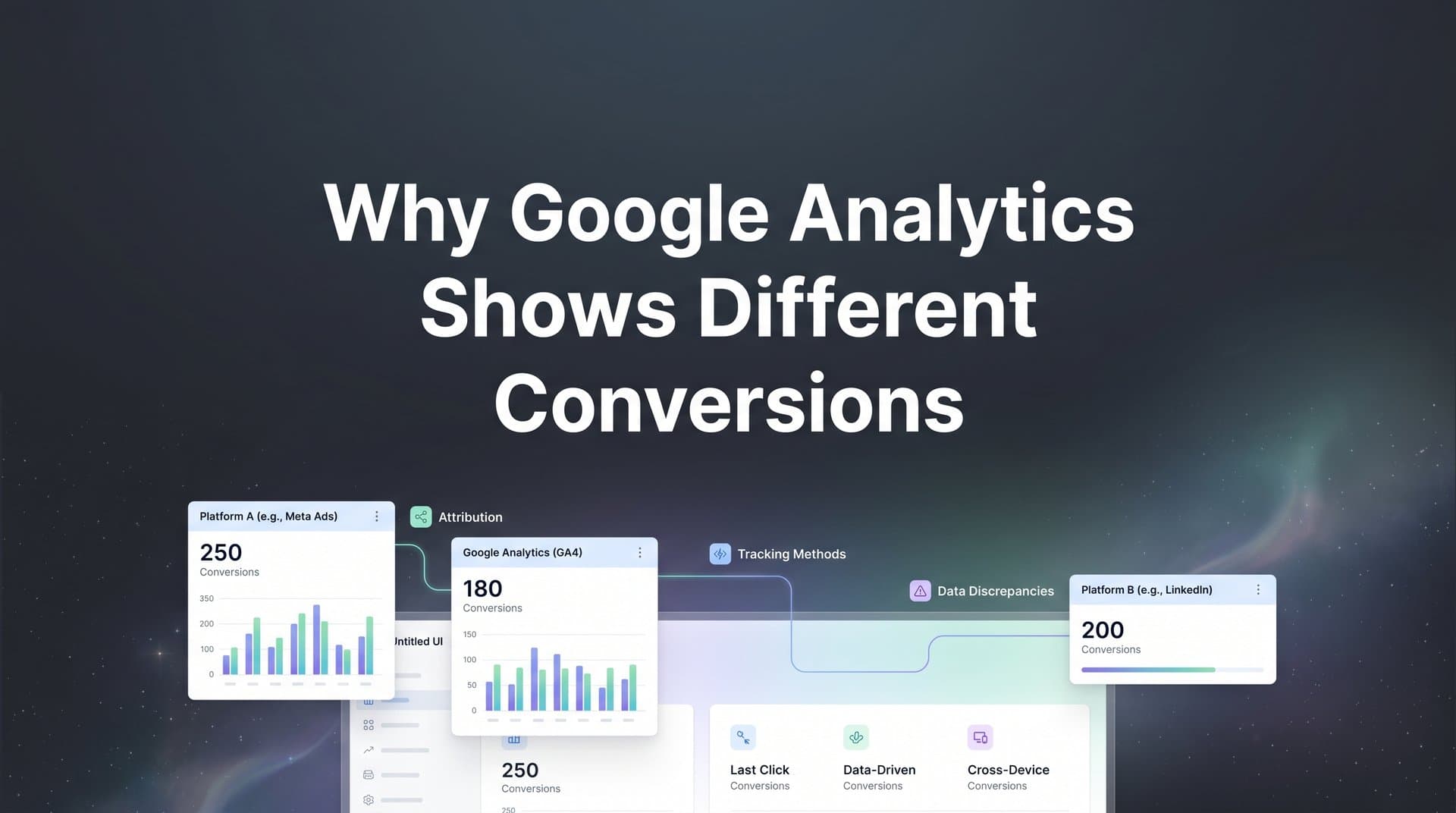
You pull up Google Analytics and see 47 conversions from your Facebook campaign. Then you open Meta Ads Manager for the same date range, and it reports 82. Same campaign. Same period. Completely different numbers.
If you've been there, you know the feeling. First comes confusion, then frustration, then a creeping distrust of every dashboard you look at. Which number do you believe? Which one do you use to justify your budget? And if neither platform can agree, how are you supposed to make confident decisions about where to spend your money?
Here's the thing: this discrepancy is not a glitch. It's not a sign that something is broken in your setup (though sometimes that's a factor too). It's a structural reality of how digital measurement works. Google Analytics and ad platforms like Meta and Google Ads were built with different purposes, different methodologies, and different incentives. The result is that they will almost never show the same conversion numbers, and understanding why is the first step toward building a measurement strategy you can actually trust.
This article breaks down the core reasons why Google Analytics shows different conversions than your ad platforms, from attribution model differences and tracking blind spots to counting rules and configuration mistakes. More importantly, it shows you what to do about it.
The Attribution Model Gap: How Each Platform Claims Credit
At the heart of most conversion discrepancies is a fundamental disagreement about who gets credit for a sale. Every platform has its own attribution model, and those models are not aligned.
Google Analytics 4 defaults to a data-driven attribution model for most conversion types. This model uses machine learning to distribute credit across all the touchpoints in a conversion path, looking back up to 90 days. It's designed to give a more holistic view of the customer journey, which sounds great in theory. In practice, it means GA4 spreads credit across multiple channels, reducing the conversion count attributed to any single source.
Ad platforms operate very differently. Meta Ads defaults to a 7-day click and 1-day view attribution window. That means if someone sees your Meta ad and converts within 24 hours, or clicks it and converts within seven days, Meta claims that conversion as its own. Google Ads defaults to a 30-day click window. Both platforms are looking backward from the conversion event and claiming credit based on whether their ad was part of the journey within that window. These attribution challenges in marketing are at the root of most reporting confusion.
The critical issue is that these windows overlap constantly. Consider a realistic scenario: a user clicks a Meta ad on Monday, then clicks a Google Search ad on Wednesday, and completes a purchase on Thursday. Meta sees the click from Monday and claims the conversion. Google Ads sees the click from Wednesday and claims it too. GA4, meanwhile, distributes credit across both touchpoints using its data-driven model. The result is that one conversion gets counted twice across your ad platforms, while GA4 shows a fraction of that credit for each channel.
This is not a bug. It's the natural outcome of each platform measuring its own contribution in isolation. Ad platforms are, by design, incentivized to demonstrate their value. Their attribution windows are set generously to maximize the conversions they can claim. GA4, as a cross-channel analytics tool, tries to account for all touchpoints it can see, which inherently produces lower per-channel numbers.
The practical impact becomes especially clear when you're comparing totals. If you add up conversions across all your ad platforms and compare that sum to GA4's total, the ad platforms will almost always show a higher combined number. That's not because your ads are underperforming in GA4. It's because the same conversion is being counted multiple times across platforms, while GA4 is trying to count it once and distribute credit proportionally.
Understanding this dynamic is essential before you start troubleshooting. Many marketers spend hours trying to reconcile numbers that are structurally designed to be different.
Tracking Blind Spots: Cookies, iOS, and Ad Blockers
Even if every platform used the same attribution model, they still wouldn't show the same numbers. The second major reason why Google Analytics shows different conversions is that GA4 simply cannot see everything.
GA4 relies on browser-based cookies and JavaScript tags to track user behavior. Both of these mechanisms are increasingly under pressure. Safari's Intelligent Tracking Prevention limits the lifespan of first-party cookies, in some cases to as little as 24 hours. Firefox's Enhanced Tracking Protection blocks many third-party tracking scripts by default. And ad blockers, which are widely used across desktop and mobile browsers, can prevent GA4's tracking tag from firing at all. When the tag doesn't fire, the session and any conversions within it are completely invisible to GA4. This is one of the primary reasons behind Google Analytics missing conversions in your reports.
Apple's App Tracking Transparency framework, introduced with iOS 14.5, added another layer of complexity. It allows users to opt out of cross-app tracking at the device level, which limits the data that flows into both analytics tools and ad platforms. Many users have opted out, which means a significant portion of mobile conversions are either missing from the data pipeline or being estimated rather than measured.
Here's where the gap widens further: ad platforms have developed workarounds that GA4 does not replicate. Meta introduced aggregated event measurement and modeled conversions to estimate the conversions it can no longer directly observe. Google Ads uses similar modeling to fill in gaps created by consent restrictions and tracking limitations. These modeled numbers inflate the conversion counts shown in ad platforms, while GA4 simply reports what it can directly measure and nothing more.
The result is a systematic undercount in GA4, particularly for campaigns targeting mobile-heavy audiences or users on Apple devices. If a significant portion of your audience is on iOS and has opted out of tracking, GA4 may be missing a meaningful share of your actual conversions. Your ad platforms, meanwhile, are estimating those conversions back in using statistical models, producing higher numbers that feel more optimistic but are partially synthetic.
This is not a flaw in GA4's design. It's a reflection of a privacy-first web where browser-based tracking is losing ground. The solution, which we'll cover later, involves moving data collection to the server level, where these browser-based restrictions no longer apply.
Counting Rules That Create Phantom Gaps
Even when tracking is working perfectly, GA4 and ad platforms count conversions using different rules. These differences create discrepancies that have nothing to do with tracking failures or attribution models. They're simply the result of each platform applying its own counting logic to the same underlying events.
One of the most common sources of confusion involves how multiple conversions from a single user are counted. GA4 can be configured to count conversions once per session or once per event. By default, most conversion types in GA4 are counted once per event, but the behavior can vary depending on how events are configured. Ad platforms, on the other hand, typically count every conversion tied to an ad interaction. If a user clicks your Google ad and then makes two separate purchases, Google Ads may report two conversions. GA4 may report one or two depending on your configuration, and the discrepancy can be hard to trace without digging into your event tracking in Google Analytics settings.
Time zone differences and the distinction between click-time and event-time reporting create another layer of date-level mismatches. Google Ads attributes conversions to the date of the original ad click, not the date the conversion actually happened. GA4 reports conversions on the date they occur. This means a user who clicks an ad on the 31st of the month and converts on the 1st of the following month will appear in different reporting periods depending on which tool you're looking at. When you're comparing daily or weekly reports, this shift can make the numbers look dramatically different even when the underlying data is consistent.
Cross-device and cross-browser journeys add yet another complication. Ad platforms like Meta and Google maintain extensive identity graphs that connect user activity across devices. If someone clicks your ad on their phone and converts on their laptop, the ad platform can often connect those two events through its identity graph and count it as one conversion path. GA4, unless Google Signals or User-ID is properly configured and the user is logged in, will treat those two sessions as two separate anonymous users. The conversion on the laptop may not be connected to the ad click on the phone, resulting in an unattributed conversion in GA4 and a claimed conversion in the ad platform.
None of these counting differences are errors. They're deliberate design choices that reflect each platform's purpose. But they compound each other, and when you're comparing reports without understanding them, the resulting numbers can feel completely random.
Configuration Mistakes That Amplify the Problem
The structural differences described above are unavoidable to some degree. But many marketers are also dealing with a third category of discrepancy: one they've accidentally created through misconfiguration. These are the gaps that can and should be fixed.
Improper GA4 event setup is one of the most common culprits. If your conversion events are not correctly configured, GA4 will either overcount or undercount. Duplicate tags are a frequent issue, especially for teams that migrated from Universal Analytics without fully auditing their new GA4 event structure. A purchase event that fires twice per transaction will double your GA4 conversion count and make your numbers look inflated compared to your ad platforms. Conversely, a missing trigger means conversions happen on your site that GA4 never records. This is why conducting a Google Analytics audit should be a regular practice for any marketing team.
Mismatched attribution settings between platforms amplify the gap significantly. If your GA4 reporting view is set to last-click attribution while your Google Ads account is using data-driven attribution, you're comparing two fundamentally different calculations. The numbers will never align, and any attempt to reconcile them will be an exercise in frustration. Before drawing any conclusions from cross-platform comparisons, you need to understand exactly which attribution model each platform is using and make deliberate choices about how to align them for reporting purposes.
Filters and referral exclusions in GA4 can silently suppress conversion data in ways that are hard to detect. A common example involves payment processors. If you're using a hosted payment page (such as Stripe, PayPal, or a similar service), users leave your domain to complete the transaction and then return to a confirmation page. If the payment processor domain is not excluded from GA4's referral list, GA4 will attribute the conversion to the payment gateway rather than the original ad source. Your conversion happened, but it's now orphaned from the campaign that drove it. This kind of misattribution often shows up as inflated direct traffic in Google Analytics.
Consent Mode implementation is another area where misconfiguration causes silent data loss. When GA4's Consent Mode is active and users decline tracking consent, GA4 adjusts its data collection accordingly. If Consent Mode is implemented incorrectly, it can suppress conversion data even for users who have consented, or fail to activate at all, creating inconsistency in what gets recorded.
Narrowing the Gap and Building Trustworthy Data
Now that you understand why the discrepancies exist, the question becomes: what can you actually do about them? The goal is not perfect alignment between every platform. That's not achievable given the structural differences described above. The goal is to reduce avoidable gaps, understand the unavoidable ones, and build a measurement framework you can make decisions from.
Audit your GA4 setup thoroughly. Start by verifying that your conversion events are firing correctly and only once per intended action. Use GA4's DebugView and real-time reports to watch events fire as you complete test transactions. Check for duplicate tags using Google Tag Manager's preview mode. Confirm that your referral exclusion list includes your payment processor domains and any other third-party domains users pass through during the conversion flow. Review your attribution settings in GA4 and make sure you understand which model is active for your key conversions.
Implement server-side tracking. This is one of the most impactful technical steps you can take to reduce data loss. Moving data collection from the browser to your server bypasses ad blockers, cookie restrictions, and browser privacy features entirely. To understand the full benefits of this approach, explore why server-side tracking is more accurate than traditional client-side methods. When a conversion happens, your server sends the event data directly to GA4 and your ad platforms, producing a more complete and accurate picture of what's actually happening on your site.
Establish an acceptable variance range. Once your setup is clean and your server-side tracking is in place, document the expected difference between each platform pair. For example, you might find that Meta Ads consistently reports conversions that are higher than GA4 by a certain range due to view-through attribution and modeled conversions. That's a known, explainable gap. When your team understands why that gap exists, they can make budget decisions with confidence rather than second-guessing every report.
Stop using any single platform as your source of truth. GA4 is not the ground truth. Neither is Meta Ads Manager or Google Ads. Each platform tells part of the story. The goal is to build a measurement layer that sits above all of them, connecting the data into a unified view of the customer journey.
Building a Unified View of Your Marketing Performance
The deeper issue underlying all of these discrepancies is that GA4 and ad platforms were built for fundamentally different purposes. GA4 is a web analytics tool designed to measure site behavior and user engagement. Ad platforms are optimization engines designed to measure and maximize the impact of their own ads. Neither was designed to give you an objective, cross-channel view of your marketing performance. Expecting them to agree is like expecting two people with different jobs, different incentives, and different information to write the same report.
This is why a dedicated attribution platform changes the game. Instead of trying to reconcile GA4 against Meta Ads against Google Ads, a unified marketing analytics solution connects your ad platforms, your CRM, and your website into a single data model. It tracks the full customer journey from the first ad impression to the final revenue event, applying consistent attribution logic across every touchpoint regardless of which platform drove it.
The value of this approach goes beyond cleaner reporting. When you have accurate, unified conversion data, you can feed that data back to your ad platforms in a way that improves their optimization algorithms. Meta and Google's algorithms depend on conversion signals to learn which audiences, creatives, and placements drive results. If those signals are incomplete or inaccurate because of the tracking limitations described above, the algorithms optimize toward a distorted picture of performance. Proper Google Ads conversion tracking paired with enriched data means better targeting and better results out.
Unified attribution also gives your team a shared language for performance. Instead of each channel team defending their platform's numbers, everyone is working from the same source of truth. Budget conversations become clearer, channel comparisons become more meaningful, and scaling decisions become less of a gamble.
The Bottom Line on Conversion Discrepancies
Conversion discrepancies between Google Analytics and your ad platforms are not a bug to be fixed. They are a structural feature of how digital measurement works, driven by attribution model differences, tracking limitations, counting rule variations, and configuration choices. Understanding why Google Analytics shows different conversions than your ad platforms is the prerequisite for building a measurement strategy that actually works.
The key causes are worth keeping in mind: each platform uses its own attribution window and model, GA4 cannot see conversions blocked by cookies, ad blockers, or iOS privacy restrictions, counting rules differ in ways that compound over time, and configuration mistakes can make all of these gaps significantly worse.
The solution is not to pick one platform's numbers as gospel and ignore the rest. It's to build a unified measurement approach that connects every touchpoint, applies consistent attribution logic, and gives your team a single, trustworthy view of what is actually driving revenue.
This is exactly what Cometly is built to do. Cometly connects your ad platforms, CRM, and website to track the complete customer journey in real time. Its multi-touch attribution gives you an accurate picture of which channels and campaigns are driving conversions, without relying on any single platform's biased perspective. And by feeding enriched, conversion-ready data back to Meta, Google, and other ad platforms, Cometly helps their algorithms optimize more effectively, creating compounding improvements in both accuracy and performance.
If you're ready to stop chasing phantom discrepancies and start making confident, data-driven decisions, Get your free demo today and see how Cometly can give your team the clarity it needs to scale with confidence.


