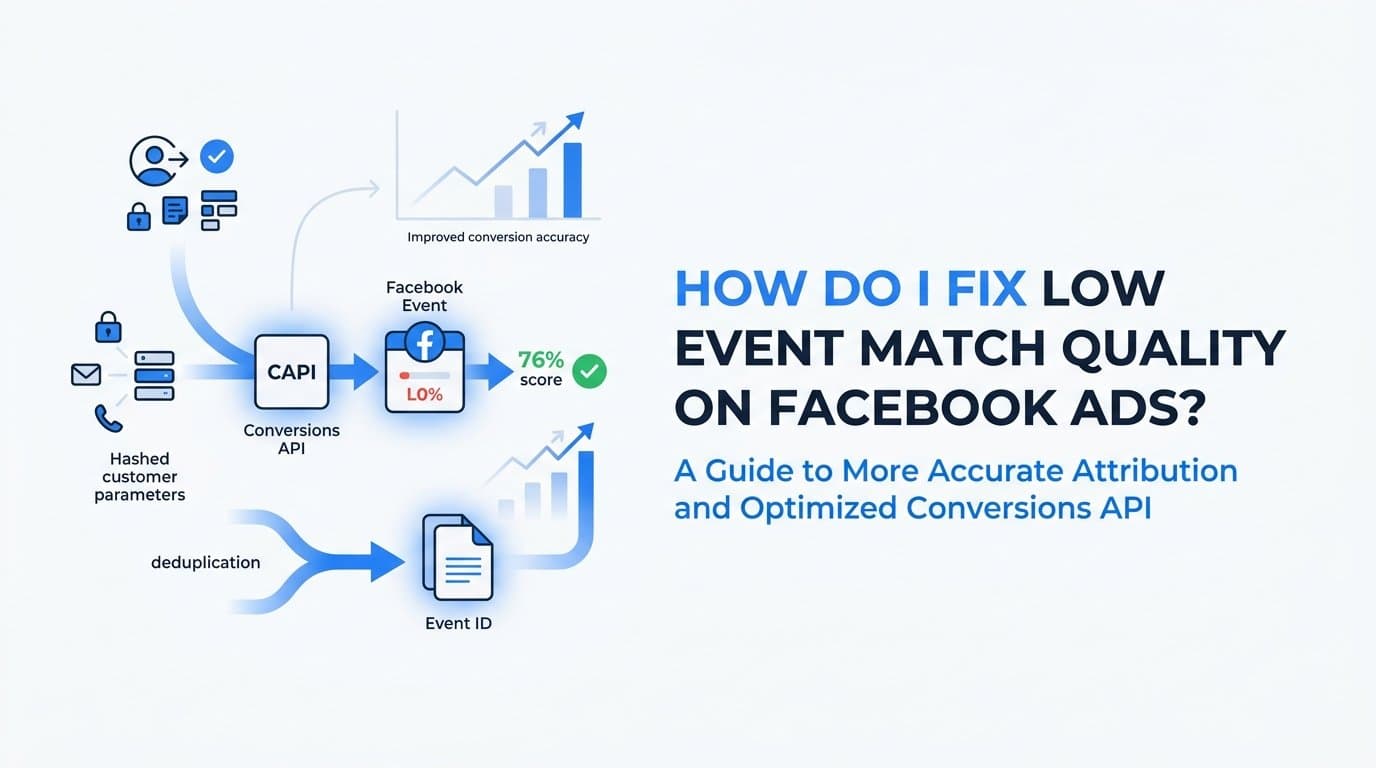
Low Event Match Quality on Facebook Ads is fixed by sending more hashed customer parameters, such as email, phone, name, and location, through the Conversions API alongside your browser pixel, then deduplicating the two data sources with a shared event_id. Meta scores match quality based on how many of these parameters it can reliably tie to a real person, so the fix is almost always about data completeness, not creative or targeting. You'll need admin access to Meta Events Manager, your website or CRM's form data, and either a developer or a server-side tracking tool like Cometly to implement this without writing custom code.
Step 1: Check your current Event Match Quality score in Events Manager
Before changing anything, find out exactly where you stand. Go to Meta Events Manager, select the pixel or dataset tied to your ad account, and open the Overview tab. Meta displays an Event Match Quality score there, along with a qualitative label based on how much matchable customer data is flowing through your events.
The overview number is useful, but the real diagnostic work happens one level down. Click into a specific event, such as Purchase or Lead, and Meta shows a per-parameter breakdown: which fields (email, phone, name, external_id, and so on) are present, and how often they match to a real Facebook or Instagram account. This is where you'll usually spot the problem.
In most low-EMQ accounts, the cause is simple: the site is only firing pixel events with no hashed email, phone, or external_id attached. Meta is left trying to match on IP address and user agent alone, which is a weak signal that degrades further as browsers restrict tracking. If your per-parameter view shows email and phone at or near zero percent coverage, that's your starting point, and it tells you exactly which fields to prioritize in the next two steps.
Write down the current score and the parameter breakdown before you make changes. You'll need this baseline in Step 6 to confirm the fixes actually moved the number, rather than guessing based on impression.
Step 2: Set up the Conversions API to send server-side events
Pixel-only tracking underperforms for reasons largely outside your control. Apple's App Tracking Transparency framework, introduced with iOS 14.5, lets users opt out of cross-app tracking, and a large share do. Combine that with ad blockers and browser-level cookie restrictions in Safari and Firefox, and many advertisers lose a meaningful portion of pixel events before they ever reach Meta, with the exact loss depending heavily on your traffic mix and device split.
The Conversions API (CAPI) fixes this by sending event data directly from your server, CRM, or a connected tracking platform to Meta, bypassing the browser entirely. Because server-side events don't depend on a cookie surviving in someone's browser, they're far more resilient to ad blockers, ITP restrictions, and privacy settings that quietly suppress pixel fires.
Meta is explicit on this point: CAPI is meant to supplement the pixel, not replace it. Running CAPI alone typically produces a weaker match quality score than running pixel and CAPI together, because each source captures different signals. The pixel picks up browser-side context like fbp and fbc cookies; the server captures data your backend already has, like a verified email from a completed checkout or CRM form.
To set this up, you have three practical paths as of 2026:
- Implement Meta's Conversions API directly with a developer, mapping your server events to Meta's event schema.
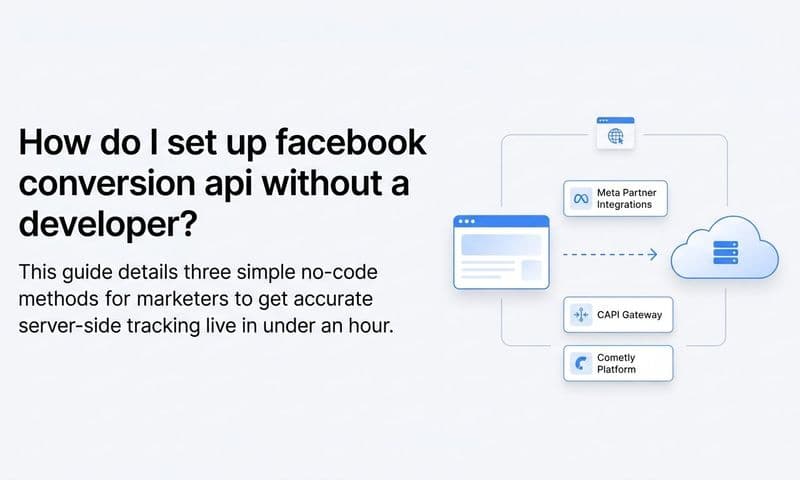
- Use Meta's Conversions API Gateway, a first-party managed solution designed to simplify server-side setup for businesses without deep engineering resources.
- Use a third-party attribution or server-tracking platform, such as Cometly, that already maintains the CAPI integration and connects it to your CRM and ad accounts.
Whichever route you choose, confirm events are landing in Events Manager's Test Events tool before moving forward. You should see server-tagged events appearing alongside pixel events for the same actions.
Step 3: Send hashed customer parameters with every event
Once CAPI is live, the next lever is how much matchable data rides along with each event. Meta uses a defined set of parameters to match events to real user profiles, and the more of these you send correctly, the higher your score climbs. The priority list includes:
- Email address
- Phone number
- First and last name
- City, state, zip code, and country
- External ID (your internal user or customer ID)
- fbc and fbp cookie values
- client_ip_address and client_user_agent
Every piece of personally identifiable information in that list must be normalized and hashed with SHA-256 before it's sent. Normalization means lowercasing text, stripping whitespace, and removing punctuation such as dashes in phone numbers, so "New York" and "new york" or "(555) 123-4567" and "5551234567" resolve to the same hash. Meta will reject unhashed PII outright, so this isn't optional cleanup, it's a requirement for the data to be accepted at all.
The fbc and fbp values matter because they tie the server event back to the specific ad click and browser session, reinforcing what the pixel already reports. Including client_ip_address and client_user_agent gives Meta additional context to confirm the match even when cookie data is incomplete.
The most common mistake at this step is sending only one or two parameters, typically just an email, and assuming that's sufficient. Match quality improves incrementally with each additional matchable field, and accounts sending seven or more parameters consistently score meaningfully higher than those sending one or two. The second most common mistake is the opposite problem: attempting to send raw, unhashed name or email fields, which Meta's system will silently drop rather than process. If your parameter coverage in Events Manager isn't improving after this step, check your hashing logic first.
Step 4: Deduplicate pixel and server events using a shared event_id
Once both the pixel and CAPI are firing for the same conversion, you need Meta to recognize them as one event, not two. Without deduplication, a single purchase or lead can be counted twice, inflating your reported conversions and confusing the algorithm's optimization signal.
The fix is straightforward in concept: generate one unique event_id per conversion action and send that exact same ID from both the browser pixel call and the server-side CAPI call. Meta uses the event_id, combined with a matching event name and timestamp, to merge the two records into a single event for measurement purposes.
To verify this is working, open the Test Events tool in Events Manager and trigger a test conversion. Meta will flag whether the browser and server events were successfully deduplicated, usually showing both sources tagged to the same event with a "deduplicated" indicator. If you see the events listed separately instead of merged, deduplication isn't working yet.
The most common cause of broken deduplication, even when the event_id matches, is a mismatch somewhere else in the payload. If your pixel fires "Purchase" but your server sends "purchase" in different casing, or if the timestamps are seconds apart due to processing delays, Meta may fail to merge them. Double-check that:
- Event names match exactly, including capitalization, between pixel and server calls.
- Timestamps are close enough together (Meta allows some tolerance, but large gaps cause failures).
- The event_id is generated once per conversion and passed unchanged to both calls, not regenerated independently on each side.
Get this right and your reported conversion counts should stabilize rather than double, which is often the first visible sign that deduplication is functioning correctly.
Step 5: Capture first-party data at the source and pass it through automatically
The highest-quality match data doesn't come from a cookie, it comes from your own forms and CRM records. Every time someone submits a lead form, starts a checkout, or gets created as a contact in your CRM, that's a moment to capture email, phone, and name directly at the source, rather than hoping Meta's cookie-based matching catches up later.
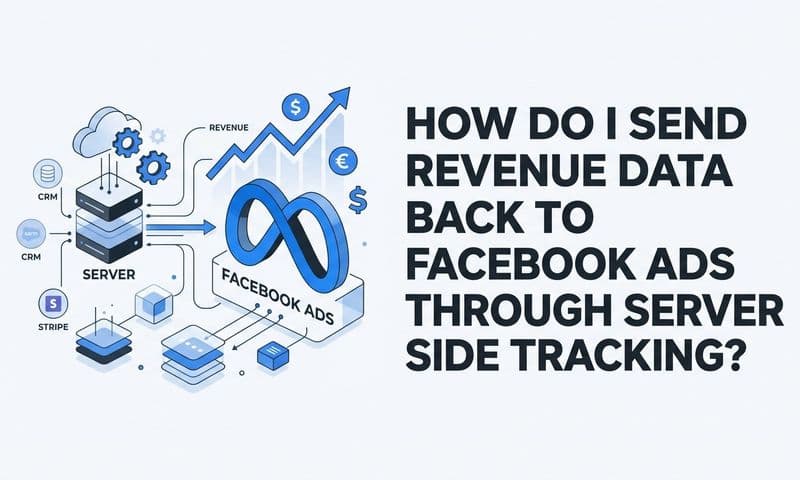
This matters even more for B2B SaaS companies with long sales cycles. A prospect might click an ad in January, fill out a demo request in February, and close as a customer in May. If you're only relying on pixel-based tracking from the original ad click, that connective tissue is likely to decay well before the deal closes. Piping CRM events, demo requests, opportunity stage changes, and closed-won revenue back to Meta as server events keeps match quality high across the entire funnel, not just at the initial click.
This is the step where a connected platform earns its keep. Building and maintaining the mapping between CRM fields, hashing logic, and Meta's CAPI schema by hand takes ongoing developer time, and it breaks quietly when a form field changes or an access token expires. Cometly is built to handle this specifically for B2B SaaS marketing teams: it connects your ad platforms, CRM, and website, then automatically hashes and sends enriched customer parameters through server-side Conversions API integrations. Marketers get the match quality benefit without owning the technical maintenance, and because Cometly ties Stripe revenue and CRM stages back to the original ad touchpoint, the data feeding Meta reflects actual pipeline and closed revenue, not just top-of-funnel clicks.
Whether you use Cometly, Meta's own Conversions API Gateway, or a custom developer build, the principle is the same: the closer to the source you capture customer data, the less you depend on fragile browser signals to keep your match quality intact.
Step 6: Monitor score changes and troubleshoot gaps weekly
Event Match Quality doesn't update instantly. Meta recalculates the score using a rolling window of recent events, so give it five to seven days after implementing CAPI, parameter enrichment, and deduplication before checking again. Checking too early just shows you stale data from before the fix.
If the score has stalled or barely moved after a week, look for silent failures rather than assuming the strategy didn't work:
- Expired system-user access tokens, which quietly stop server events from reaching Meta without throwing an obvious error on your end.
- Test event codes left active in production, which can cause Meta to treat live events as test traffic and exclude them from scoring.
- Forms that never actually capture phone or email in the first place, so there's no data to hash and send regardless of how well your pipeline works.
Once the score improves, don't stop there. Cross-reference the higher match quality against actual performance in Ads Manager: reported conversions, cost-per-result, and how quickly campaigns exit the learning phase. A rising EMQ score that isn't accompanied by better optimization or lower cost-per-result suggests something upstream, like attribution windows or campaign structure, still needs attention. The score is a means to better ad delivery, not the end goal itself.
Confirming the fix and reassessing campaign performance
Once your EMQ score has held steady or improved over a full week of consistent CAPI and deduplication data, shift your attention from the score itself to what it enables: cleaner optimization signals for Meta's algorithm and more trustworthy conversion data for your own reporting. Use that improved match rate to reassess which campaigns, audiences, and creatives are actually driving pipeline, since decisions made on inflated or fragmented data before the fix may no longer hold up.
Ready to elevate your marketing game with precision and confidence? Discover how Cometly's AI-driven recommendations can transform your ad strategy. Get your free demo today and start capturing every touchpoint to maximize your conversions.