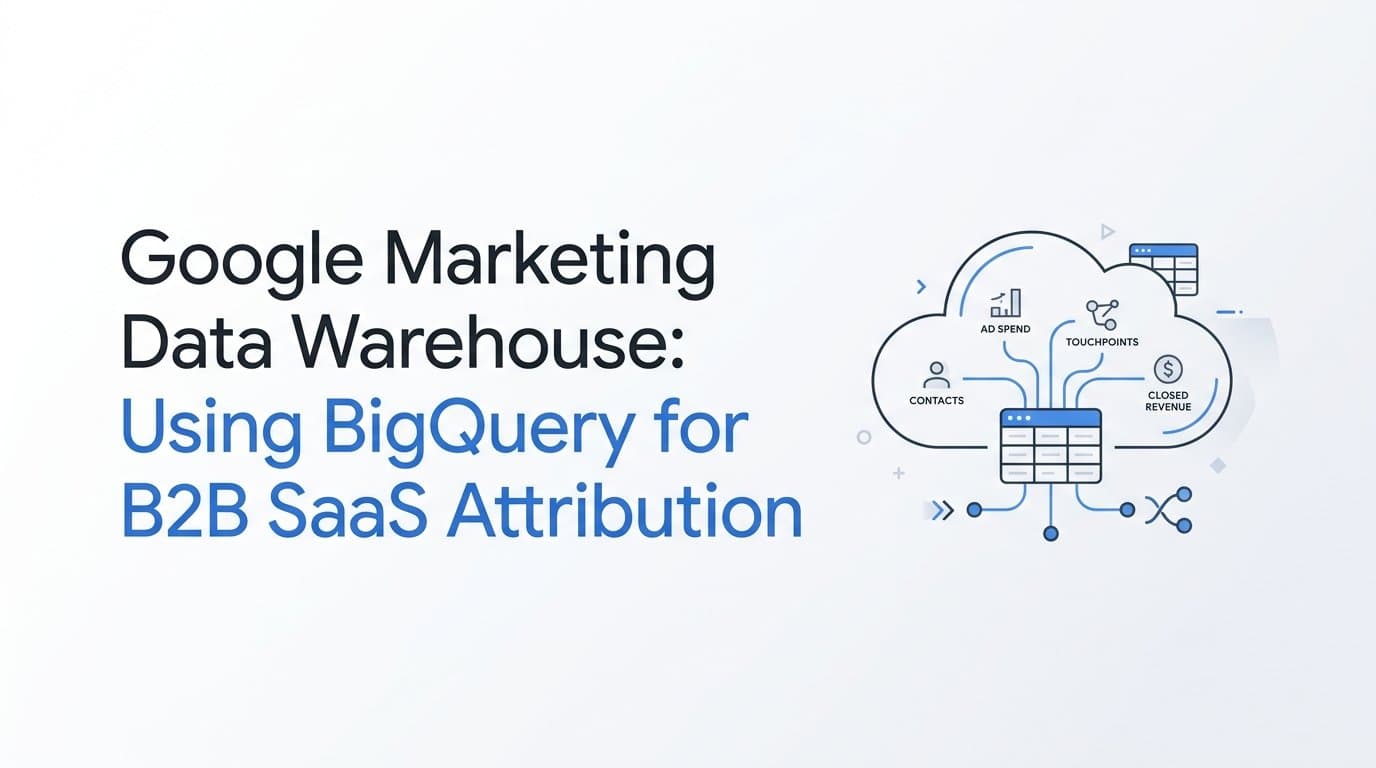
A google marketing data warehouse is a BigQuery project, or a Cloud Storage bucket feeding one, where a B2B SaaS team keeps its own ad, lead, and revenue data and queries it without depending on any single platform's reporting. The value is not storage. It is the ability to join spend, touchpoints, contacts, companies, and closed revenue in one place, under rules you define.
Most teams reach this point because their ad dashboards, CRM, and billing system tell three different stories. This article covers what data belongs in the warehouse, why native ad-platform exports cannot supply lead-level attribution, how Cometly loads attribution datasets into BigQuery or Google Cloud Storage as Parquet, and how the Cometly MCP server lets you ask questions of the same data in plain language.
Why B2B SaaS Teams Build a Marketing Data Warehouse on Google Cloud
A B2B buying cycle rarely runs through one click. Several people at one company see ads, visit the site, download content, and eventually book a demo, sometimes weeks apart. Each system sees a slice: the ad platform sees clicks and its own conversions, the CRM sees contacts and deal stages, and billing sees what was actually paid. No single dashboard connects them.
A data warehouse is a database built for analysis rather than day-to-day transactions. You load data from many sources, then join and aggregate it with SQL. A data lake is looser: files sitting in object storage, usually without a schema enforced up front. The common gcp marketing data warehouse pattern uses both layers. Files land in Google Cloud Storage, and BigQuery handles analysis, either by loading the data directly or by reading it from storage.
Parquet is the file format that makes the lake layer practical. It is columnar and compressed, and it carries a schema, so tools like BigQuery can read it efficiently without guessing at types. Hive-style partitioning organizes those files into folders named by key and value, such as a date, so queries can skip files they do not need.
BigQuery is a natural fit for many teams because it is a serverless SQL warehouse: there are no clusters to size or maintain, and it sits in the same cloud as other Google products your team may already use. As of 2026, check Google Cloud's documentation for current capabilities and billing details before you plan around them, since those change.
One misconception is worth correcting early. A warehouse does not fix attribution. It stores whatever you send it, faithfully, including gaps and duplicates. If the tracking feeding it misses touchpoints or cannot tie a click to a contact, the warehouse will hold an incomplete picture in a well-organized table. The quality of the inputs decides the quality of every query that follows.
Which Marketing Data to Bring Into BigQuery
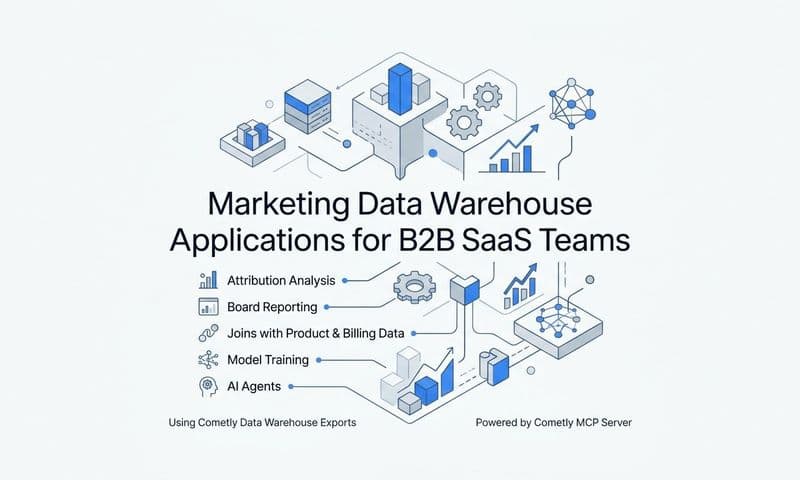
Cometly's Data Warehouse Exports offer five kinds of data, and they map well to the questions a B2B SaaS team asks.
- Ad analytics: a separate dataset for each ad channel, covering spend and performance.
- Contacts: the individual people who entered your funnel.
- Companies: the accounts those contacts belong to.
- Raw touchpoints: the individual interactions recorded along the journey.
- Attributed conversions: conversions credited back to the touchpoints that influenced them.
The grain of ad analytics
Ad analytics is stored at one row per ad-hierarchy entity per day. That means a campaign, ad set or ad group, and ad each get their own daily row, depending on the channel's structure. The date is the channel's local date, not a single warehouse-wide time zone. If you join a channel reporting in one time zone to another reporting in a different one, a late-evening day of spend can land on different calendar days. Flag this whenever you compare channels day by day, and avoid summing hierarchy levels together, which would count the same spend more than once.
How the datasets connect
The useful analysis comes from chaining them. Start with spend by campaign from a channel's ad analytics dataset. Join that to raw touchpoints to see which campaigns produced interactions. Join touchpoints to attributed conversions to see what those interactions led to. Then join conversions to contacts and companies to reach pipeline and revenue at the account level. Each hop answers a different question, from what a campaign cost to which accounts it helped close.
Plan one export per dataset
Each export holds a single dataset and has its own cadence and data window. You will therefore set up several exports, not one. A sensible plan lists the datasets you need, decides how fresh each must be, and notes the window each covers, so you know what you are joining later.
Why Native Ad-Platform Exports Lack Lead-Level Attribution
Google Ads, Meta, and similar platforms can export their data to a warehouse, and those exports are useful for spend, impressions, and clicks. But they report aggregates at the campaign, ad group, or ad level, using the platform's own method of counting conversions. They do not describe an individual lead tied to a CRM contact, and they do not know whether that lead became a closed-won deal unless you send that outcome back.
There is also a structural overlap. Each platform credits conversions to itself, based on its own view of who clicked or saw an ad. Add up the conversions across channels and you can count the same demo request more than once, and the total will often disagree with the CRM. This is a known limitation of platform-reported numbers, not a sign that something is broken.
An illustration
Suppose a prospect clicks a LinkedIn ad, returns a week later through a Google search ad, then books a demo, and the deal closes two months after that. The LinkedIn export shows a click. The Google export shows a click and perhaps a conversion. Neither shows the sequence, neither knows the two clicks belong to the same person, and neither knows the deal closed. Each platform may claim the conversion, or neither may be able to link it to revenue at all.
What lead-level attribution adds
Lead-level attribution keeps a touchpoint history for each contact and company, then links that history to conversions and revenue. With it, the warehouse can answer pipeline questions that aggregates cannot: which first touches lead to closed deals, which channels assist but never get last-click credit, and which campaigns reach accounts that actually buy. That record is what you want sitting next to your spend tables in BigQuery.
How Cometly Loads Attribution Data Into BigQuery or Google Cloud Storage
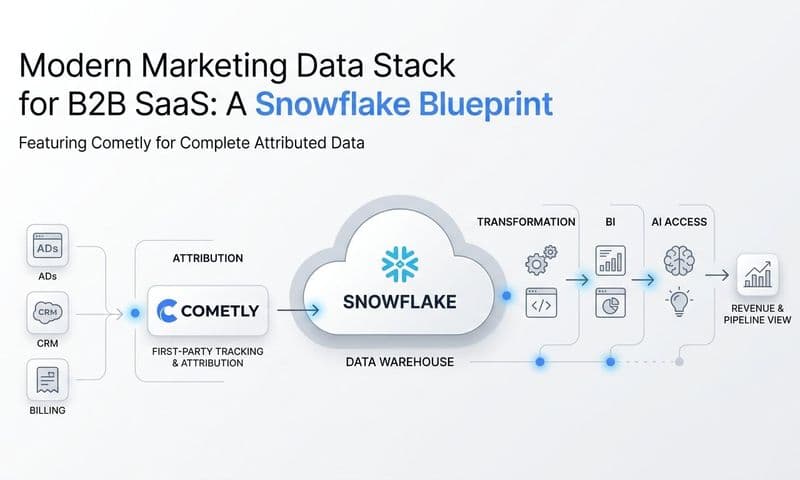
Cometly Data Warehouse Exports send raw marketing data as Parquet files, using Hive-style partitioning, to storage you own. The destinations are Amazon S3 buckets, Google Cloud Storage buckets, or direct loads into Snowflake and BigQuery. Because the files are standard Parquet, they also work with Databricks, Athena, and DuckDB.
Two Google paths
The two Google options are not interchangeable, and the right one depends on what you want to do with the data.
- Direct load to BigQuery: the fastest route to SQL. Tables appear in your project and you can query them straight away, which suits analysts who want answers and dashboards without managing files.
- Parquet in Google Cloud Storage: the better choice if you want a lake. You control retention and folder layout, can share the files with other tools, and can still query them from BigQuery when needed. It also keeps the data portable if some workloads run in DuckDB or Databricks.
Some teams run both: files in storage as the durable copy, tables in BigQuery for daily analysis. Treat that as a design decision rather than a default.
Setup at a high level
The flow follows the structure of the exports themselves:
- Choose the dataset: an ad channel's analytics, contacts, companies, raw touchpoints, or attributed conversions.
- Choose the destination: your BigQuery project or Google Cloud Storage bucket.
- Set the cadence and data window for that export.
- Repeat for each additional dataset, since every export holds one.
Exact configuration fields, permissions, and access steps change over time, so follow the current instructions at docs.cometly.com rather than relying on a summary.
Where the data lives
Since the destination is a bucket or warehouse in your own cloud account, the data sits in infrastructure you own and administer. Retention, access, and downstream use are governed by how you configure that account.
Querying the Same Data With the Cometly MCP Server
MCP, the Model Context Protocol, is a standard connection that lets an AI client reach an external data source and ask it questions. The Cometly MCP server lets clients such as Claude Desktop, Claude Code, Cursor, and ChatGPT Desktop query your Cometly data in natural language, authenticating through OAuth. You ask a question; the client calls the right tools and returns an answer built from your data.
The endpoint follows this format: https://app.cometly.com/mcp/{space_id}/public-api. Behind it are about 50 read-only tools grouped into toolsets: ad analytics, events, contacts, companies, reports, segments, integrations, and diagnostics. Read-only matters here: the server cannot create, modify, or delete records, so exploring with it does not risk changing your data.
To use it, you need a Cometly Space with the Use Public API permission. Connection steps for each client are in the setup guides at docs.cometly.com.
When to use SQL and when to use MCP
The two methods suit different jobs.
- BigQuery SQL: custom joins with billing, product usage, or finance tables, recurring dashboards, and anything that must be repeatable and reviewed.
- MCP: quick questions and investigations where writing a query would take longer than the answer is worth, such as checking a number or diagnosing a tracking problem.
Example prompts
These are illustrations of the kind of question you could ask, not recorded outputs:
- "Which campaigns drove the most pipeline last quarter?"
- "Show the companies that engaged with our ads and then booked a demo."
- "Are there any integrations or events that look broken or stopped sending data?"
- "Compare spend and attributed conversions for our top three channels this month."
A practical pattern: use MCP to find an interesting question quickly, then move the answer into SQL once it needs to be a standing report.
Practical Checks Before You Trust the Warehouse
Reconcile before you report. Compare warehouse spend against what each ad platform shows, and compare conversion totals against your CRM. Expect differences, then explain them. Attribution rules, conversion windows, and date handling will account for most gaps, and an explained difference is fine. An unexplained one is a signal to investigate.
Common pitfalls
- Time zones: ad analytics uses each channel's local date, so daily comparisons across channels can shift by a day.
- Duplicates: repeated events or overlapping loads can inflate counts. Check keys and deduplicate where needed.
- Mismatched windows: because each export has its own cadence and data window, joining a fresh dataset to a stale one produces partial, misleading results.
- Double counting: summing multiple hierarchy levels of the same channel repeats spend.
Choose the attribution model on purpose
First touch, last click, linear, data driven, and other multi-touch models give different answers from the same touchpoints. Pick the one that fits the question, write it down, and apply it consistently. If two reports use different models, they will disagree, and nobody will know why.
A starter sequence
- Export attributed conversions and ad analytics for one or two channels.
- Reconcile them against the ad platforms and the CRM.
- Add contacts and companies to reach pipeline and revenue.
- Add raw touchpoints when you need full journey analysis.
Start With One Export and One Question
A BigQuery or Cloud Storage warehouse becomes useful once it holds lead-level attribution data: touchpoints tied to contacts, companies, and revenue, not only platform-reported clicks. Begin small. Set up a single export, such as attributed conversions, check it against your CRM, and connect the MCP server so you can ask questions of the data while you build confidence in it.
The Cometly documentation has the current steps for exports and MCP access. Ready to elevate your marketing game with precision and confidence? Discover how Cometly's AI-driven recommendations can transform your ad strategy: Get your free demo today and start capturing every touchpoint to maximize your conversions.